Provide name, discipline, the sentence clients should repeat and its setup, three short labels and a handle. Gather two to four offers with scope/duration/fee/start dates, two to four cases with problem/system/outcomes/quote, permitted client names, posts/talks, bio/timeline, contact details and availability. Supply two portraits of the same person. Identify missing ordinary copy as draft material; never invent awards, press, clients, certifications or results.
When no project exists or stack is named, adapt the template into one self-contained HTML file. Inspect an existing/requested Vue, React, Astro or Next.js project and translate sections into components, typed collections and actual routes, preserving unrelated files. The package recommends Next.js App Router/TypeScript only when a framework is wanted but unnamed. Do not inject the complete HTML as a string or reuse its hash router inside an iframe as the framework implementation.
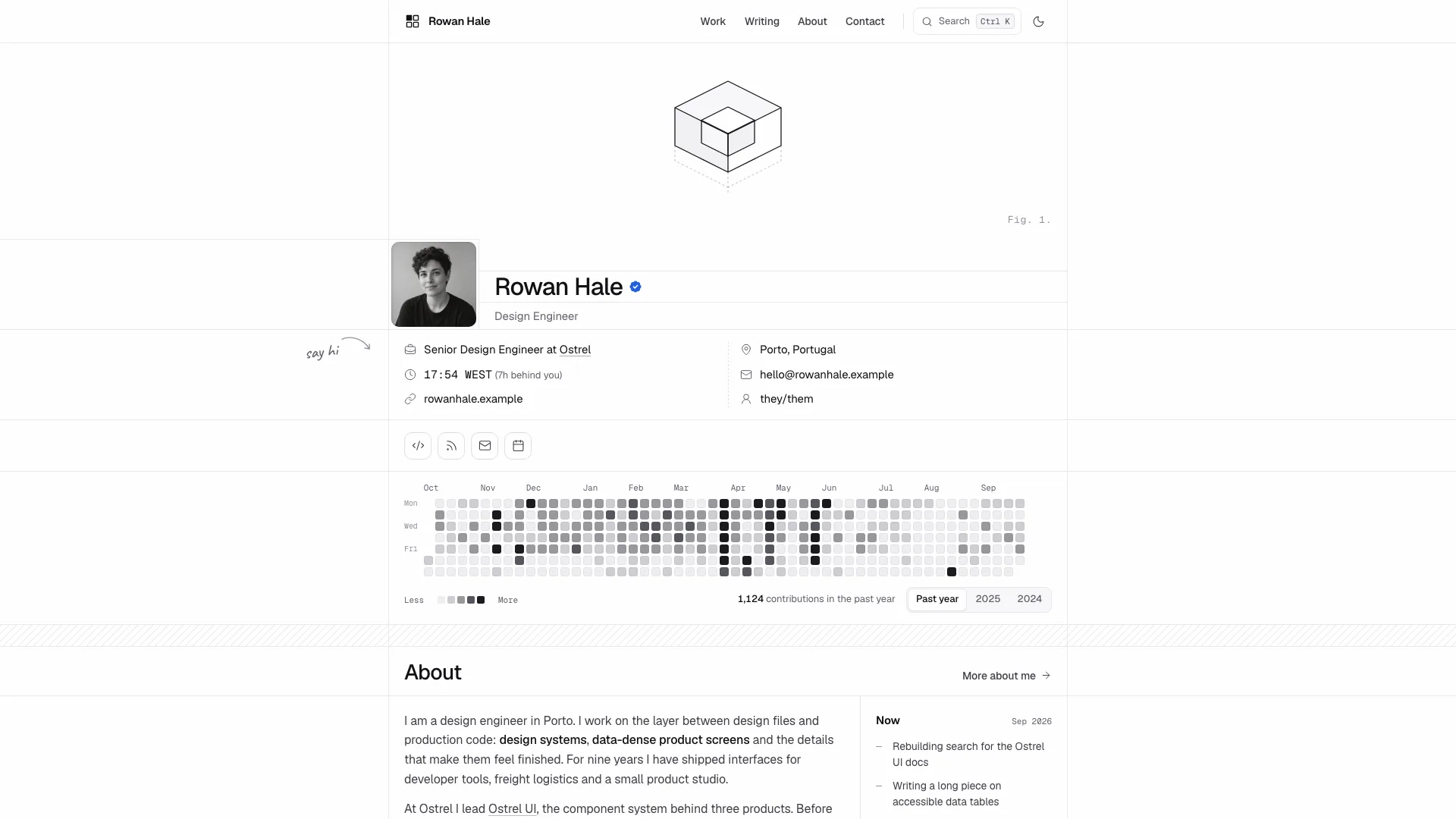
Keep all five hero devices together: top labels, open bracket, feathered portrait, paired statements and reflected labels. At desktop the smaller setup/handle sits left and the larger question/right-hand h1 sits beside the photo; below 860px the portrait moves above two side-by-side statement columns, with buttons stacked on the right. Match the restrained poster scale: 64px right statement/36px left at desktop, about 34/28px on phones, without covering the face or crossing the bracket.
Use Hanken Grotesk’s thin/light statements with one bold phrase, reading/UI weights and Geist Mono for labels/data. Preserve warm paper, 1280px container, responsive 88–136px section rhythm, hairline indexes and very small photo/panel radii. Terracotta marks focus, ticks, counters and hover/confirmation; it is not a large background or heading fill. Avoid extra typefaces, italics, gradients, shadowed card grids and purple accents.
Map the page names to the practice without losing substance. Coaches can use Programmes/Approach and anonymized client stories with no invented outcomes; architects/photographers can use Projects/Commissions, and speakers can lead with Talks/Workshops. Keep Home, not-found, at least four additional top-level pages, a validated Contact and an index with two or more details. If dropping Writing, retain enough genuinely useful top-level content rather than manufacturing articles.
Fill offer pages for a real buying decision: what it solves, scope, duration, fee/payment terms, time expected from the client, prerequisites, what they leave with, weekly stages and fit/not-fit guidance. Related cases should support those promises. Update available-start chips, their request label, format values and contact start options together. These are fixed data selections, not a live calendar or held appointment.
Build cases from evidence: client/sector/format/timeline/scope, the initial problem, how the defining sentence emerged, palette/type system and a second image in another context. Replace or remove fictional result figures and client quotations. Keep Work categories/search and archive rows aligned; the current result count includes matching archive rows as well as featured cases, so do not label the combined total as the number of full case studies.
Give each post a complete narrative: the guide’s starting structure is 400–600 words, three substantive sections, pull quote and optional list, plus byline/date, cover, related navigation and copy link. About needs a second pose, actual biography, timeline, current working details and practical contacts. Writing category counts come from the cards; adjust them and headline counts when changing the collection rather than preserving the sample’s numbers.
Plan fifteen photographic roles from the example as needed: two owner portraits, studio, one lead and one distinct context image for each case, covers for posts and stills for offers. Use one quiet warm-neutral campaign with matte black and at most one terracotta object. The hero portrait needs a matching plain backdrop/headroom for feathering; About shows the same person differently. Request consented actual photos for the owner and clients; generated faces are disclosed stand-ins.
Replace the two sample portraits and five sample-client product/place stills for a real practice. The studio, neutral meeting room, three post covers and three service stills may remain identified placeholders only when they fit the adjacent story. Rename sample-client filenames as well as keys/text. Agent image generation may charge; approved supplied images are an alternative. Check every crop at desktop/390px, and do not share one subject across unrelated cases or count a second crop as a new context.
Update every content slot and less visible identity reference: title/author/social metadata, each page title, alt text, handle/initials, reflected Home/About/404 labels, copy targets, form consent/success wording, service-format phrases, archive names, count headings, footer wordmark/legal/contact. List placeholder facts, stand-in images, domains and phone numbers explicitly. Site URL and share paths need real testing, not just a new visible brand.
In React/Next.js ports the package requires actual ReUI buttons, fields/selects, budget/date radio groups, quote tabs, accordions, filter toggles and menu sheet. Map tokens and retain original classes so the component library does not overwrite the visual identity. Verify support before promising ReUI in another stack; do not switch frameworks or silently substitute a different control system. Keep the bracket/portrait/mirror as named parts of one hero component.
Exercise contact required fields, email, format/budget, message length, consent, loading, success and reset. The template requires at least forty message characters and displays a 1200-character counter; successful submission waits locally then explicitly says nothing was sent. Newsletter instead shows a timed “Subscribed” and next-letter promise without a network request, so qualify/replace that wording before production. Verify repeated clicks and keyboard choices rather than treating a success note as delivery.
Build offline output with Node.js 18+, initial internet access for two font downloads and local images. The completed file needs no framework/server to view; the agent still runs the inliner during preparation. Target 5 MB or less, with an 8 MB cap, and check its exit status/missing-file messages. Deduplicated repeated images use a small script. The validator checks local asset existence in files mode and detects route/identity/structure issues; framework outputs also need their own build/type/lint checks.
Review every route at 1440, 1024, 768 and 390px, including portrait feather/bracket clearance, statement placement, reflected labels, typography, overflow, menu focus/Escape, back/forward, unknown pages, quotes/FAQ, Work/Writing filters and empty states. Test date-to-contact prefill and actual clipboard contents/share destinations: the current generic copy-link construction uses domain plus path without the standalone hash-route prefix, while feedback may still say copied on failure. Check scripts-only iframe behavior, content visibility and reduced motion, then fix/rebuild/recheck and report actual checks and gaps.