Provide the product name, audience, one-line promise, actual features/workflow, plans/prices and one main conversion action. Add permissioned customers/quotes, sourced metrics, approved security controls and photographs if available. Keep missing ordinary proof visibly drafted for confirmation or omit its section; never invent audits, compliance, uptime, customers or campaign outcomes.
Choose the default standalone file if no project exists. In an existing/requested framework, inspect its package/config/component conventions, preserve unrelated code and translate the tokens/sections/interactions into real components, data modules and routes. Retain local image/font assets; do not inject the original page wholesale or put it in an iframe as the framework output. The sandbox is an acceptance environment for the standalone file, not its implementation inside the app.
Keep the hero restrained: plain deep navy with a gentle slanted lower edge, five short serif lines capped at 64px, one lead, two buttons and a 16:9 documentary photo with an offset frame/play control. Use the 1104px shared content edge, Instrument Serif for display, Instrument Sans for body/UI and Geist Mono for timecodes/data. Preserve cobalt as the main accent, cool paper rather than cream, and the varied section compositions. Avoid extra hero badges/stats, purple surfaces and heavy photo tinting.
Map one believable campaign/workflow across review-room frames, board, comparison, delivery rows, phone and customer story. Replace names, file/version/timecode/state/owner/count data together. A document platform might use Draft/Redline/Sign/File and contract frames; architecture software can use drawings/site photos and client signoff. The interface remains code-built, with photography representing actual deliverables and people rather than fabricated UI.
Customize the scripted review-room comment, pin, status and fixed counts, including dialog title/description for assistive technology. Check one sequence per opening, Replay, Close/backdrop/Escape, focus trap/return and scroll locking. The animation demonstrates approval progression; its “approved” state is not a saved project decision. With reduced motion show the final state directly rather than waiting for typing or count changes.
Adapt all four workflow panels and the compare image/crop/pin context together. Verify range input by pointer and keyboard after its single teaching sweep, frame search terms/no-results state, link-setting switches and timeline behavior. Only previews and local labels change; the sample does not export an audited delivery package, manage remote versions or execute an automation recipe.
Exercise phone approval, Undo, changes-note validation, cancel and reset. Its handlers replace the local action panel and may claim a studio was notified or a note sent; keep those outcomes explicitly demonstrative until a real response confirms them. Preserve the empty-note error and meaningful feedback without presenting the marketing interaction as a client approval service.
Set two to four plans with one featured plan and consistent comparison-row values/order. The plan grid/column count follows the plan array, and home/pricing-detail share billing state. The sample starts with eight seats, annual billing and a 1–150 seat clamp; per-seat prices produce monthly totals or annual totals at twelve times the monthly equivalent. The free plan is identified from a zero monthly rate and labelled one seat, so review that assumption if the plan model changes. More offers can move to Enterprise; no billing service is connected.
Keep customer wordmarks limited to approved customers or omit them, adjust stats/columns and any stated counts to actual data, and replace security/audit rows with controls the company provides. A visible log/export action or product-switch state proves no audit record or access control. Changelog, FAQ, legal text and frame search are local data, not live CMS content; replace story names/slugs and all links to them together.
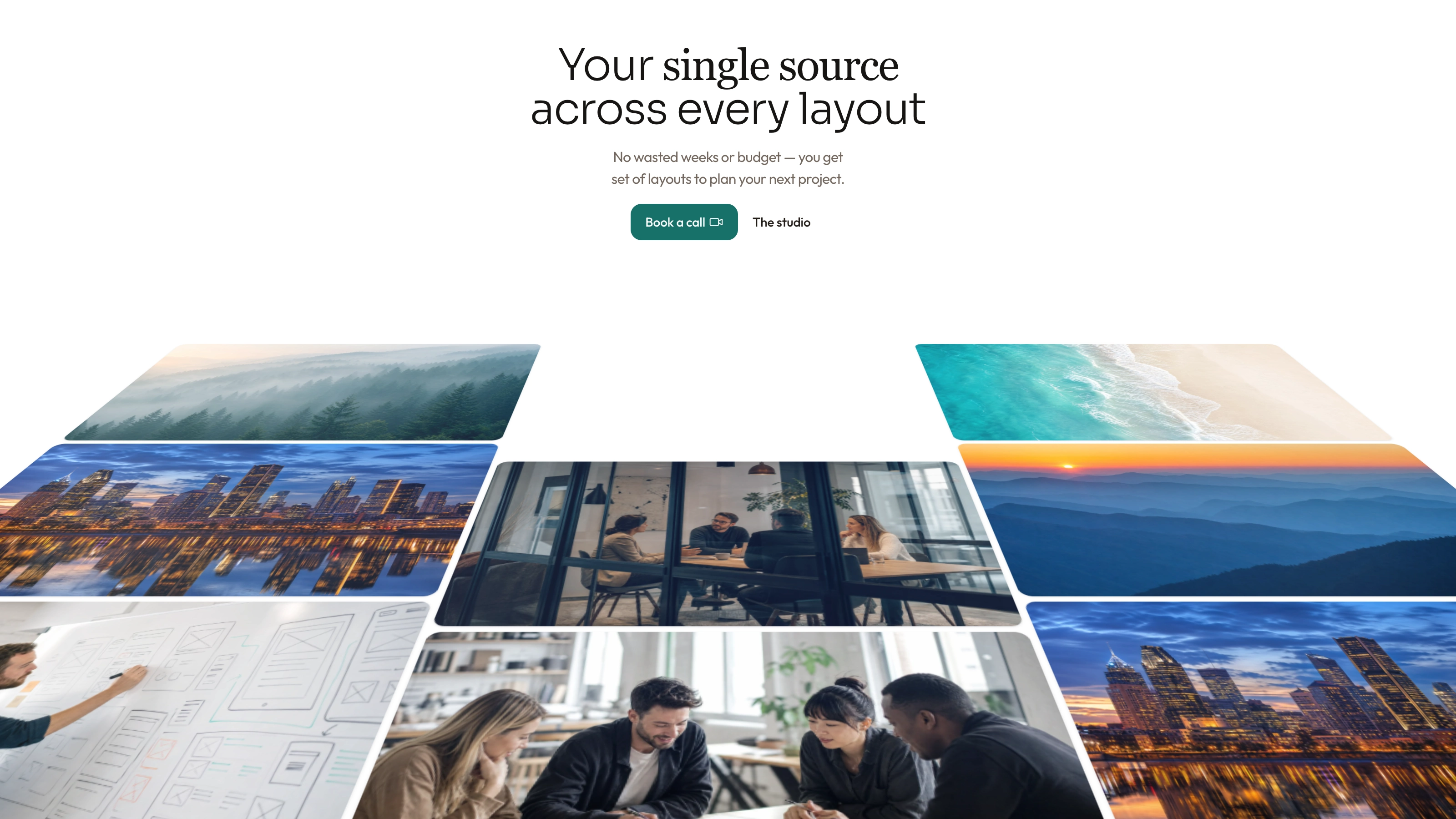
Plan imagery as one campaign and cast: four distinct deliverables inside the product, a team-at-work hero still, three matching portraits, behind-the-scenes story scene and a close-up. The unbranded work images and loupe may serve as disclosed neutral placeholders only when the product handles that work. Replace the specific studio scene/portraits with approved real people for an actual business, and regenerate the sample apparel-shoot story for another context.
An available agent image tool may charge but the local interface needs no Skill-specific API key; approved supplied photos are alternatives. Keep photography’s natural tonal range with deliberate aspect/crop focus, no text/logos or fake screens. Each image needs a clear role; one campaign deliverable can appear in related product views, while unrelated editorial slots should not receive the same filler image. Inspect faces/key objects at phone widths and disclose generated stand-ins.
Rebrand all metadata, header/sheet/footer labels, accessible names, site/social/customer data, route titles/story slug, review-room descriptions/comment thread, FAQ/releases/legal/contact fields and toasts. Rename portrait files and keep face hooks consistent. Security policies, addresses, trial dates, plan limits and email/calendar claims need actual confirmation, not a global name replacement.
Test every form’s invalid input and local outcome. Sign-in checks email/password then displays a timed one-time-link message; trial validates fields/terms and claims a workspace is ready after a timer. Demo days/times/taken slots are fixed arrays, labelled CET, not live time-zone-aware availability; booking success does not reserve or email an invite. Newsletter and closing CTA similarly show success without delivery. Replace these claims with truthful demonstration copy or connect and test the real services.
Build the offline file with Node.js 18+, initial font-download internet access and local images; embed four font files and target below 5 MB, with an 8 MB validator cap. Check missing-asset errors even if output was written. Repeated images use the template’s key/same hooks and load script; JS-rendered search images need an embedded source copy. Validate the final file, or local-files mode with existing adjacent assets. Framework ports additionally require their own build/type/lint checks.
Review at 1440, 1024, 768 and 390px for layout/crops/overflow and keyboard interaction. Walk every route and anchor, menu/dialog focus/Escape, workflow, compare, search empty state, phone paths, billing/seat bounds, FAQ, changelog and demo form. Check narrow comparison-table scrolling, reduced motion, hidden-content safety fallback and scripts-only iframe behavior for standalone output. Fix and recheck before handing over the path, actual checks and outstanding proof/photo/service gaps.