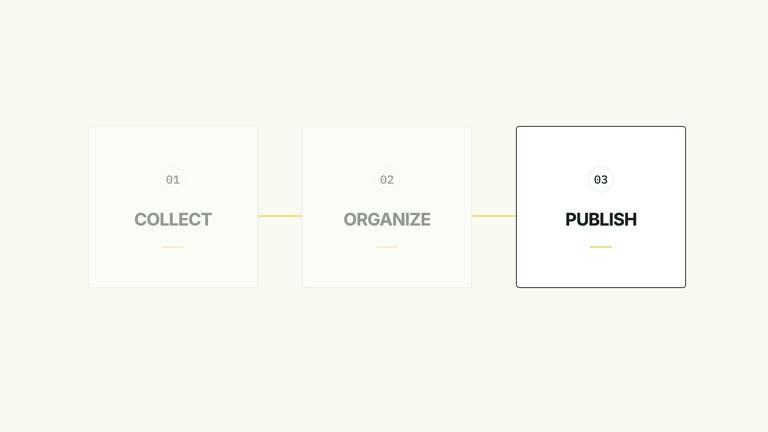
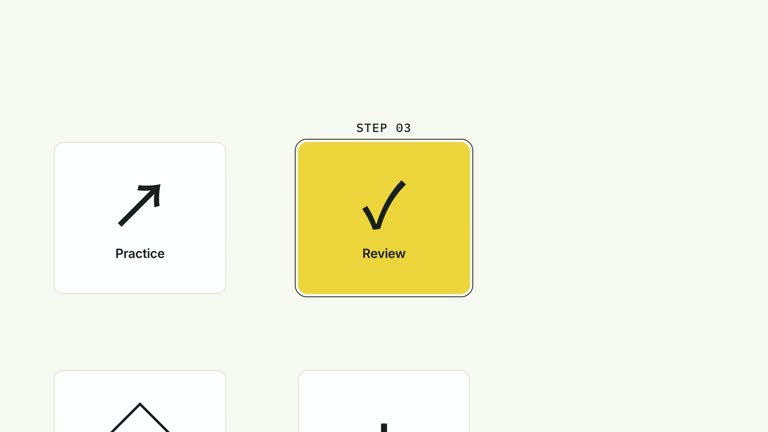
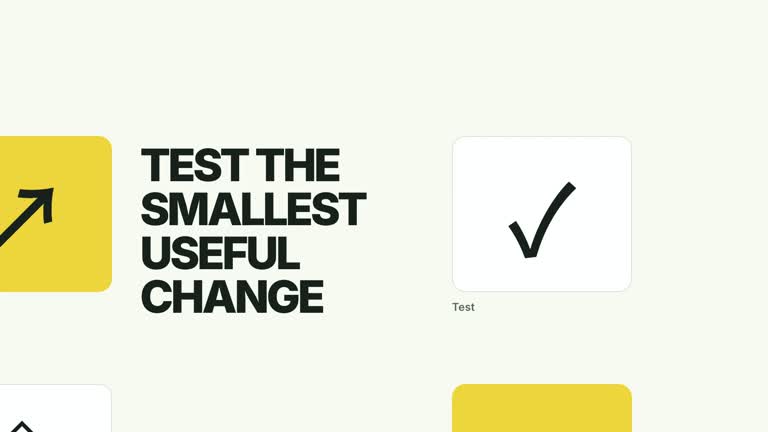
Keep three subjects stable while their status becomes the story. A row of icon cards is visible from the beginning; small badges arrive above them, supporting state descriptions appear below, and a final sentence ties the row together. This seven-second effect presents status copy you supply, rather than tracking the state of a real system.
What you get
A local effect implementation, generator and motion/review guidance for an editable HyperFrames project. Render the generated 1920×1080 composition at 30 fps as a segment for a larger film.
Up to three cards with title, badge and status fields, plus a shared conclusion. Book, target and check line icons are assigned by position in the implementation, not selected through JSON.
Badges appear at 0.45, 0.83 and 1.21 seconds; lower status lines follow at 2.00, 2.28 and 2.56 seconds, then the conclusion appears at 3.30 seconds. The cards stay still throughout.
Four palettes keep the motion consistent: White & Yellow (white-yellow), Charcoal & Lime (charcoal-lime), Paper & Orange (paper-orange) and Black & White (midnight-ice). Semantic overrides adapt the styling; recheck contrast after changes. Dark palettes include a fine static grid. Fonts are bundled locally: Inter, IBM Plex Mono for measurements and ordinals, and Smiley Sans/Noto Sans SC for Chinese. Chinese copy automatically selects Smiley Sans, including Latin text in the same composition; --zh-font noto-sans-sc selects the plainer alternative and --font embeds your own face. Inspect wrapping again after changing fonts.
Before you choose
Choose this when status is the new information, not the arrival of the subject itself. Keep the card titles recognizable and let badges plus supporting lines explain what has changed or what should happen next.
Good fit
A creator explaining the current readiness or next state of three related activities or resources.
A short lesson with concise card titles, badge words and one supporting state per card.
A series using the same stable row, status rhythm and typography across different examples.
Not for
Live status polling, task execution or verification that a badge such as Ready reflects a real condition. The status fields are supplied strings.
An entrance of whole cards over presenter footage. This composition has established cards and reveals the information around them.
Automatic long-form editing, generated presenter performances or music, or copying a reference creator’s identity and materials.
How to use
You say/creatormotion-cards-status-row Turn my supplied explanation into a white-yellow B-roll scene using the Card Row Status Badges effect. Use the text, data and media I provide, and ask for any required input that is missing.
Prepare cards as title/badge/status objects and write one conclusion connecting them. The sample Read/Practice/Review cards are illustrative; use accurate wording if you describe an actual workflow.
Check whether the fixed book, target and check icons fit your subjects. They follow the first, second and third positions respectively; changing titles does not change the icons. Adapt the implementation if the symbols would misrepresent the content.
Keep badge text brief and status lines short enough for their common baseline. Only three cards display, with no automatic reflow for a larger set. No presenter footage, matte or raster image replacement is required.
Prepare Node.js 22+, FFmpeg and the documented HyperFrames CLI 0.8.30. From the extracted package, run node scripts/create.mjs --out PROJECT --data CONTENT.json, adding --style or semantic --overrides as needed. The shared --images option replaces named slots with paths relative to the image-map file; unlisted slots retain defaults, although this particular composition uses editable text/geometry without active raster slots. Read the image policy before adding visual materials.
Inspect the editable project and render with npx --yes hyperframes@0.8.30 render PROJECT --output VIDEO.mp4 --fps 30 --quality high --strict. Watch the opening, each major change and the final reading hold for text bounds, contrast and clipping. Narration, music and assembly with other shots remain separate editing work. Check badge placement, lower-state alignment and conclusion readability. Read each card together with its status, and confirm that symbolic check marks do not imply external verification.
Requirements and costs
You bring
cards: provide your own content or retain the illustrative default. · conclusion: provide your own content or retain the illustrative default.
Dependencies
HyperFrames CLI 0.8.30 or compatible — required · Node.js 22 or newer — required · FFmpeg — required
Outside costs
Not collected yet
Tools used
HyperFrames
Publisher testing
v1.0.1 — Claude Code / Claude Desktop / Cowork / Codex / ChatGPT
FAQ
Yes. Supply cards and conclusion in JSON; each card exposes title, badge and status. Use a palette or semantic overrides for styling. The three line icons require implementation edits if you want different subjects.
No. This effect uses editable cards, SVG icons and text. Generic package media instructions do not create a presenter or image requirement for this scene.
Yes. Preserve the stable card row, later badges, lower states and shared conclusion. Re-render after changes so the new information stays visually associated with its card.
No. It animates supplied labels on a fixed timeline, without connecting to a workflow or service. Verify the wording yourself and update the content when the real state changes.
Summarize what the three displayed states mean together. Avoid introducing a result not supported by the cards, or repeating all their labels in a sentence that adds no interpretation.
User reviews
—0 reviews
Select a star to share your experience.
No reviews yet. Ratings appear once readers share real experiences.