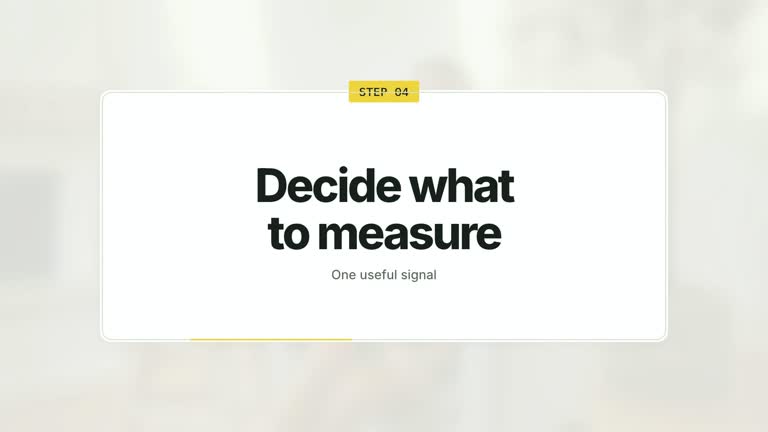
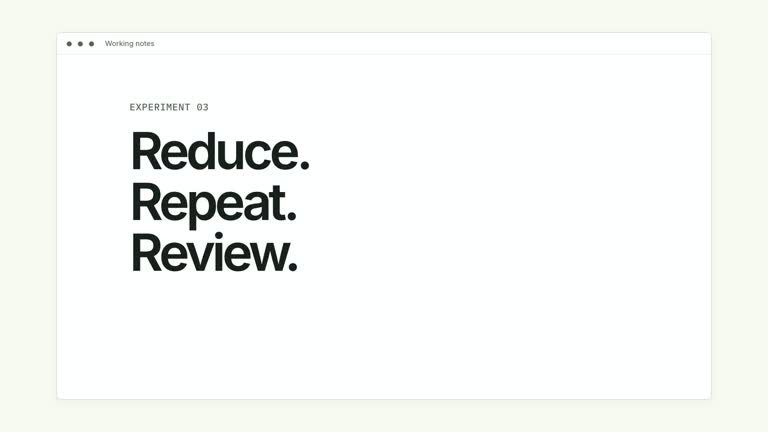
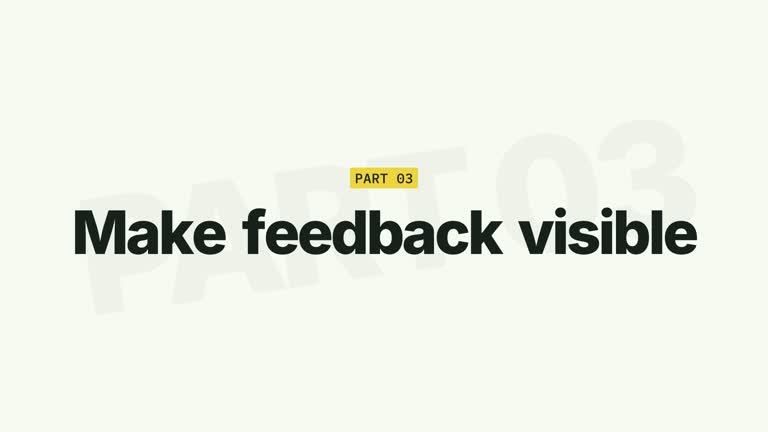
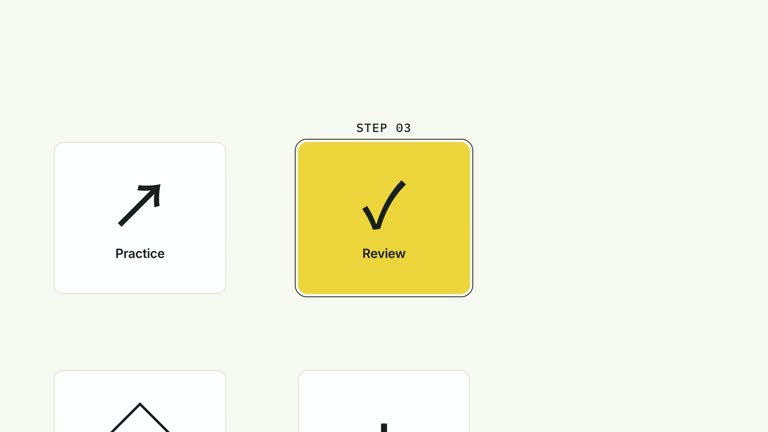
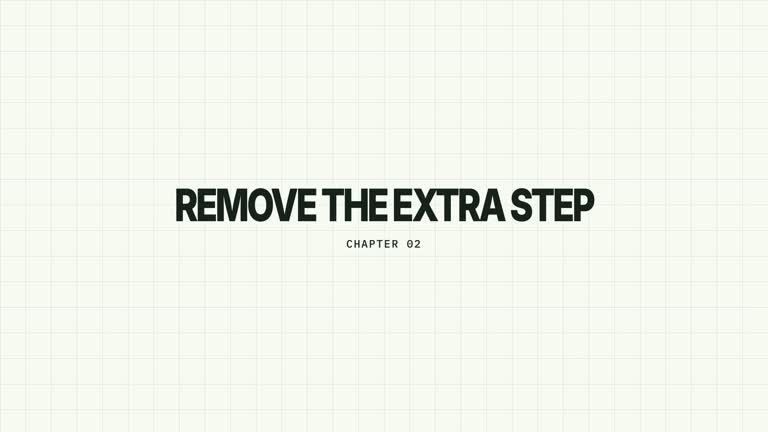
Carry a short process into the next chapter. Three connected step cards take turns receiving emphasis, then a quick push clears the process and reveals a large chapter numeral and title. This seven-second effect creates a section handoff; it does not execute the steps or check that they have been completed.
What you get
A local generator, editable HyperFrames effect and documented motion/review workflow. Generate the composition at 1920×1080 and render it at 30 fps for use as one segment in a larger edit.
Up to three steps with numbered faces, connector lines and sequential active borders, followed by editable chapter and title typography. The default Collect/Organize/Publish sequence and chapter 02 are illustrative.
Emphasis advances at 0.20, 1.02 and 1.84 seconds. The step group pushes/fades away at 3.20–3.46 seconds; the chapter number appears at 3.52 seconds and the title at 3.80 seconds, followed by a quiet ending.
Four palettes keep the motion consistent: White & Yellow (white-yellow), Charcoal & Lime (charcoal-lime), Paper & Orange (paper-orange) and Black & White (midnight-ice). Semantic overrides adapt the styling; recheck contrast after changes. Dark palettes include a fine static grid. Fonts are bundled locally: Inter, IBM Plex Mono for measurements and ordinals, and Smiley Sans/Noto Sans SC for Chinese. Chinese copy automatically selects Smiley Sans, including Latin text in the same composition; --zh-font noto-sans-sc selects the plainer alternative and --font embeds your own face. Inspect wrapping again after changing fonts.
Before you choose
Treat the ending as an editorial transition. Write the process labels and next chapter title together so the handoff connects two parts of the explanation, rather than adding a decorative title after unrelated steps.
Good fit
A creator moving from an overview of three steps into a new lesson or section.
A brief teaching passage whose process labels can be understood before the chapter title takes over.
A series using consistent step emphasis, chapter typography and palette between sections.
Not for
Automatically running a workflow, logging completed actions or returning to a process loop. The sequence is a linear visual handoff.
A long or freely expanding process diagram. The code displays only three step cards and the transition timing is fixed.
Automatic film editing, generated presenter performances or soundtrack, or copying a reference creator’s identity and materials.
How to use
You say/creatormotion-cards-steps-title Turn my supplied explanation into a white-yellow B-roll scene using the Step Cards to Chapter effect. Use the text, data and media I provide, and ask for any required input that is missing.
Write three short steps and choose chapter and title in JSON. Make the final title introduce the section you actually plan to show next; the generator does not create the subsequent lesson.
Keep the three-step structure unless you deliberately adapt the implementation. The first two positions draw connectors toward the next position, so supplying fewer steps can leave a link pointing into empty space. Extra steps beyond three are ignored.
Read the motion specification and align the last emphasized step with your narration’s transition cue. The effect uses editable type, cards and connectors without presenter footage, a matte or active raster image slots.
Prepare Node.js 22+, FFmpeg and the documented HyperFrames CLI 0.8.30. From the extracted package, run node scripts/create.mjs --out PROJECT --data CONTENT.json, adding --style or semantic --overrides as needed. The shared --images option replaces named slots with paths relative to the image-map file; unlisted slots retain defaults, although this particular composition uses editable text/geometry without active raster slots. Read the image policy before adding visual materials.
Inspect the editable project and render with npx --yes hyperframes@0.8.30 render PROJECT --output VIDEO.mp4 --fps 30 --quality high --strict. Watch the opening, each major change and the final reading hold for text bounds, contrast and clipping. Narration, music and assembly with other shots remain separate editing work. Watch the active border travel, the process-group exit and both title entrances. Check the final large typography for wrapping, and confirm that the handoff feels consistent with the section that follows.
Requirements and costs
You bring
steps: provide your own content or retain the illustrative default. · chapter: provide your own content or retain the illustrative default. · title: provide your own content or retain the illustrative default.
Dependencies
HyperFrames CLI 0.8.30 or compatible — required · Node.js 22 or newer — required · FFmpeg — required
Outside costs
Not collected yet
Tools used
HyperFrames
Publisher testing
v1.0.1 — Claude Code / Claude Desktop / Cowork / Codex / ChatGPT
FAQ
Yes. Supply steps, chapter and title through JSON, then choose a palette or semantic overrides. The large chapter phrase needs another bounds check after changing copy or fonts.
No. This scene uses text, cards and connectors. Generic presenter and image instructions apply to other effects that use those materials; no cutout is required here.
Yes. Preserve linked steps, sequential active emphasis and the final title handoff. Turning it into a returning loop or adding a status log changes the visual relationship.
The current implementation shows at most three and assumes links between the first three positions. For fewer or more steps, revise connectors, spacing and timing rather than relying on the input array alone.
No. The border emphasis and scene transition are presentation cues, not completion evidence. Choose narration that explains whether you are previewing, recapping or moving into the next topic.
User reviews
—0 reviews
Select a star to share your experience.
No reviews yet. Ratings appear once readers share real experiences.