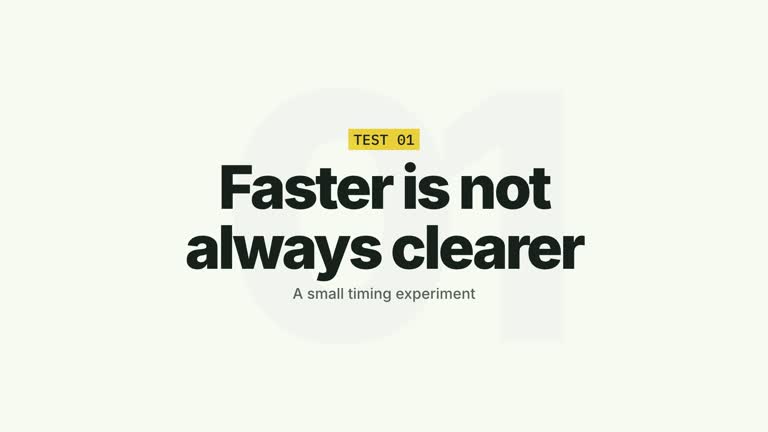
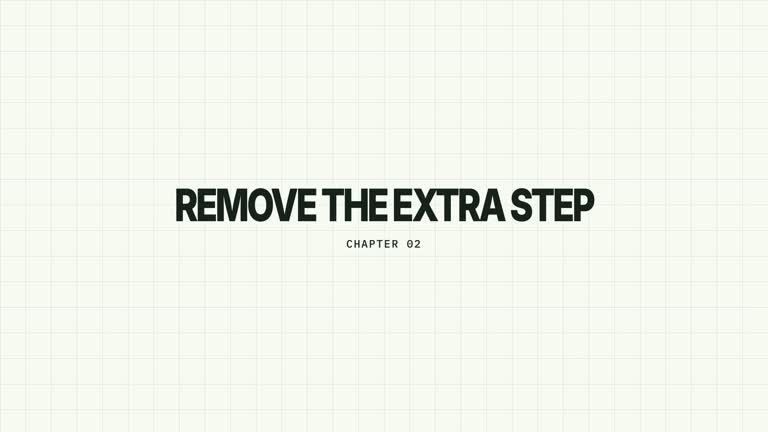
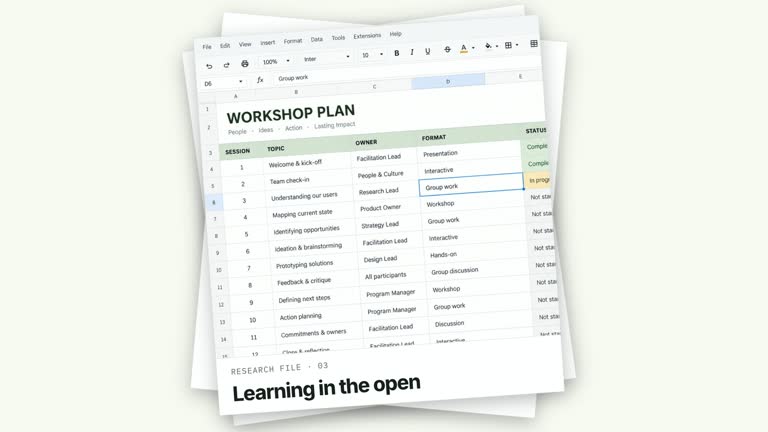
Keep the chapter readable while a narrow highlight traces its edge. A stationary rounded title card settles over strongly defocused presenter footage; the badge, headline and subtitle arrive in order while the perimeter supplies the movement. This 6.8-second segment adds a restrained motion cue without rotating the reading surface.
What you get
An editable local HyperFrames effect, generator and motion/review instructions. Generate the project and render a 1920×1080, 30 fps chapter segment for your own edit.
Editable chapter, title and subtitle, with an edge-straddling badge and a narrow SVG perimeter tracer. Your supplied presenter take forms a blurred, heavily muted background plate rather than the main subject.
Card entrance at 0.16–0.56 seconds, badge from 0.55 seconds, title at 0.75–1.05 seconds and subtitle from 1.15 seconds. A five-second linear tracer movement adds energy while the completed text remains fixed.
Four palettes preserve the sequence: White & Yellow (white-yellow), Charcoal & Lime (charcoal-lime), Paper & Orange (paper-orange) and Black & White (midnight-ice). Semantic overrides adapt styling; recheck contrast afterwards. Dark palettes have a fine static grid. Fonts are bundled locally: Inter, IBM Plex Mono for measurements/ordinals, Smiley Sans and Noto Sans SC. Chinese text automatically selects Smiley Sans, including Latin text in the same composition; --zh-font noto-sans-sc selects the plainer alternative and --font embeds your own face. Inspect line breaks after changes.
Before you choose
Choose this for a quiet section marker with photographic depth. If the presenter must remain clearly visible or the title should hand back to an on-camera explanation, use a handoff effect instead of relying on this intentionally blurred background.
Good fit
A creator or educator pausing an on-camera explanation to establish the next section without losing its photographic context.
A concise chapter title with one supporting line, where a stable reading surface matters more than a large transition.
A series using the same card hierarchy, typography and palette across multiple sections.
Not for
Generating presenter footage or guaranteeing that supplied footage is suitable. You provide the background take and inspect its crop.
A spinning title card, changing chapter content or footage analysis. The only sustained graphic movement is the perimeter tracer.
Automatic long-form editing, generated narration or music, or copying a reference creator’s identity and source footage.
How to use
You say/creatormotion-chapter-border-orbit Turn my supplied explanation into a white-yellow B-roll scene using the Chapter Border Orbit effect. Use the text, data and media I provide, and ask for any required input that is missing.
Prepare chapter, title and subtitle in JSON. Use a concise headline and a subtitle that clarifies the section. The default STEP 04 / Decide what to measure is illustrative, not a required chapter structure.
Supply a continuous local presenter take through --media covering the full 6.8-second composition. It is muted and defocused behind the card; this effect does not use a separate presenter cutout or alpha matte.
Read the motion specification and retain the stationary card, sequential text arrivals and moving perimeter highlight. The shared --images map can replace slots in effects that use images, but this module has no active raster slot beyond the video plate. Follow the image policy if adding other visual material.
Prepare Node.js 22+, FFmpeg and the documented HyperFrames CLI 0.8.30. From the extracted package run node scripts/create.mjs --out PROJECT --data CONTENT.json --style white-yellow, adding --media for the effects that require a take. Optional --overrides changes semantic tokens. Read the motion specification and design reference before adapting the composition; keep generated assets local.
Lint, validate and inspect with the pinned HyperFrames CLI, then render at 1920×1080 and 30 fps using the command printed by the generator. Inspect real rendered frames at the opening, main change and ending for text bounds, contrast and media seams. Check all four palette examples if you change the effect implementation. Narration, music and assembly with other scenes remain separate work. Check the edge badge and subtitle against the actual background and watch the tracer through corners. Confirm that the backdrop remains subordinate to the copy and the video covers the entire interval.
Requirements and costs
You bring
chapter: provide your own content or retain the illustrative default. · title: provide your own content or retain the illustrative default. · subtitle: provide your own content or retain the illustrative default.
Dependencies
HyperFrames CLI 0.8.30 or compatible — required · Node.js 22 or newer — required · FFmpeg — required
Outside costs
Not collected yet
Tools used
HyperFrames
Publisher testing
v1.0.1 — Claude Code / Claude Desktop / Cowork / Codex / ChatGPT
FAQ
Yes. Supply chapter, title and subtitle in JSON, select a palette or use semantic overrides. The card has a finite width and height, so inspect wrapping rather than assuming every headline fits.
Yes, a local continuous take supplies the blurred background. Bundled image defaults are not a replacement for that video input. No separate aligned matte is required by this non-cutout composition.
Yes. Keep the reading plane stationary while the short highlight travels around its perimeter. Rotating the whole card would change the effect and interfere with the intended reading hold.
The guide describes a perimeter pass, but the current code animates stroke offset by 140 units on a path normalized to 100. Treat it as a moving highlight rather than an exact one-lap timing promise; edit the timeline if a precise circuit is important.
Check title/subtitle bounds, badge overlap with the edge, contrast during the tracer pass and background-video continuity. A successful build does not establish those visual qualities.
User reviews
—0 reviews
Select a star to share your experience.
No reviews yet. Ratings appear once readers share real experiences.