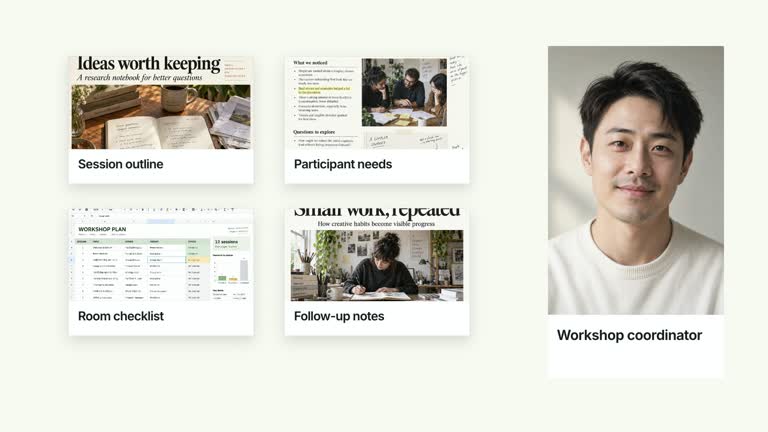
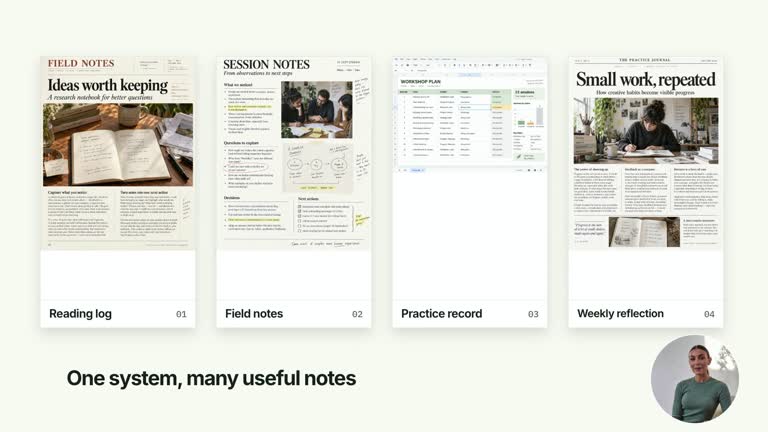
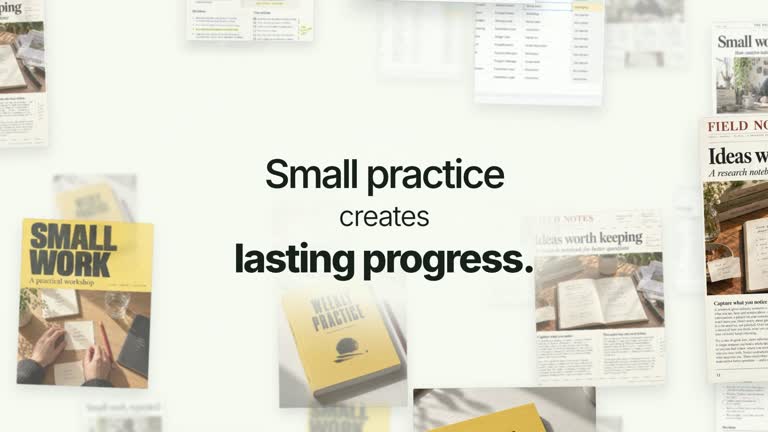
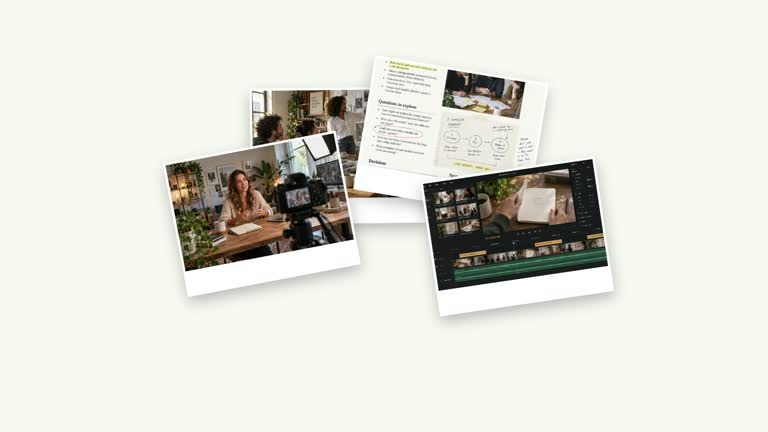
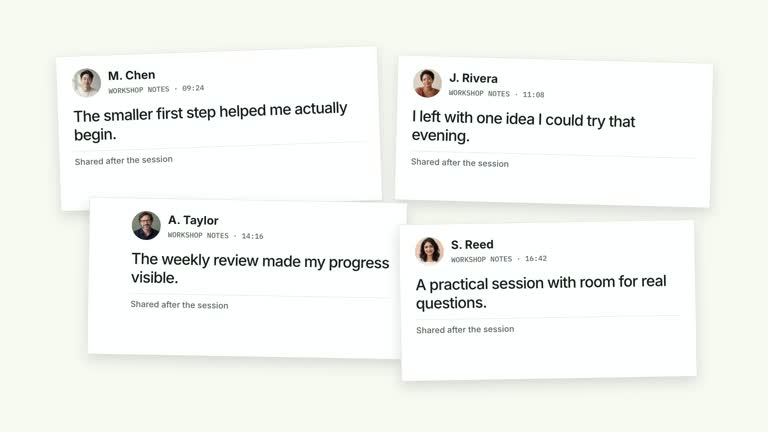
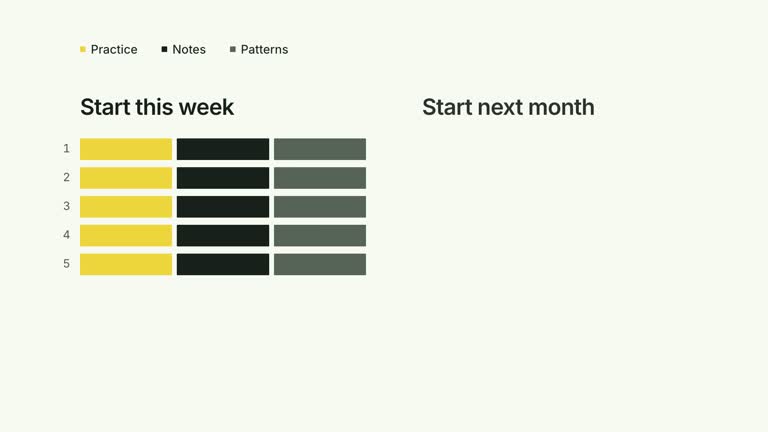
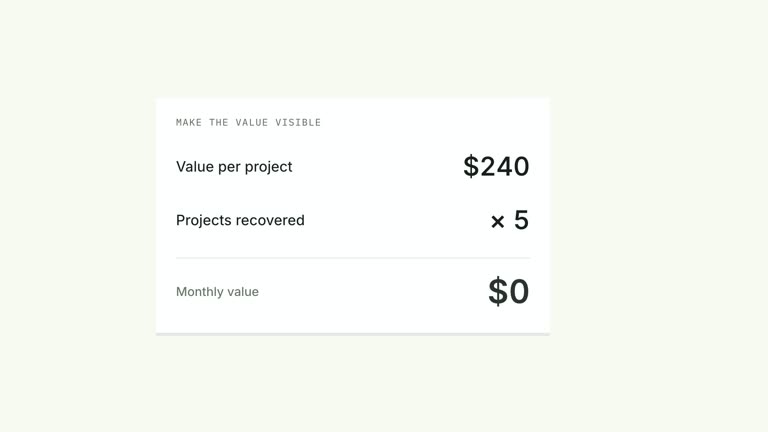
Let a succession of documents take the foreground without losing the paper stack beneath them. Tall, angled page images replace one another with a short weighted settle; earlier sheet edges remain while the current title is captioned at the bottom. This seven-second composition presents selected material, rather than turning a folder of files into an interactive document viewer.
What you get
A local generator, editable HyperFrames effect and motion/review instructions. Generate a 1920×1080 project and render a 30 fps document-sequence segment for your larger edit.
Up to four document images with editable titles and numbered RESEARCH FILE captions. Default slots document-1 through document-4 supply illustrative pages; each document can also name its own image-map key.
An opening page entrance at 0.16 seconds and foreground replacements at 1.25, 2.40 and 3.55 seconds. The final sheet receives a longer hold, with old copy hidden while prior paper edges remain.
Choose White & Yellow (white-yellow), Charcoal & Lime (charcoal-lime), Paper & Orange (paper-orange) or Black & White (midnight-ice). All four preserve geometry and timing; semantic overrides need a contrast check. Dark canvases keep a fine stationary grid. Fonts are bundled locally: Inter, IBM Plex Mono for measurements/ordinals, Smiley Sans and Noto Sans SC. Chinese content automatically uses Smiley Sans, including Latin text in the same composition; --zh-font noto-sans-sc selects the plainer face and --font embeds your own. Inspect wrapping again after changing fonts.
Before you choose
Select a sequence with a reason for each turnover. Four attractive pages do not explain a progression on their own; make the titles and narration show why the next document deserves attention.
Good fit
A creator moving through a few notes, research pages or project documents as a visual sequence.
A short teaching passage where each page can be recognized by an image and concise title rather than read in full.
A recurring series needing consistent paper geometry, palette and typography.
Not for
Automatic PDF extraction, document analysis or a readable presentation of every word on full pages. The current sequence uses supplied raster images.
Expecting the original heading/body fields to appear as editable prose: the final module displays the page image and title caption instead.
Automatic film editing, generated presenter performances or music, or copying another creator’s identity and materials.
How to use
You say/creatormotion-collage-document-stack Turn my supplied explanation into a white-yellow B-roll scene using the Tilted Document Stack Cycle effect. Use the text, data and media I provide, and ask for any required input that is missing.
Prepare up to four documents with title fields. The package’s example objects also contain heading and body, but those fields are not rendered by the final image-based wrapper; put necessary page content into your own raster material or adapt the implementation.
Keep defaults for an illustrative example or replace document-1–document-4 through --images. An optional image key on each document can point to another named local slot. Ensure every used key resolves; the shared image helper throws an error when a required image is missing.
Choose page images that survive a tall crop, small rotation and bottom title overlay. Keep the current title readable and distinguish real material from generated defaults. No presenter take or alpha matte is used by this effect.
Prepare Node.js 22+, FFmpeg and the documented HyperFrames CLI 0.8.30. Run node scripts/create.mjs --out PROJECT --data CONTENT.json with your chosen --style from the extracted package. Use --images for a local slot-to-file map; relative paths resolve beside that JSON and unlisted slots keep bundled defaults. Add semantic --overrides as needed and read the included image policy before adapting materials.
Lint, validate and inspect the generated HyperFrames project, then render at 1920×1080 and 30 fps with the pinned CLI. Review the actual opening, focus changes and final hold in the MP4, including every palette if you edit the module. Check crops, overlap, text bounds and transition seams. Narration, music and assembly remain separate work; a silent example does not establish audio synchronization. Watch each front-sheet replacement for stale copy, abrupt blank frames or captions obscuring important page details. Intentional paper-edge overlap does not excuse clipping the current title.
Requirements and costs
You bring
documents: provide your own content or retain the illustrative default.
Dependencies
HyperFrames CLI 0.8.30 or compatible — required · Node.js 22 or newer — required · FFmpeg — required
Outside costs
Not collected yet
Tools used
HyperFrames
Publisher testing
v1.0.1 — Claude Code / Claude Desktop / Cowork / Codex / ChatGPT
FAQ
Yes. Titles are supplied through documents and palettes or semantic overrides control the styling. The current final composition does not display documents.heading or documents.body as separate text, despite those fields appearing in the original example.
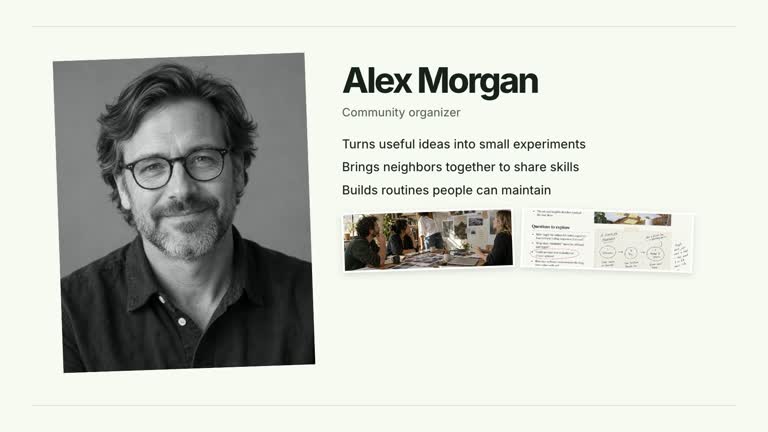
No presenter video is used. Bundled generated page images provide a starting point; replace the four document slots or use a custom image key when the explanation needs your own material.
Yes. Preserve visible front-page turnover, angled paper layering and a composed final hold. A static wall of overlapping pages would not reproduce the change of foreground document.
No conversion is implemented in the effect. Prepare suitable local raster pages yourself and map them to image slots; the composition only presents those assets.
Treat the page as recognizable material and the editable title as the main reading cue. If a paragraph is essential to the explanation, crop or redesign for that passage rather than expecting a full tilted page to be legible.
User reviews
—0 reviews
Select a star to share your experience.
No reviews yet. Ratings appear once readers share real experiences.