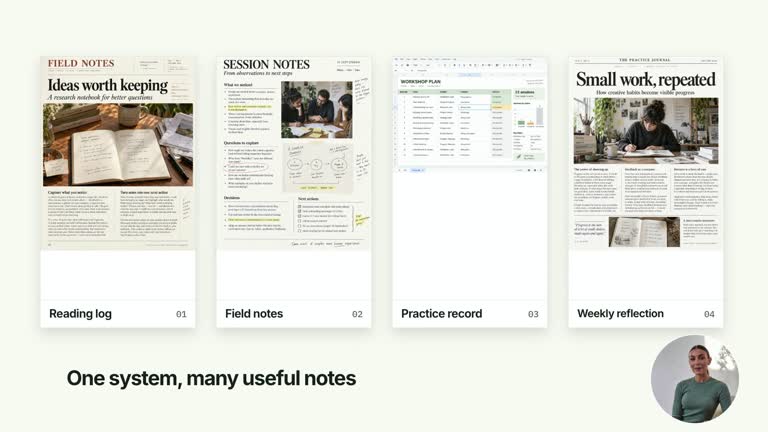
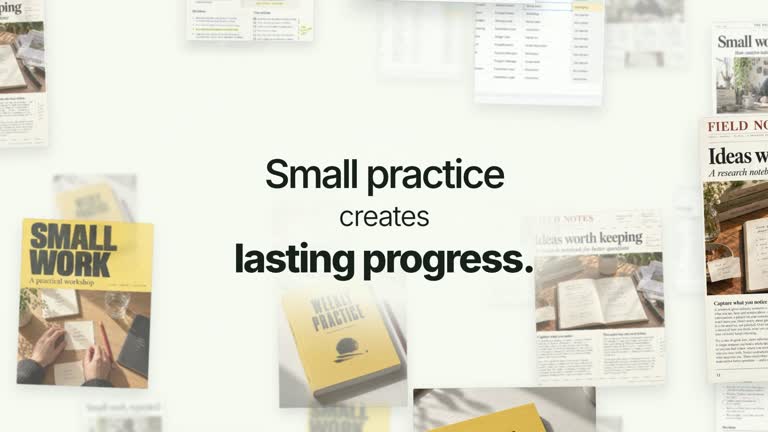
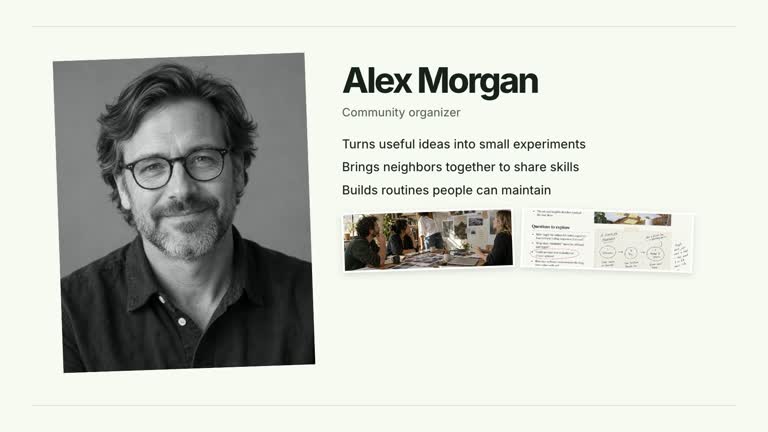
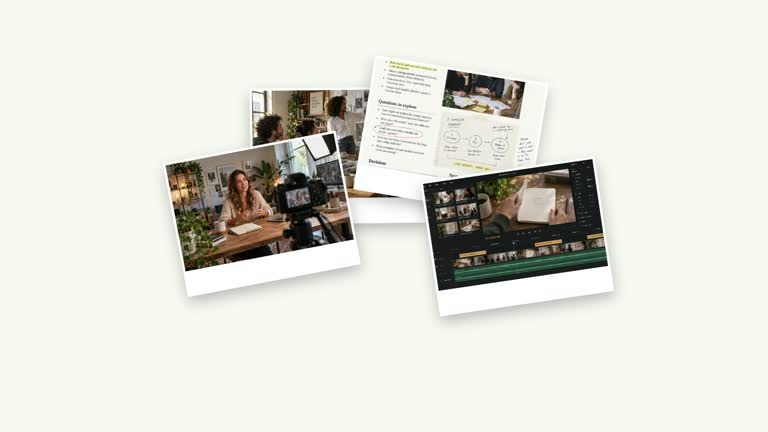
Keep a person’s role in view while the materials around it become organized. A lead page gives way to four labeled material images, then a phone-shaped result replaces the dossier area. The role portrait stays as an anchor. This seven-second animation explains a supplied workflow; it does not collect the documents or generate a working mobile interface.
What you get
A local generator, editable HyperFrames effect and motion/review workflow. Generate the composition at 1920×1080 and render a 30 fps segment for your own production.
Editable role, leadTitle, up to four materials and finalTitle. Raster slots include portrait, lead-image, material-1–material-4 and mobile-screen, with illustrative defaults supplied.
A lead-page opening, material arrivals beginning at 1.20 seconds with 0.36-second spacing, and a phone entrance at 4.50 seconds while the material group clears. The portrait remains beside the changing dossier.
Choose White & Yellow (white-yellow), Charcoal & Lime (charcoal-lime), Paper & Orange (paper-orange) or Black & White (midnight-ice). All four preserve geometry and timing; semantic overrides need a contrast check. Dark canvases keep a fine stationary grid. Fonts are bundled locally: Inter, IBM Plex Mono for measurements/ordinals, Smiley Sans and Noto Sans SC. Chinese content automatically uses Smiley Sans, including Latin text in the same composition; --zh-font noto-sans-sc selects the plainer face and --font embeds your own. Inspect wrapping again after changing fonts.
Before you choose
Plan the result image along with the materials. If the phone screenshot has no clear relationship to the dossier, the animation’s tidy handoff can imply an outcome the example does not actually demonstrate.
Good fit
A creator explaining how a role uses several materials to prepare one organized outcome.
A concise teaching example that needs to keep the person or role visible while attention moves through the supporting dossier.
A series using consistent portrait, document and phone composition with shared typography.
Not for
A document-collection tool, automatically generated app or interactive phone demo. The final interface is a supplied raster image with editable result wording.
Automatically identifying a person, validating that the materials belong to them or proving a real preparation result through generated default imagery.
Automatic long-form editing, generated presenter performances or soundtrack, or copying a reference creator’s identity and materials.
How to use
You say/creatormotion-collage-dossier-role Turn my supplied explanation into a white-yellow B-roll scene using the Dossier Beside a Role effect. Use the text, data and media I provide, and ask for any required input that is missing.
Write role, leadTitle, up to four materials and finalTitle in JSON. Make the final phrase describe the outcome these materials support. The workshop-coordinator example is illustrative, not a required subject.
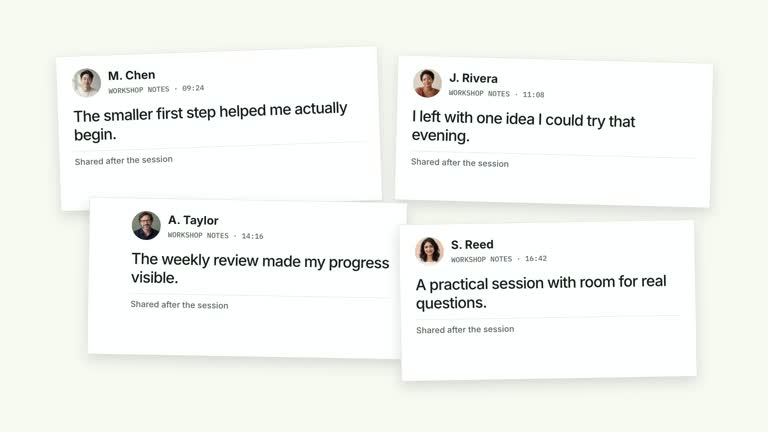
Select appropriate portrait, lead-image, four material images and mobile-screen replacements through the image map, or retain bundled defaults for a demonstration. Match captions to the actual images and ensure all used keys resolve. The final count reads the number of visible materials, not a real inventory audit.
Read the motion specification and preserve the stable role, lead-to-dossier replacement and phone handoff. The final module uses raster document/phone content, with editable captions; earlier guide wording about fully readable HTML should not be taken as a functional UI promise. No presenter take or matte is needed.
Prepare Node.js 22+, FFmpeg and the documented HyperFrames CLI 0.8.30. Run node scripts/create.mjs --out PROJECT --data CONTENT.json with your chosen --style from the extracted package. Use --images for a local slot-to-file map; relative paths resolve beside that JSON and unlisted slots keep bundled defaults. Add semantic --overrides as needed and read the included image policy before adapting materials.
Lint, validate and inspect the generated HyperFrames project, then render at 1920×1080 and 30 fps with the pinned CLI. Review the actual opening, focus changes and final hold in the MP4, including every palette if you edit the module. Check crops, overlap, text bounds and transition seams. Narration, music and assembly remain separate work; a silent example does not establish audio synchronization. Check the portrait crop and caption, the four material labels and their disappearance as the phone arrives. Read the final result overlay against the mobile screenshot and inspect whether it covers important content.
Requirements and costs
You bring
role: provide your own content or retain the illustrative default. · leadTitle: provide your own content or retain the illustrative default. · materials: provide your own content or retain the illustrative default. · finalTitle: provide your own content or retain the illustrative default.
Dependencies
HyperFrames CLI 0.8.30 or compatible — required · Node.js 22 or newer — required · FFmpeg — required
Outside costs
Not collected yet
Tools used
HyperFrames
Publisher testing
v1.0.1 — Claude Code / Claude Desktop / Cowork / Codex / ChatGPT
FAQ
Yes. The content JSON controls role, leadTitle, materials and finalTitle; palettes and semantic overrides control styling. The phone’s materials-count sentence is generated from the list length and is separate from the raster screen content.
No presenter video is used by this effect. It uses a role portrait and document/screen images, with bundled generated defaults. Replace the named slots when you need your own material.
Yes. Keep the role stable while the lead page changes to a dossier and then a single result interface. Re-render after timing edits and ensure the dossier clears as a group rather than leaving stray labels.
No. The phone displays mobile-screen as a raster image plus an editable result overlay. Supply a matching screen yourself or retain the illustrative default; the effect does not create a usable application.
Use appropriate authorized material and match the role caption to the person or example. Generated portraits and documents are illustrative, so do not imply that a real person endorses or uses the depicted workflow.
User reviews
—0 reviews
Select a star to share your experience.
No reviews yet. Ratings appear once readers share real experiences.