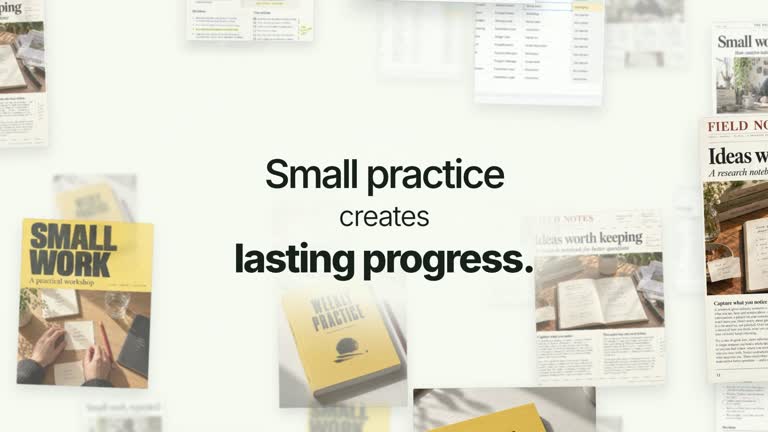
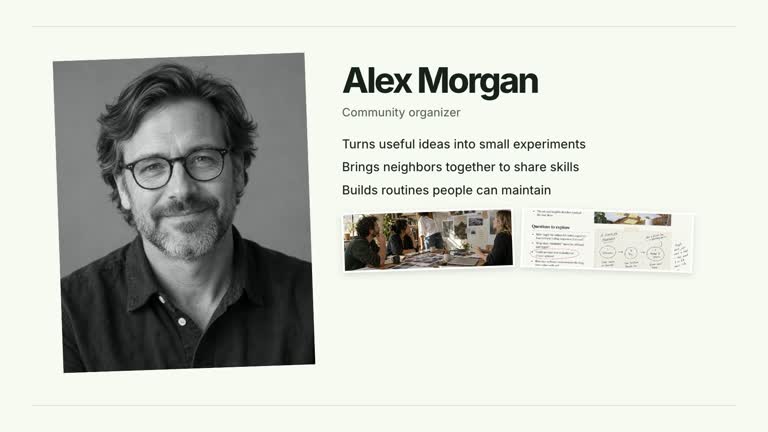
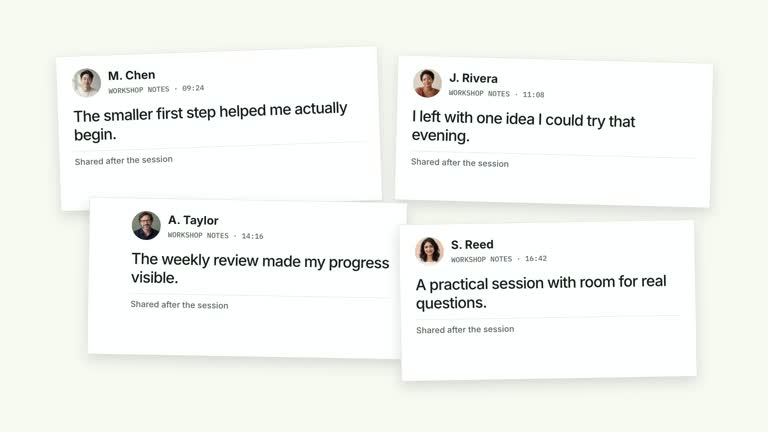
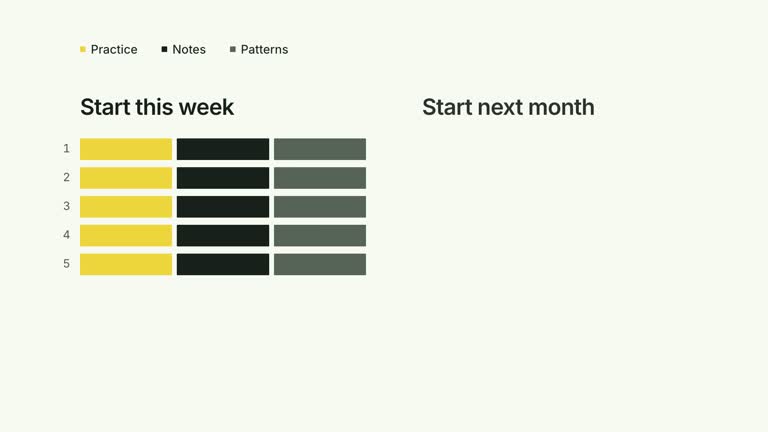
Keep the source material visible while adding a concise takeaway. Four tall document images establish the wall, a bottom summary resolves, and an optional small presenter window arrives later. This seven-second composition is a way to present selected material; it does not verify that the pages support the conclusion.
What you get
A local generator, editable HyperFrames effect and motion/review instructions. Generate the 1920×1080 project and render a 30 fps segment for your own film.
Up to four document images with editable title captions, a summary and presenter toggle. Defaults occupy document-1–document-4; a document may specify its own image key. The final implementation uses four tall columns rather than the varied two-by-two layout described earlier in the guide.
The wall appears from 0.16 seconds, summary begins at 1.40 seconds and optional presenter appears at 2.80 seconds before fading near 6.60 seconds. The documents remain established during the conclusion.
Four palettes preserve geometry and timing: White & Yellow (white-yellow), Charcoal & Lime (charcoal-lime), Paper & Orange (paper-orange) and Black & White (midnight-ice). Semantic overrides adapt styling; check contrast afterwards. Dark canvases retain a fine stationary grid. Fonts are local: Inter, IBM Plex Mono for measurements/ordinals, Smiley Sans and Noto Sans SC. Chinese text automatically selects Smiley Sans, including Latin words in the composition; --zh-font noto-sans-sc chooses the plainer face and --font embeds your own. Inspect wrapping after changes.
Before you choose
Use the wall as context for a conclusion, not a substitute for showing the crucial passage. If the argument depends on a specific line in a page, give that line a separate close-up rather than relying on a full-page thumbnail.
Good fit
A creator summarizing a small set of notes or documents while keeping their visual context available.
A short teaching explanation with concise document labels and one clear concluding line.
A series using a consistent document wall, typography and palette, with or without a presenter.
Not for
Automatic evidence verification, document reading or a guarantee that small page text is legible at video scale.
Expecting the original documents.lines field to appear as editable bullet text. The final raster wrapper displays the image and title instead, although the base builder still expects the lines array.
Automatic long-form editing, generated presenter performance or music, or invented evidence and copied creator identities.
How to use
You say/creatormotion-collage-evidence-summary Turn my supplied explanation into a white-yellow B-roll scene using the Evidence Wall Summary effect. Use the text, data and media I provide, and ask for any required input that is missing.
Prepare documents with title and lines arrays, plus summary and presenter. Keep the lines array for the base builder, but do not expect its strings to appear in the final raster version. Put essential page material in your chosen images and keep the summary concise.
Retain illustrative defaults or replace document-1–document-4 through --images; optional per-document image keys select other mapped assets. Use material appropriate to the conclusion, and distinguish generated demonstration pages from real evidence.
Set presenter false for document-only output. For the small speaker window, enable it and supply --media with a continuous take covering its timeline interval. The effect uses a circular crop, not an alpha cutout; inspect its strong crop against your face framing.
Prepare Node.js 22+, FFmpeg and the documented HyperFrames CLI 0.8.30. From the extracted package run node scripts/create.mjs --out PROJECT --data CONTENT.json with the chosen --style. Map replacement images through --images; relative paths resolve beside that JSON and unlisted slots retain defaults. Add semantic --overrides as needed and read the image policy before adapting materials.
Lint, validate and inspect the generated HyperFrames project, then render at 1920×1080 and 30 fps with the pinned CLI. Check actual MP4 frames at the opening, changes of focus and final hold for cropping, overlap, contrast and seams. Review all palettes when editing the module. Narration, music and assembly remain separate work; a silent preview does not establish audio synchronization. Check all four captions, the bottom summary and the late presenter. Keep important source passages readable elsewhere if they cannot be inspected in this wall.
Requirements and costs
You bring
documents: provide your own content or retain the illustrative default. · summary: provide your own content or retain the illustrative default. · presenter: provide your own content or retain the illustrative default.
Dependencies
HyperFrames CLI 0.8.30 or compatible — required · Node.js 22 or newer — required · FFmpeg — required
Outside costs
Not collected yet
Tools used
HyperFrames
Publisher testing
v1.0.1 — Claude Code / Claude Desktop / Cowork / Codex / ChatGPT
FAQ
Yes. Document titles, summary and presenter are configurable, with four palettes and optional overrides. The final wrapper replaces visible document lines with raster images; retain lines arrays as required by the base builder.
Only if you enable the optional presenter window. Set presenter false for a document-only composition. Document images have bundled illustrative defaults; no aligned alpha matte is needed for the circular video crop.
Yes. Preserve established material, the later summary and optional speaker. It is a settled wall, not a continuously drifting depth field or sequence of front-sheet replacements.
No. The effect presents your selected images and copy. Verify the claim independently; generated pages and a presenter overlay do not add factual corroboration.
Inspect the face crop, the appearance at 2.8 seconds and the ending fade. The source take runs on its own timeline, so align it with your real audio and check the final render.
User reviews
—0 reviews
Select a star to share your experience.
No reviews yet. Ratings appear once readers share real experiences.