CreatorMotion · Focus Bars

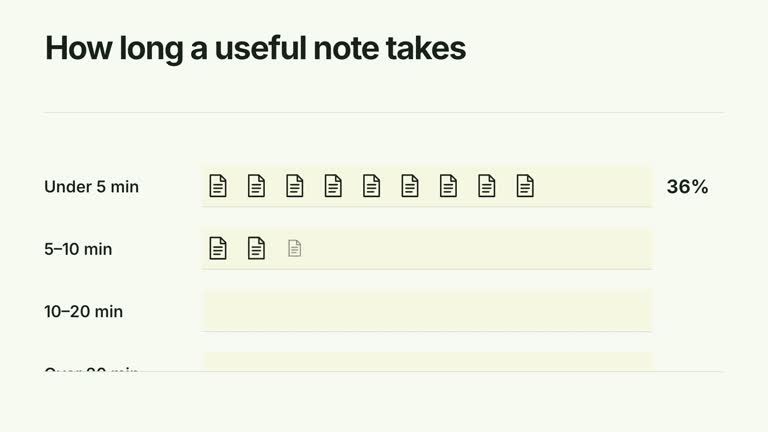
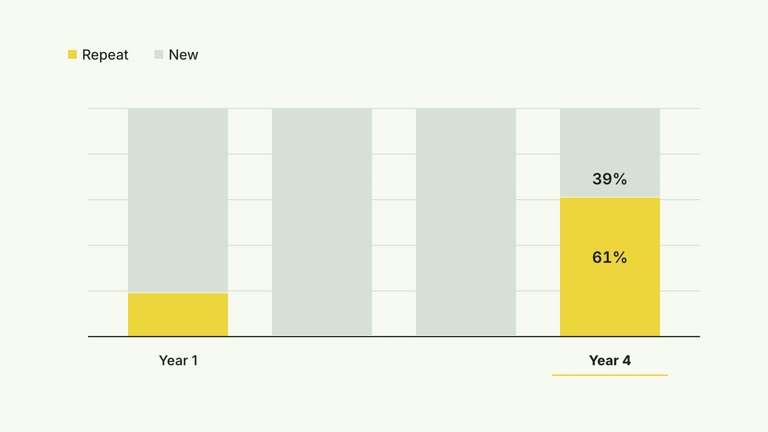
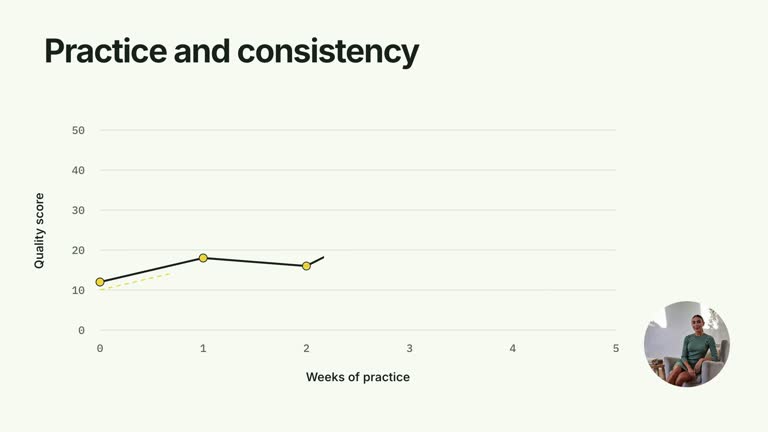
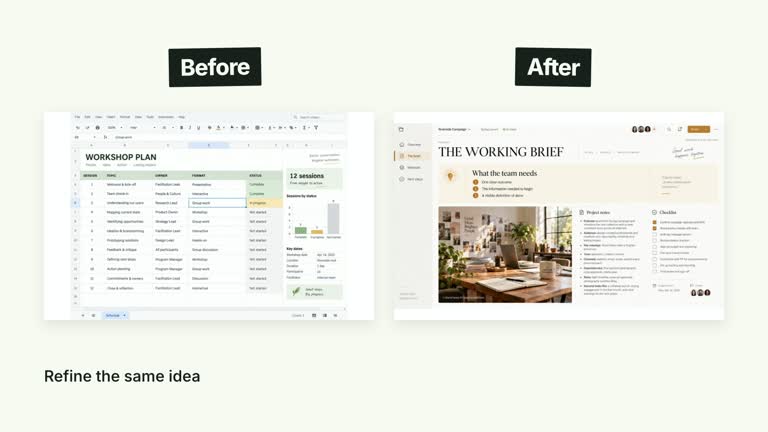
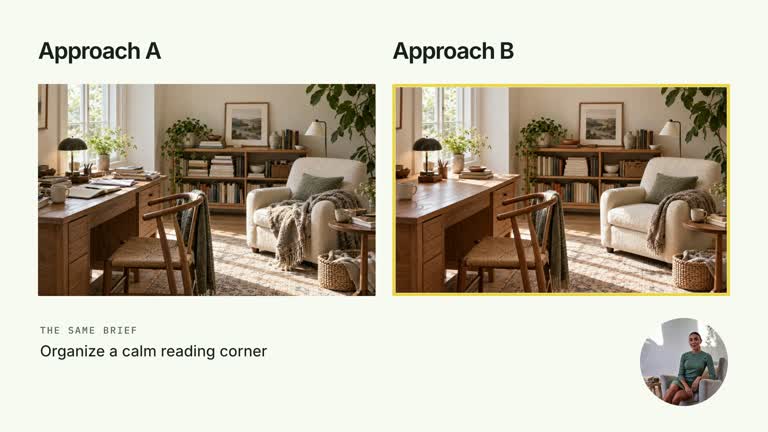
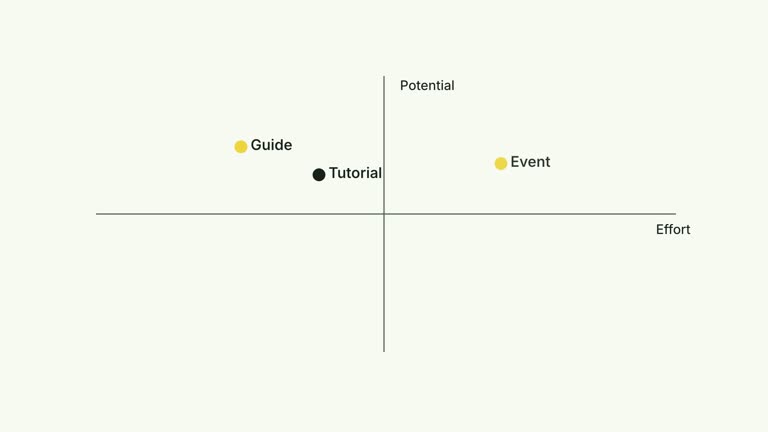
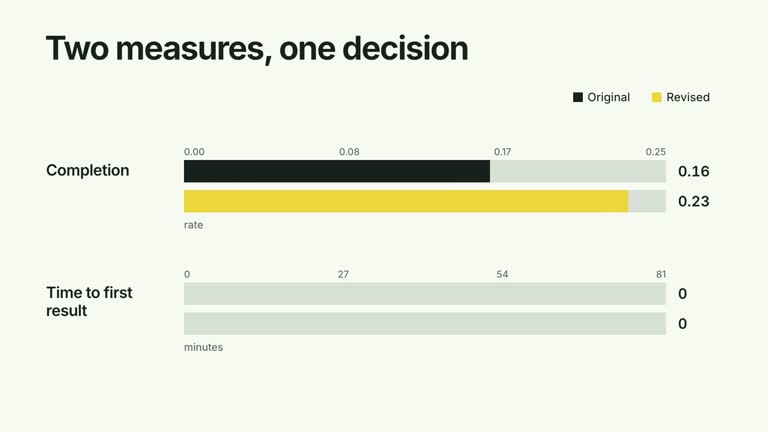
Explain one measure at a time without losing the full chart. A tall focus band moves through the selected order as each bar and its numeric endpoint grow together; inactive bars become subdued while category labels and completed figures remain readable. The ten-second segment ends by restoring the chart to full contrast.

What you get

  • A local generator, editable HyperFrames effect and motion/review instructions. Generate the 1920×1080 project and render a 30 fps focused-comparison segment.
  • Matching categories and values arrays, focusOrder of valid bar indexes, seriesColors using accent/ink/muted tokens and a unit suffix. Heights share a scale derived from the maximum supplied value with headroom.
  • Focus passes within the authored explanation window, each with a 1.15-second growth/count interval. At 7.3 seconds the bars return to full contrast and focus bands clear for the final comparison.
  • Four palettes preserve geometry and timing: White & Yellow (white-yellow), Charcoal & Lime (charcoal-lime), Paper & Orange (paper-orange) and Black & White (midnight-ice). Semantic overrides need a contrast check; dark canvases retain a fine static grid. Fonts are bundled locally: Inter, IBM Plex Mono for measurements/ordinals, Smiley Sans and Noto Sans SC. Chinese text automatically uses Smiley Sans, including Latin words; --zh-font noto-sans-sc selects the plainer face and --font embeds your own. Inspect wrapping after changes.

Before you choose

Use the order to explain, not to imply a ranking the data does not support. Define each measure and its common unit, then verify the full final chart after the focus bands are gone.

Good fit

  • A creator walking through a small set of comparable measures in a deliberate narrative order.
  • A short lesson where simultaneous bar growth would distract from explaining individual values.
  • A series using consistent category bars, focus treatment and typography.
Not for

  • Automatic data collection, ranking or verification that the supplied measures use comparable definitions and units.
  • A negative/diverging dataset or an all-zero scale without code changes. The current height calculation assumes a usable positive maximum.
  • Automatic full-film editing, generated presenter performances or soundtrack, or copying a reference creator’s identity and materials.

How to use

You say/creatormotion-comparison-focus-bars Turn my supplied explanation into a white-yellow B-roll scene using the Focus Bars effect. Use the text, data and media I provide, and ask for any required input that is missing.
  1. Prepare matching categories and numeric values, a unit suffix and theme-token seriesColors. Use a small set with the same measurement basis; the default Recall/Clarity/Completion values are illustrative.

  2. Supply focusOrder as valid integer indexes, normally including each bar once. A bar omitted from the order retains its full geometry but its counter remains at the initial zero, creating a misleading label; repeated indexes can also replay the reveal. Check that the order covers your intended final chart.

  3. Read the motion specification and inspect count density. The focus window stays fixed as the number of passes changes, while each growth still lasts 1.15 seconds; more passes can overlap. Numbers display one decimal place and append unit, not automatic percentage conversion. No images, presenter or matte are used.

  4. Prepare Node.js 22+, FFmpeg and the documented HyperFrames CLI 0.8.30. From the extracted package run node scripts/create.mjs --out PROJECT --data CONTENT.json with the chosen --style, adding semantic --overrides if needed. Read the motion specification and image policy before adapting the composition. Shared image-map options do not add an active raster slot or presenter to this effect.

  5. Lint, validate and inspect the generated HyperFrames project, then render at 1920×1080 and 30 fps with the pinned CLI. Check actual MP4 frames at the opening, each reveal and final comparison for labels, bounds, contrast and correct values. Preserve at least 1.2 seconds of final reading time when changing the timeline and inspect all palettes with identical content after module changes. Narration, music and film assembly remain separate work. Compare every settled numeric label and height with the inputs, watch focus transfer and verify that all bands clear at the end. The title One measure at a time is fixed in code if you need different wording.

Requirements and costs

You bring
categories: provide your own content or retain the illustrative default. · values: provide your own content or retain the illustrative default. · focusOrder: provide your own content or retain the illustrative default. · seriesColors: provide your own content or retain the illustrative default. · unit: provide your own content or retain the illustrative default.
Dependencies
HyperFrames CLI 0.8.30 or compatible — required · Node.js 22 or newer — required · FFmpeg — required
Outside costs
Not collected yet
Tools used
HyperFrames
Publisher testing
v1.0.1 — Claude Code / Claude Desktop / Cowork / Codex / ChatGPT

FAQ

User reviews

—0 reviews

Select a star to share your experience.

No reviews yet. Ratings appear once readers share real experiences.

Similar Skills

View all skills