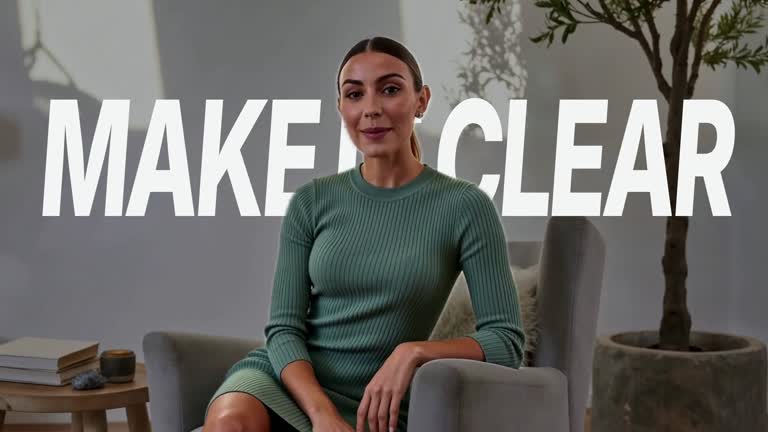
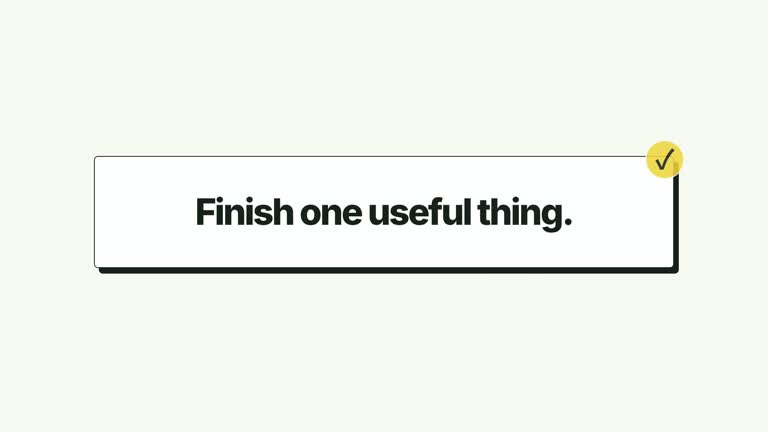
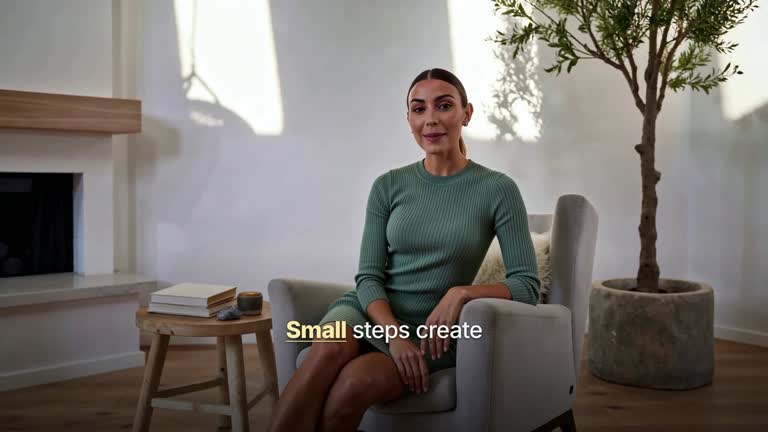
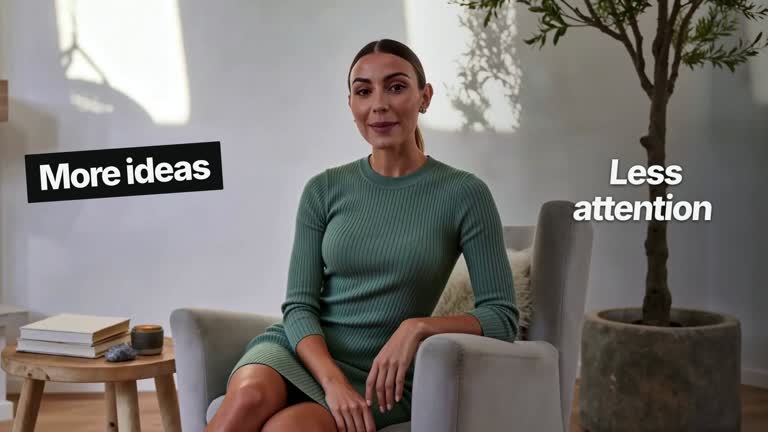
Illustrate a voice-input handoff from a floating transcript into a workspace field. A recording capsule and deterministic waveform sit over the dimmed interface while supplied words appear; confirmation then clears the overlay and reveals the same sentence in its destination. This ten-second scene animates prepared text, without recording sound, recognizing speech or entering content into a real app.
What you get
A local generator, editable HyperFrames workspace/transcript shot and motion/review instructions for a 1920×1080, 30 fps segment. Generate and render the capture-to-destination explanation from supplied text and timing data.
background, transcript, destination as normalized [x,y,width,height] within the 1610×750 workspace, and wordTimings as delays from the 1.50-second transcript start. A required background raster has a bundled illustrative default.
Workspace dimming, recording-control entrance and word-by-word reveals, followed by confirmation at 4.70 seconds in the latest revision. Floating UI clears from 5.45 seconds and the complete sentence appears in the destination from 5.80 seconds, leaving a final workspace reading.
Four styles keep the same data and choreography: White & Yellow (white-yellow), Charcoal & Lime (charcoal-lime), Paper & Orange (paper-orange), and Black & White (midnight-ice). Semantic style overrides are supported; check contrast after changing them. Dark canvases use a fine grid. Local fonts include Inter, IBM Plex Mono for measurements and ordinals, Smiley Sans and Noto Sans SC. Chinese text selects Smiley Sans automatically, including accompanying Latin text; --zh-font noto-sans-sc selects Noto Sans SC, while --font takes precedence for a supplied font.
Before you choose
Prepare the accepted sentence and its cue schedule before styling the recording capsule. Keep the demonstration distinct from speech-recognition evidence, and ensure the final destination matches exactly what the floating transcript displayed.
Good fit
A creator explaining how a prepared voice-input interaction transfers text into a visible field.
A short teaching passage needing separate capture, acceptance and destination states.
A series using consistent transcript typography, compact recording UI and coordinate-based workspace fields.
Not for
Recording a microphone, transcribing audio, automatically aligning words to speech or sending the sentence to a real application.
Assuming the waveform reflects an actual recording, using arbitrary word counts/timings without checking the fixed confirmation cue or expecting character-level Chinese segmentation.
Automatic full-film editing, generated presenter performances or soundtrack, or copying another creator’s identity and material.
How to use
You say/creatormotion-spotlight-voice-transcript Turn my supplied explanation into a white-yellow B-roll scene using the Voice Transcript Handoff effect. Use the text, data and media I provide, and ask for any required input that is missing.
Write transcript and prepare wordTimings for the space-separated words. Values are delays after 1.50 seconds, not absolute timestamps. Ensure the final reveal completes before the current 4.70-second confirmation; older guide text still refers to 5.60 seconds. Missing timings use an evenly distributed fallback that may run past the newer confirmation.
Set destination to the intended input field and reuse or replace the named background slot through --images MAP.json. Relative paths resolve beside the map. Despite optional-background wording in the older guide, the implementation requires a raster. Recalibrate the overlay rectangle after changing the workspace image.
Check language segmentation and actual reading length. A sentence without spaces appears as one chunk; the displayed waveform is deterministic decoration, not audio analysis. The destination reuses the exact transcript string. No audio, presenter video or alpha matte is required by the scene.
From the extracted package, prepare Node.js 22+, FFmpeg and HyperFrames CLI 0.8.30. Run node scripts/create.mjs --out PROJECT --data CONTENT.json --style white-yellow, substituting another documented palette if wanted. Read the motion specification and image policy before adapting the scene; use semantic --overrides for deliberate style changes.
Inspect the editable project at entry, each motion handoff and final hold, then render with the command printed by the generator. Check the resulting frames for text collisions, correct numbers and readable contrast. Keep at least 1.2 seconds for the final reading when editing, and compare all four palettes with identical content after structural changes. Narration, music and assembly into a longer film remain separate work. Inspect every word reveal, confirmation and floating-to-destination handoff in actual MP4 frames. Keep the destination text within its overlay bounds and preserve at least 1.2 seconds of final reading. If using real narration separately, validate the cues rather than treating the silent preview as synchronized transcription.
Requirements and costs
You bring
background: provide your own content or retain the illustrative default. · transcript: provide your own content or retain the illustrative default. · destination: provide your own content or retain the illustrative default. · wordTimings: provide your own content or retain the illustrative default.
Dependencies
HyperFrames CLI 0.8.30 or compatible — required · Node.js 22 or newer — required · FFmpeg — required
Outside costs
Not collected yet
Tools used
HyperFrames
Publisher testing
v1.0.1 — Claude Code / Claude Desktop / Cowork / Codex / ChatGPT
FAQ
Yes. background, transcript, destination and wordTimings are JSON inputs, with four palettes and semantic overrides. Destination placeholder text is authored scene copy rather than an analyzed field label.
No. A required workspace raster has a bundled default and can be replaced. The waveform and transcript are generated visual elements, with no microphone, audio or presenter requirement.
Yes. Preserve transcript accumulation, confirmation and the same sentence at the destination. Re-render after text/timing changes and check words finish before the latest confirmation cue.
No. transcript and wordTimings are supplied data. The scene performs no speech recognition or audio alignment.
The code distributes missing cues over a fixed interval, but the latest confirmation occurs earlier than the old default schedule. Provide and inspect explicit cues so the sentence completes in time.
User reviews
—0 reviews
Select a star to share your experience.
No reviews yet. Ratings appear once readers share real experiences.