Provide name, promise, what a flow means, trigger types, step runtimes/integrations, execution location and installation path. Add plans/prices, primary action, docs topics and approved customer/security facts. Distinguish illustrative run IDs/logs from real performance claims; list missing ordinary copy as placeholders. Do not invent customer endorsements, adoption numbers, audits or security certifications.
Use the standalone template when no project exists, placing adapted source beside local images before embedding. In an existing/requested framework, inspect conventions and preserve unrelated files; split landing sections, interactive canvas/explorer/charts, content data and actual routes. Map docs into the host’s documentation setup. Keep the same visual contract rather than pasting the original HTML or embedding it inside an iframe.
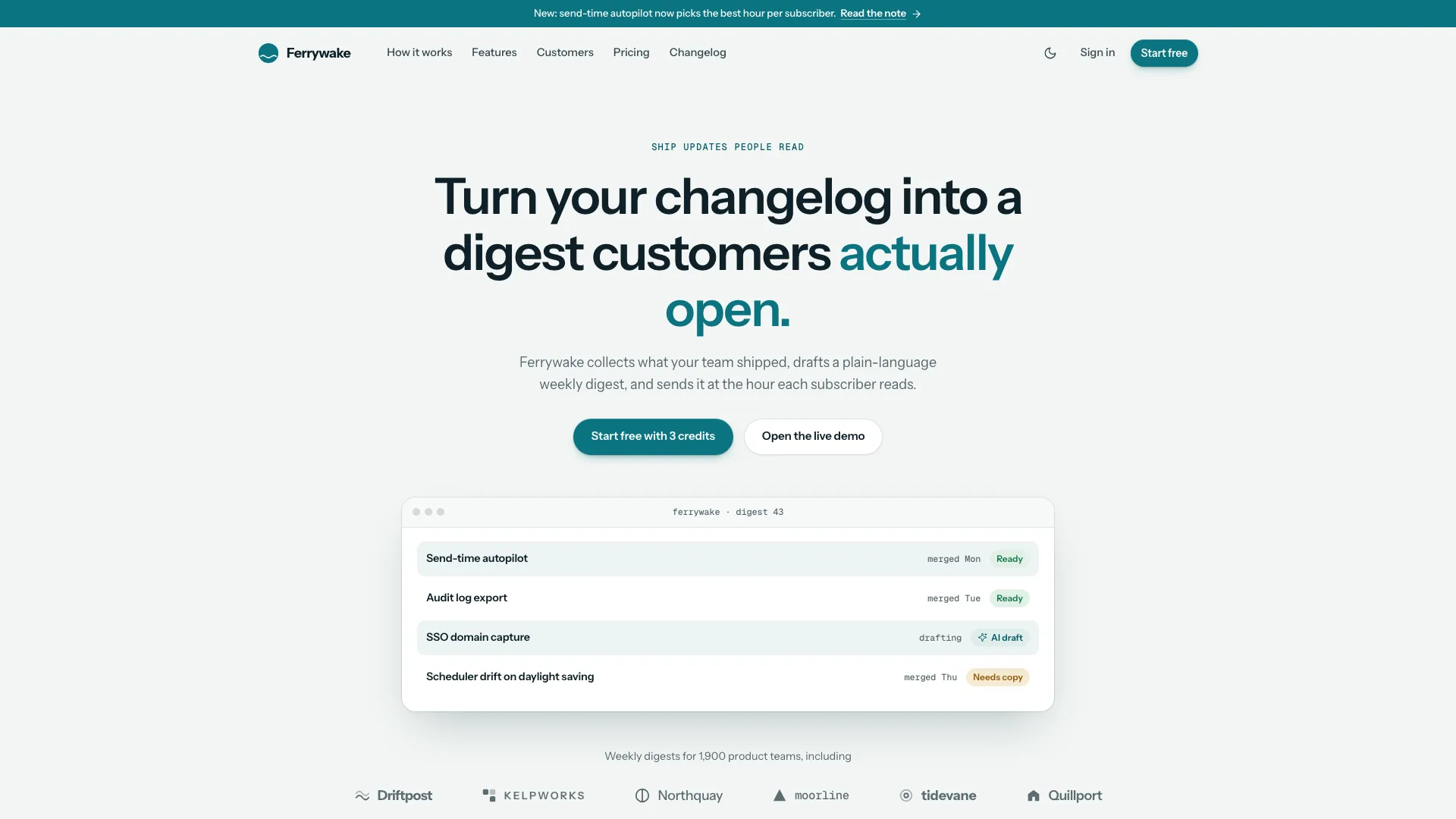
Keep the quiet hero anatomy: pill, left-aligned two-line Hanken claim at 68px desktop/38px phone, roughly thirty-word lead, two equal compact actions with note, and full-width app below. Use cyan/teal with neutral greys, one gradient text fragment, one top-right glow and fine grain. JetBrains Mono carries code/logs with ligatures off. Preserve the 1132px content width and restrained section scale; avoid extra badges/stats, purple tints or a grid behind the hero.
Rebuild nodes, edges and run sequence together using the actual product’s nouns. Four to six nodes need meaningful labels, configuration, states, durations and correctly positioned wires; the inspector becomes a Logs toggle at narrower widths, then nodes/wires stack vertically on phones. Do not treat the sample camera ingest, hashing, transcoding, copy or notification text as those operations being executed. Retain one informative retry and a clear final state, with replay and reduced-motion completion.
Map explorer tabs and code examples to the same primitives. CI can use checkout/test/build/deploy and cache/history; data pipelines can show sources/transforms/sinks/backfills, queues workers/dead letters and agents tools/approvals/traces. Tune the retry demonstration and run-history examples to plausible product behavior, preserving visible setting changes, simulation feedback and empty-state recovery. These are local explanations, not a configured runner or job scheduler.
Adapt the observability data and claims separately. The sample uses seeded daily run/failure series, fixed percentile/prior-period labels and a proportional saved-hours formula. A range change updates local visualization, not a backend query. Inbox retries use local feedback, and the tail repeats predefined messages with synthetic time advances and a capped visible list. Keep filtering/pause/empty state useful while avoiding claims of a connected telemetry stream.
Use the local-first/beam diagram only for an architecture the product actually supports. For a hosted API it can become client/region/storage rather than falsely promising local execution; per-OS install can become npm/pip/go SDK tabs and Download can become SDKs/Integrations. Keep the runner photograph only when it represents where the software runs. Developer and security sections must agree about secrets, synchronization, residency and network behavior.
Give docs a usable quickstart and product-specific commands/concepts. The example has ten article sections, a searchable grouped sidebar, on-page outline and copy tools; releases include versions/dates/types/tags/authors. These are populated pages but no live CMS. Replace package names, environment variables, configuration filenames, commands and links together; verify executable examples against the actual product when implementing.
Customize two to four plans, one featured plan and matching comparison headings/cells/group spans, keeping monthly/yearly values and savings badge consistent. With a single genuine price, use meaningful free/local versus paid options only if they exist, or remove unnecessary billing/comparison. Adjust customer-mark columns and quote masonry counts; removing a section/route also removes its links and ID-bound script block to avoid startup errors.
Plan photographic roles as a coherent cool cyan/teal documentary set: customer operator/environment, runner location, trigger/detail and nine matched avatar crops. The small unbranded runner computer is neutral when relevant; generated avatars remain disclosed stand-ins. Replace the film-postproduction portrait/suite/card-reader story for another industry. Real customer/team identity needs approved photos. An available agent image tool may charge; supplied photos or clearly labelled gaps are alternatives.
Rebrand beyond visible headings: metadata/page titles, workspace/runner/handles, node/library/source code, docs/install commands, download filenames/checksums/version, domains/mail/social labels, story slug, customer quotes/marks, authors and legal entity. Replace the sample security audit, subprocessors, fingerprint and disclosure address with confirmed facts or plain architecture. An invented checksum or filename is not a real release artifact.
Treat installation and account outcomes honestly. OS detection/picker changes example commands and highlights cards, while the download click only shows a delayed “Download started” toast. Connect actual release URLs and check files/checksums before publishing a real download. Signup/sign-in/contact/newsletter handlers validate then display timed workspace/signed-in/sent/subscribed messages without authentication or message delivery; qualify them as demonstrations or connect real services.
Prepare offline delivery with Node.js 18+ and initial internet access to download/embed Hanken Grotesk and JetBrains Mono, alongside local assets. Target under 5 MB and remain below the 8 MB cap; check missing/download failures even when a file is written. Preserve asset deduplication and sandbox-safe routing/copy fallbacks. Validate final HTML or adjacent-files output with existing files; a project-folder scan still needs framework build/type/lint and route checks.
Review at 390, 768, 1024, 1440 and 1920px in both themes, checking overlap, long code and overflow. Let the canvas finish, select nodes and replay; test explorer settings/history/search, rail, chart tooltip/range, tail pause/filter, code copy, billing/FAQ, OS controls, docs/releases and every form. Check menu focus/Escape, route/back navigation and actual clipboard/download outcomes, plus visible-only loops and reduced motion. Repeat key paths in the scripts-only iframe for offline output, fix/recheck and report actual checks and remaining data/photo/service gaps.