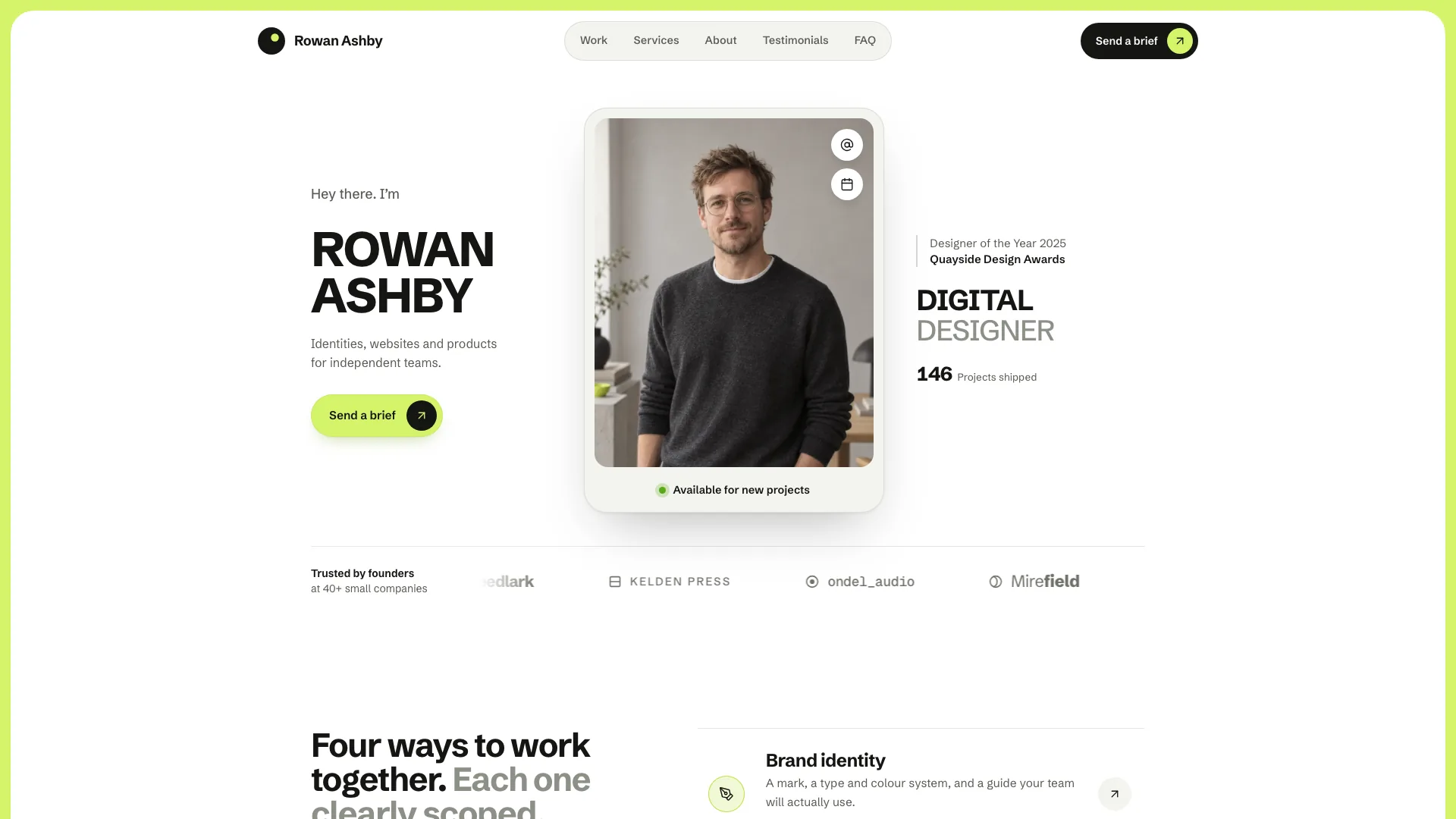
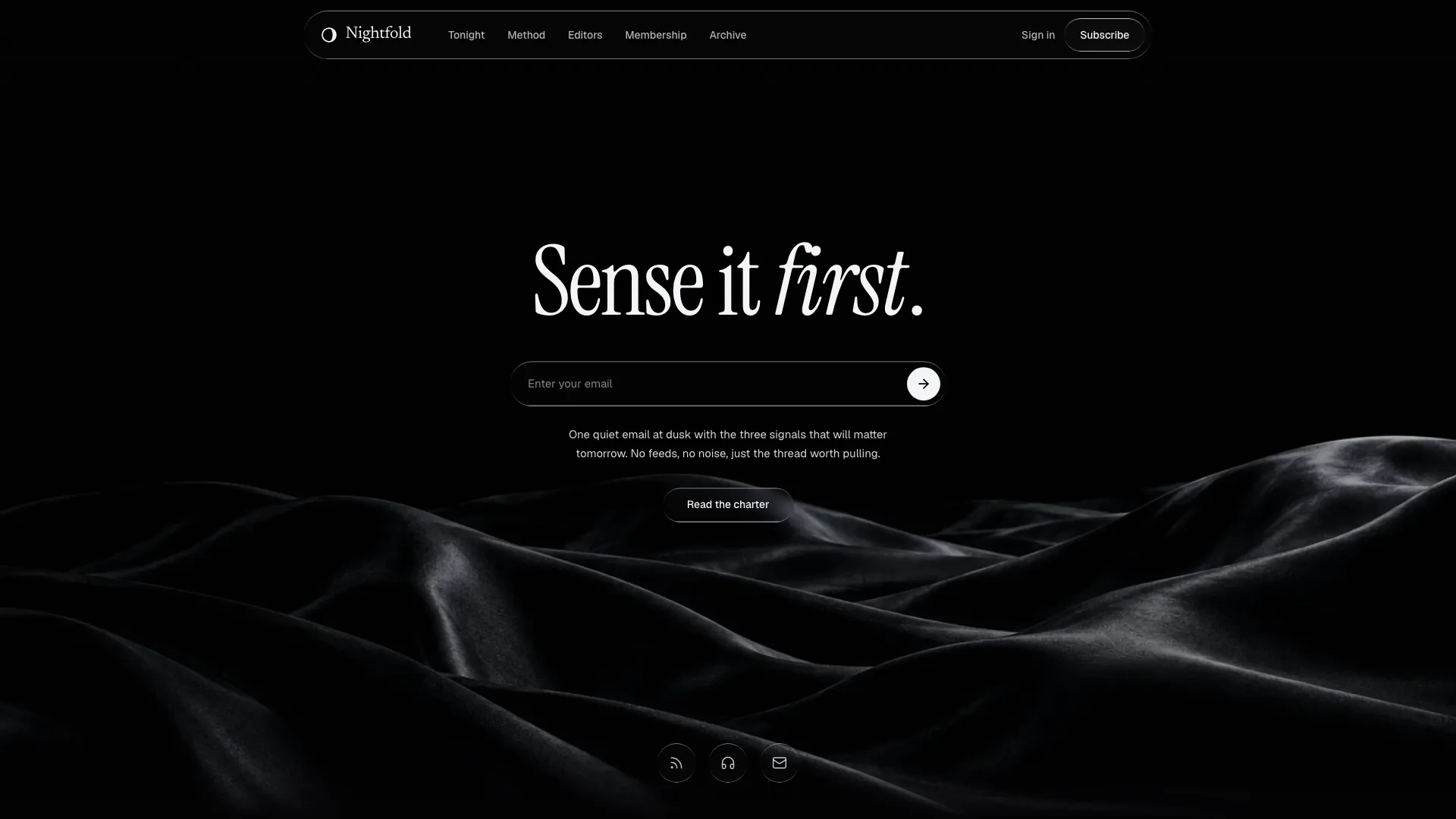
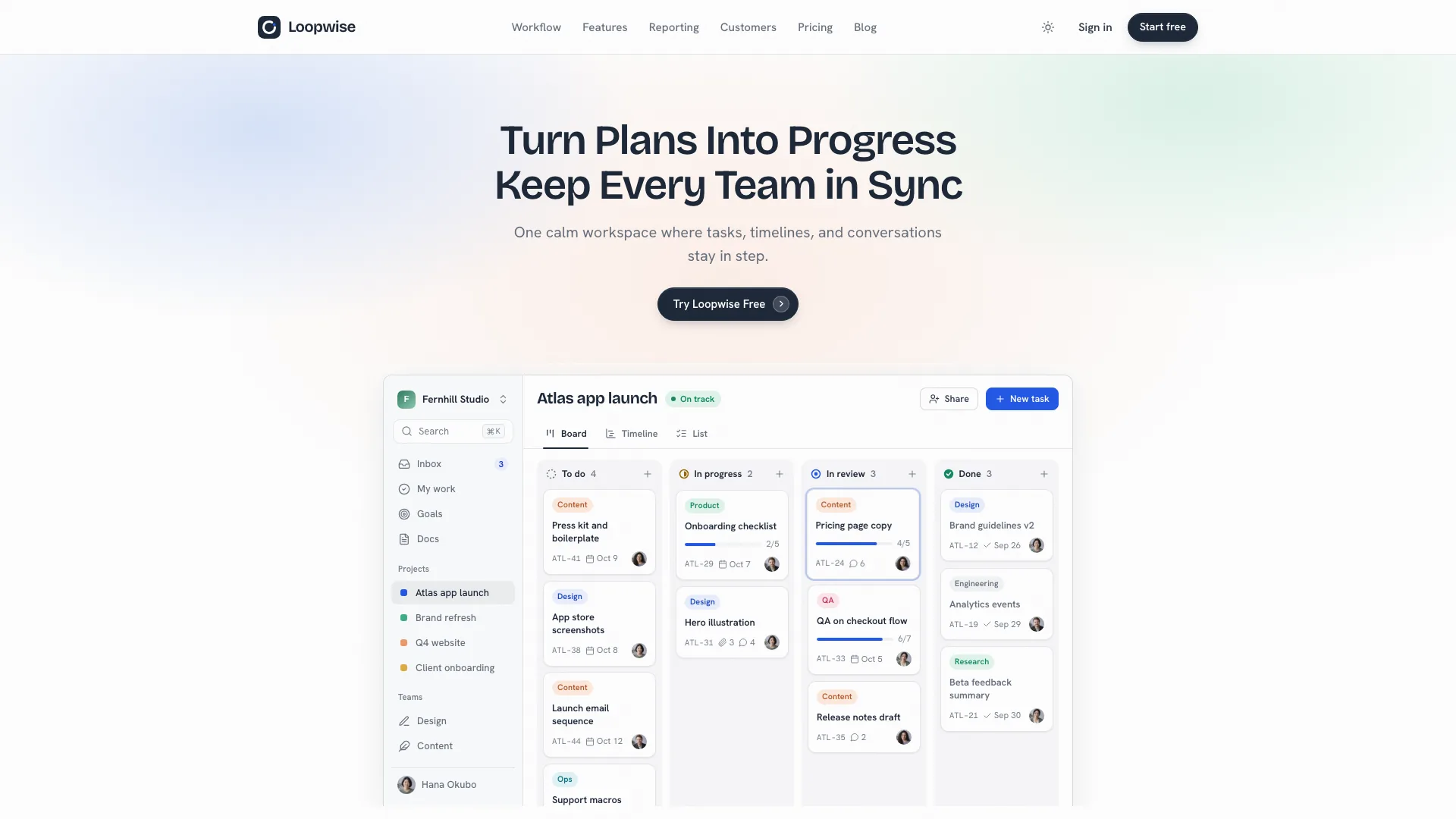
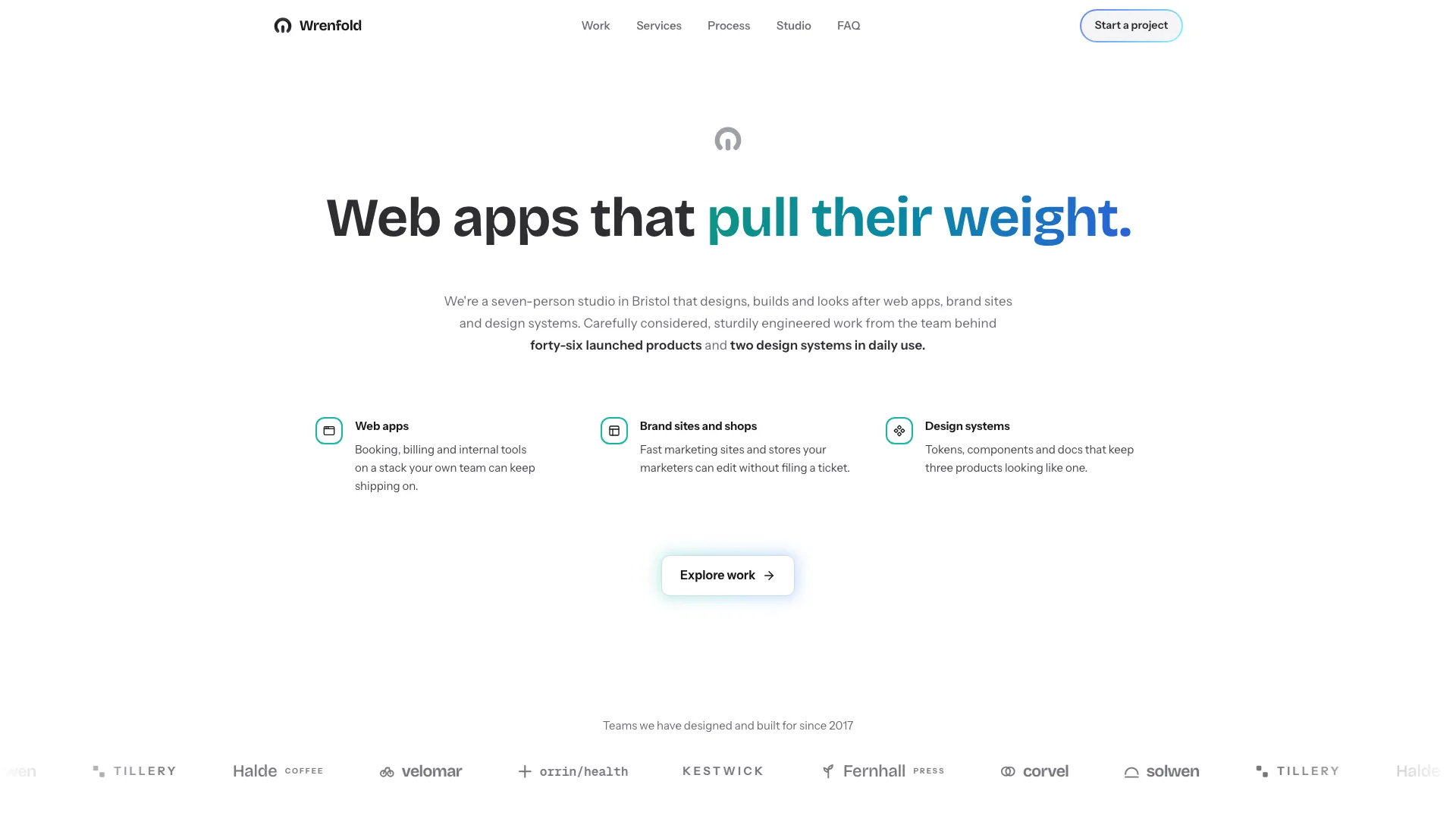
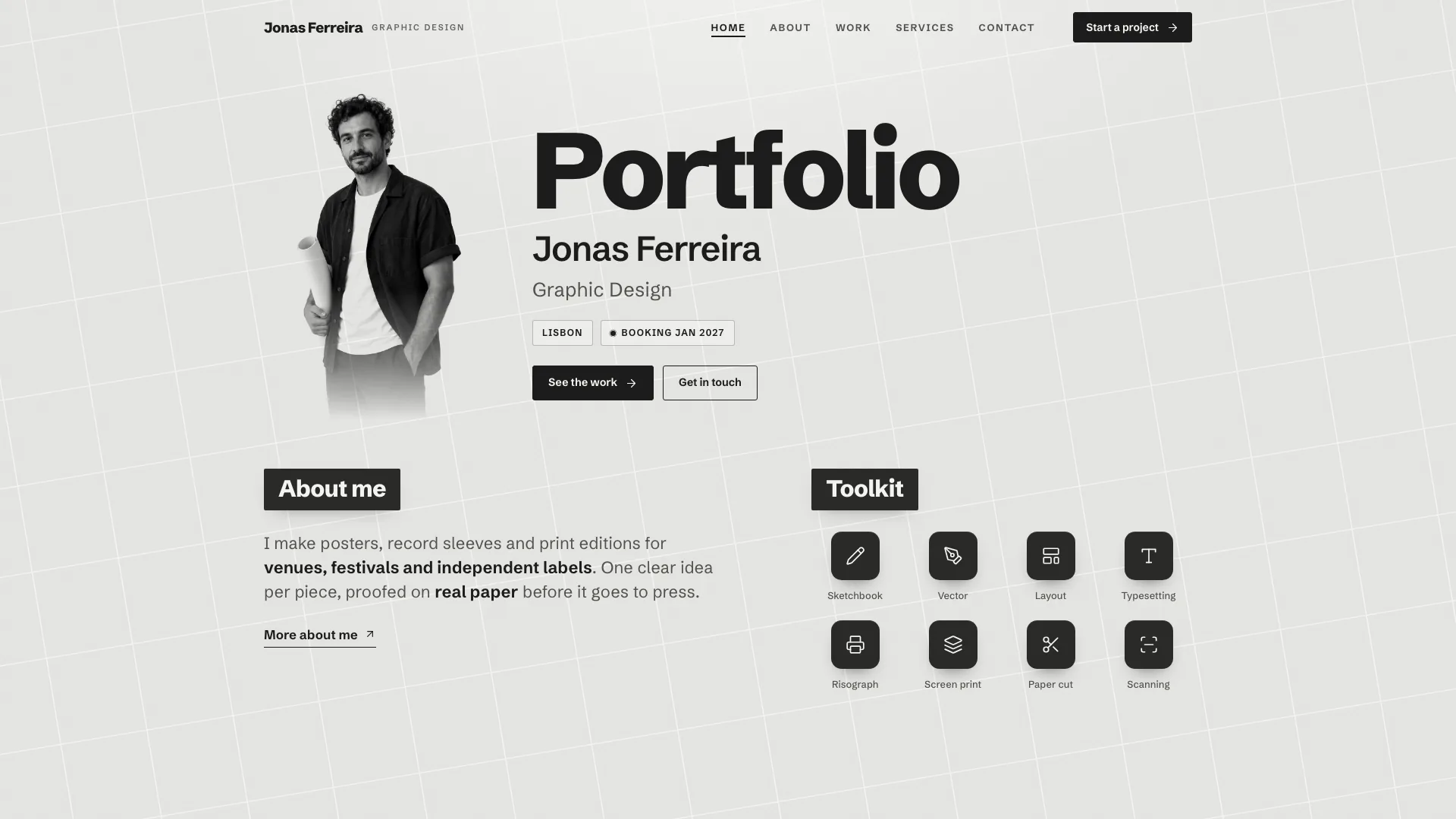
Bring work, writing and professional history together in a calm personal site. Inkwell keeps a portrait, availability and resume entry in a fixed sidebar while a rounded editorial sheet carries the material visitors came to read. It suits a few projects with a story behind them, with space for the difficult decision as well as the finished screen.
What you get
A connected site with Home, a filterable work index, full case studies, a searchable writing index and complete articles, About, Resume, Contact and a missing-page state. The fictional example has four projects, four essays and fifteen routes; these are reference contents, not claims about your experience.
Case pages organized around the problem, process, outcomes and one hard decision, with an image switcher for a small selection of frames. Work filters and writing-topic chips help readers find relevant material rather than forcing every project into the home page.
A resume timeline, quote carousel and locally validated contact form, with a focus-trapped drawer for mobile navigation. The authored design uses a quiet sidebar, white content sheet and gradient-ink headings instead of a loud animated introduction.
Project covers from your screenshots or realistic interface mockups built with the supplied kit, together with a coordinated photographic direction. The default output is one offline HTML file with Instrument Sans, Newsreader and Geist Mono embedded; the package also includes style and build/check guidance.
Before you choose
Choose Inkwell when readers should understand your practice through both projects and prose. Compared with Hairline Grid, it has a softer editorial sheet-and-sidebar identity; compared with a service-led portfolio, its case decisions and writing deserve more attention than package pricing.
Good fit
A product designer or developer wants work, essays and a resume behind one link, with more explanation than a thumbnail wall provides.
A job seeker has cases that can show process, supported outcomes and a consequential decision rather than only a final image.
A writer, consultant, engineer or photographer wants a restrained one-person site and can adapt its case-study structure to selected work.
Not for
A loud, colorful or heavily animated identity. This design is light, typography-led and deliberately quiet.
A large photographic archive: the case pages are built for a few chosen frames, not hundreds of images per project.
Receiving real messages from the included local form without connecting a delivery service, or treating a browser success state as proof of delivery.
How to use
You say/inkwell-portfolio Build Mara Voss's portfolio: a product designer in Rotterdam with four projects, four essays and a resume page.
Prepare your name, role, city, availability and email; two to four substantial project briefs; work history; essay material and any permitted quotes. For each case, include the problem, process, actual outcome and a decision you can explain. Keep missing facts on a confirmation list instead of presenting drafted numbers as established results.
Choose the output for your context. A standalone request defaults to one embedded HTML file; an existing or requested framework site should use real routes and a shared sidebar layout. Keep project and writing data separate from layout so revisions do not require rebuilding every page by hand.
Fill case studies with your own screenshots or project-specific mockups from the kit. Supply portraits and other photos where possible; optional generated portrait, workspace or article imagery can incur tool charges. Identify a generated person as a stand-in to replace, not a verified likeness.
Populate complete articles and check their topic tags alongside work filters. The documented project range is two to six, with two to four preferred for the main presentation. If there is no writing, remove its page and navigation rather than leaving an empty essay section.
Run the build checks and read every case and article in the actual desktop and phone layouts. Exercise the image switcher, filters, topic search, carousel, mobile drawer and contact errors/success. Connect and test message delivery separately before calling the site ready for enquiries.
Requirements and costs
You bring
Your name, role, city, availability and email · Two to four projects with the problem, process, outcomes and screenshots if you have them · Your work history and a few essay ideas
Dependencies
Node.js 18 or newer on your agent's machine, to run the bundled script that builds the single offline file · Internet access while the file is built, so the fonts can be downloaded once and embedded · An image generation tool in your agent for portrait, workspace and essay photos, or photos you supply
Outside costs
Portrait, workspace and essay photos are generated with your agent's own image tool, which may incur that tool's usage charges. Product screens are built as mockups, and your own photos and screenshots can replace any image.
Publisher testing
v1.0.3 — Claude Code / Claude Desktop / Cowork / Codex / ChatGPT
FAQ
Identity and contact details, two to four project stories with problem/process/outcome and a hard decision, three to five jobs and a few complete essays or essay ideas. Optional quotations need accurate attribution. Drafted gaps must be listed for your confirmation; they are not new evidence about your career.
Use your screenshots where available, or build realistic interface mockups with the included kit. Portrait, workspace and essay-cover photos can be supplied or generated with the agent’s image tool, which may charge. Generated portraits are stand-ins and should be identified for replacement.
Yes, through an actual adaptation to the existing framework. The views become routes, the sidebar becomes shared layout and project/post data becomes content modules. The default standalone file is not a reason to wrap an existing app in an iframe.
The package allows optional sections to be removed. Remove writing links when there are no posts, and do not invent praise to fill a quote carousel. Review indexes and navigation after changing content.
The supplied form validates and confirms within the page. A real delivery endpoint must be connected and checked before a success message means an enquiry reached you.
User reviews
—0 reviews
Select a star to share your experience.
No reviews yet. Ratings appear once readers share real experiences.