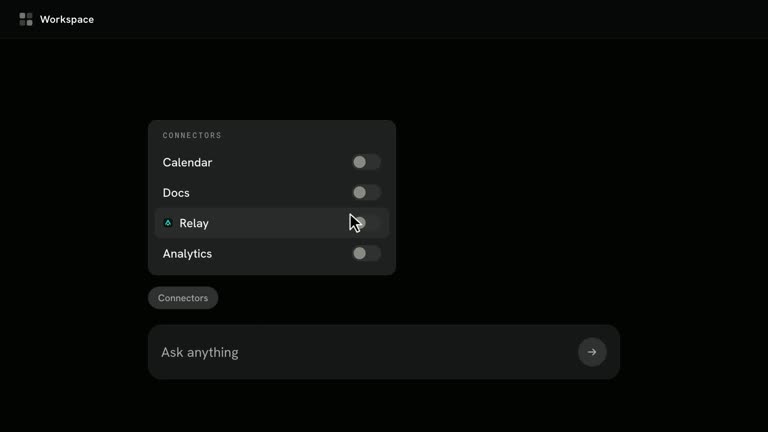
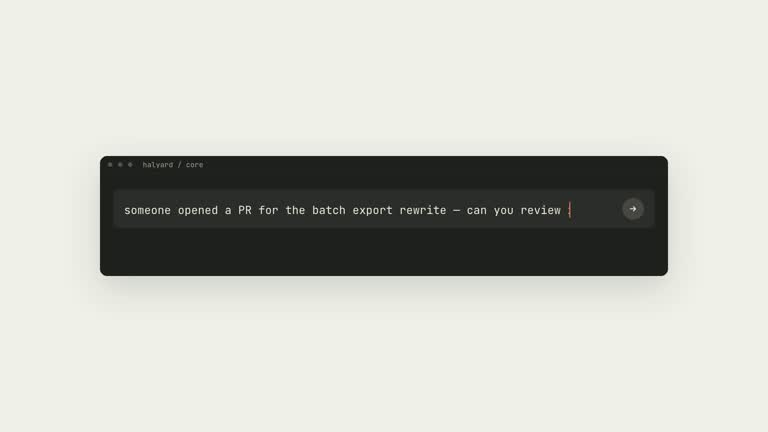
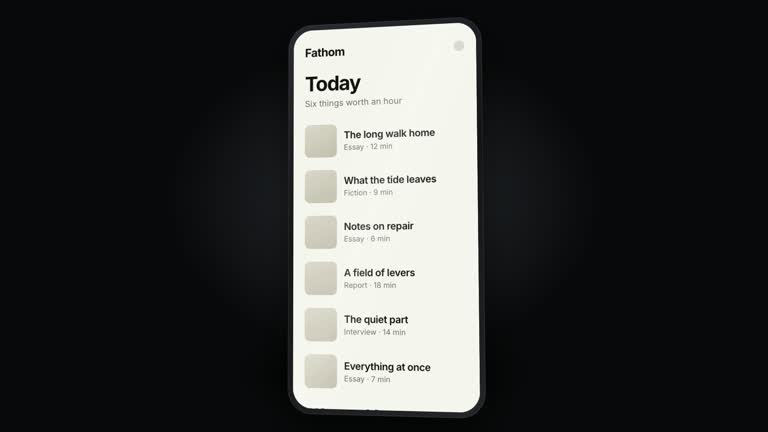
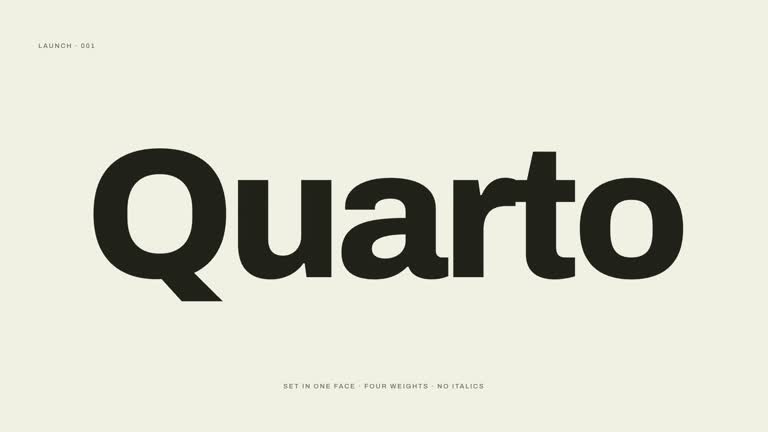
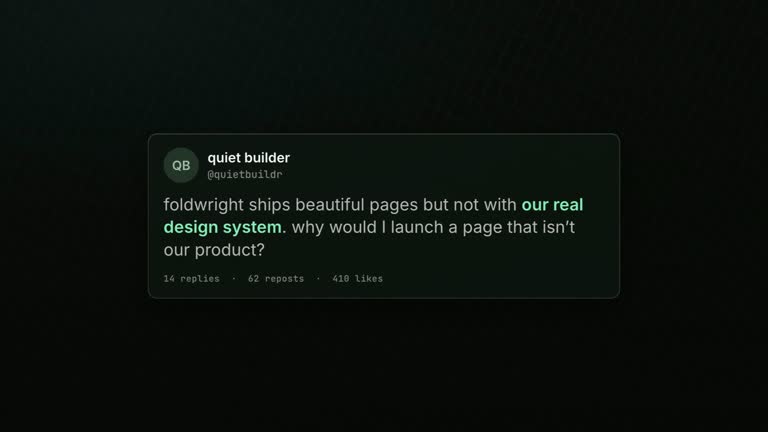
Present breadth by giving each capability a genuinely different visual world. Capability-Keynote changes palette, typography, technique and composition from beat to beat, while a steady keynote voice and pacing hold the film together. Its ending returns to the opening world, making the middle feel like a deliberate range rather than unrelated clips.
What you get
A production method for a thirty-to-fifty-five-second, 1920×1080, 30 fps H.264/AAC film with narration and a music bed, usually built around five or six distinct capability demonstrations.
A world-per-beat storyboard specifying palette, typeface, technique and composition logic. Each authored beat receives its own composition and scoped stylesheet so one world’s design rules do not leak into the next.
A pacing and narration discipline shared across the worlds, with an exact return to the opening design at the close. The format deliberately avoids a persistent logo, universal brand accent or recurring transition motif.
Guardrails including distinct adjacent worlds, a light/warm home register, at most one dark departure in the reference six-beat set and a midpoint-still comparison before rendering. The guide-only archive directs creation of the editable project, transcript, ledger and MP4.
Before you choose
Choose this when different outputs can support a real breadth claim. Lay out the five or six results before assigning visual styles; otherwise the film may prove only the designer’s ability to change palettes. Each world should communicate a distinct capability even when the caption is covered.
Good fit
A tool, runtime or platform whose real claim is the range of output it can produce.
A product with five or six genuinely different capabilities or results, each strong enough to stand on its own.
A brand willing to step aside visually during the middle of the film so the outputs can establish their own worlds.
Not for
A single-capability launch that would change aesthetics repeatedly just to show the same function.
A strict requirement for a visible logo or shared brand color in every frame.
A scope in which several beats can only be finished to an unconvincing standard. The structure exposes the weakest world rather than hiding it.
How to use
You say/hyperframes-capability-keynote-launch Our runtime makes charts, titles, explainers, loops and ads. Make the film that proves the range.
Choose five or six distinct supported capabilities and gather the material for each. Confirm that the brand can disappear through the middle and prepare a concise keynote-register voice script and suitable music.
Assign each capability a palette, typeface, technique and composition logic. Compare neighbors before building: adjacent worlds should differ on those dimensions rather than look like slides from one deck.
Prepare HyperFrames CLI, Node.js 22 or newer and FFmpeg and locate the referenced animation/audio guidance. Lock and transcribe the narration, deriving beat boundaries from the read rather than stretching a spoken sentence to fit a finished animation.
Finish the hardest world in isolation first. If it cannot reach a standard worth showing alone, reduce scope. Build the remaining beats with separate styles, a consistent pacing grid and controlled cuts; keep the opening-world return exact at the close.
Put midpoint stills side by side and inspect every neighboring pair, then review motion, contrast and narration timing at playback speed. Run documented checks and render verification, inspecting final dimensions, duration, frame rate and audio. Retain the per-world table, transcript and editable project for later revisions.
Requirements and costs
You bring
The product and five or six genuinely different things it can make · A locked voiceover script in keynote register · A palette, a typeface and a technique per beat · Confirmation that your brand does not need to appear in every beat · A licensed music bed
v1.0.0 — Claude Code / Claude Desktop / Cowork / Codex / ChatGPT
FAQ
The shared pacing grid, consistent voice register and deliberate return to the opening world. The guide avoids adding a shared accent, typeface or motif because that would turn the middle back into one design system with variations.
Compare their midpoint stills and ask whether they could belong to the same deck. If so, change one world’s palette temperature, type classification, technique or composition. Non-neighboring beats may echo one another; adjacency is the key review.
That conflicts with this format’s premise. If a persistent accent or logo is mandatory, choose a structure designed around one brand system rather than weakening the difference between worlds.
It tests the scope before a full film accumulates. If that world cannot work as a convincing standalone demonstration, cutting a capability can produce a stronger film than reducing the quality of every beat.
The production guide, beat sheet, world guardrails and retarget checklist. The agent still has to author the individual visual worlds, transcript-based timing and rendered film; no complete multi-world project is bundled.
User reviews
—0 reviews
Select a star to share your experience.
No reviews yet. Ratings appear once readers share real experiences.