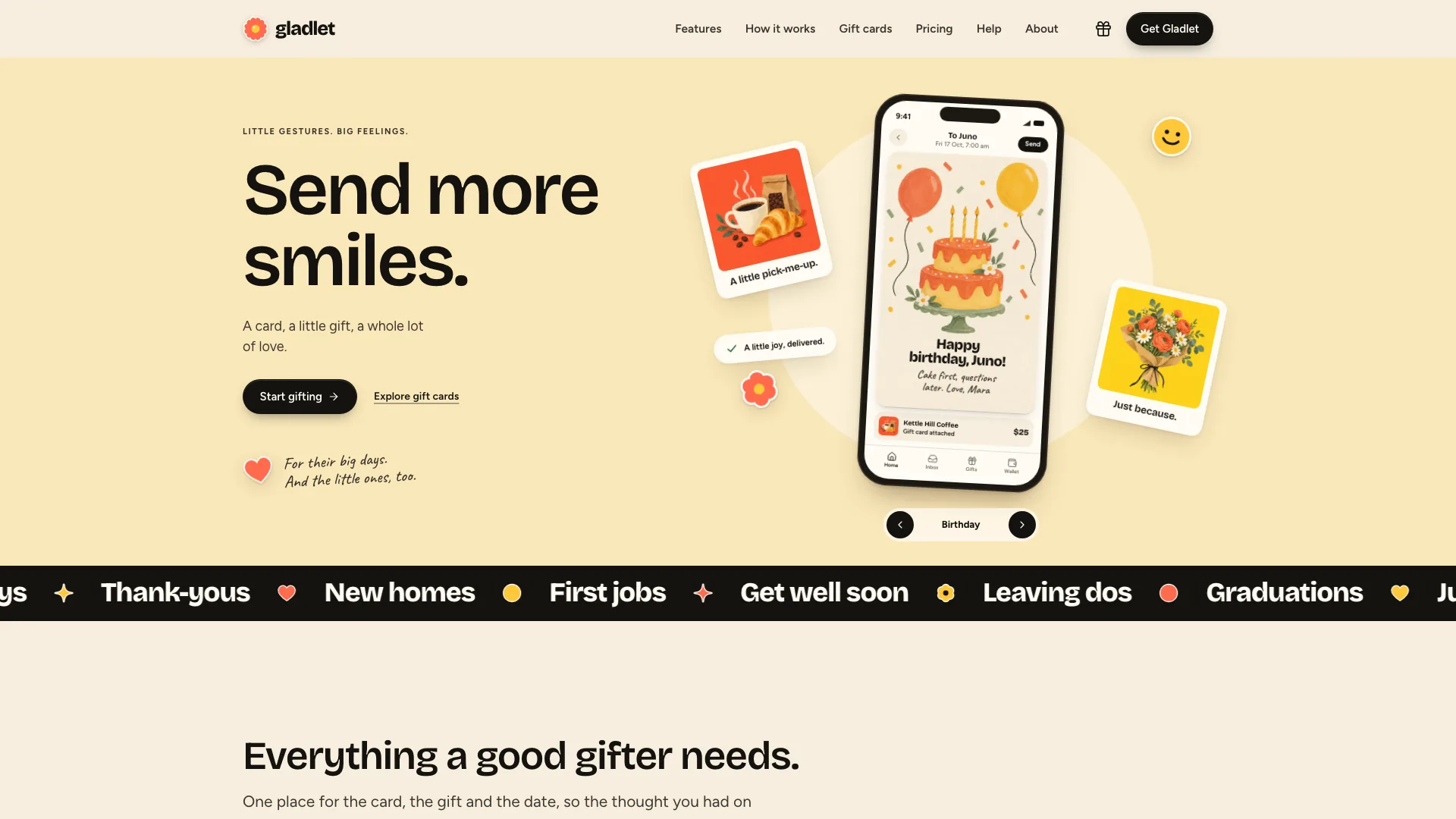
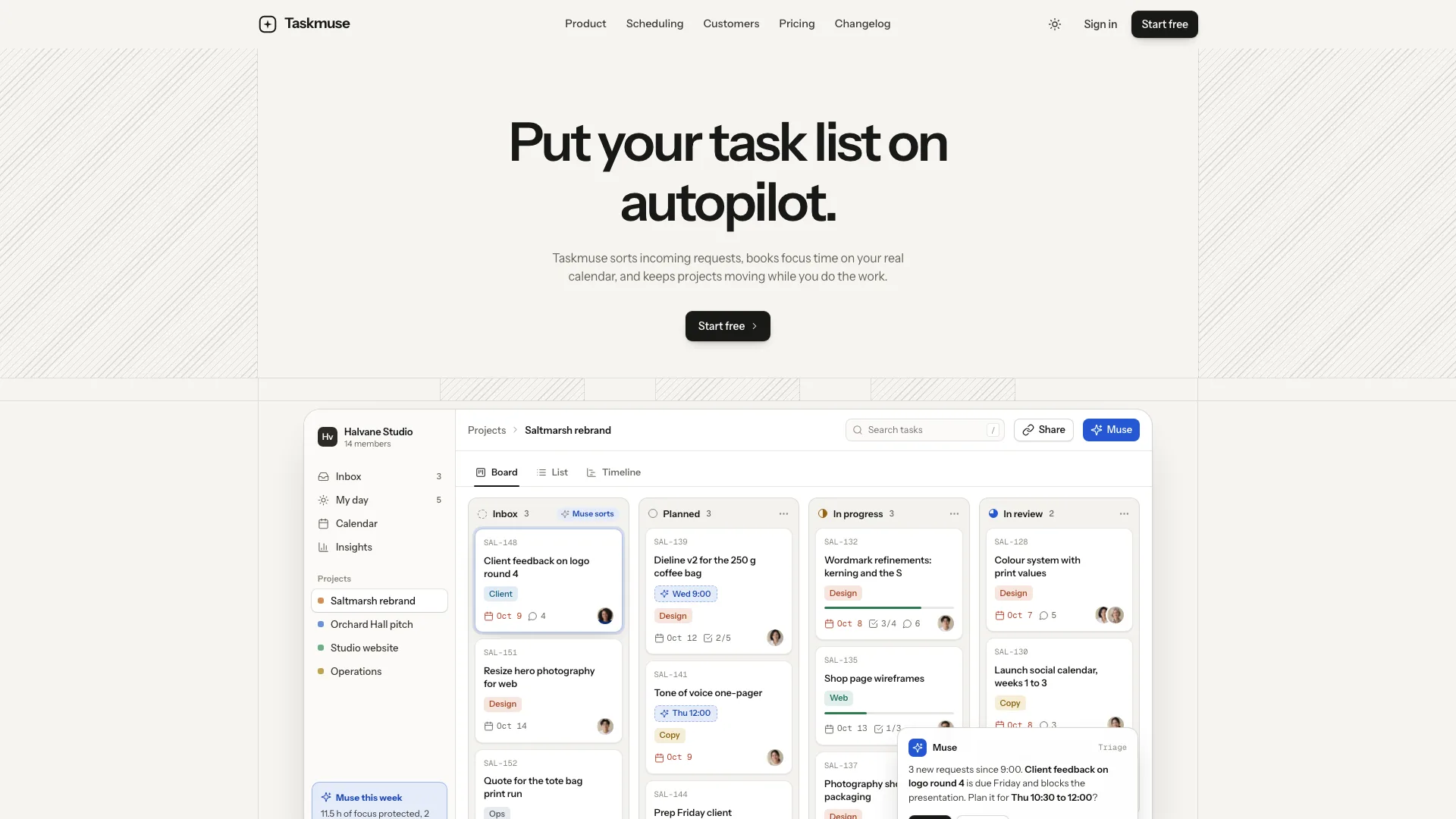
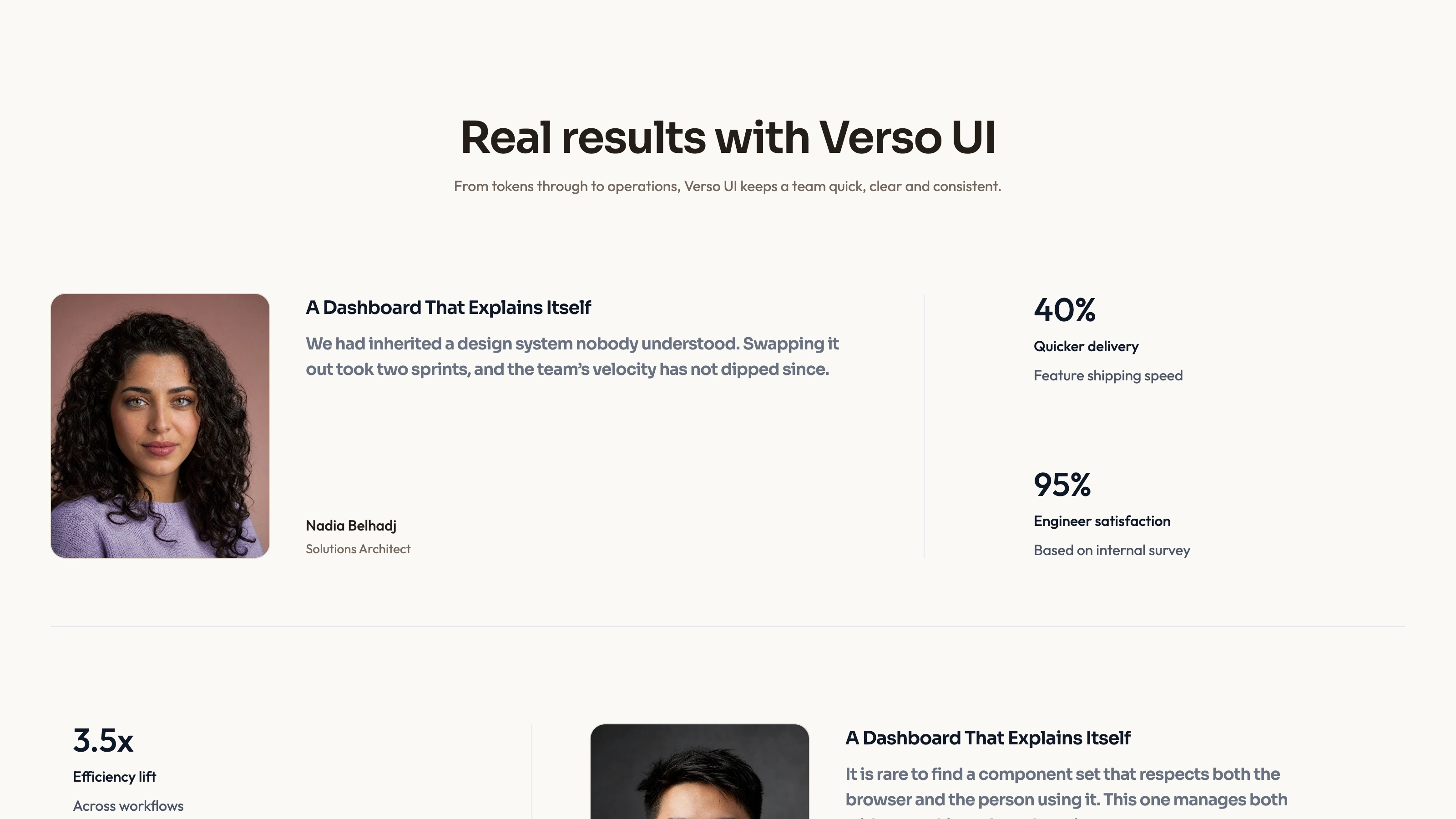
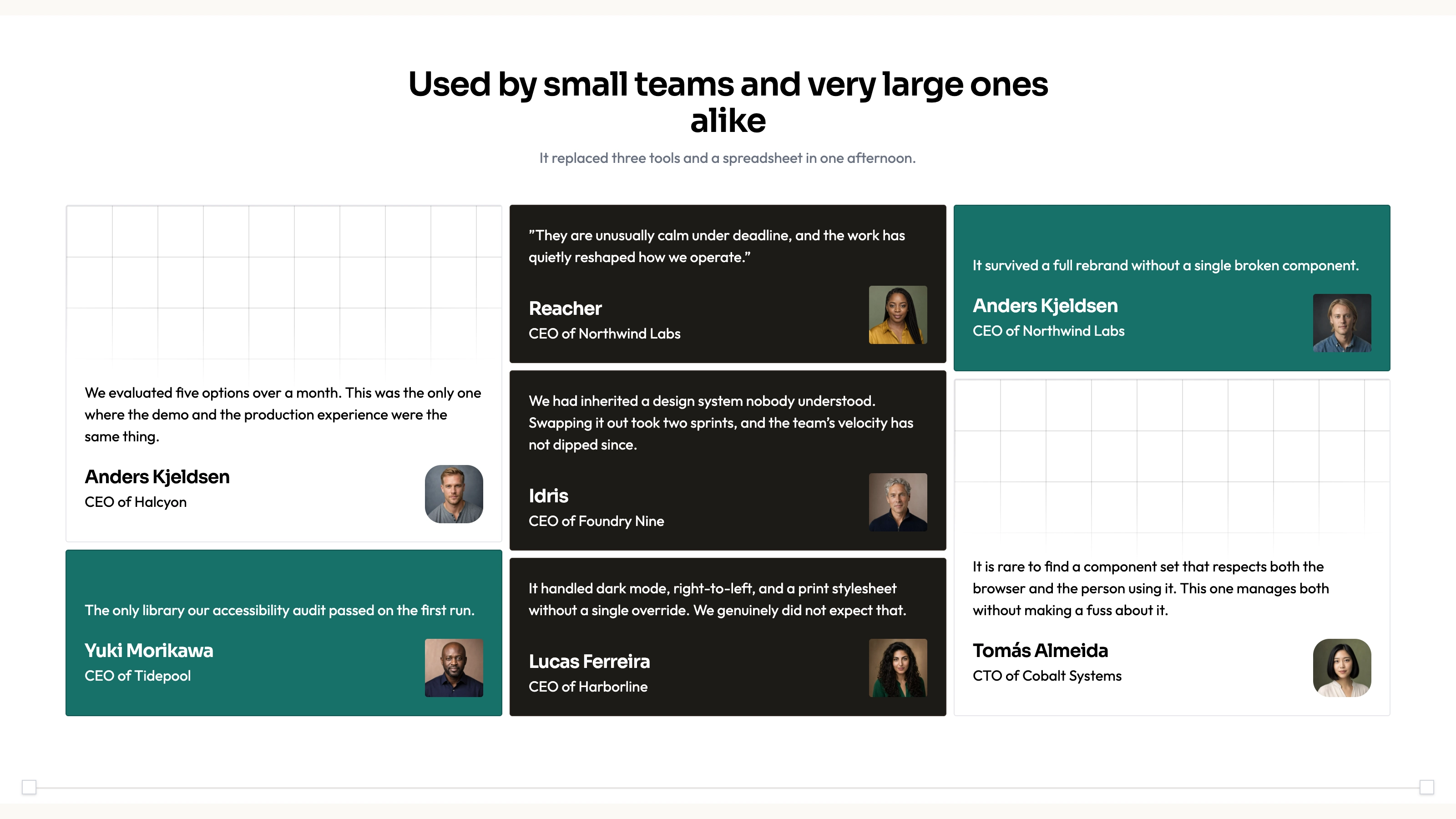
Explain a new product through an interface visitors can explore, framed by warm light rather than a static screenshot. Orbit Startup Landing pairs a dashboard with falling beams and small collision sparks, then develops the story through feature vignettes, setup steps, customers and pricing or a waitlist. Both light and dark themes extend through the companion pages.
What you get
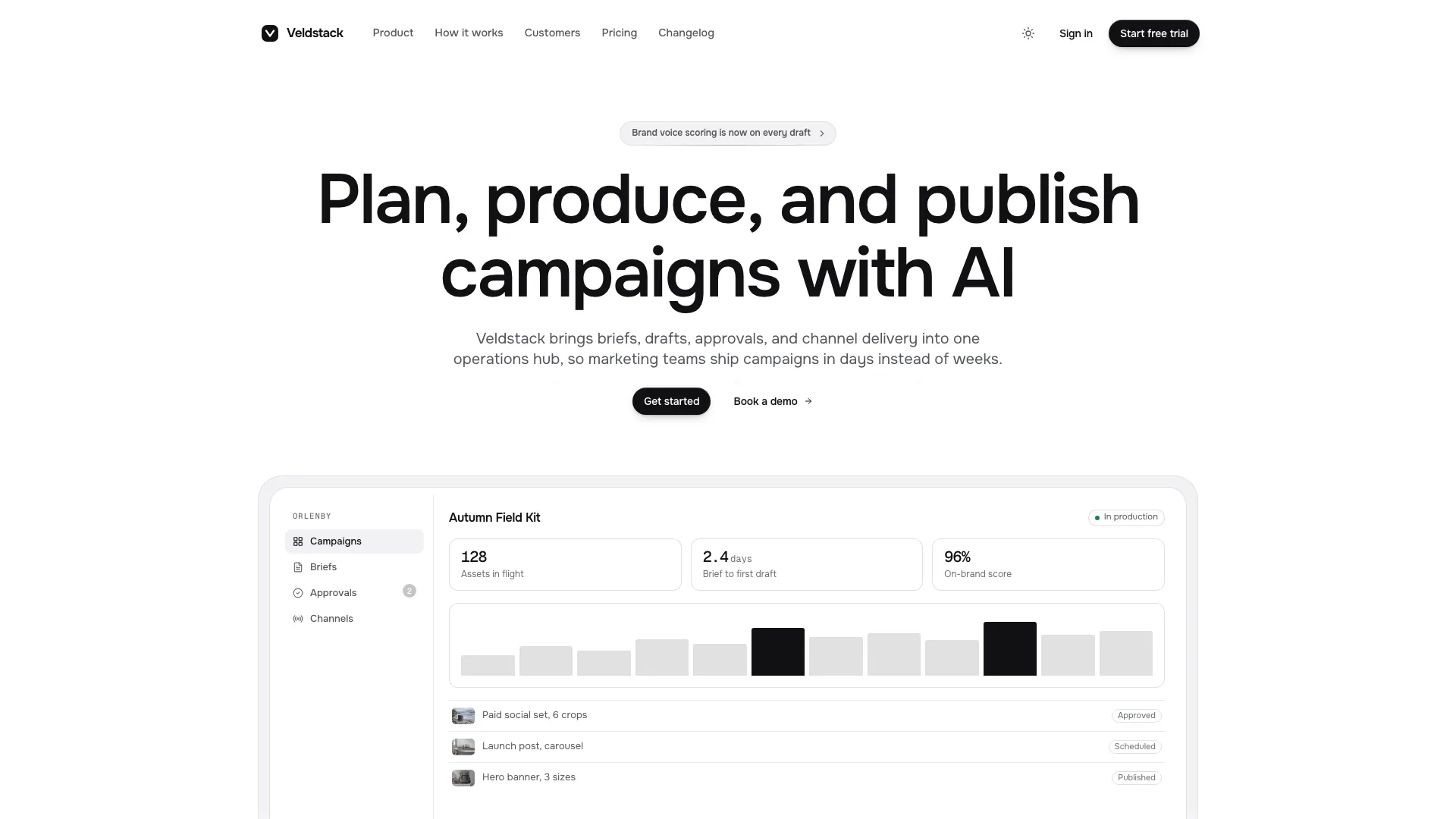
A warm-neutral marketing home with a rotated dashed grid, restrained centered headline, two compact actions and a framed product dashboard. Orange-gold beams meet the frame and scatter into sparks; navigation condenses into a floating pill, and the page ends in a large wordmark. Instrument Sans and Geist Mono supply the typography.
Code-built product views: hero KPI/bar/schedule content, a replayable typed-request pipeline, inbox panel, dotted canvas globe and range-switchable insights chart with tooltips. Setup tabs include switches, a range input and an apply/Undo demonstration. Content is recast in the product’s own objects and states; none of this supplies an AI scheduling or automation backend.
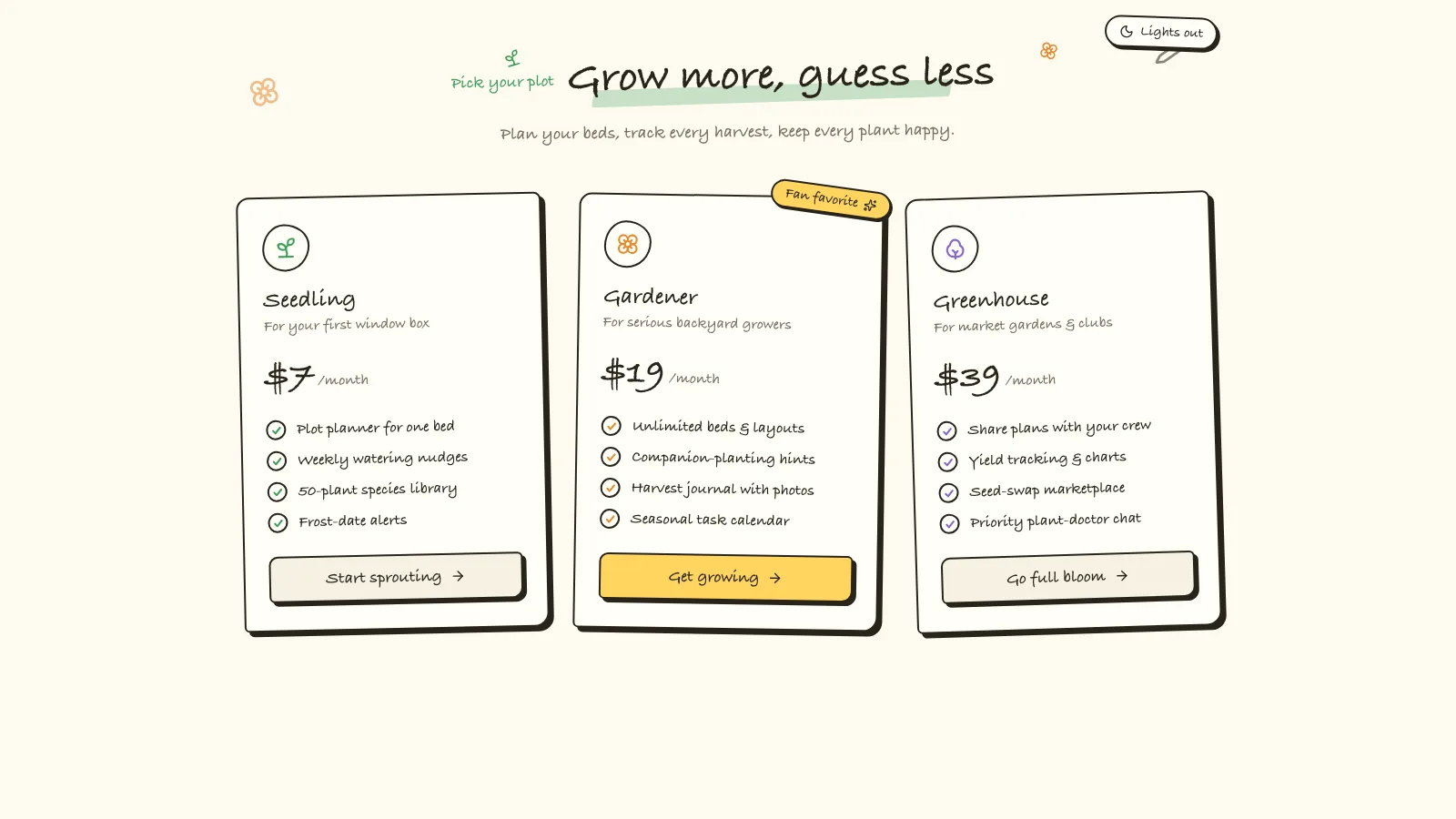
A feature bento, setup walkthrough, editorial focus split, customer story/testimonial wall, security band, pricing/feature comparison, founder introduction, FAQ and trial or waitlist CTA. Monthly/yearly selection updates prices and carries the chosen plan and cycle into the sign-up summary. Customer claims, ratings, security badges and metrics require actual evidence.
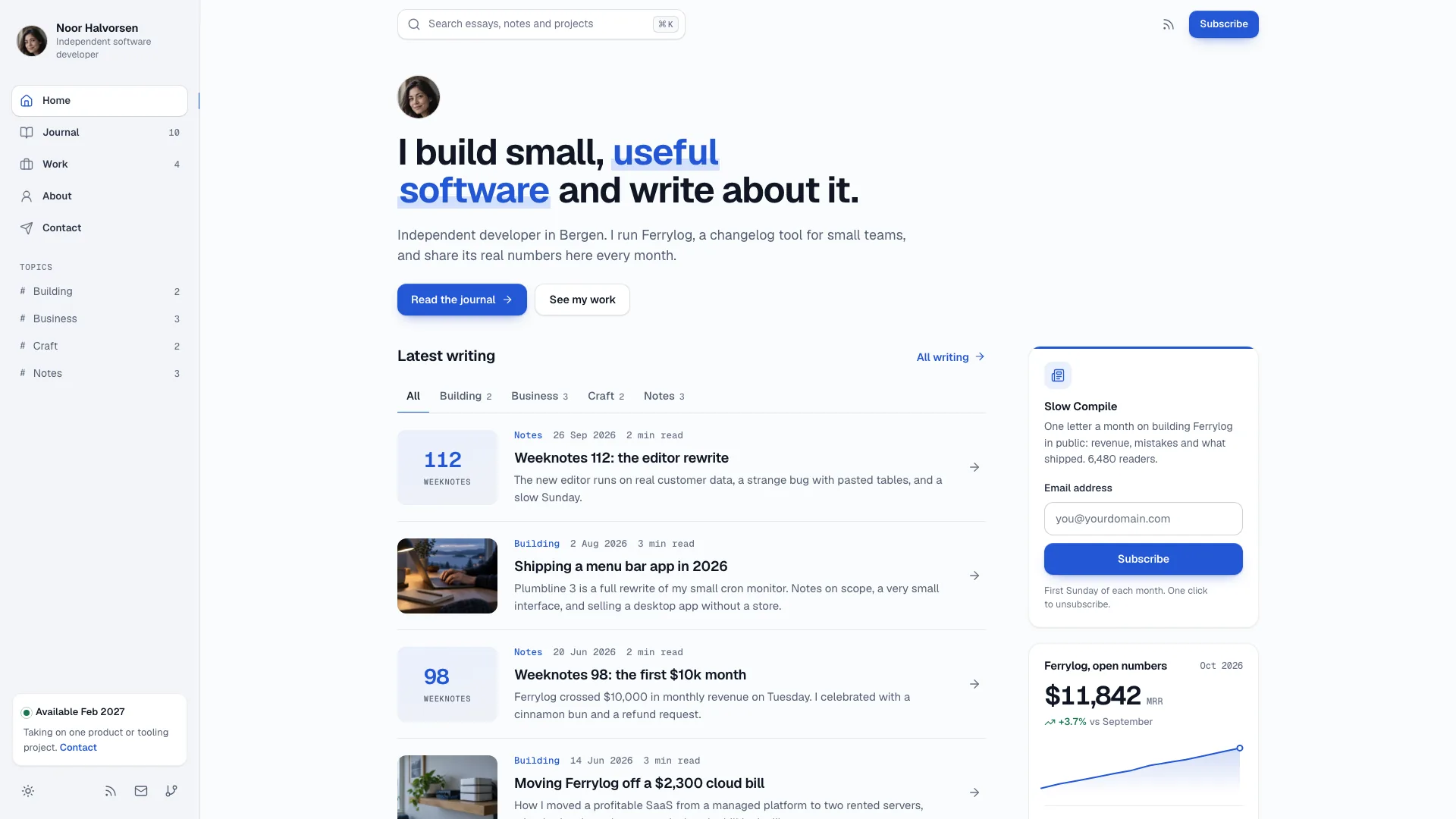
Sign-up, sign-in, demo, early-access, changelog, privacy and terms pages plus a designed 404. Changelog tags/search expose counts and an empty state; acquisition forms provide validation, loading and local success feedback. Real account creation, magic links, appointment invitations, newsletters and payment collection require connected services.
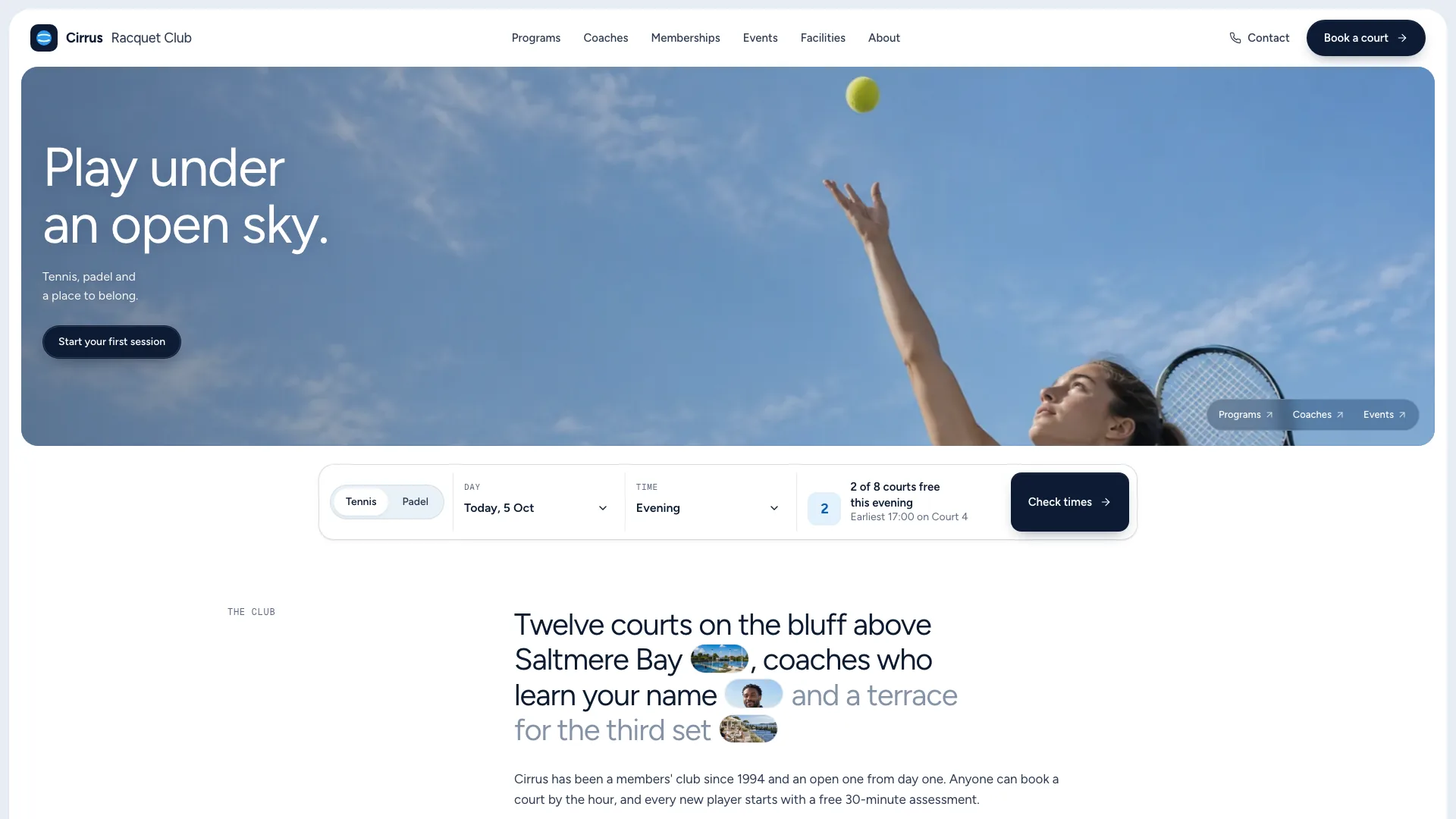
Light and dark layouts, mobile navigation, keyboard-aware tabs/forms and reduced-motion variants for beams, globe and reveals. Editorial and portrait slots have a planned photographic direction, with designed-panel and monogram alternatives when no images are available.
One offline HTML file by default with fonts and chosen images embedded. The package includes source, guides, image plan, builder and static validator. In a requested or existing framework project, sections and companion pages become native components/routes, with beam and globe effects managed as client-side components.
Before you choose
Choose one product outcome and show the mechanism behind it in the interface panels. Keep the visual effects subordinate to that explanation. Before opening acquisition paths publicly, make sure the chosen plan survives navigation and that each success message describes an action the connected service actually performed.
Good fit
Founders launching a product or waitlist who want a recognizable visual moment that also works in a pitch demonstration.
Productivity, scheduling or developer tools with concrete interface objects and workflows that can explain the offer.
Small teams needing coherent pricing, changelog, sign-up and legal pages alongside the landing page.
Not for
A CMS, ongoing blog or large editorial publishing system; this is a landing site with a limited family of companion views.
A project that must retain a substantially different visual system. Warm neutrals, ink buttons, light beams and the product frame define this treatment.
Handling real registrations, email, bookings or payments from the sample alone. A successful local form state does not perform those operations.
How to use
You say/orbit-startup-landing Build a landing page for Solvine, an AI scheduling assistant for busy teams, with Solo, Team and Business plans.
Provide the product name, audience, main outcome, four capabilities with their mechanisms and three setup steps. Supply two to four plans with real limits or a clear waitlist offer. Add permitted customer quotations, supported story metrics, FAQ answers and images you can use; rough notes are enough to begin, but missing claims must be listed for confirmation.
Rebuild the displayed product story in your vocabulary. Keep three hero KPI tiles, a chart and upcoming rows, then make the pipeline, inbox and setup panels show meaningful objects, people, states and timestamps. Use the globe only for a genuine multi-region/timezone story; otherwise replace that card with a suitable product panel. The animated typing and result cards illustrate a sequence rather than execute a request.
Plan photography by role: focus/editorial scene, customer portrait, founder photo and testimonials. Use real photographs for real named people. Optional image generation may cost the chosen tool’s credits; no separate API key is required by this page package. Without suitable imagery, use the documented designed panels and monograms. Replace sample customer/founder/portrait assets rather than representing them as your own people.
Adapt the route and pricing journey together. Keep comparison columns, plan cards, sign-up choices, amounts and billing notes consistent. A pure waitlist can remove pricing/sign-in/sign-up and make early access the primary path. Remove unsupported proof rows, ratings or compliance badges, and update all navigation/footer links when a page disappears.
For standalone output, use Node.js 18 or newer and build-time internet to embed the three font files and local images. The final HTML opens offline. In an existing or requested framework, preserve its component/router conventions, native fonts/assets and client-effect lifecycle rather than embedding the source page.
Run static checks and review both themes at desktop/tablet/phone widths, including 360px. Try beam/globe reduced-motion states, pipeline replay, chart ranges/tooltips, setup controls, pricing-to-signup carry-over, comparison overflow, every route, changelog search/empty state and invalid/valid forms. Correct any unconnected demo success promise before publication, or integrate and verify the actual email, booking, account and payment services.
Requirements and costs
You bring
Product name, what it does and for whom, and the one outcome it promises · Four capabilities, three setup steps and two to four plans with real limits · Optional: FAQ answers, customer quotes, story metrics and photos you may use
Dependencies
Node.js 18 or newer on your agent's machine, to run the bundled script that builds the single offline file · Internet access while the file is built, so the fonts can be downloaded once and embedded · An image generation tool in your agent for editorial photos and portraits (optional; designed panels are used without it)
Outside costs
Editorial photos and portraits are generated with your agent's own image tool, which may incur that tool's usage charges. Without an image tool, designed panels and monogram avatars are used instead.
Publisher testing
v1.0.4 — Claude Code / Claude Desktop / Cowork / Codex / ChatGPT
FAQ
No separate API key is needed to create or run the page itself. Optional editorial photos and portraits can use the agent’s image tool, which may charge for generation. You can supply suitable assets or use designed panels and monograms instead. Product automation, mail and payment integrations are additional work, not included runtime services.
Yes. The dashboard, bento vignettes and setup panels are built in code and should use your product’s real vocabulary, states and plausible labeled example data. The frame, scale and beam interaction remain consistent. These are editable demonstrations rather than a screenshot or an automatically connected copy of your product.
Yes. The default is a standalone embedded HTML file. In an existing or requested framework, the sections and routes are built natively with the same fonts and tokens, while beam/globe effects are mounted as client components with appropriate lifecycle handling.
User reviews
—0 reviews
Select a star to share your experience.
No reviews yet. Ratings appear once readers share real experiences.