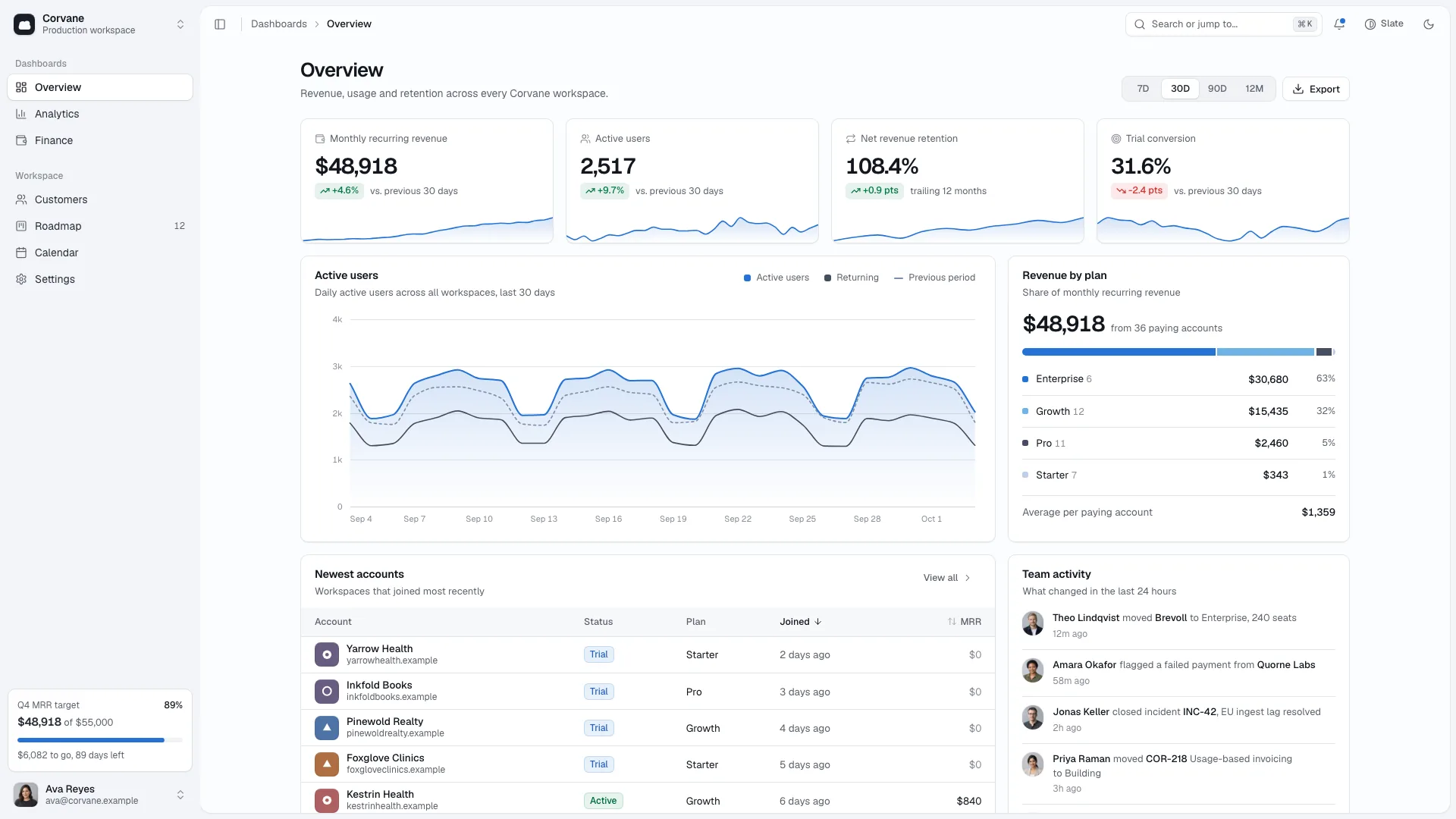
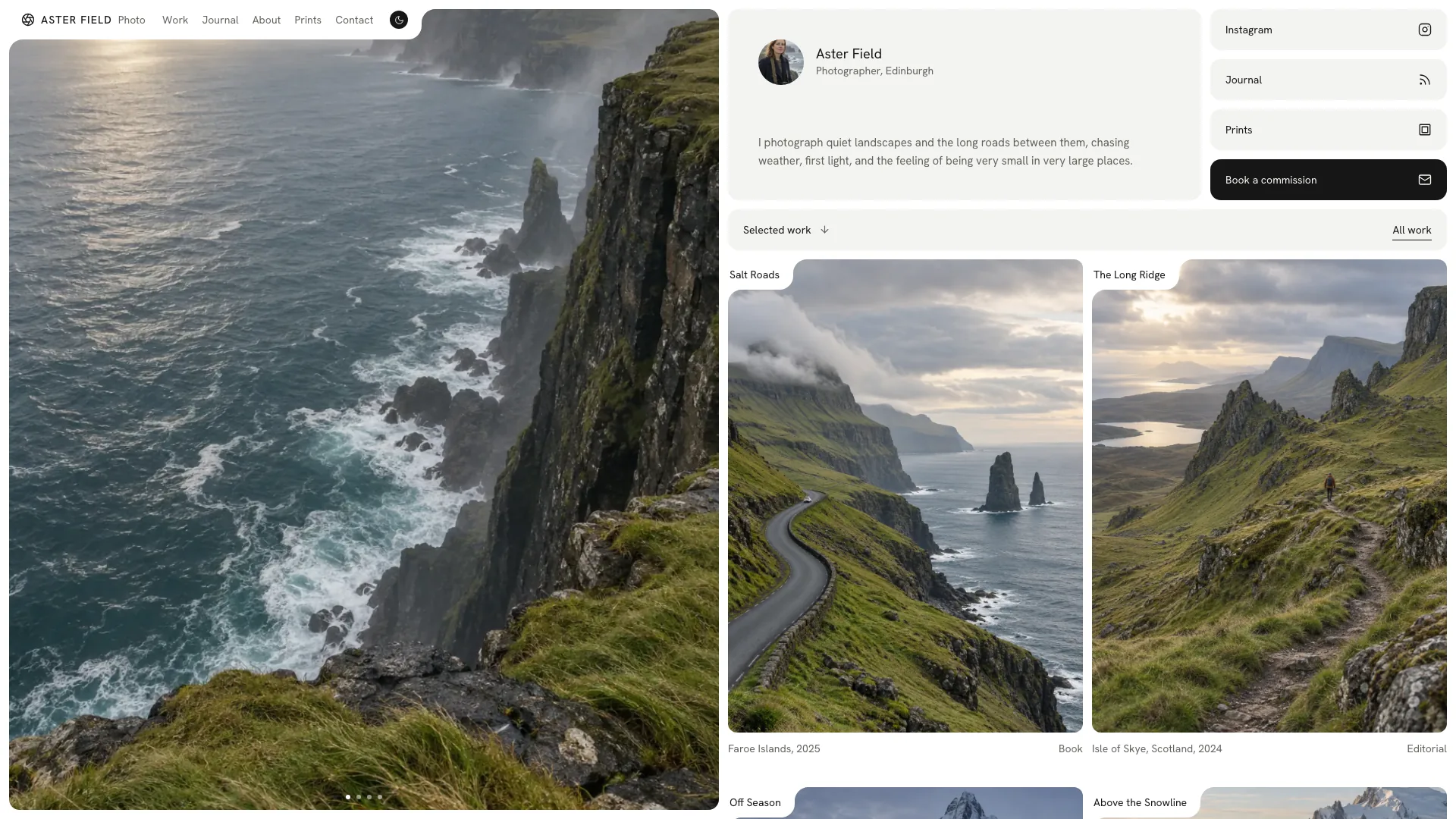
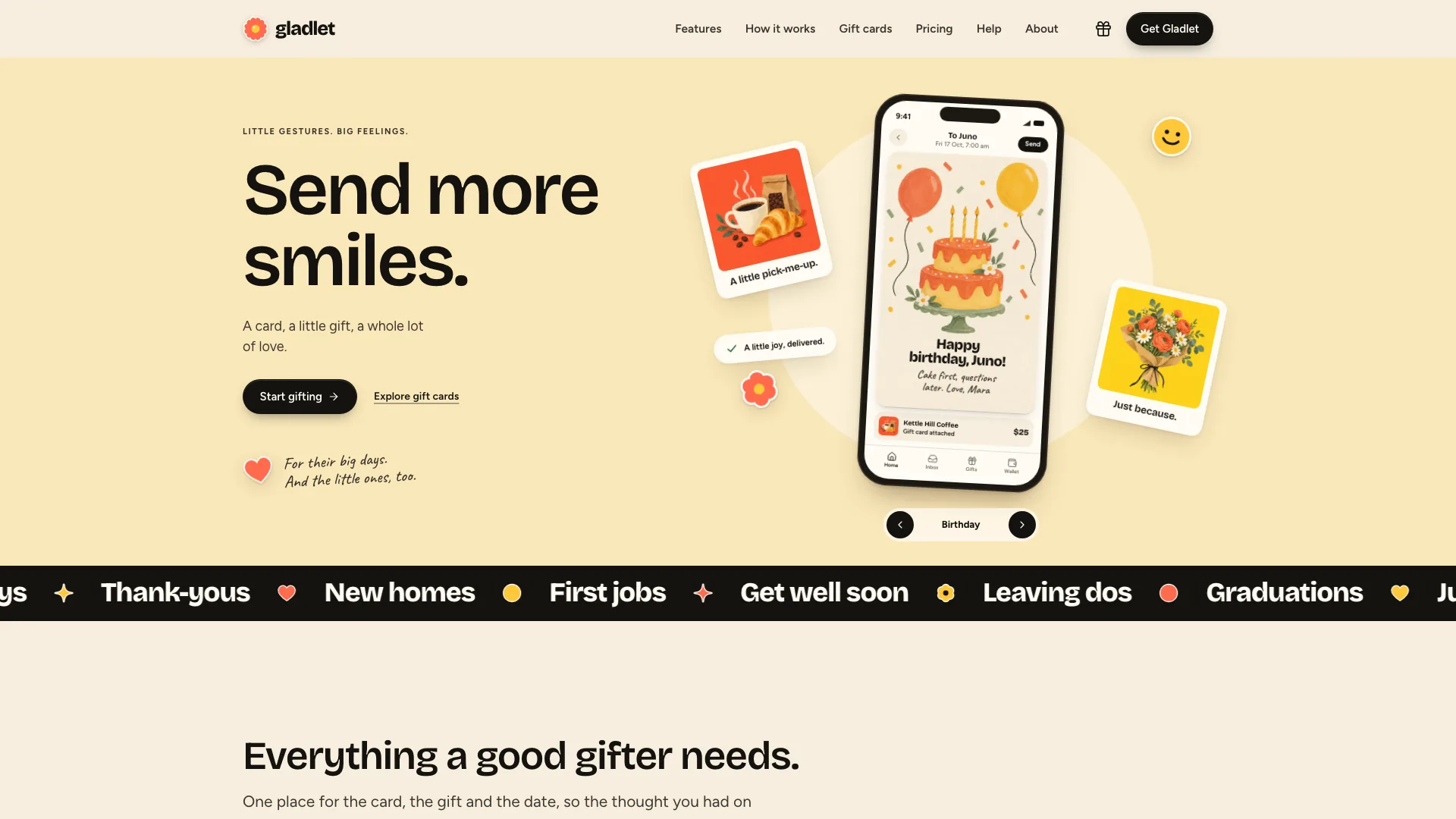
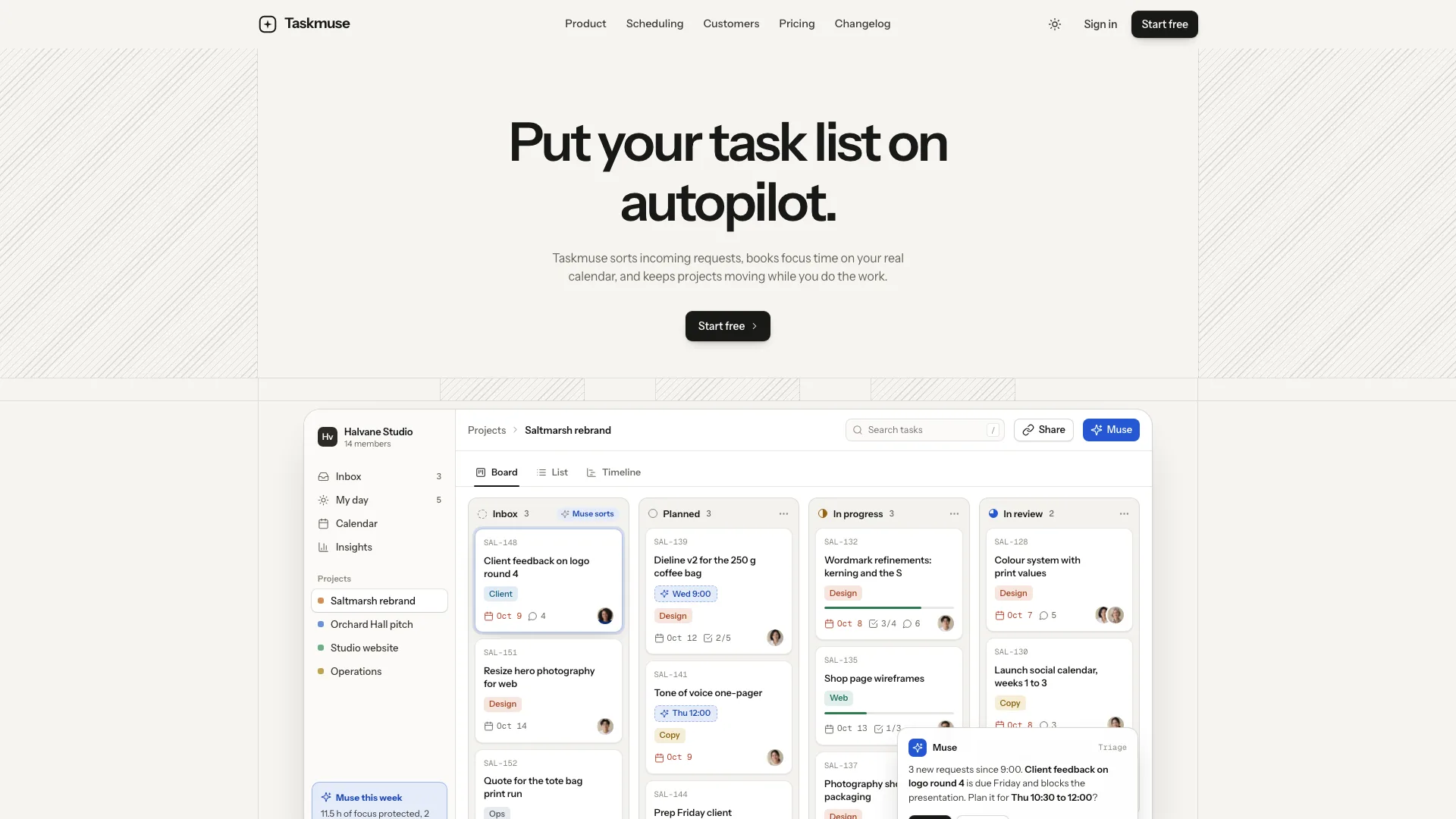
Make an AI or SaaS product legible through a calm sequence of interface examples. Quartz SaaS Landing opens with a minimal centered headline and a double-framed dashboard, then expands into animated feature views, setup steps, customer proof and a conversion path. Its monochrome surfaces use blue sparingly for controls, with complete light and dark themes.
What you get
A pulse-grid hero with an announcement pill, short headline/subtitle, one dark primary action and a quieter demo link above a double-framed dashboard. One local approval status changes once, then settles. Onest and Geist Mono support the restrained type system, pill navbar and large wordmark footer.
Product UI made from editable HTML/CSS/SVG: brief-to-draft panels, a replayable chat, channel switches with a live count, connector marquees, next-send content and a dotted globe. An eight-cell supporting feature grid and step tabs connect brief, draft, review and publishing. These panels explain a product workflow rather than provide an AI or publishing backend.
A customer story with attributed metrics, a three-column testimonial marquee with pause controls, security facts, monthly/yearly pricing with comparison disclosure, FAQ and a dark sign-up band. Customer proof and trust claims are editable content that must be supported; sections without real evidence can be removed.
Connected sign-up, sign-in, demo booking, filterable/searchable changelog, customer-story, trust-center, privacy, terms and 404 views. Forms expose validation, loading, success and reset states. Account creation, magic links, appointments, report requests, newsletters and billing remain unconnected interface demonstrations.
Light/dark tokens throughout, responsive navigation and mobile layouts, reduced-motion still states and accessible control patterns to verify in the generated result. Photography is limited to relevant people and product stills placed inside the code-built interface, rather than screenshots of the interface itself.
One HTML deliverable with fonts and chosen assets embedded for offline viewing by default. The source package includes 16 sample WebP assets, image/motion/style/section guides, an asset builder and static validator. Existing or requested framework projects use native sections, content and routes with local fonts/images.
Before you choose
Use the interface panels to show a specific mechanism rather than make broad AI claims. Keep proof separate from illustration: a demo approval, sample metric or generated portrait does not establish product performance or customer endorsement. Verify that the conversion copy matches the service actually connected.
Good fit
Founders launching an AI or SaaS offer with a clear trial, demo or waitlist next step.
Product marketers wanting a restrained monochrome startup presentation and a coherent set of acquisition pages.
Developer tools or scheduling products with concrete objects that can populate the dashboard, channel switches and workflow steps.
Not for
Real authentication, billing or booking services from the package alone; the forms only validate and display local results.
A loud multicolor brand direction; monochrome and one restrained control blue are central to Quartz.
An agency, shop or venue with no product interface to demonstrate. A client portal or booking product would need to supply that story.
How to use
You say/quartz-saas-landing Build the Veldstack site: an AI content-operations platform that takes marketing teams from brief to published.
Provide the product name, one-line promise, four flagship features, workflow in three to five steps, pricing shape and primary ask. Supply a real customer story, permitted testimonials, security facts and changelog entries where available. Missing details should be drafted for confirmation or the unsupported section removed.
Rename every dashboard row, KPI, draft, channel, connector and step panel to your product’s nouns. Keep illustrative numbers consistent across views and make the one-time approval change meaningful for that product. Product stills can sit inside the interface as content, but the dashboard and its controls stay code-built.
Plan images by role: story portrait, testimonial/team avatars and the customer’s product stills or thumbnails. Supply actual people/product assets or use the agent’s image tool, which may charge for usage; no separate API key is required by this package. Nine generic avatar files may be labeled stand-ins, while the sample story/customer portraits and sample goods need replacement. Generated faces do not verify the identity or endorsement of a real person.
Align pricing cards, comparison columns and sign-up plan radios for the actual offer. The guide supports two to four tiers; keep yearly savings language only when the discount is real. With one billing rate, remove the period switch. With no customers yet, omit logo flipping, story and testimonial marquee rather than inventing them; with no pricing, direct the main path to a waitlist.
Use Node.js 18 or newer and build-time internet to embed the two font files and local images into the default offline HTML deliverable. Viewing the finished embedded file needs no runtime network connection. In an existing or requested stack, port sections/routes natively and preserve its project conventions instead of wrapping the example in an iframe.
Run static checks, then review every route/form in light and dark on desktop and phone. Test the approval animation, chat replay, switches/counts, globe, step tabs, testimonial pause, price changes, comparison overflow, FAQ, changelog filters/search/empty state and menu keyboard behavior. Confirm reduced-motion end states and selected plan navigation. Before publishing, correct local success copy or connect and verify actual mail/auth/booking/report/billing services.
Requirements and costs
You bring
Product name, a one-line promise and the main ask (trial, demo or waitlist) · Four flagship features, the workflow in three to five steps and your pricing shape · Optional: a customer story, testimonials, security facts and changelog entries you can confirm
Dependencies
Node.js 18 or newer on your agent's machine, to run the bundled script that builds the single offline file · Internet access while the file is built, so the fonts can be downloaded once and embedded · An image tool in your agent for avatars, the customer-story portrait and product stills; optional if you supply your own
Outside costs
Photos you do not supply are generated with your agent's own image tool, which may incur that tool's usage charges. Product UI is built in code, and the finished page makes no network requests. Viewing the example costs nothing.
Publisher testing
v1.0.4 — Claude Code / Claude Desktop / Cowork / Codex / ChatGPT
FAQ
One self-contained HTML file with fonts and images embedded, suitable for opening from disk and offline review. The source template is converted using the supplied builder. In an existing or requested framework project, the same sections and routes become native components with local assets.
No. Dashboard, feature and workflow panels are drawn in code using editable example data. Fictional demo customers use invented wordmarks; real customer names or marks require your facts and permission. Story portraits, avatars and product stills inside the UI are separate photos supplied by you or generated for the intended subjects.
The finished static page does not call a paid service, and no separate API key is required. Photos you choose to generate may incur the agent image tool’s usage charges; you can supply your own instead. The product-interface drawing itself is code. Real acquisition or product services are separate integrations.
User reviews
—0 reviews
Select a star to share your experience.
No reviews yet. Ratings appear once readers share real experiences.