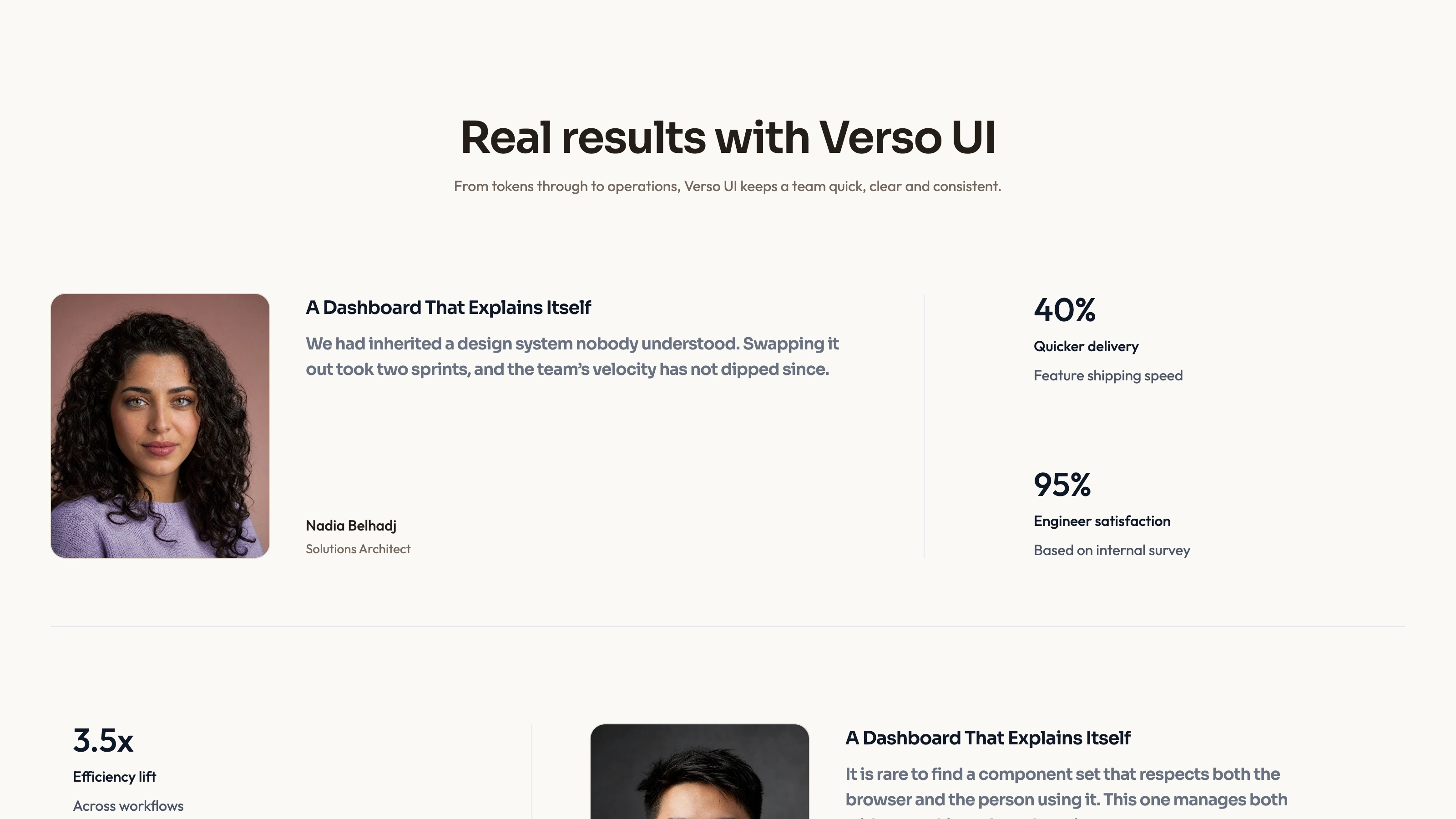
Case Note Testimonials


 +7
+7Use this Skill to create marketing visuals.
HOWAI / THE SKILL LIBRARY
Explore Agent Skills for websites and HTML pages. Compare source previews, layouts, agent compatibility and the materials needed to adapt a site.
114 matching Skills+7Use this Skill to create marketing visuals.
 +7
+7Use this Skill to create ui visuals.
 +7
+7Use this Skill to create ui visuals.
 +7
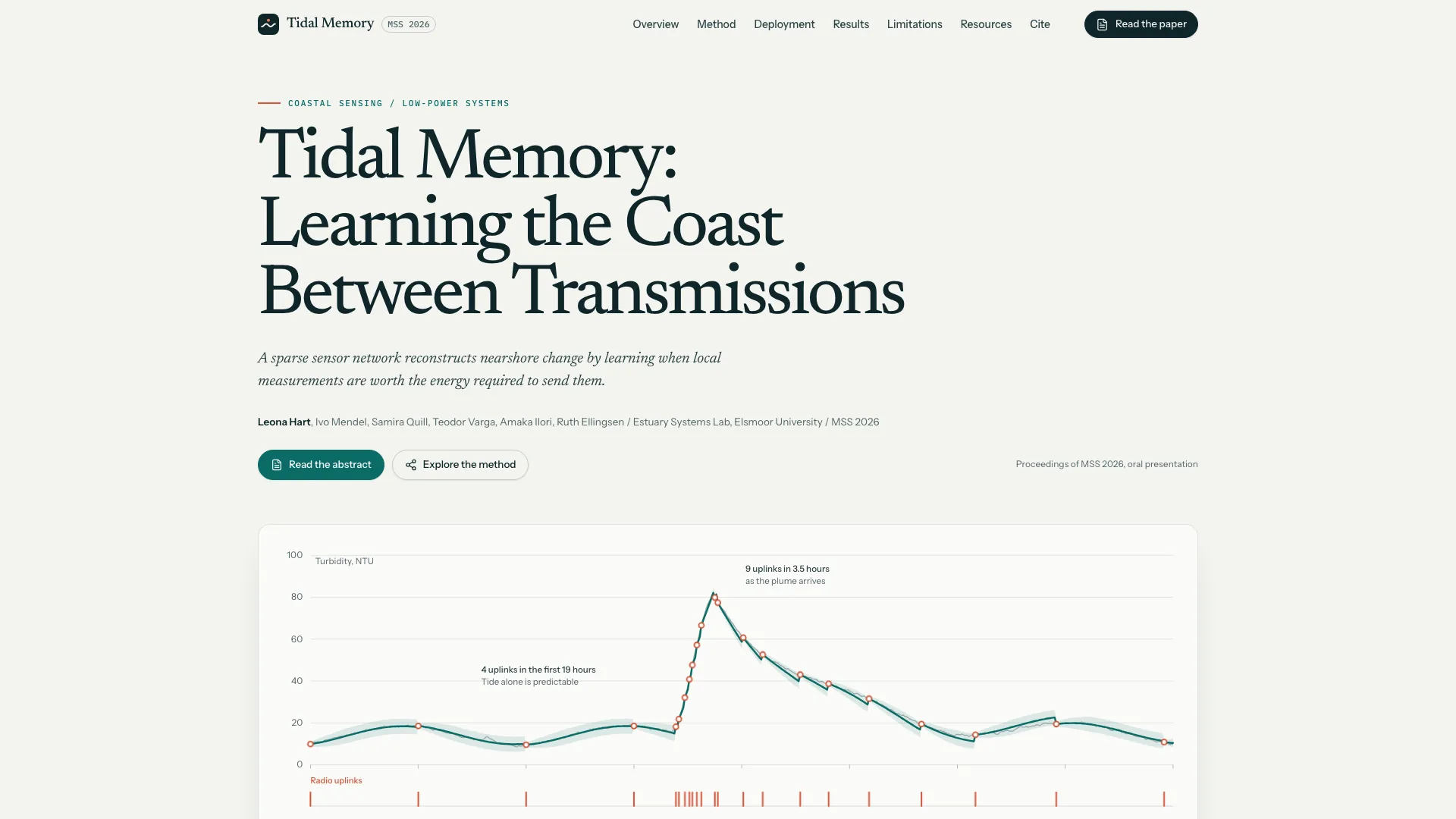
+7Use this Skill to build research project homepage.
 +7
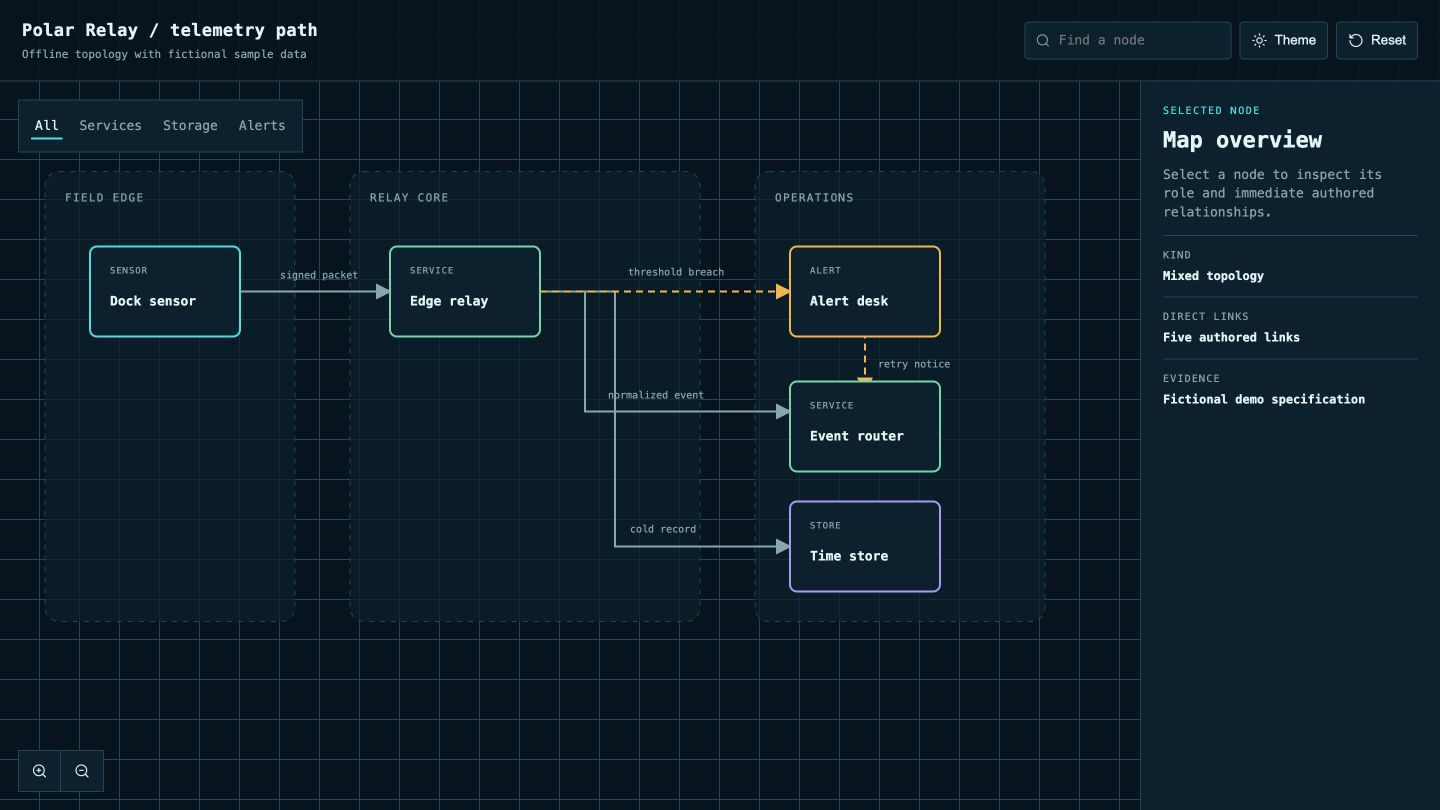
+7Use this Skill to build interactive system map.
 +7
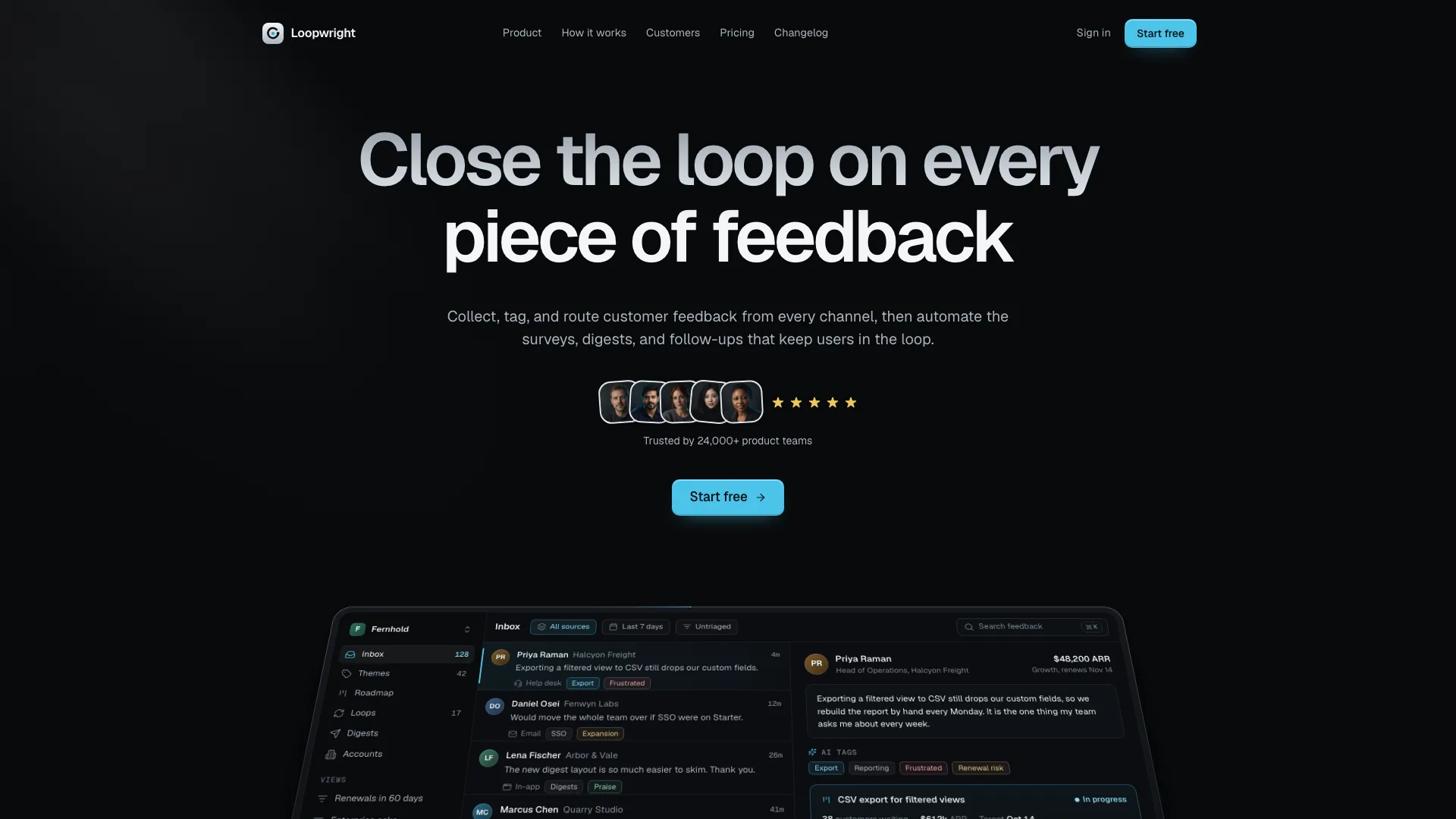
+7Use this Skill to build landing page.
Start by deciding whether you need a complete site, a single landing page or a reusable section. Compare the live preview with your content and device sizes, then check what the publisher actually supplies: HTML, assets, prompts or a repository. A convincing preview does not establish that forms, payments or server features work. Install with a compatible agent, replace the sample content and check navigation and responsive behavior before publishing.
Compare the Web & HTML previews with your task. Read each Skill’s good-fit and not-for notes before choosing it.
Check the compatible agent, required assets and publisher’s access conditions. A compatible host is not evidence that a particular model created the preview.
Use the original installation guide, start with a small task and record the Skill version and inputs. Compare your output with the preview before adapting it.
Check availability on the Skill detail page. Preview-only listings have examples and descriptions but no HowAI installation files. When a package is available, use its installation instructions; third-party materials follow the original publisher’s access conditions.
Imported previews come from credited sources. Publisher-reported tests and HowAI verification are labeled separately.
Yes. Skills have independent pages, versions and saves. Specific works can link to used, example or recommended Skills.
Sign in and request a Skill. Describe your inputs, desired output and tools so the request can be reviewed.