Give technical writing a durable home beside the products it explains. Skyline Developer Journal leads with a quiet profile and sticky sidebar, then makes complete essays, project cases and professional history easy to navigate. It suits an author with something substantial to say, rather than a marketing page padded with article thumbnails.
What you get
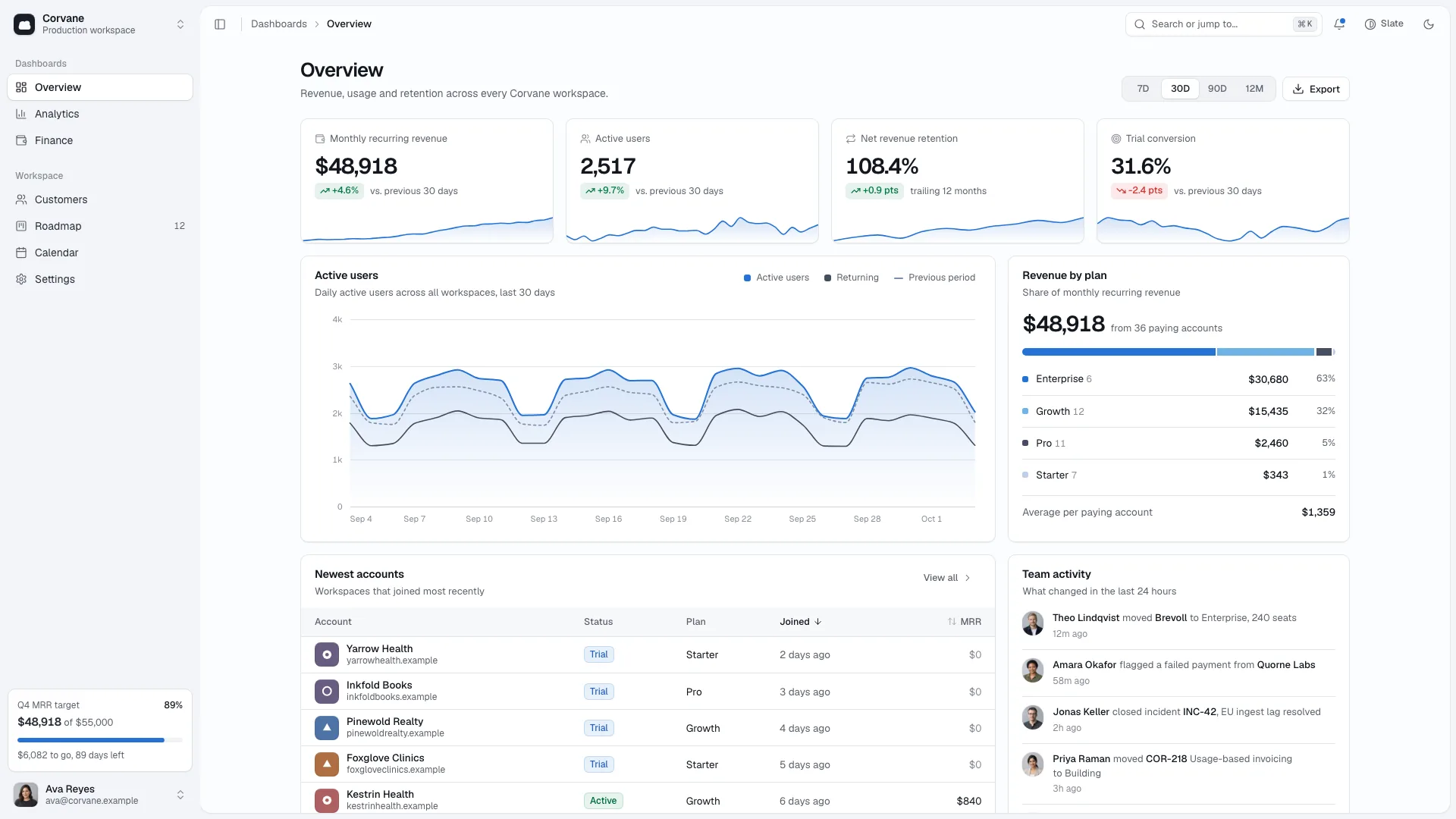
A journal archive with search, topic chips, sorting and an empty state, linked to full article pages. Long-form reading tools include table of contents, progress, copyable code blocks and pull quotes, with an interactive revenue chart when actual public data supports it.
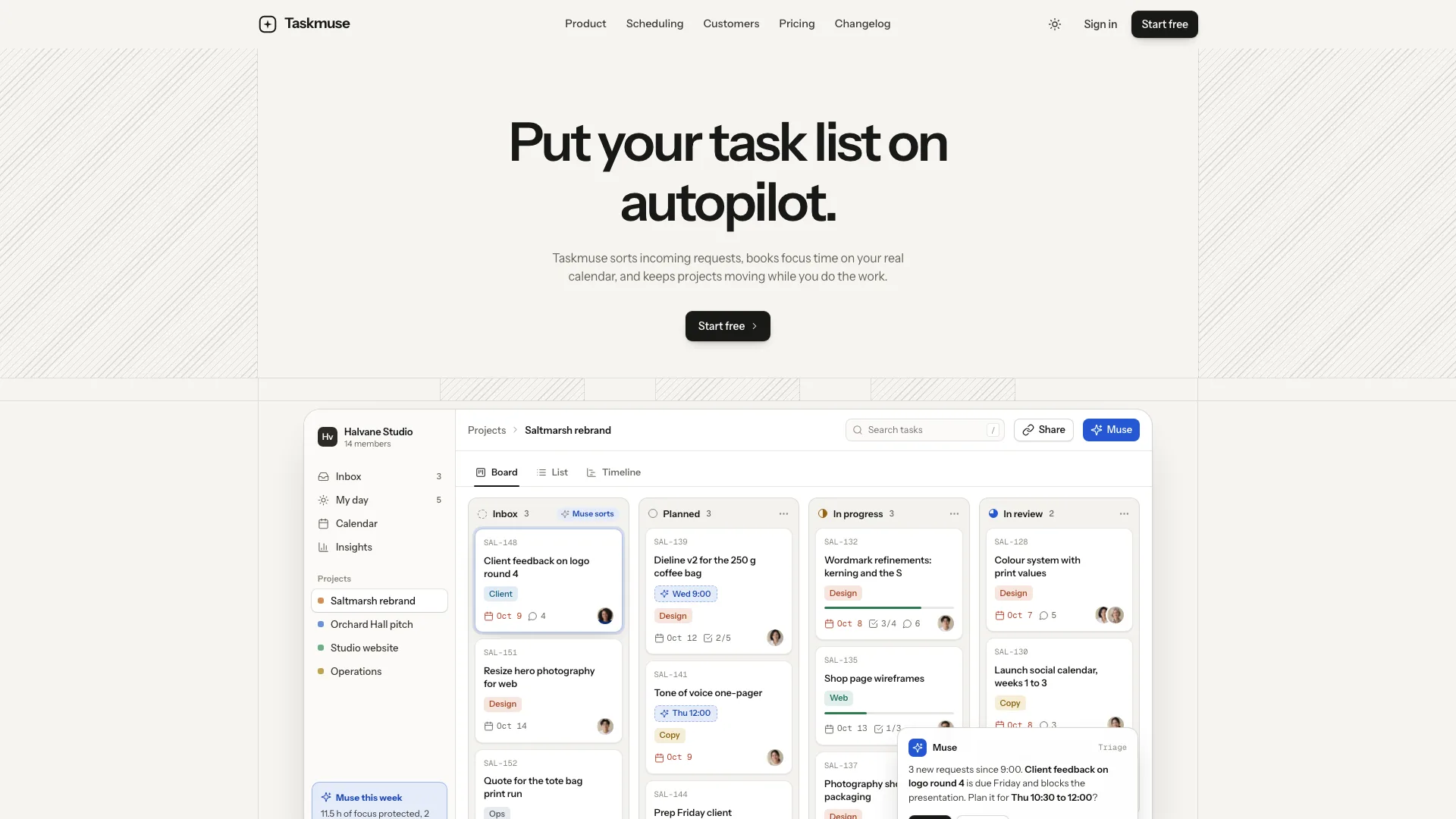
A work section with project-specific interfaces drawn in the page, backed by case explanations, measures, process and an approved quotation where available. The mockup should reflect the actual product rather than a generic stock laptop photograph.
About, a printable resume, Contact, a newsletter page with feeds, Colophon, Privacy and a missing-page state, plus optional talks and recent-letter lists. The fictional example has twenty-four connected pages; it is not a prescribed biography or a set of claims to retain.
A command palette and complete light/dark design, with a text-led opening, one blue accent, calm motion and responsive article layouts. Contact and newsletter forms provide local validation/confirmation until real services are connected.
A self-contained HTML file with embedded fonts and images by default. A framework implementation uses real routes and posts as Markdown content. The package also provides content, imagery and adaptation guidance, including neutral essay-cover assets that may fit suitable topics.
Before you choose
Choose Skyline when the archive and reading experience should define the site. Inkwell also supports essays, but Skyline gives article navigation and technical examples a more central role. Review a long post with its code and chart intact: the useful test is whether someone can follow and reuse the argument, not merely whether the home page looks like a journal.
Good fit
An independent developer or solo founder writes about products they actually build or operate and wants articles and cases to reinforce one another.
A small studio or consultancy can adapt About to Studio and the resume to services while retaining a clear author on each article.
A researcher or technical writer can omit Work and public business-number sections and keep the journal, talks and newsletter as the primary structure.
Not for
Sending newsletters or contact messages without a provider integration. A local confirmation does not establish that a subscriber or message was saved.
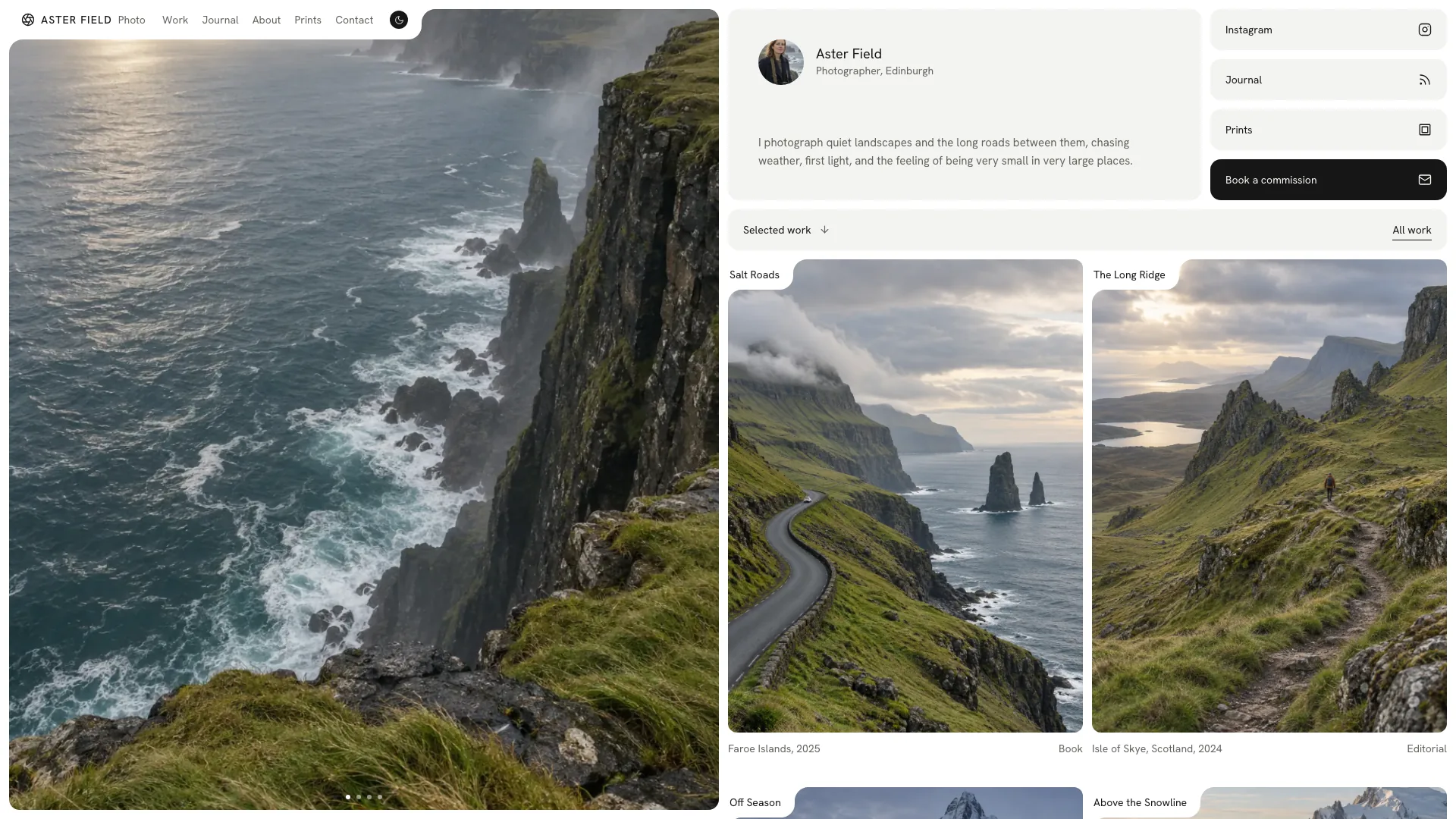
A photographic showcase or loud promotional identity; this design prioritizes text, navigation and reading.
Publishing the sample author’s products, revenue, readers or employment history as real information, or inventing data simply to fill the chart.
How to use
You say/skyline-developer-journal Build a developer journal for Noor Halvorsen, an independent software developer in Bergen who writes about her products.
Prepare identity, role, actual work history, talks and contact details, including the newsletter name and cadence. Gather two to six projects with supported outcomes and at least six complete posts or developed topics to make the archive useful. List missing information for confirmation before publishing.
Choose the structure appropriate to the author. The package supports one to six projects where relevant, but researchers or writers can remove Work, the public-numbers card and chart. Remove empty talk/letter sections and their links rather than leaving a skeletal page. The layout can accommodate as few as three posts and one project, with only populated topics and sections shown.
Write each project interface from its real labels and workflow and organize article topics consistently. In a framework output, use actual routes and Markdown posts; otherwise build the default single file with its fonts and images embedded. Do not substitute an iframe wrapper for framework integration. Building the offline file requires Node.js 18 or newer and an initial internet connection to download and embed its fonts.
Supply a portrait and workplace image if possible. Essay covers can use permitted supplied photos, suitable neutral library covers or new generated assets, with any tool charges disclosed. Sample author photos are stand-ins. Keep product screens in code, and remove revenue or reader-number displays when actual public data is unavailable.
Read every article and case on phone and desktop in both themes. Test archive search/filter/sort and empty states, command palette, contents links, reading progress, code copy and any data chart. Check resume printing and local forms, then connect and test real newsletter/contact delivery separately.
Requirements and costs
You bring
Your name, role and two to six projects with real outcomes · At least six posts or topics, work history, talks, contact email and newsletter name · A portrait and workplace photo, or approval to generate stand-ins
Dependencies
Node.js 18 or newer on your agent's machine, to run the bundled script that builds the single offline file · Internet access while the file is built, so the fonts can be downloaded once and embedded · An image tool in your agent, or your own photos, for the portrait and essay covers
Outside costs
Portraits, the workplace photo and essay covers are generated with your agent's own image tool, which may charge for usage. Without one, supply your own photos; six neutral covers can be reused and notes use a typographic tile. Viewing the example costs nothing.
Publisher testing
v1.0.5 — Claude Code / Claude Desktop / Cowork / Codex / ChatGPT
FAQ
The default is one embedded HTML website that opens offline. In React, Next.js, Vue, Svelte or Astro, the workflow calls for a real adaptation with routes and Markdown posts. The final standalone file should open without network requests; the source template needs its assets embedded first.
No, if you supply the required photos. The project interfaces are drawn in code. Portrait, workplace and essay covers may be supplied or optionally generated, with charges determined by the available image tool. Six neutral cover assets can be reused for fitting topics; the sample person’s photos remain stand-ins.
Those facts must come from your brief. Missing values can be listed as draft placeholders for confirmation, but should not become published claims. Without real public numbers, remove the numbers card and revenue chart rather than making them look authoritative with fabricated data.
Yes. The documented researcher/writer adaptation keeps Journal, About, Talks and Subscribe while removing the product-oriented Work and number sections. A smaller coherent site is preferable to invented product cases.
The included form only provides local feedback. Connect the actual provider and verify the subscriber record and confirmation behavior before presenting it as an operational mailing list.
User reviews
—0 reviews
Select a star to share your experience.
No reviews yet. Ratings appear once readers share real experiences.