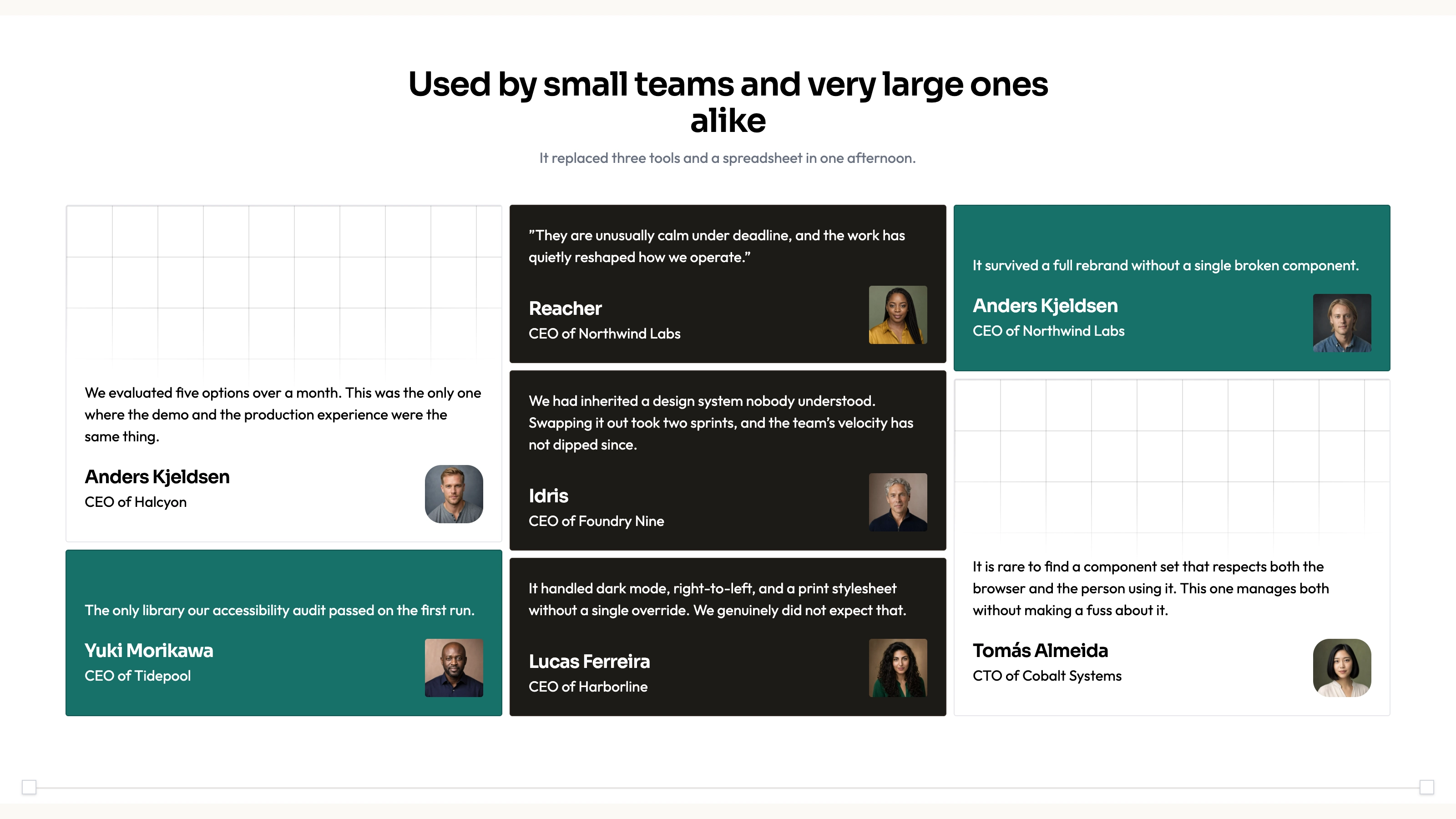
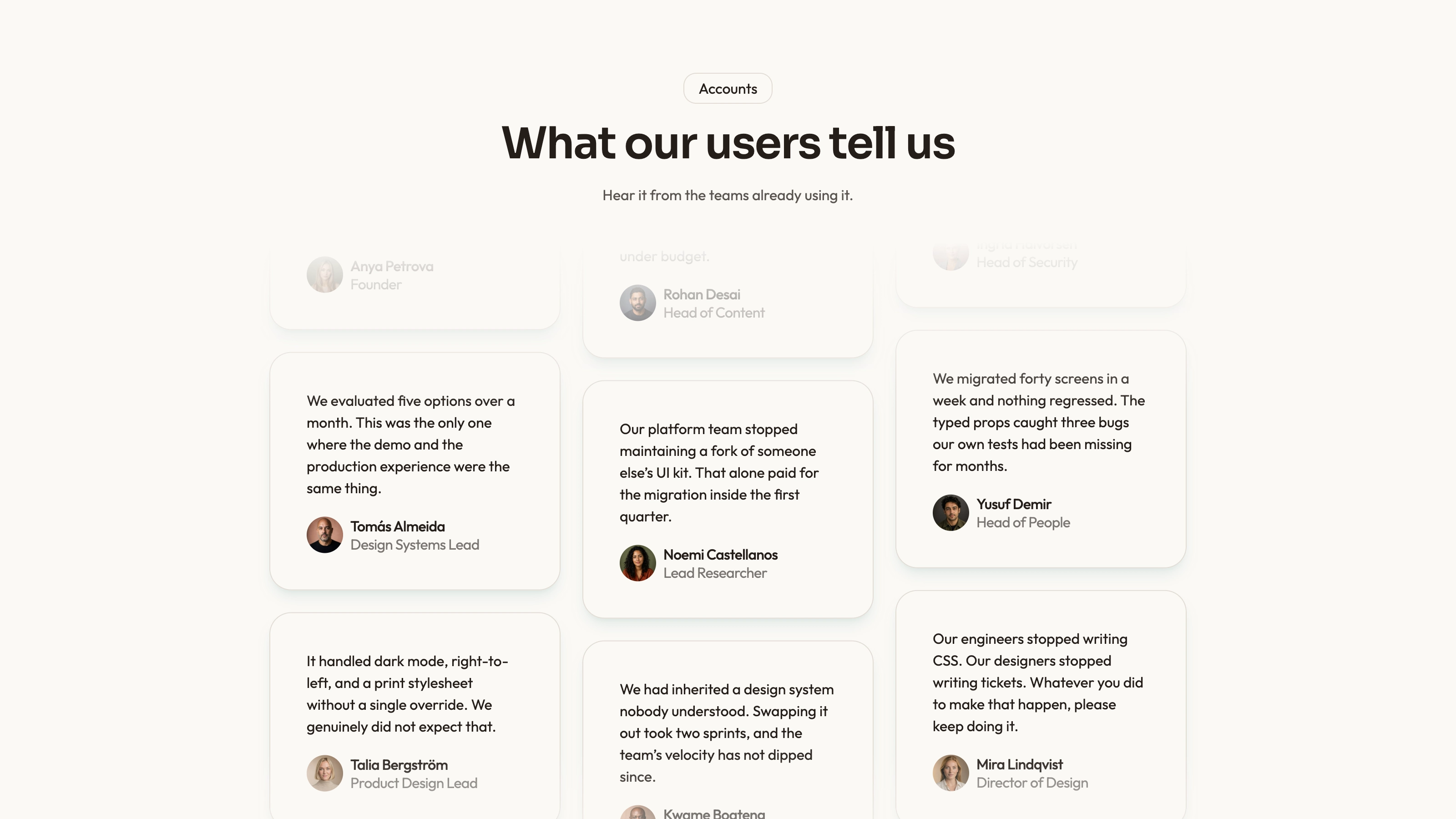
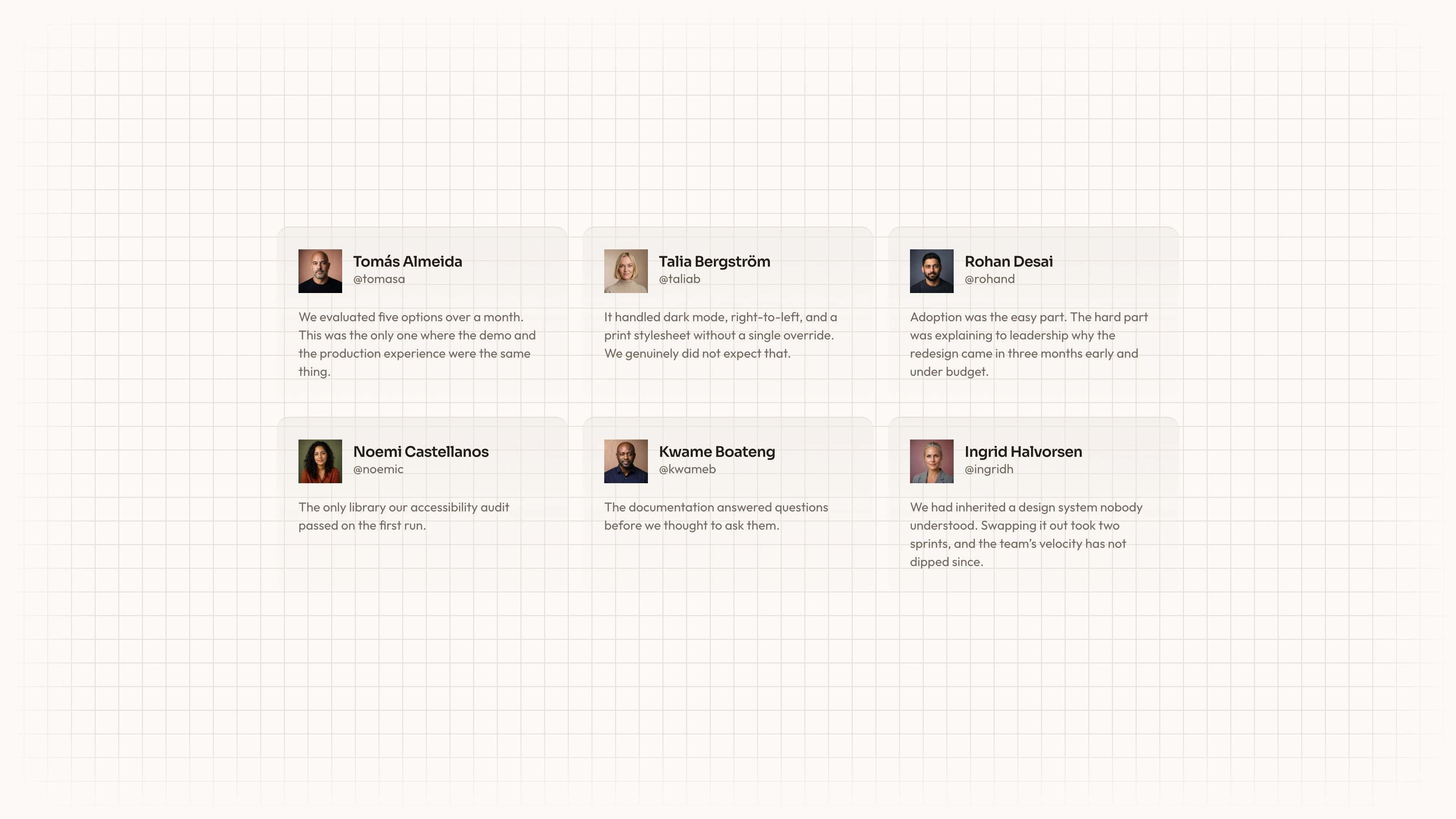
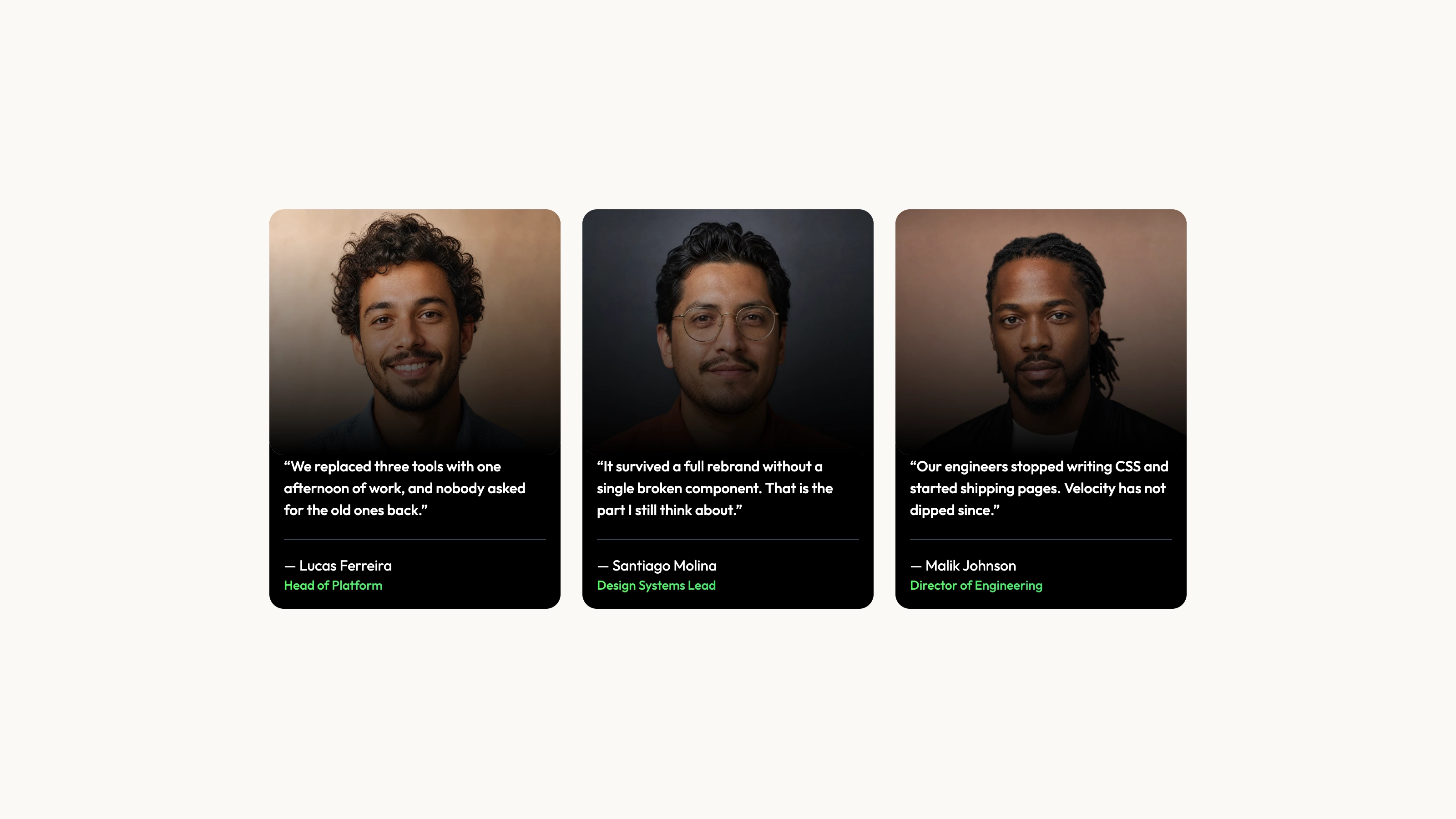
Connect a club’s programs, people and membership offer to the next useful action. Sky Sports Club Landing combines bright court photography, a rounded white shell and navy feature panels with program detail, timetable, plan comparison and booking interfaces. The racquet-club example is an explorable front end; its displayed availability and confirmations are not a live reservation system.
What you get
A photo-led home with a sky-and-court hero, separate quick-booking strip, statement/stats, courts bento, program rail, blue highlighted membership, matching coach portraits, weekly timetable, events, quotes, FAQ and court-photo CTA. Figtree handles headings/text and Geist Mono distinguishes times and prices.
Programs, coaches and events with specific detail pages: introductions, images, schedules, pricing, preparation notes and contextual actions. Program collections support audience filters, search, sorting/counts and an empty state. Coach slot choices and event/program actions carry relevant choices toward the next form.
A quick-booking availability demonstration and interactive court/site plan with details and a booking action. A 14-day booking flow offers court hire, assessment, lesson or program trial, conditional fields, unavailable times, member pricing and a live summary. Prepared/hashing-based availability is illustrative, not actual capacity.
Membership tools with shared monthly/annual selection, plan finder, comparison and join forms including household fields where relevant. The weekly timetable distinguishes available/full sessions and waitlist actions. Forms for booking, joining, event entry, contact and newsletter validate locally and show loading/success; nothing is sent, reserved or charged.
Facilities, About, contact, policies and designed 404 alongside the page collections. The worked example has 24 connected routes. The page set, terminology and data can be adapted to classes/teachers, rooms/lanes/bays or workshops while keeping the bright shell/photo/navy/blue membership identity.
One offline HTML file by default, embedding both font files and chosen photographs. Source, image/visual/page/interior/motion/framework guides, builder and static validator are included. Existing or requested framework projects receive native sections, typed content collections and real routes.
Before you choose
Make the practical club facts agree across programs, coaches, timetable and booking before polishing the campaign imagery. Review one visitor journey from choosing a session to its summary, including the full/waitlist branch. Keep generated availability and member-price previews separate from live capacity and authenticated entitlements.
Good fit
Tennis, padel, swim, golf, yoga or fitness clubs/studios presenting memberships, programs and bookable time.
Venues needing programs, coaches, events, facilities and booking information connected beyond a homepage.
Teams wanting a portable standalone prototype now or the same design adapted into Next.js, React, Vue or Astro.
Not for
A ready-made booking/payment/email backend. Local slot selection and receipt screens do not reserve capacity or create memberships.
A dark or illustration-led identity; bright sky/court imagery is essential to this composition.
A project intending to discard the rounded shell, photo hero, navy cards and blue membership highlight that define the design.
How to use
You say/sky-sports-club-landing Build the Cirrus Racquet Club site: tennis and padel above Saltmere Bay, with programs, coaches and court booking.
Provide the club/venue name, location, introduction, programs, coaches, plans/prices, schedule and required pages. Supply actual qualifications, capacity, policies, hours and contact details. Rough notes can begin the draft; unconfirmed counts, dates, rates and biographies must be listed for approval rather than represented as facts.
Plan a matching photographic set by role: hero, venue, each program, coach portrait, event, lifestyle and supporting detail. Use owned photos or the agent’s image tool, which may charge for generation. Real coaches/staff need their photographs or disclosed stand-ins. Neutral baseline/court/lounge scenes can serve suitable racquet venues; sample-specific premises/program/event images need replacement, especially for another sport.
Build detail pages around visitor questions: what happens, when, price/unit, what to bring and who leads it. Keep programs/coaches/events/timetable references consistent. Recast courts as rooms, lanes or bays where appropriate, or remove the site plan if no spaces are bookable; update all navigation and contextual links with removed content.
Configure the actual membership terms and booking prices, then verify the finder recommendation, annual/monthly arithmetic, join summary and cross-page prefill. Replace the fixed demo date and sample availability with the intended data source. A full class should remain full in every relevant view; member pricing switches do not establish authenticated membership eligibility.
For the default HTML output, use Node.js 18 or newer and build-time internet to embed the two font files and local images. The finished file opens offline without runtime requests. In an existing/requested framework, preserve the stack and use native sections/routes/content; the guide chooses Next.js App Router/TypeScript when a framework is requested but unnamed.
Run static checks, then review every route at desktop/tablet/phone widths. Try quick-booking handoff, program filters, court details, coach slots, timetable/full/waitlist states, plan finder and cycle-to-join selection. Submit forms empty and valid, check menu/slots by keyboard, reduced motion and overflow. Connect and verify actual availability, booking, membership, payment and mail services before inviting visitors to rely on confirmations.
Requirements and costs
You bring
Club or venue name, location and a short introduction · Programs, coaches, plans with prices, the schedule and the pages you need · Photos you own, or permission to generate a new matching set
Dependencies
Node.js 18 or newer on your agent's machine, to run the bundled script that builds the single offline file · Internet access while the file is built, so the fonts can be downloaded once and embedded · An image generation tool in your agent, or your own photos, for venue, program, coach and event images
Outside costs
New photos are generated with your agent's own image tool, which may incur that tool's usage charges. Photos you own cost nothing, and a few neutral court and lounge shots from the example can be reused by racquet venues.
Publisher testing
v1.0.2 — Claude Code / Claude Desktop / Cowork / Codex / ChatGPT
FAQ
With no existing project, the default is an embedded HTML file built from the source, with fonts/photos included for offline opening. An existing or requested framework gets native components and real routes in that stack. The guide specifies Next.js App Router with TypeScript when a framework is wanted but not named.
Use your own or generate a role-planned matching set with the agent’s image tool, which may incur usage charges. Each program, coach and event needs a relevant subject. A few neutral court/lounge scenes suit racquet venues, but generated coach portraits remain disclosed stand-ins until replaced with real staff photos.
No. They validate, display loading/success and carry choices between pages, but the reference is a local preview with no actual reservation, payment or email. Connect and test your booking/payment/mail services before using these flows operationally.
User reviews
—0 reviews
Select a star to share your experience.
No reviews yet. Ratings appear once readers share real experiences.