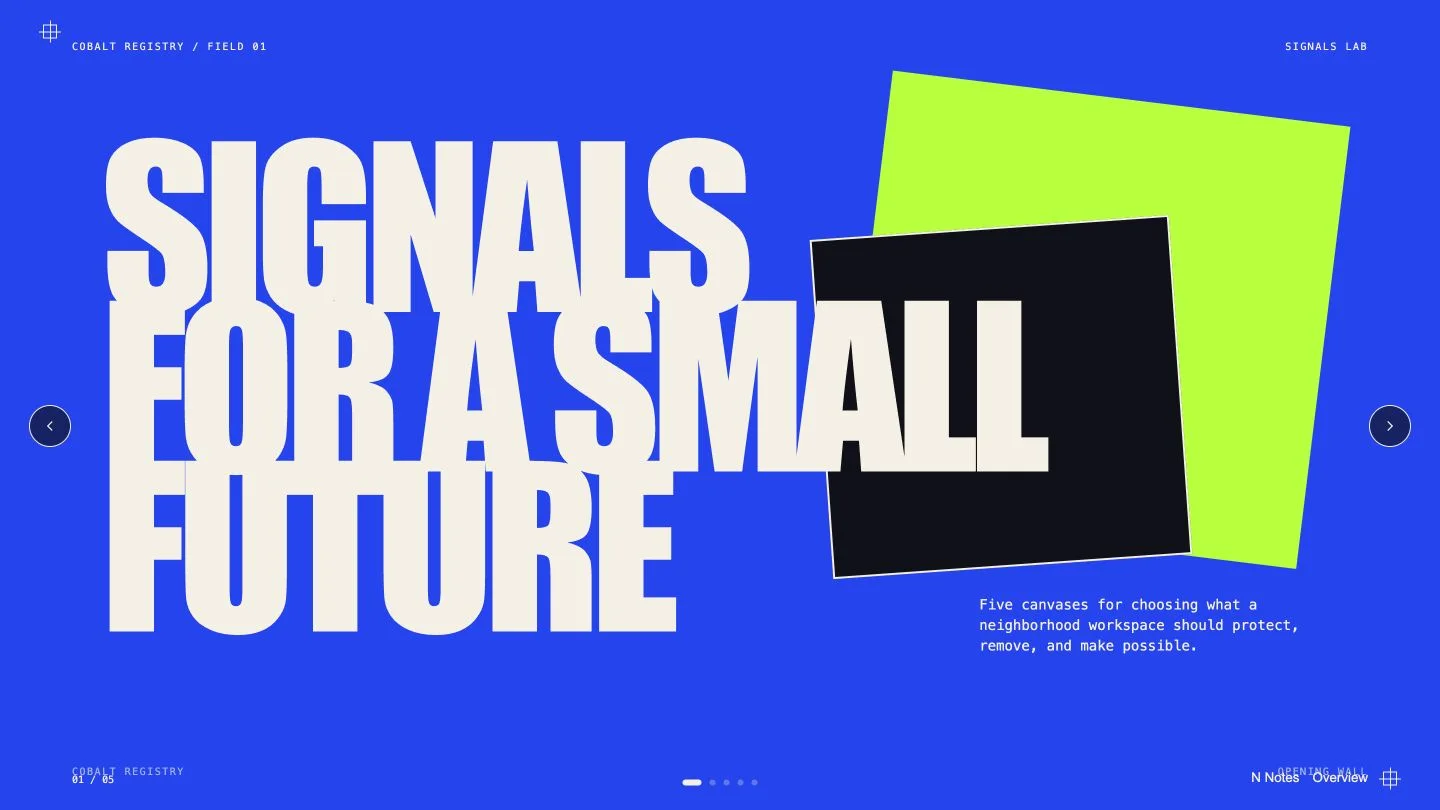
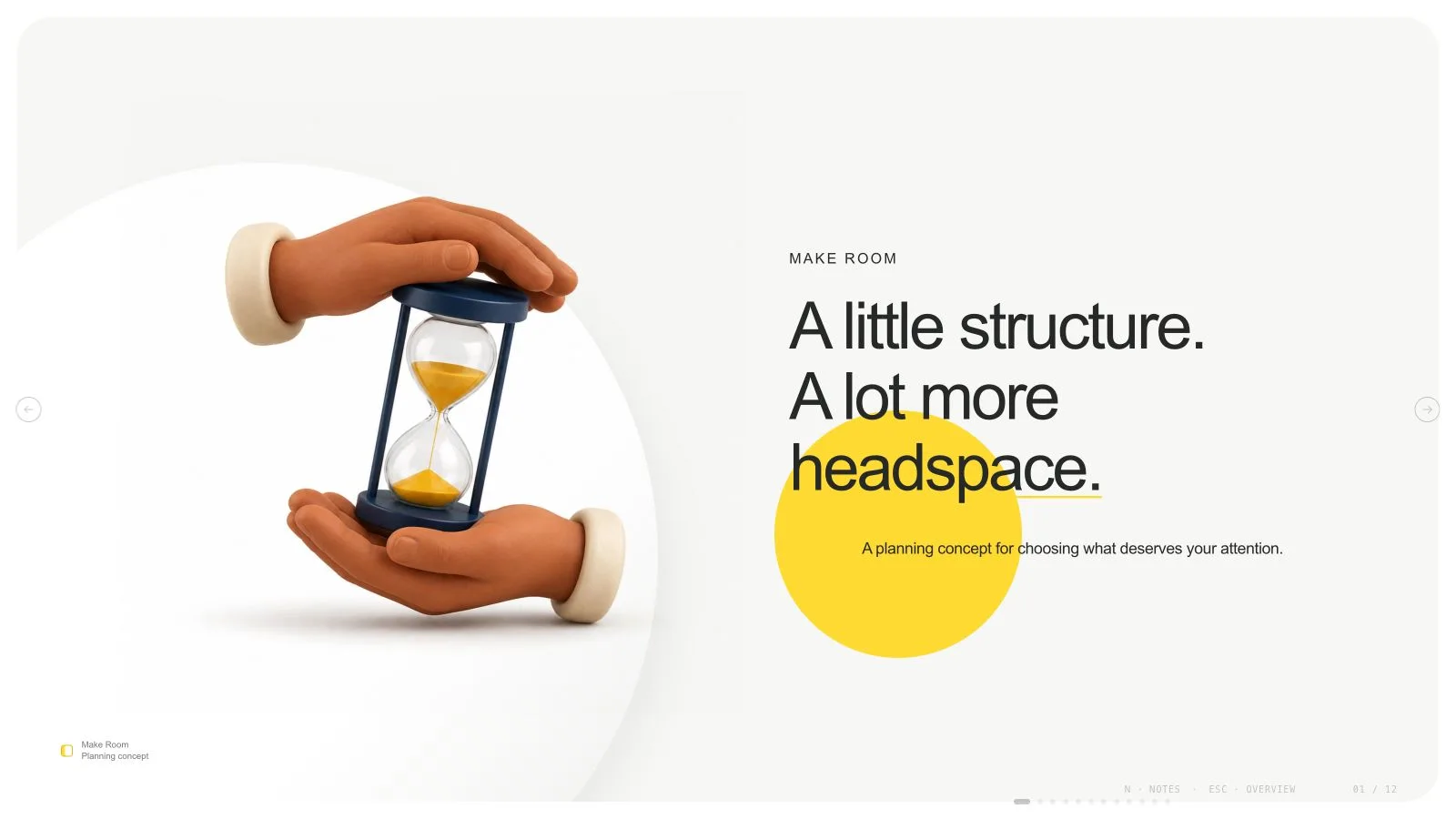
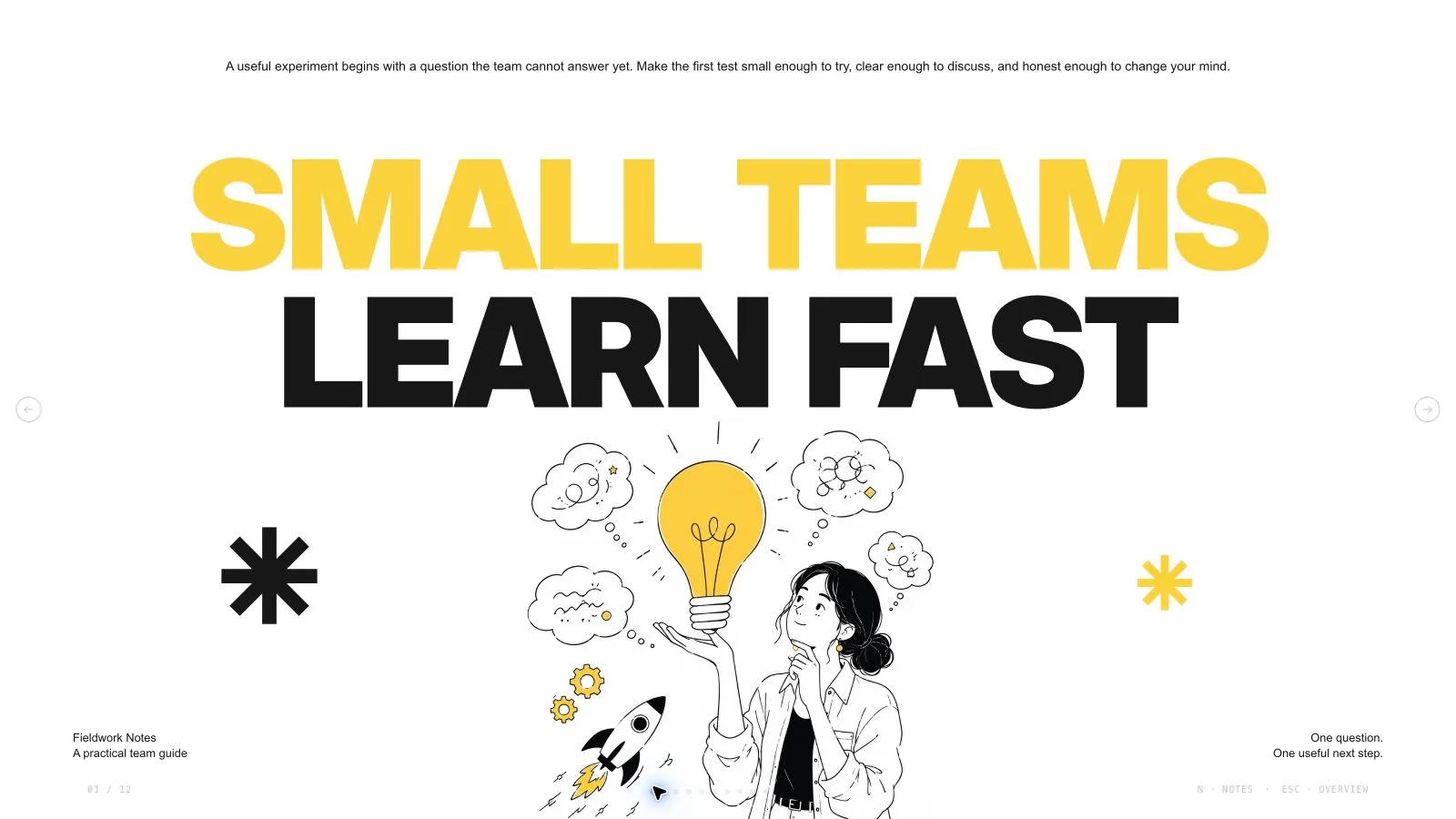
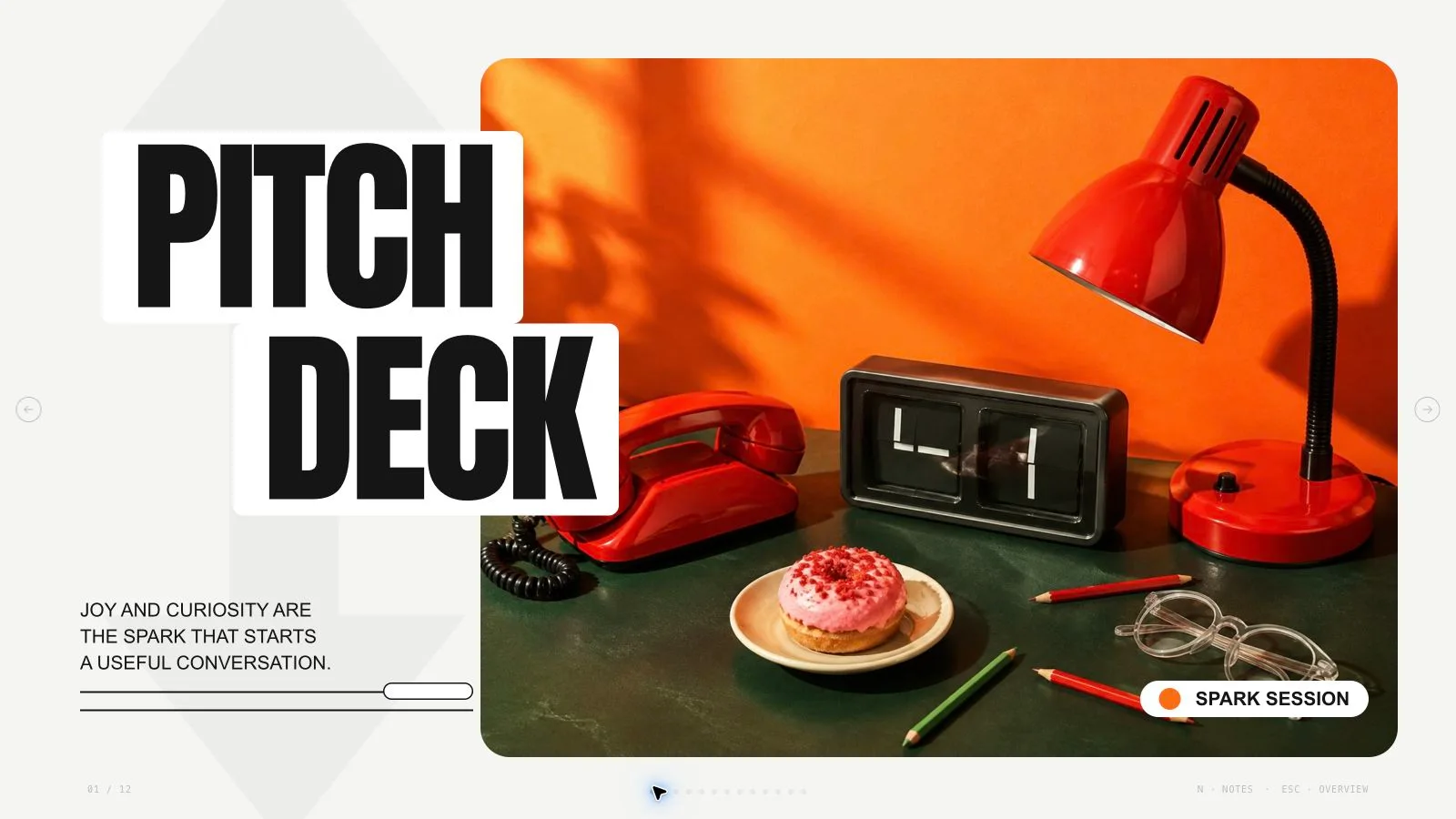
Turn approved service standards into a sequence a new teammate can follow: preparation, guest journey, handover, concerns and quality review. Tidal Service Playbook Deck combines ice-blue and navy pages, organic contours and open Manrope typography. It presents the standards you supply; fictional hospitality scenes and example figures do not establish real policy, training completion or customer outcomes.
What you get
Nine adaptable roles: arrival cover, service-standard introduction, first-shift checks, everyday habits, connected guest journey, handover, avoid/say-instead concern scenario, observable quality standards and next-shift closing. Select or extend recipes for the requested count; detailed standards/recovery steps belong in notes or a handout rather than being discarded.
An ice-blue/navy system with soft organic contours, short labels, ruled rows and one highlighted card/ring/number. Embedded Manrope serves headings/body. Tidal Service Playbook is the authored preset, with Evergreen White, Plum White and Slate White as coordinated generation-time accent alternatives. Only introduction and workflow use full dark pages.
Readability limits: 77 px side margins and a twelve-column grid on 1280×720 pages, at most three blocks and roughly a third of the page calm. Headlines allow seven words (cover five), one supporting line eighteen and the page forty-five words excluding numbers. Body stays ≥17 px. Sibling cards share size/style; workflow’s figure card is the sole permitted card-over-photo overlap.
Five catalog photos depict fictional hotel arrival, welcome desk, prepared counter, handover and lobby check-in. All are hospitality-specific. Use each pictorial source once, with permitted supplied material taking priority. The images illustrate service situations, not real staff, venues, customers or evidence of an achieved standard.
A generated self-contained offline HTML deck with viewing, navigation, overview/thumbnails, notes, editing, presentation mode and print styling. Recipes, references, catalog and build/media tools are installed resources, not a completed custom training case. Optional checked PPTX keeps native text/notes and separate pictures with rendered complex layers; PDF prints one 16:9 slide per page.
Before you choose
Trace each service instruction to the approved standard. A teammate should know what to prepare, what to pass on, how to respond and what quality can be observed. Preserve the full situation and recovery steps in notes, and keep fictional hospitality images separate from evidence about real service delivery.
Good fit
A service team introducing its operating model or sharing an approved service/partner update.
A trainer explaining operational standards, a guest journey, handovers and how to respond to concerns.
A team with an approved outline, accurate figures/standards/dates and permitted images, plus time to review the result.
Not for
Arbitrary styling unrelated to the coordinated visual system or copied third-party sample identities/logos.
Automatic verification of business figures, policies, compliance or whether a service standard was met.
A PowerPoint deliverable where every background, diagram and effect must remain a native shape.
How to use
You say/tidal-service-playbook-deck Make an 8-slide service training deck for a new front-desk team.
Provide topic/approved outline, audience, desired length/count, the action the training supports and verified standards, figures and dates. Supply only permitted imagery and agree the actual count. Copy defaults to English unless another language is requested. Separate approved requirements from fictional examples and illustrative data.
Plan preparation, guest stages, handover, concern response and observable quality around the real operating model. Select/extend the nine archetypes instead of inventing three checks or stages to fill a layout. Keep full standards matrices, extra stages, situation context and recovery steps in notes/handouts; do not let sparse slide copy remove operational detail.
Choose one of four presets, keeping the authored ice-blue look unless requested otherwise. Retain embedded Manrope, ≥17 px body, 77 px margins, ≤45 words excluding numbers, short titles/supporting lines and no more than three blocks. Highlight one item; keep only introduction/workflow dark and reserve card-over-photo overlap for the workflow figure.
Choose supplied pictures first, then suitable library reuse, generation for gaps or all-new photos; reuse is the fallback without a choice/tool. All five catalog scenes require a hospitality context. Use each source once and keep fictional guests/staff distinct from the actual organization. Record page/slot/subject/ratio/prompt/result and preserve faces/hands in diagonal, tall and arch crops.
Generate optional scenes at kit slot ratios through built-in tools or the current FAL helper/FAL_KEY route, subject to host limits or separate provider charges. Submit paid tasks once then poll/fetch without automatic paid replacement; keep credentials out of deliverables and disclose missing frames. Keep words, labels and figures editable outside photography.
Compose from recipes, replace text/alt/images/data and remove unused nodes. Python 3 handles compose/build/static checks; optional media helpers use Node. Resolve unfilled-image and leftover-example reports, verify count and inline fonts/resources below 20 MB. Building may need library-download internet, but completed HTML should not depend on remote files.
Inspect every page over local HTTP for exact standards/wording, source-backed figures, title fit, type size, contrast, photo crops/uniqueness, bounds and useful notes. Test text/image/order/layout/color changes, notes, undo/redo, Save/reopen and presentation mode. Rehearse the handover/concern sequence against approved practice; structural checks cannot verify policy or training effectiveness.
Deliver page-view HTML with Edit/E and Save (Cmd/Ctrl+S) instructions: recovery is browser-local, Save writes portable edits. Set interface/content locales independently and check CJK/RTL fallback because the embedded font is Latin-subset. Export/check/inspect requested PPTX/PDF and recipient fonts separately. Presets are generation choices, not an editor theme picker; embedded export replaces retired mandatory Node/Chromium and stale --fonts keep command-line guidance.
Requirements and costs
You bring
A topic or approved outline and the audience. · The desired slide count and the action the presentation should support. · Verified figures, standards, dates, and any supplied imagery.
Dependencies
Modern browser — required for presentation and browser editing · Built-in image generation in your agent (GPT Image class) — only needed to create new pictures; no separate API key · Chrome, Chromium or Edge plus Node.js 20 or newer — required only for PowerPoint export · Internet access — optional, to download this Skill's picture library while building a deck
Outside costs
Decks can reuse this Skill's own picture library at no image cost: you choose up front whether to reuse it or generate every picture new. New pictures use your agent's built-in image generation tool (GPT Image class) with no separate API key, and availability follows your agent account.
Publisher testing
v1.0.3 — Claude Code / Claude Desktop / Cowork / Codex / ChatGPT
FAQ
Yes. Enter Edit for text, images, order, layouts, colors and notes, then Save. PPTX retains native text/notes and separate pictures, with complex backgrounds/diagrams rendered. Current embedded export replaces the retired mandatory Node/Chromium chain; Python builds/checks the source and optional media tools use Node. Inspect actual exports and recipient fonts.
No generation is needed for suitable supplied photos or the five bundled hospitality scenes. Check relevance and use each pictorial source once. Optional built-in generation follows host availability/limits without a separate key; the current package also permits FAL/FAL_KEY with separate charges. Disclose unresolved frames, and never present fictional people as actual staff or guests.
Yes. Provide the approved outline, verified standards/figures/dates and permitted images. Review the wording, examples and exported pages before sharing. The deck organizes that material rather than checking your policy or claiming measured customer results. Keep supporting operational detail in notes or a handout.
User reviews
—0 reviews
Select a star to share your experience.
No reviews yet. Ratings appear once readers share real experiences.