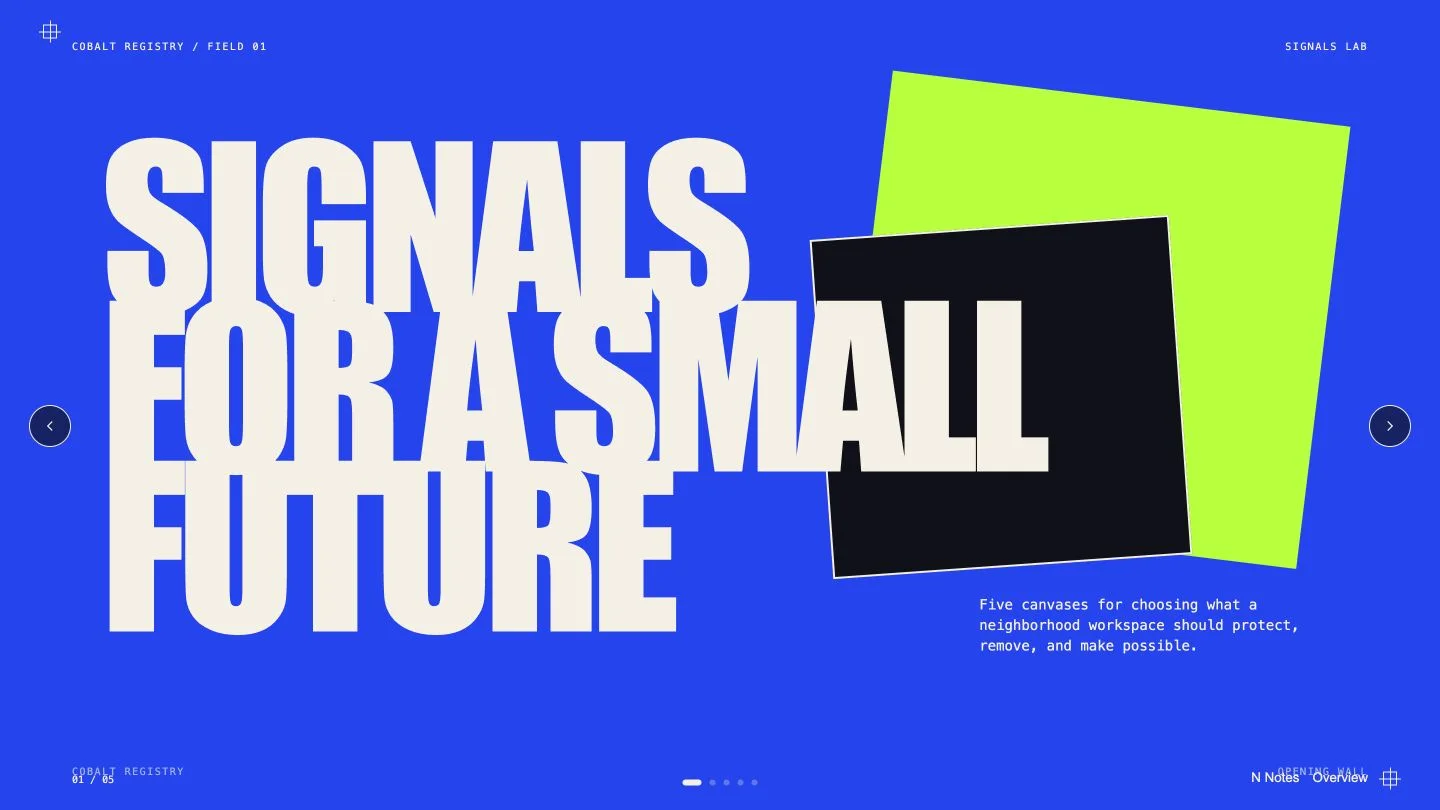
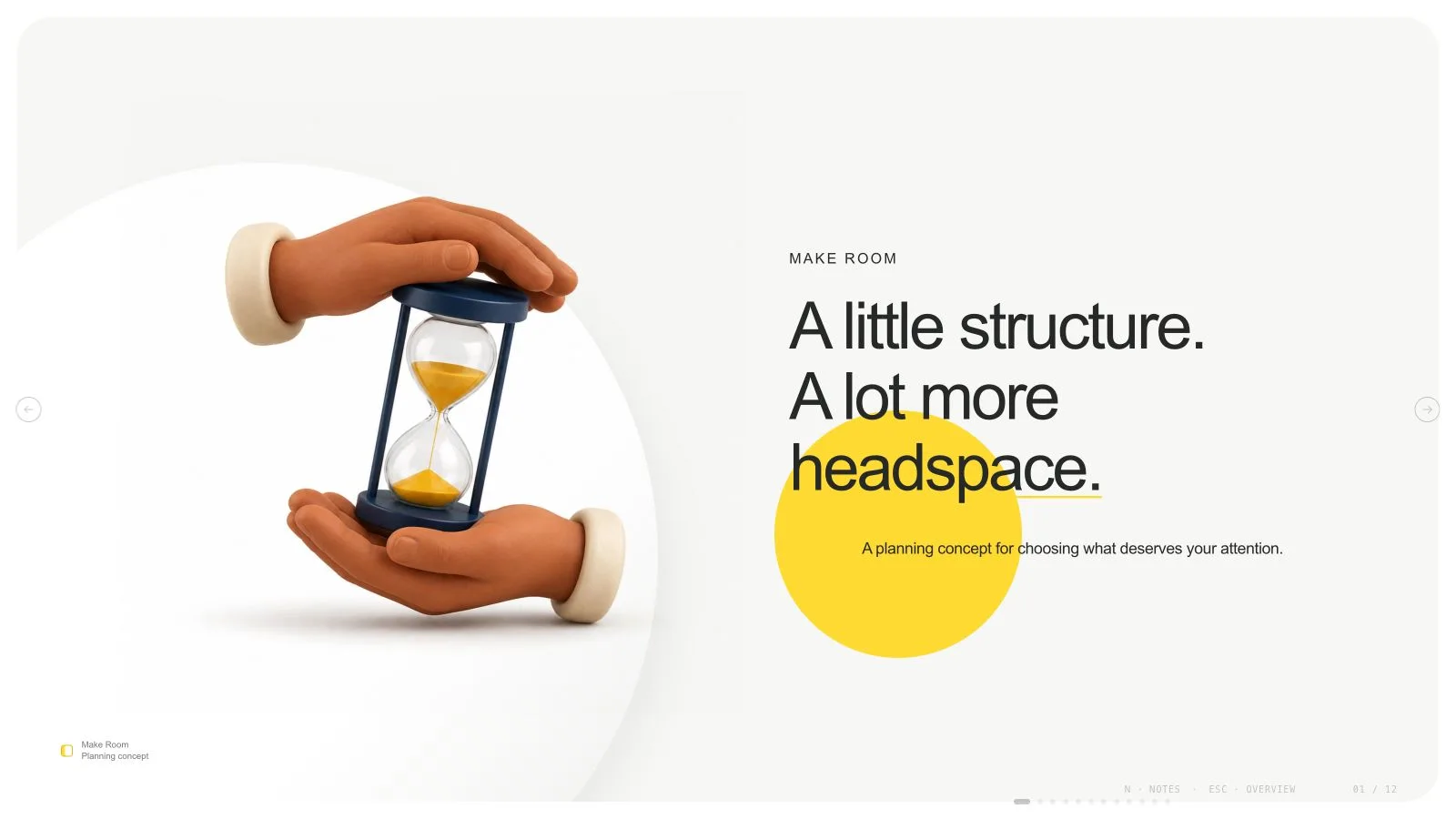
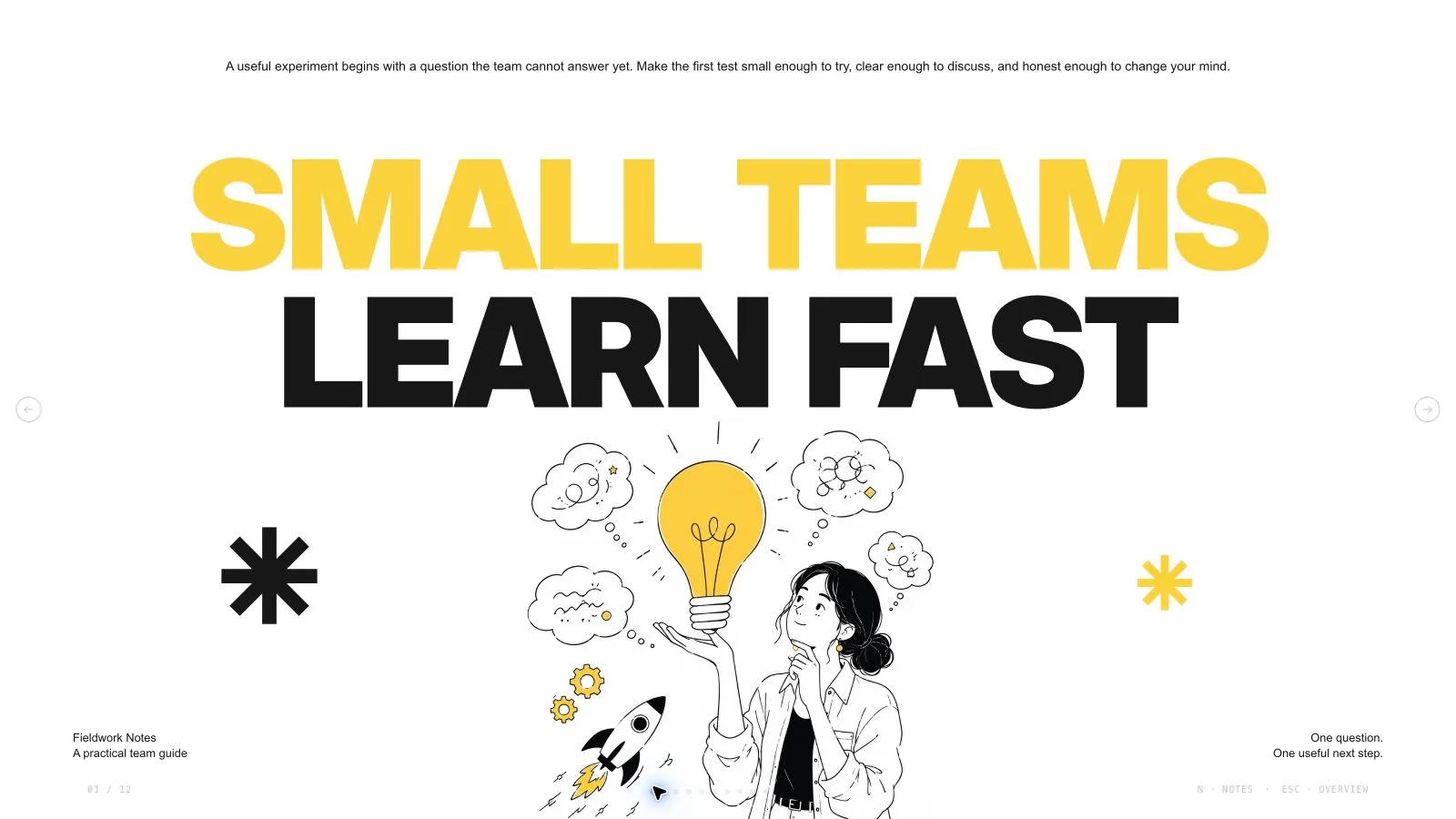
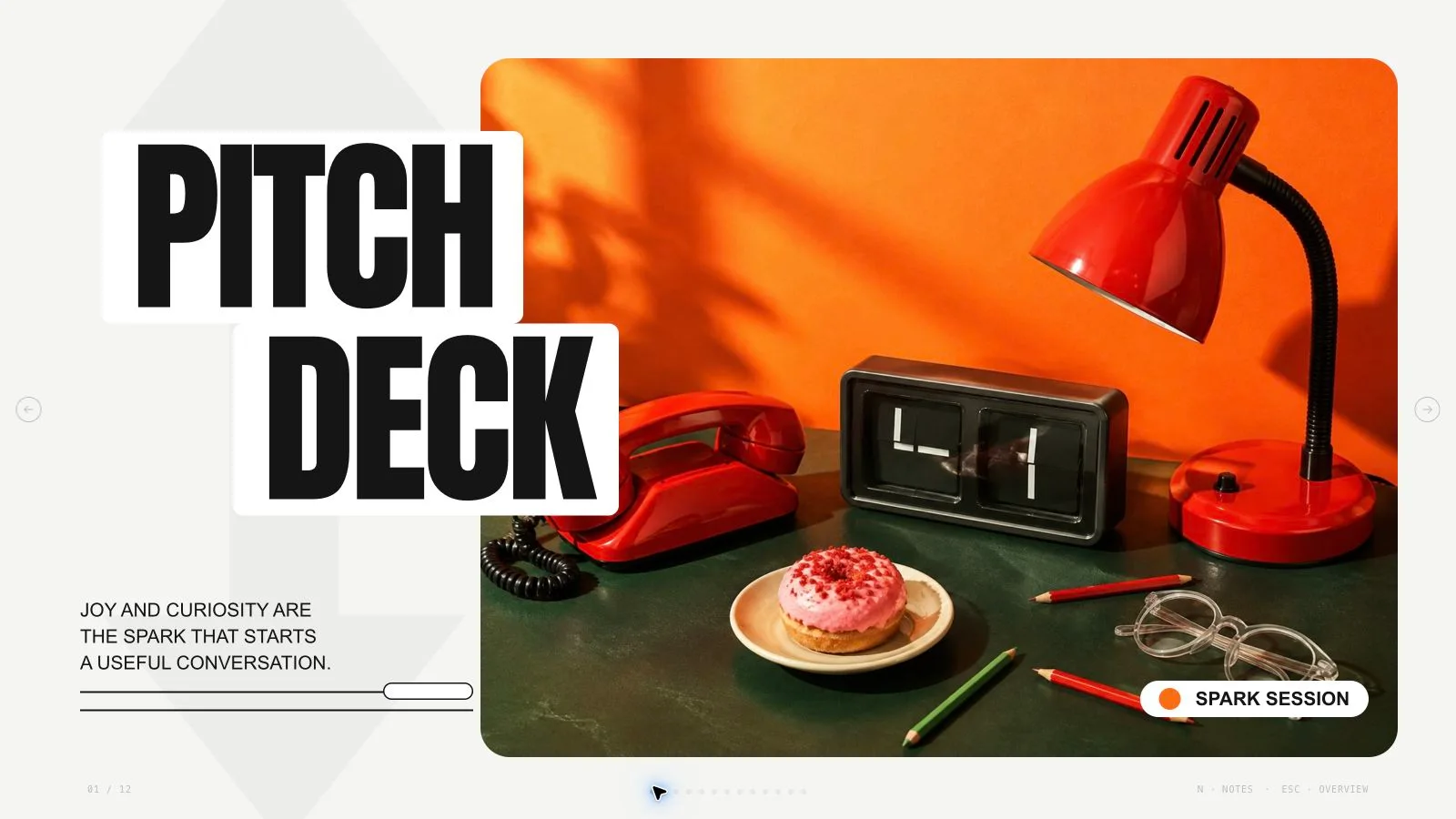
Explain a construction, architecture or urban-garden proposal through scope, practical priorities, project details and coordination. Sunlit Structure Deck uses mustard fields, white/graphite grids, cut-corner photographs and dense project mosaics. It keeps technical labels and diagrams separate from concept imagery, with an exact page plan built from approved source material.
What you get
Twelve optional roles: model cover, four priorities, scope/offer list, project notes, machinery/capability, planner, team, material mosaic, work packages, coordination, building plan and courtyard close. Select or extend these roles to match the requested count rather than force all twelve into every proposal.
A dense construction-editorial system of mustard/white/graphite, strong Georgia Bold headings, compact Arial copy, plus markers, chamfered frames, thin stripes and technical icons. White technical, Mustard field, Graphite contrast and Architectural paper are coordinated page treatments, not interchangeable editor themes.
Thirty local catalog pictures for thirty example slots: model, work/assembly details, machine hero, planner cutout, six-person composition, material mosaic, collaborators, coordination sculpture, worker and courtyard. Many assets are specific to construction/trades/landscape; fictional workers, concept buildings and machinery do not prove an actual team, project or method.
Editable text, labels, measures and diagram primitives around the image-led compositions. Transparent people cutouts use real alpha rather than a baked rectangular background. Each pictorial source belongs to one page only, while functional icons/line geometry may recur. An art ledger records only assets required by the actual plan.
A standalone 16:9 HTML deck with viewing, editing, thumbnails, notes, presentation mode and print styling. Recipes/runtime, Python build/check and Node media tools are bundled. Requested PPTX preserves text/notes and separate pictures, with masks/backgrounds/complex art rendered; PDF gives one page per slide. This is a communication deck, not a verified construction plan.
Before you choose
Read the scope, packages and building-plan pages against the approved project brief. Every claimed quantity, responsibility and next action should be traceable. Construction photography can make a concept feel already built, so label illustrative material and keep unverified details open.
Good fit
A presenter is explaining an urban-garden, courtyard, architecture or construction-related proposal with approved scope and project information.
A team wants a consistent dense technical/editorial language across priorities, people, materials, work packages and coordination.
A creator can supply a clear audience, messages and source evidence and wants the presentation adapted to an exact count.
Not for
Reproducing protected project photographs, reference identities, source artwork or characters.
Automated research or verification of site conditions, quantities, safety, constructability or unsupported project claims.
A PowerPoint deliverable where every technical diagram, curve/crop, machine and decorative field remains a native editable shape.
A minimal mood board or generic repeated-card deck that removes the authored project mosaics and detailed editorial density.
How to use
You say/sunlit-structure-deck Create a twelve-page neighborhood courtyard proposal with construction photography, mustard panels and technical diagrams.
Provide topic, audience, purpose, approved messages/source material, language and exact count. Supply actual scope, quantities, site/project information and permitted images when making real claims. Agree a missing count from material and duration, including opening/closing within the total unless specified otherwise.
Plan distinct roles from the twelve recipes, choosing scope, project notes, team, materials, packages and coordination as the content requires. Preserve mustard/white/graphite grids and density rather than simplify into a minimal architecture mood board. Use the four documented page treatments coherently; the shared editor does not offer a style-specific theme picker.
Create an art ledger per needed slot with page, subject, aspect, placement, palette, prompt and result. Choose suitable library reuse, reuse with generated gaps or regenerate-all, giving approved supplied assets priority. Thirty local pictures are available, mostly construction/trades/landscape-specific; check topic fit and do not claim the fictional workers are your actual crew.
Use every photographic source once, including small project/mosaic/team windows. Crops, rotations and recolors do not count as independent art. Match square studies/portraits, tall 3:4 planners/workers, 4:3 collaboration and wide 16:9 model/machine/coordination/courtyard scenes. Preserve true alpha for composited people and check cut edges against the actual yellow/graphite background.
Embed catalog IDs with the checksum-verifying Node helper. Authorized fresh photos/art may use a built-in tool or optional paid FAL route with FAL_KEY; keep returned task IDs and use status/fetch without automatic failure retries. Provider/account costs may apply. List unresolved frames when no suitable image exists; no fixed quota determines what the proposal needs.
Replace fictional courtyard/project names, people, measures, work descriptions, notes and claims with approved material. Keep technical labels/diagram geometry live and treat the 3D coordination sculpture as illustration rather than an engineering model. Compose/build/check with Python 3 and the agreed count/style kit; Node serves media helpers. Embed assets below 20 MB and resolve sample leftovers.
Open over local HTTP and inspect every 1280×720 page for dense-mosaic readability, worker alpha, cut corners, line contrast, image uniqueness and bounds. Confirm actual counters/thumbnails/notes, then test Edit/E, text/images/order/notes/object changes, undo/redo, Save and reopening.
Export requested PPTX/PDF, run the PPTX check and inspect text/notes, rendered masks/diagrams and actual fonts in the target application. Report completed visual QA and source gaps; a polished construction-style deck does not establish professional approval, safety or actual project delivery.
Requirements and costs
You bring
Presentation topic and audience · Key messages or source material · Desired slide count and language
Dependencies
A browser for presentation and verified print export · Node.js for local validation · A host image generation tool for fresh artwork · Chrome, Chromium or Edge plus Node.js 20 or newer — required only for PowerPoint export
Outside costs
Generating new artwork may incur a separate provider charge. The included original example can be viewed without image generation.
Publisher testing
v1.0.5 — Claude Code / Claude Desktop / Cowork / Codex / ChatGPT
FAQ
Yes. Adapt the twelve page roles to approved material and the exact requested total. The example is not a default or limit. Agree a missing count from content and duration before building while keeping the construction-editorial visual rules coherent.
Thirty local concept pictures can be reused when suitable, with approved supplied images first. Many are construction/trade-specific. New images follow actual page slots without a quota and may incur provider/account costs. Every picture is independent; list unmatched frames and inspect alpha edges for any composited workers.
Use Edit or E in the standalone HTML, revise text, images, order and notes, then Save. The four documented treatments guide generation, not an editor theme menu. PPTX preserves text/notes and separate pictures, with complex art/technical geometry rendered. Python 3 handles core build/check and Node image helpers. Verify actual native output/fonts.
The example is a fictional concept with original imagery. Supply approved real evidence for actual team, site, quantities or delivery claims. Worker cutouts, a machine hero and coordination sculpture do not validate construction methods, safety or professional approval.
User reviews
—0 reviews
Select a star to share your experience.
No reviews yet. Ratings appear once readers share real experiences.