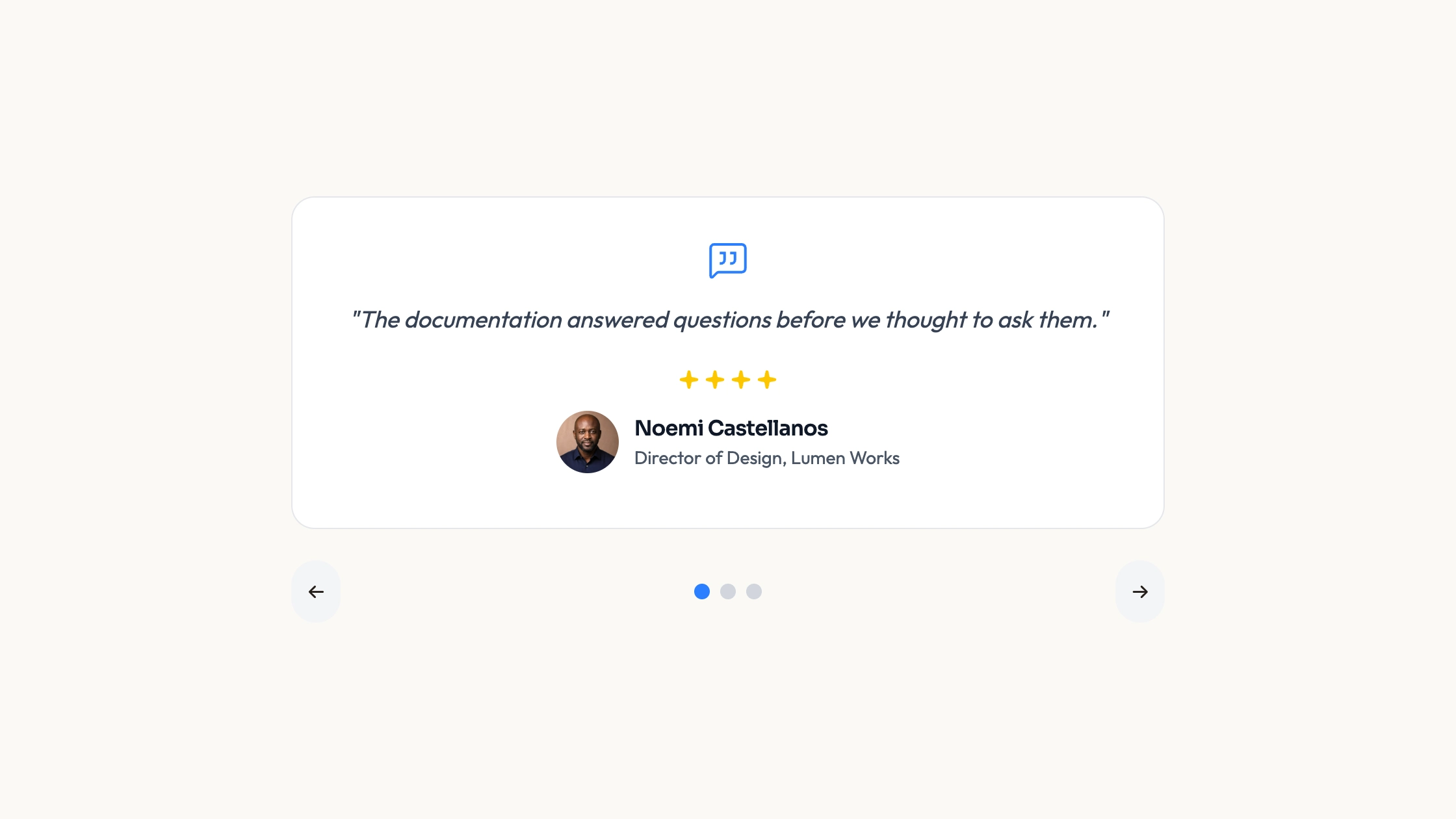
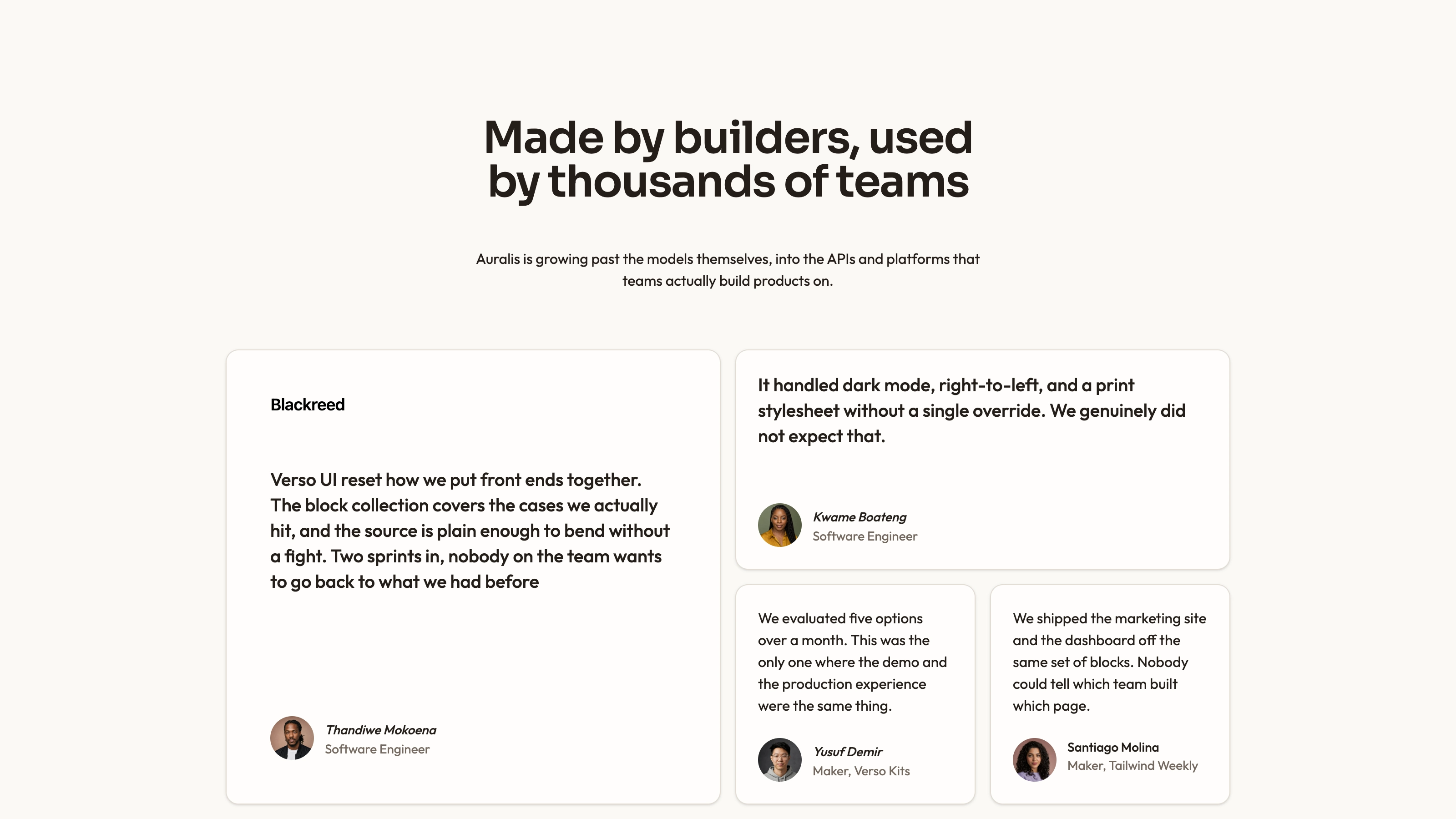
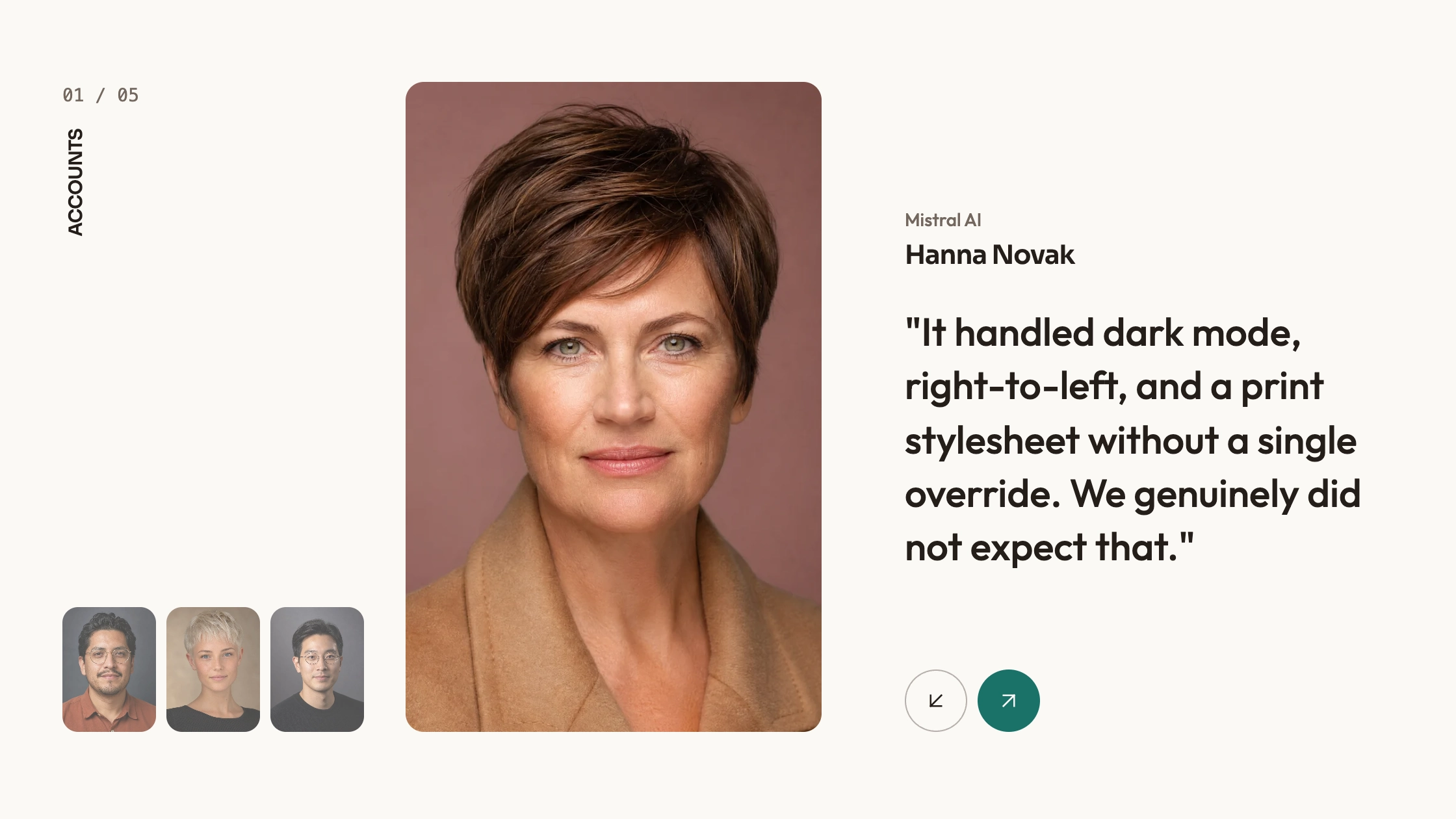
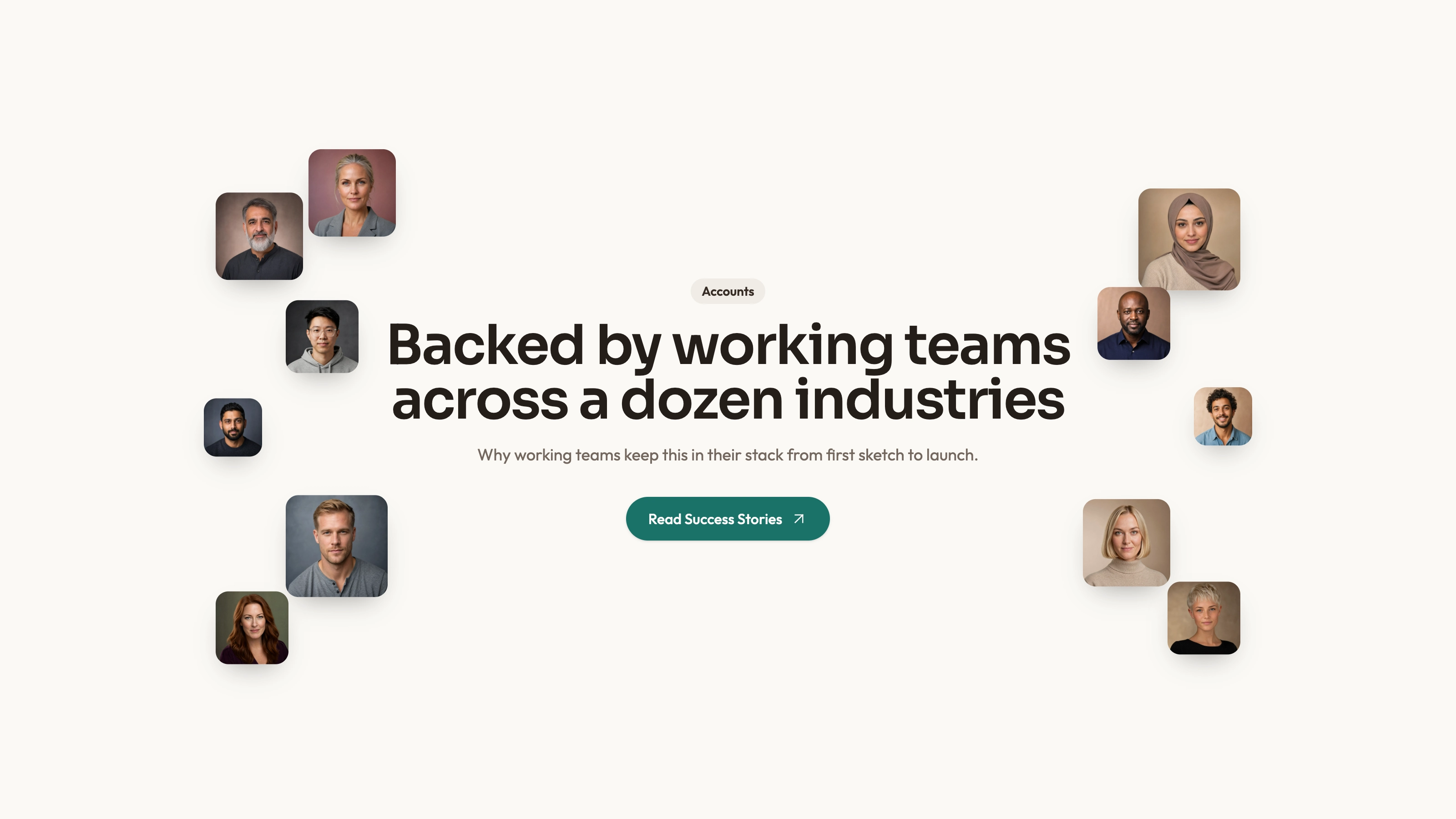
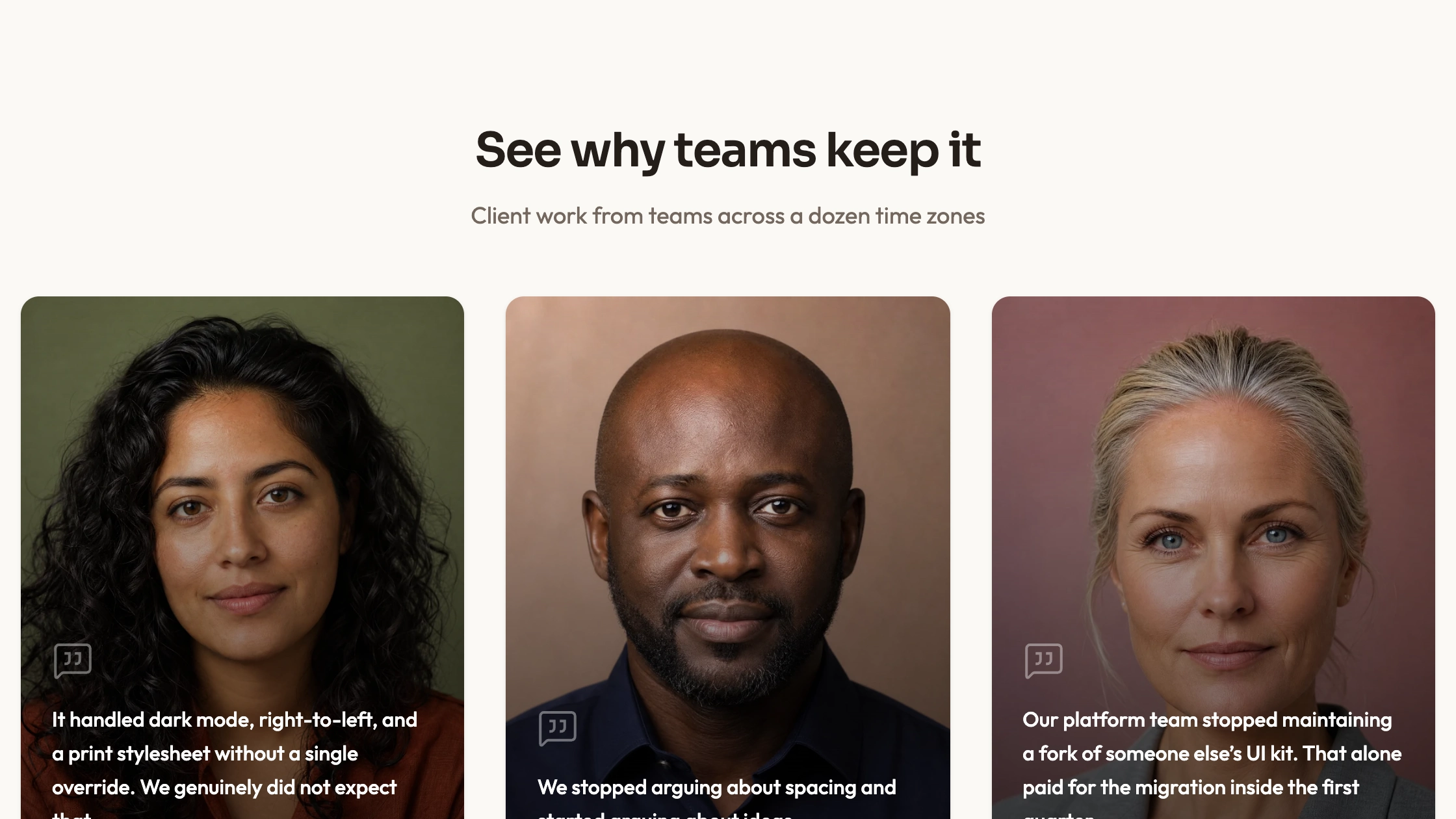
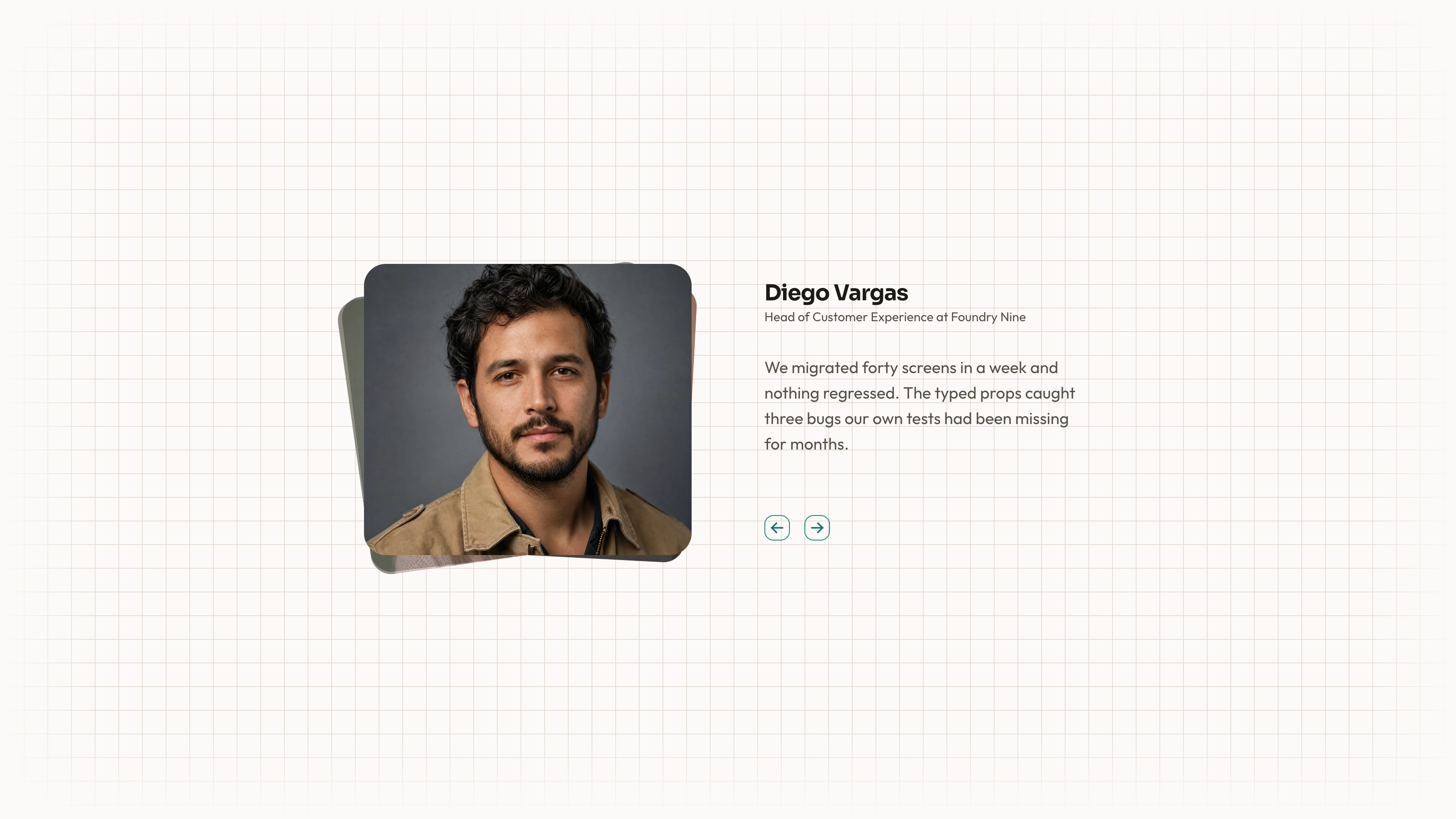
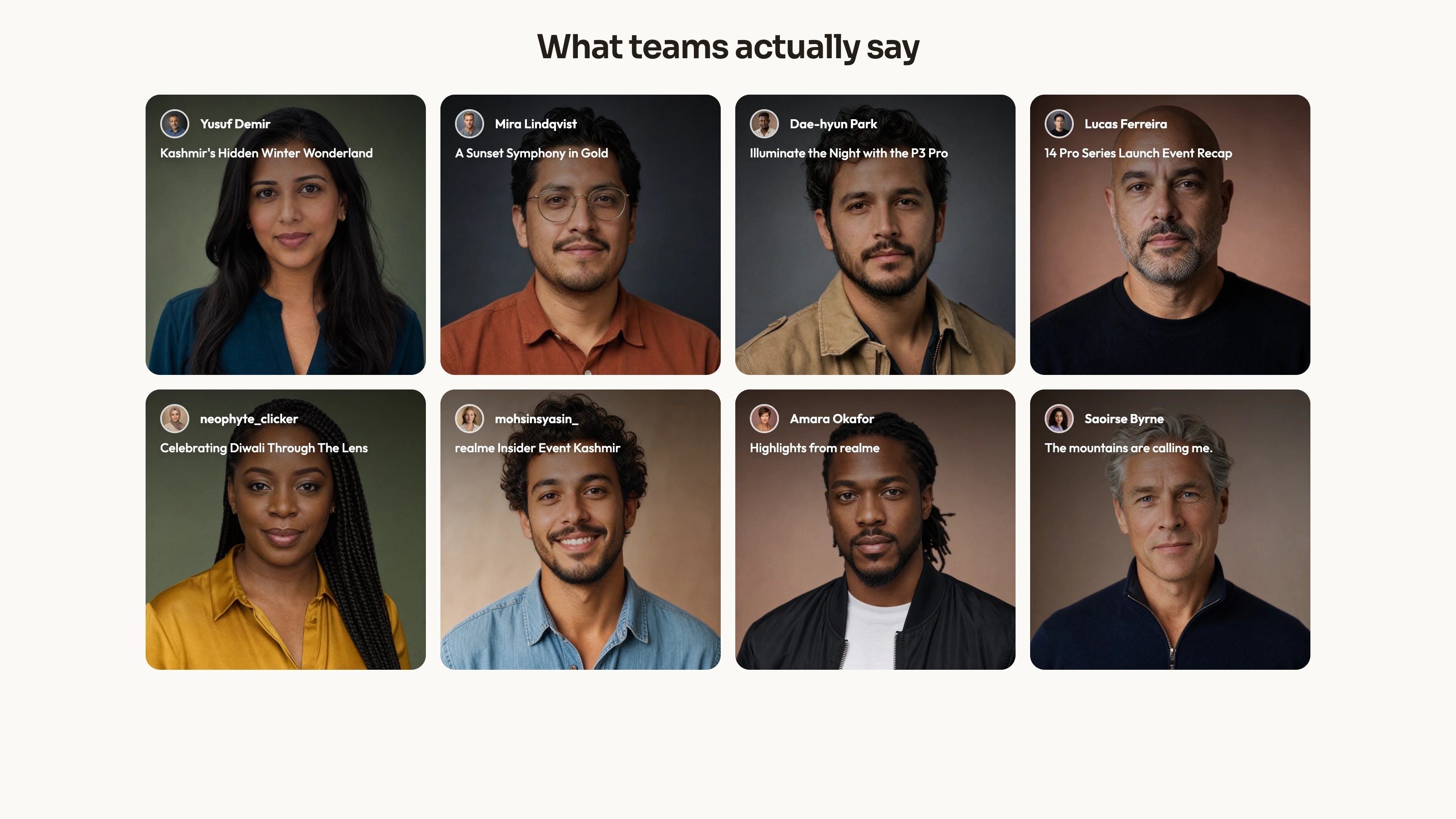
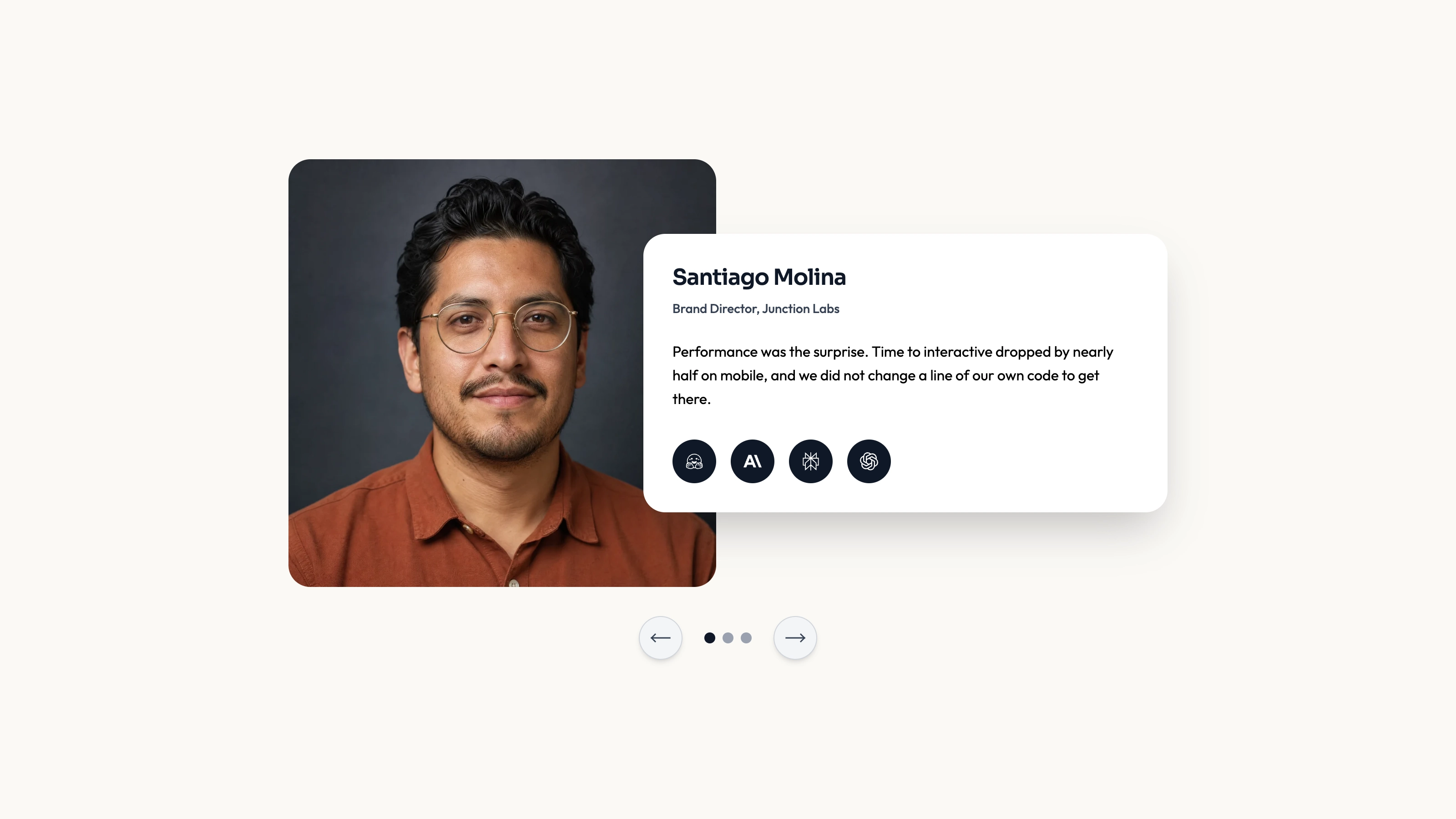
Build a larger testimonial section from independently moving vertical streams. Masonry Wall combines attributed cards, different column durations and faded top/bottom edges, with a demonstration theme toggle. The collection is supplied in source; the wall’s visual density does not represent newly fetched or independently verified feedback.
What you get
A React/TypeScript wall and demo with nine source records split into three groups. Text, image, name and role stay together in each card. The second column is hidden below medium width and the third below large width, leaving only the first three records visible on a phone.
Automatic 15/19/17-second columns that duplicate their records and translate upward by 63% inside a masked 740 px-high maximum view. The whole section enters on visibility. First-copy cards have hover/focus styling; repeated copies are aria-hidden and excluded from tab order. This is DOM/motion markup, not canvas drawing.
A light/dark demo wrapper, editable source, theme/icon/imagery references and source checker. Portrait and WOFF 2 font binaries are absent; React, framer-motion, Lucide and host utility/theme styling are required. Its theme toggle affects document.documentElement rather than an isolated component scope.
The written visual contract defines warm paper/teal light tokens, dark roles, Outfit body type, Sora headings and a 0.875rem base radius. Icons are specified as inline SVG with 1.5 px square-cap strokes and visible names beside real monochrome vendor marks. Reconcile fixed source styles with those references rather than assuming one theme token controls every dimension or effect.
Before you choose
Measure breadth by distinct supported statements, not the number of cards passing through the viewport. Prioritize what a phone reader can actually inspect and avoid letting a faded edge permanently conceal a useful qualification.
Good fit
You have enough distinct approved short statements for a broad evidence section and want to preserve the speaker relationship within each card.
The section can remain supporting content, with important customer evidence available through a readable nonmoving path.
You want to inspect and adapt source instead of depending on a hosted testimonial service or expecting someone else to maintain a versioned package.
Not for
A live social/review feed, a draggable card wall or verified customer totals inferred from duplicated cards.
A complete page or app with navigation, forms, accounts and checkout.
Assuming three-column desktop content remains equally visible on a phone: the example hides later columns at smaller widths.
Using the demo’s theme toggle in an established design system without checking its effect on the host page.
How to use
You say/testimonial-masonry-wall Add the Masonry Testimonial Wall section to the landing page for [product name]. Use the quotes, names and portraits I provide; do not invent testimonials. Follow the existing page framework and styling.
Inspect the host framework, client boundaries, framer-motion/Lucide imports and theme ownership, then adapt the composition. The exported App adds/removes the document root dark class from local state, starting false, without restoring the prior class on unmount. Prefer integration with the existing theme controller rather than mounting this wrapper unchanged. Another framework needs a real port.
Supply approved quotes and replace names, roles and portraits together. Allocate the most useful records to the narrow-screen reading path rather than hiding all decision-relevant evidence in desktop-only columns.
The written visual contract defines warm paper/teal light tokens, dark roles, Outfit body type, Sora headings and a 0.875rem base radius. Icons are specified as inline SVG with 1.5 px square-cap strokes and visible names beside real monochrome vendor marks. Reconcile fixed source styles with those references rather than assuming one theme token controls every dimension or effect. Supply actual local portraits/fonts and verify name/role/quote pairings. Follow portrait/abstract/photo slot rules and appropriate local WebP sizing. Replace the sample accessibility-audit claim and other product outcomes with supported approved content.
Tune each stream’s timing to its content and inspect the duplicate reset and faded edges. Decide how visitors can pause or read without continuous movement; a theme button is not a motion control. A focus animation does not pause the underlying stream, and no dedicated pause/reduced-motion branch is supplied. Verify the 63% reset with real quote heights rather than assuming duplication guarantees a seamless loop.
Run the block checks and inspect the real wall on phone and desktop, including long quotes, author images, focus, reduced motion and theme interactions. Verify that the toggle does not unexpectedly override the rest of the application.
Requirements and costs
You bring
Not collected yet
Dependencies
Not collected yet
Outside costs
Not collected yet
Publisher testing
v1.0.3 — Claude Code / Claude Desktop / Cowork / Codex / ChatGPT
FAQ
The source uses React and framer-motion, and the workflow calls for reading the target repository before adaptation. Keep its component and styling conventions. Another framework needs a port, not just renamed imports; a self-contained file is an option for a standalone result.
It renders supplied source records without a review-platform API. The intended asset contract is local, but this ZIP contains no actual portrait/font files. Supply them and verify host requests separately.
Yes. Keep each portrait and attribution attached to the correct statement and use permitted local files. The imagery reference distinguishes portraits, normal photographs and abstract blend-mode slots. Recheck the wall height and readable exposure after changing text.
Not in the authored example. Later columns are hidden at smaller breakpoints. If every quote must remain reachable, add an explicit mobile content path rather than assuming responsive hiding preserves access.
The exported demo changes the document root dark class, starting from false and without restoring its previous state on unmount. Integrate with your application’s theme controller; this is not an isolated per-wall appearance switch.
User reviews
—0 reviews
Select a star to share your experience.
No reviews yet. Ratings appear once readers share real experiences.