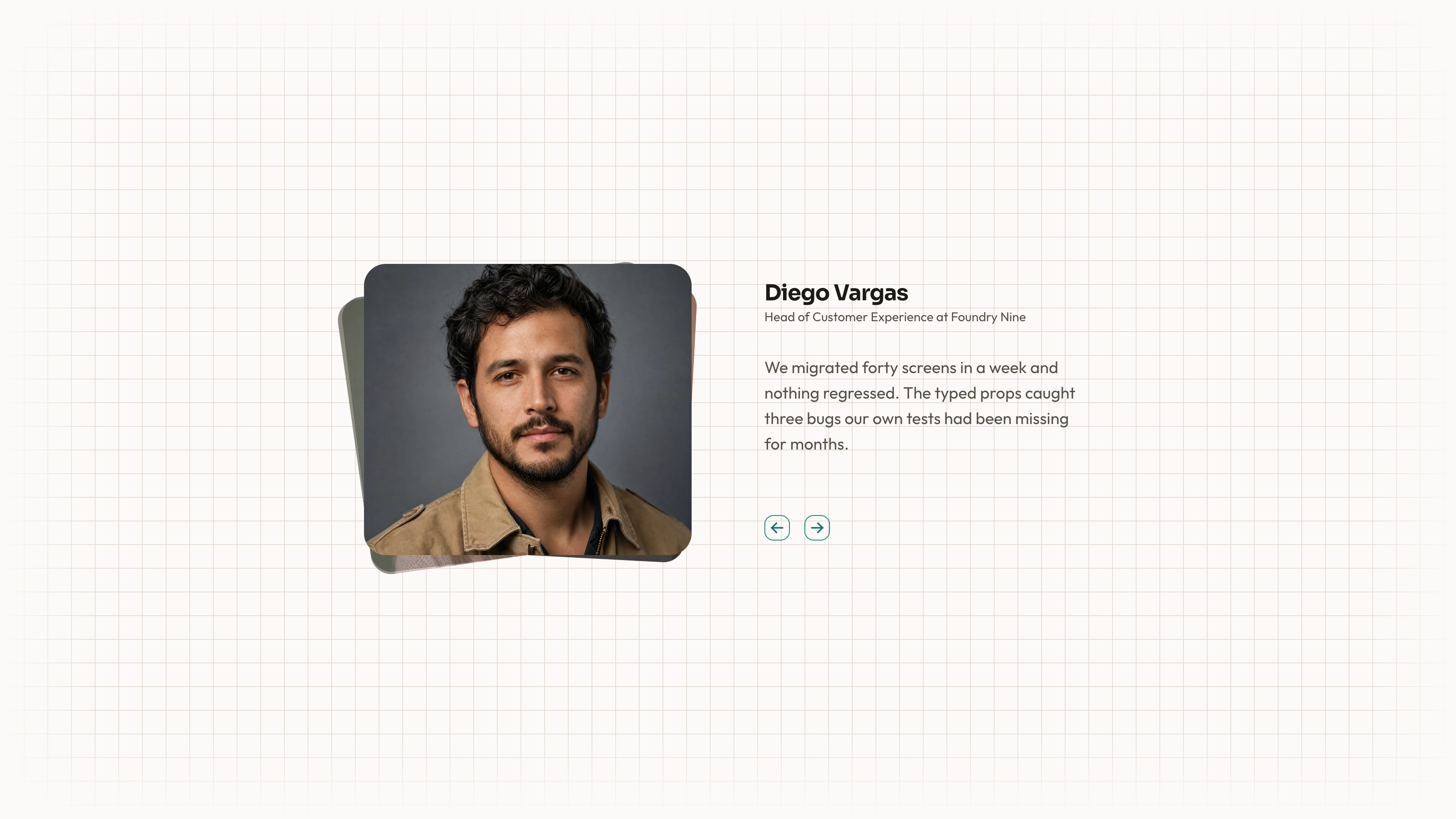
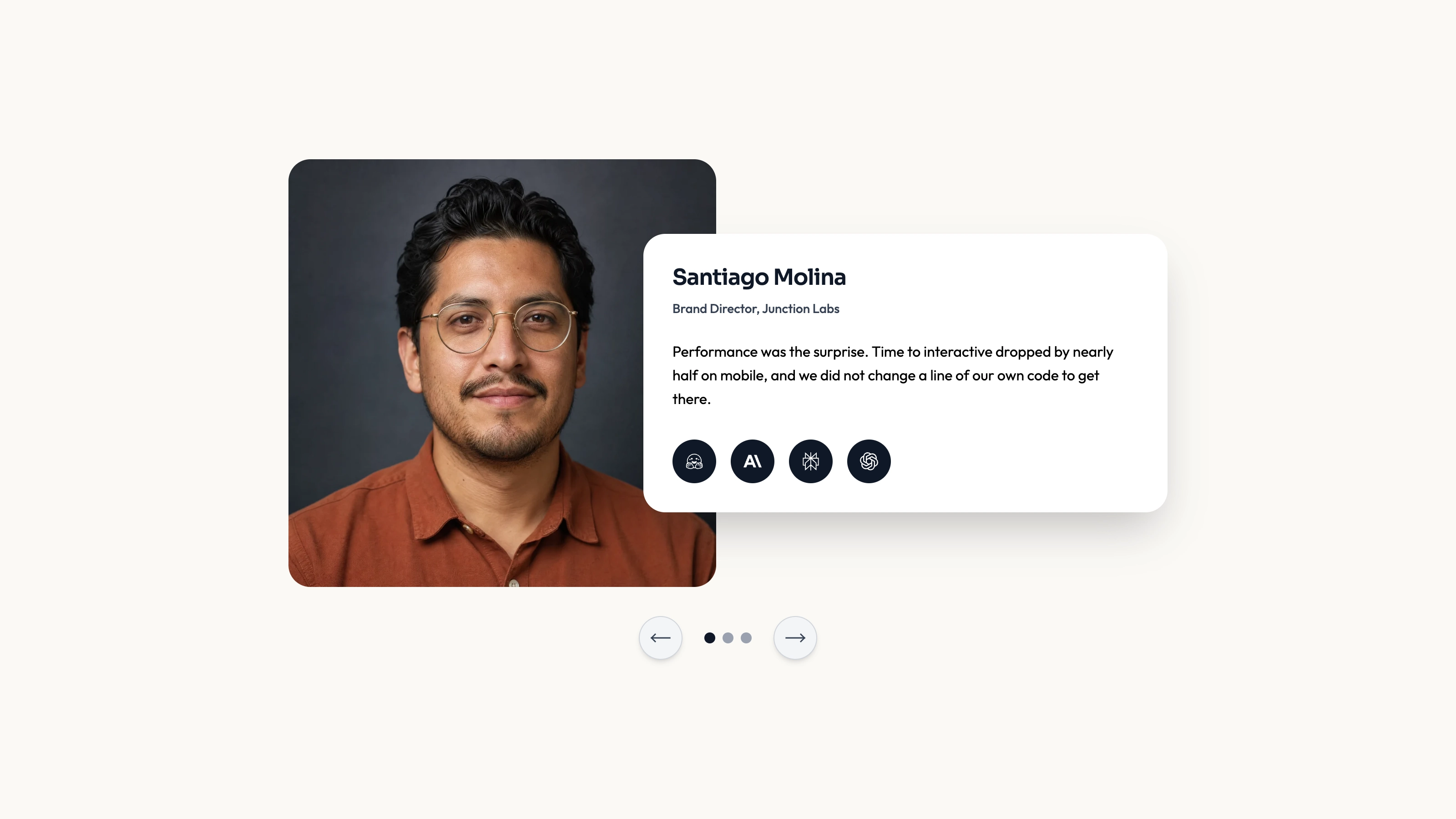
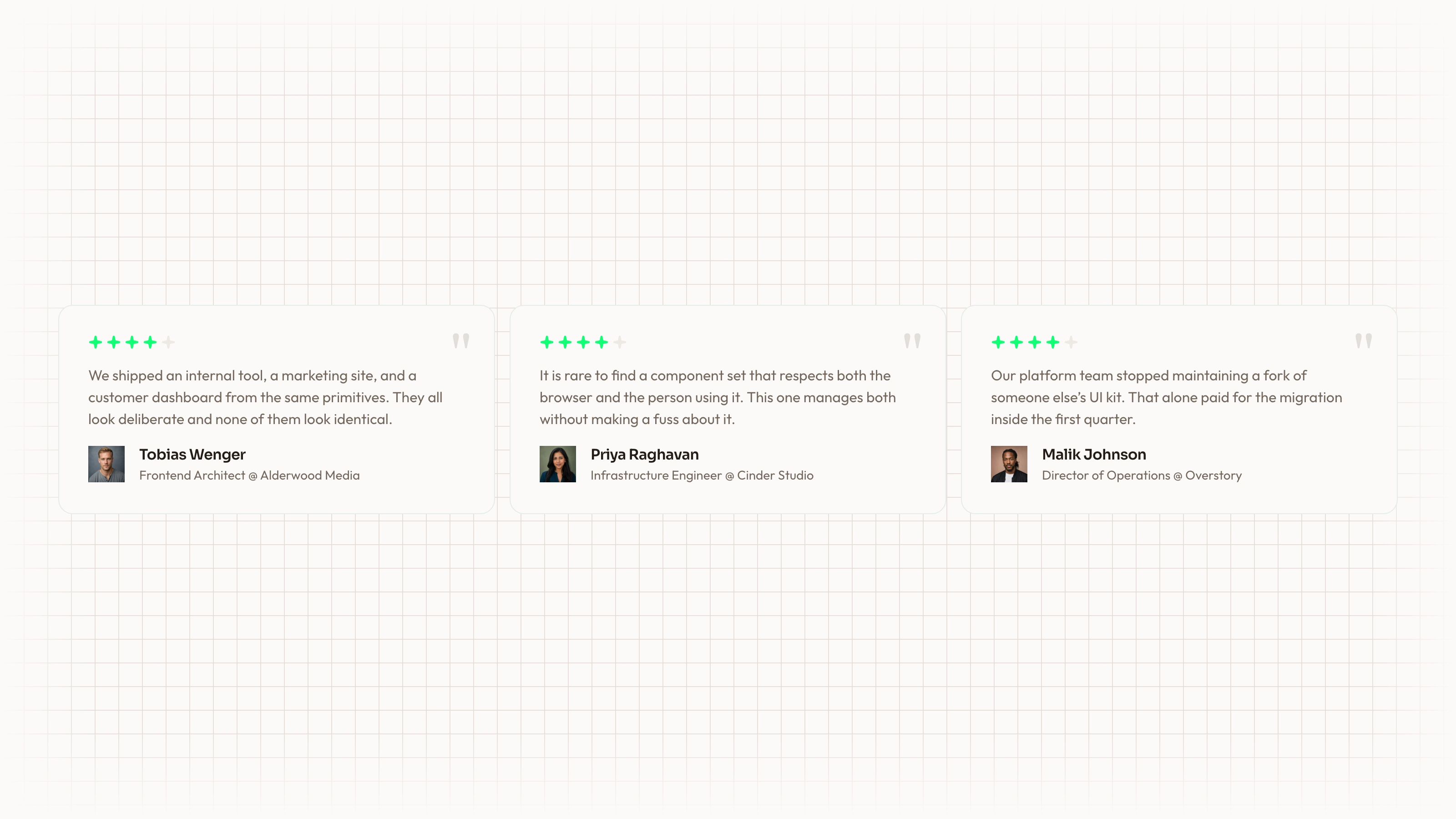
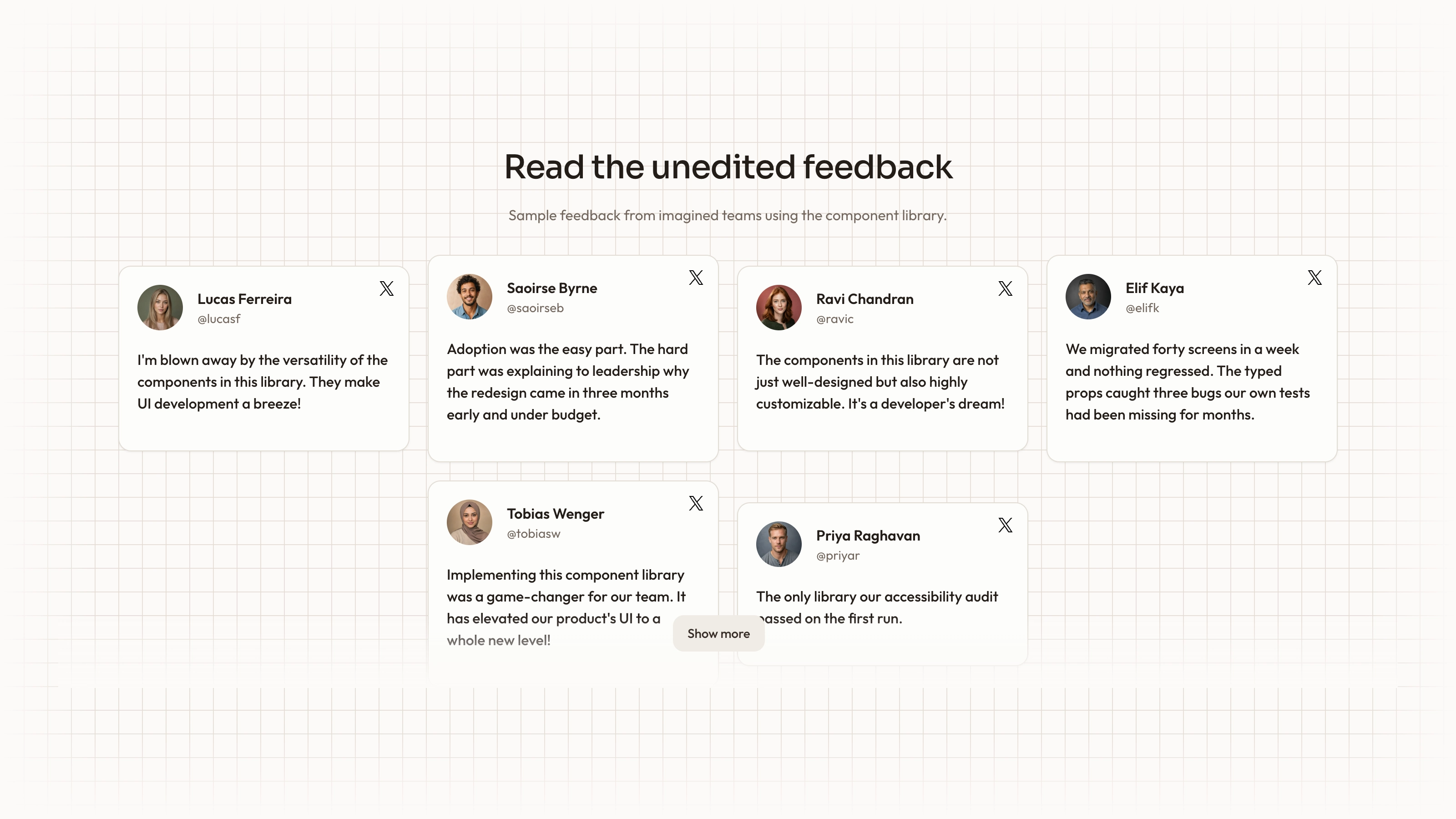
Let readers choose among customer statements while keeping their place in the collection. Numbered Slider combines an active portrait, large quotation and speaker affiliation with thumbnail selection, directional controls and a visible current-item count. Its source keeps those elements tied to one selected review record.
What you get
A React/TypeScript TestimonialSlider and five-record demo with id, name, affiliation, quote, imageSrc and thumbnailSrc. A zero-padded current/total display indicates list position, not score or ranking. Supply a nonempty array with unique IDs.
Manual previous/next wraparound and up to three thumbnail buttons. Thumbnails are the first three records in source order after excluding the active one, not necessarily the next three or the full collection. Direction-aware image/text transitions take 0.6 seconds; the wide layout uses 3/4/5 grid spans and stacks/reorders on small screens.
Editable source, local-path portrait examples, theme/icon/imagery references and a source checker. Actual portraits/fonts and the imported project Button are absent from the ZIP. React, framer-motion, Lucide, cn, a compatible Button and utility/theme styling need integration.
The written visual contract defines warm paper/teal light tokens, dark roles, Outfit body type, Sora headings and a 0.875rem base radius. Icons are specified as inline SVG with 1.5 px square-cap strokes and visible names beside real monochrome vendor marks. Reconcile fixed source styles with those references rather than assuming one theme token controls every dimension or effect.
Before you choose
Prefer direct thumbnail selection when visitors may care about a particular role or use case. Keep affiliations accurate and let the quote explain a concrete experience rather than making the number or large portrait do the persuasion.
Good fit
You have a few approved, substantive statements and want visitors to select a speaker directly rather than wait through automatic cycling.
Keeping portrait, name, affiliation and exact words together is important to the credibility of the section.
You want source-level control over layout and transitions and can maintain the integrated component rather than expecting a managed npm service.
Not for
A rating system, a live review collection or proof that sample company affiliations represent actual endorsements.
A complete site with navigation, forms, account and checkout flows.
Assuming long quotes or small embedding containers will fit the source’s substantial minimum heights without adjustment.
An unchanged match to every mature design system. Inspect the typography, tokens, utility and motion imports in the host.
How to use
You say/testimonial-numbered-slider Add the Numbered Testimonial Slider section to the landing page for [product name]. Use the quotes, names and portraits I provide; do not invent testimonials. Follow the existing page framework and styling.
Inspect the host framework/client boundaries and intended container, then copy the slider/demo and resolve React, framer-motion, Lucide, cn and the missing project Button implementation. Another framework needs a real port; standalone HTML is appropriate only for an explicit standalone deliverable.
Supply approved review records with stable IDs. Replace affiliation, quote, main image and thumbnail as one unit, confirming that both pictures show the correct speaker and that a sample company name is not retained as apparent customer proof. All sample thumbnail paths differ from their corresponding main-image identity; replace both with accurate views of the named person. Company affiliations are demonstration data, not evidence of endorsement.
The written visual contract defines warm paper/teal light tokens, dark roles, Outfit body type, Sora headings and a 0.875rem base radius. Icons are specified as inline SVG with 1.5 px square-cap strokes and visible names beside real monochrome vendor marks. Reconcile fixed source styles with those references rather than assuming one theme token controls every dimension or effect. Supply actual local portraits and fonts. Use portrait slots for people, with correct main/thumbnail identity and delivery-sized WebP; use the separate abstract plate rule only when adding special invert/blend/contain artwork.
Fit the longest statement to the layout and check the vertical labels, current-item number and thumbnail strip. Preserve the source’s readable hierarchy instead of shrinking essential copy to force it into a narrow host panel. The base minimum height is 650 px, changing to 600 px from medium width, and the main image area also has substantial minimum height. Review real content in the intended host rather than assuming it fits a small panel.
Run the supplied checks, then test thumbnail selection, arrows, first/last wraparound and identity synchronization on phone and desktop. Inspect focus labels, source content and actual requests; no example screenshot proves every replacement or integration works.
Requirements and costs
You bring
Not collected yet
Dependencies
Not collected yet
Outside costs
Not collected yet
Publisher testing
v1.0.1 — Claude Code / Claude Desktop / Cowork / Codex / ChatGPT
FAQ
The source is React with framer-motion and shared UI imports. The instructions call for reading the repository first and adapting the component and styling to that environment. Another framework needs an actual port; a standalone HTML version is appropriate when requested as a separate deliverable.
No testimonial-service integration is implemented. It renders supplied records and references local image paths; actual images/fonts and the imported Button are absent from the archive. Supply them and inspect actual host requests.
Yes. Replace each full record, including its separate thumbnail and main image, and verify attribution. Follow the imagery guide for portrait and blended/abstract slots and recheck the actual quote length and crop.
It shows the selected review’s position within the supplied list. It is not a customer rating, a verified total of all product reviews or an ordering by quality.
The current thumbnail buttons select their corresponding records, but only the first three other records in source order are offered at any time. Previous/next arrows wrap through the full nonempty array; not every speaker is directly visible in the initial thumbnail strip.
User reviews
—0 reviews
Select a star to share your experience.
No reviews yet. Ratings appear once readers share real experiences.