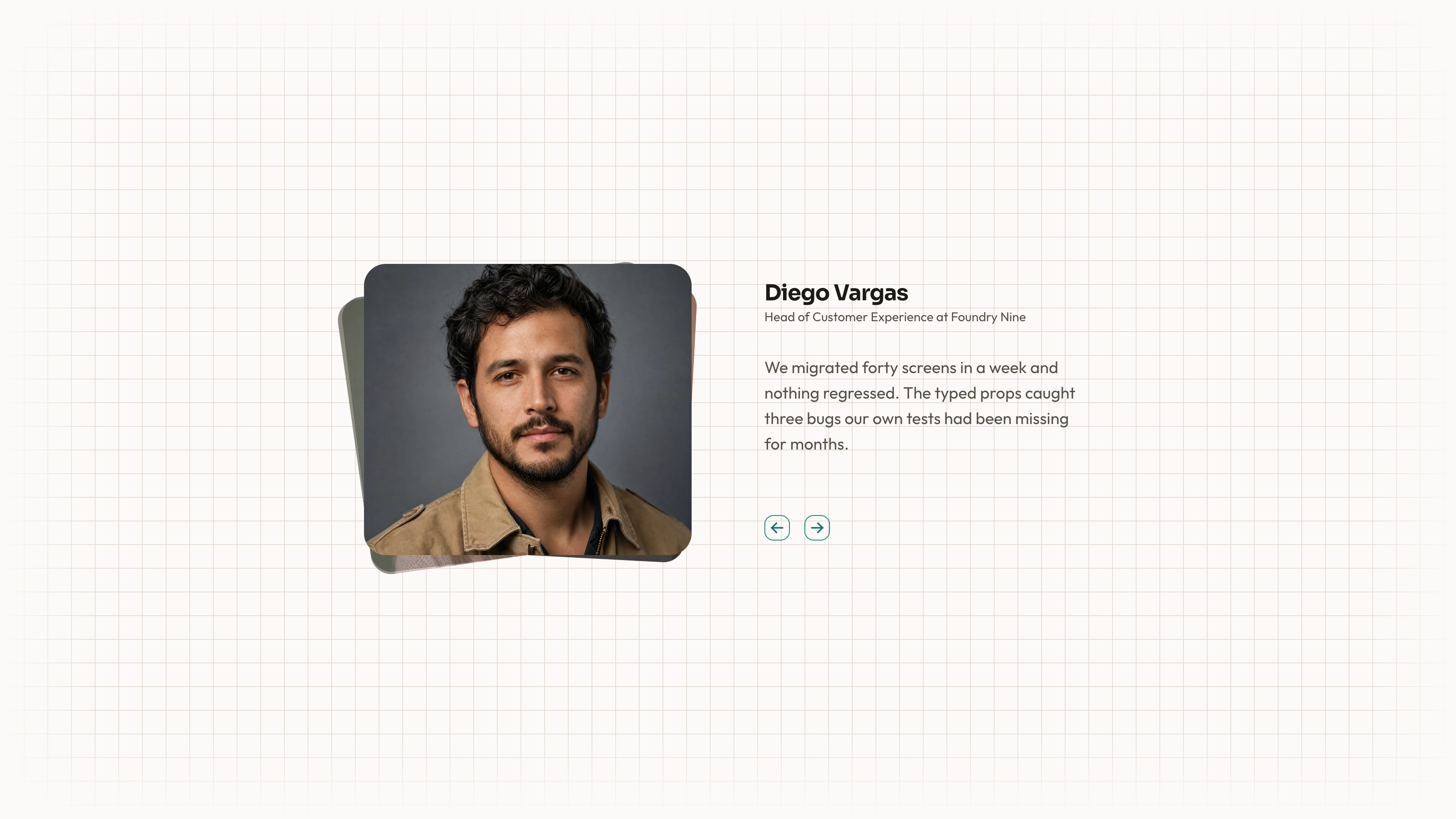
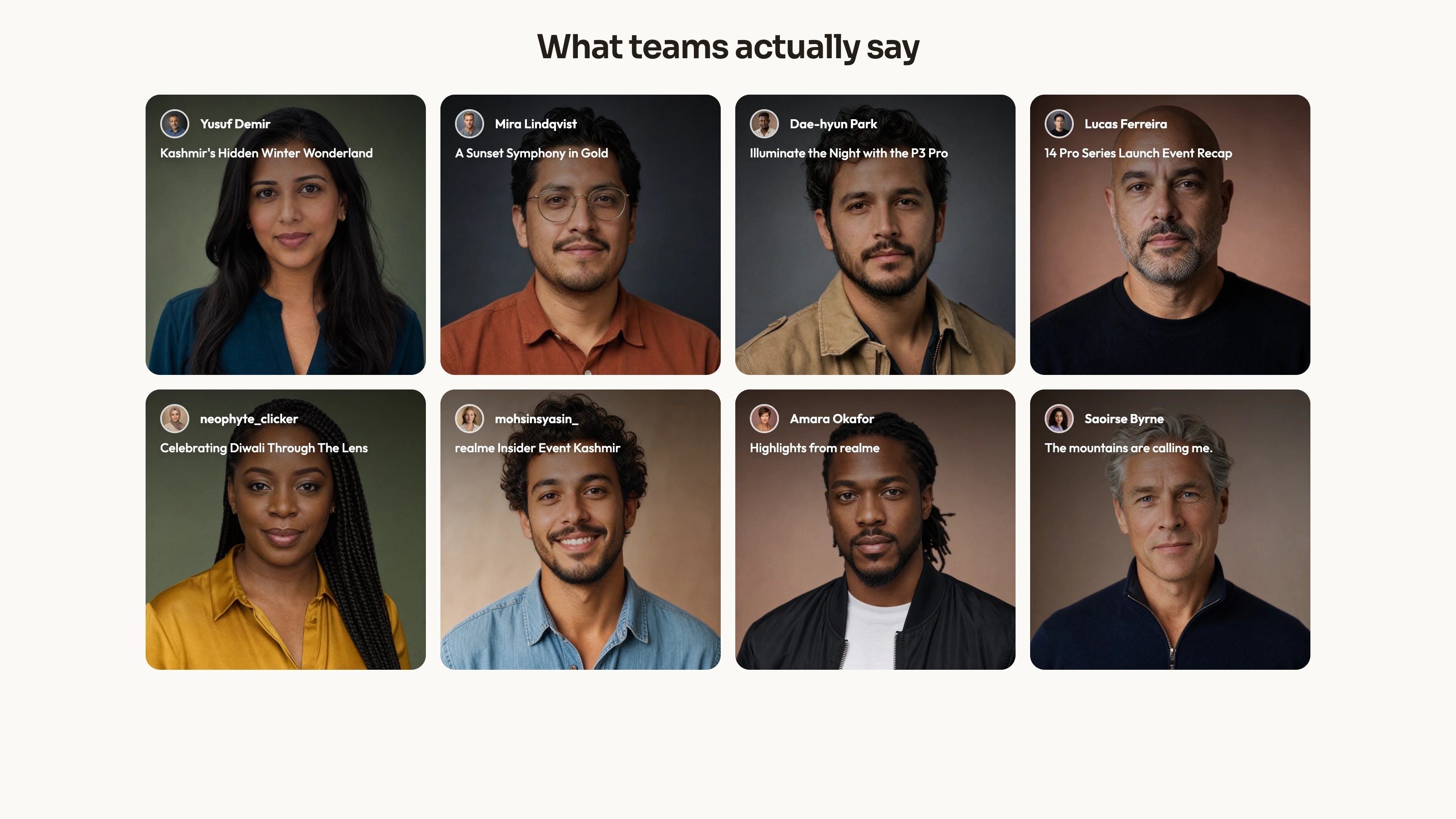
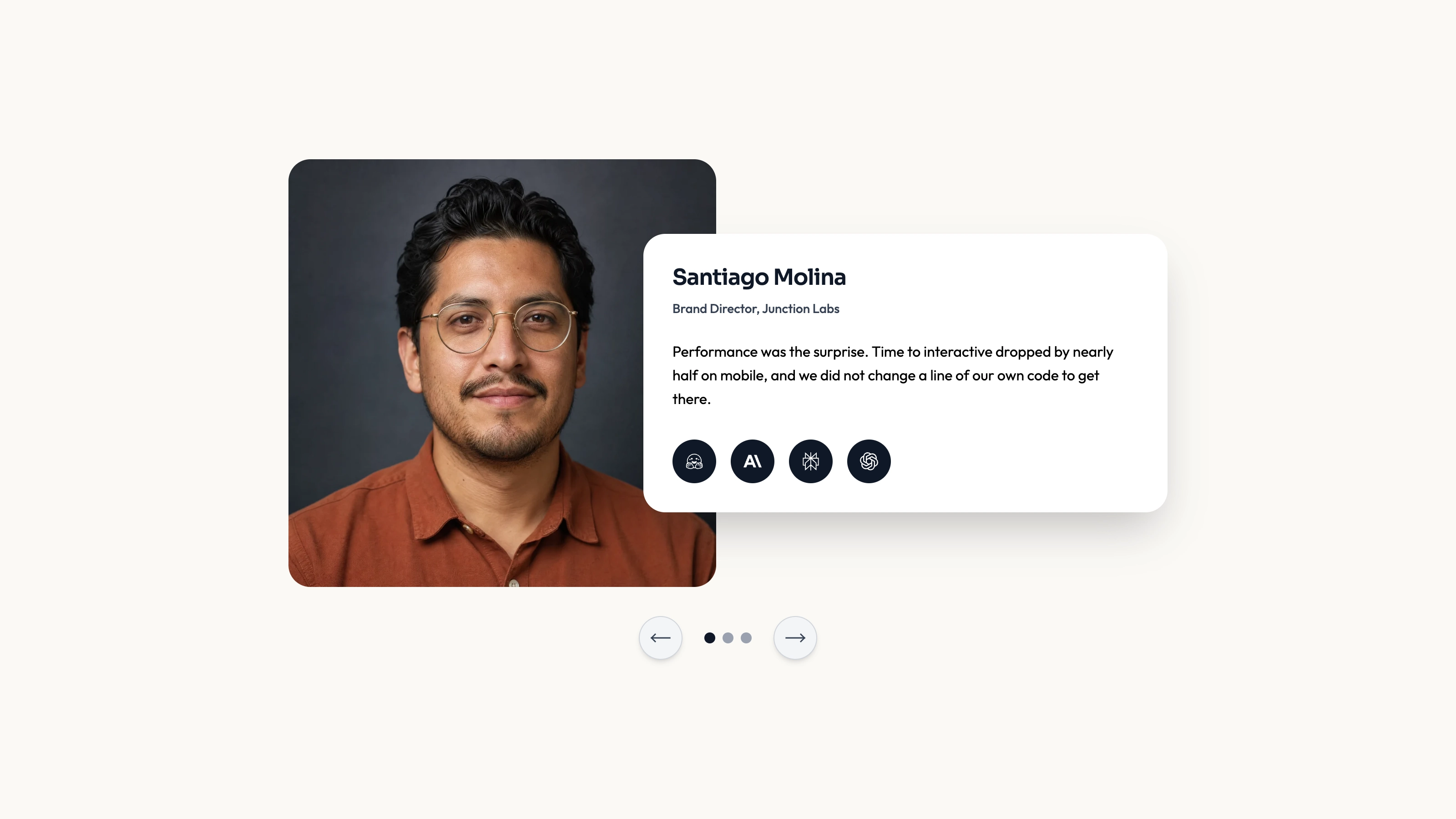
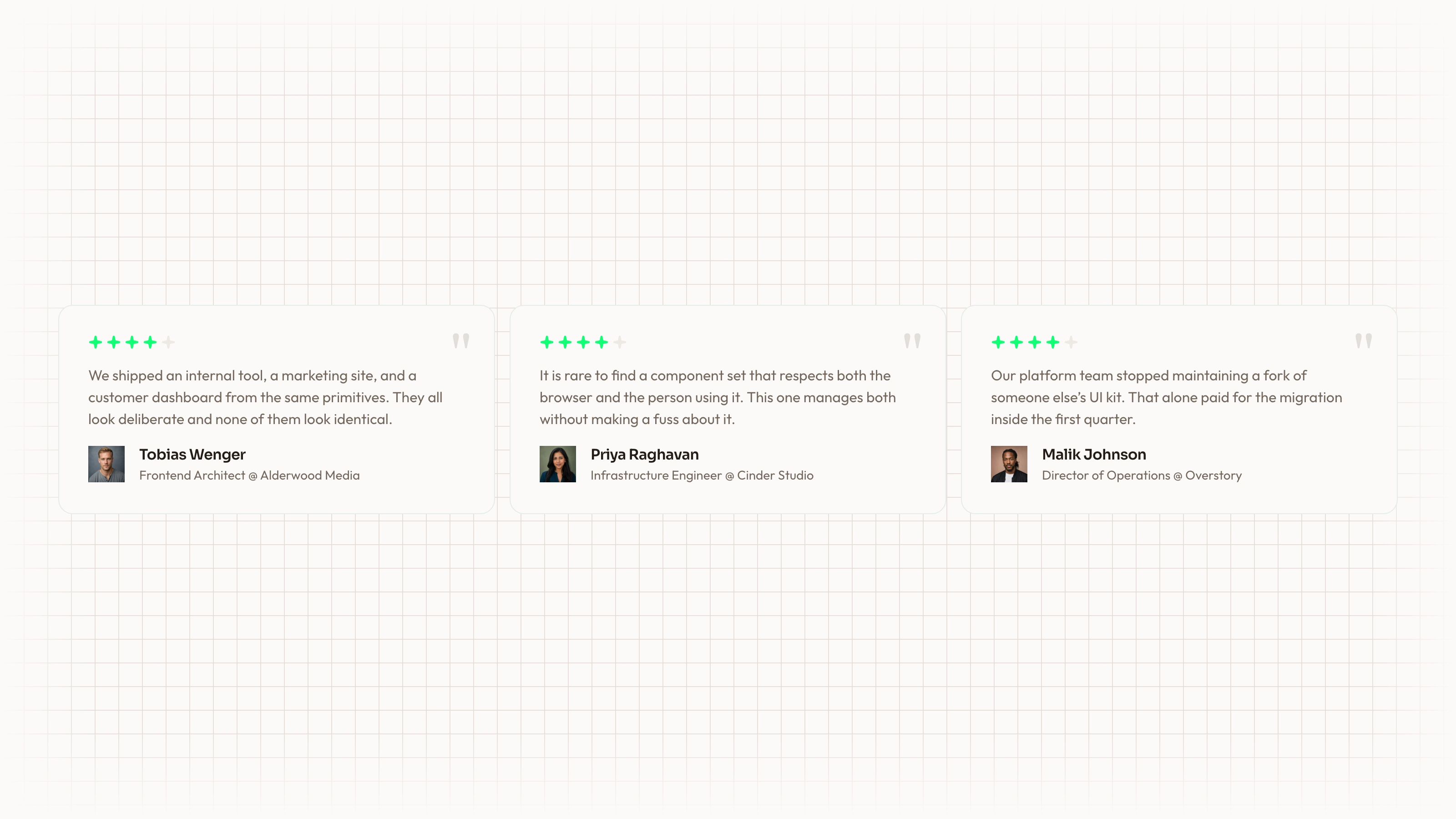
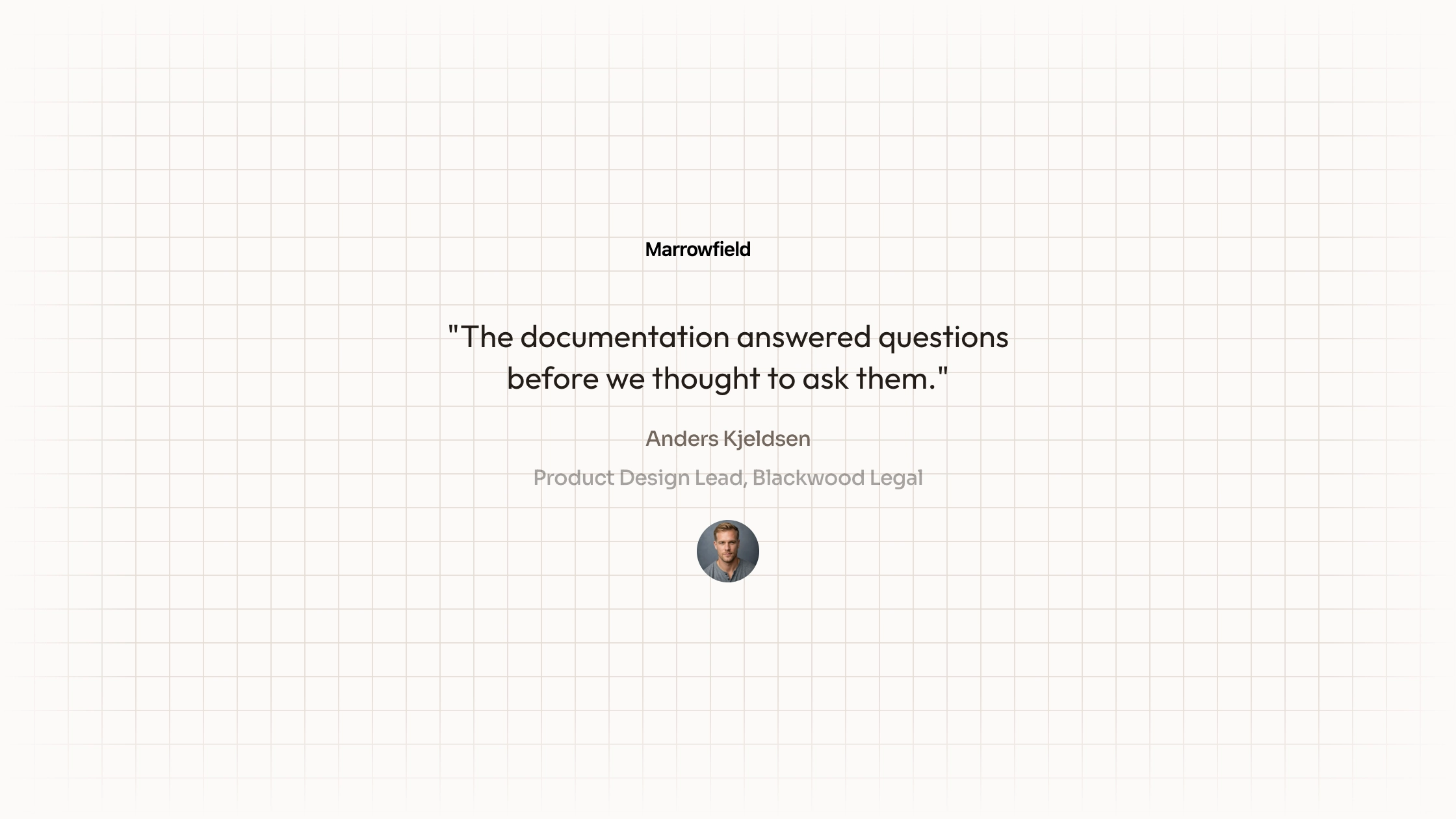
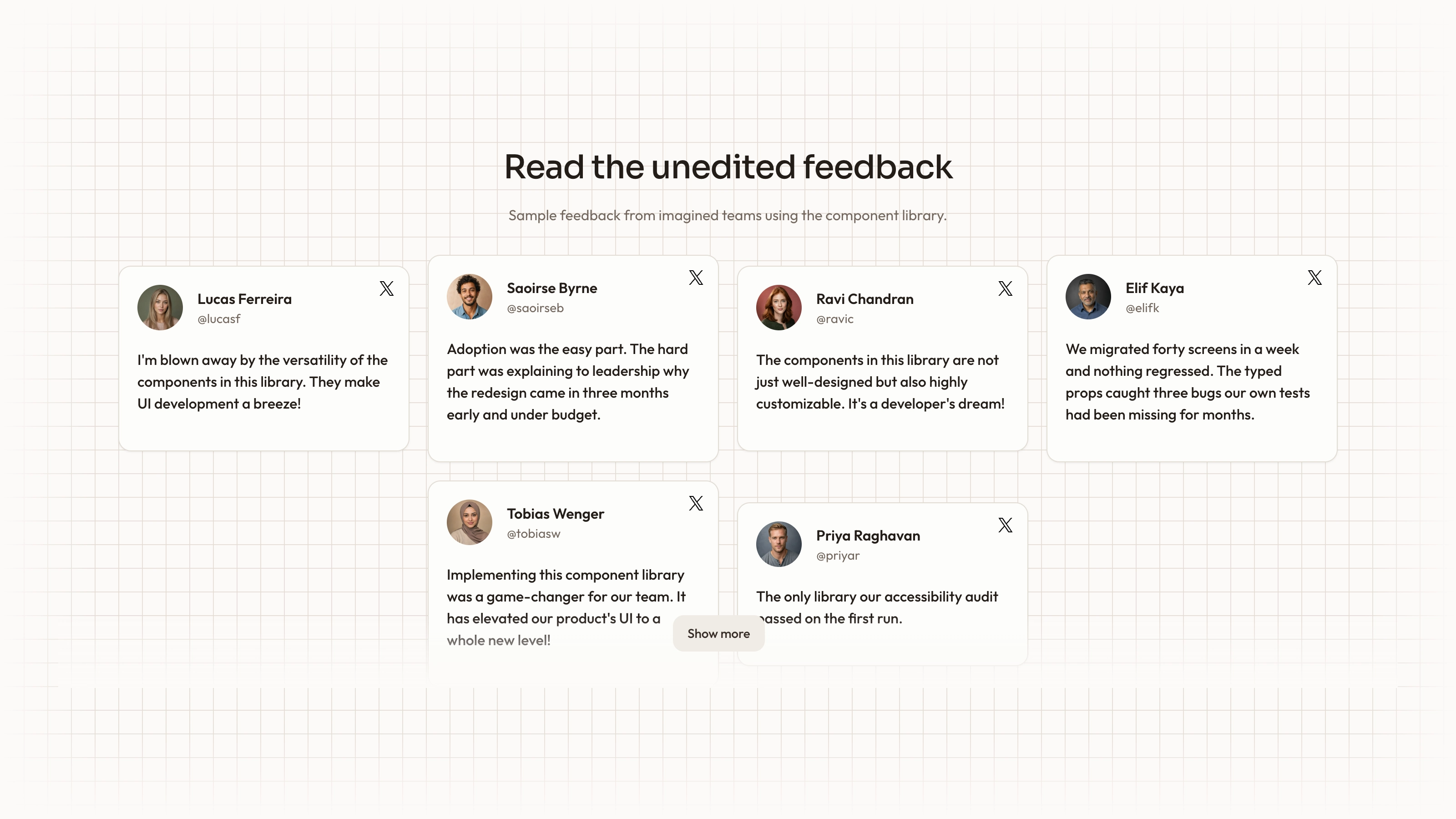
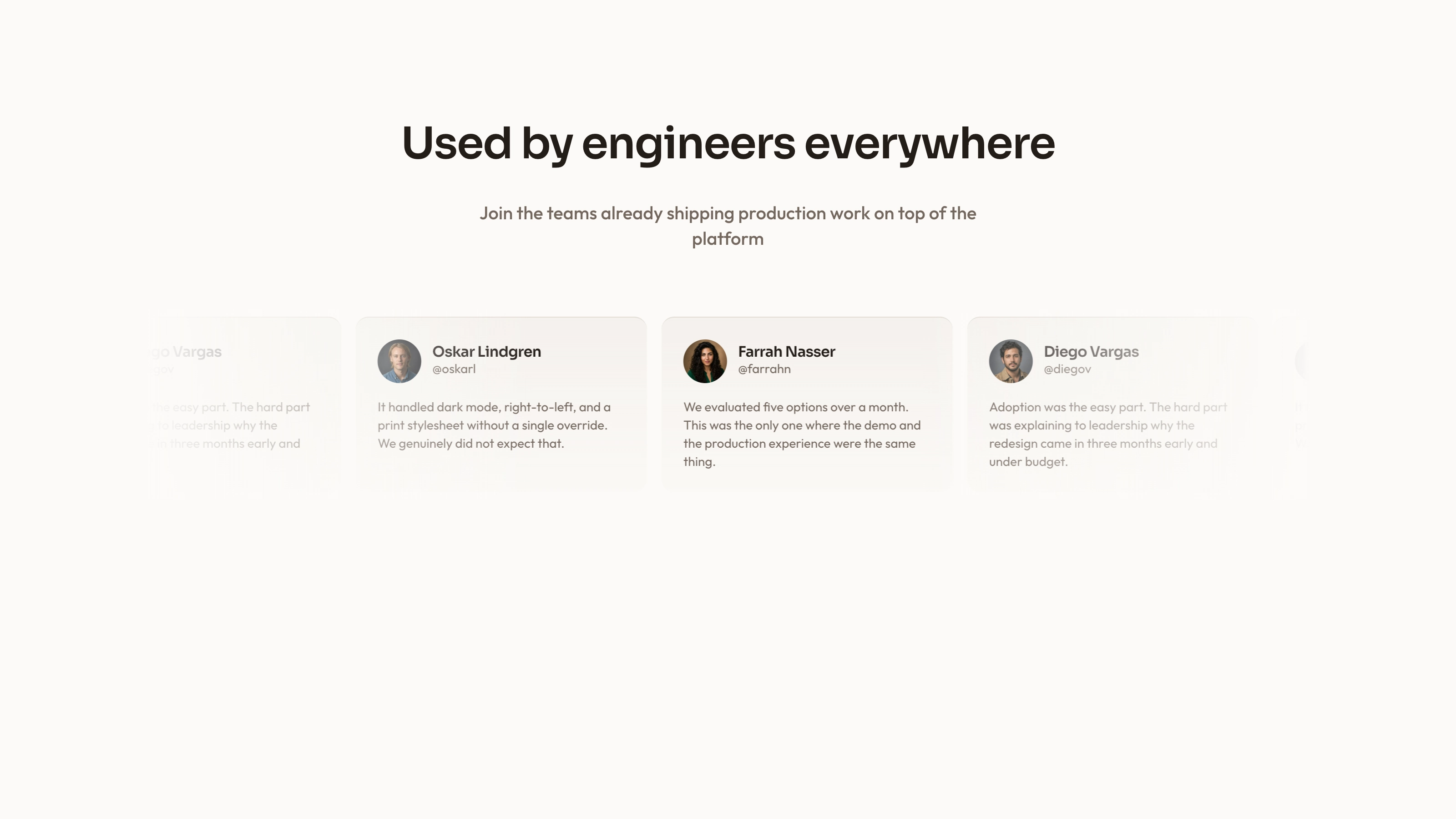
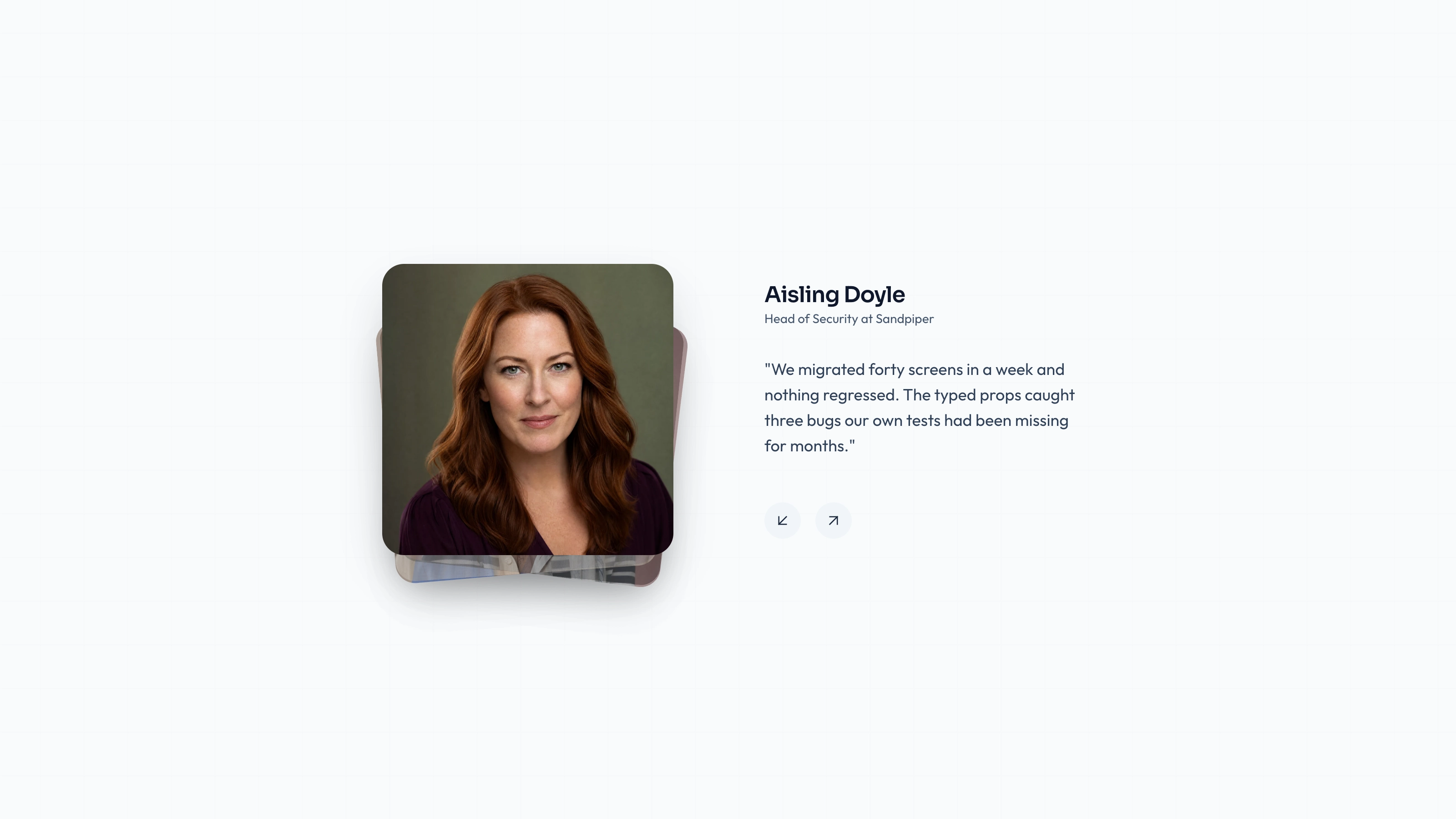
Put a short customer statement inside the same photographic frame as its speaker. Portrait Overlay uses an image-backed card grid, dark gradients and bottom-aligned attribution, with staggered entrance motion when the section enters view. It favors concise quotes whose meaning remains clear over the photograph.
What you get
A React/TypeScript TestimonialSection and three-record demo, accepting title, subtitle and records with id, quote, name, role and imageSrc. Cards stack at base width, use two columns from medium and three from large. Copy and maintain the source within your project rather than treating it as a versioned package.
Portraits with dark gradients beneath bottom-aligned white quote/attribution overlays. The grid enters once when 20% visible, staggering cards by 0.2 seconds with 0.5-second fade/up transitions. It has no selection, rotation or hidden quote-reveal interaction.
Editable source, imagery/icon/theme references and a source-check script. Actual portraits and WOFF 2 fonts are absent from the archive; only local paths are supplied. React, framer-motion, Lucide and host utility/theme styling are required.
The written visual contract defines warm paper/teal light tokens, dark roles, Outfit body type, Sora headings and a 0.875rem base radius. It calls for restrained motion and inline SVG icons with 1.5 px square-cap strokes; real vendor marks should be monochrome and visibly named. Reconcile the actual classes, images and animation with those rules, including any fixed values.
Before you choose
Compare this with Dark Portrait when selecting a layout. Overlay puts the words on the photograph; a separate quote area is often clearer when statements are longer or portrait backgrounds are busy.
Good fit
You have several short approved statements and portraits that support a photo-led evidence section.
The speaker’s identity and role need to stay close to the words without requiring a separate detail view.
Your team wants control of the source and can inspect the overlay contrast, motion and responsive behavior with its own content.
Not for
Long customer stories that would obscure most of the portrait or require tiny text to remain inside the card.
Automatically verifying testimony, fetching social posts or implementing navigation, forms, sign-in and payment flows.
A guarantee that the same gradient is readable on every photograph or that the authored palette matches an established design system without adaptation.
How to use
You say/testimonial-portrait-overlay Add the Portrait Overlay Testimonials section to the landing page for [product name]. Use the quotes, names and portraits I provide; do not invent testimonials. Follow the existing page framework and styling.
Inspect the host framework, client boundary, styling and framer-motion/Lucide imports before copying section/demo. Adapt to existing component conventions; another framework needs a real port, with standalone HTML only for an explicit standalone output.
Prepare complete quote records and replace image, name, role and wording together. Keep record IDs stable and unique and confirm that portraits and statements are approved for this use.
The written visual contract defines warm paper/teal light tokens, dark roles, Outfit body type, Sora headings and a 0.875rem base radius. It calls for restrained motion and inline SVG icons with 1.5 px square-cap strokes; real vendor marks should be monochrome and visibly named. Reconcile the actual classes, images and animation with those rules, including any fixed values. Supply local portraits/fonts because the archive contains no media binaries. Use accurate person/name/role/quote pairings and suitable local WebP sizing. Follow the separate abstract-slot rule only when adapting invert/blend/contain artwork, not for ordinary portrait slots.
Fit each statement to the actual photograph and card dimensions. Check the subject’s face and the busiest image area behind the text; adjust crop, overlay or quote length without changing the approved meaning. The image uses the h-120 utility and the card clips overflow while the entire text block is absolutely bottom-aligned. Resolve that utility in the host and inspect long-copy bounds; fitting into the data array does not guarantee all text remains visible.
Run the package’s block checks and separately inspect phone and desktop layouts. Test long names, the longest quote, in-view animation, reduced motion, image alternatives and text contrast. Passing the example’s static checks does not establish fit for every replacement. There is no dedicated reduced-motion branch; add one where the host requires it. Reconcile nonstandard text-card-white/100 with the actual theme instead of assuming the class is defined.
Requirements and costs
You bring
Not collected yet
Dependencies
Not collected yet
Outside costs
Not collected yet
Publisher testing
v1.0.1 — Claude Code / Claude Desktop / Cowork / Codex / ChatGPT
FAQ
The section is React with framer-motion. The package calls for reading the repository first and adapting imports, styling and component structure. A different framework needs an actual port, while a self-contained page is appropriate for a standalone request.
It displays supplied records and local image paths, with no review-service API. Actual portrait/font files are absent from the ZIP. Supply them locally and inspect built host-page requests before claiming offline operation.
Yes. Match each replacement to the actual speaker and approved statement, keep it local and review its crop and contrast. Portraits are appropriate here; normal photographic and abstract blend-mode slots elsewhere follow their own rules in the imagery guide.
A fixed gradient cannot guarantee contrast over arbitrary imagery. Review the final crop, overlay and quote length together; move to a separate text-card layout if a truthful complete statement cannot fit legibly.
User reviews
—0 reviews
Select a star to share your experience.
No reviews yet. Ratings appear once readers share real experiences.