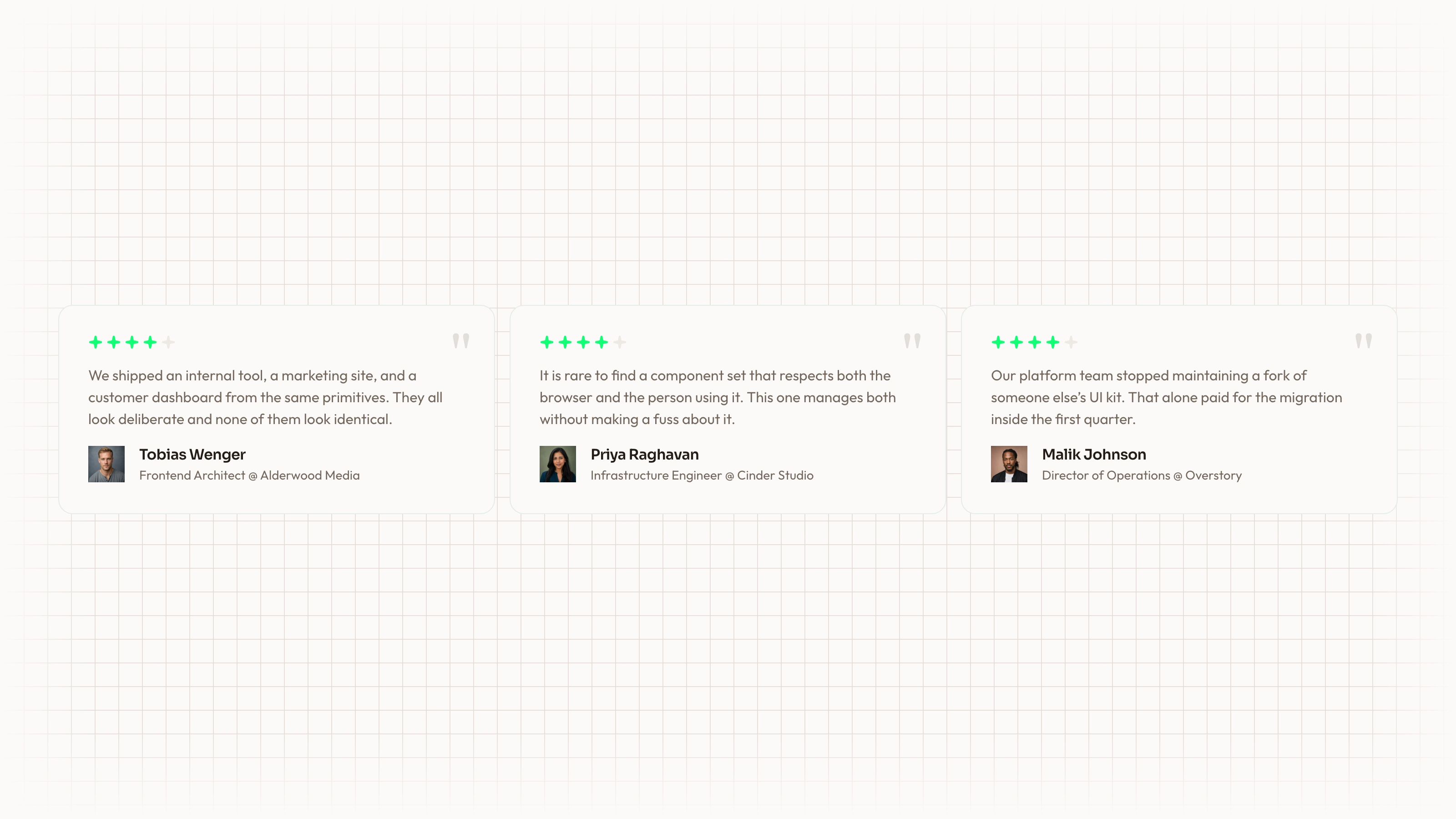
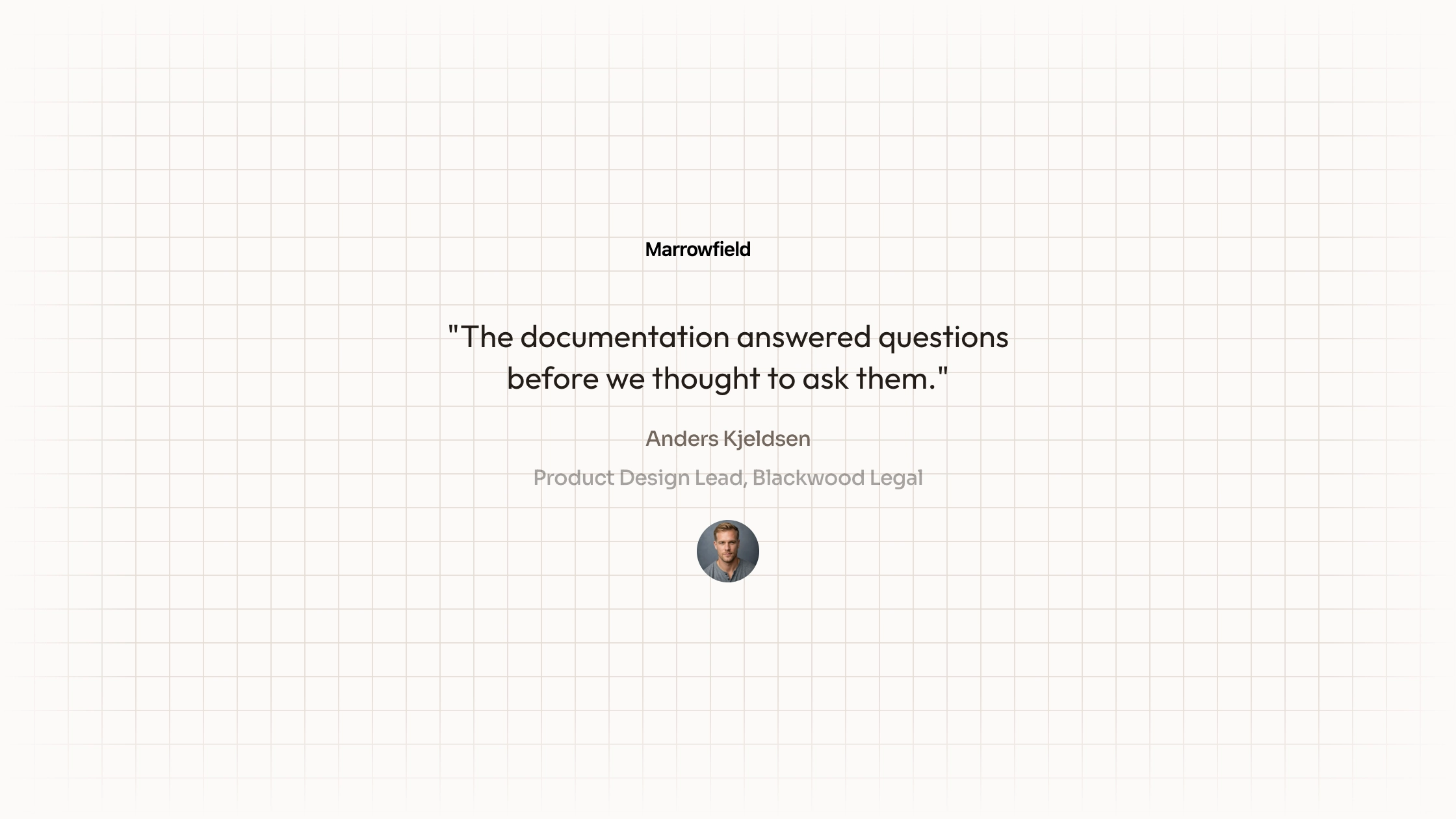
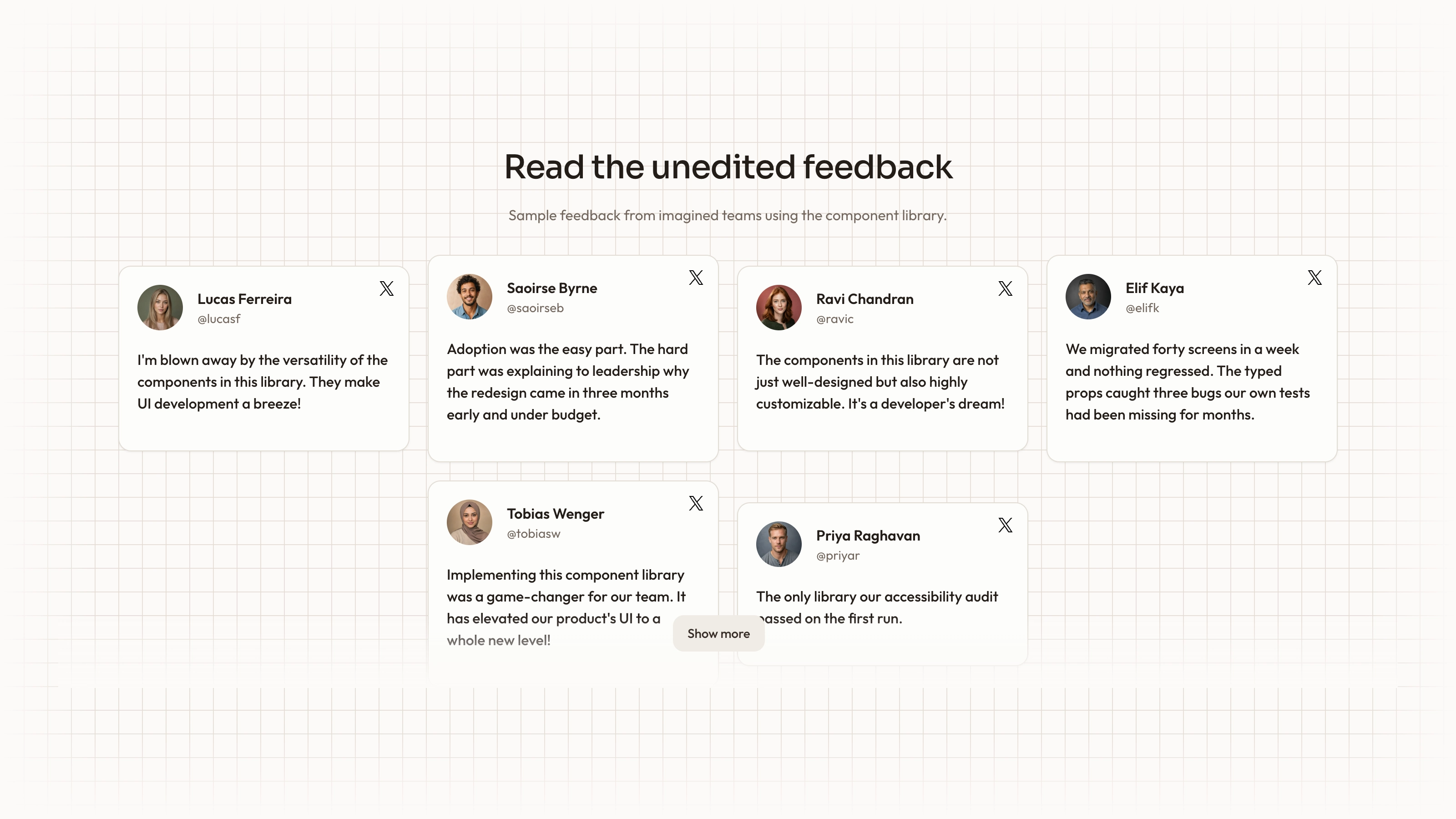
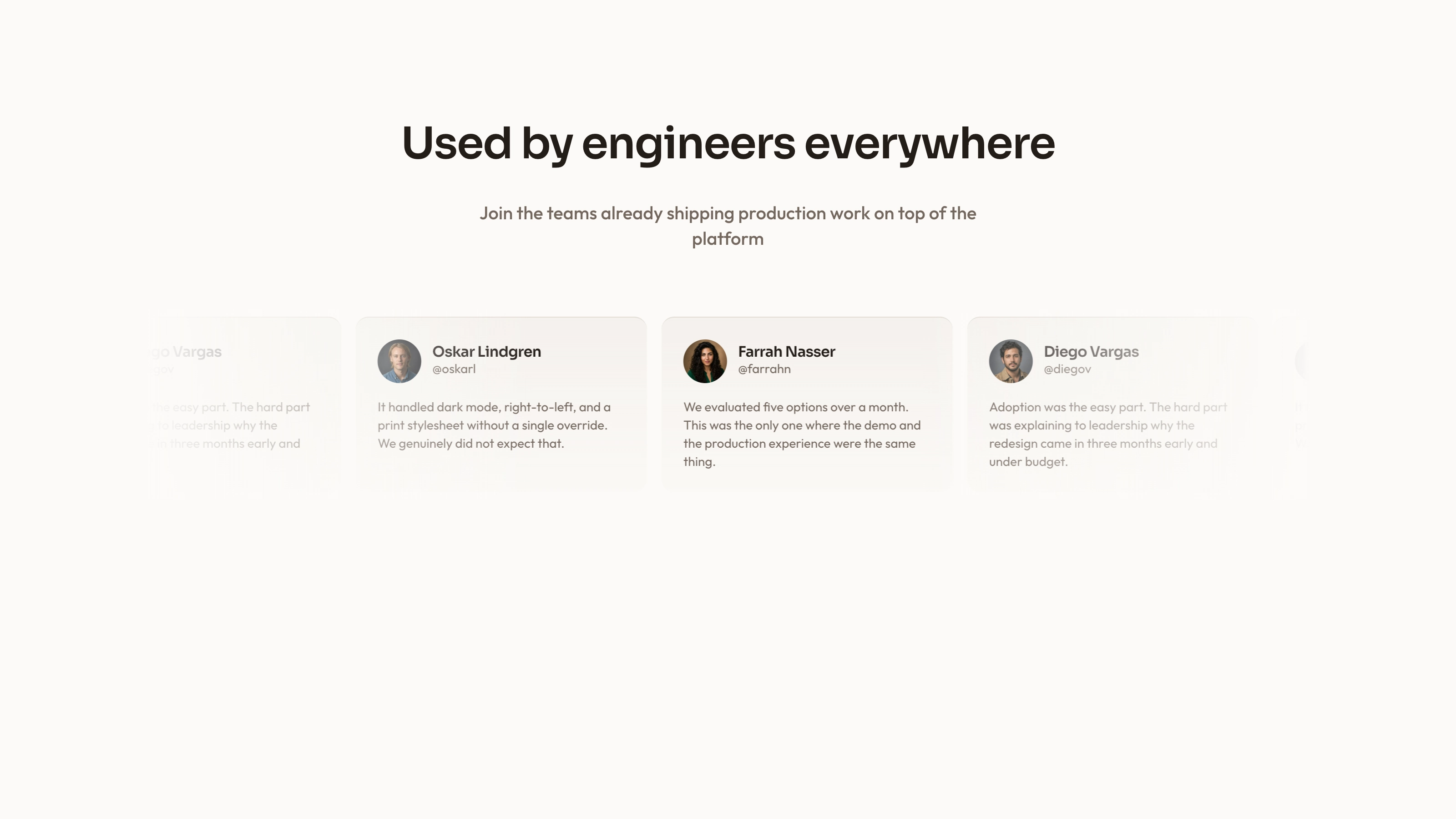
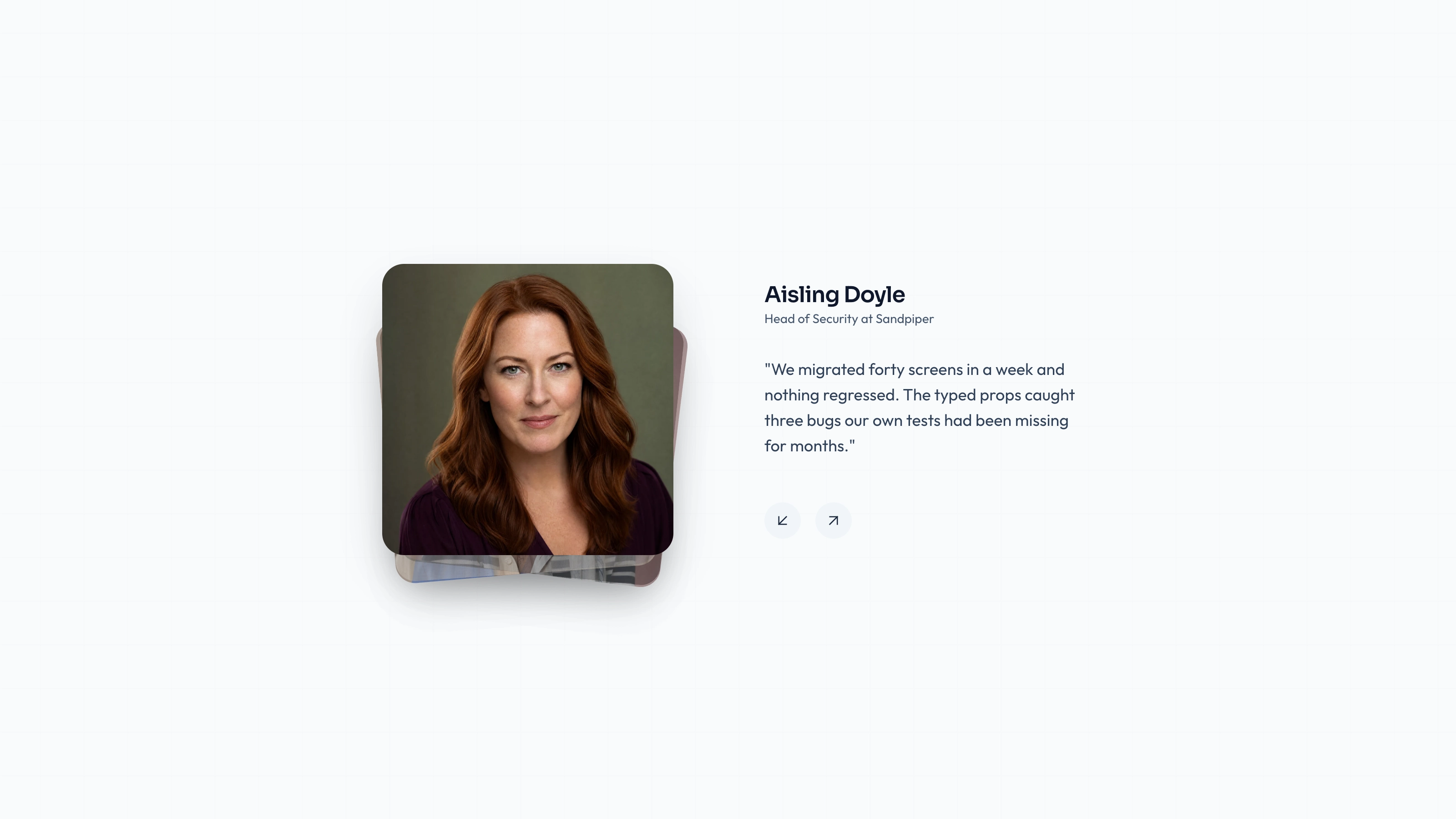
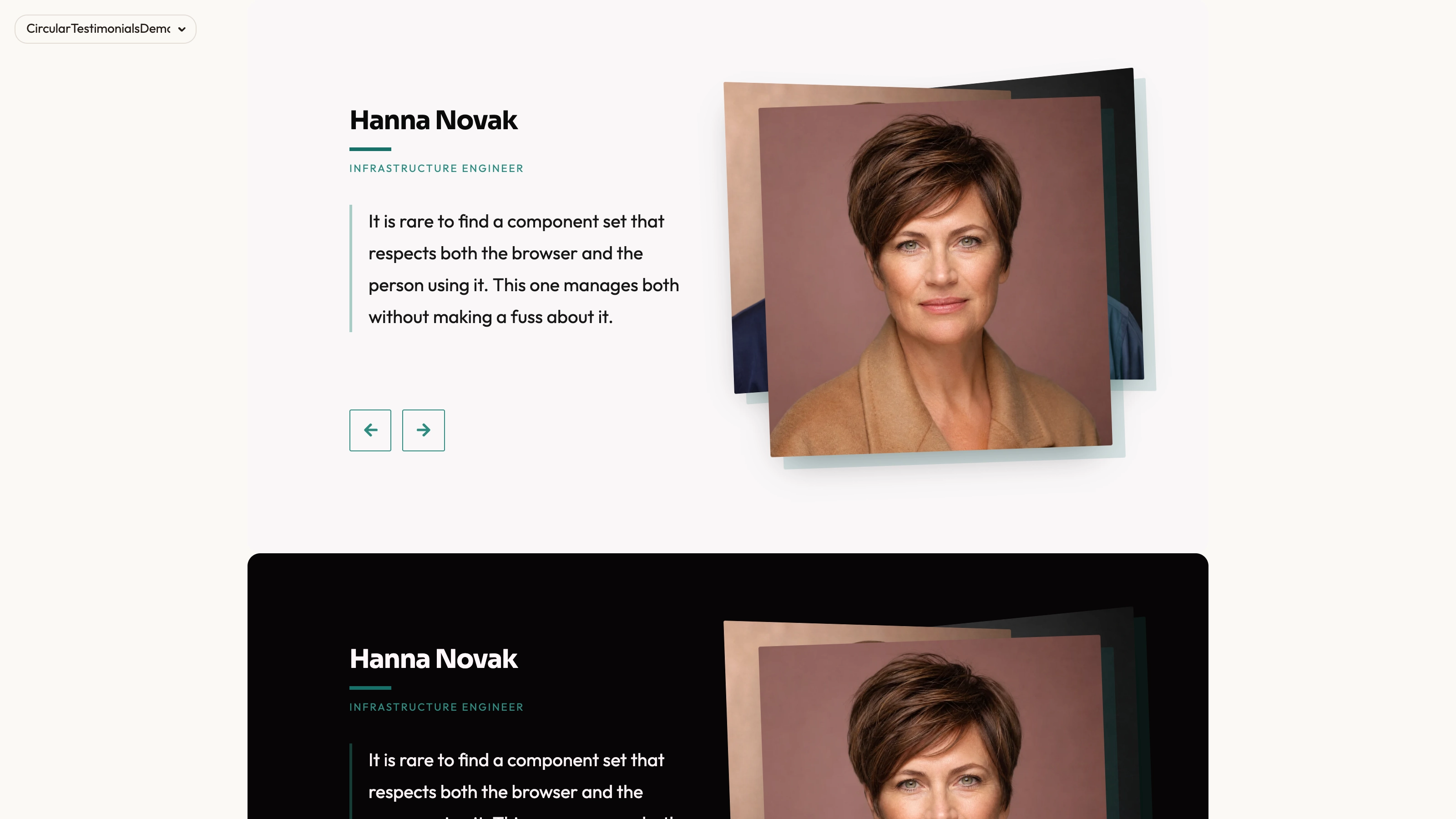
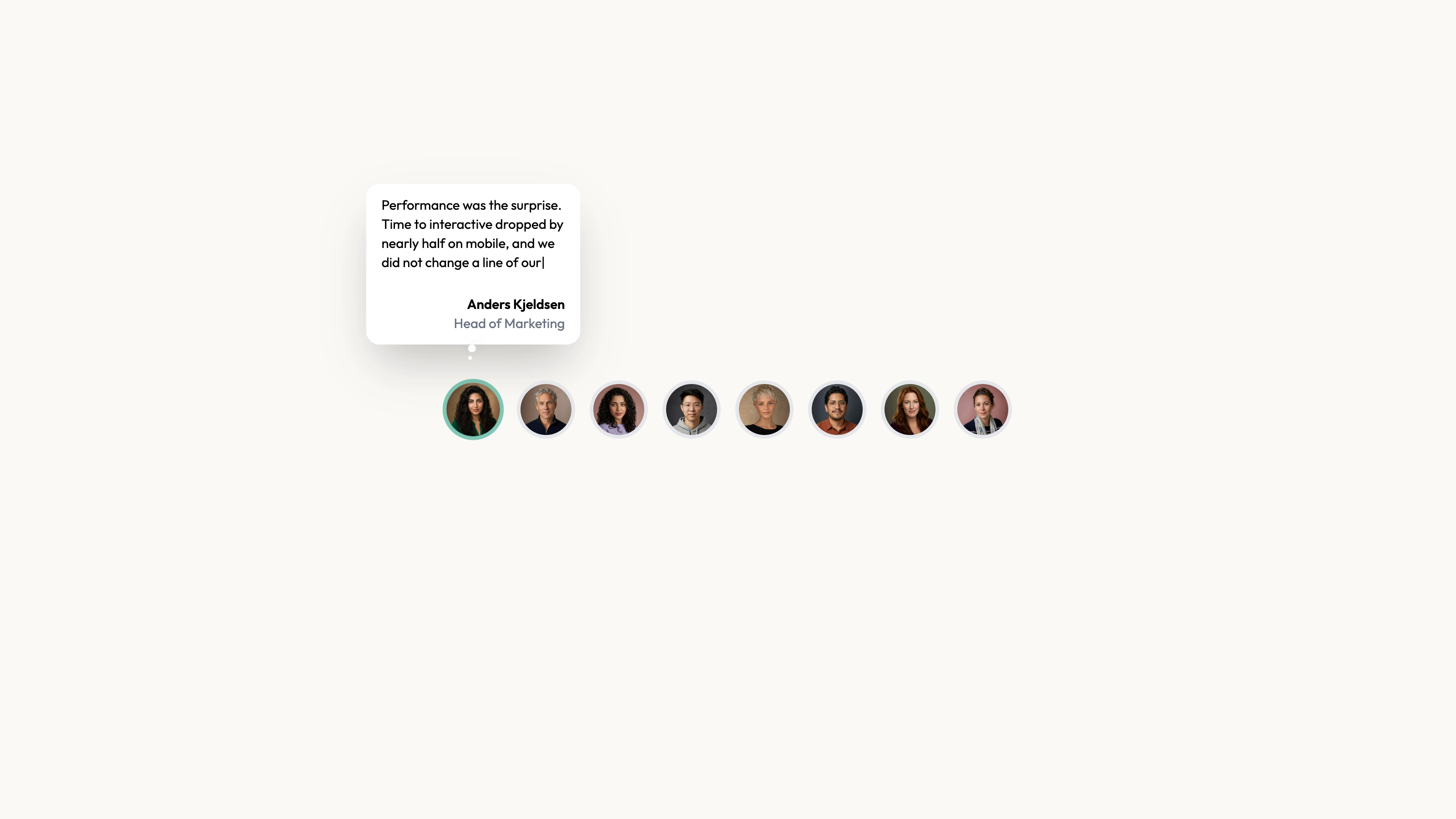
Browse a customer profile with a large portrait and its matching statement. Profile Reel has a side-by-side desktop composition and a separate stacked mobile layout, with previous/next controls and position indicators for deliberate navigation. Despite its name, the inspected reel changes still images and text rather than playing videos.
What you get
A React/TypeScript TestimonialCarousel and demo with three hardcoded profile records containing name, title, description, imageUrl and optional social URLs. Only className is exposed as a prop; edit source or refactor data deliberately. The desktop portrait is 470×470 px beside an overlapping quote card.
Manual previous/next wraparound and direct position-dot buttons, with 0.4-second image/text crossfades and no autoplay. Separate medium-and-up desktop and below-medium mobile markup presents the same selected profile in two layouts; this is a still-image/text reel, not video playback.
Editable source, local-path profile examples, theme/icon/imagery references and a source-check script. Actual portraits/fonts are absent. React, Next Image/Link, framer-motion, Lucide, cn and host utility/theme styling are requirements; sample URLs are placeholders.
The written visual contract defines warm paper/teal light tokens, dark roles, Outfit body type, Sora headings and a 0.875rem base radius. It calls for restrained motion and inline SVG icons with 1.5 px square-cap strokes; real vendor marks should be monochrome and visibly named. Reconcile the actual classes, images and animation with those rules, including any fixed values.
Before you choose
Choose a profile-led layout when knowing who spoke matters to understanding the statement. Keep optional social links useful and accurate, and avoid letting a large portrait imply stronger verification than the available source supports.
Good fit
You have a small group of approved profile statements and portraits strong enough to justify a prominent visual area.
Readers should choose which statement to inspect, with the speaker and words remaining synchronized.
Your team can integrate and maintain source and replace example destinations rather than depend on a hosted testimonial product.
Not for
A video playback or recording tool, live social feed or automatic testimonial verification.
A full site with forms, navigation, sign-in and checkout, or a maintained versioned npm review service.
Assuming the fixed desktop portrait width fits every embedding container, even above the mobile breakpoint.
Using sample social URLs or mismatched demonstration portraits as verified source attribution.
How to use
You say/testimonial-profile-reel Add the Profile Card Testimonial Reel section to the landing page for [product name]. Use the quotes, names and portraits I provide; do not invent testimonials. Follow the existing page framework and styling.
Inspect the host React/client conventions, Next Image/Link handling, framer-motion, Lucide, cn and styling, then adapt component/demo into that project. A different stack needs a real port; standalone HTML is for an explicit standalone deliverable.
Supply approved profiles and replace name, title, statement, portrait and social destinations together. Remove unavailable links instead of leaving # placeholders that appear to be real accounts. Also reconcile each social icon, accessible label and destination: the source uses GitHub/Twitter/YouTube/LinkedIn icons but labels them Hugging Face/Anthropic/Perplexity/OpenAI. These are mismatched placeholders, not integrations or verified profile identities.
The written visual contract defines warm paper/teal light tokens, dark roles, Outfit body type, Sora headings and a 0.875rem base radius. It calls for restrained motion and inline SVG icons with 1.5 px square-cap strokes; real vendor marks should be monochrome and visibly named. Reconcile the actual classes, images and animation with those rules, including any fixed values. Supply actual local portraits/fonts and match the real speaker in both layouts. Some sample image filenames differ from displayed names. Follow portrait/abstract/photo slot distinctions and appropriate WebP sizing; avoid inheriting a performance claim merely because a large portrait accompanies it.
Review both authored layouts with the longest profile content. The wide view uses a fixed-size portrait, so test intermediate container widths and embedded panels as well as a full desktop page. Desktop and mobile trees are both rendered and hidden by CSS, so review image loading and assistive visibility in the host. The source’s fixed desktop portrait and negative card margin need checking at medium widths as well as large screens.
Run the block checks and test arrows, position indicators, boundary wraparound, active attribution and mobile ordering. Verify accessible labels and source destinations, and inspect actual host requests rather than assuming the integration is offline.
Requirements and costs
You bring
Not collected yet
Dependencies
Not collected yet
Outside costs
Not collected yet
Publisher testing
v1.0.1 — Claude Code / Claude Desktop / Cowork / Codex / ChatGPT
FAQ
The supplied source uses React, Next Image/Link, framer-motion, Lucide and cn. Adapt imports, styling and behavior to the existing repository; other frameworks need a genuine port, with standalone HTML only when requested separately.
No. Profiles are hardcoded, and social destinations are links rather than data connections. Portrait/font files are absent from the ZIP; supply them locally. Replace the # URLs and mismatched icon labels, and inspect actual requests in the completed host page.
Yes. Replace them with permitted portraits of the appropriate speakers and verify that the crop works in both desktop and mobile arrangements. Follow the imagery guide for portrait versus abstract blend-mode slots and recheck long statements with the new records.
The inspected implementation switches still portraits and associated text. Video files, playback controls and recording functionality would need separate implementation.
Not automatically. Its desktop portrait is fixed at 470 by 470 pixels in the source. Review the actual container width and breakpoint behavior rather than relying only on full-page screenshots.
User reviews
—0 reviews
Select a star to share your experience.
No reviews yet. Ratings appear once readers share real experiences.