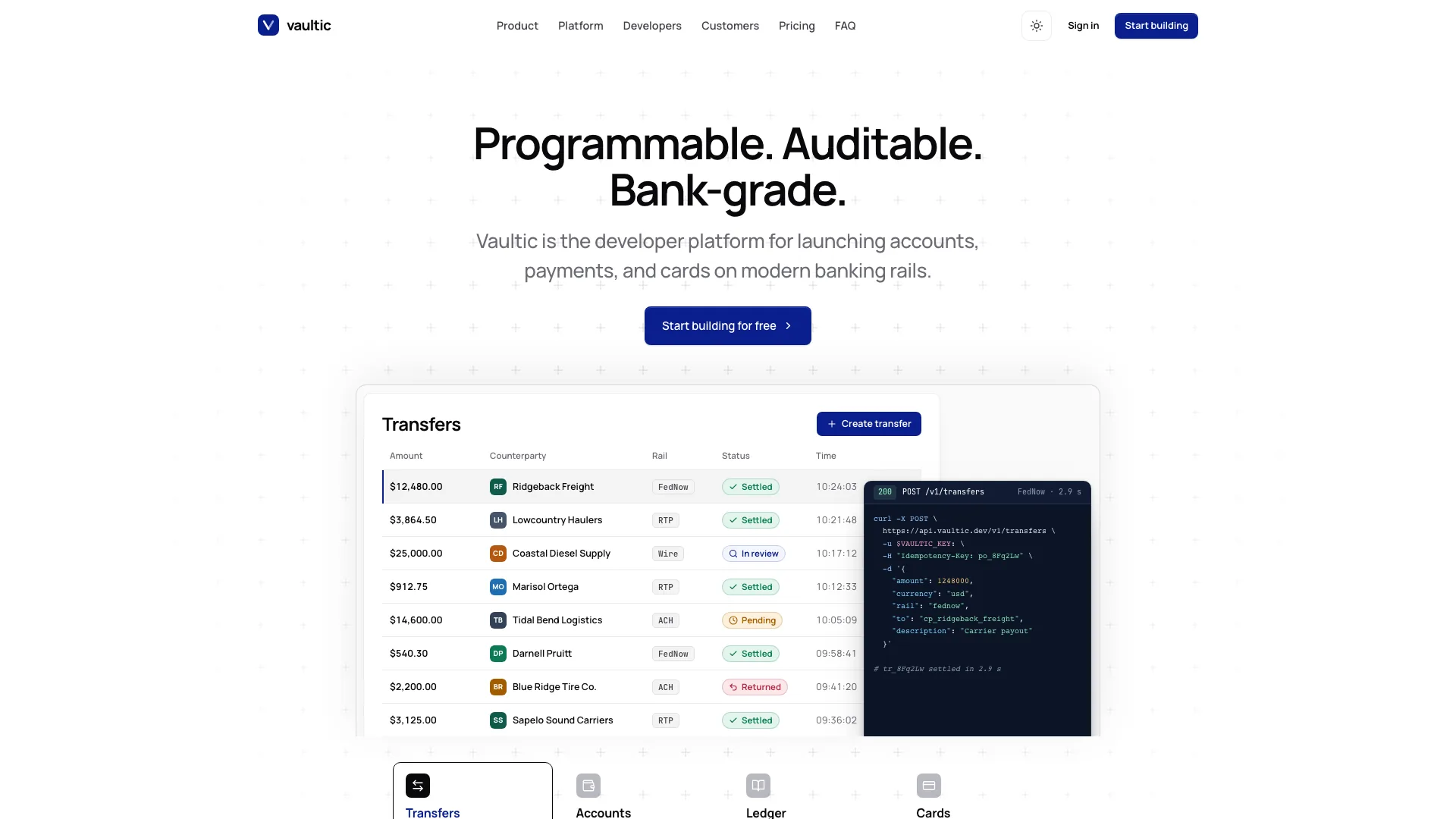
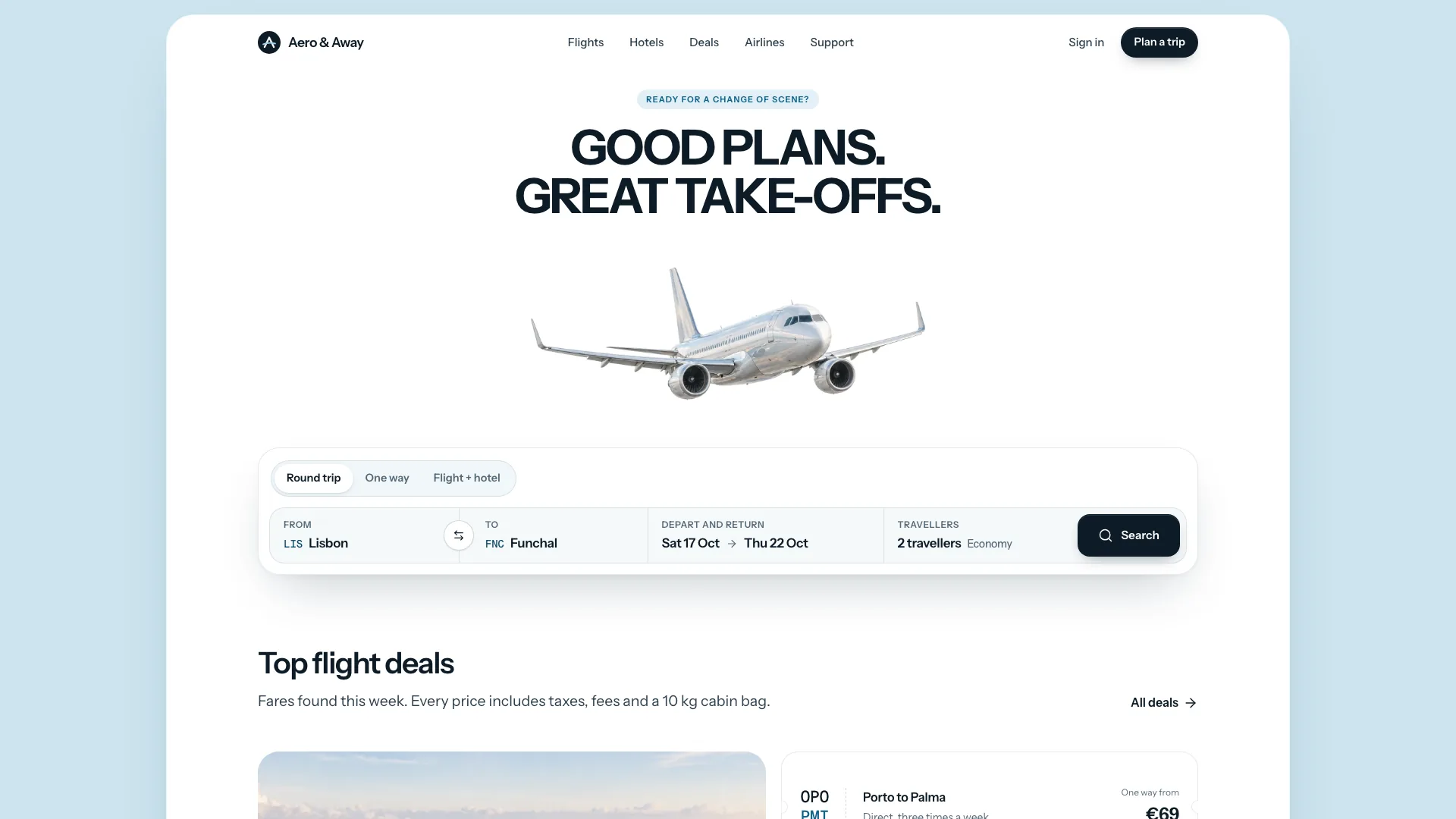
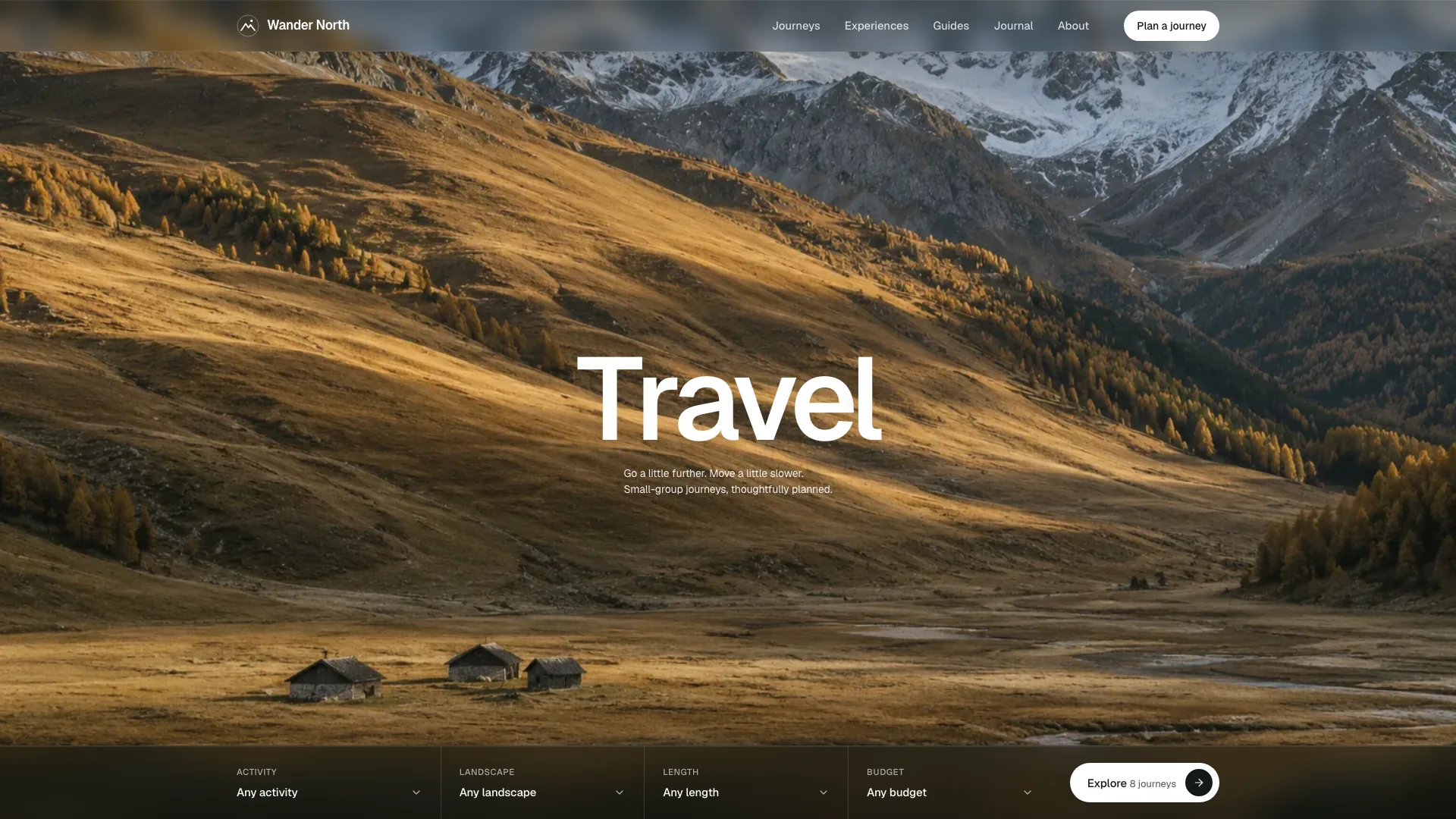
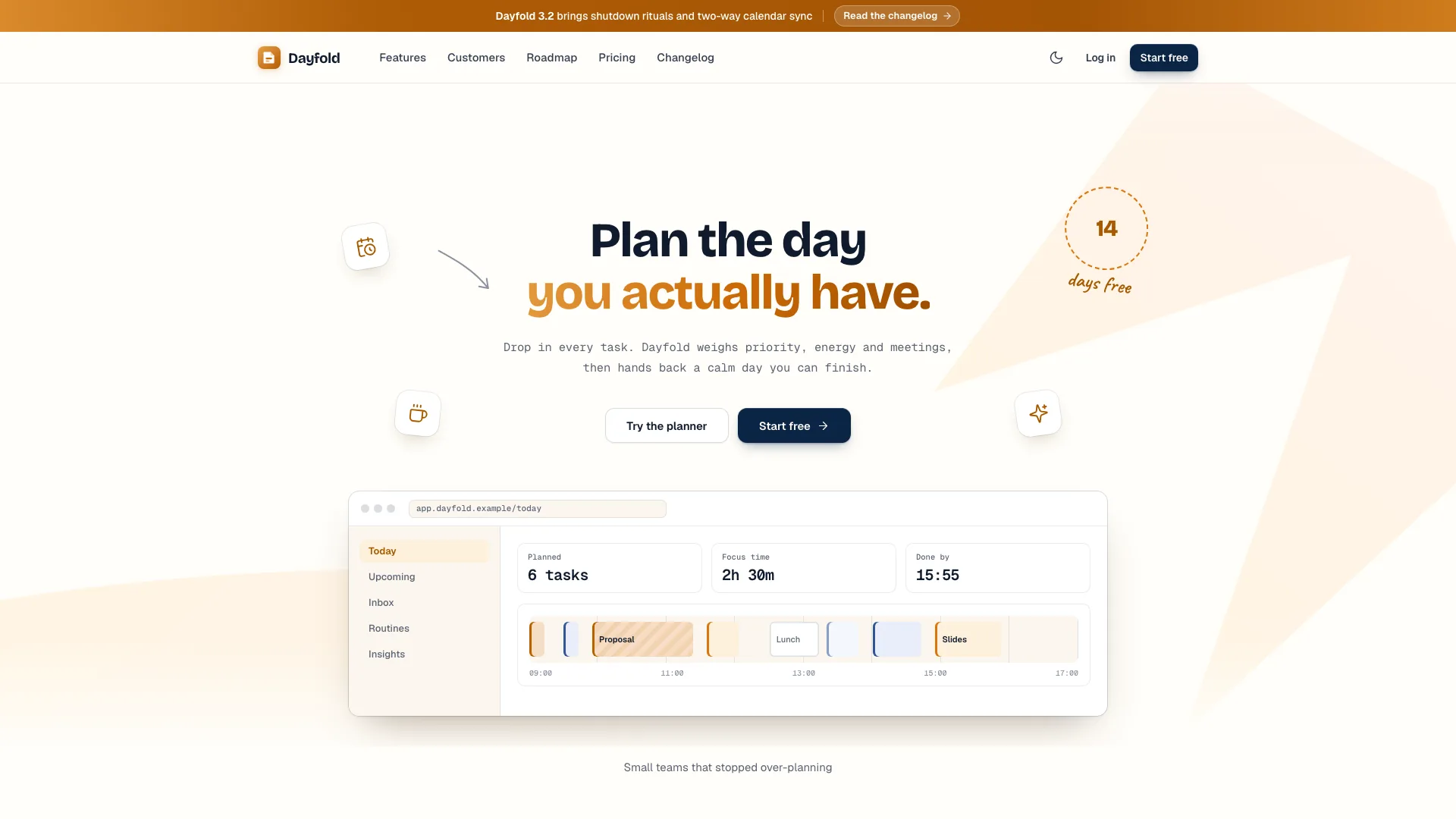
Give technical buyers a concrete route from understanding a tool to evaluating it. Tracklane Devtool Landing combines a quiet split hero and live issue-planning views with developer workflow examples, a pilot path, security information and plan comparison. Warm sand, mint bands and tight Inter headlines keep it approachable without hiding the details developers expect. The interactive panels explain your product; they are not a deployed issue tracker.
What you get
A desktop hero with a short imperative headline, muted subtitle, four feature notes and a right-hand product window. Board, cycle burn-up and roadmap views can be selected through a keyboard-accessible indicator. A scripted branch event moves a sample card, showing how code activity might update work status. It demonstrates a connection rather than listening to a real repository.
A five-part workspace bento: triage with accept, snooze, decline and reset; an issue thread with local replies; backlog-health readouts; access switches; and a searchable command palette with an empty state. The cycles area adds rule switches, a capacity move with Undo, project summaries and velocity ranges.
CLI, Git and API panels with copyable examples, plus a three-step evaluation track for import, pilot and review. Supporting material includes metric cards, a security/audit presentation, a customer quote carousel and story, pricing with monthly/yearly switching, comparison and FAQ. Code examples and customer outcomes must be rebuilt from your own product facts.
Pages for pricing, searchable/filterable changelog, sign-in and reset, sign-up with workspace-address preview, demo request, security-pack request, customer story, company, privacy, terms and a designed 404. The comparison includes a mobile plan selector; customer quotes support buttons, thumbnails, swipe and arrow keys.
A complete light/dark visual system using Inter Tight, Inter and Geist Mono, a lane-green accent, near-black buttons, hairline borders and warm shadows. The default output is one offline HTML file with assets embedded; an existing framework project can receive native components, state and routes instead.
Before you choose
A technical buyer should be able to answer three questions: what happens to my work, how does this fit my tools, and how can my team test it safely? Keep the product views, workflow examples and evaluation path consistent enough to answer those questions without relying on decorative metrics.
Good fit
A team launching an issue tracker, planning tool or B2B developer product wants to explain both the interface and the everyday Git/CLI/API workflow.
An incident, CI, deployment or support tool can translate work states into the board and its progress/roadmap views.
Technical buyers need a clear evaluation path, commercial comparison and supportable security facts before they can recommend a tool internally.
Not for
A live issue-tracking service, repository integration, authentication system or mail workflow. The demonstration changes local interface state; forms and SSO need real services.
A CMS-managed or multilingual marketing system supplied out of the box. Those capabilities require additional architecture and content work.
Borrowing the sample's customers, performance results, certifications or uptime figures as proof. Without real customer evidence, remove the marquee, quotations and story instead of inventing them.
How to use
You say/tracklane-devtool-landing Build the Tracklane marketing site for issue tracking, cycle planning and cross-team product work.
Supply the product name, one-line promise, work objects, five important capabilities, actual developer workflow, supported integrations, security facts, plan limits/prices and primary action. Add approved customer quotes and metrics, company facts and photographs. Any missing fact drafted for review must remain identifiable as a placeholder until confirmed.
Select three hero views that represent real work. An incident tool can show response states and on-call progress; a deployment tool can show queued/building/testing/deployed work and release trains. Rebuild issue IDs, owners, labels, chart series, roadmap rows, CLI output, API examples and audit events around one coherent workspace.
Map commercial and proof content together. Two to four plans need matching comparison values and mobile picker controls; two to five quotes need corresponding thumbnails. Keep the five-tile bento and three-step evaluation path. If you lack enough real customers to support the marquee or story, remove them and their links rather than retaining sample claims.
Keep product panels in code. Nine fictional UI avatars and a neutral planning-wall photo can be reused as appropriate placeholders. Customer portraits, their face crops and the sample team photograph are stand-ins to replace for a real company. Supply owned photos or use your agent's image tool, which may charge for usage; omit unsupported story/quote sections when neither is available.
Use Node.js 18 or newer and internet during the default build to embed images and fonts into a single offline file. An existing Next.js, React, Vue, Svelte or Astro project should receive idiomatic components and routes. Keep the quiet hero proportions, sand/mint palette and complete dark theme during adaptation rather than pasting a screenshot or raw page into the application.
Try all hero views, the card-move demonstration, triage actions through an empty queue, thread replies, access toggles and command filtering. Move the over-capacity sample issue and undo it, change velocity ranges, and copy each workflow example. Review whether these actions accurately describe your product instead of treating their local feedback as saved production state.
Inspect pricing, comparison, carousel, changelog searches, menus and every route in both themes on desktop and phone. Exercise invalid and valid forms, password reveal, reset and SSO lookup. Some sample messages imply emails, bookings or identity-provider redirection; replace them with preview wording until those services are connected. Verify real destinations and claims before launch.
Requirements and costs
You bring
Product name, one-line promise and the work objects it manages · Capabilities, developer workflow, security facts, pricing tiers and your main call to action · Customer quotes and metrics you may use, or permission to draft placeholders for you to confirm
Dependencies
Node.js 18 or newer on your agent's machine, to run the bundled script that builds the single offline file · Internet access while the file is built, so the fonts can be downloaded once and embedded · An image tool in your agent, or your own photos, for customer and team photos
Outside costs
Customer portraits, the story photo and the team photo are generated with your agent's own image tool, which may charge for usage. Without one, supply your own photos or drop the quote and story sections; the product window needs no images. Viewing the example costs nothing.
Publisher testing
v1.0.5 — Claude Code / Claude Desktop / Cowork / Codex / ChatGPT
FAQ
Without an existing project, the intended output is one HTML file containing the site's pages, fonts and images for offline viewing. An existing or requested framework can receive native routes, components and data files instead. Both formats need their own build and browser review; neither automatically connects accounts or form delivery.
Boards, progress views, roadmap and smaller demonstrations are coded interfaces using configured product objects. No dashboard screenshot generation is required. Photos support customer and team material. Nine UI avatars and the planning-wall scene are reusable placeholders; customer portraits and the company team need real or explicitly identified replacement imagery. Your image tool may charge for new generation.
No real-company claim should be published without confirmation. Provide names, quotes, measurements, prices and security facts you can substantiate. Drafted placeholders must be listed for approval, and customer sections can be omitted. Certifications, uptime claims and customer endorsements must not be fabricated to make the layout feel complete.
User reviews
—0 reviews
Select a star to share your experience.
No reviews yet. Ratings appear once readers share real experiences.