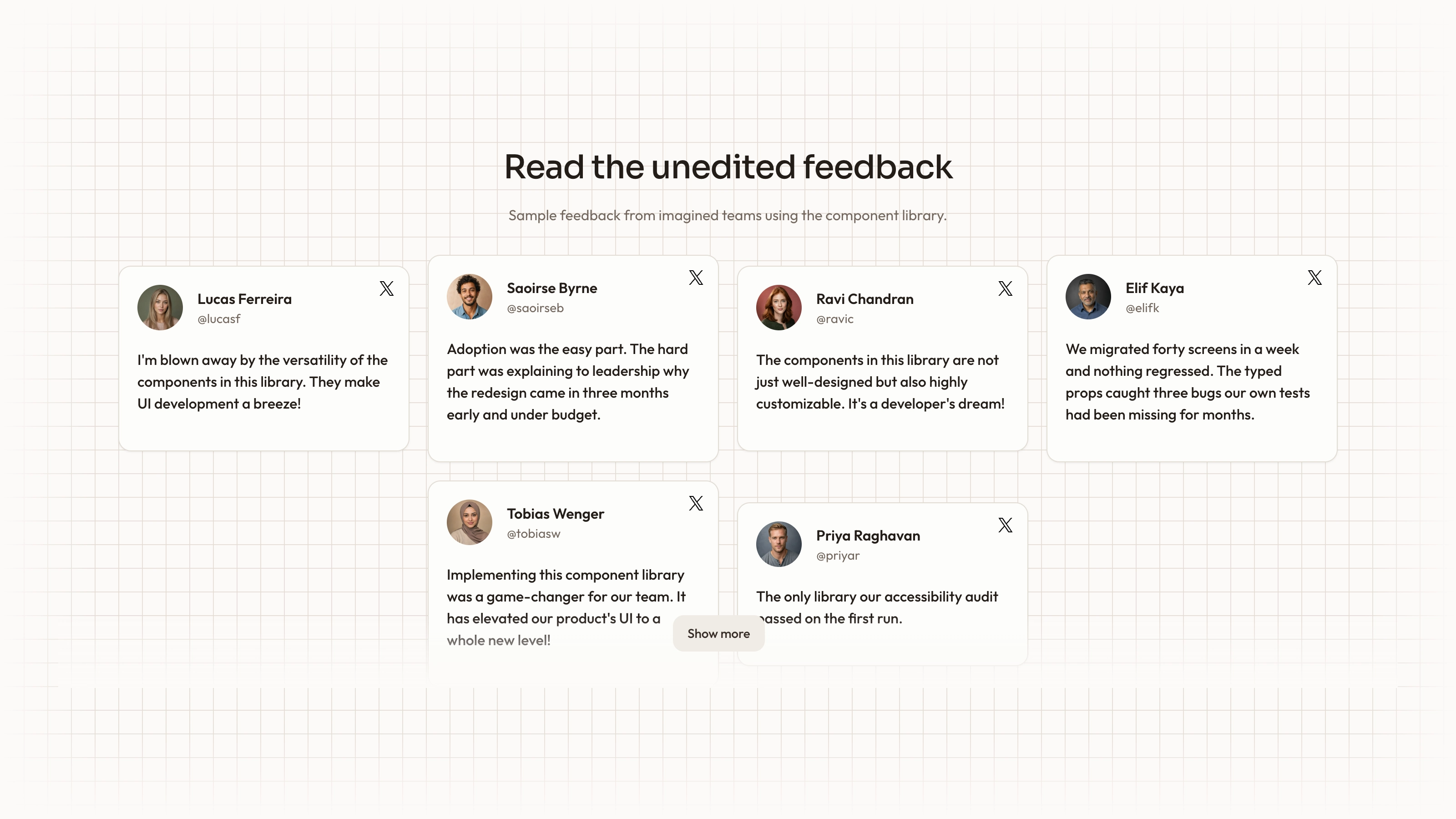
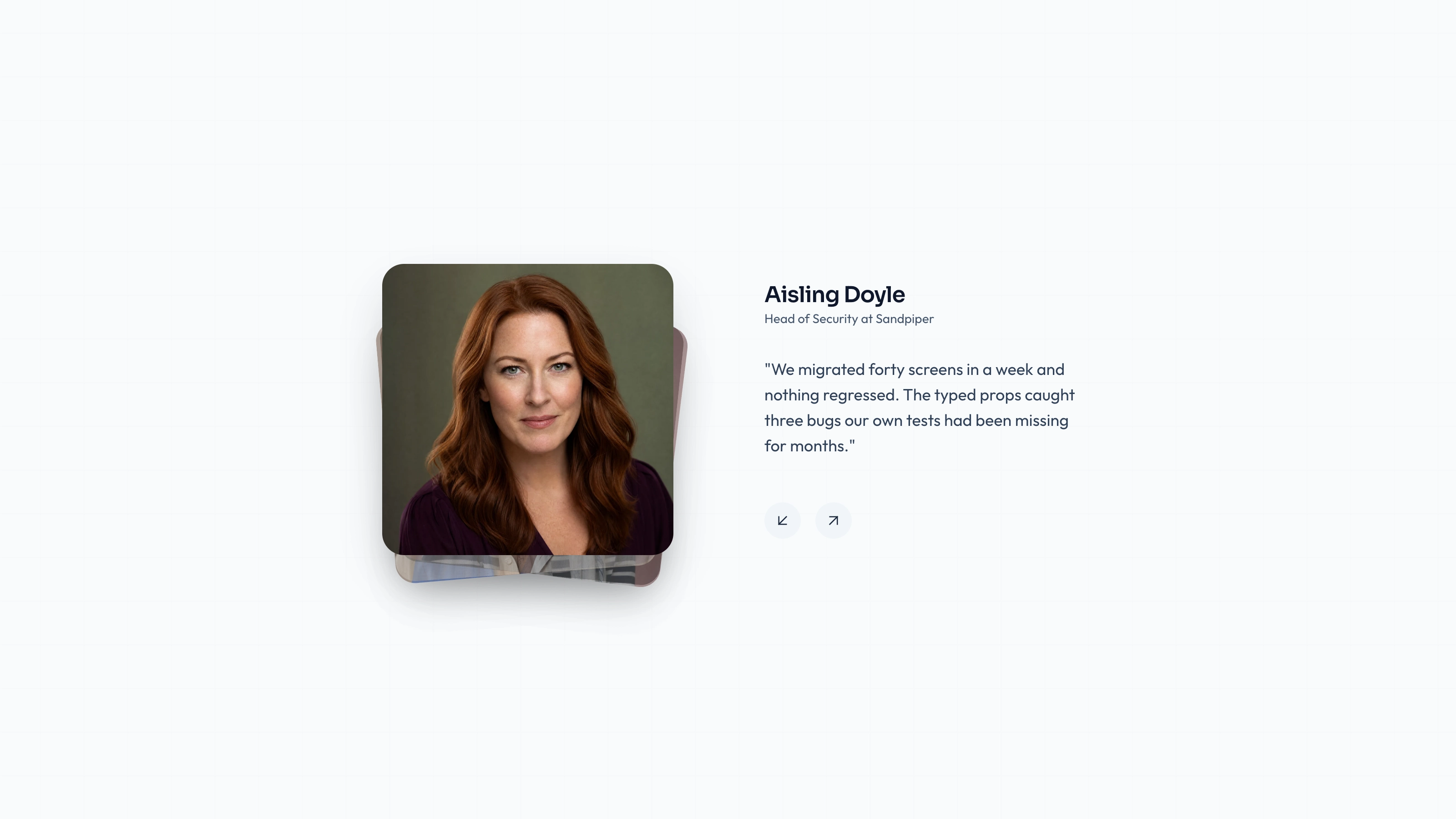
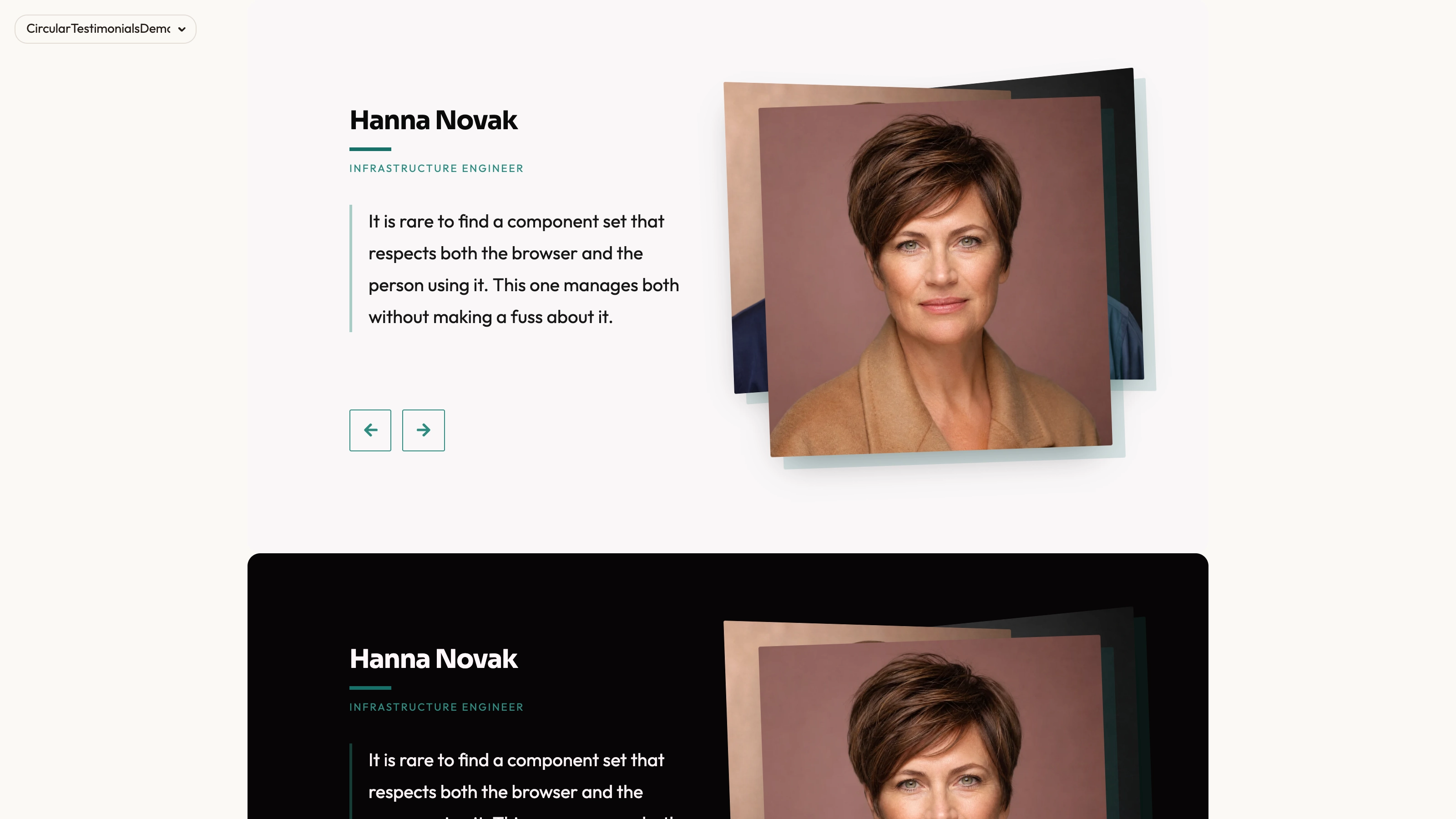
Present a short attributed statement together with a supplied five-point rating. Rated Row combines the quote with name, role, optional company and portrait; the example arranges these reusable cards in a responsive row/grid. It displays evidence you provide rather than collecting or calculating an overall review score.
What you get
A React/TypeScript Testimonial card, local Radix-based Avatar source and a three-record demo. Props cover name, role, optional company, testimonial, rating and image. The example uses one column at base width, two from medium and three from large; copy and maintain the source within your project.
Five Sparkle symbols show a positive supplied rating, with whole-symbol fill logic, optional portrait and initial fallback. A missing rating defaults to 5 and rating<=0 hides the row. There is no aggregation, score input control or half-symbol drawing.
Editable source, theme/icon/imagery references and a source-check script. Actual portrait and WOFF 2 font files are absent from the ZIP. React, Lucide, @radix-ui/react-avatar, cn and host utility/theme styling are requirements, not removed by receiving local component source.
The written visual contract defines warm paper/teal light tokens, dark roles, Outfit body type, Sora headings and a 0.875rem base radius. Icons are specified as inline SVG with 1.5 px square-cap strokes, with real vendor marks monochrome and visibly named. Reconcile fixed source values and all component states with those references instead of assuming one token handles every style.
Before you choose
State whether a number is an individual score or an aggregate, and retain its source and scale. The most polished rating row is still misleading if a missing value silently becomes a perfect score.
Good fit
You have approved individual review text and actual ratings on a compatible scale, with enough context to explain what the score refers to.
You want several attributed cards visible together and can replace all example people and affiliations as coherent records.
Your team wants source-level control and is prepared to maintain the integrated card instead of expecting a managed npm review service.
Not for
Calculating a verified aggregate rating, fetching new reviews or establishing that a score is representative of all customers.
Leaving the default five in place for a statement that never received a rating. A numeric-looking display needs its own evidence.
A complete site with account, form or checkout behavior, or a guarantee that the authored card styles match an established design system unchanged.
Accurate half-symbol or arbitrary-scale scores without further implementation: the inspected fill logic compares whole-symbol indices to the provided number.
How to use
You say/testimonial-rated-row Add the Rated Testimonial Row section to the landing page for [product name]. Use the quotes, names and portraits I provide; do not invent testimonials. Follow the existing page framework and styling.
Inspect the host React/framework conventions, aliases and styles, then copy the card/demo/Avatar source and resolve Lucide, @radix-ui/react-avatar and cn. Adapt to the current stack; another framework needs a real port and standalone HTML is for an explicit standalone output.
Collect the approved text, author details and rating source. Replace portrait, role and company along with the quote. Confirm the scale and avoid treating a selected set of positive cards as an automatically representative average.
Handle the rating prop explicitly. The current default is five; a zero value hides the rating row, while a fractional value is not drawn as an exact fractional symbol. Choose a truthful display policy rather than silently inheriting those defaults. Validate ratings against your chosen 0–5 policy: the source does not clamp or validate values. If no image prop is supplied, the Avatar is absent; initial fallback applies when the supplied image fails. Explain the rating scale in accessible text rather than relying only on decorative symbols.
The written visual contract defines warm paper/teal light tokens, dark roles, Outfit body type, Sora headings and a 0.875rem base radius. Icons are specified as inline SVG with 1.5 px square-cap strokes, with real vendor marks monochrome and visibly named. Reconcile fixed source values and all component states with those references instead of assuming one token handles every style. Supply accurate local portraits/fonts because only media paths are included. Keep person/role/company/quote/image pairings intact, follow portrait/abstract/photo slot rules and appropriate WebP sizing, and check yellow rating emphasis against the chosen theme.
Run the block check and inspect the final row at narrow and wide widths. Test no-image fallback, zero and maximum scores, long roles and quotes, contrast and hover/focus behavior. Confirm actual data values and request behavior separately.
Requirements and costs
You bring
Not collected yet
Dependencies
Not collected yet
Outside costs
Not collected yet
Publisher testing
v1.0.1 — Claude Code / Claude Desktop / Cowork / Codex / ChatGPT
FAQ
The card and demo are written in React with shared avatar and utility imports. The workflow first inspects the surrounding project, then adapts those dependencies and conventions. Another framework requires a port rather than an unchanged copy of the TSX file.
It does not fetch or verify platform ratings. The intended output uses local assets, but actual portraits/fonts are absent from this ZIP. Supply them and inspect the host’s requests separately before claiming offline behavior.
Yes. Replace them together so the portrait and affiliation match the statement. The imagery guide distinguishes portraits, ordinary photographs and special abstract blend-mode slots. Recheck actual copy length rather than assuming the example establishes every layout bound.
The inspected component defaults it to five. For unrated statements, choose an explicit no-rating presentation instead of unintentionally publishing a five-point endorsement; the current implementation hides the rating row when the supplied value is zero.
Not as a half-filled symbol in the current logic. It fills a symbol when its integer index is less than rating, so fractional inputs need a revised visual implementation or a separately accurate numeric presentation.
User reviews
—0 reviews
Select a star to share your experience.
No reviews yet. Ratings appear once readers share real experiences.