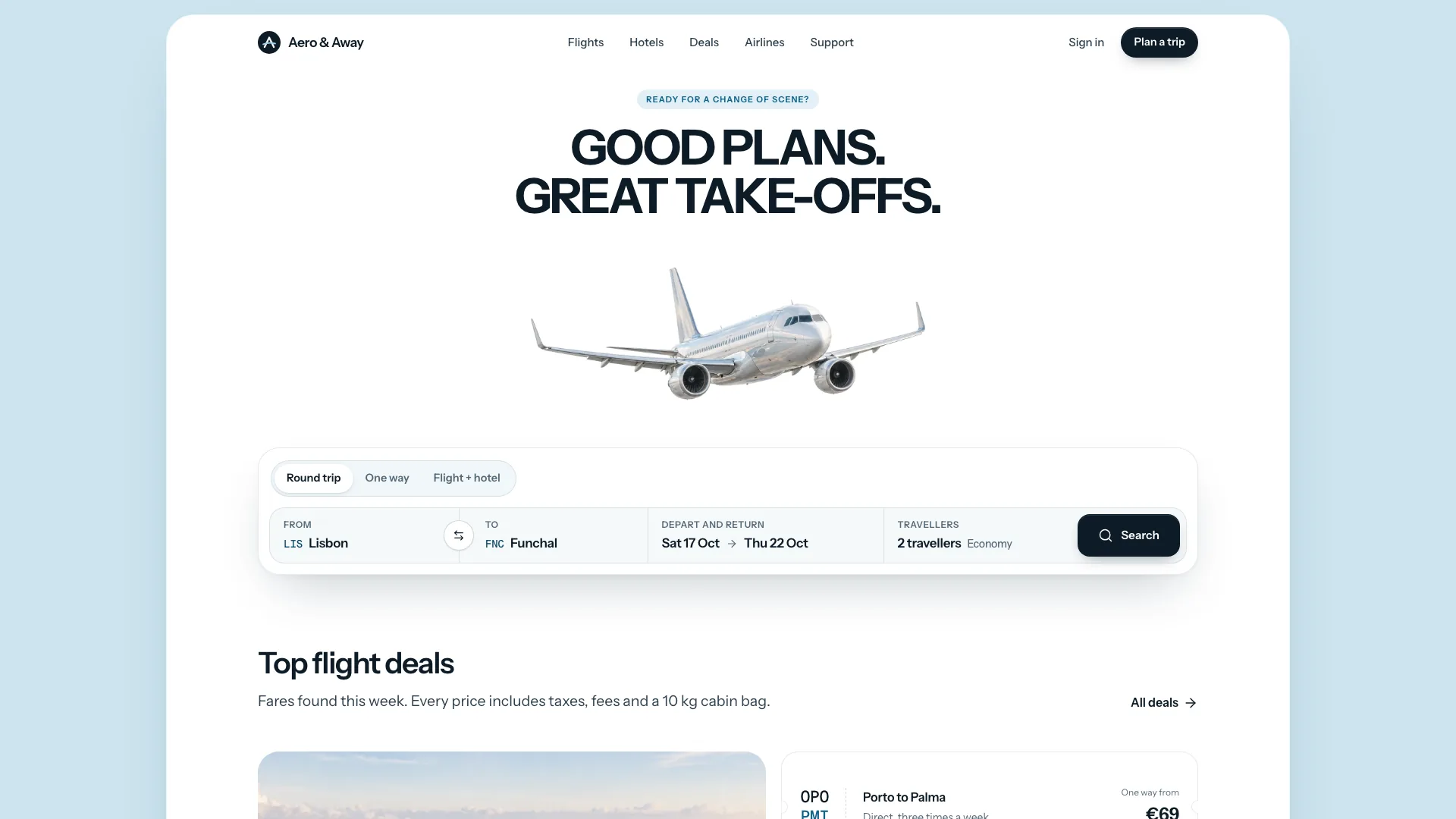
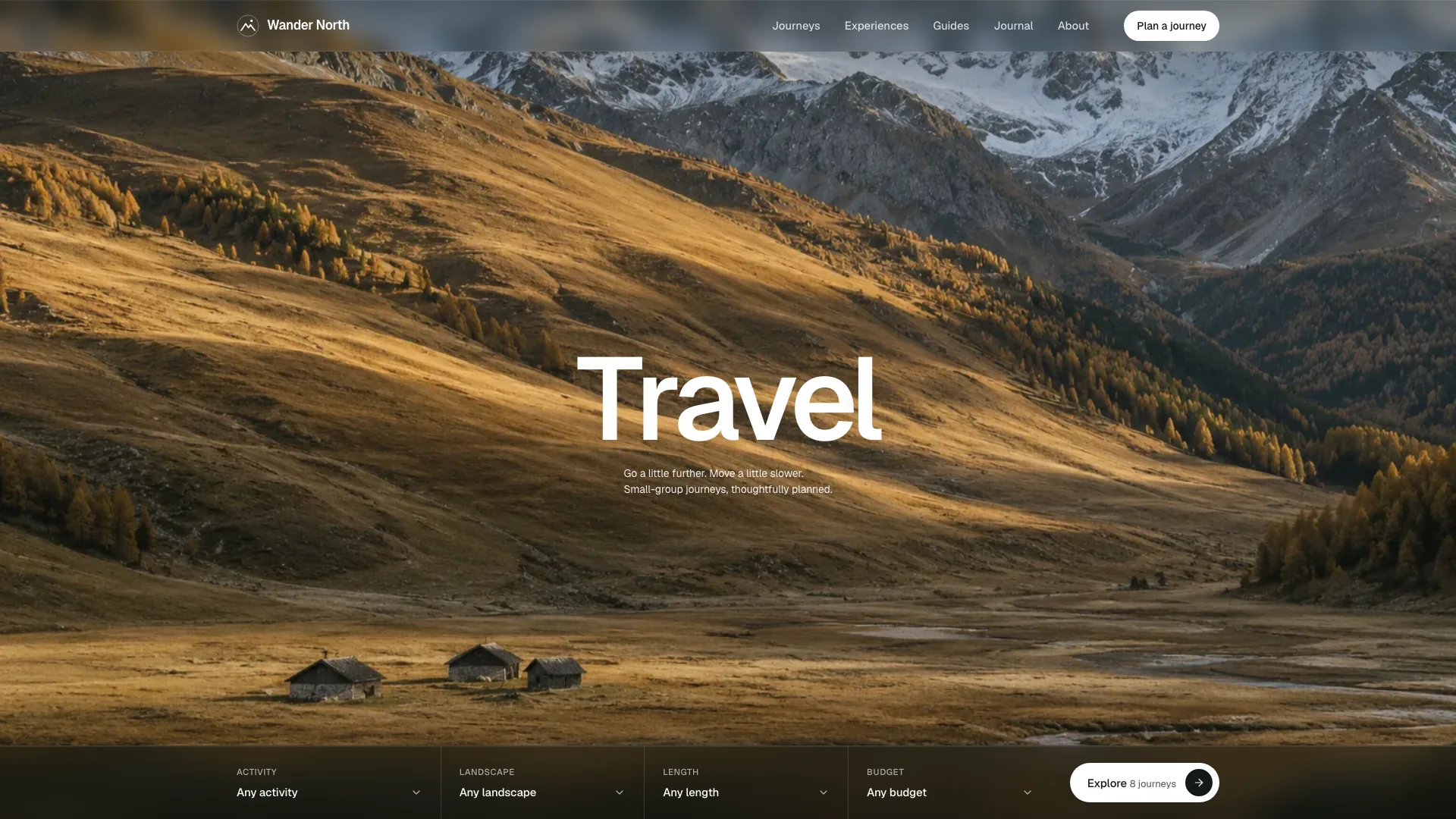
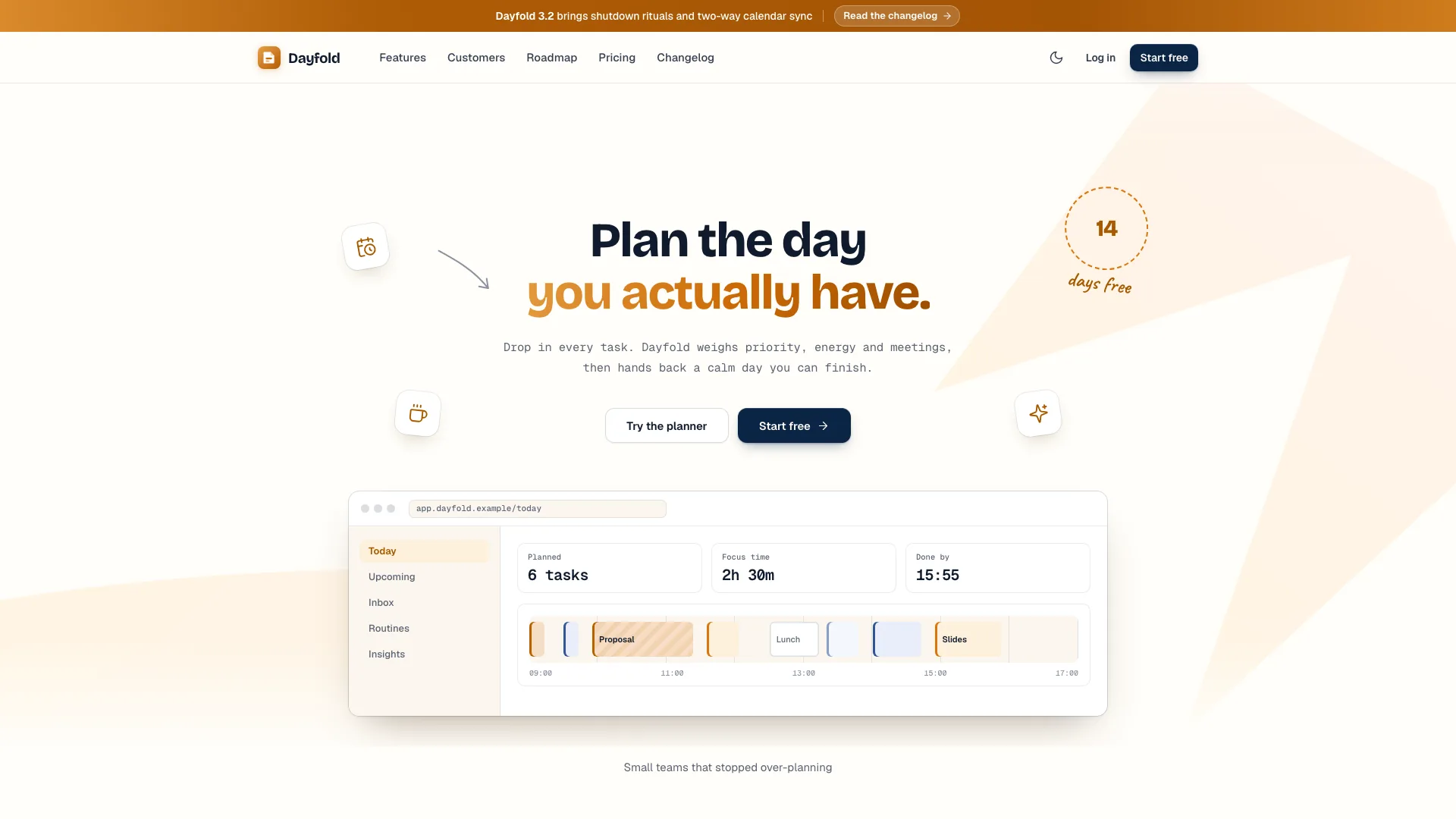
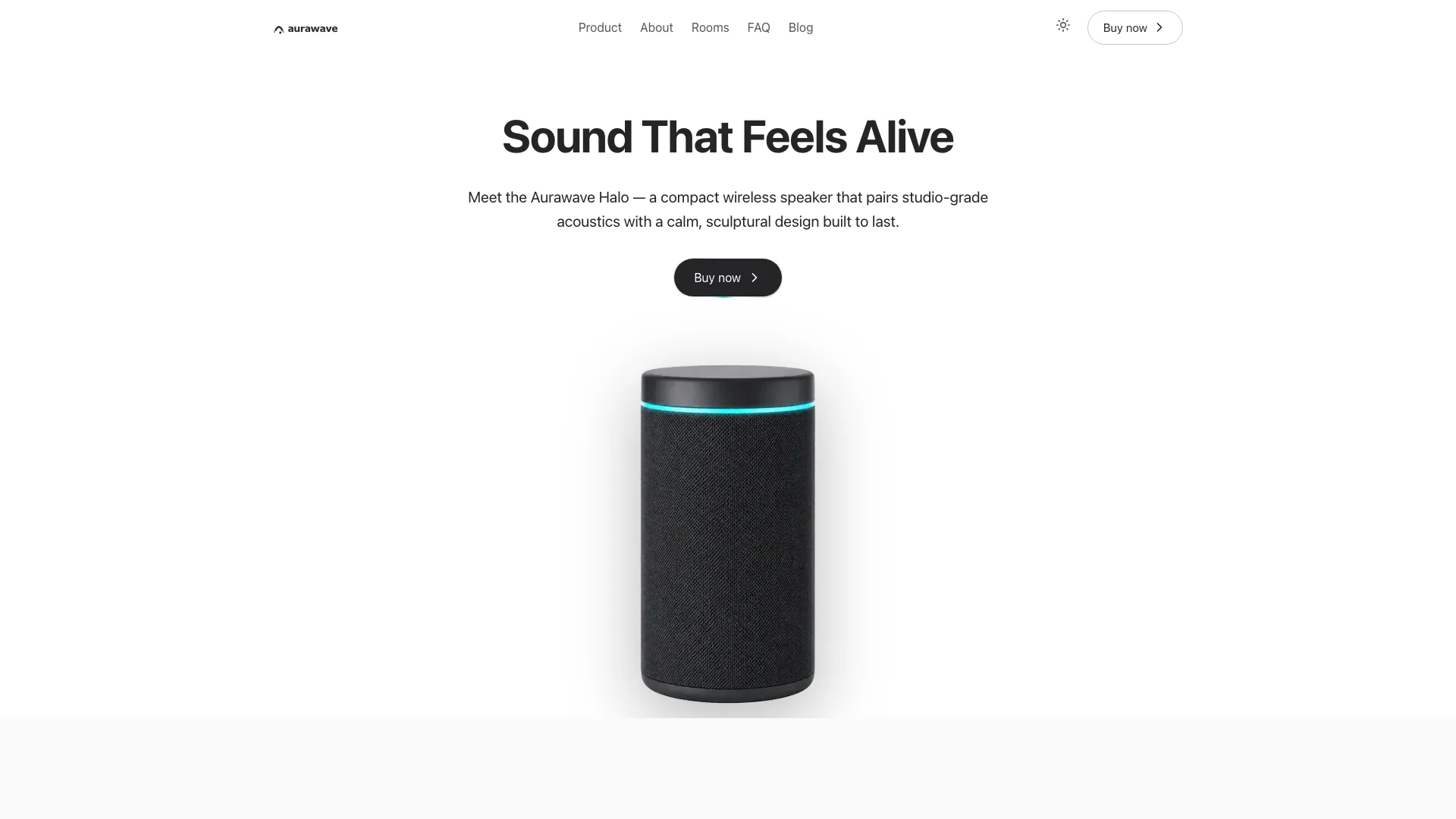
Explain a payments or banking-infrastructure product through the objects it manages. Vaultic Fintech Landing places transfers, accounts, ledger entries and card controls inside a calm, light-first product window, with an overlapping code panel connecting each demonstration to an API example. A faint plus grid, zinc neutrals and deep navy keep the presentation precise. Rails, developer onboarding, security and usage-based pricing then support the buyer's evaluation.
What you get
A centered hero with a three-beat headline, one subtitle and one navy action above four selectable product views. Manrope carries the interface and marketing type, while JetBrains Mono distinguishes code and IDs. The code panel changes with the selected view or action, helping a developer connect an interface event to a request or webhook example.
Local product demonstrations: select transfer rows or create a sample transfer that moves from pending to settled; inspect balance ranges with pointer or keyboard readouts and add an example account; select journal entries or post a generated balanced entry; change card restrictions and simulate authorizations. These actions use sample data and do not reach banks, payment networks or a production ledger.
A home sequence with customer wordmarks, feature accordion and language tabs, a five-cell platform bento, a payment-rail explorer with lifecycle feedback, and a three-step developer quickstart with copyable examples and a simulated sandbox response. Customer story and quotes, security, pricing, FAQ and a navy launch band complete the evaluation path.
Pricing with monthly/annual switching, a usage estimate combining a platform fee and transfer volumes, and a plan comparison. Companion pages include three-step sign-up, sign-in, sales with a day/time picker, searchable changelog, customer story, security, about, privacy, terms and a missing-page view. Customer and commercial content is to be replaced with confirmed facts.
One offline HTML file with fonts and photographs embedded by default, or a native adaptation into an existing Next.js, React, Vue, Svelte or Astro project. Both light and dark palettes cover product views and code panels. Style, image, motion and validation references support the build; they are not regulatory evidence or a financial backend.
Before you choose
Make the demo's financial story internally consistent, then separate that demonstration from claims about your real service. A buyer should understand the object, the API action, the available rail and the pricing basis without mistaking a simulated settlement or security badge for verified infrastructure.
Good fit
A payments, banking-as-a-service, treasury or developer-API team needs to show real product concepts alongside rails, commercial terms and technical onboarding.
A product benefits from letting visitors compare objects and actions, instead of relying on a dashboard screenshot and broad capability claims.
A builder wants a complete offline marketing preview to review first, with an option to adapt the same design into an existing stack.
Not for
Moving money, opening bank accounts, posting to a real ledger, issuing cards or verifying identity. All included product and sign-up flows are demonstrations requiring actual services.
A glowing, gradient-heavy or violet visual identity. The signature is restrained zinc, deep navy, thin borders and a quiet product-first hero.
An out-of-the-box CMS or multilingual publishing system, or a substitute for verifying financial, licensing, security and customer claims.
How to use
You say/vaultic-fintech-landing Build the Vaultic site for our banking API: accounts, instant transfers, a ledger and card issuing for platforms.
Provide the product name, promise and audience; managed objects; supported rails and their actual fees; plans and limits; main action; confirmed security facts; partner-bank or licensing details; and an approved customer story if available. Do not infer deposit insurance, certifications, bank relationships or customer endorsements from the example.
Choose one coherent sample workspace and make balances, transaction amounts, ledger lines, code responses and pricing agree. Keep four product-view structures, but rename them for your offer: a payroll API might show payruns and workers, while treasury might show accounts and sweeps. A non-API product can use an event log instead of code and a how-it-works flow instead of developer quickstart.
Populate two to four plans and update comparison values, usage rates and volume guidance together. The example estimator uses the featured plan's platform fee plus configured transfer charges; it is an indicative calculation, not a quote from your billing system. Confirm annual price units and any minimums before publishing a cost claim.
Supply approved customer, sales-host and team photographs, or let the agent mark those slots as placeholders. New images can be generated with your agent's tool and may incur its usage charges. The neutral vault detail can be reused; portraits and the sample team remain stand-ins, while the freight-customer story image needs replacement for a different customer. Product UI is built in code and needs no dashboard photography.
Choose standalone or framework delivery. Node.js 18 or newer and internet during font embedding are needed for the default offline build; the completed file can be opened from disk. Adapt an existing project into its own routes and components. Review light and dark contrast, readable amounts, code wrapping and the complete product window on phones as well as desktop.
Exercise every product tab and check that its code panel follows the action. Try a transfer through both local statuses, chart ranges and readouts, account creation, balanced debit/credit totals and card restrictions with changed authorization outcomes. The quickstart's sandbox response is also simulated; none of these visible results establishes a connection to a real API.
Review plan switching, estimator extremes, comparison, rail selection, quote navigation, searches, menu and every page. Test invalid forms and the sign-up details/code/key sequence. The code screen checks six digits locally rather than verifying an emailed code; sales confirmation does not book a meeting. Replace success claims until authentication, email and scheduling are connected, and confirm disclosures and terms before publication.
Requirements and costs
You bring
Product name, one-line promise and who it is for · The objects it manages, supported payment rails and pricing tiers · Optional: confirmed security facts, partner banks, a customer story and the main call to action
Dependencies
Node.js 18 or newer on your agent's machine, to run the bundled script that builds the single offline file · Internet access while the file is built, so the fonts can be downloaded once and embedded · An image generation tool in your agent for story, portrait and team photos (optional; placeholders are kept without it)
Outside costs
Story, portrait and team photos are generated with your agent's own image tool, which may incur that tool's usage charges. Without one, sized placeholders mark the slots that need your photos.
Publisher testing
v1.0.6 — Claude Code / Claude Desktop / Cowork / Codex / ChatGPT
FAQ
No. The default is one HTML file with fonts and photos embedded for offline viewing. An existing or requested framework can receive native sections, routes and data instead. The choice affects delivery and maintenance; it does not add real banking, identity or payment services.
The product views and charts are coded interfaces with configured sample data. Photos are limited to the customer story, quote portraits, sales host, security detail and team. Your agent can use owned photographs or its image tool, which may charge for new generation. Without an image tool, suitable slots can remain clearly identified placeholders; no invented person should be presented as an actual customer or employee.
Yes. The header switches the full token set, including product tables, charts, code panels and supporting pages. It remembers the preference where browser storage is allowed. After changing brand colors, inspect both themes rather than assuming all text, status colors and controls still have adequate contrast.
User reviews
—0 reviews
Select a star to share your experience.
No reviews yet. Ratings appear once readers share real experiences.