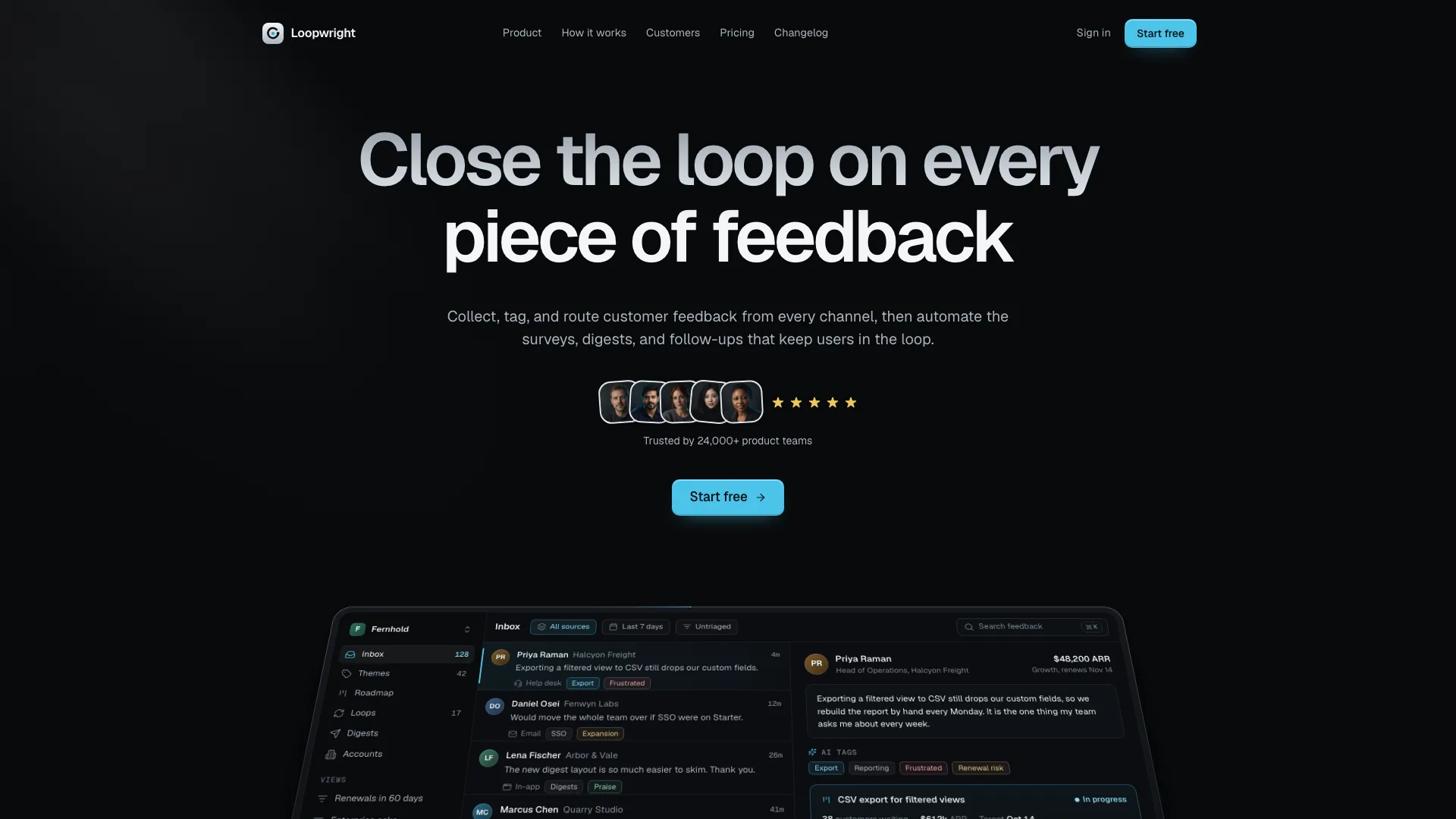
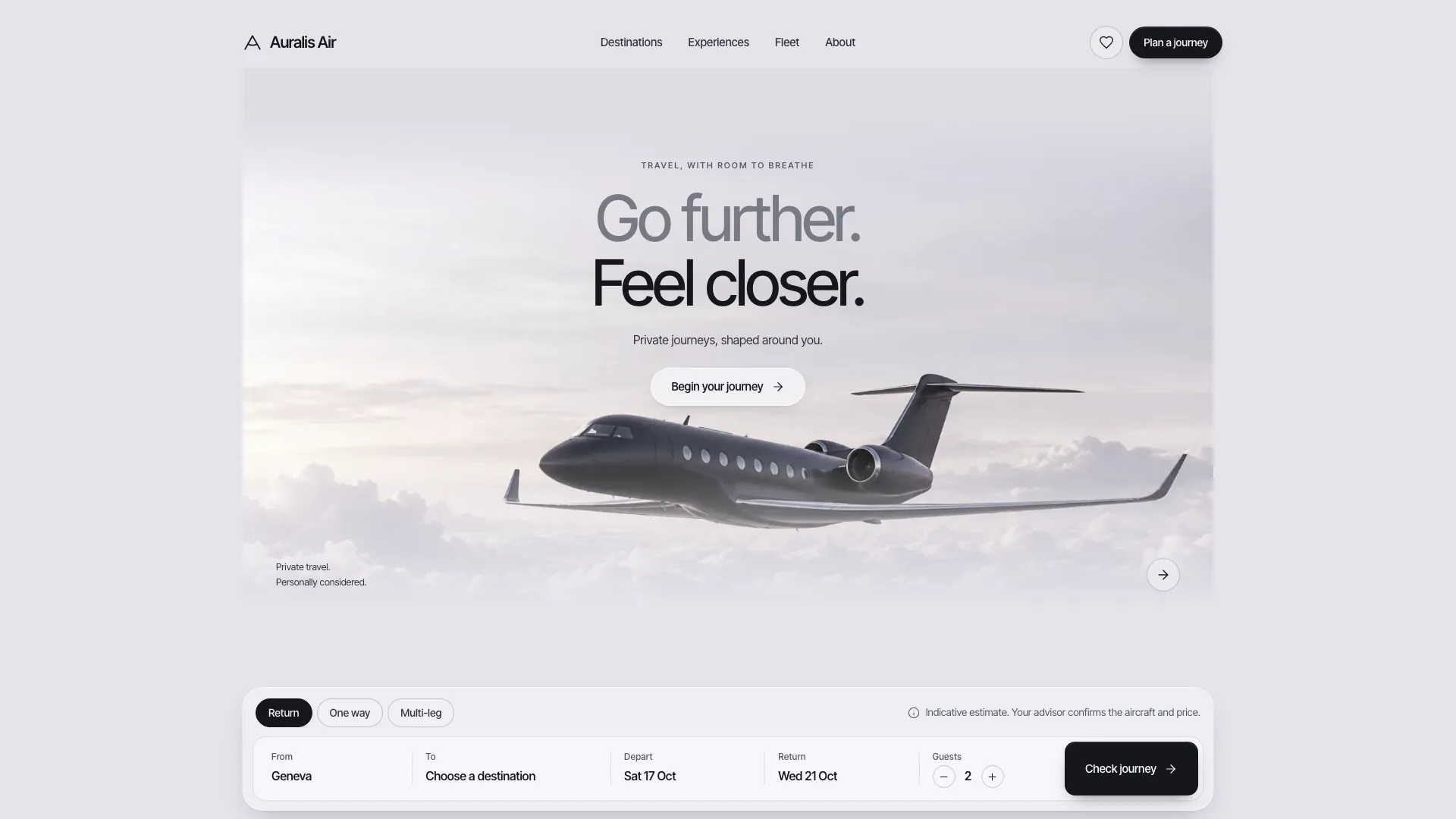
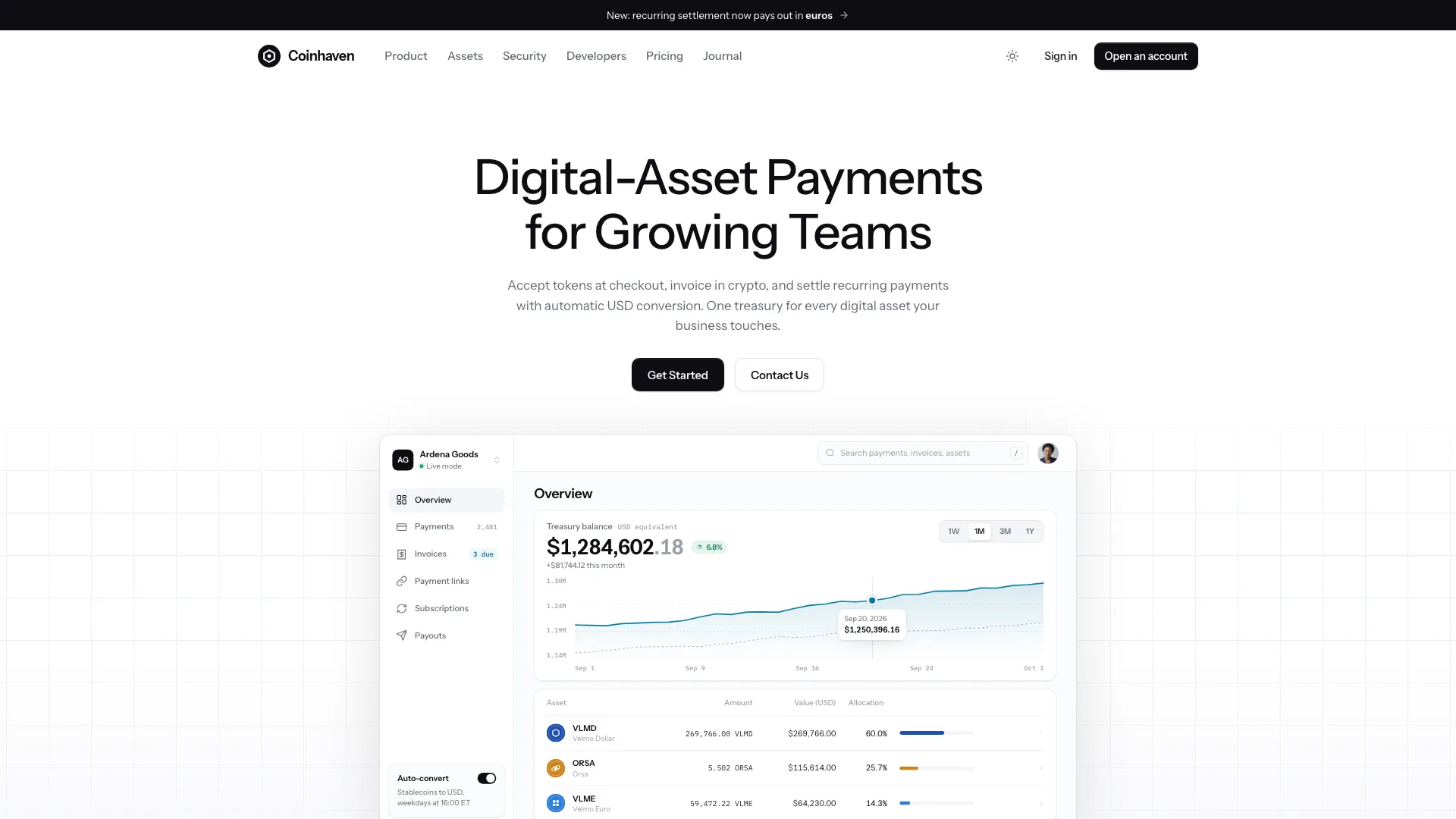
Airy Flight Booking Landing

Create a travel-booking front end that people can explore from route search through seat or room selection to a reviewed trip request. Airy Flight Booking Landing uses a pale-blue frame, rounded white shell, complete silver airplane and calm hotel photography. Its fictional twenty-route example provides connected interface behavior; live availability, reservations, accounts and payments require separate integrations.

What you get

  • A default standalone HTML website with hash-routed pages, embedded CSS, JavaScript, fonts and WebP images after the supplied build step. The completed file is designed to open locally and offline in a modern browser; the unbuilt template still references fonts online and images beside it. For an existing or requested framework project, adapt the design into real components and routes rather than embedding the whole template in an iframe.
  • A twenty-route example covering Home, flight results, three departure details, a hotel listing and five hotel details, deals, airlines, booking, contact, about, support/FAQ, newsletter, sign-in/find-booking and a recovery page. Each detail has its own content anatomy: flight timeline/fares/seat map; hotel rooms, amenities, surroundings and policies; sticky price summaries and related items. Rename, remove or add routes with the content and navigation together.
  • A complete search-to-review interface: trip-type tabs, airport suggestions and swap, two-month date-range calendar, passenger/cabin picker, validation, loading feedback and query-aware results. Results offer nearby dates, direct/time/carrier filters, sorting, expandable fares and empty/reset states. Flight pages add fare and seat choices; hotel pages add rooms, dates, guests, save toggles and nights-times-rate totals.
  • A three-step trip, lead-traveller and review flow with inline errors, running estimates and a local example reference. Deals filter by type/month; hotel and support collections search/filter with empty states. Contact, newsletter, sign-in and find-booking show local validation and preview responses. These controls demonstrate a journey: the reference is not a ticket, the sign-in is not authentication and the forms do not send messages or subscribe an address.
  • A coordinated travel visual system: Instrument Sans with Geist Mono for airport codes/data, a modest two-line uppercase hero, trip tabs with a moving indicator, boarding-pass fare stubs, departure-image tabs, hotel carousel, mixed booking bento, quotes, FAQ and a closing flight-path band. Fifteen bundled images illustrate one soft daylight palette of sky blue, white and sand; hotel buildings remain complete in portrait cards.
  • Interaction and accessibility guidance for labelled fields, keyboard airport/calendar/tab controls, focus-managed drawer, carousel buttons/swipe/keys, visible selected/error/success states and reduced motion. The motion system uses brief entrances, route fades and deliberate state changes, with content/reveal fallbacks. Static build/validation tools and separate desktop/mobile review checklists are included; they do not constitute a completed live integration or tested custom site.

Before you choose

Review the journey twice: first as someone comparing a specific trip, then as an operator checking every price, policy and promise. A convincing interface should make a demo’s limits clear, keep hotel/night and fare/person totals legible, and preserve the traveller’s choices through search, detail and review without suggesting an unconnected action has reached a real provider.

Good fit

  • A travel agency, airline or hotel group wants a calm booking front end with useful pages beyond a homepage.
  • A tour operator can map deals to packages and hotels to itineraries, or a villa/hotel business can lead with stays and adapt the search fields.
  • A team wants a clickable prototype to review the journey with customers before connecting actual inventory, authentication, messaging and checkout.

Not for

  • An already connected reservation service: no live fare inventory, seat hold, payment capture, real booking lookup or account session is supplied by the standalone demo.
  • A dark, dense or heavily illustrated redesign. The whole-plane hero, airy white shell, restrained blue accent and large hotel photography are core to this style.
  • Publishing Aero & Away, fictional hotels, advisors, airlines, reviews or example commercial policies as a real business. Unprovided facts remain identified placeholders, not verified claims.

How to use

You say/airy-flight-booking-landing Build a booking site for Aero & Away, a Lisbon agency selling Atlantic island flights and five hand-picked hotels.
  1. Supply the brand, audience, actual routes/destinations, properties, fares, support contacts and policies. Identify the output location and any existing framework. Facts not supplied may be drafted for review, but list them explicitly: prices, schedules, ratings, review counts, testimonials, people, addresses, statistics and partners all need confirmation. Do not invent licences, awards, security assurances or refund guarantees.

  2. Choose the required page family and map every navigation item, card and footer action to populated content. Adapt collections and route hooks together. The template supports roughly three to eight hotels, two to four featured departures and three home fare stubs; advisor-grid and carrier styling may need adjustment when counts change. For hotel-led sites prioritize destination/dates/stays; for tours use package and itinerary content.

  3. Plan every image by entity, role, ratio and crop in a shared soft-daylight art direction. Use owned photographs or the host image tool for brand-specific destinations, hotels, editorial scenes and people. The neutral airplane, cabin, morning wing view and evening gate image may remain illustrative placeholders. The Menorca cove, Azores scene, Lisbon studio view, five sample hotels and three advisors need replacement for a different business. Generated portraits are stand-ins; use real team photos for actual staff.

  4. Keep the plane fully visible on pure white between headline and search. Show whole hotel buildings from 2:3 sources inside 4:5 cards, use distinct 3:2 destination/departure/editorial scenes and consistent square portraits. Reuse the same entity’s picture across its card/detail/package, not across unrelated entities. Inspect generated results for crop, anatomy, unwanted text and branding; give each image useful alt text and dimensions.

  5. For standalone output, keep a working source beside its image folder and use the bundled inline-assets tool with Node.js 18 or newer. It downloads the two font files once and embeds assets; missing files or font failures must be resolved. The deliverable targets 5 MB with an 8 MB hard cap. For a framework project, follow its stack and package conventions, port content into components/real routes and run its own type check/build. React outputs use the package’s ReUI control mapping while bespoke seat maps and fare stubs remain custom.

  6. Run the design validator on the built custom standalone file, checking self-containment, route links, sample-identity leftovers, image alt text, labels, motion/focus styles and signature structures. Use the appropriate local-files mode only for a deployed variant with adjacent assets. The default validator expects home, not-found and at least two additional pages, not an immutable twenty-route count. A passing static check does not prove every interaction or crop works.

  7. Review Home and every route at 1440, 1024, 768 and 390 pixels, including narrow-phone overflow. Click valid/invalid search, keyboard suggestions, round-trip/one-way dates, traveller limits, filters, sort, empty/reset, fares, seats, rooms and booking review. Verify nightly versus per-traveller pricing, drawer focus/Escape, carousel and reduced-motion behavior, back/forward navigation and demo-form feedback. Keep controls touch-friendly and popovers within the screen.

  8. Deliver the output path, stack, picture sources/generation and a list of unresolved factual placeholders. Report static checks separately from actual browser tests. Label trip requests, sign-in, newsletter and contact actions as demonstrations until real services are explicitly connected; deployment, message delivery, payment and rights clearance must not be claimed without evidence.
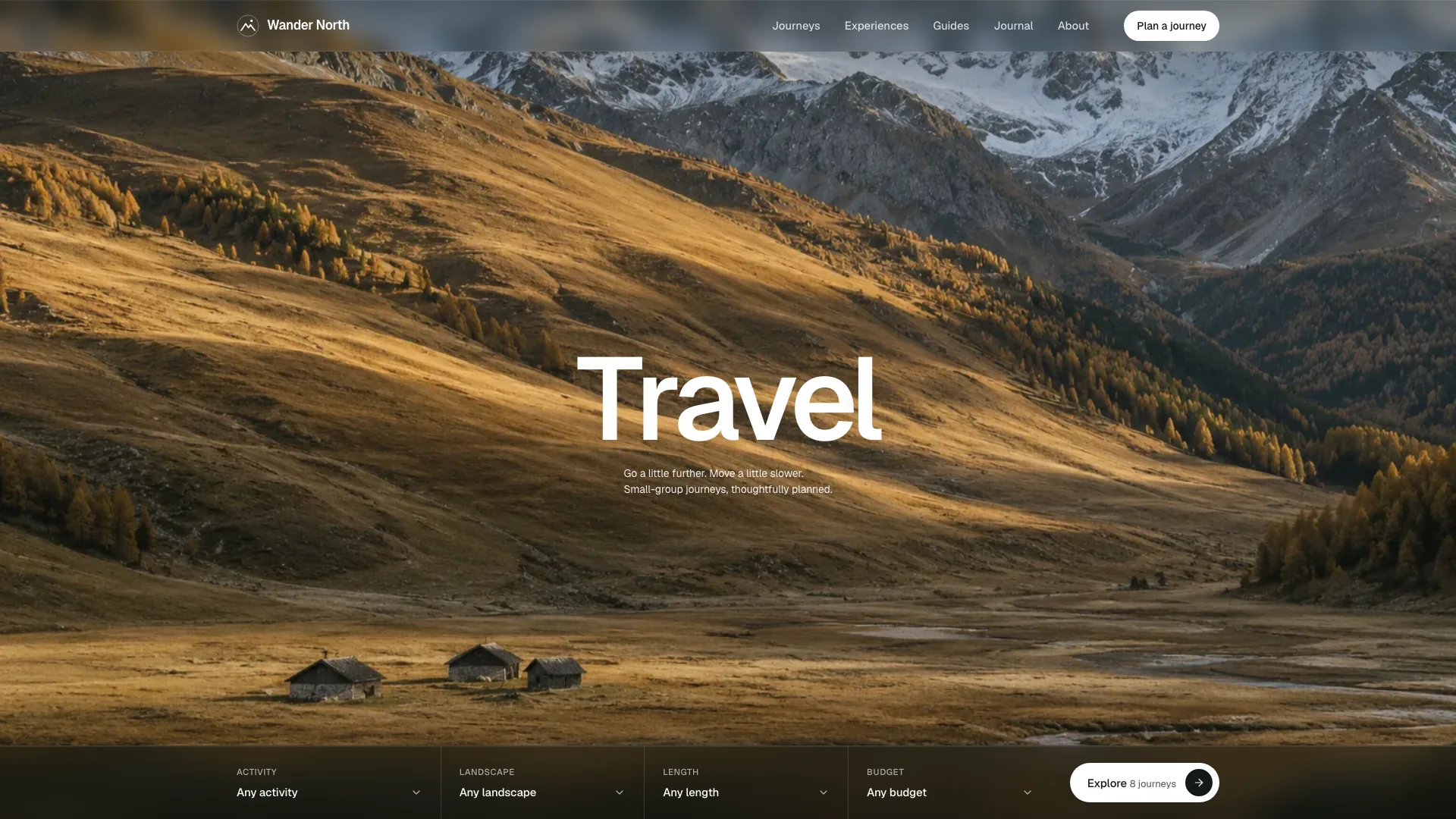
Requirements and costs

You bring
Brand name, audience and the routes or destinations you sell · Hotels, fares and support details, or permission to draft placeholders for you to confirm · Your own photos, or approval to generate new hotel, destination and team images
Dependencies
Node.js 18 or newer on your agent's machine, to run the bundled script that builds the single offline file · Internet access while the file is built, so the fonts can be downloaded once and embedded · An image tool in your agent, or your own photos, for brand-specific hotel, destination and team images · A modern browser for previewing and reviewing every page
Outside costs
New hotel, destination and team images are generated with your agent's own image tool, which may charge for usage. Without one, supply your own photos; the neutral airplane, cabin and flight images can stay as placeholders. Viewing the example costs nothing.
Publisher testing
v1.0.2 — Claude Code / Claude Desktop / Cowork / Codex / ChatGPT

FAQ

User reviews

—0 reviews

Select a star to share your experience.

No reviews yet. Ratings appear once readers share real experiences.

Similar Skills

View all skills