Amber Scrapbook Suite

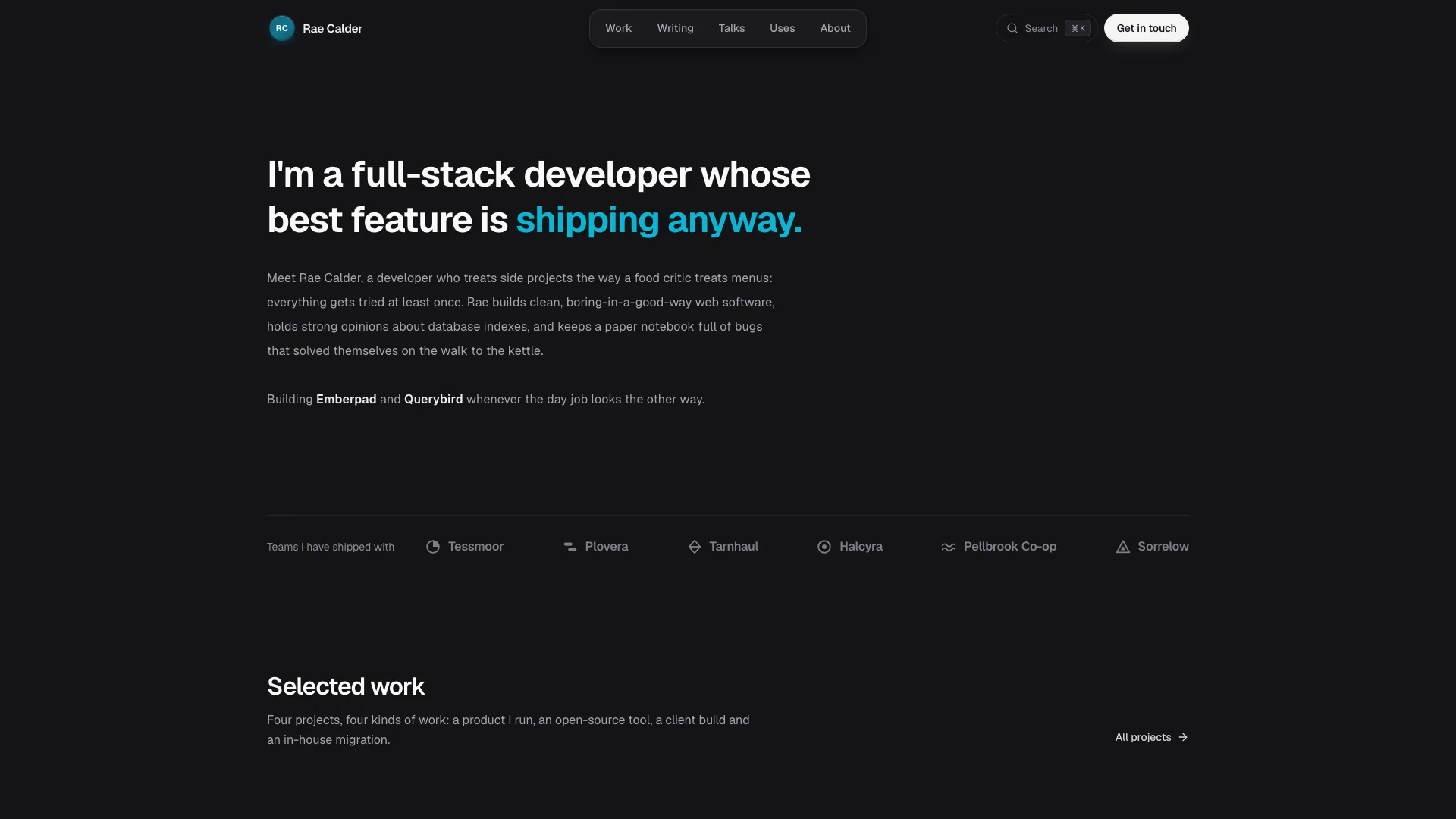
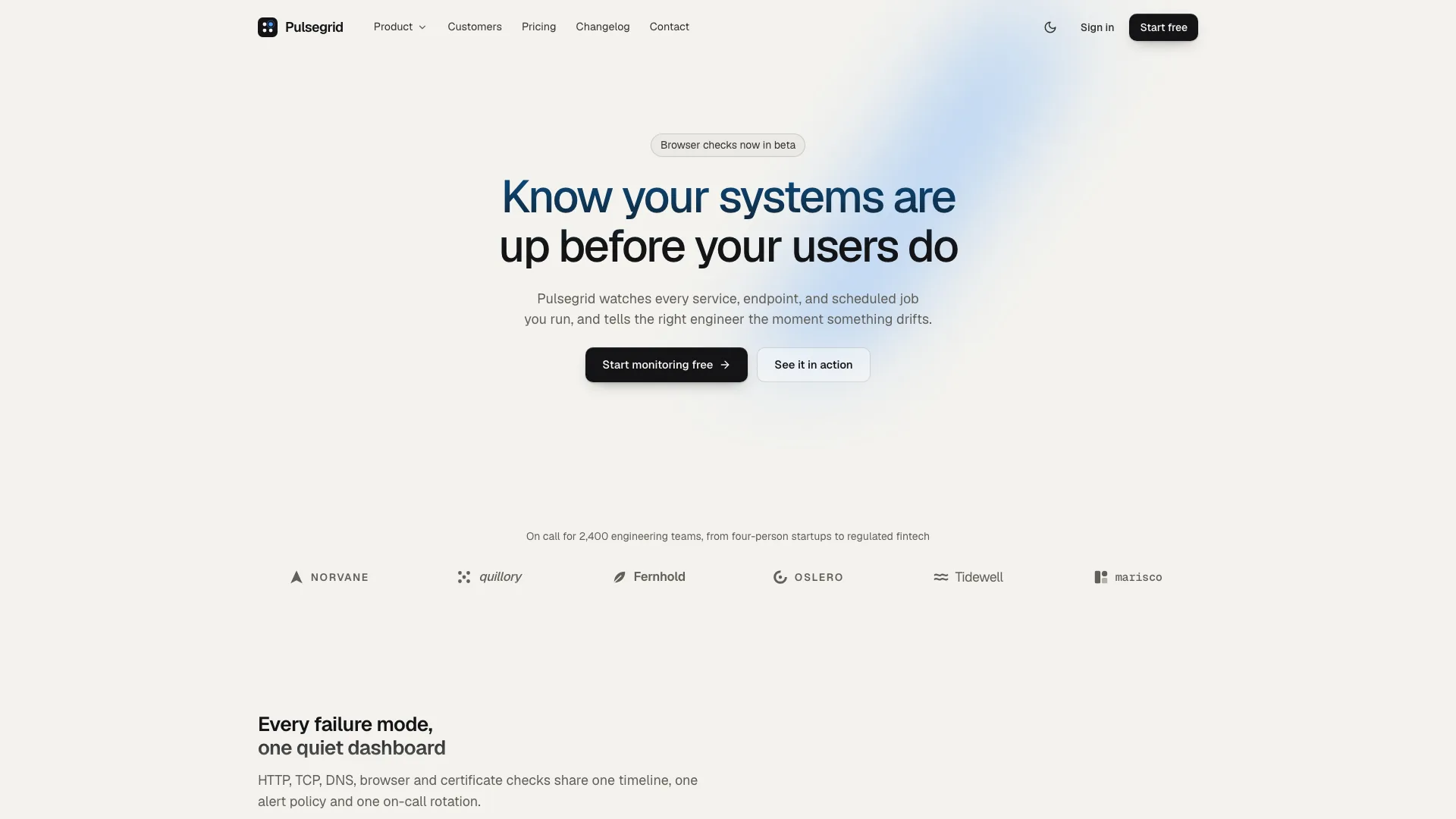
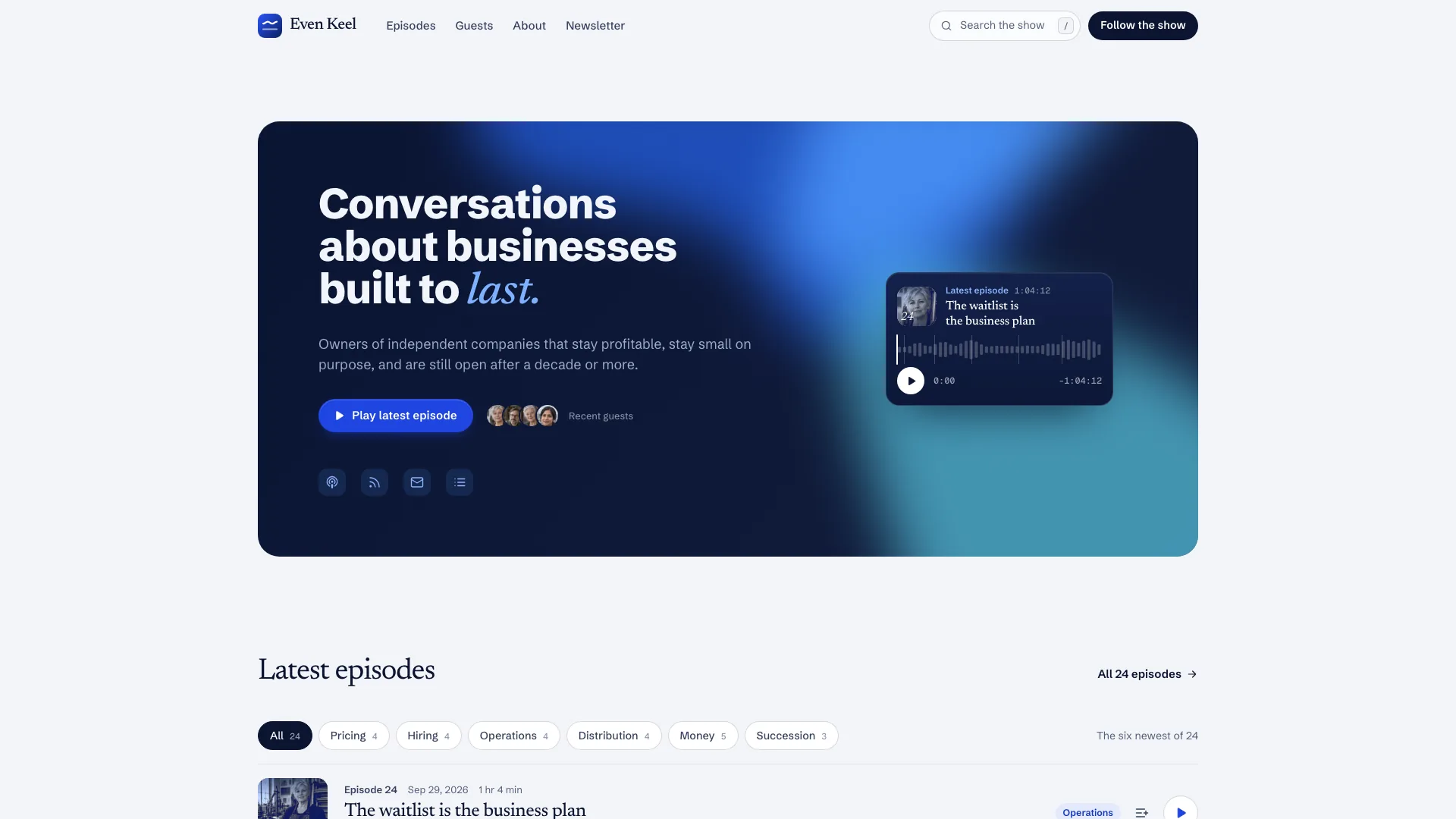
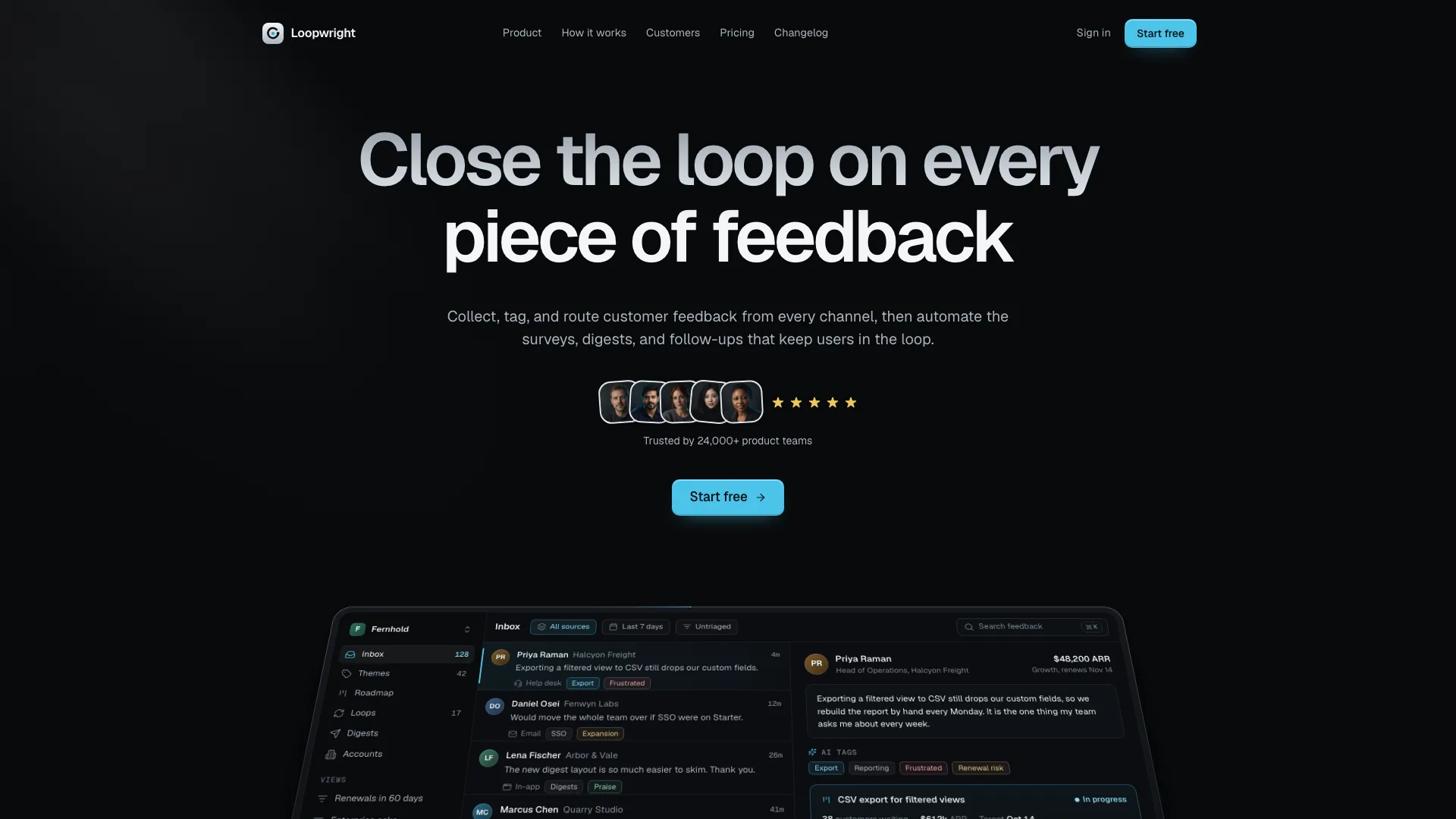
Show how a software product feels before building its production services. Amber Scrapbook Suite connects a warm, handmade marketing site to pricing, simulated sign-in, a usable product demonstration and an admin view. Cream paper, amber highlights, taped photographs and handwritten notes give the public pages personality; the application keeps its tables and controls quieter. The Dayfold planner is a fictional starting example, not an included AI service.

What you get

  • One coordinated family of views: marketing home and section links, pricing with a checkout drawer, sign-in/sign-up, the product, admin, changelog, contact, privacy, terms and a torn-paper 404. Shared local state connects the displayed user, selected plan and credits across the account menu, product, current-plan badge and admin user record. Product/admin deep links deliberately open a demo session; they are not protected production areas.
  • A complete home-page sequence: release announcement and floating pill navigation; a restrained headline with one amber gradient clause, two short monospace lines, two actions, five desktop stickers and one sparse product card; a wordmark marquee; two feature splits; a photo/checklist feature; a cream bento; customer story; four-column roadmap; masonry testimonials; FAQ; notepaper closing and footer. Richer taped-paper treatment starts below the hero, where it can explain features rather than obscure the first action.
  • A planner demonstration with duration/priority/deadline parsing, task attributes that cycle, completion, filters and empty states, removal with undo, a timeline and copyable result. The plan action spends one local demo credit and marks its result stale after input changes. Upcoming, inbox, routines and insights add supporting views. Parsing and scheduling are implemented with local rules; the example does not call a language model, calendar service or production task backend.
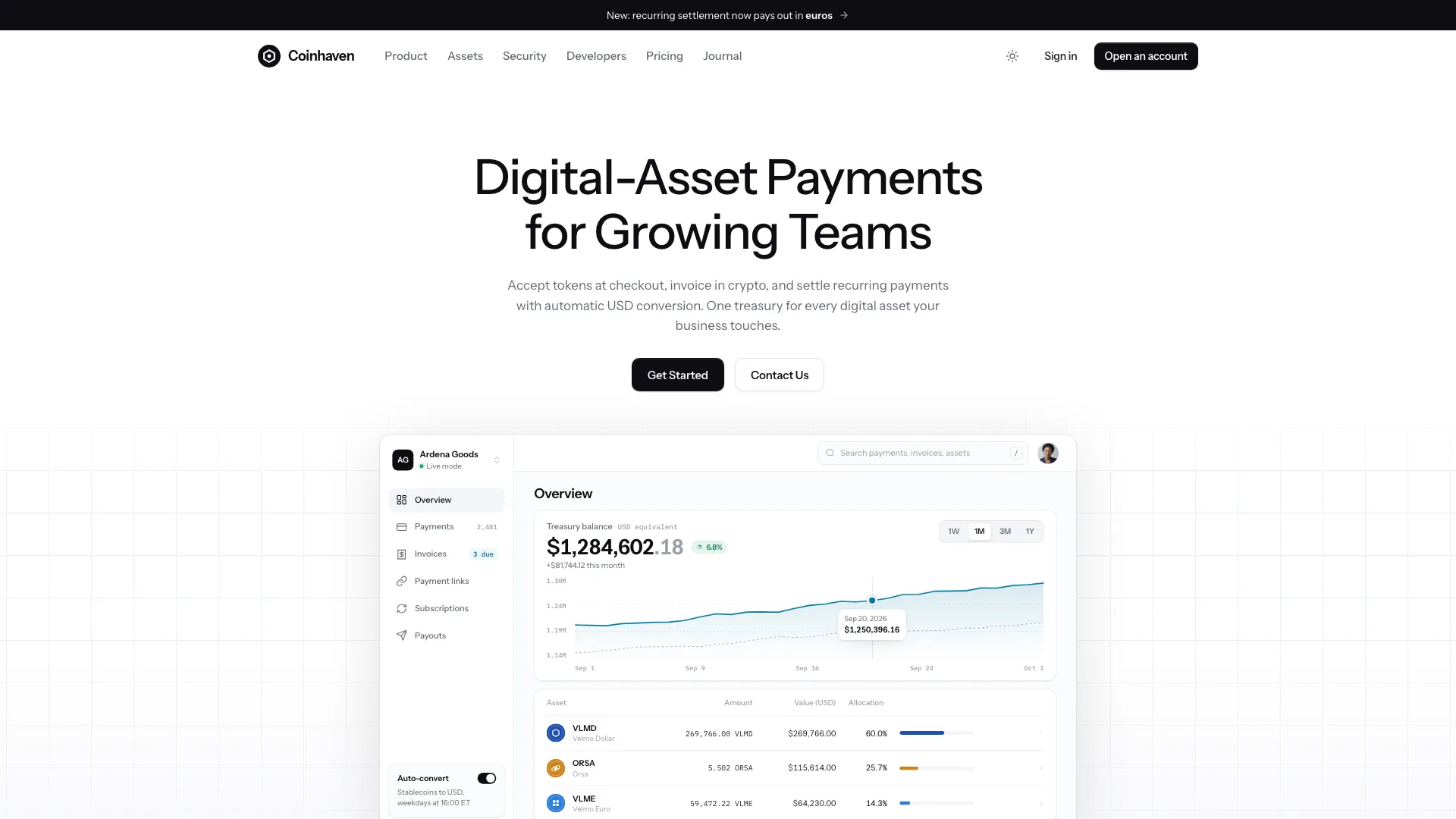
  • Pricing supports a monthly/yearly display, comparison table, billing FAQ and test checkout. The example has two subscriptions with a 14-day trial plus a one-time credit pack; local checkout adjusts the plan or credits without charging. Admin includes range-dependent statistics/chart with tooltip, source/new-user tables, searchable/filterable/sortable users with pagination and selection, CSV copy, message threads with reply/resolve/undo and settings with dirty-state/save controls.
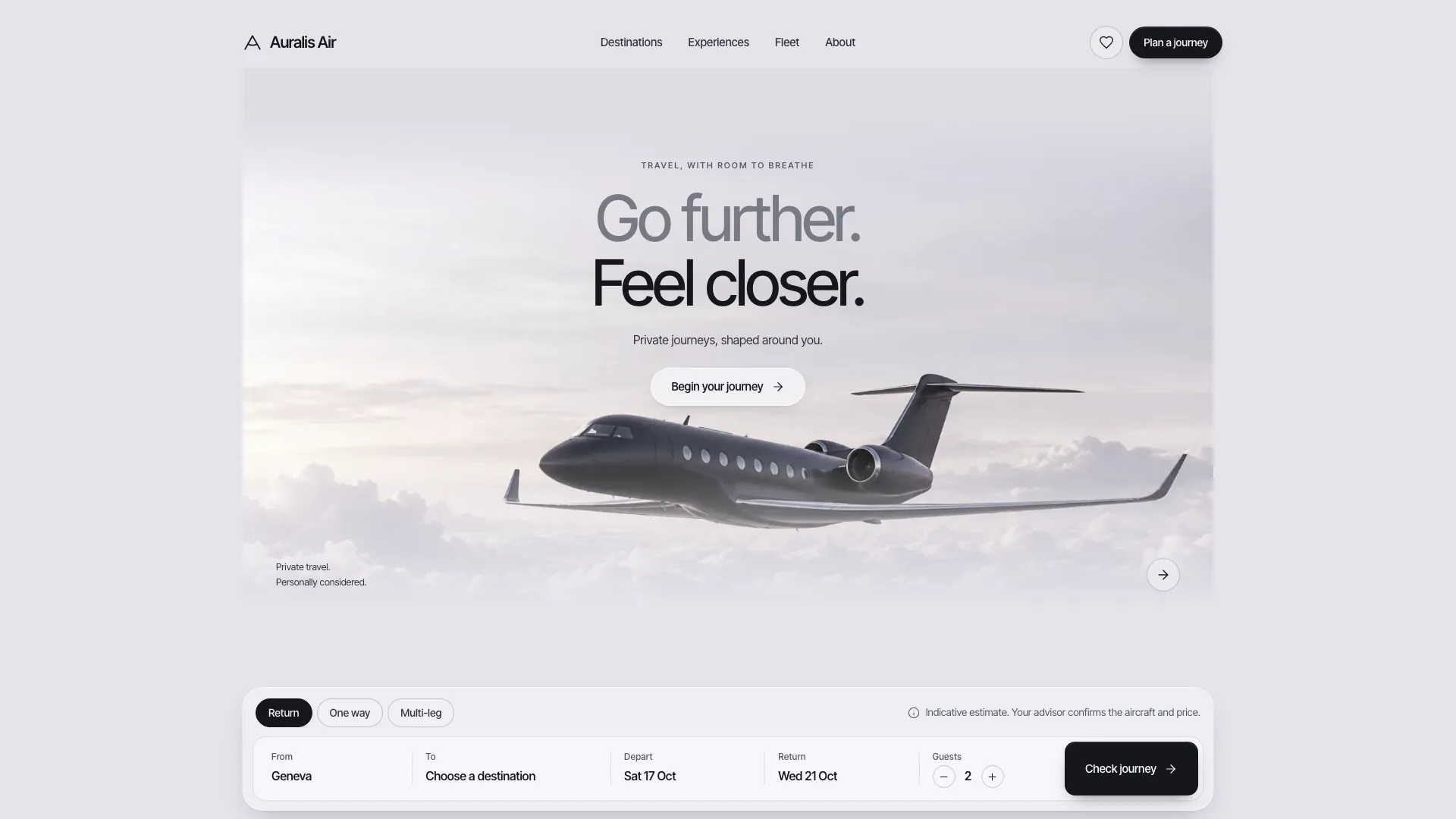
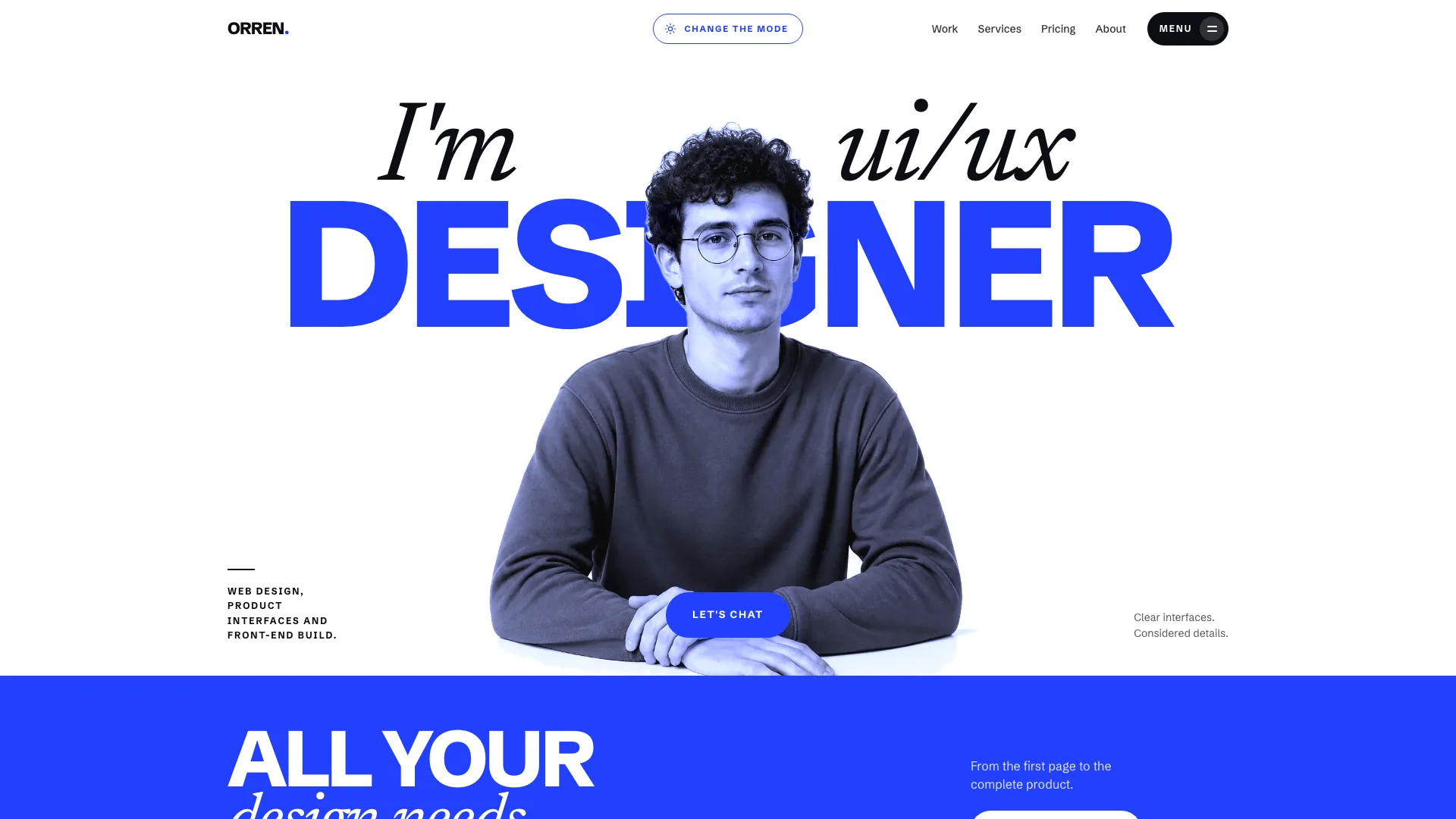
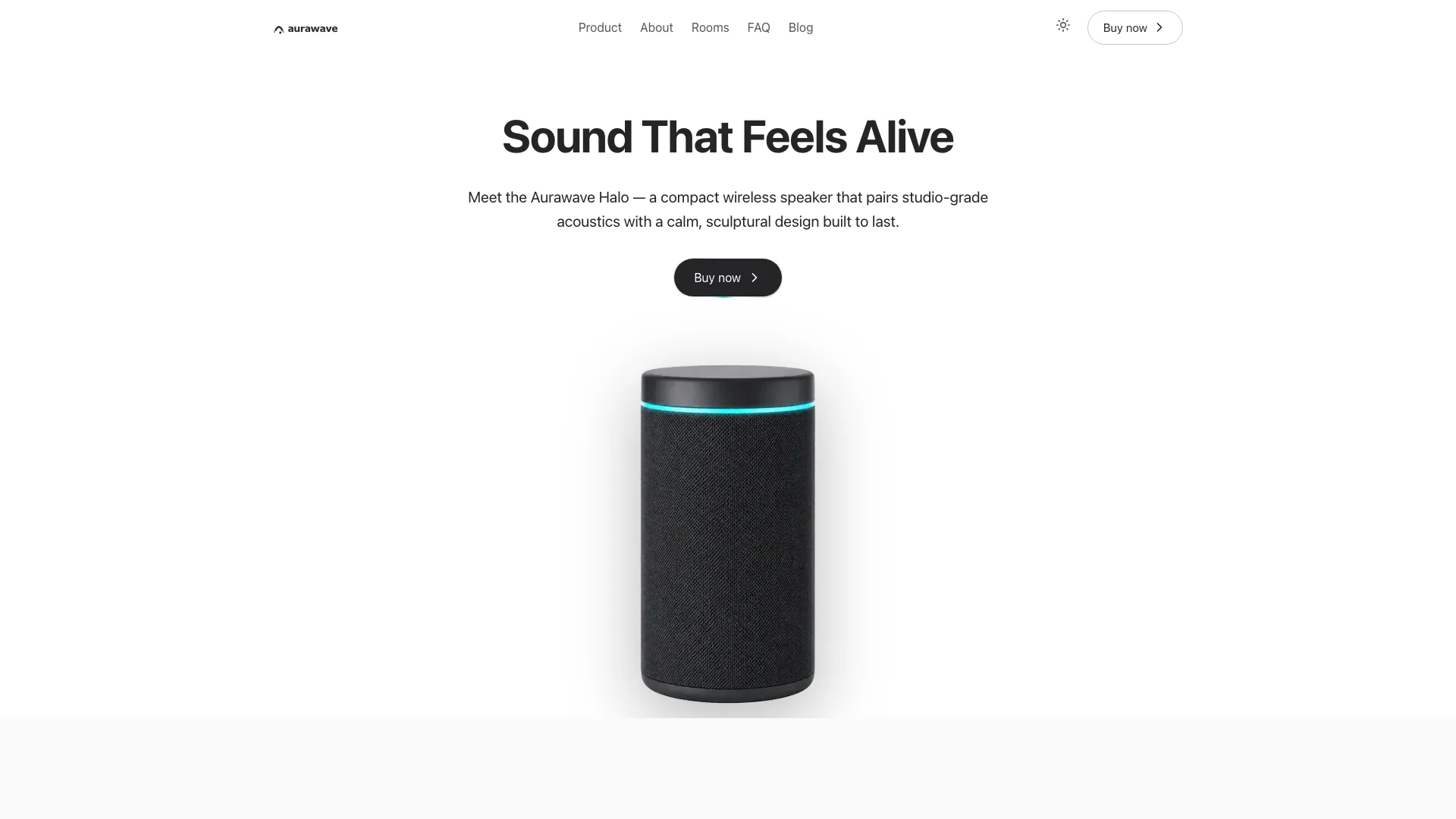
  • Light and dark treatments using Bricolage Grotesque headings, Geist body/UI, Geist Mono labels and Caveat annotations. The closed palette pairs amber, cream and navy with status colors. Warm photography, taped polaroids, angled product cards, mixed-span bento tiles and handwritten cues support a 1240px container with responsive layouts; theme changes should include charts, forms, menus and toasts.
  • A template and separate style, section, image, motion, icon and quality guides, with four full-size example photographs and six avatar crops. The default adapted output is one hash-routed offline HTML file with embedded fonts and pictures; an existing/requested framework gets routed views in its own stack instead. Build and static-validation helpers are included, while real authentication, payments, AI, email and durable storage remain separate integrations.

Before you choose

Use the connected suite to test whether the product promise, core action, pricing and management view tell the same story. Follow one user from signup through their first result and a simulated upgrade; inspect the resulting state everywhere it appears. Keep the demonstrated local loop distinct from actual model capability, security, billing and persistence.

Good fit

  • A SaaS or productivity team has a clear capture, organize and generate loop and wants users to experience it alongside the launch story.
  • A founder needs marketing, plans, an application and a management view to agree during early validation or a launch demonstration.
  • An indie software brand wants warm paper-and-photo character on public pages without carrying visual clutter into forms, timelines or tables.

Not for

  • A production account system, billing platform or AI application delivered merely by changing the template’s name. Demo passwords are not authenticated, checkout charges nothing and the planner is local logic.
  • A café, portfolio or other business without a software-product loop. The required product, pricing and admin views would need a different information structure.
  • A formal enterprise identity or a brand requiring arbitrary colors. Stickers, tape and handwriting are deliberate, and this style keeps its amber/cream/navy palette rather than offering a general theme generator.

How to use

You say/amber-scrapbook-suite Build the full product suite for Dayfold, an AI day planner for people with real calendars.
  1. Provide the product name, audience, one-line promise and core loop, plus eight to ten features with three flagship ones identified. Add the pricing structure, limits and trial rules, roadmap, a customer story and approved quotes/photos where available. The agent can draft missing copy for review, but it must list every unconfirmed fact; customer results, trusted-by logos, compliance claims and legal policies cannot be treated as established evidence.

  2. Choose output around the existing repository. Without a project, adapt the template into one standalone HTML file. With an existing or requested React/Next, Vue/Nuxt, Svelte or Astro project, implement real routes, shared components and typed content in that stack, using local images/fonts. Preserve unrelated work and do not deliver an iframe or raw-HTML injection as the framework implementation.

  3. Translate the planner loop to the product’s actual domain before rewriting the pages. An invoicing demonstration might turn captured text into line items and a preview; a feedback product might turn comments into tagged entries and a summary. These are adaptation examples, not additional engines already supplied. Decide which user, plan, credits and result state is shared and keep it consistent across marketing, pricing, product and admin.

  4. Retain the home section order and the contrast between a minimal hero and richer paper compositions below it. Use one gradient clause, two hero buttons and one quiet product card, with no hero photograph or dense callouts. Keep the four font roles, light/dark tokens, floating navigation, tape and annotation grammar. Adapt the 6-column bento spans so rows remain filled; update repeated logo sets, roadmap columns and admin statistic grids when their counts change.

  5. Plan pictures by role and crop using one warm, candid film-photo direction. Build product UI in HTML/CSS/SVG rather than baking screens into images. The supplied writing, shutdown and sign-in scenes can be disclosed placeholders for a matching productivity audience; replace them for another subject. Replace the example’s ceramicist customer image, and use approved real portraits or initials for real testimonials. All six bundled avatars are generated stand-ins. If no image tool is available, use supplied photos or label the missing slots instead of hotlinking stock images.

  6. No Skill-specific API key is required to demonstrate the suite. New photographs use an available agent image tool and may incur its usage charges; otherwise the brief can supply them. A new set typically has four to seven main photos plus coordinated avatar crops, with a 1–1.5 MB image target. Review faces, hands and crop positions at each breakpoint, add meaningful alternative text and keep written product claims separate from illustrative scenes.

  7. Rewrite all sample identity and collections, not just the headline: metadata, wordmarks, demo user/email copies, fake product URL, customer names, messages, changelog, legal content, commands, plans and limits. Renaming a route also requires its resolver, links, navigation calls, commands and titles to change together. Keep home, pricing, auth, product, admin and not-found views; remove recommended supporting pages only with their links and an agreed scope change.

  8. Adapt pricing in the layout and the behavior together. The guide allows two to four cards, but the supplied checkout, credit meter and admin-user calculation contain specific Personal, Pro and credit-pack branches and values. Changing cards or the price array alone does not create a new billing model. Update trial, annual totals, credit allowances and all linked labels, and keep every payment action explicitly in test mode until actual billing is integrated.

  9. Walk the full demo state sequence: invalid then successful signup, add a parsed task, cycle its attributes, remove/undo, generate a result, change inputs and see the stale banner, exhaust credits, open checkout and confirm the new balance/plan in the product, pricing and admin table. Also inspect table search/counts/sort/pages/selection, chart ranges and tooltip, message reply/resolve/undo, dirty settings, roadmap votes, FAQs and contact/newsletter validation. Memory state resets when the page reloads; it is not a saved account or cross-device workspace.

  10. Build the standalone file with Node.js 18+ and internet access for the initial download of four font files; the inliner embeds fonts and local assets, with repeated image slots sharing data. Aim for at most 5 MB and stay below the 8 MB strict limit. Check the helper’s exit status: it can write an output before reporting missing files/fonts. Then run the suite validator, or its documented files mode for hosted local assets. Framework output needs its own build, lint and type checks.

  11. Review every view at 1440, 1024, 768 and 390px in both themes, extending overflow checks to 360 and 1920px. Test keyboard focus, Escape and focus return in drawers/menus, Ctrl/Cmd K, reduced motion, empty/error states and back/forward routing. Open the standalone result from disk in the documented scripts-only sandbox as well. Screenshot and correct at least two passes; static markers and link resolution checks do not prove browser behavior, visual quality, authentication or payment safety.

  12. Deliver the output path, list checks actually performed and identify placeholders, generated portraits and missing photos. Open the site and request content/plan/section changes in plain language. Replace the sample privacy/terms with appropriate business policies, and separately connect and test real accounts, model calls, email, billing and storage before a production launch.
Requirements and costs

You bring
Product name, a one-line promise and the audience · 8 to 10 features with the 3 flagship ones marked, plus your pricing shape · Roadmap items, a customer story and any real quotes or photos (optional)
Dependencies
Node.js 18 or newer on your agent's machine, to run the bundled script that builds the single offline file · Internet access while the file is built, so the fonts can be downloaded once and embedded · An image tool in your agent for the photos (optional; without it you supply photos or get labelled placeholders)
Outside costs
Photos are generated with your agent's own image tool when one is available, which may incur that tool's usage charges. Without one, the agent asks for your photos or ships clearly labelled placeholders. Nothing else uses a paid service.
Publisher testing
v1.0.9 — Claude Code / Claude Desktop / Cowork / Codex / ChatGPT

FAQ

User reviews

—0 reviews

Select a star to share your experience.

No reviews yet. Ratings appear once readers share real experiences.

Similar Skills

View all skills