Supply the company name, region, audience and kind of travel, then trips, guides and stories with dates, prices, descriptions and photographs. Include departures, group sizes, room supplements, inclusions and enquiry requirements where available. Missing details must be listed as placeholders for approval; do not fabricate qualifications, insurance, safety guarantees, reviews, awards or availability.
Choose the delivery within the existing project’s rules. With no project or stack request, adapt the standalone template and build it using the bundled asset inliner. For an existing or requested framework, create proper components and routes; the guide defaults an otherwise unspecified React framework request to Next.js with TypeScript. React controls use separately installed ReUI primitives; other stacks need their own accessible equivalents. Keep unrelated project files intact.
Map the page family to the actual business before filling it. A lodge may use rooms/packages, dining and spa; a tourism board may use places, hosts and enquiries. Keep trip, category, guide, article and departure relationships valid, including contextual links and return paths. Update query parameters, quiz scoring, comparison rows, seasonal defaults and fixed figure layouts as collections change; retain the three-image collage.
Plan photographs by subject, role, ratio, crop and destination page. Use supplied pictures or an available image-generation tool with permission; new generation may incur that tool’s charges, and no Skill-specific image API key is prescribed. The set should share subdued documentary light and believable regional detail. A picture may recur for the same trip or person across card/detail views, but must not represent unrelated entities.
Review all 20 bundled photographs before reuse. Eleven neutral alpine scenes may serve as disclosed placeholders for a matching mountain brand; the Dolomites, glacier, vineyard and two retreat-property pictures need subject-specific replacement. The three guide portraits and group scene are generated stand-ins, not photographs of your team. For a different region, replace the entire set, beginning with the hero. Check meaningful alternative text, responsive crops, headroom and WebP sizes.
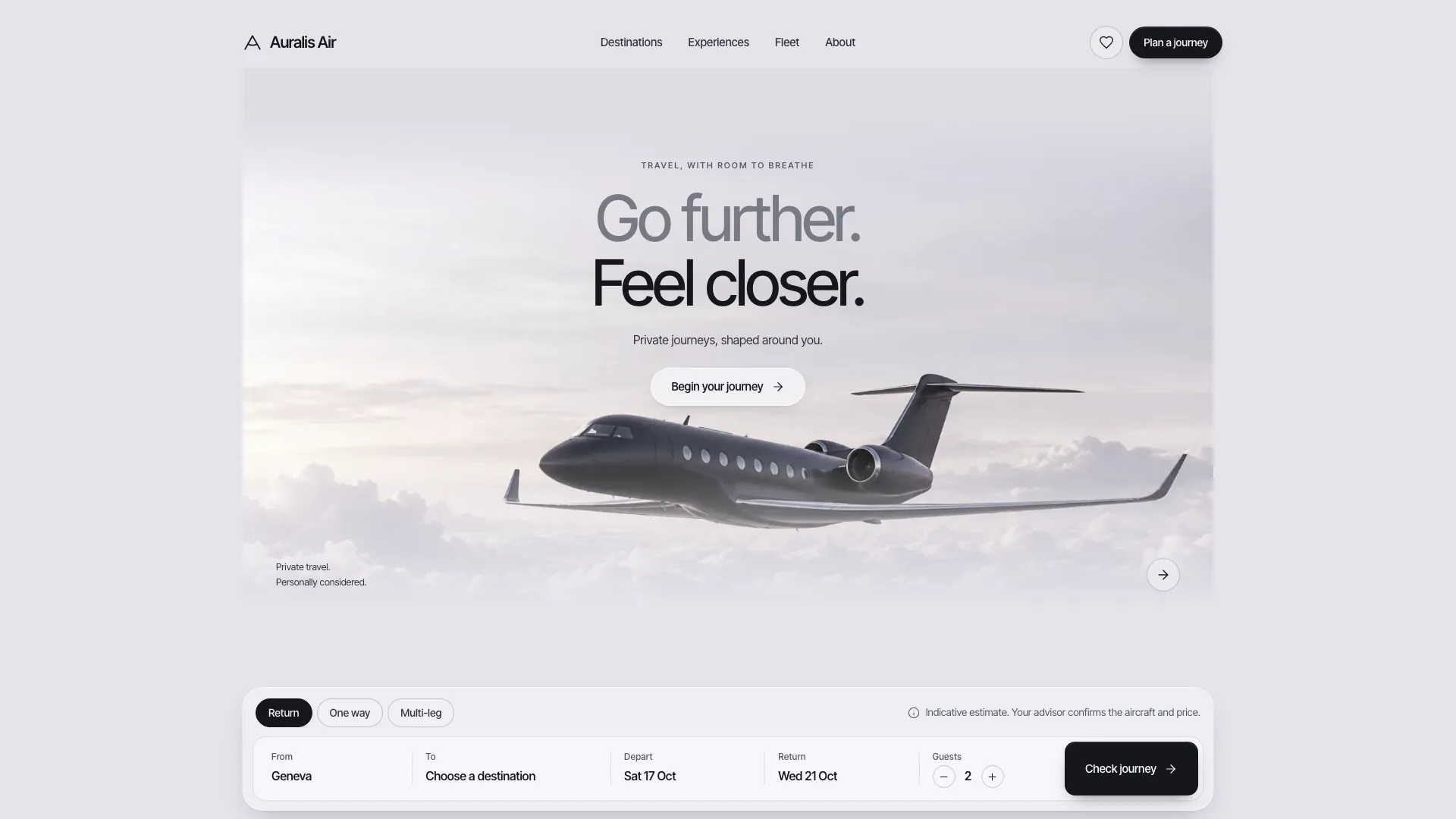
Preserve the sparse hero and page rhythm while replacing the sample identity throughout: metadata, navigation, footer, contact details, stories, figures, quiz, departure dates, route IDs and booking extras. Use a one-word white hero heading, embedded Geist fonts, a 96px desktop search bar and the staggered collage. Keep per-page headings, landmarks, labels, focus rings, at-least-44px targets and motion that becomes immediate when reduced motion is requested.
Wire search choices into the journey list, verify filters and sort together, and check that trip selections reach the booking form unchanged. Test totals and supplements against your approved pricing rules rather than inheriting the demo’s deposit policy. Every listed journey needs compatible departures: the date helper assumes a nonempty set, and sold-out requests use a separate fallback guest limit. These are implementation details to verify when changing the data, not guarantees of production inventory handling.
Exercise contact, newsletter and booking forms with empty and invalid input, then inspect their loading and confirmation panels. Retain explicit simulation language until a backend exists. Test the quiz’s three steps, back/restart and alternatives; FAQ no-results behavior; tabs, carousel and mobile-menu Escape/focus return. Guard unavailable storage and clipboard features, and retain the submit-button handling needed in a scripts-only sandboxed preview.
Build the standalone file with Node.js 18+ and internet access for the one-time font download, then run the bundled design validator on the result. Strict mode checks embedded assets, sample leftovers, structural hooks, routes, forms and accessibility/motion markers, with an 8 MB size ceiling. The inliner can write a file before reporting missing assets, so an output file alone does not prove a successful build. For a hosted local-asset variant use the documented files mode; framework output needs its own type check and build.
Inspect every route and control in a browser at wide desktop, tablet and phone widths, including 1920, 1440, 1024, 768, 390 and 360px, and inspect the standalone file in the documented restricted iframe. Check photo subjects, typography, contrast, overflow, keyboard use, back/forward behavior and reduced motion. Screenshot, critique and fix through at least two review cycles. A static pass does not test these behaviors or visual quality.
Deliver the file or project path, explain which checks actually ran and list all unconfirmed facts, generated portraits and placeholder domains. Open the result, follow the complete search-to-request flow and request changes in ordinary language. Confirm the real booking, email, payment and privacy requirements separately before publishing a working business site.