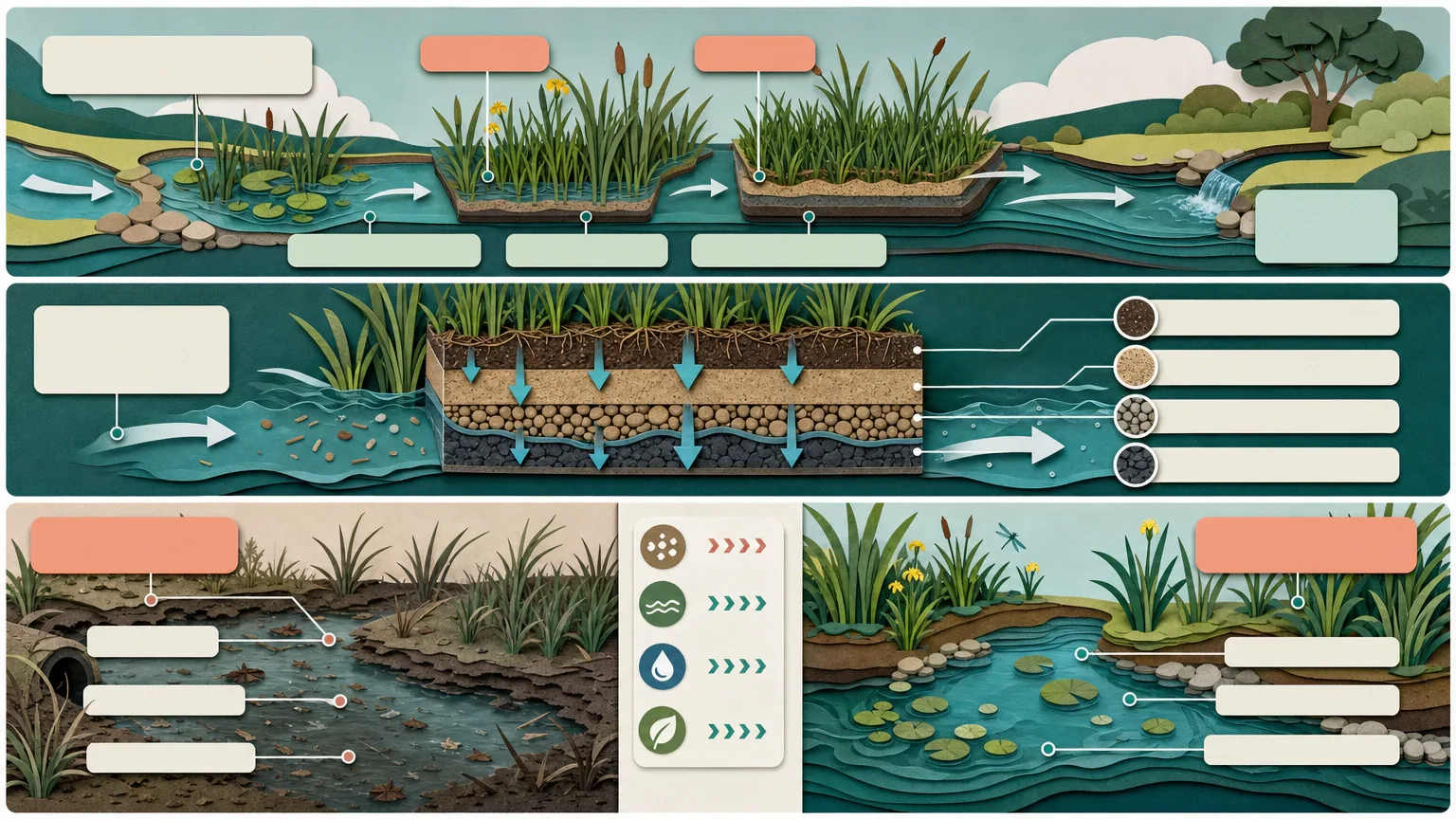
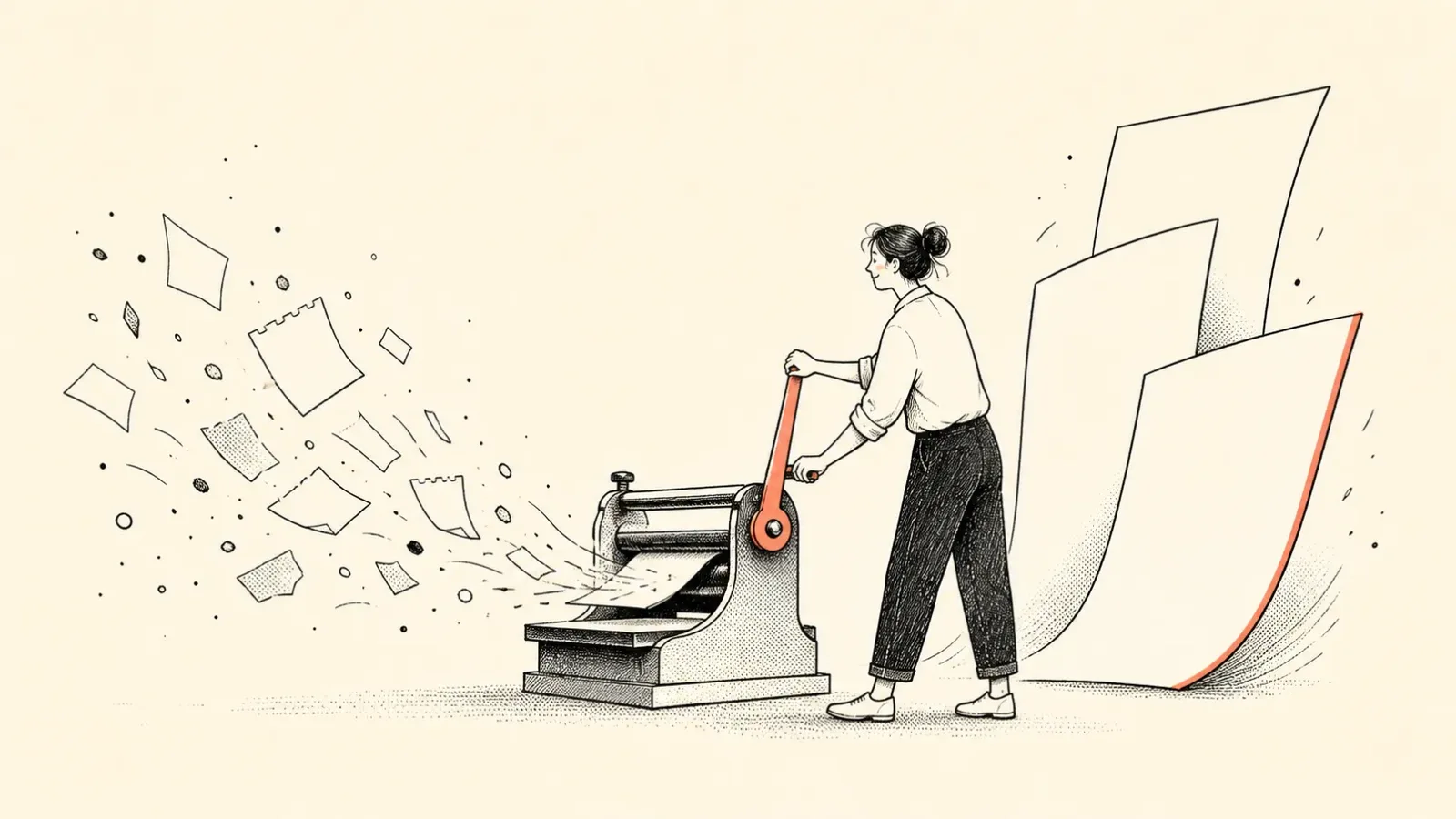
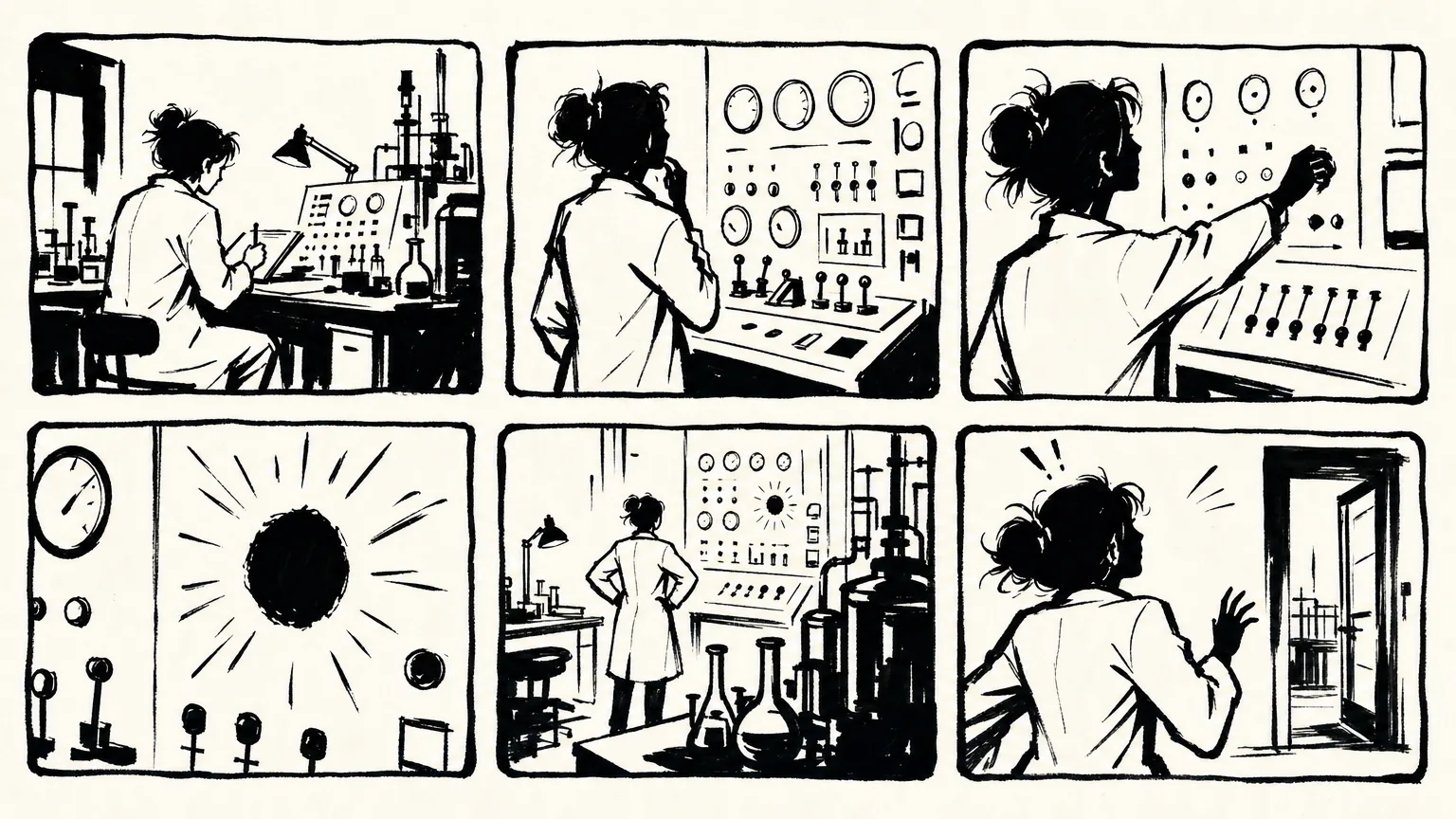
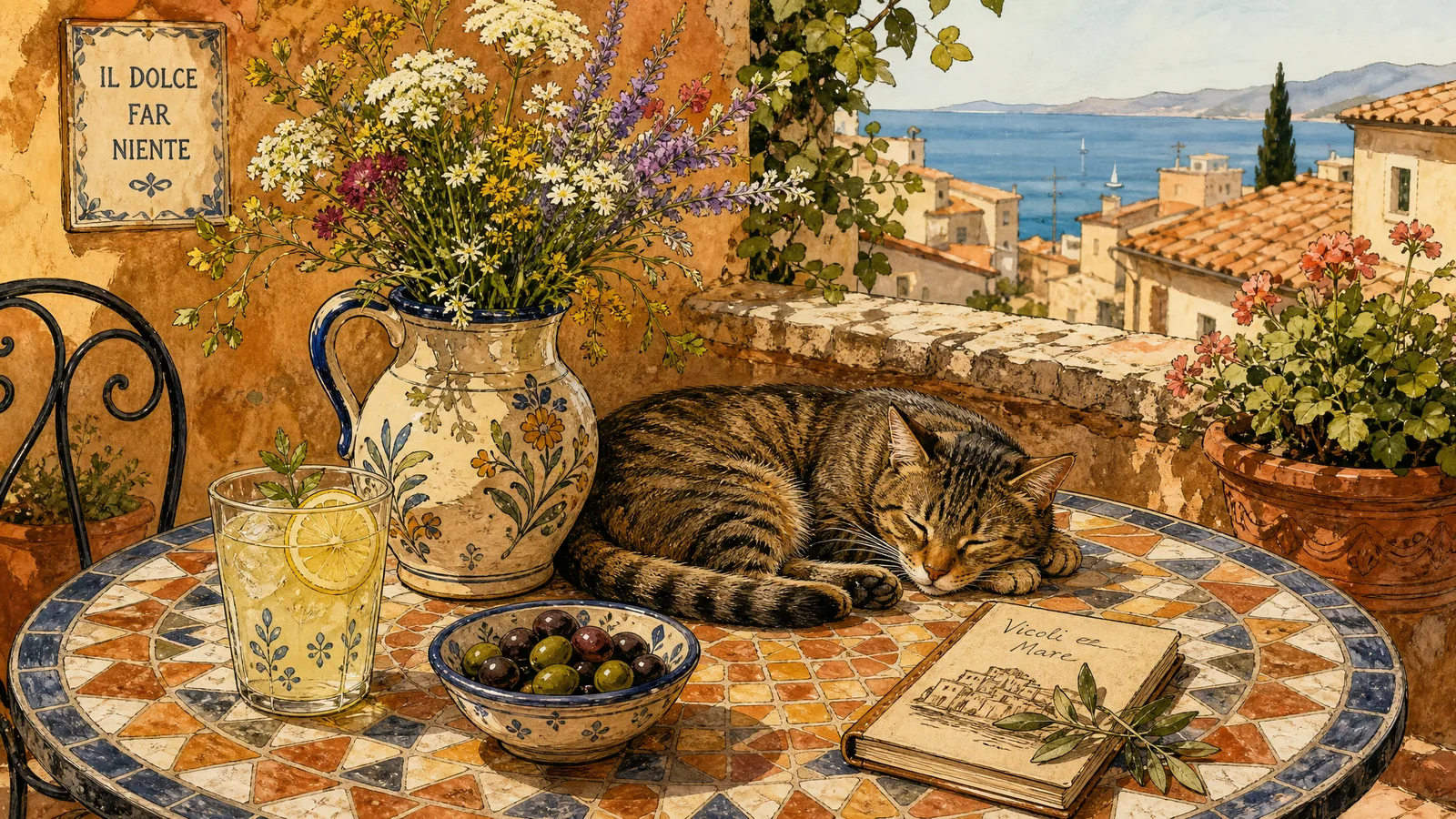
Turn one abstract idea into a quiet, wordless visual metaphor with a recognizable object and action. Claude Style Illustration combines a muted flat background, warm off-white silhouettes and loose near-black marker lines, with a separate normalization step for the strict flat-palette finish. This is an independent workflow, not an Anthropic product or endorsement.
What you get
One standalone illustration per requested concept, defaulting to one square image. Choose 1:1, 3:4, 4:3, 9:16 or 16:9; a batch saves each concept separately rather than replacing individual outputs with a collage, grid or catalog board.
A compact metaphor with two to four meaningful elements, one focal cluster and generous breathing room. Reduce the idea to a noun/action, use one anchor object with limited supporting shapes and add a simplified hand only when it clarifies the interaction. Wide/tall formats extend the relationship or gesture rather than adding panels.
A restrained flat 2D language: one uniform low-saturation background, warm paper-colored silhouettes with slightly uneven contours and bold wobbly black felt-tip lines. This is not physical paper depth, textured collage, realistic anatomy or perfectly geometric icon work. Six installed reference crops guide the grammar without supplying finished outputs for a new topic.
Preserved raw generation plus a separately saved normalized final, approved prompt and file/QA record. Python/Pillow normalization center-crops to the exact integer ratio and quantizes without dithering to a selected background, paper and ink palette; lossless WebP preserves at most three chosen colors. Cropping/quantization can alter details and still need visual review.
File-integrity and ratio diagnostics, plus an optional manifest-driven suite report checking exact ratio, up-to-three-color output and selected forbidden glyphs. These checks do not establish correct metaphor, element count, uniform background geometry, line character, text absence or reference originality; those remain visual acceptance tasks.
Before you choose
Test the metaphor before the palette: can the object and action communicate the intended relationship without words? Keep the raw image when flattening, then compare silhouette and gesture before accepting the normalized version. Three colors and the correct ratio are useful constraints, not proof that the idea reads clearly.
Good fit
An article header or thumbnail needs one concept to read quickly without a caption.
A writer or product team wants a physical metaphor for a technology/business idea rather than a literal detailed scene.
A small series needs consistent palette, density and marker grammar while keeping each concept in an independent file.
Not for
Photorealism, glossy 3D, dense environments, physical paper texture/shadows or dimensional rendering.
Posters, diagrams, UI or social cards whose meaning depends on dense generated words, branding or captions.
Collages, moodboards, storyboards, multi-panel narratives or a guarantee that automated palette/ratio checks establish visual quality.
How to use
You say/claude-style-illustration Create one 16:9 paper-cut editorial illustration about turning scattered ideas into a clear path. No text.
Provide the topic/idea, with an optional object, action, metaphor, count or ratio. Default to one 1:1 image and no text/logo/date/caption/UI/frame/watermark. Choose among the five supported ratios and agree a concise anchor/action metaphor; do not add a questionnaire for noncritical details.
Plan two to four meaningful elements, one focal cluster and enough margin. Use a compact centered square, stacked portrait action, horizontal object relationship or one continuous vertical gesture as appropriate. Select two to four reference crops for linework/shapes/hands/simple objects, inspecting them before generation; use their grammar without duplicating subjects or gallery layout.
Write a full prompt distinguishing use case, topic/action, style-reference role, exact ratio, flat background/palette, subject placement and exclusions. Use hard flat boundaries, rounded marker terminals and hand wobble, without blur, gradient, grain, shading or literal scene-building. Default to no words/logos; a specifically requested functional integration mark is a separate explicit exception.
The package documents a portable FAL route using Node.js 20+, server-side FAL_KEY and one WebP request per concept; an explicitly requested available native image tool can use the same brief without that key. Obtain authorization for a new paid request. Save the prompt and task path, use selected local references and pass the correct size preset explicitly—the helper’s own default is landscape, unlike the Skill’s square default.
Resume a recorded FAL task with the same prompt, output, ratio/quality and reference-byte hashes, polling/fetching its saved request ID rather than submitting replacements. The helper writes its task record only after submission returns; if the response/record is lost or concurrent runs occur, do not assume exactly-once charging. Check provider history before authorizing another submission. Preserve failed records and approved images.
Keep the raw generation and normalize a separate final with Python 3/Pillow using the chosen background and ratio. The script center-crops and maps pixels to ink/paper/background; inspect for cropped gestures or lost lines. Use lossless WebP for the strict palette, and avoid applying this step when a deliberate user request requires texture, gradients or extra colors.
Run the file/ratio checker and, for a batch, the manifest suite report. The basic checker allows a ratio tolerance and reports palette diagnostics; the suite enforces near-exact ratio and at most three colors for runtime outputs, with catalog-montage exceptions. Neither does visual semantics/OCR or proves the background region is uniformly filled.
Inspect every final at full size and thumbnail scale for one idea, two to four elements, clean silhouette, margins, flat color, loose lines and no unwanted words/UI/branding. State a targeted correction if needed and authorize any new paid task separately. Deliver actual individual files, raw/final paths, exact prompt, FAL task/request details when used and a concise QA note; a contact index is an extra, not the output itself.
Requirements and costs
You bring
Topic or idea to communicate
Dependencies
FAL account and FAL_KEY - optional for the bundled FAL generation path · Node.js 20 or newer - required · Python 3 with Pillow - required for strict palette normalization
Outside costs
FAL image-generation charges apply only to requests submitted through the optional bundled FAL path.
Publisher testing
v1.0.0 — Claude Code / Claude Desktop / Cowork / Codex / ChatGPT
FAQ
The idea or topic is enough to start. Object, action, metaphor, count and ratio are optional preferences; the default is one wordless square image. Agree the central metaphor and authorize any paid generation before submitting it.
Choose 1:1, 3:4, 4:3, 9:16 or 16:9. Each concept gets a separate generation/file; a review gallery is supplementary. The normalization step center-crops to exact integer proportions, so inspect the crop. Pass the intended FAL size preset explicitly because the helper default is landscape while the Skill default is square.
No by default: meaning comes from one visual metaphor without branding, captions, dates, UI or watermarks. A specifically requested functional integration mark is an explicit exception, not permission to add decoration. Automated file/palette checks cannot confirm text absence or metaphor clarity; inspect the final visually.
User reviews
—0 reviews
Select a star to share your experience.
No reviews yet. Ratings appear once readers share real experiences.