Give one content message a spacious editorial metaphor using black ink, warm paper and a single restrained accent. Paperline Content Illustrator chooses among a quiet scene, transformation, relationship map or title-safe cover. It suits article headers, newsletters, course visuals and social posts where the image should communicate without a screenshot or dense generated copy.
What you get
One finished raster illustration per requested asset, normally WebP and landscape 16:9. One dominant action carries the message, supported by no more than three objects and zero to three non-identifiable adult characters; the default is zero to two.
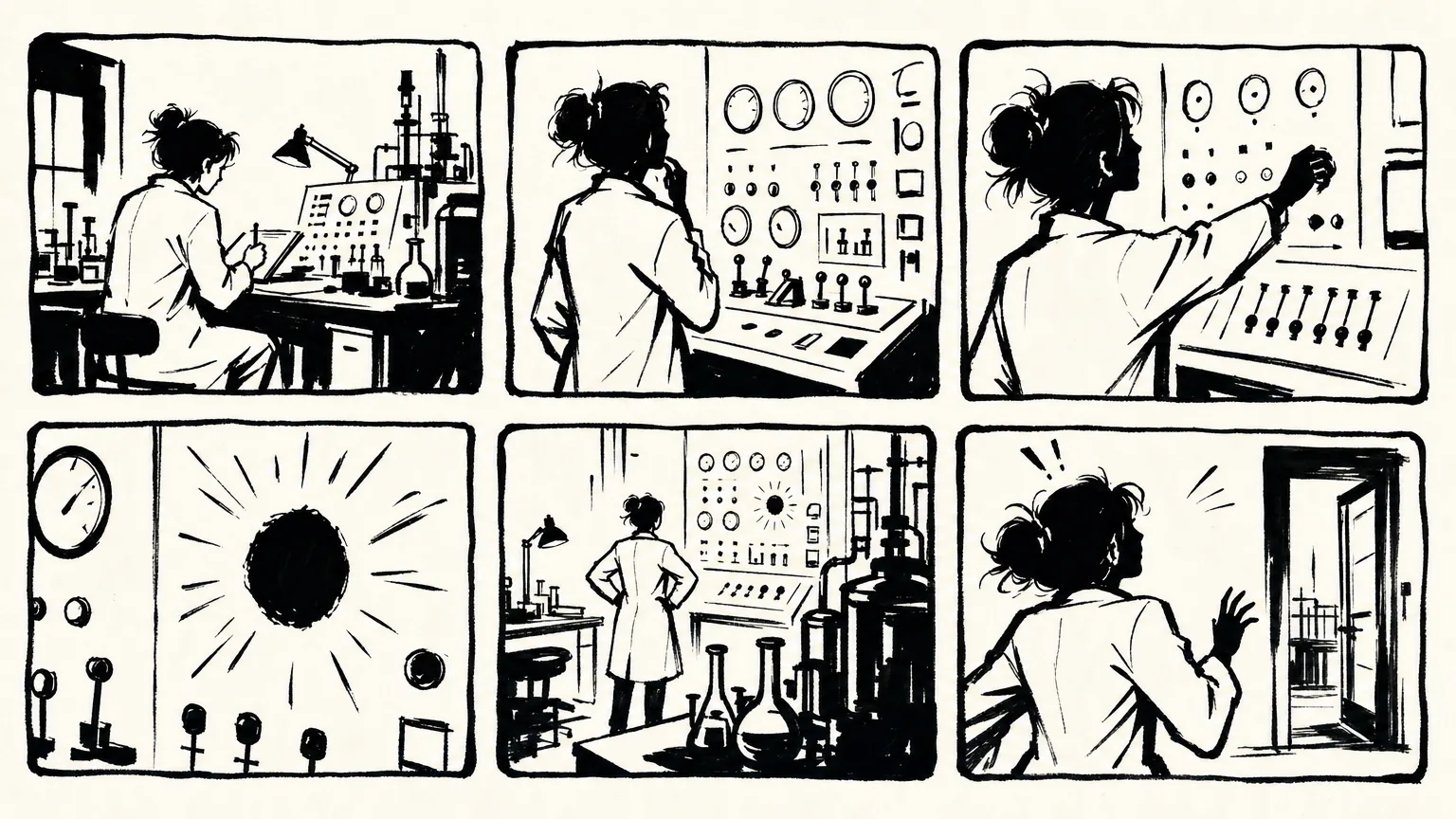
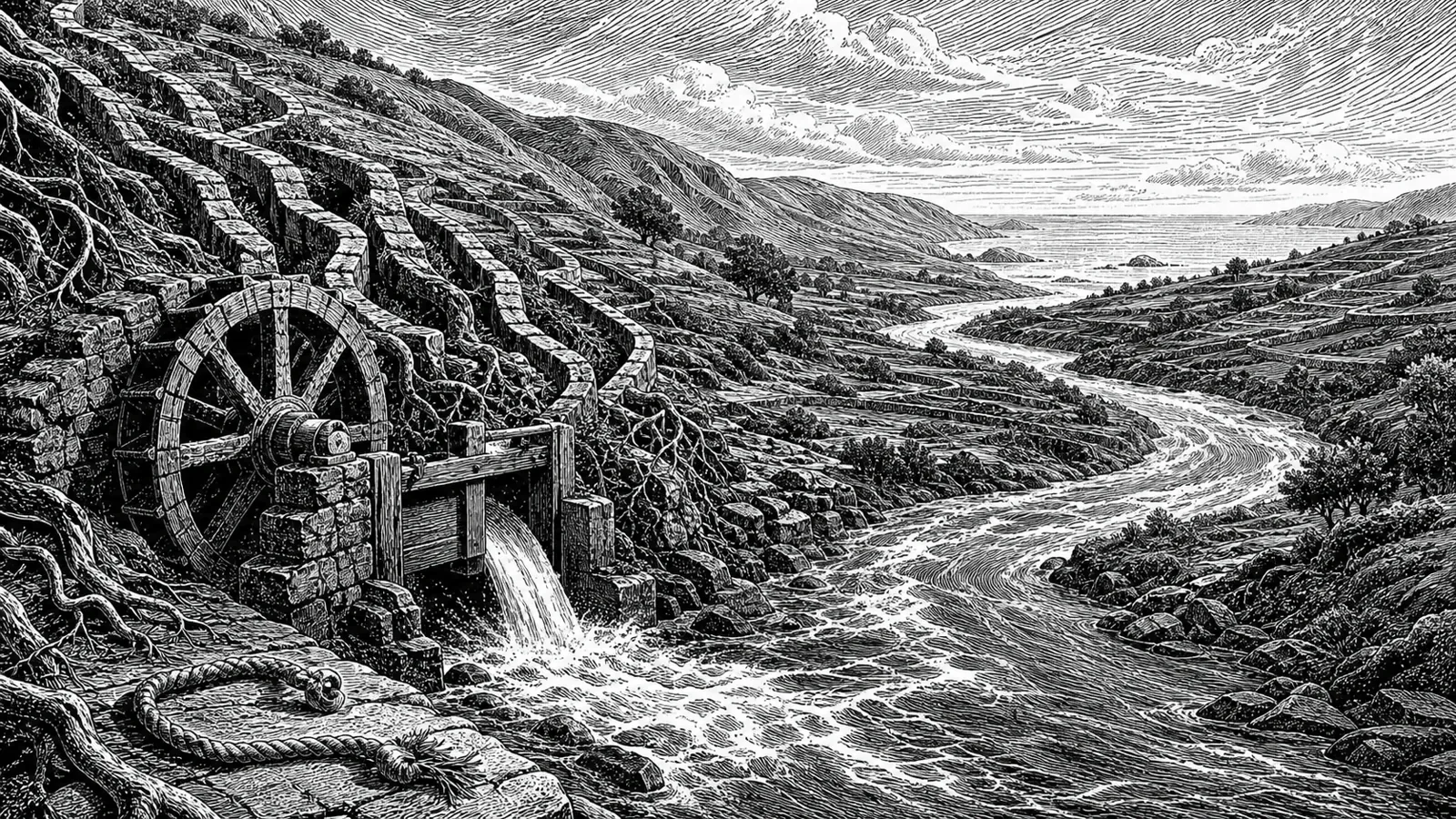
A locked visual recipe of slightly imperfect black outlines, sparse gray halftone/stippling/hatching and warm off-white or white paper. Exactly one accent hue covers roughly 5–12 percent of the canvas; at least 45 percent remains open space and important content stays within a seven-percent margin. Muted coral is the default accent.
Four composition modes: a compact editorial scene; a transformation from input to outcome; an asymmetrical two-to-four-part system map; or a symbol-led cover occupying at most half the canvas with protected space for typography. The selected mode serves the message rather than combining several layouts by default.
A no-text default, with an optional exact title of at most four words only when requested. Longer or important copy is typeset afterward in a deterministic tool. A repeatable series workflow carries line weight, paper tone, halftone scale, accent, character abstraction and negative-space ratio into new metaphors without copying the anchor’s scene.
The final image, exact prompt, persistent FAL task record and a short QA result. The runtime requests one WebP, validates WebP structure and approximate requested-preset ratio, and supports one approved series anchor or explicit local edit target. Its separate installer validator checks package text conventions, not image meaning or style.
Before you choose
Test the metaphor before adding a label: one focal action should explain the message at thumbnail size. If it needs more props, more accents or extra text to make sense, simplify the concept first. For a series, repeat the visual rules while letting each article have its own argument.
Good fit
A writer or newsletter creator needs one distinctive focal illustration from a short brief.
A content marketer wants recognizable art direction across articles and social posts, with each result visually reviewed.
An educator needs a compact physical metaphor for an abstract idea rather than a text-heavy diagram.
Dense infographics, long labels or copy-critical layouts that rely on the image model to render every word.
Copying a named brand/illustrator, character, supplied composition, distinctive pose/prop combination or branded interface, or claiming affiliation with them.
How to use
You say/paperline-content-illustrator Create a 16:9 article header about turning messy research notes into one clear story. Use coral as the only accent and no text.
Provide a brief, source passage or single message, with audience and intended use where it affects the crop. Optional preferences include accent hue, a short exact title, a target ratio and one approved series anchor or explicit edit target. Choose the one idea the audience should understand first.
Select one composition mode and invent a new metaphor with one focal action, no more than three supporting objects and at most three adults. Keep the ink/paper/halftone grammar and open-space proportions. Remove details that merely decorate instead of clarifying.
Set the text policy: no text by default; only one explicitly requested exact title of up to four words may be generated. Use the title-safe mode and external typesetting for important or longer wording. Review a prompt stating intended use, mode, accent, ratio, safe margins, originality and exclusions.
Use Node.js 20 or newer, FAL and FAL_KEY from the environment. Each requested asset is one paid generation/edit. The runtime supports landscape/portrait 16:9 and 4:3 plus square presets. Pass at most one local PNG/JPEG/WebP reference up to 20 MB, only for an approved series anchor or explicit edit target; general inspiration images are not runtime attachments.
Keep prompt, output and task files outside the installed package. The script writes a SUBMITTING guard before posting and adds the ID afterward. Resume the same task/settings/reference; unresolved submission guards require provider-history reconciliation rather than automatic resubmission. Do not delete failed/cancelled records to force another charge. A replacement or targeted correction needs explicit approval.
Inspect the result full-size and as a thumbnail for metaphor clarity, line quality, one-accent discipline, negative space, framing, exact allowed text and excluded elements. The downloader checks WebP headers and preset ratio with a small tolerance; it cannot judge the content. Existing outputs are not overwritten by the normal workflow.
For a correction, change one defect and repeat the approved invariants. For a series, carry style tokens from one approved output while varying the metaphor, action and props. Return the image path, prompt, task record/request ID and actual visual QA note; do not treat installation-text validation as image acceptance.
Requirements and costs
You bring
Content brief or source passage with the intended audience and key message
Dependencies
FAL account and FAL_KEY - required · Node.js 20 or newer - required
Outside costs
FAL GPT Image usage charges apply to each submitted generation task.
Publisher testing
v1.0.0 — Claude Code / Claude Desktop / Cowork / Codex / ChatGPT
FAQ
A short brief, source passage or one message is enough to plan a metaphor. Add audience and intended use when known, especially if the crop or headline placement matters. The workflow chooses the one message that should read first instead of illustrating every noun.
Only one requested exact title of up to four words may be generated, with no other text. For important or longer copy, reserve a clean title-safe area and typeset afterward. Inspect the actual wording; the runtime verifies file format/ratio, not spelling.
It is designed to: use one approved prior image as the only anchor and repeat its line weight, paper tone, halftone scale, accent and negative-space rules. Give every topic a new action and composition. Review each image rather than assuming the model guarantees continuity.
Yes. The bundled path uses FAL_KEY from the environment and Node.js 20+. Each new generation/edit incurs provider charges. A saved task resumes without automatic replacement; the pre-submit guard blocks uncertain submissions until provider history is reconciled. Another paid correction requires approval.
User reviews
—0 reviews
Select a star to share your experience.
No reviews yet. Ratings appear once readers share real experiences.