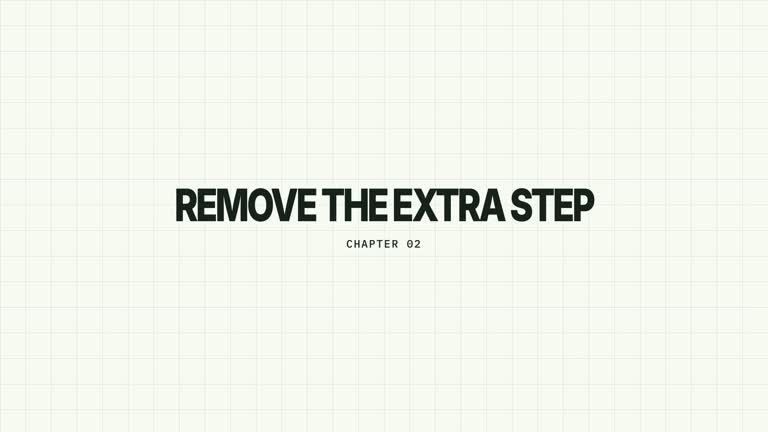
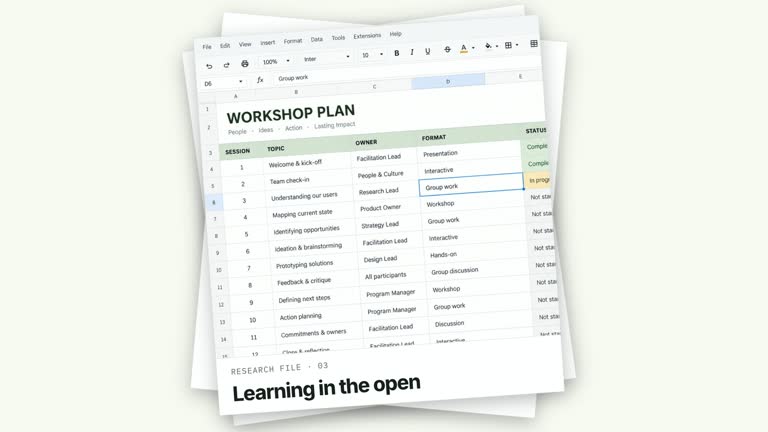
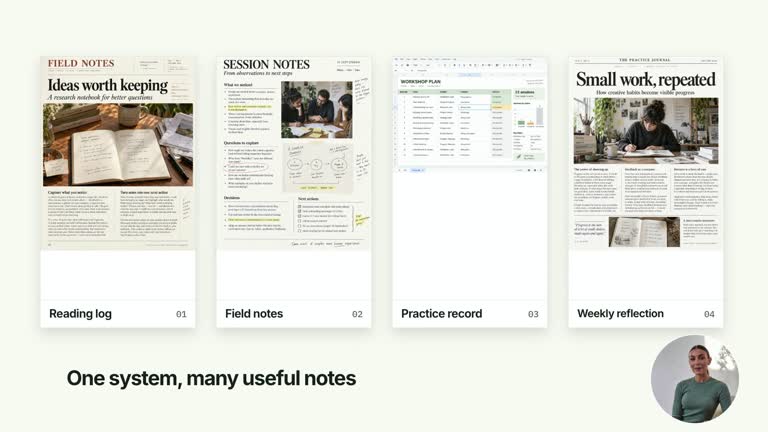
Introduce a section in a browser-shaped frame, then return to the speaker. A small chapter line appears before stacked headline lines sharpen from blur; after the reading hold, a mosaic covers the outgoing browser and reveals your continuous presenter take. This is a designed chapter composition, not a live browser or screen recording.
What you get
A local generator, editable HyperFrames effect and documented motion/review workflow. Generate a 1920×1080 project and render a 6.8-second, 30 fps chapter-to-presenter segment.
Editable chapter, titleLines and windowLabel. Up to four short headline lines fit a minimal generic browser shell; the supplied three-line example is illustrative.
Browser entrance at 0.16–0.50 seconds, chapter line from 0.57 seconds and headline lines starting at 0.85 seconds with 0.32-second spacing. A full-frame tiled return begins at 4.40 seconds and reveals the presenter after the browser clears.
Four palettes preserve the sequence: White & Yellow (white-yellow), Charcoal & Lime (charcoal-lime), Paper & Orange (paper-orange) and Black & White (midnight-ice). Semantic overrides adapt styling; recheck contrast afterwards. Dark palettes have a fine static grid. Fonts are bundled locally: Inter, IBM Plex Mono for measurements/ordinals, Smiley Sans and Noto Sans SC. Chinese text automatically selects Smiley Sans, including Latin text in the same composition; --zh-font noto-sans-sc selects the plainer alternative and --font embeds your own face. Inspect line breaks after changes.
Before you choose
Plan the visible presenter moment as part of the title timing. A polished mosaic cannot fix a take that reveals the speaker mid-gesture or at the wrong line; align the continuous clip with the handoff before finalizing the words.
Good fit
A creator introducing a lesson or experiment and then continuing the explanation on camera.
A short teaching passage that benefits from a few separate headline lines and a clear title-to-speaker handoff.
A series using consistent browser chrome, typography, palette and mosaic timing across chapters.
Not for
A functioning browser, website capture or automatic navigation. The chrome and title are editable motion graphics.
Generating a missing presenter performance, or starting a video only when the title disappears. The supplied take runs from composition time zero.
Automatic whole-film editing, generated voiceover or soundtrack, or copying a reference creator’s identity and footage.
How to use
You say/creatormotion-chapter-browser-reveal Turn my supplied explanation into a white-yellow B-roll scene using the Browser Chapter Reveal effect. Use the text, data and media I provide, and ask for any required input that is missing.
Write chapter, windowLabel and up to four short titleLines in JSON. Keep the generic browser treatment quiet and let the headline carry the topic; extra lines beyond four are ignored.
Supply --media with a local presenter take covering 6.8 seconds. Playback begins at zero behind the title, so choose or trim footage whose visible moment after the mosaic matches the narration you intend. No separate alpha matte is required.
Read the motion specification before adjusting the exit. Tiles intentionally cover the browser and text; the outgoing scene must clear under full coverage before the presenter is revealed. No active raster-image slot is used by this effect; generated pictures do not replace the required take.
Prepare Node.js 22+, FFmpeg and the documented HyperFrames CLI 0.8.30. From the extracted package run node scripts/create.mjs --out PROJECT --data CONTENT.json --style white-yellow, adding --media for the effects that require a take. Optional --overrides changes semantic tokens. Read the motion specification and design reference before adapting the composition; keep generated assets local.
Lint, validate and inspect with the pinned HyperFrames CLI, then render at 1920×1080 and 30 fps using the command printed by the generator. Inspect real rendered frames at the opening, main change and ending for text bounds, contrast and media seams. Check all four palette examples if you change the effect implementation. Narration, music and assembly with other scenes remain separate work. Inspect four-line fit if used, the coverage/clear/reveal sequence and the first visible presenter frames. Keep the speaker’s framing and timing consistent with the scene after this segment.
Requirements and costs
You bring
chapter: provide your own content or retain the illustrative default. · titleLines: provide your own content or retain the illustrative default. · windowLabel: provide your own content or retain the illustrative default.
Dependencies
HyperFrames CLI 0.8.30 or compatible — required · Node.js 22 or newer — required · FFmpeg — required
Outside costs
Not collected yet
Tools used
HyperFrames
Publisher testing
v1.0.1 — Claude Code / Claude Desktop / Cowork / Codex / ChatGPT
FAQ
Yes. Supply chapter, titleLines and windowLabel in JSON, choose a palette or semantic overrides. The large stacked type needs a bounds check, especially if you use four lines or a different font.
Yes. Your continuous local presenter take is revealed by the mosaic exit and must cover the 6.8-second timeline. This module does not generate footage or require an alpha cutout.
Yes. Preserve shell-first construction, chapter line, successive blur-resolution headlines and the tiled handoff. Re-render after changes to make sure the outgoing title clears before the presenter becomes visible.
No. It plays from timeline zero underneath the graphic. Align the source take so its later visible portion is the right moment for the handoff.
The exposed controls supply title text and a window label, not an embedded webpage or capture. A real-page treatment needs a deliberate implementation change rather than passing a URL to windowLabel.
User reviews
—0 reviews
Select a star to share your experience.
No reviews yet. Ratings appear once readers share real experiences.