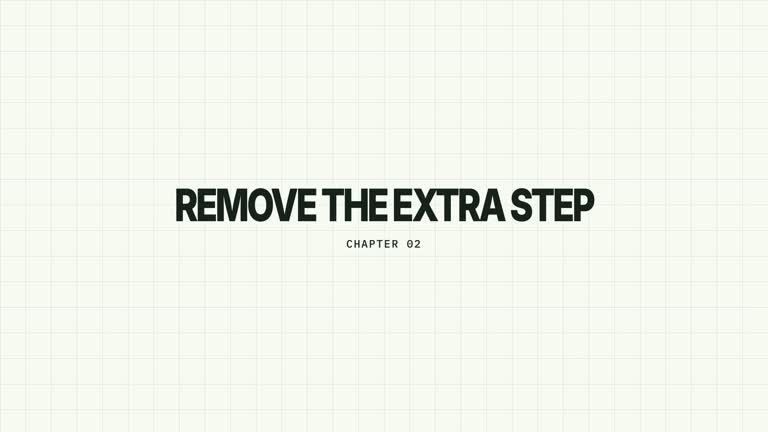
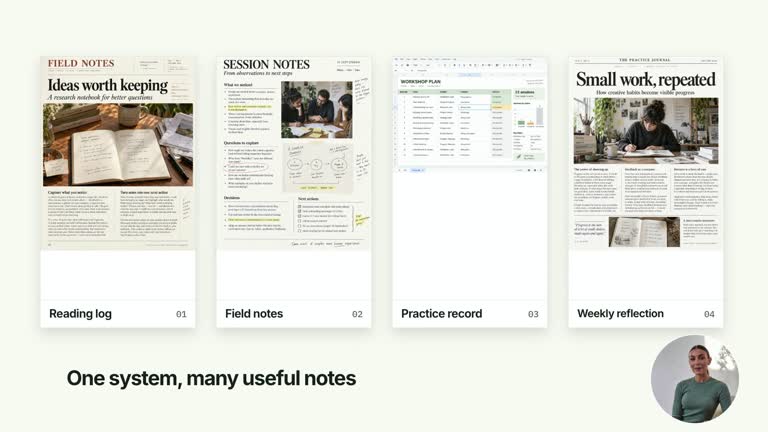
Travel across a chapter atlas and settle on the next idea. A flat oversized icon grid moves diagonally while the selected cell stays part of the same world; a large multiline headline sharpens beside it. This graphics-only 6.8-second sequence holds on that destination rather than returning to presenter footage.
What you get
A local generator, editable HyperFrames effect and motion/review guidance. Generate the composition at 1920×1080 and render a 30 fps chapter segment for your own edit.
Up to six chapter names, a zero-based activeIndex and a title for the destination. The active cell positions the destination in the reading frame, with the title to its left and neighboring cells retained in the world.
A diagonal plane move at 0.16–1.31 seconds and destination-title blur resolution at 1.05–1.45 seconds, followed by a stable hold. Tiles remain flat; they do not perform the independent flips used by Chapter Grid Flip.
Four palettes preserve the sequence: White & Yellow (white-yellow), Charcoal & Lime (charcoal-lime), Paper & Orange (paper-orange) and Black & White (midnight-ice). Semantic overrides adapt styling; recheck contrast afterwards. Dark palettes have a fine static grid. Fonts are bundled locally: Inter, IBM Plex Mono for measurements/ordinals, Smiley Sans and Noto Sans SC. Chinese text automatically selects Smiley Sans, including Latin text in the same composition; --zh-font noto-sans-sc selects the plainer alternative and --font embeds your own face. Inspect line breaks after changes.
Before you choose
Choose this for orientation within a continuous visual map. Ensure the selected title explains the destination and do not rely on alternating tile color to identify the current chapter; the camera landing and text do that work.
Good fit
A creator or educator locating a section within a short chapter set without needing a presenter handoff.
A short teaching introduction where one concise multiline phrase explains the destination.
A series using consistent grid geography, typography and motion for chapter orientation.
Not for
A live chapter navigator, clickable menu or automatic selection of the next lesson. All chapter names and the destination are supplied.
An independently flipping tile field or a mosaic transition to video. This effect ends at the graphic destination.
Automatic full-film editing, generated presenter performance or soundtrack, or copying another creator’s identity and materials.
How to use
You say/creatormotion-chapter-grid-pan Turn my supplied explanation into a white-yellow B-roll scene using the Chapter Grid Pan effect. Use the text, data and media I provide, and ask for any required input that is missing.
Write up to six chapters, an integer activeIndex referring to one of them, and the title for that destination. The default Define/Observe/Test sequence is illustrative; use wording that matches your actual section structure.
Inspect the positional symbols and colors. Symbols are fixed by index and alternating cells receive accent fill; activeIndex controls where the camera lands, not an exclusive accent-color selection. Adapt the implementation if the symbol or color would imply the wrong meaning.
Read the motion specification and keep the selected icon and title inside the reading frame. The very wide grid intentionally extends beyond the clipped stage, with spacing that reserves the title lane. No presenter take, alpha matte or active raster image slot is required.
Prepare Node.js 22+, FFmpeg and the documented HyperFrames CLI 0.8.30. From the extracted package run node scripts/create.mjs --out PROJECT --data CONTENT.json --style white-yellow, adding --media for the effects that require a take. Optional --overrides changes semantic tokens. Read the motion specification and design reference before adapting the composition; keep generated assets local.
Lint, validate and inspect with the pinned HyperFrames CLI, then render at 1920×1080 and 30 fps using the command printed by the generator. Inspect real rendered frames at the opening, main change and ending for text bounds, contrast and media seams. Check all four palette examples if you change the effect implementation. Narration, music and assembly with other scenes remain separate work. Read the destination phrase after the focus pull, check the selected label and inspect neighboring cells along the camera path. Shorten text or edit layout if the title collides with another cell; intentional peripheral clipping does not justify cropping the main content.
Requirements and costs
You bring
chapters: provide your own content or retain the illustrative default. · activeIndex: provide your own content or retain the illustrative default. · title: provide your own content or retain the illustrative default.
Dependencies
HyperFrames CLI 0.8.30 or compatible — required · Node.js 22 or newer — required · FFmpeg — required
Outside costs
Not collected yet
Tools used
HyperFrames
Publisher testing
v1.0.1 — Claude Code / Claude Desktop / Cowork / Codex / ChatGPT
FAQ
Yes. Supply chapters, activeIndex and title in JSON, choose a palette or semantic overrides. The large uppercase title has a fixed text lane and needs another check after wording or font changes.
No. The scene uses editable text, icon symbols and shapes. Generic image/presenter instructions do not add a footage or matte requirement here.
Yes. Keep the continuous flat-grid translation and destination title resolving from blur. Independent card rotations or a full-atlas fade would create a different visual relationship.
No. The code gives alternating positions accent styling independently of activeIndex. The active position sets the camera destination and title placement; edit the styling if color must uniquely identify the current chapter.
Grid Pan keeps tiles flat and ends on the selected graphic location without footage. Grid Flip rotates individual tiles and uses a mosaic to return to a supplied presenter take.
User reviews
—0 reviews
Select a star to share your experience.
No reviews yet. Ratings appear once readers share real experiences.