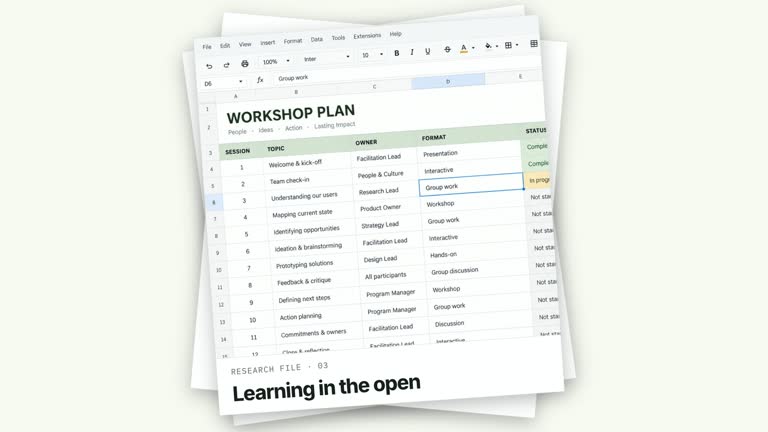
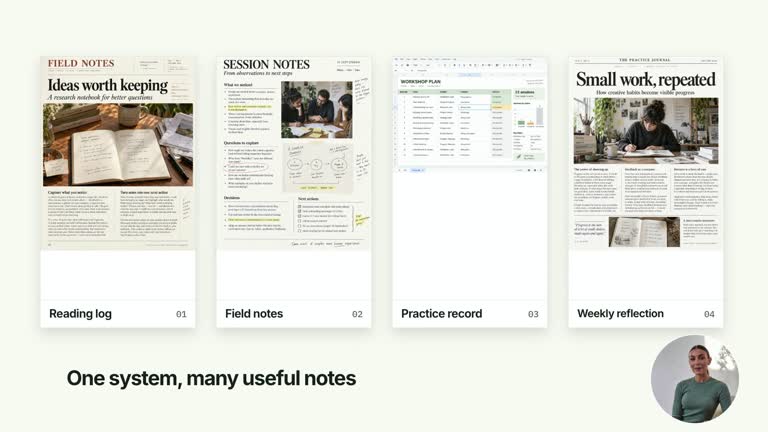
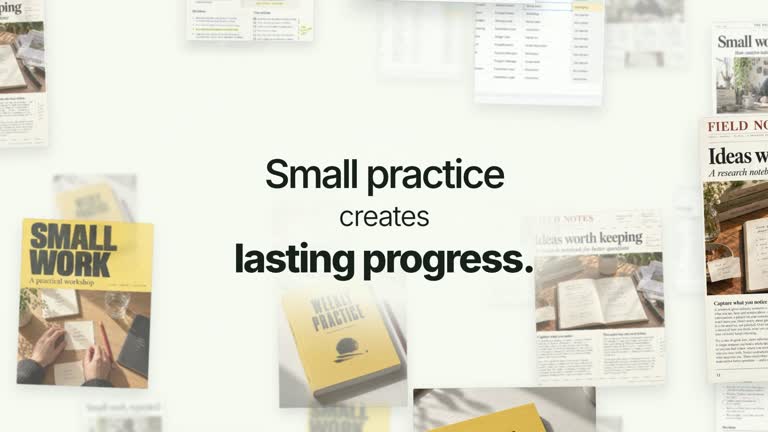
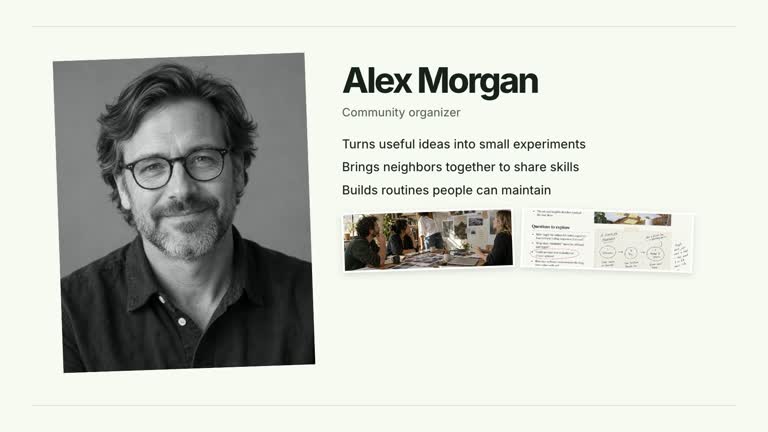
Land a chapter phrase with a quick angular settle, then open into the next idea. The title and ordinal hold before complementary triangular masks cover them and reveal a photo-led second scene with a new heading and body line. This 6.8-second effect includes both the title beat and its transition, rather than ending on a static chapter card.
What you get
A local generator, editable HyperFrames implementation and motion/review instructions. Generate a 1920×1080 composition and render it at 30 fps as a two-stage segment for your larger edit.
Editable title, ordinal, nextSceneTitle and nextSceneBody, plus the next-scene-image raster slot. A bundled illustrative image supplies the second scene until you replace it.
A title settle from a slight angle at 0.16–0.50 seconds, ordinal at 0.53–0.71 seconds and a hold before the 2.96–3.54-second aperture transition. The second image-and-copy scene remains visible to the end.
Four palettes keep the sequence consistent: White & Yellow (white-yellow), Charcoal & Lime (charcoal-lime), Paper & Orange (paper-orange) and Black & White (midnight-ice). Semantic overrides can adapt colors; inspect contrast afterwards. Dark palettes have a fine static grid. Fonts are local: Inter, IBM Plex Mono for small measurements/ordinals, Smiley Sans and Noto Sans SC. Chinese content automatically uses Smiley Sans, including Latin text in the same composition; --zh-font noto-sans-sc chooses the plainer alternative and --font embeds your own face. Check line breaks after a font change.
Before you choose
Choose this when the next pictured idea is already known. The strongest handoff moves from a short chapter phrase to a concrete supporting scene; it should not suggest that the title animation generated the example or proved its claim.
Good fit
A creator introducing a section and immediately following its title with one pictured idea or example.
A brief teaching transition with a compact headline and concise second-scene copy.
A series needing consistent title impact, transition timing and typography across chapters.
Not for
Automatic construction of a full next lesson, editing of arbitrary footage or generation of a presenter performance and soundtrack.
A long wrapping first headline: its current styling uses nowrap and an optically condensed treatment, so excessive text can exceed the frame.
Treating the bundled second-scene picture as factual evidence or copying a reference creator’s identity and materials. Use appropriate authorized imagery.
How to use
You say/creatormotion-chapter-title-stamp Turn my supplied explanation into a white-yellow B-roll scene using the Chapter Title Stamp effect. Use the text, data and media I provide, and ask for any required input that is missing.
Write title and ordinal, then nextSceneTitle and nextSceneBody in JSON. Plan the two statements together so the second scene develops the section introduction rather than repeating it.
Keep the first headline especially concise. Read the motion specification’s stamp and aperture sequence, and inspect the uppercase condensed treatment with your actual copy. The effect does not automatically fit an unlimited title.
Use the bundled next-scene-image or replace that key through --images. Paths resolve relative to the image-map file, and unlisted slots keep defaults. Follow the image policy and choose material suitable for the second scene’s portrait-shaped crop; no presenter take or matte is needed.
Prepare Node.js 22+, FFmpeg and the documented HyperFrames CLI 0.8.30. Run node scripts/create.mjs --out PROJECT --data CONTENT.json --style white-yellow from the extracted package, changing the style or adding --overrides as needed. Read the motion specification and design reference before adapting the layout; keep project assets local.
Lint, validate and inspect the generated project with the pinned HyperFrames CLI, then render at 1920×1080 and 30 fps using the command printed by the generator. Review the actual opening, principal change and settled reading state for clipping, contrast and text bounds. If you change the effect implementation, inspect all four palette examples. A successful build alone is not visual acceptance; narration, music and film assembly remain separate work. Inspect mask closure, clearing of outgoing words, reopening onto the photo and second-scene readability. White-yellow and paper-orange use a fine 64px grid in this module; check the actual image crop and image description when replacing the default.
Requirements and costs
You bring
title: provide your own content or retain the illustrative default. · ordinal: provide your own content or retain the illustrative default. · nextSceneTitle: provide your own content or retain the illustrative default. · nextSceneBody: provide your own content or retain the illustrative default.
Dependencies
HyperFrames CLI 0.8.30 or compatible — required · Node.js 22 or newer — required · FFmpeg — required
Outside costs
Not collected yet
Tools used
HyperFrames
Publisher testing
v1.0.1 — Claude Code / Claude Desktop / Cowork / Codex / ChatGPT
FAQ
Yes. The four text fields control both stages, while palettes and semantic overrides adapt the treatment. The first title is uppercase and does not wrap in the current CSS, so review its full width after changes.
No presenter video is required. The second scene does need next-scene-image, supplied by the bundled default or your image-map replacement. It is a raster picture, while titles and the transition remain editable.
Yes. Preserve the angular title settle, separate ordinal, title hold and complementary aperture handoff. Outgoing labels should clear while the masks are closed, before the next scene is visible.
The current next scene is an image-and-copy composition, not a generic video-editing transition. Replacing next-scene-image changes the raster picture; a video scene requires deliberate implementation work.
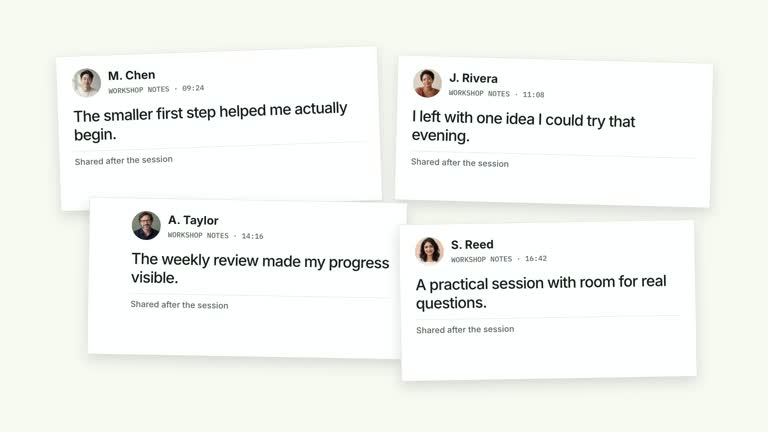
Inspect its crop, relevance and any factual implication. The code’s default alt text describes a Workshop scene, so update that implementation detail if it no longer matches your image. A generated default should be treated as illustrative.
User reviews
—0 reviews
Select a star to share your experience.
No reviews yet. Ratings appear once readers share real experiences.