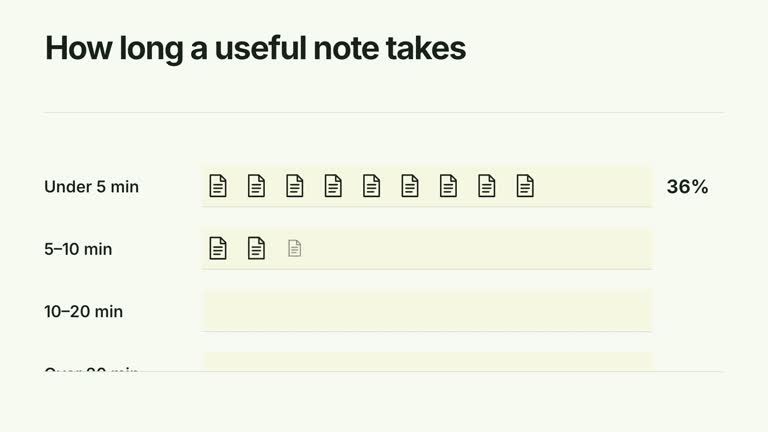
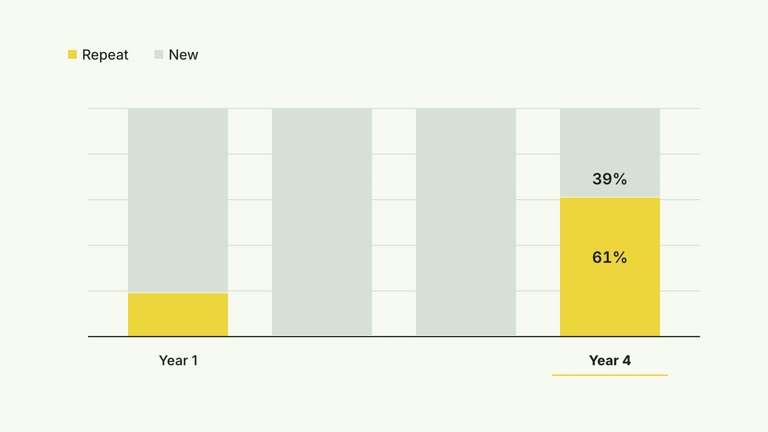
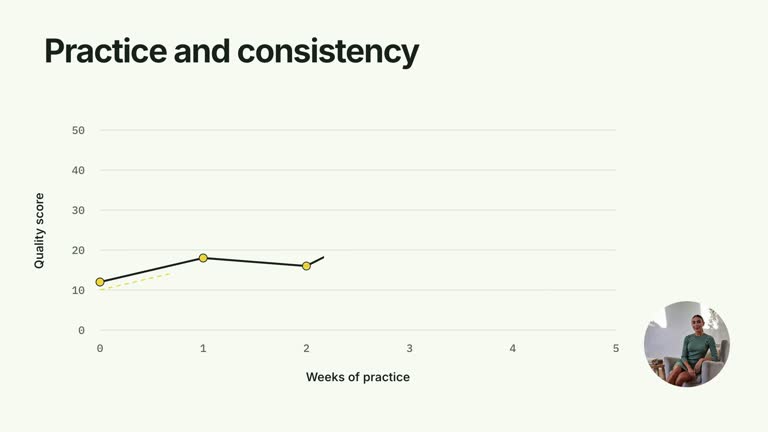
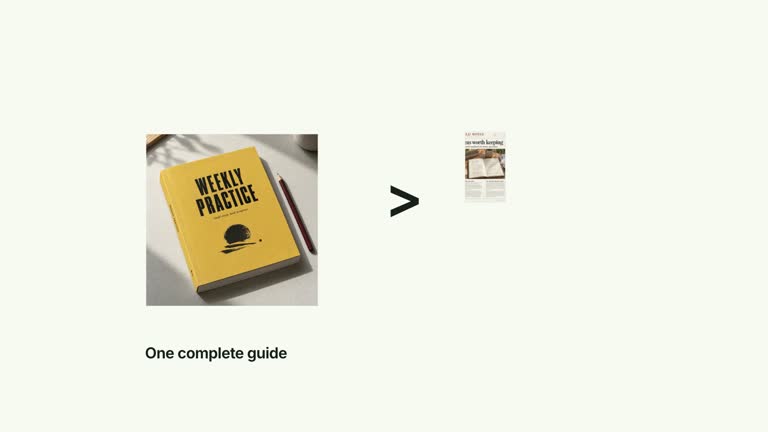
Make the contrast between a large source and a concise result visible. Two tall pages establish the material, contract together into one side of the frame, then a compact result image appears opposite with comparison captions. This eight-second effect presents a prepared before/after example; it does not summarize or transform the source documents.
What you get
A local generator, editable HyperFrames effect and motion/review guidance. Generate the 1920×1080 project and render a 30 fps source-to-result comparison segment.
longPages image keys, shortResult image key and two labels. Default raster slots raw-notes-1, raw-notes-2 and three-step-plan provide illustrative material with the intended tall-versus-compact contrast.
First page entrance at 0.16 seconds, second at 1.50 seconds, a joint contraction from 3.20–4.25 seconds and compact-result reveal at 4.55 seconds. Captions arrive after the move, and both sides hold together.
Four palettes preserve geometry and timing: White & Yellow (white-yellow), Charcoal & Lime (charcoal-lime), Paper & Orange (paper-orange) and Black & White (midnight-ice). Semantic overrides adapt styling; recheck contrast. Dark canvases retain a fine static grid. Fonts are bundled locally: Inter, IBM Plex Mono for measurements/ordinals, Smiley Sans and Noto Sans SC. Chinese content automatically selects Smiley Sans, including Latin words in the composition; --zh-font noto-sans-sc chooses the plainer face and --font embeds your own. Check wrapping after changes.
Before you choose
Choose a result whose usefulness is visible or explainable, not merely smaller. If the concise output omits essential information, the visual contraction can conceal that loss; review the source/result relationship before animating it.
Good fit
A creator showing a real or clearly illustrative contrast between lengthy source material and a prepared concise output.
A short teaching passage where document volume and the result’s form are the visual point.
A series using consistent document scale, captions and transition timing.
Not for
Automatically reading, summarizing or compressing document content. The result is another supplied image, not generated from longPages.
Relying on missing-image fallback: despite older guide wording, this implementation requires resolvable images for source pages and result.
Automatic whole-film editing, generated presenter performances or music, or copying another creator’s identity and materials.
How to use
You say/creatormotion-comparison-document-collapse Turn my supplied explanation into a white-yellow B-roll scene using the Document Collapse Contrast effect. Use the text, data and media I provide, and ask for any required input that is missing.
Prepare two longPages keys, one shortResult key and two short labels in JSON. Use a source/result pair whose relationship you can explain accurately. The supplied example images demonstrate layout and do not prove a useful transformation.
Map raw-notes-1, raw-notes-2 and three-step-plan to your local images or use other valid keys. Filename suffixes can resolve to extension-free map keys. Every used key must resolve; the actual code does not fall back to editable document diagrams when a screenshot is missing.
Keep the two-source-page structure unless you adapt the code. Only the first two pages receive specific entrance animations, and fixed widths/camera movement assume that composition. The result fits a compact horizontal viewport; inspect its content rather than assuming a shorter box means a better answer. No presenter take or matte is required.
Prepare Node.js 22+, FFmpeg and the documented HyperFrames CLI 0.8.30. From the extracted package run node scripts/create.mjs --out PROJECT --data CONTENT.json with your chosen --style. Use --images for a local key-to-file map, with paths relative to that JSON and unlisted slots retaining defaults. Add semantic --overrides as needed and read the image policy before changing materials.
Lint, validate and inspect the generated HyperFrames project, then render at 1920×1080 and 30 fps using the pinned CLI. Review the actual opening, each change and final hold for text bounds, contrast, image fit and seams. Keep at least 1.2 seconds of final reading time when editing, and compare all palettes with identical content after module changes. Narration, music and film assembly remain separate work. Check source readability before contraction, the joint move and the result crop. Captions should describe the demonstrated difference without claiming an automatic summary or measured improvement that the assets do not show.
Requirements and costs
You bring
longPages: provide your own content or retain the illustrative default. · shortResult: provide your own content or retain the illustrative default. · labels: provide your own content or retain the illustrative default.
Dependencies
HyperFrames CLI 0.8.30 or compatible — required · Node.js 22 or newer — required · FFmpeg — required
Outside costs
Not collected yet
Tools used
HyperFrames
Publisher testing
v1.0.1 — Claude Code / Claude Desktop / Cowork / Codex / ChatGPT
FAQ
Yes. labels supplies the two captions and the image keys choose the source/result material. Palettes and semantic overrides adapt the treatment; image pixels remain raster content, not editable document text.
No presenter video is used. Bundled raster defaults are included; replace the named slots when using your own documents. All required keys must resolve, and no aligned matte is needed.
Yes. Preserve the dominant source pages, their visible contraction into one half and the separately revealed compact result. A simple paired-image fade would lose the scale-change explanation.
No. Prepare shortResult yourself and provide its image key. This effect animates the relationship between supplied materials; it does not run document summarization.
The authored entrance sequence specifically addresses the first two pages and the fixed layout assumes them. Revise page placement and timeline deliberately if you change the count.
User reviews
—0 reviews
Select a star to share your experience.
No reviews yet. Ratings appear once readers share real experiences.