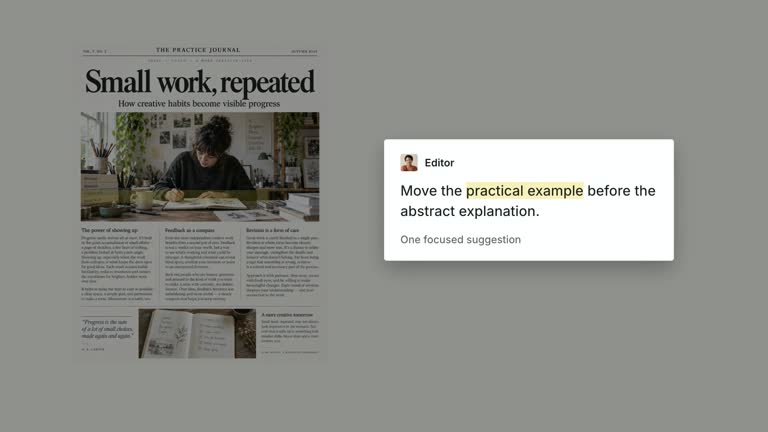
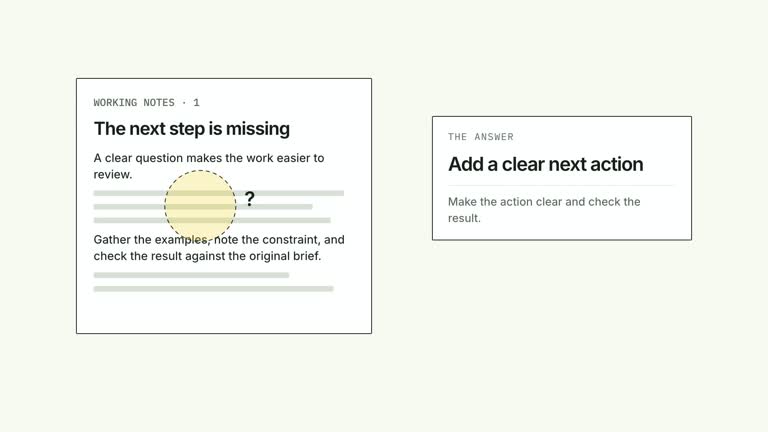
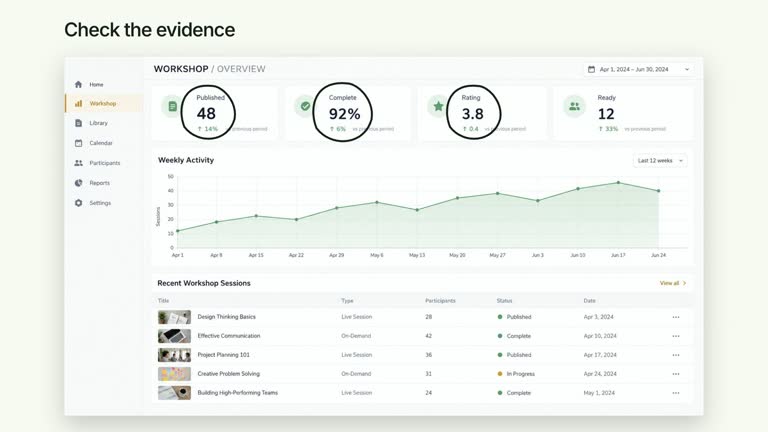
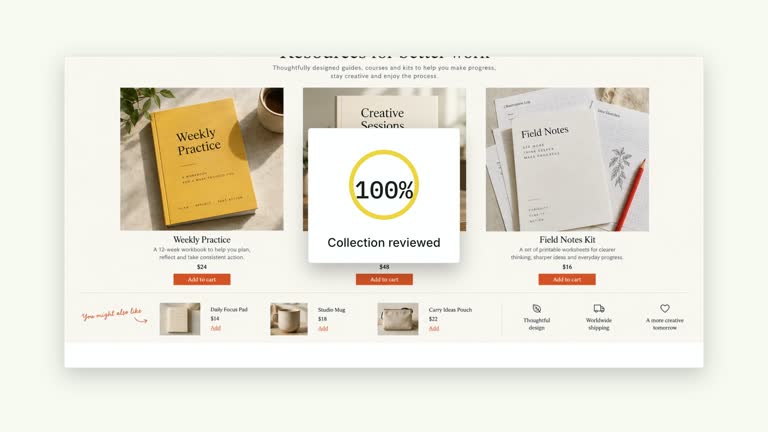
Present three statements beside a close speaker and resolve their supplied statuses one at a time. A compact plate moves between the fixed rows while each mark appears as a separate beat; earlier statements remain available for the final comparison. This 6.8-second scene illustrates a classification you provide rather than deciding what belongs in each category.
What you get
A local generator, editable HyperFrames status/presenter composition and motion/review instructions for a 1920×1080, 30 fps segment. Generate the scene from your three statements and status strings, then render the video.
Exactly three items with corresponding statuses. The default check/question/cross marks can be replaced by concise supplied symbols or text; a missing or empty status falls back to a question mark.
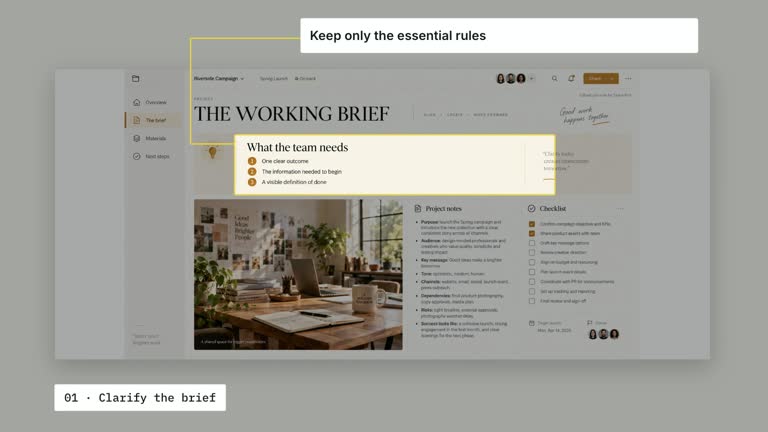
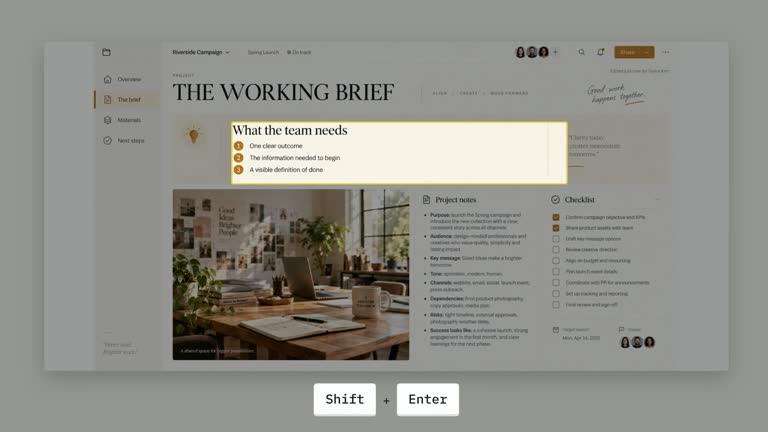
A half-frame speaker allocation, three widely spaced open rows and a low rounded focus plate. The first mark enters at 0.95 seconds, then the plate moves from 2.15 and 3.85 seconds, with later marks at 2.56 and 4.26 seconds.
Four styles keep the same data and choreography: White & Yellow (white-yellow), Charcoal & Lime (charcoal-lime), Paper & Orange (paper-orange), and Black & White (midnight-ice). Semantic style overrides are supported; check contrast after changing them. Dark canvases use a fine grid. Local fonts include Inter, IBM Plex Mono for measurements and ordinals, Smiley Sans and Noto Sans SC. Chinese text selects Smiley Sans automatically, including accompanying Latin text; --zh-font noto-sans-sc selects Noto Sans SC, while --font takes precedence for a supplied font.
Before you choose
State the criterion behind each status before using a decisive mark. Let the plate help viewers compare your reasoning, without suggesting that the animation has performed an independent assessment.
Good fit
A creator explaining three prepared classifications, decisions or conditions with a clear rationale.
A concise teaching passage where statement and status should be read together in sequence.
A series using consistent three-row spacing, half-frame speaker presence and restrained status emphasis.
Not for
Automatically classifying work, checking a claim, verifying a status or measuring completion.
A variable-length status dashboard, many categories or assuming missing rows automatically remove their scheduled focus moves.
Automatic full-film editing, generated presenter footage or music, or copying another creator’s identity and source material.
How to use
You say/creatormotion-split-status-focus Turn my supplied explanation into a white-yellow B-roll scene using the Status Focus Sidebar effect. Use the text, data and media I provide, and ask for any required input that is missing.
Prepare exactly three concise items and three corresponding statuses. Define what each mark means in your explanation; a check may mean selected, acceptable or complete, and the animation does not establish which interpretation is valid.
Keep each statement short enough for the row and each status compact enough for its mark area. Extra items are not displayed, while fewer items still leave the fixed three-stage focus schedule. Use the intended three-row structure or deliberately revise the scene.
Supply a continuous local presenter take of at least 6.8 seconds through --media. The video is muted and zoomed into half the frame, so inspect face framing and keep all essential statement text in the other half. Do not loop a short take. No raster illustration or alpha matte is needed.
Prepare Node.js 22+, FFmpeg and HyperFrames CLI 0.8.30. From the extracted package run node scripts/create.mjs --out /absolute/PROJECT --data /absolute/CONTENT.json --style white-yellow --media /absolute/PRESENTER.mp4. Use another documented palette or semantic --overrides as needed. Read the motion specification, DESIGN.md and image policy before adapting materials.
Run the generated project’s lint, validate and inspect checks, then render with the printed command. Inspect actual MP4 frames at entry, every focus change and the final reading hold for seams, clipping, contrast and media overlap. Keep essential text and interface targets readable; compare all four palettes with identical content after module changes. Narration is separate, and a silent preview does not establish audio synchronization. Inspect each plate move and mark reveal against the correct statement in actual MP4 frames. The latest styling uses a plain surface plate without the old accent border; check contrast and keep the final three-statement view readable.
Requirements and costs
You bring
items: provide your own content or retain the illustrative default. · statuses: provide your own content or retain the illustrative default.
Dependencies
HyperFrames CLI 0.8.30 or compatible — required · Node.js 22 or newer — required · FFmpeg — required
Outside costs
Not collected yet
Tools used
HyperFrames
Publisher testing
v1.0.1 — Claude Code / Claude Desktop / Cowork / Codex / ChatGPT
FAQ
Yes. items and statuses are JSON inputs, with four palettes and semantic overrides. The small Where does it belong? prompt is fixed in the scene; the current plate is unbordered despite older guide wording.
Yes. Supply a continuous local presenter take covering 6.8 seconds. The statement/status side uses editable elements, with no raster or alpha-matte requirement.
Yes. Preserve the fixed rows, traveling focus plate and separate status arrivals. Re-render after changes and inspect the complete comparison as well as each individual mark.
No. statuses is supplied content. The default symbols are illustrative choices, not the result of a classification or completion test.
The current shot is authored for exactly three: it renders at most three and schedules three focus/mark beats. Other counts require corresponding implementation changes.
User reviews
—0 reviews
Select a star to share your experience.
No reviews yet. Ratings appear once readers share real experiences.