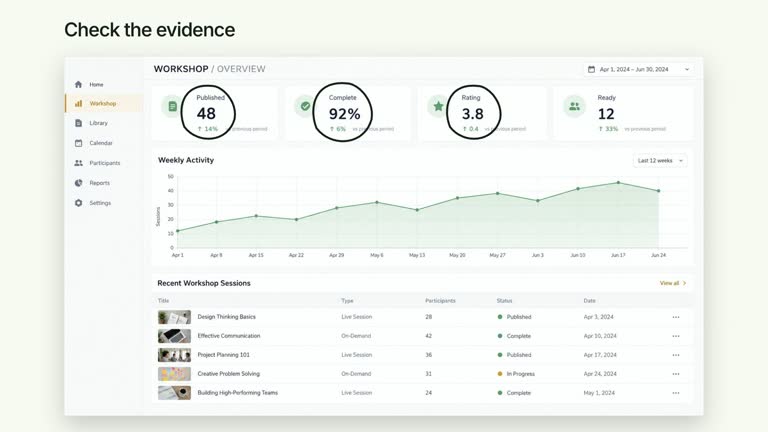
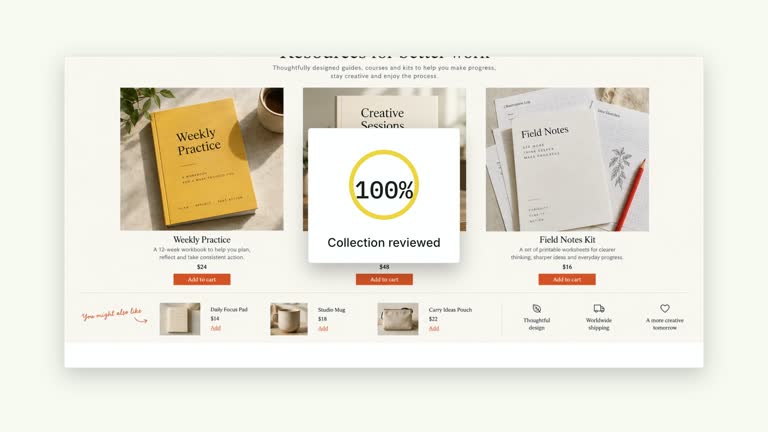
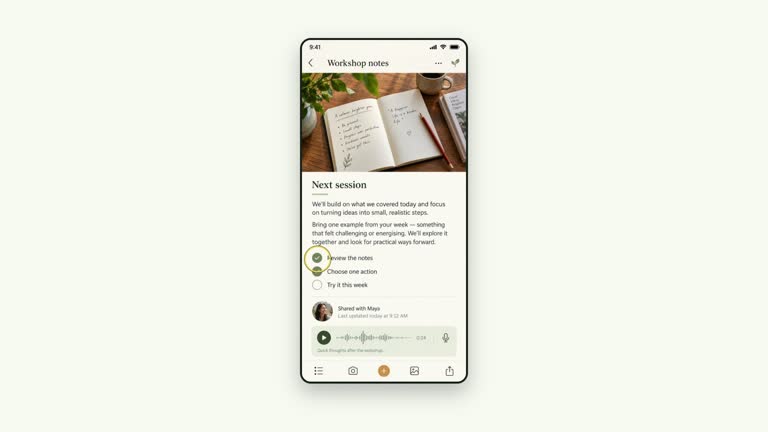
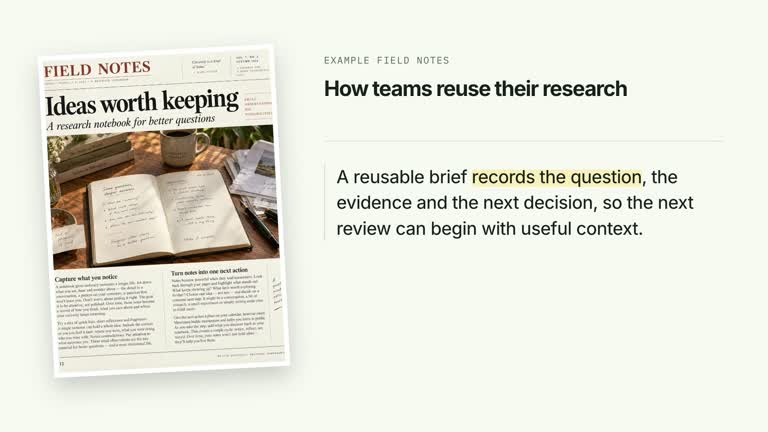
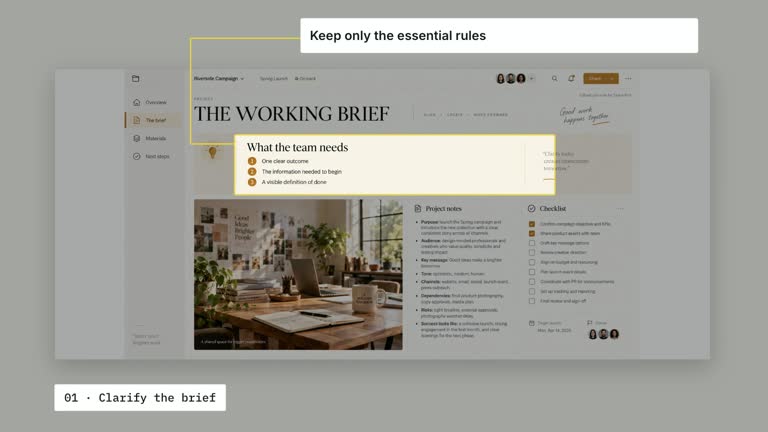
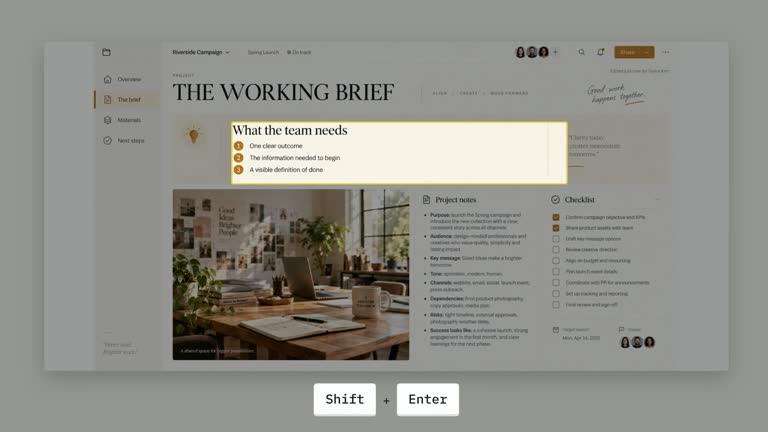
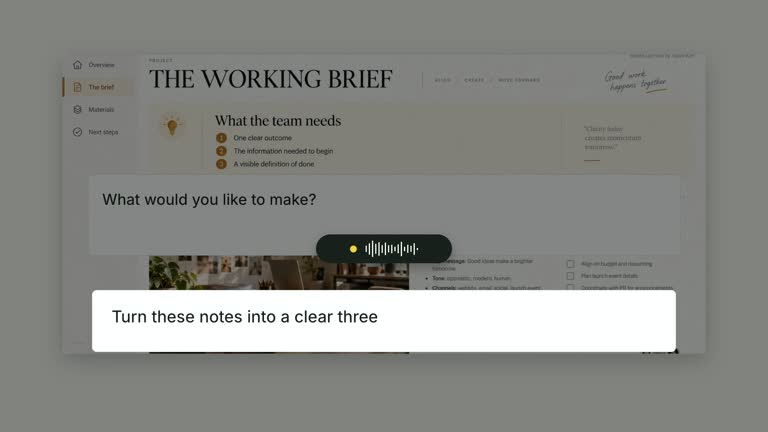
Explain a problem and its proposed resolution while keeping the original page in view. A circular marker and question lead to an answer card, stage chips fill in sequence and a tilted completion stamp returns the conclusion to the page. This ten-second shot illustrates your supplied solution; it does not inspect the page, perform the stages or verify that the issue is resolved.
What you get
A local generator, editable HyperFrames page/answer composition and motion/review instructions for a 1920×1080, 30 fps segment. Generate and render a problem-to-resolution explanation from your own content.
page, focus as normalized [centerX,centerY,radius], answer, stages and completion inputs. A mapped page image can be used, with an authored neutral document fallback if the named image is not available.
A marked problem region from one second, answer reveal from 2.30 seconds, stage entrances from 3.80 seconds and sequential completed styling from 4.20 seconds. The problem marker fades from 5.80 seconds before the completion stamp enters at 6.20 seconds.
Four styles keep the same data and choreography: White & Yellow (white-yellow), Charcoal & Lime (charcoal-lime), Paper & Orange (paper-orange), and Black & White (midnight-ice). Semantic style overrides are supported; check contrast after changing them. Dark canvases use a fine grid. Local fonts include Inter, IBM Plex Mono for measurements and ordinals, Smiley Sans and Noto Sans SC. Chinese text selects Smiley Sans automatically, including accompanying Latin text; --zh-font noto-sans-sc selects Noto Sans SC, while --font takes precedence for a supplied font.
Before you choose
Make the answer address the marked issue and keep the completion label honest. Use the stamp to conclude an explanation, while separating a proposed resolution from a fix that has actually been applied and tested.
Good fit
A creator explaining a specific proposed fix and the steps associated with it.
A teaching passage that should close by reconnecting the answer to the original problem page.
A series with consistent page geometry, answer cards and clear problem/solution/completion beats.
Not for
Automatically detecting a gap, generating the answer, executing stages or certifying that a fix worked.
Unrestricted stage counts, automatically anchored screenshots or treating the completion stamp as evidence of a completed operation.
Automatic full-film editing, generated presenter footage or music, or copying another creator’s identity and materials.
How to use
You say/creatormotion-spotlight-issue-resolution Turn my supplied explanation into a white-yellow B-roll scene using the Issue to Resolution effect. Use the text, data and media I provide, and ask for any required input that is missing.
Prepare page, answer, short stages and completion text. Keep the default small stage set as a starting point; chips share a fixed-width horizontal row and their completion schedule does not move the fixed stamp cue automatically. Explain which work actually happened outside the animation.
Set focus using normalized center coordinates and radius within the page panel. Radius is scaled from panel width. Check it against the visible image and margins; the question marker and focus circle do not detect a problem by reading the page.
Reuse bundled page material, map a replacement through --images MAP.json or use the neutral fallback when no image resolves. Relative paths resolve beside the map. Follow the image policy and distinguish an illustrative wireframe from actual source evidence. This implementation needs no presenter or matte.
From the extracted package, prepare Node.js 22+, FFmpeg and HyperFrames CLI 0.8.30. Run node scripts/create.mjs --out PROJECT --data CONTENT.json --style white-yellow, substituting another documented palette if wanted. Read the motion specification and image policy before adapting the scene; use semantic --overrides for deliberate style changes.
Inspect the editable project at entry, each motion handoff and final hold, then render with the command printed by the generator. Check the resulting frames for text collisions, correct numbers and readable contrast. Keep at least 1.2 seconds for the final reading when editing, and compare all four palettes with identical content after structural changes. Narration, music and assembly into a longer film remain separate work. Inspect the focused region, answer, every stage fill and final stamp in actual MP4 frames. Keep the fixed answer support text consistent with your subject, preserve at least 1.2 seconds of final reading and ensure extra stages do not remain unresolved when the stamp appears.
Requirements and costs
You bring
page: provide your own content or retain the illustrative default. · focus: provide your own content or retain the illustrative default. · answer: provide your own content or retain the illustrative default. · stages: provide your own content or retain the illustrative default. · completion: provide your own content or retain the illustrative default.
Dependencies
HyperFrames CLI 0.8.30 or compatible — required · Node.js 22 or newer — required · FFmpeg — required
Outside costs
Not collected yet
Tools used
HyperFrames
Publisher testing
v1.0.1 — Claude Code / Claude Desktop / Cowork / Codex / ChatGPT
FAQ
Yes. page, focus, answer, stages and completion are JSON inputs, with palettes and semantic overrides. The answer-card heading and supporting sentence are authored scene text rather than separate fields.
No. You can use a local page image or the neutral authored document fallback. No presenter clip or alpha matte is used by this effect.
Yes. Preserve problem/question, answer, stage completion and final stamp in that order. Re-render after stage-count or timing changes and inspect the settled evidence/answer view.
No. The answer, stages and stamp are supplied presentation content. The scene neither modifies the source page nor tests the proposed solution.
The implementation maps the supplied array, but a fixed chip row and fixed stamp timing are not a fit-to-content system. Keep a compact set or deliberately revise layout and timing.
User reviews
—0 reviews
Select a star to share your experience.
No reviews yet. Ratings appear once readers share real experiences.