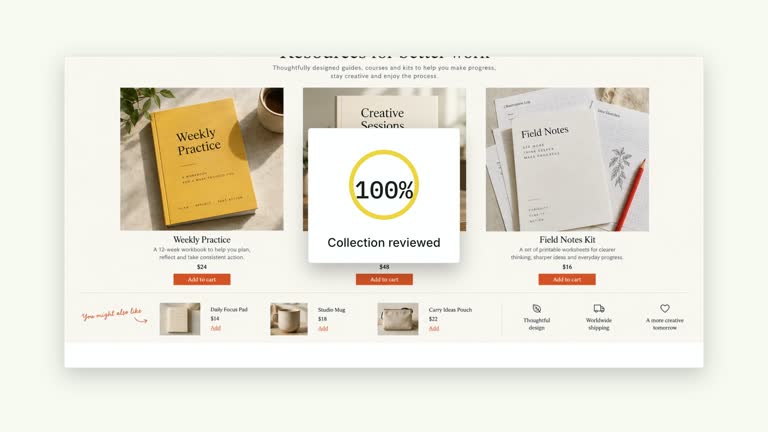
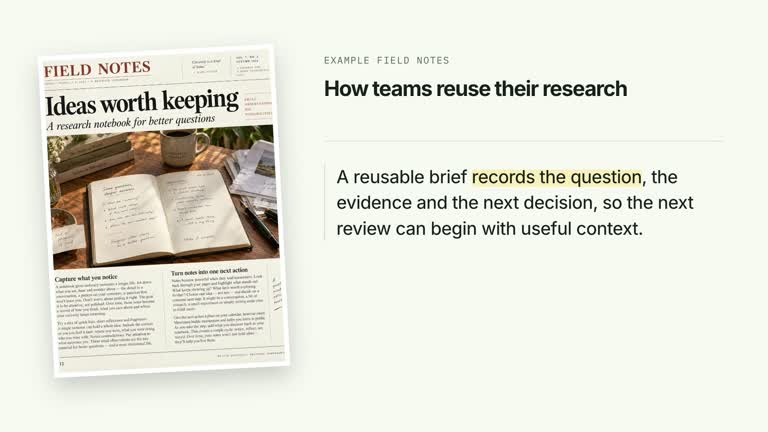
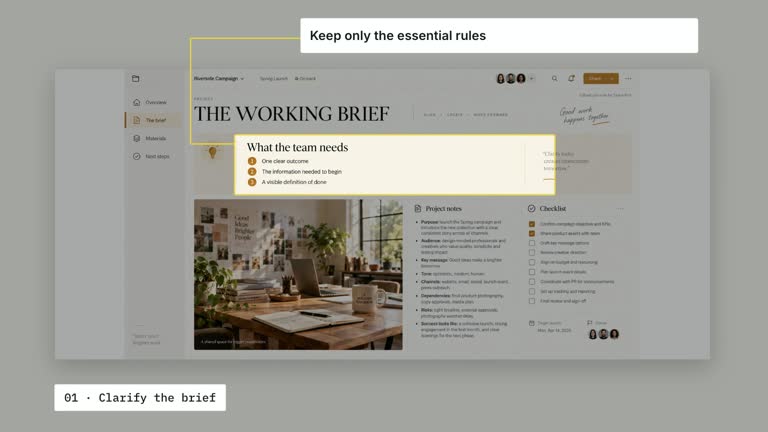
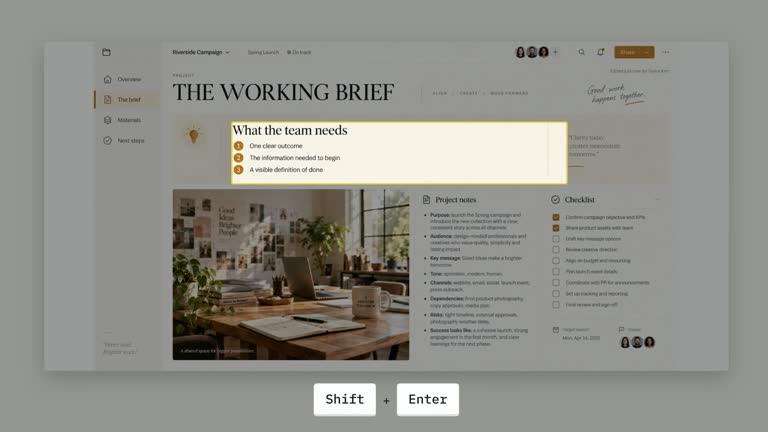
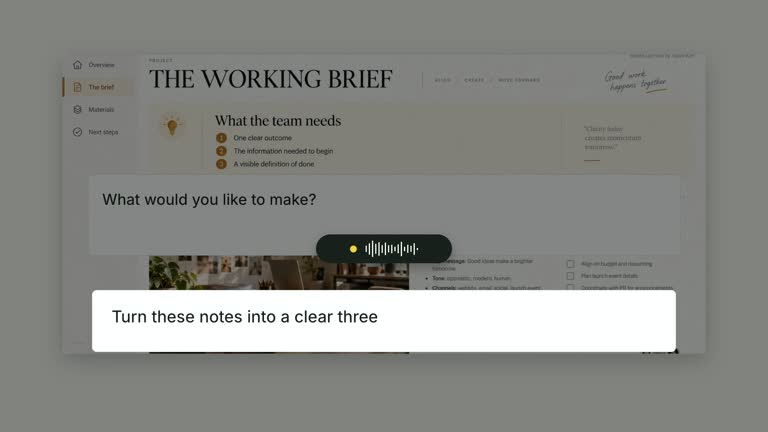
Walk viewers through selected figures on a stable dashboard image. Slightly asymmetric loops mark the chosen metrics in order, then a large drawn check and status label close the explanation without moving the data. This eight-second scene presents review marks you specify; it does not audit calculations, authenticate analytics or determine whether the figures are correct.
What you get
A local generator, editable HyperFrames dashboard/annotation shot and motion/review instructions for a 1920×1080, 30 fps segment. Generate and render the visual review from your chosen material and coordinates.
dashboard, targets as normalized [centerX,centerY,radius] circles and status. The dashboard is a required raster slot with bundled illustrative material; target order controls the sequence of visible review marks.
Dashboard establishment, hand-drawn-style loop traces from 1.05 seconds at 0.68-second intervals, a two-stroke approval check from 4.80 seconds and status from 5.12 seconds. Earlier loops remain visible through the concluding hold.
Four styles keep the same data and choreography: White & Yellow (white-yellow), Charcoal & Lime (charcoal-lime), Paper & Orange (paper-orange), and Black & White (midnight-ice). Semantic style overrides are supported; check contrast after changing them. Dark canvases use a fine grid. Local fonts include Inter, IBM Plex Mono for measurements and ordinals, Smiley Sans and Noto Sans SC. Chinese text selects Smiley Sans automatically, including accompanying Latin text; --zh-font noto-sans-sc selects Noto Sans SC, while --font takes precedence for a supplied font.
Before you choose
Decide what was checked before drawing an approval mark. A polished loop-and-check sequence can look like an audit, so keep the status proportionate to an actual review performed outside the animation.
Good fit
A creator explaining a small set of dashboard figures with deliberate metric-by-metric attention.
A teaching passage where review marks should accumulate without moving or replacing the underlying evidence plane.
A series using consistent dashboard framing, annotation order and a clear review conclusion.
Not for
Automatically verifying metrics, recomputing analytics, discovering targets or issuing an independent audit opinion.
Arbitrary target counts without checking the fixed approval cue, or reusing default coordinates on a different screenshot without calibration.
Automatic full-film editing, generated presenter footage or music, or copying another creator’s identity and materials.
How to use
You say/creatormotion-spotlight-metric-audit Turn my supplied explanation into a white-yellow B-roll scene using the Metric Audit Marks effect. Use the text, data and media I provide, and ask for any required input that is missing.
Choose dashboard and a compact targets array, then write a status that accurately describes your review. The default four target centers are illustrative screenshot alignments, not detected metric locations. The word Verified is supplied example copy, not a test result.
Place each target on the actual figure using normalized panel coordinates and radius scaled to panel width. Recalibrate after any screenshot change, including aspect ratio or internal padding. The image uses contain fitting, so panel coordinates may not coincide with image content if margins appear.
Reuse the bundled dashboard or replace its slot through --images MAP.json, with paths relative to the map. Despite older optional-screenshot wording, requiredImage makes an actual raster mandatory here. No presenter or matte is used; do not substitute the unused fallback mock dashboard for required material.
From the extracted package, prepare Node.js 22+, FFmpeg and HyperFrames CLI 0.8.30. Run node scripts/create.mjs --out PROJECT --data CONTENT.json --style white-yellow, substituting another documented palette if wanted. Read the motion specification and image policy before adapting the scene; use semantic --overrides for deliberate style changes.
Inspect the editable project at entry, each motion handoff and final hold, then render with the command printed by the generator. Check the resulting frames for text collisions, correct numbers and readable contrast. Keep at least 1.2 seconds for the final reading when editing, and compare all four palettes with identical content after structural changes. Narration, music and assembly into a longer film remain separate work. Inspect every loop and the final check against the image in actual MP4 frames. Added targets can overlap the fixed 4.80-second approval cue; revise timing if the review needs more marks. Preserve at least 1.2 seconds of final reading and check dark-palette annotation contrast as well as image readability.
Requirements and costs
You bring
dashboard: provide your own content or retain the illustrative default. · targets: provide your own content or retain the illustrative default. · status: provide your own content or retain the illustrative default.
Dependencies
HyperFrames CLI 0.8.30 or compatible — required · Node.js 22 or newer — required · FFmpeg — required
Outside costs
Not collected yet
Tools used
HyperFrames
Publisher testing
v1.0.1 — Claude Code / Claude Desktop / Cowork / Codex / ChatGPT
FAQ
Yes. dashboard, target coordinates and status are JSON inputs, with four palettes and semantic overrides. Check the evidence is a fixed scene heading, and annotation styling includes fixed dark strokes that need visual review on replacement images.
No presenter footage is needed. A dashboard raster is required, with a bundled default available. Replace it when explaining actual metrics; the example imagery is not verified analytics.
Yes. Preserve sequential loops followed by the drawn check and status. Re-render after changing target count or placement and keep the underlying data stable.
No. It displays marks and status you supply. The effect does not read values, calculate totals or authenticate the data source.
No. You must recalibrate targets manually to the visible figures and inspect the fitted image. There is no OCR or automatic metric detection.
User reviews
—0 reviews
Select a star to share your experience.
No reviews yet. Ratings appear once readers share real experiences.