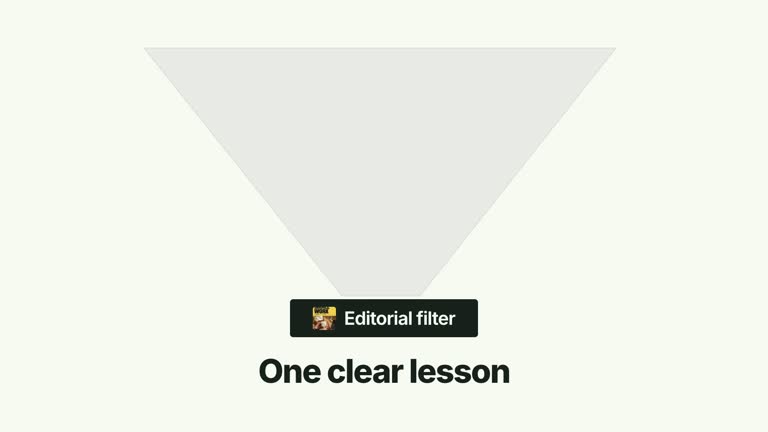
CreatorMotion · Funnel Absorption


 +7
+7
Use this Skill to create broll animation.
HOWAI / THE SKILL LIBRARY
Find Agent Skills for video, motion graphics and launch films. Compare source previews, required assets, tools and installation materials.
147 matching Skills+7Use this Skill to create broll animation.
 +7
+7Use this Skill to create broll animation.
 +7
+7Use this Skill to create broll animation.
 +7
+7Use this Skill to create broll animation.
 +7
+7Use this Skill to create broll animation.
 +7
+7Use this Skill to create broll animation.
 +7
+7Use this Skill to create broll animation.
 +7
+7Use this Skill to create broll animation.
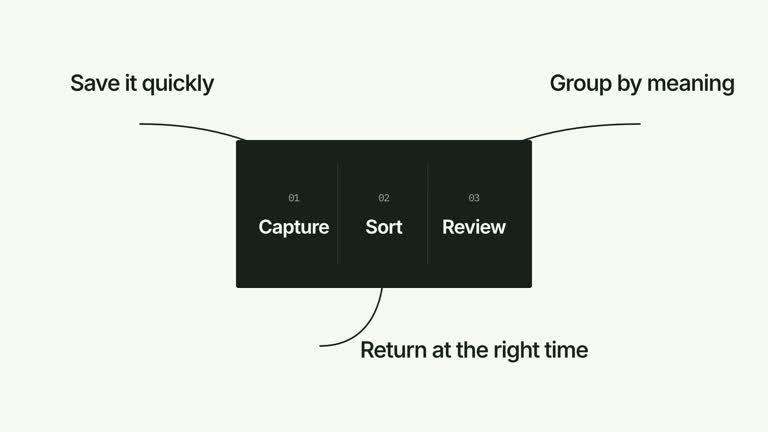 +7
+7Use this Skill to create broll animation.
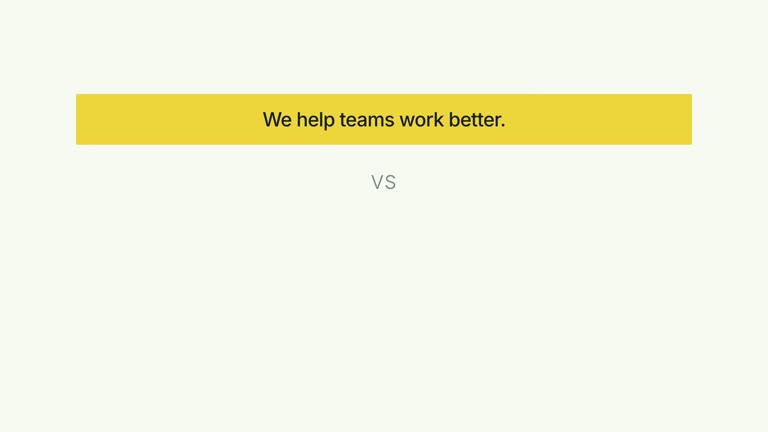 +7
+7Use this Skill to create broll animation.
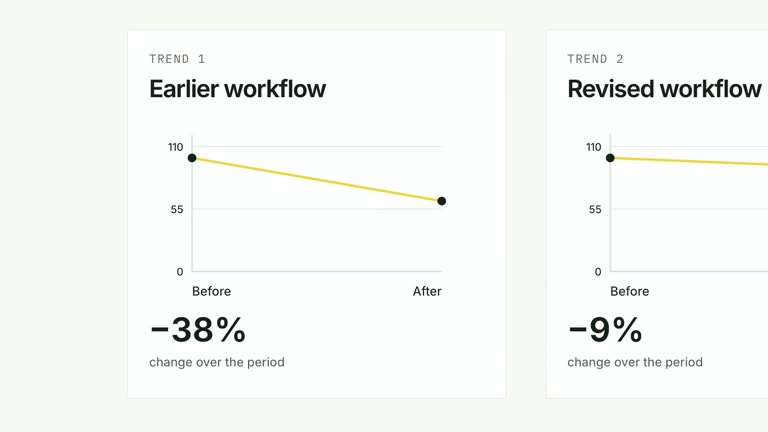 +7
+7Use this Skill to create broll animation.
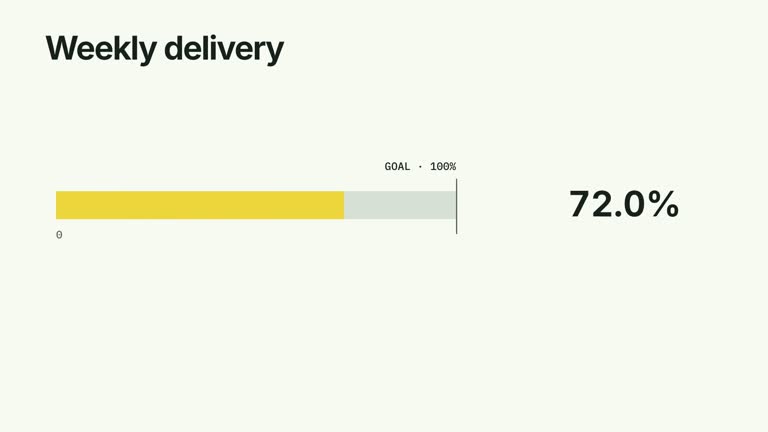 +7
+7Use this Skill to create broll animation.
Define the length, aspect ratio and message before selecting a motion example. Check whether the workflow uses generated footage, animation in code or editing software, and identify the assets it needs. Compare timing and transitions with the source, then verify the final render, captions, audio and playback on the intended platform. Follow the publisher’s requirements; a collected preview or reported compatibility does not prove that HowAI reproduced the film.
FROM PREVIEW TO PRACTICE
Start with a result you like. Bring the right inputs, install the Skill and make it your own.
Installation guideExplore Video Skills and compare their previews with what you want to make. Open a Skill to see its outputs, requirements and availability.
How Skills workCheck the Skill’s compatible agents and required tools. Use HowAI CLI or follow the installation instructions on its detail page.
Install with HowAI CLIProvide your materials and run a small first task. Review the result, refine your instructions and adapt the output to your project.
Your first taskKEEP EXPLORING
Open its detail page and compare the preview, included outputs and required inputs with your task. The good-fit and not-for sections help you decide before installing.
Each Skill lists its compatible agents in the Works with section. Check those requirements and the installation guide before you begin. A preview does not guarantee identical results from every agent or model.
You can browse previews and descriptions without a membership. Access to installation files depends on the Skill: some are free, eligible Premium packages require membership, and preview-only listings have no HowAI installation package.
No. A HowAI membership covers eligible Premium content. Model usage, API credits and third-party subscriptions are separate; check each Skill’s requirements for details.
MORE ROOM TO MAKE
Get access to eligible Premium Skills with a HowAI membership. Choose monthly, yearly or lifetime access.
View plansCheck each Skill’s availability before purchasing. Model credits and third-party tools are separate.


