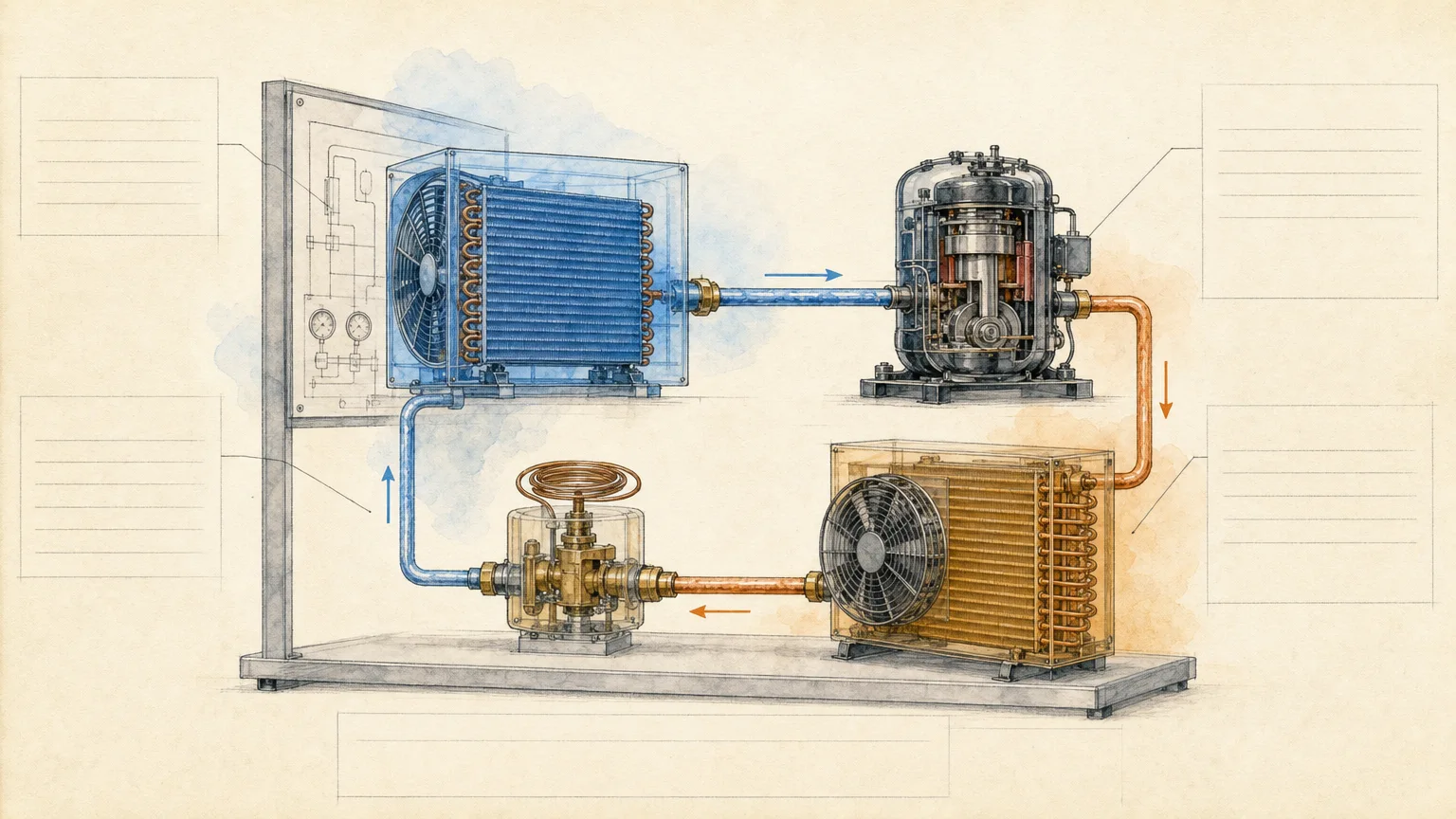
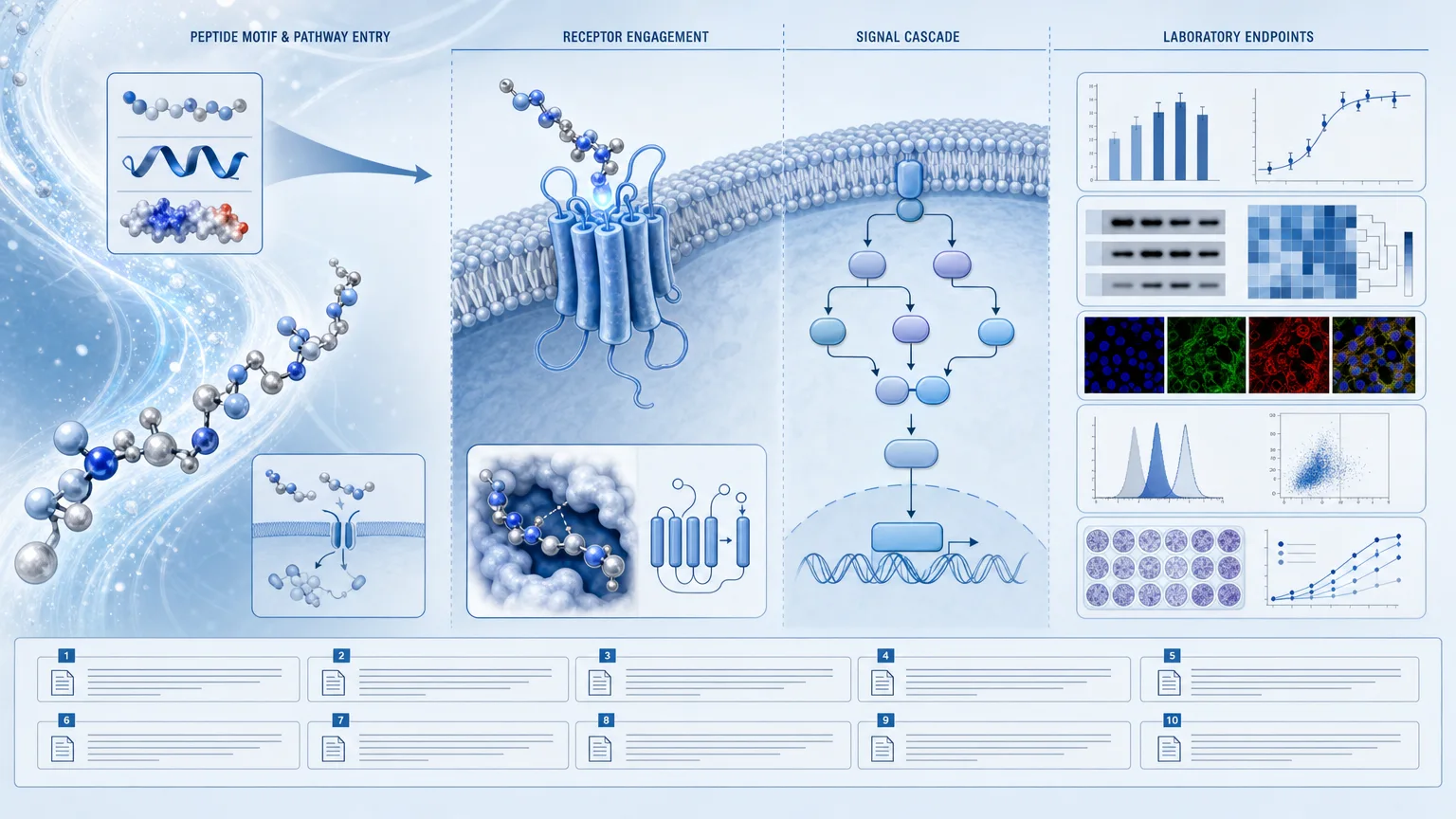
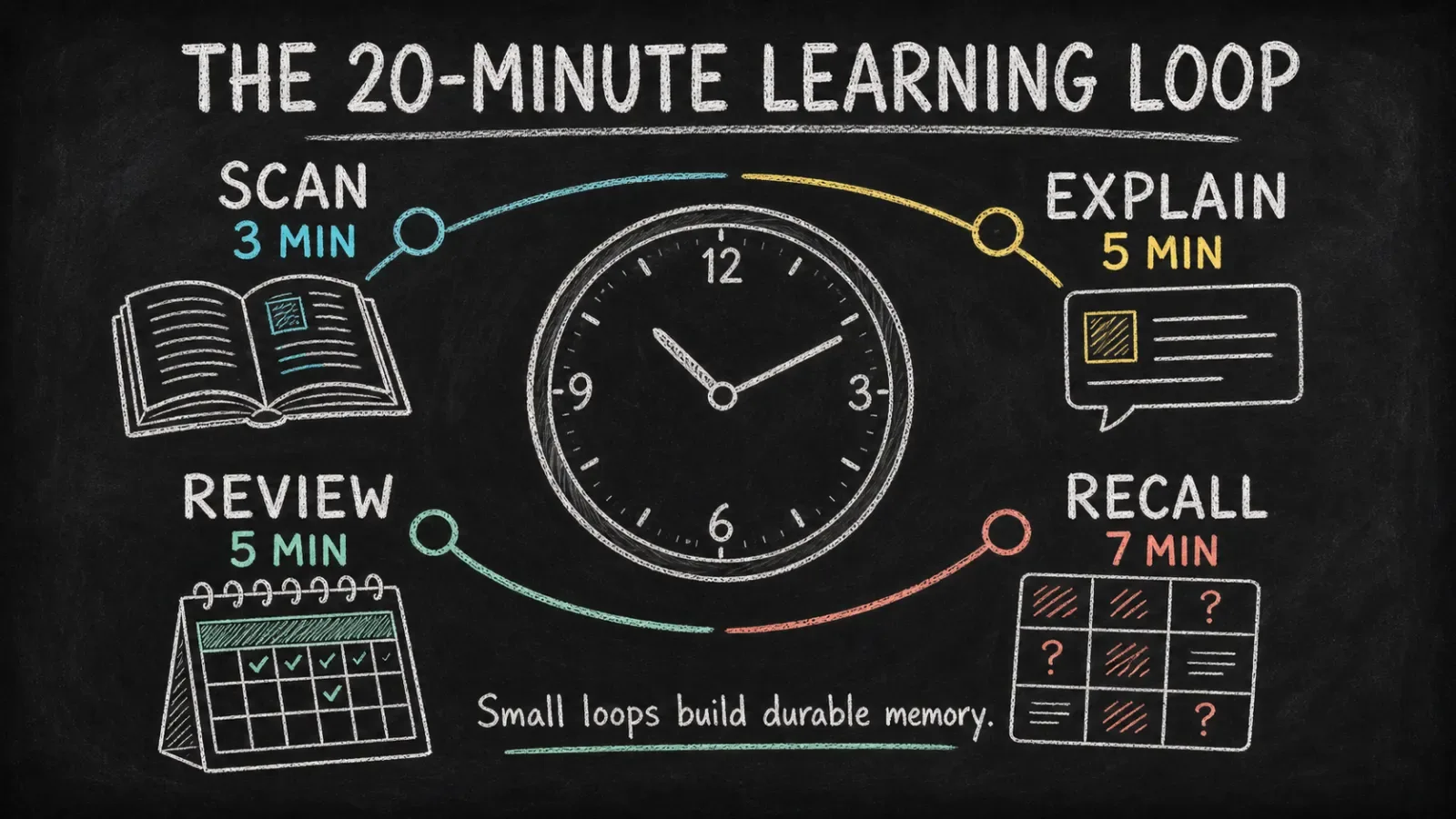
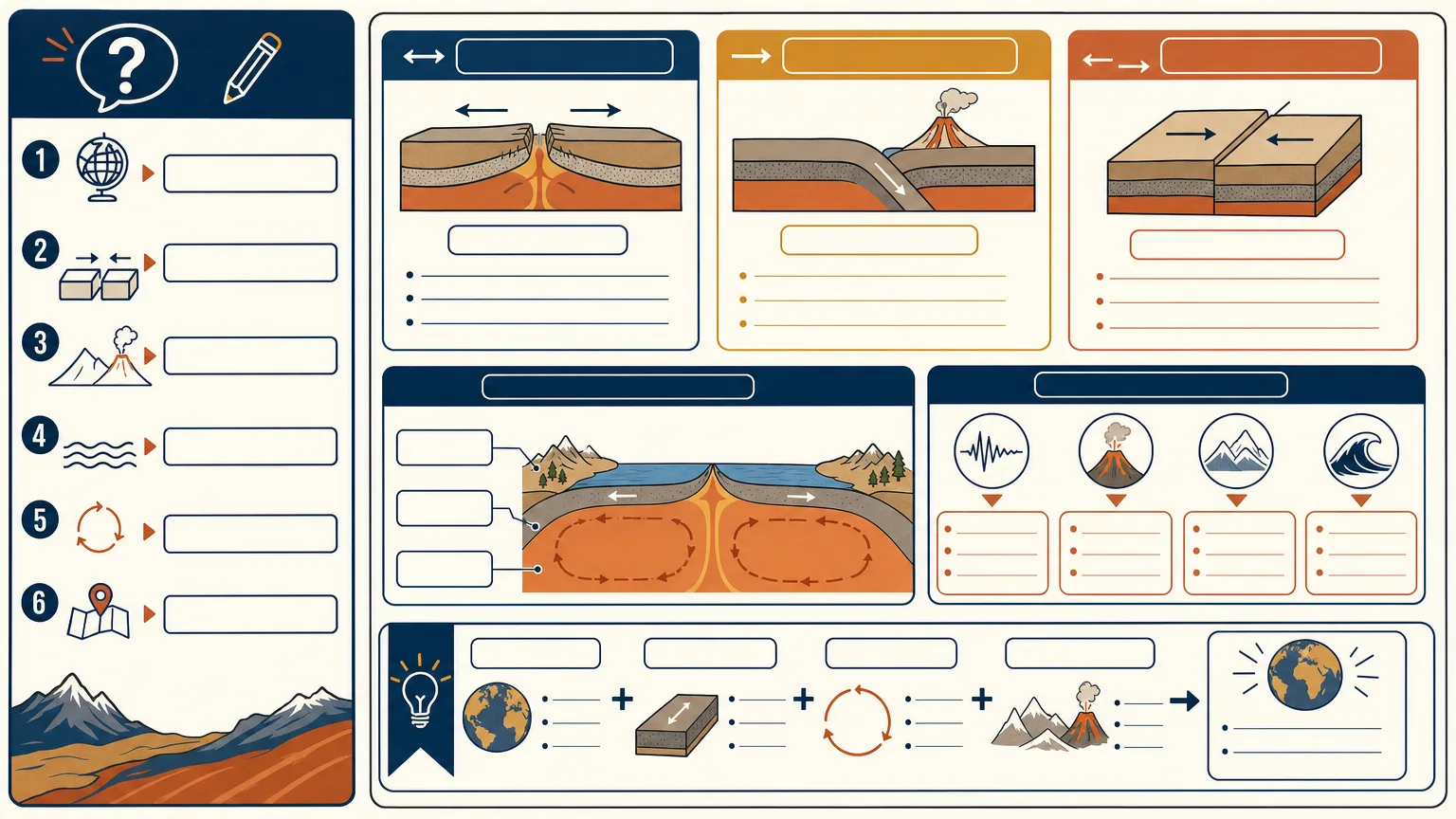
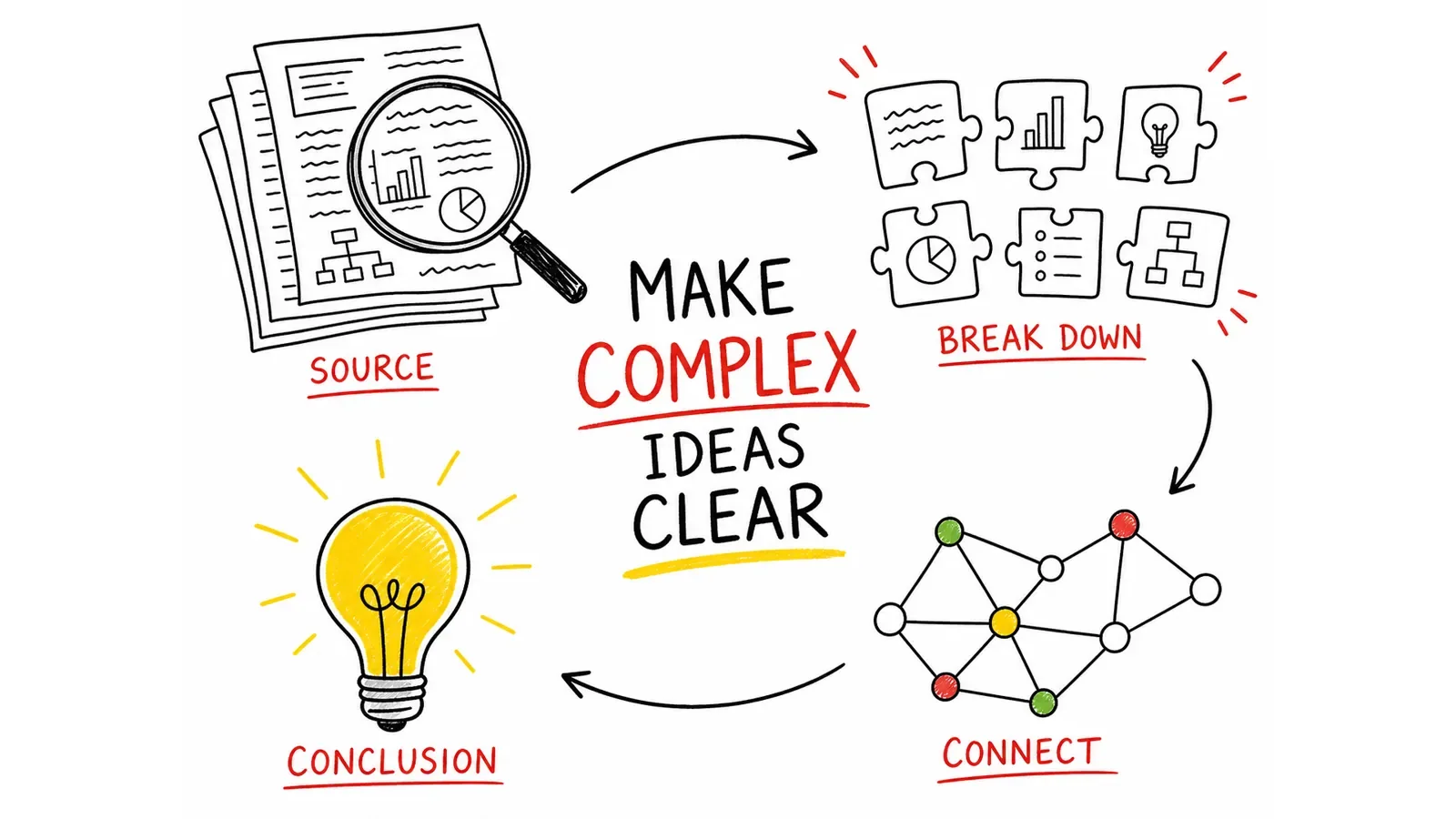
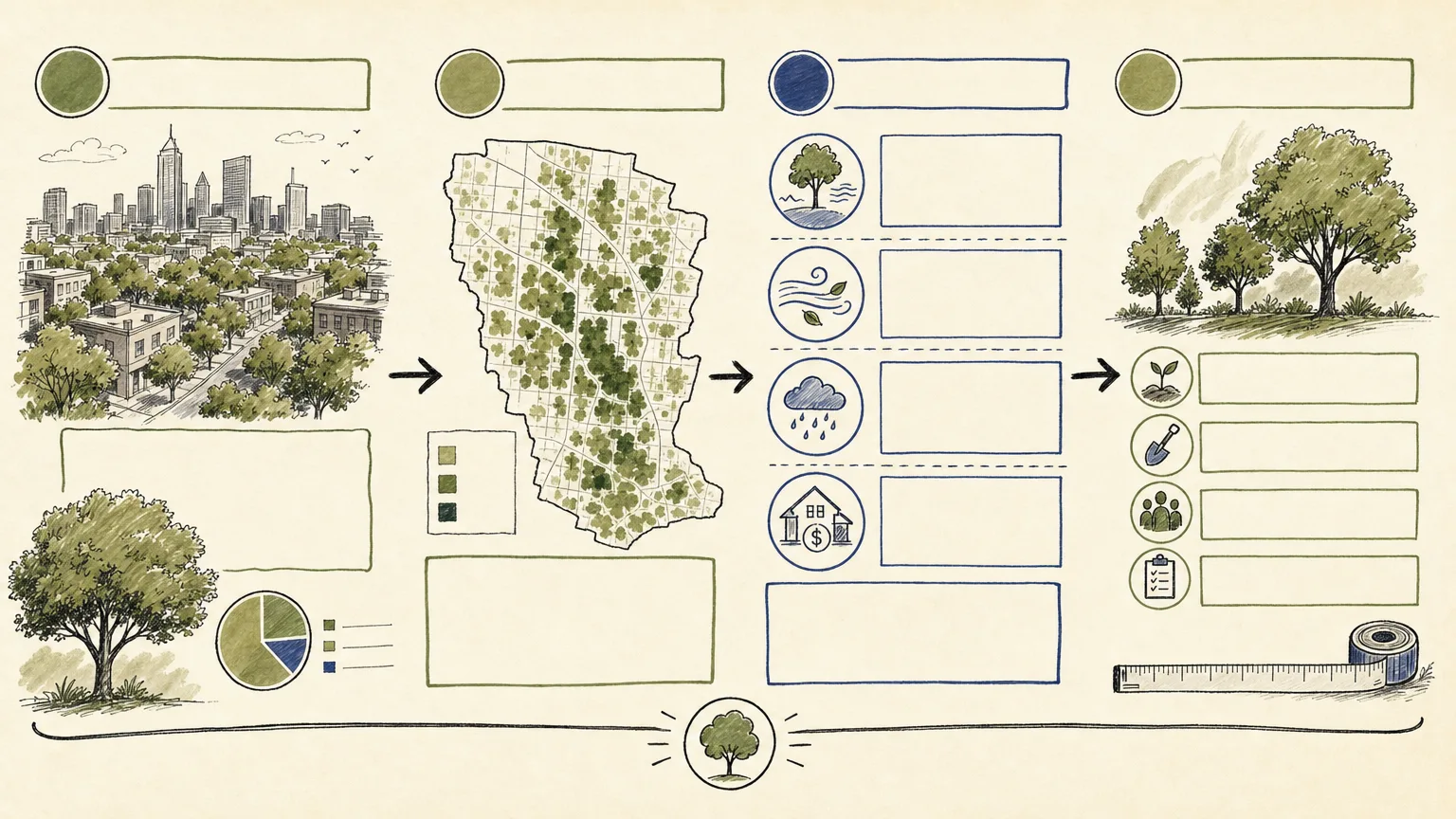
Build three HTML review views that explain one approved lesson through exact text, nodes, connectors and source notes. Whiteboard Concept Explainer uses deterministic layout rather than model-rendered lettering, with a ledger distinguishing facts, assumptions and open questions. Its supplied template is a starting structure to adapt, not a finished lesson or an automatically generated hand-drawn illustration.
What you get
One self-contained HTML artifact with exactly three 16:9 review views, intended for inspection at 1536×864 and with print styling. View selection uses a page query parameter; the template does not supply an on-page view-switching control or a raster-image export button.
Exact DOM typography and authored charts/nodes/connectors/legends/source notes adapted to the lesson goal, audience and misconception. The shipped views repeat a fictional orbit-style placeholder; meaningful alternative compositions and any hand-rendered character must be authored rather than assumed to appear automatically.
A source ledger separating approved facts, assumptions, rights and unresolved questions. The handoff keeps a named human reviewer responsible for subject matter, permissions, accessibility and delivery acceptance.
Inline SVG functional icons with visible or accessible labels and optional cleared imagery embedded only when it improves understanding. No image provider, API key or generation charge is required by the bundled template; added image work has to be arranged separately if needed.
A structural validator checking three marked views, print CSS, inline SVG presence and absence of external HTTP URLs. It does not verify labels, factual relationships, accessibility, exact 16:9 rendered geometry or clipping. Those checks need actual full-size and print inspection.
Before you choose
Read every label and trace its relationship in all three views. Each view should illuminate the lesson or misconception differently; changing only a title on the same placeholder orbit is not a substantive alternative. Use exact text to support the explanation, then verify its full-size and printed layout.
Good fit
A teacher has a verified explanation and needs an exact-label visual lesson aid.
A course creator wants three review views around a bounded learning journey.
A curriculum designer can review the concept, example sequence and misconception before using it in teaching or assessment planning.
Not for
Inventing facts, measurements, citations, owners, permissions or guarantees.
Reusing source branding, watermarks, protected characters or uncleared artwork.
Replacing subject, rights, accessibility or final human review, or treating the generic template as three already-complete lesson designs.
How to use
You say/whiteboard-concept-explainer Turn the lesson explanation I provide into a hand-rendered whiteboard composition with a clear reading path and exact labels.
Provide the approved lesson goal/source explanation, exact terms/relationships/examples, audience level and misconception, ratio, marker palette and accessibility notes. Identify the intended use and final review owner.
Build the ledger of supplied facts, assumptions, rights and pending questions. Plan three distinct review views that explain the lesson, preserving the exact conceptual relationships and making unresolved items visible rather than filling them with guesses.
Copy the supplied template and replace its fictional content. Author meaningful typography, nodes/charts/connectors/legends and source notes deterministically. The existing orbit graphic is a placeholder structure; adapting it and introducing the requested whiteboard treatment are production work, not a script-generated result.
Use labelled inline SVG for functional icons and embed cleared high-resolution imagery as data URIs only if it clarifies the evidence. Keep the HTML self-contained. The workflow does not require a provider key or paid generation; Node is needed to run the bundled validation script, while a browser displays the artifact.
Run the supplied validator on the output HTML. It checks the three frame markers, print styling, SVG presence and external HTTP strings. Then open each page=1, page=2 and page=3 view at 1536×864, checking every exact label, relationship, source note and print boundary. Screen frames fill the viewport, so a different viewport can change proportions or clip fixed-size content.
Inspect print pagination and physical readability separately, along with keyboard/accessibility and reading order. Report the actual checks and open issues; no automatic OCR, fact checking or raster export is supplied. Deliver three reviewed 16:9 views in the authored HTML artifact with final subject/rights/accessibility approval kept explicit.
Requirements and costs
You bring
Approved lesson goal and source explanation · Exact terms, relationships, and examples · Audience level and misconception to address · Canvas ratio, marker palette, and accessibility notes
Dependencies
Not collected yet
Outside costs
Not collected yet
Publisher testing
v1.0.0 — Claude Code / Claude Desktop / Cowork / Codex / ChatGPT
FAQ
The workflow adapts its provided self-contained template to your approved lesson and develops original content/visual structure. It does not authorize source branding, watermarks, protected characters or unlicensed reference expression. Human review still checks the actual output and permissions.
It remains explicitly pending in the source ledger. The agent should not invent a scientific fact, relationship, citation, owner or permission just to populate a view. A named reviewer resolves the relevant subject, rights and delivery questions.
Three distinct 16:9 review views in one authored HTML file, not three automatically generated image files. The package includes a deterministic template and a small structural validator. Exact text, meaningful view differences, the requested visual treatment and rendered/print checks are production steps; no image-generation service is required.
User reviews
—0 reviews
Select a star to share your experience.
No reviews yet. Ratings appear once readers share real experiences.