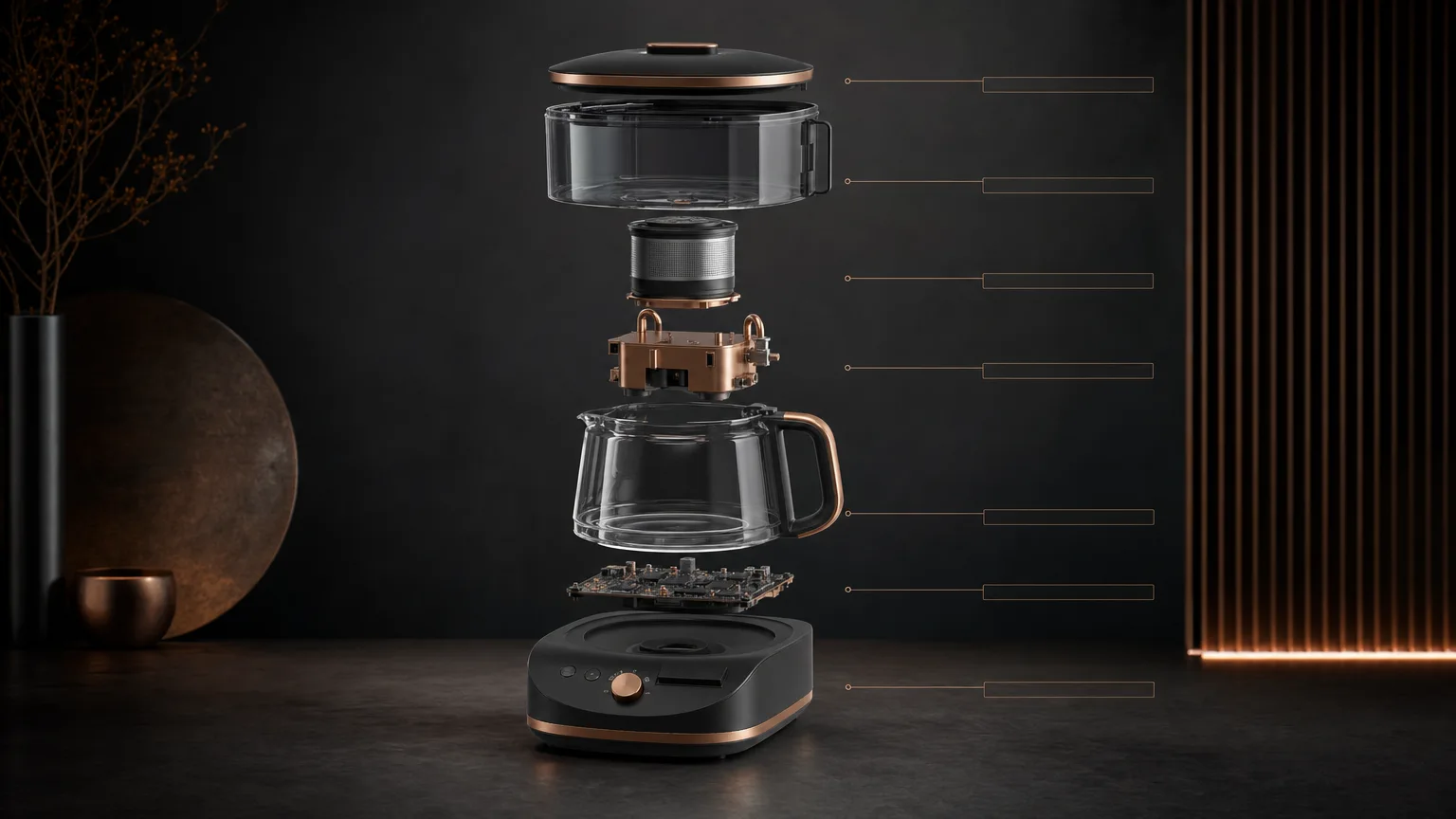
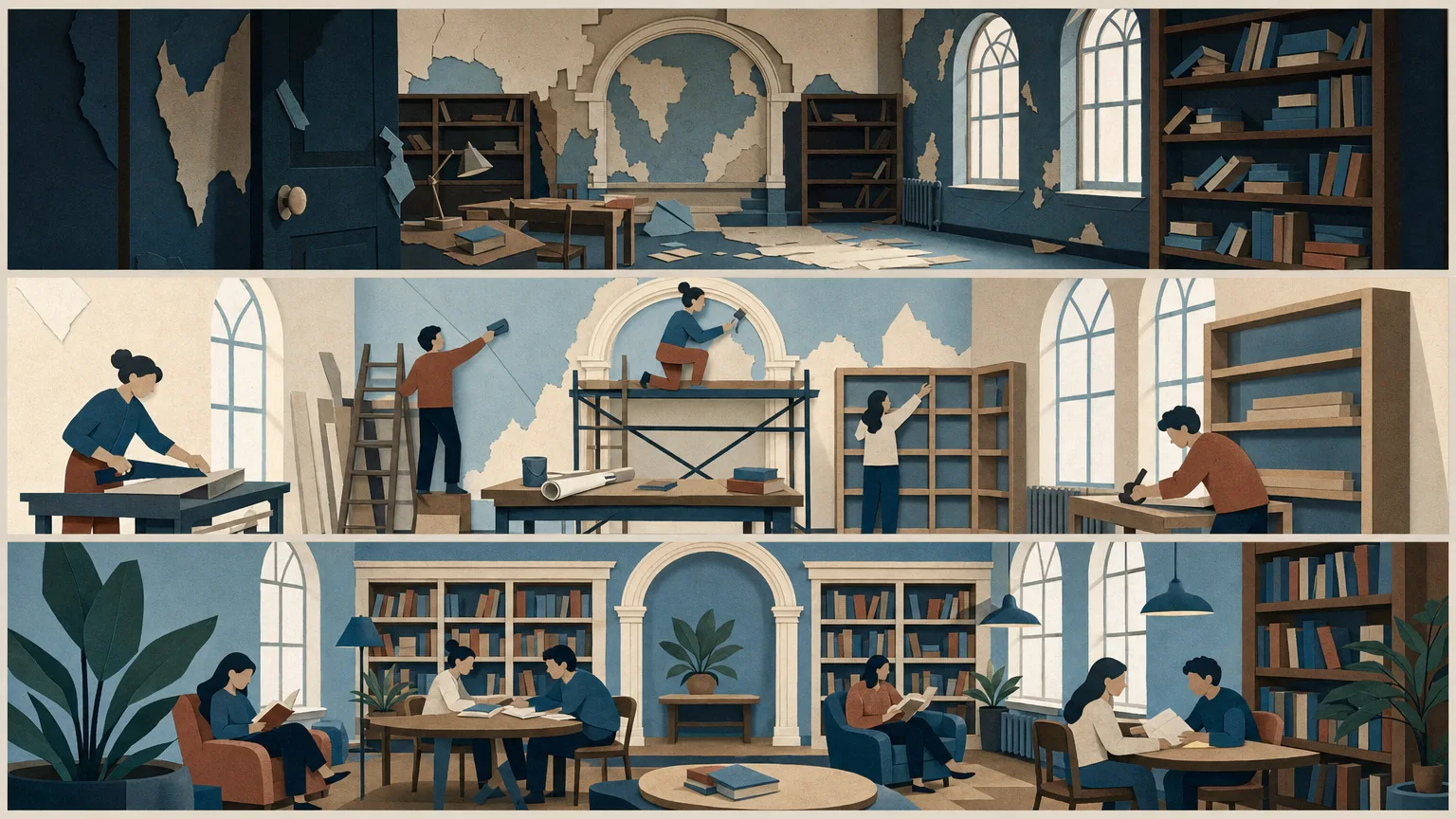
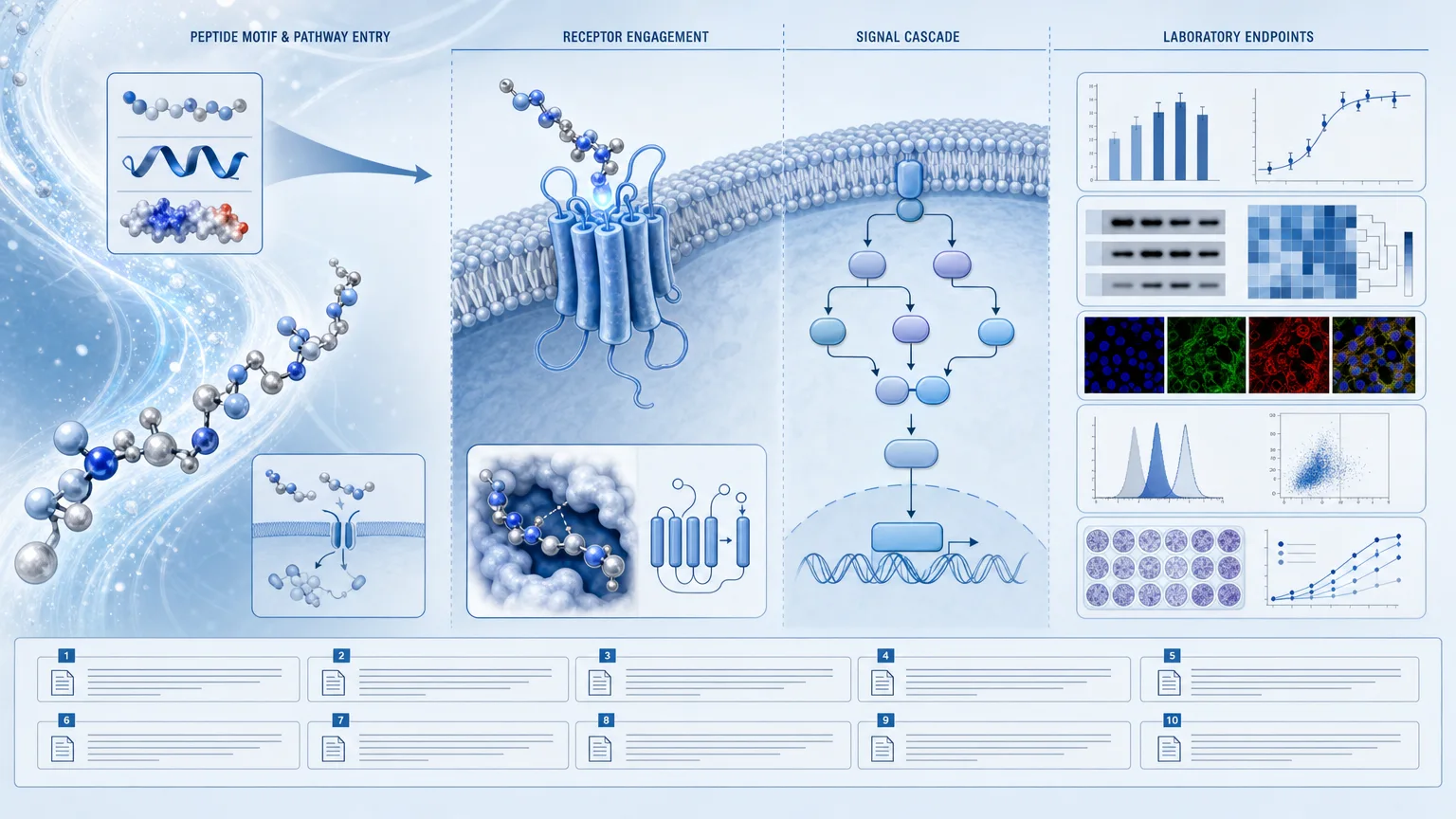
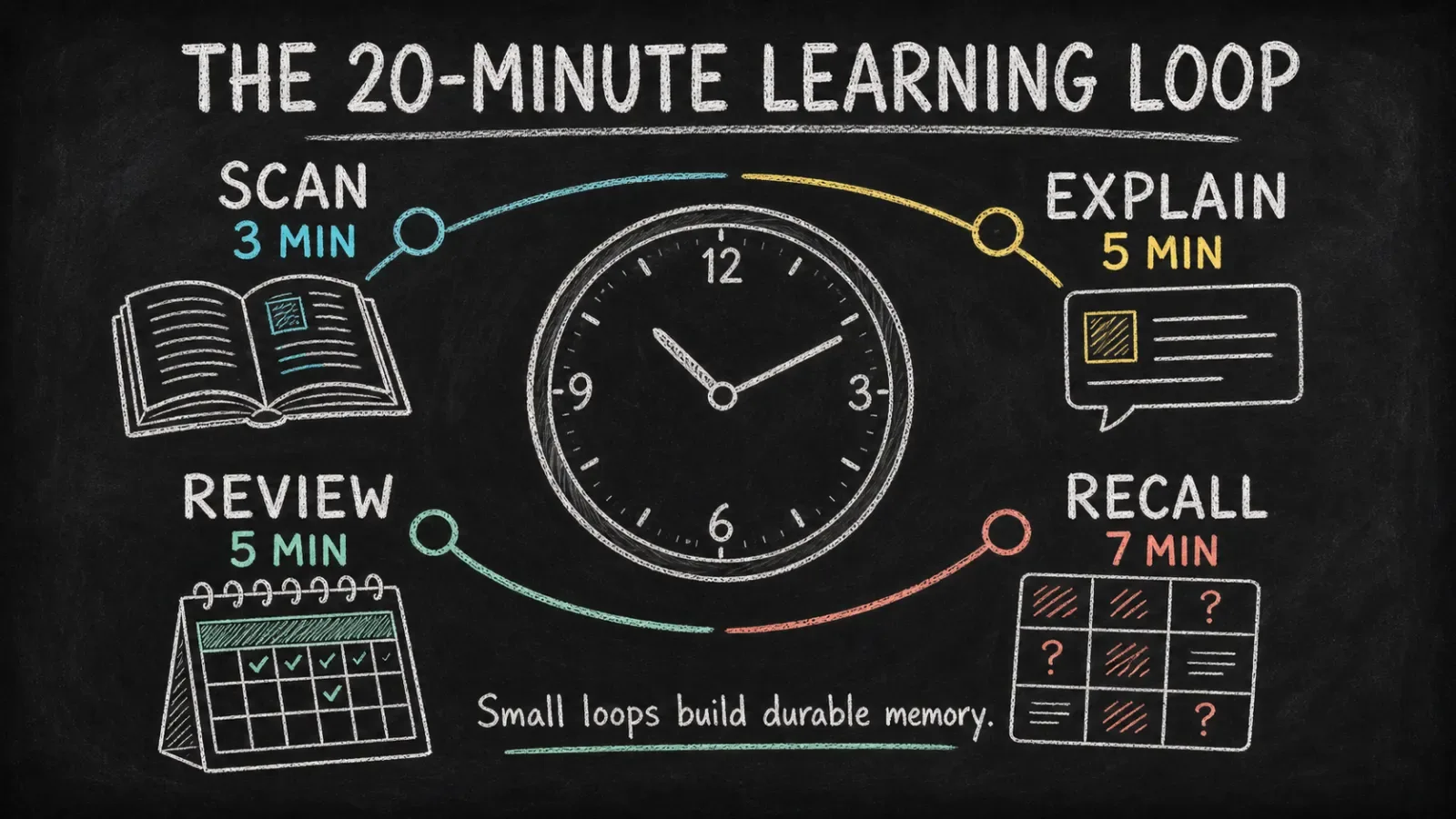
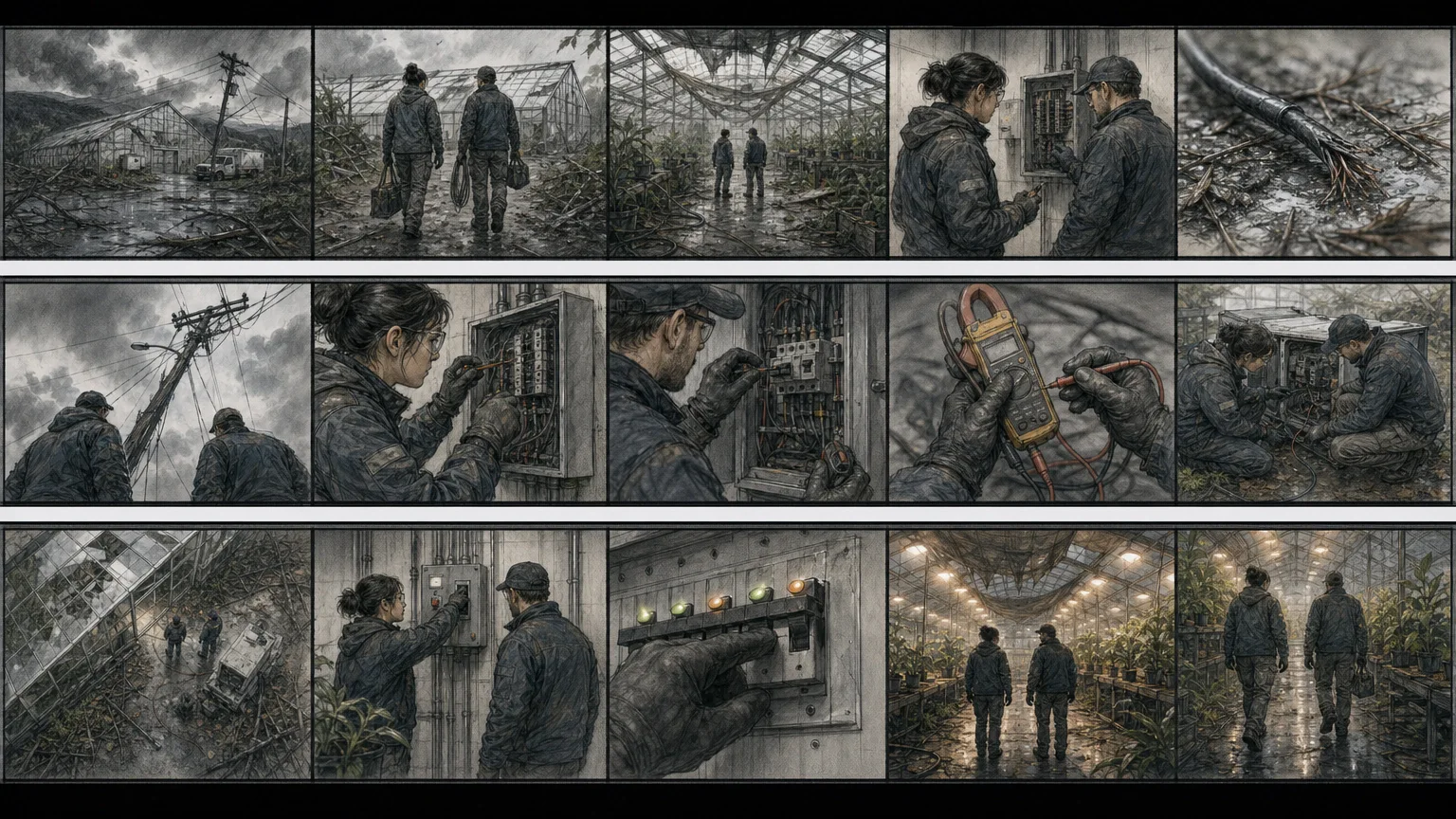
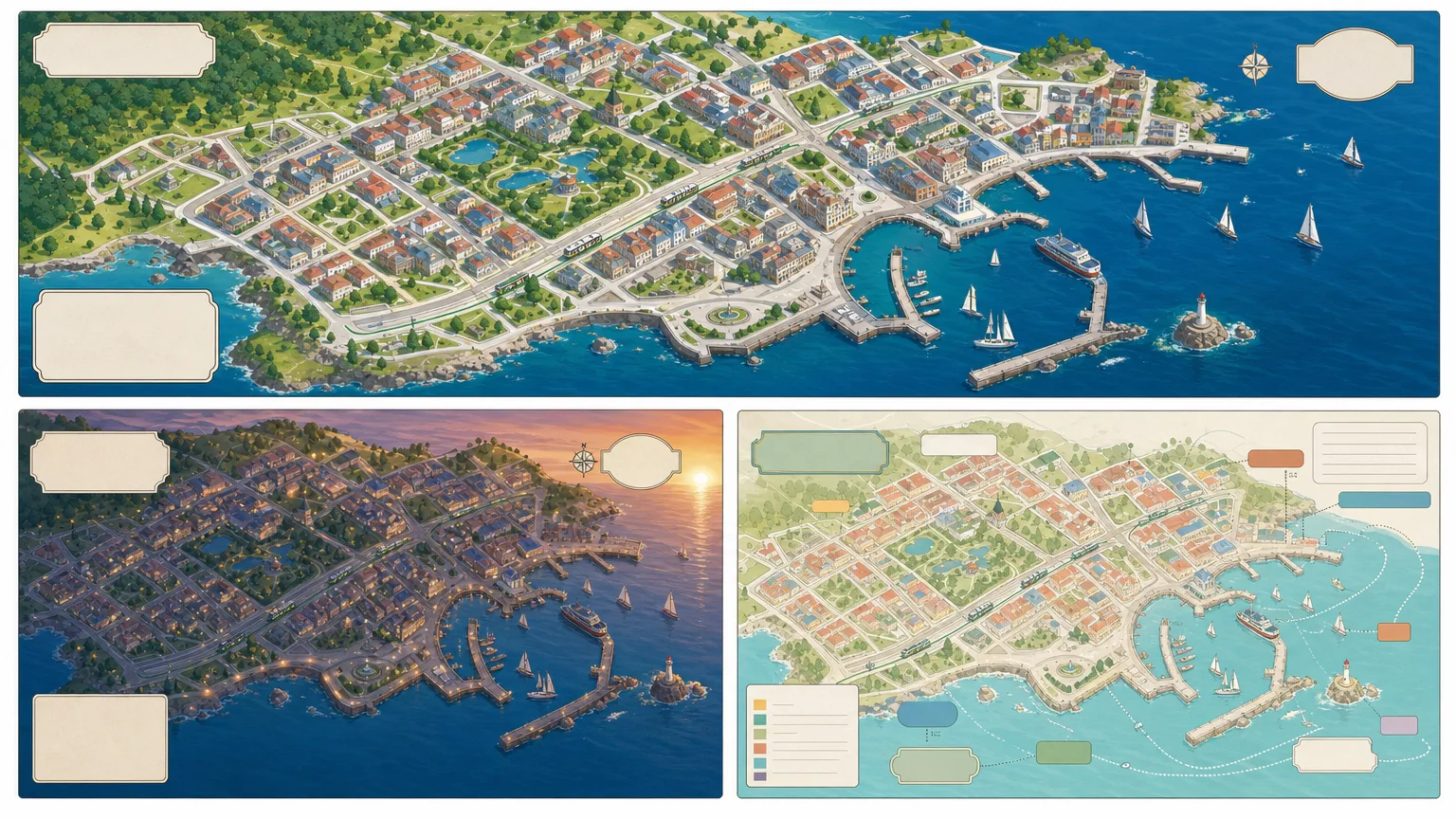
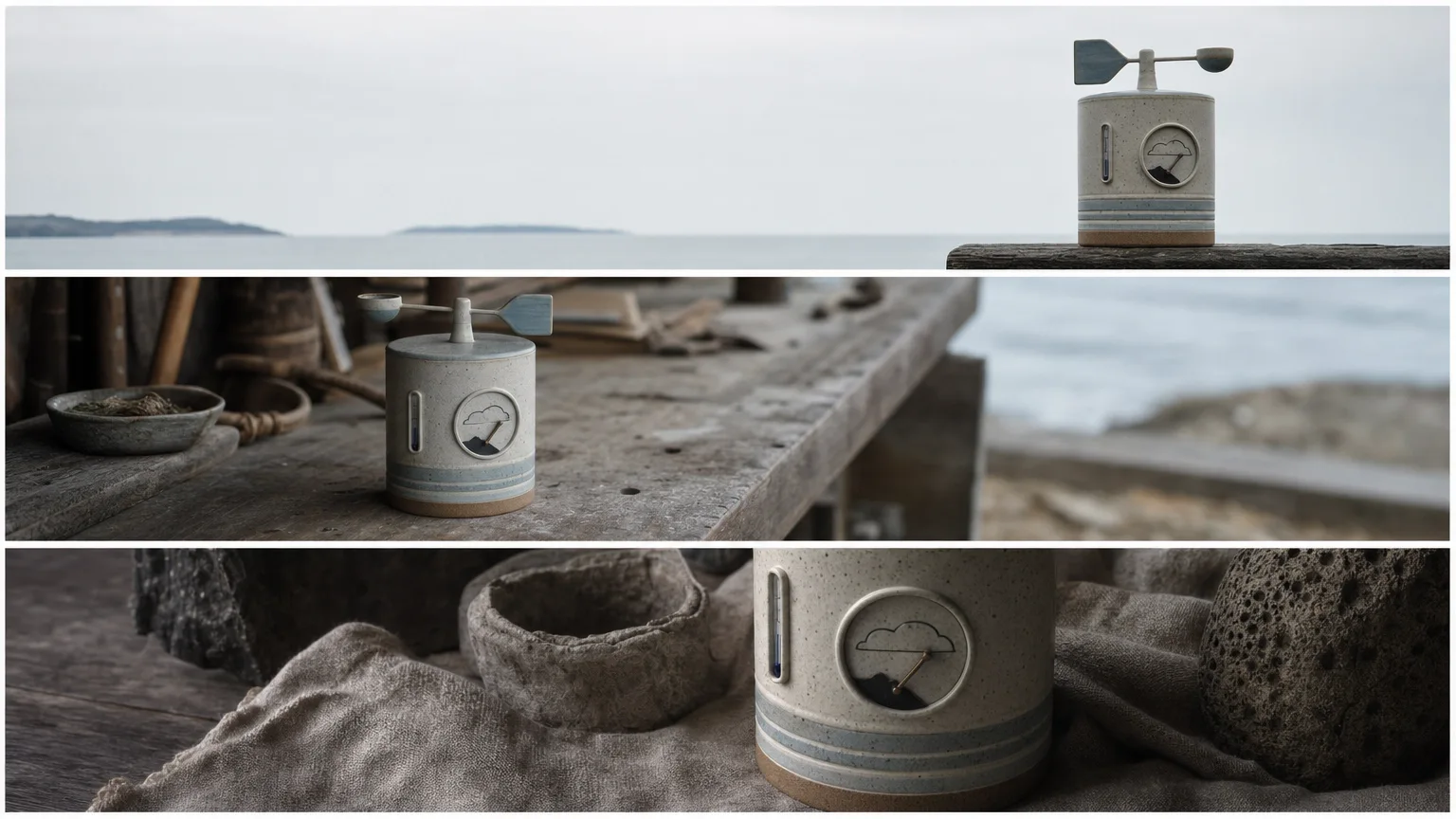
Explain a supplied mechanism through a readable viewpoint, fine construction lines and translucent color washes. Annotated Wash Diagram starts with a component-and-relationship table, then creates three visual alternatives with room for precise callouts. Labels and citations are added afterward so small model-rendered text does not become the source of technical meaning.
What you get
Three distinct concept-image variants from one paid generation request, using the same approved mechanism and visual brief. The bundled script requests 1536×864 PNG output, exact 16:9; the returned format and dimensions still need checking rather than being assumed from the request.
A soft diagram language of pale watercolor washes, graphite-like construction lines and restrained paper texture. One clear viewpoint and clean annotation lanes aim to make the mechanism approachable without turning it into a dimensioned manufacturing drawing.
A source-led annotation workflow: organize the supplied subject into components and relationships before drawing, reserve space in the raster image, then add exact approved terminology and citations with a deterministic layout tool. The package does not include a dedicated label-placement renderer or editable CAD diagram.
A comparison pass against the approved component table, with unsupported values flagged for verification instead of invented. This is checking the visualization against supplied evidence, not independently proving the mechanism or calculating performance.
The Skill instructions, inline-SVG icon reference and a FAL generation script with a local provider-task record for resuming an identified request. Final annotated images depend on completing the separate labeling and visual review steps; the generator alone downloads the three base illustrations.
Before you choose
Test the diagram by tracing each relationship from the source table to the image and then to its label. If the artwork suggests an extra connection, hides a required component or moves a callout onto the wrong part, correct it before polishing the washes; a pleasing texture should not make an unsupported mechanism look authoritative.
Good fit
A technical educator wants an accessible mechanism overview with softer imagery than a CAD rendering.
A research summary already has verified parts, processes and relationships that can be expressed from one readable viewpoint.
A report or presentation needs a clear conceptual diagram with exact terminology and evidence notes added outside the generated image.
Not for
Dimensionally accurate manufacturing, assembly or safety documents, engineering simulations or calculated system specifications.
Unverified medical, safety or performance claims, or filling unknown values with plausible-looking technical numbers.
Brand-identical product reconstruction, recognizable proprietary designs, logos or unlicensed reference assets without appropriate authorization.
How to use
You say/annotated-wash-diagram Turn my verified heat-pump cycle into a calm 16:9 teaching diagram with four labeled stages.
Provide the verified mechanism/subject, required callouts and vocabulary, audience, intended use and desired aspect ratio. Resolve missing factual and rights information first. Convert the material into a component-and-relationship table that can be checked before any drawing is commissioned.
Choose one viewpoint, hierarchy and spacing for the mechanism. Reserve uncluttered annotation lanes and state the pale wash, fine graphite line and paper texture treatment. Write a new English brief from approved facts; exclude copied prompts, branded product designs, dense small text and invented technical claims.
Have Node.js 20 or newer and a FAL account with FAL_KEY available in the environment. Use the bundled generator with the approved prompt file, output directory and filename prefix. It submits one paid task for exactly three 1536×864 variants at high quality and requests PNG. New generations incur separate provider charges.
Keep provider-task.json in the output directory. Once an ID has been saved, the same prompt/directory resumes that request; a saved failed task is blocked from automatic resubmission. The script saves its task record only after a successful submission response. If that response or record write is lost, check provider history before retrying: the wrapper does not provide an atomic pre-submit intent or an exactly-once guarantee. Downloaded variant paths can be overwritten on a later resume, so preserve reviewed copies separately.
Inspect all three images for distinct compositions, exact dimensions/ratio, legible hierarchy and correct components, connections and ordering. Reject repeated panels, watermarks, source identities, broken anatomy where relevant and unsupported visual relationships. A provider response with three URLs satisfies the script’s count check, not these visual/factual checks.
Add approved labels and citations after generation in a deterministic layout tool. Use restrained inline Lucide-style SVG for legend/callout cues; do not use emoji, dingbats or icon fonts. Recheck every visible relationship and any displayed value against the approved table, mark unknowns for verification, and deliver the annotated concept image with its evidence limits clear.
Requirements and costs
You bring
Verified subject or mechanism description · Required callouts and terminology · Audience and intended use · Preferred aspect ratio
Image generation uses one paid fal.ai task for three variants. Failed tasks are never submitted again automatically.
Publisher testing
v1.0.0 — Claude Code / Claude Desktop / Cowork / Codex / ChatGPT
FAQ
Exact wording comes from your approved terminology and is placed after image generation, with citations where appropriate. The base image should leave annotation lanes rather than ask the model to spell small technical text. Accuracy still requires reviewing the final placement, leader lines and visible relationships against the component table.
Specify the intended ratio before planning, but the included generator currently hardcodes 1536×864, or 16:9, with no ratio option. A different ratio needs an adapted generation/delivery workflow; it is not available merely by changing the prompt. Check the actual output before promising that adaptation.
No. It visualizes facts you supply and checks the image against that approved description. It does not simulate the system, derive specifications or validate medical/safety/performance claims. Unverified values remain explicit verification items.
User reviews
—0 reviews
Select a star to share your experience.
No reviews yet. Ratings appear once readers share real experiences.