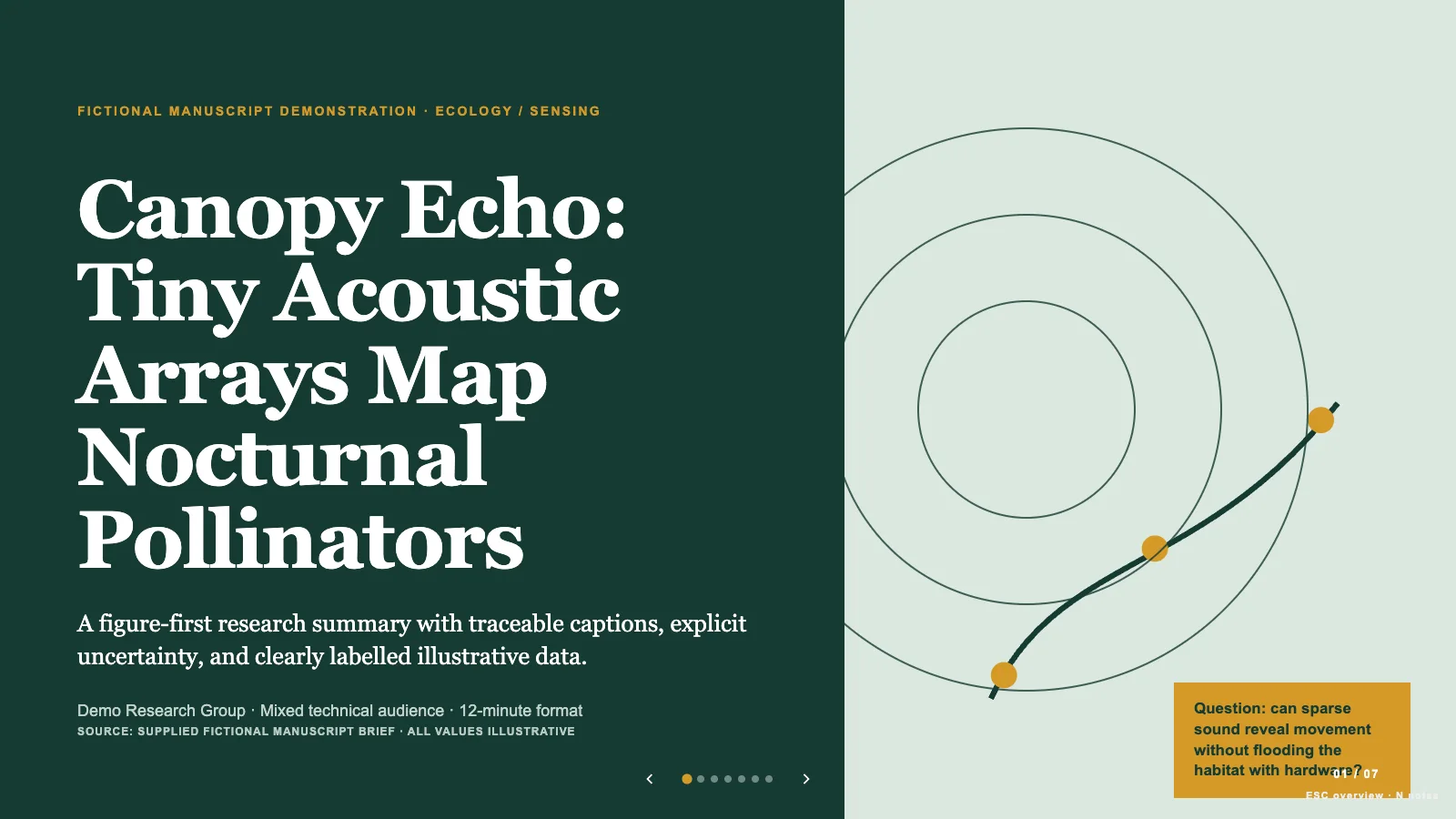
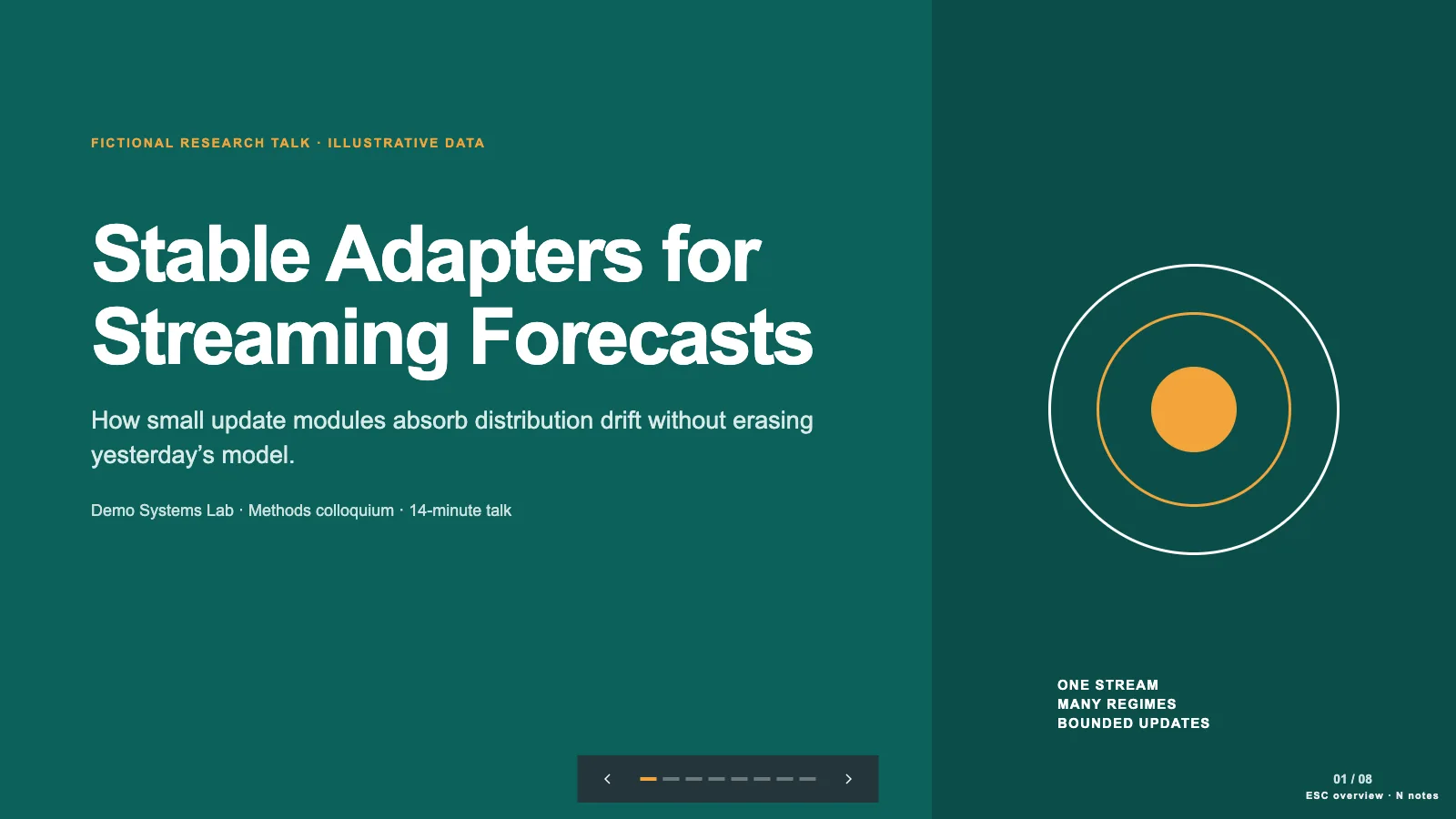
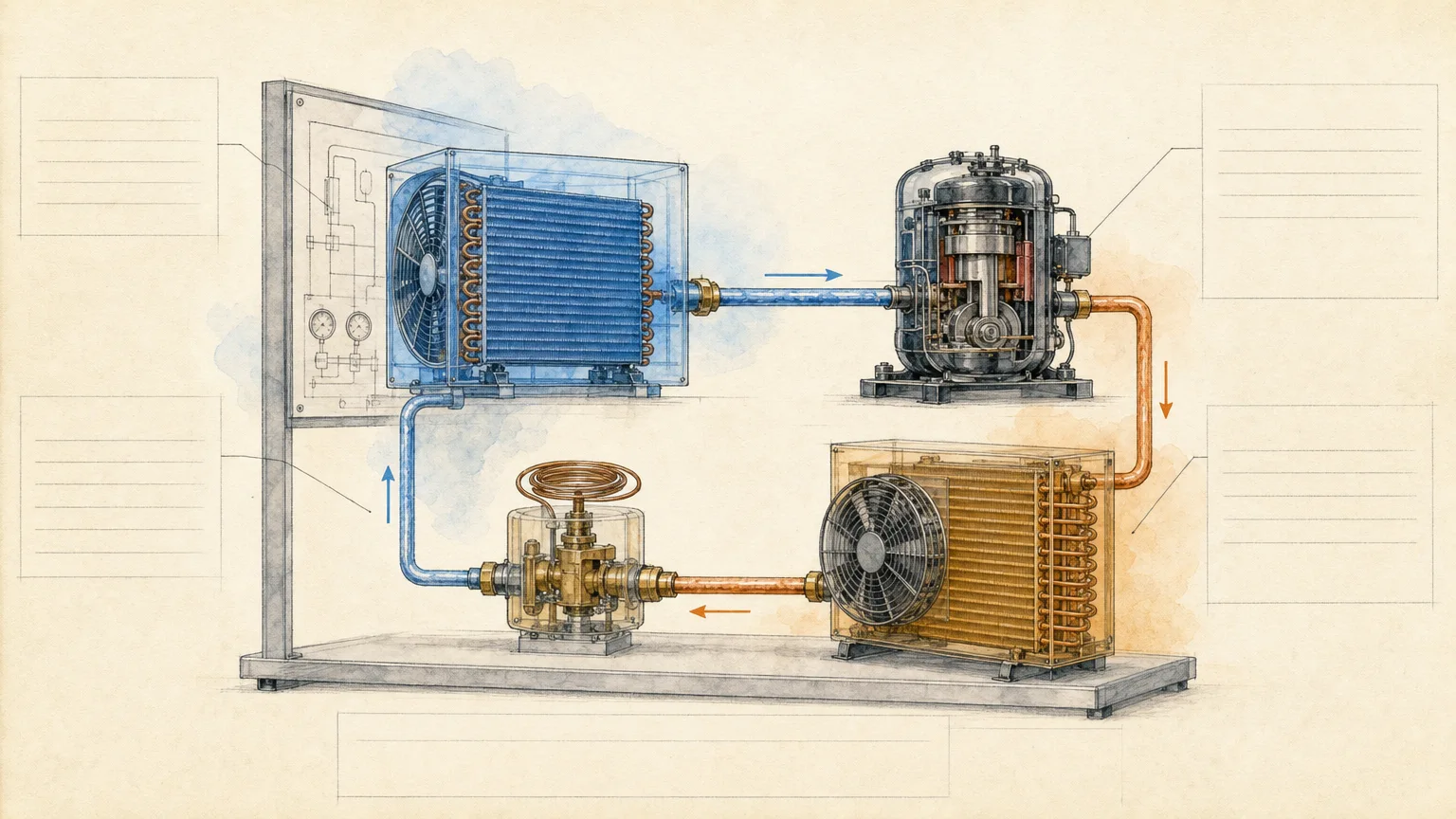
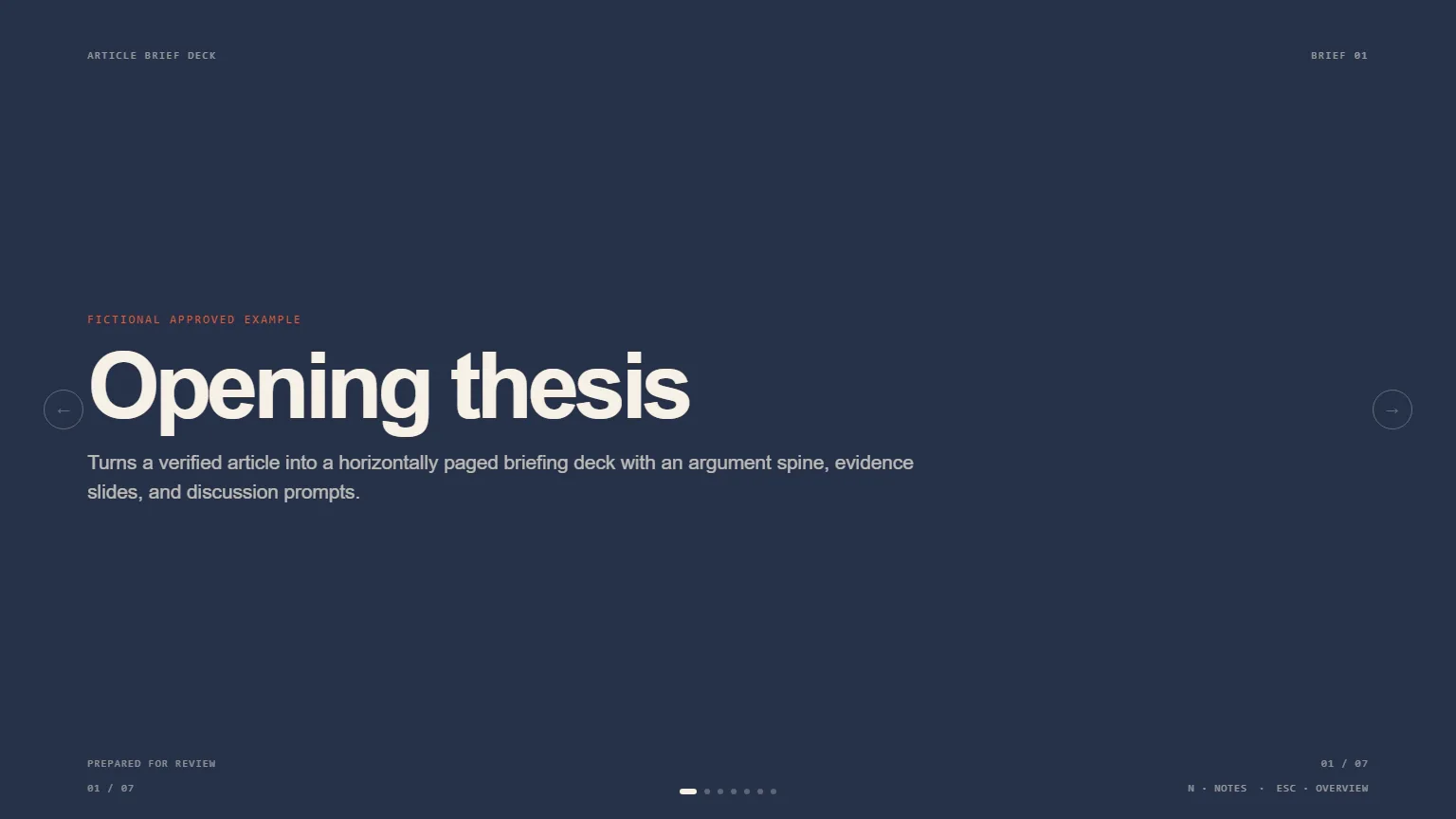
Make the reasoning of a research talk visible before the audience reads the detail. Academic Argument Deck starts with complete-sentence slide titles that, read in order, explain the question, evidence and bounded conclusion. White 16:9 pages, one main exhibit per result and citations on the relevant slide keep attention on whether the claim is supported. The generated HTML can be edited in a browser and exported with editable PowerPoint text and speaker notes.
What you get
A title-first argument outline, then a presentation built around one chosen spine: Situation–Complication–Resolution, Funnel-and-Answer or Answer-First. The main sequence ends on conclusions that can remain visible during questions, with references and a clearly labeled appendix available afterward rather than a decorative thank-you slide.
Result pages organized around one chart or analytical exhibit, rebuilt at presentation scale from verified data where appropriate. Each result has its finding annotated directly on the exhibit and a citation on the same slide. Methods and secondary results that interrupt the main inference move into the appendix; uncertainty and known limitations stay visible where they affect interpretation.
A restrained visual system: white content pages, a consistent grid, left-aligned body copy, one sans-serif family and no more than three functional colors. Body copy stays around forty words or fewer per content slide. Research Navy, Policy Slate and Quant Violet are content presets selected during generation; the shared editor does not offer a three-theme switcher.
A standalone editable HTML presentation with speaker notes, page viewing, editing and presentation modes. Text, images and content objects can be changed separately, slides reordered or duplicated, and unnecessary material removed. Save writes the current work into the HTML; browser-local recovery alone does not transfer it to another person.
PowerPoint export with native editable text boxes and notes, separate picture objects, and rendered layers for backgrounds, charts/SVG and decoration. PDF provides one fixed 16:9 page per slide. The package includes style-kit recipes, references, the shared runtime and Python composition/build/check scripts; its generic schema fixture and fictional urban-heat study are not your completed presentation.
Before you choose
Evaluate the titles twice: once before making the charts and once after the charts are complete. A sentence that sounds persuasive may overstate the actual comparison or uncertainty. If the exhibit supports a narrower result, change the title rather than decorate the evidence to match it.
Good fit
A researcher needs a conference, seminar, lab-meeting or grant-briefing deck whose central inference can be followed without reading an accompanying paper.
A graduate student is preparing a thesis defense and wants the main argument separated from method detail and likely committee questions in an appendix.
You already have a defensible claim, verified data and citations, known limitations and a fixed speaking slot, and need to choose what the audience must understand first.
Not for
Inventing results or filling evidence gaps with plausible citations. An unclear central claim, unverifiable evidence, uncertain source rights or a misleading requested conclusion must be resolved before the deck proceeds.
Putting every paper section, procedural step or secondary table in the main talk. This format favors the inferential path, with supporting material in notes and a labeled appendix.
A decorative pitch or image-led showcase. Content pages avoid stock imagery, gradients, display-font contrasts, ornamental title rules and decorative icons.
Replacing academic peer review, checking an experiment independently, or guaranteeing that every exported chart remains an editable native PowerPoint chart.
How to use
You say/academic-argument-deck Turn this study draft into an action-title deck for a lab seminar.
Provide the research question and central claim, audience expertise, evidence, methods, citations and limitations. Add talk duration, venue/institution constraints, expected appendix questions and contact details. Confirm rights to borrowed data and figures; flag what cannot be verified instead of asking the presentation to smooth over it.
Choose one argument spine and write the full-sentence titles first. Read that ghost deck without the body copy: each title should advance the reasoning toward the conclusion. Budget at most one slide per speaking minute and aim to finish one or two minutes early, allowing for the actual material and questions; rehearse to confirm timing rather than treating slide count as a guarantee.
Assign one job to each page and one exhibit to each result. Rebuild charts using supplied values, add a direct finding annotation and same-slide citation, and keep visible copy under roughly forty words. Choose Research Navy, Policy Slate or Quant Violet at generation time, retaining white pages and the single-family typography. Analytical diagrams may use labeled inline SVG; avoid decorative symbols and institutional/model marks unrelated to the evidence.
Compose from the supplied style kit using plan.json, replacing example text, labels, chart percentages, citations and any picture descriptions by node ID. Resolve leftoverExample and unfilledImages reports; preserve styled text segments where needed. The kit contains a fictional shade-at-bus-stops study, including fictional authors, data and references, all of which must be replaced or kept clearly as a demo. Its seven recipes may repeat and do not prescribe a seven-slide talk.
Build with Python 3 using scripts/build-deck.py, then run scripts/check-deck.py with the agreed slide count and style kit. Keep assets embedded and the shared editor unchanged; interface language can differ from slide language, which defaults to English unless requested otherwise. Open over local HTTP and inspect each page for readable exhibits, bounds, citations, hierarchy and contrast.
Use Edit or E to revise text, replace pictures and adjust the sequence. Test notes, object movement, undo/redo and Save (Cmd/Ctrl+S), then reopen the saved HTML. After reordering, reread the titles and confirm the conclusions still lead the discussion; keep appendix material out of the main speaking sequence manually rather than assuming a slide-skip control.
Export the requested PPTX/PDF from the standalone deck. Run check-pptx.py against the project, then inspect the file in PowerPoint, Keynote or WPS for notes, text wrapping, chart labels and image crops. Native text uses the specified font names; recipient applications can substitute missing fonts. Confirm the real export instead of promising fixed system-font substitution or exact appearance.
Requirements and costs
You bring
Central claim and audience expertise · Evidence, citations, methods, and known limitations · Talk length, venue constraints, and likely appendix questions
Dependencies
Modern browser — required · Chrome, Chromium or Edge plus Node.js 20 or newer — required only for PowerPoint export
Outside costs
Not collected yet
Publisher testing
v1.0.5 — Claude Code / Claude Desktop / Cowork / Codex / ChatGPT
FAQ
The planning rule is no more than one slide per minute, with a target finish one or two minutes before the slot ends. That is a ceiling for selecting material, not a measured speaking rate. Methods and secondary findings can move to the appendix. Supply the time available for questions and rehearse the spoken version before finalizing the sequence.
Resolve the missing finding, citation, central claim or permission before building an authoritative-looking result. The Skill works from the evidence you supply; it does not invent research or remove a limitation to make the argument look stronger. An honest narrower conclusion is preferable when the verified material supports only that scope.
Open the HTML and use Edit or E. Revise text, replace images, reorder or duplicate pages and edit notes, then save the file itself. The three named palettes are generation choices; individual colors remain editable, but there is no preset theme picker. PPTX keeps text and speaker notes editable; analytical artwork/backgrounds are rendered layers and picture objects. PDF is one slide per page. Inspect fonts and line breaks in the target presentation application.
Keep the evidence necessary to understand the inference in the main sequence. Put procedural detail, secondary results and anticipated defense questions in a clearly labeled appendix, with references available. During questions, return to the main conclusions instead of leaving a generic thank-you screen visible.
User reviews
—0 reviews
Select a star to share your experience.
No reviews yet. Ratings appear once readers share real experiences.