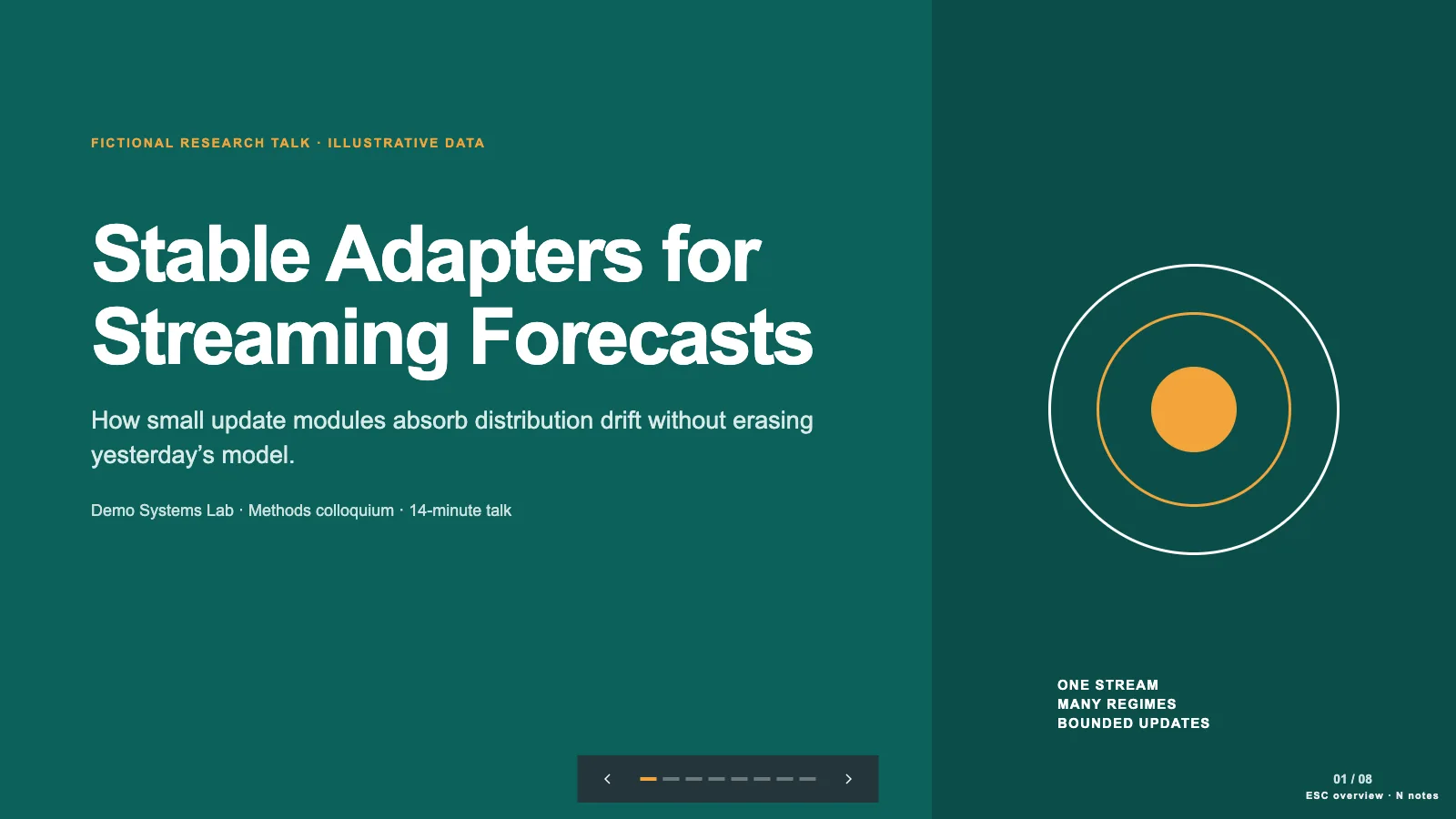
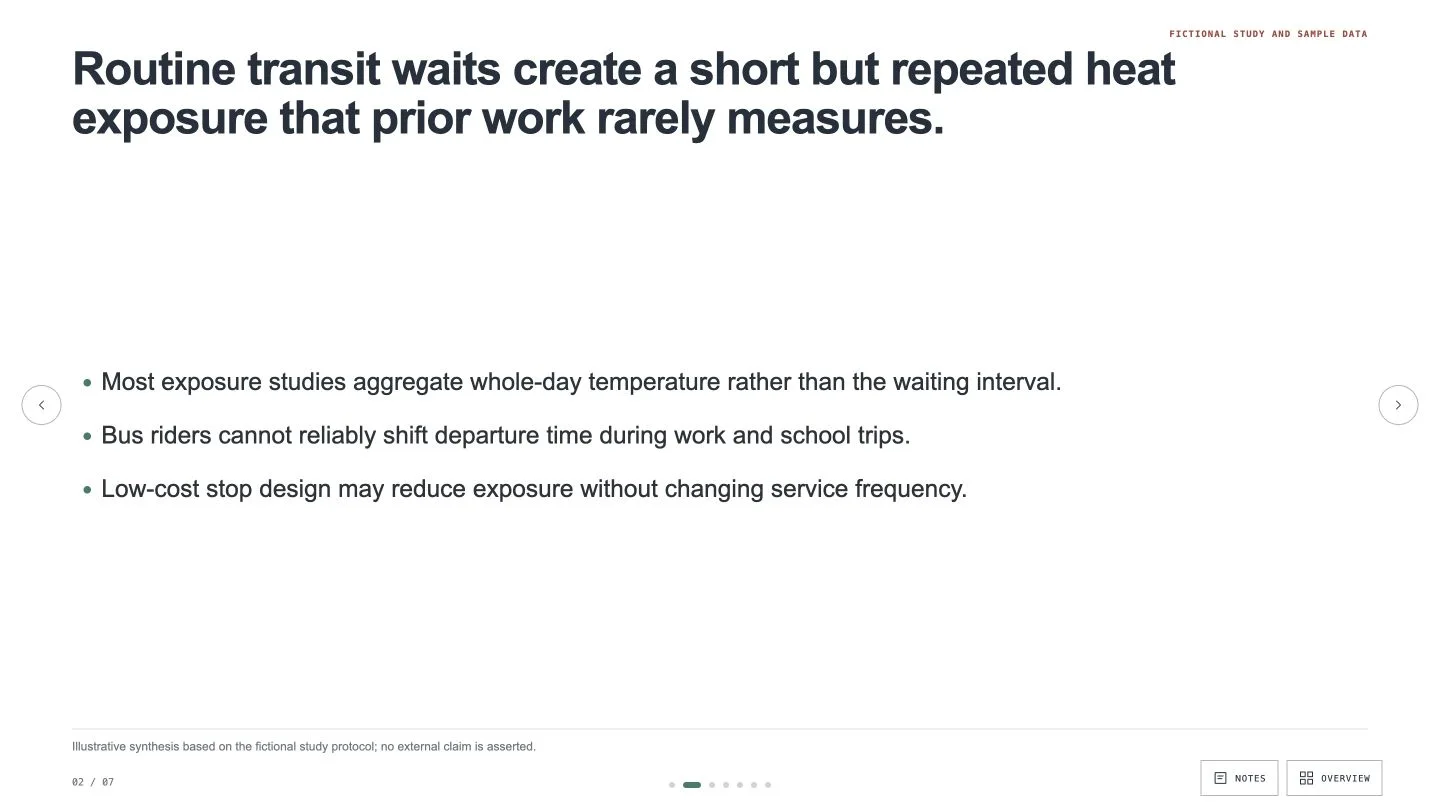
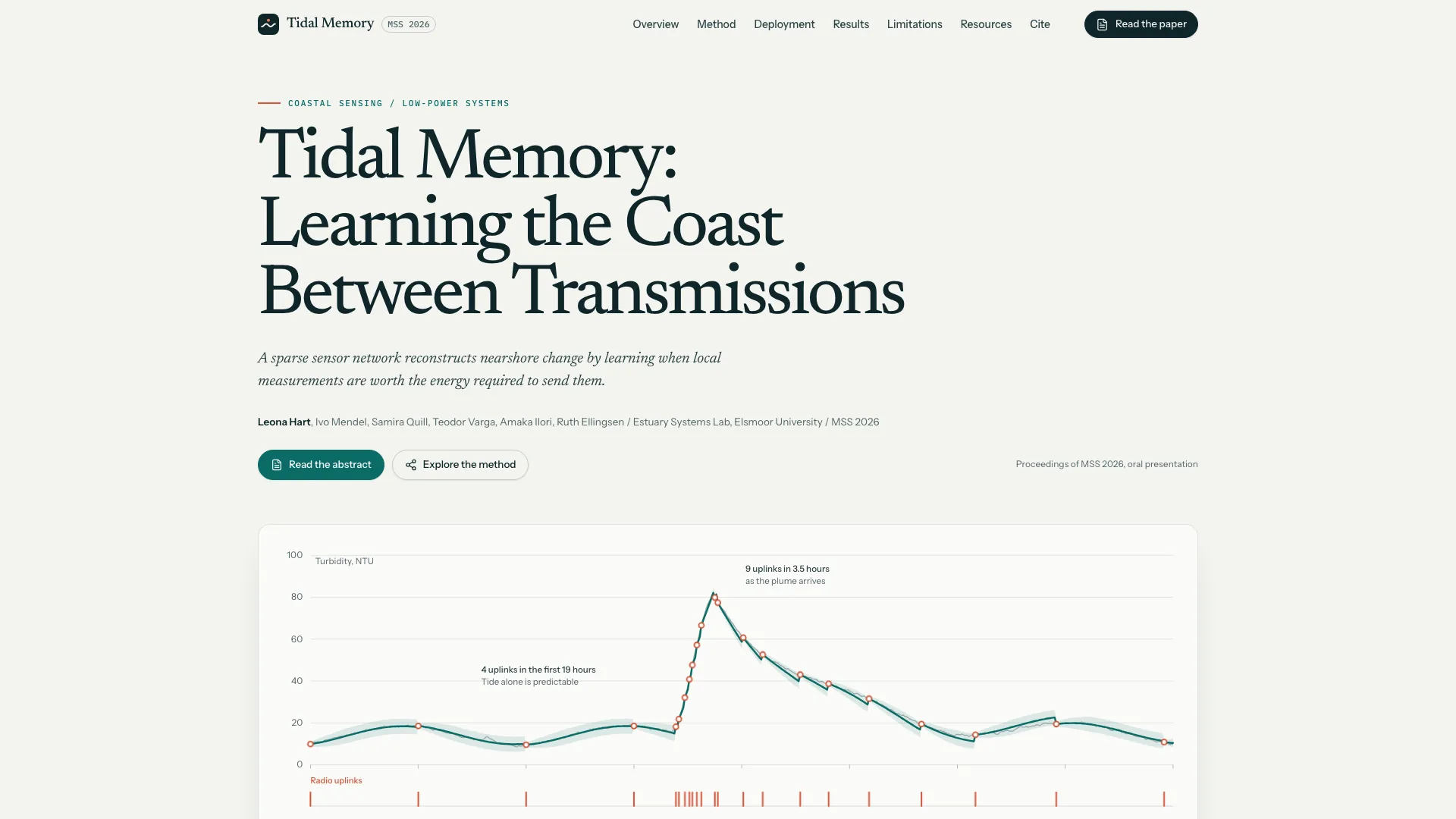
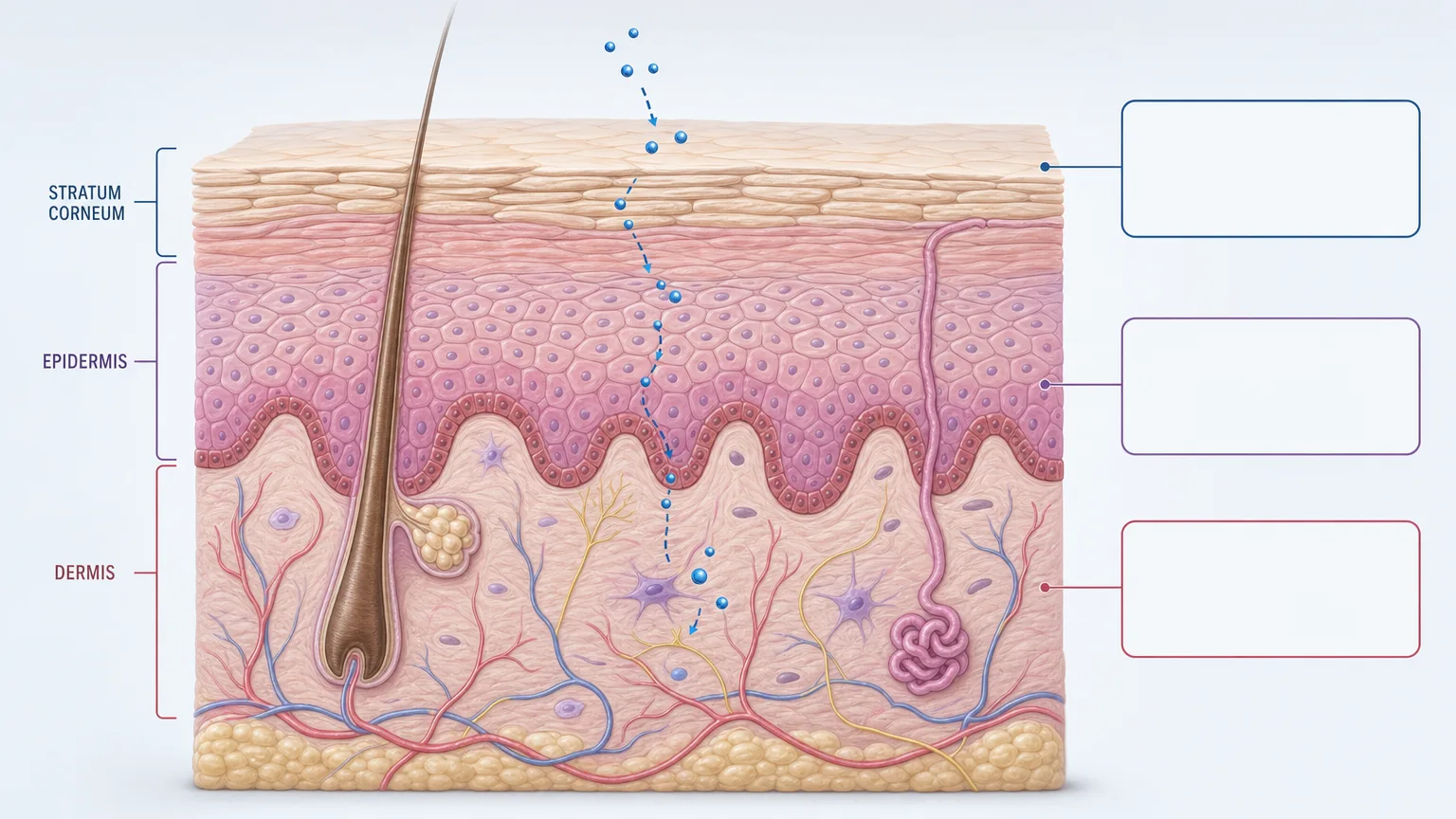
Turn a supplied paper into a figure-led research presentation without turning its findings into broader claims. Research Paper Deck reorganizes the material from question and method through evidence, limits and conclusion. The result is a fixed 16:9 browser deck with editable content, source-linked captions and speaker notes, with PowerPoint and PDF export paths documented in the current package.
What you get
A research narrative built for the intended audience and talk length, rather than a slide for every paper section. Every content slide starts from an appropriate chart, diagram or figure; the principal evidence receives at least half the useful frame, with supporting copy kept concise.
Captions and sources immediately below figures, preserved units and comparators, and explicit labels for reconstructed, inferred or illustrative data. A claim-to-paper check should retain uncertainty and limitations and identify missing evidence instead of supplying invented numbers. A separate claim-to-paper list records the source location for each headline or numerical assertion and flags unresolved evidence gaps.
A self-contained HTML deck using the bundled editor. Text, pictures, tables and other content objects remain separately editable in the browser; notes carry useful talking points and qualifications. The current file opens in page view with an Edit button, and Save writes changes into the downloaded HTML file.
Four generation-time content palettes—Canopy Field, Marine Assay, Mineral Lab and Berry Methods—coordinate with the approved source figures. They are not an in-editor four-theme picker: the shared editor remains monochrome and supports individual content-color changes. Never recolor an evidence figure in a way that alters its meaning.
A documented PowerPoint export preserving native text boxes and notes, with pictures as separate picture objects and other decorative layers rendered as pictures. PDF is a viewing/printing output with one 16:9 page per slide. Actual export fidelity and font substitution need inspection in the recipient’s application.
The installation includes seven reusable slide recipes (title, question, method, experiment, result, limitations and conclusion), composition/build/check scripts and the shared editor/export runtime. The generic schema fixture is not a completed research example; the actual presentation must be built from your paper, approved figures and newly populated slide data.
Before you choose
Read the conclusion beside the paper’s experimental conditions before polishing the deck. A clean figure and confident headline can accidentally erase a comparator or uncertainty. Choose only enough background and ablation detail to help the audience understand why the result supports that bounded conclusion.
Good fit
Researchers and graduate students have a complete paper to present at a lab meeting, conference summary or research briefing, and want a narrative they can speak rather than a compressed manuscript.
A science communicator needs to explain the evidence to a mixed audience while keeping the study’s conditions, uncertainty and scope visible.
You can provide a complete source extract and identify which figures and tables may be reused, or supply enough actual data for a faithful labeled reconstruction.
Not for
Generating a research story without a paper or sufficiently complete verified extract. Authors, citations, datasets, equations, results and conclusions must come from the supplied material.
A section-by-section source dump or text-only slides. The workflow chooses figures and evidence layouts to explain the argument rather than reproduce the manuscript’s table of contents.
A long derivation tutorial or a promise to typeset complex equations from scratch. Use an approved crop of complex mathematics from the paper; retain the original expression in notes if a concise on-screen simplification is warranted and verified.
A promise that every chart and decoration becomes a native editable PowerPoint shape, or that a recipient without the same fonts sees identical wrapping.
How to use
You say/research-paper-deck Turn this fictional acoustic-ecology manuscript into a seven-slide figure-first summary.
Supply the full paper or complete verified extract, audience expertise, talk duration and setting. Identify the central claim and requested page count, figure/table reuse permissions and citation requirements. Resolve essential missing material before composing the argument.
Check title, authors, methods, experiments and main results against the source. Plan the problem-to-evidence sequence and select a visual for each content slide before its short copy. Preserve units, comparators and limitations, and label a redrawn chart according to what was actually reconstructed.
Compose the agreed sequence from the style-kit recipes, repeating or adapting layouts where the argument needs it. Populate text, picture/alt slots, SVG labels and data-like percentages; inspect the compose report for unfilled images and leftover example claims. The current build and static checks use Python 3, with no Node packages or saving server required for the finished HTML. Run compose, build-deck.py and check-deck.py with the expected slide count and style kit; optimize oversized images if warned and check again. The schema fixture and its sample study must not pass through as your finished paper.
Open the generated deck over local HTTP for review. Enter editing with Edit or the E key, then test text changes, image replacement, slide order, adding/moving/deleting objects, notes, colors, Smart layouts and undo/redo. Save with Cmd/Ctrl+S and reopen the saved HTML to confirm the edits travel with the file. An embedded preview may restrict persistence and export; use the downloaded standalone file for the complete workflow.
Review the deck against the paper, including every displayed number, citation and visual reconstruction. Retain speaker notes and the original expression when a displayed equation is simplified, checking that simplification has not changed the claim. Maintain the claim-to-paper list and mark any unresolved gap. If essential material is absent, resolve it through a focused question rather than filling the space with a plausible number.
Export only the formats requested. Inspect the PPTX in PowerPoint, Keynote or WPS for editable text, notes, picture crops, missing fonts and changed line breaks; check PDF pagination separately. A build check is not a substitute for this visual and factual review. Run check-pptx.py against the generated project before native-application inspection. Keep all presentation media and fonts embedded for the offline HTML, and set interface language independently of slide/notes language; English content is the default unless another language is requested.
Requirements and costs
You bring
Complete paper or verified source extract · Audience expertise, talk duration, and setting · Figures and tables approved for presentation use
Dependencies
Modern browser — required · Node.js 20 or newer — required for local validation · Chrome, Chromium or Edge plus Node.js 20 or newer — required only for PowerPoint export
Outside costs
Not collected yet
Publisher testing
v1.0.4 — Claude Code / Claude Desktop / Cowork / Codex / ChatGPT
FAQ
Use Edit or press E while viewing, then revise text, replace pictures, change slide order and edit speaker notes. Browser storage keeps a local safety copy, but Save (Cmd/Ctrl+S) writes a portable HTML containing the current changes; depending on browser support it updates the chosen file or downloads a new copy. Open the saved file again before handoff. Export is available from the standalone file, while a sandboxed preview may only permit temporary editing.
The four palettes configure slide content during generation. You can change individual content colors in the editor, but there is no four-theme switcher in the current shared runtime. Choose a palette that works with the paper’s approved figures and retain the meaning of all evidence colors.
The documented export keeps slide text as native text boxes and speaker notes in the notes pane. Pictures remain separate objects; complex image effects may be baked into those pictures. Backgrounds, SVG artwork and decoration are rasterized layers rather than a guarantee of native chart or shape editing. Verify the file in the intended application.
Identify the permitted material first. When supplied numerical data supports an honest reconstruction, draw and label it as reconstructed rather than presenting it as the original figure. If required data or permission is missing, resolve the gap or omit the unsupported element; do not estimate unseen values to complete a slide.
The runtime calls for three to five useful talking points per slide. Notes should retain caveats and the verbal explanation omitted from the slide. If an equation is simplified, keep and check the original expression in the notes rather than losing the technical condition.
Not automatically. The recipient’s presentation software may substitute missing fonts and change width or weight. Compare the actual export with the browser version and report material differences rather than treating a successful export command as verified fidelity.
User reviews
—0 reviews
Select a star to share your experience.
No reviews yet. Ratings appear once readers share real experiences.