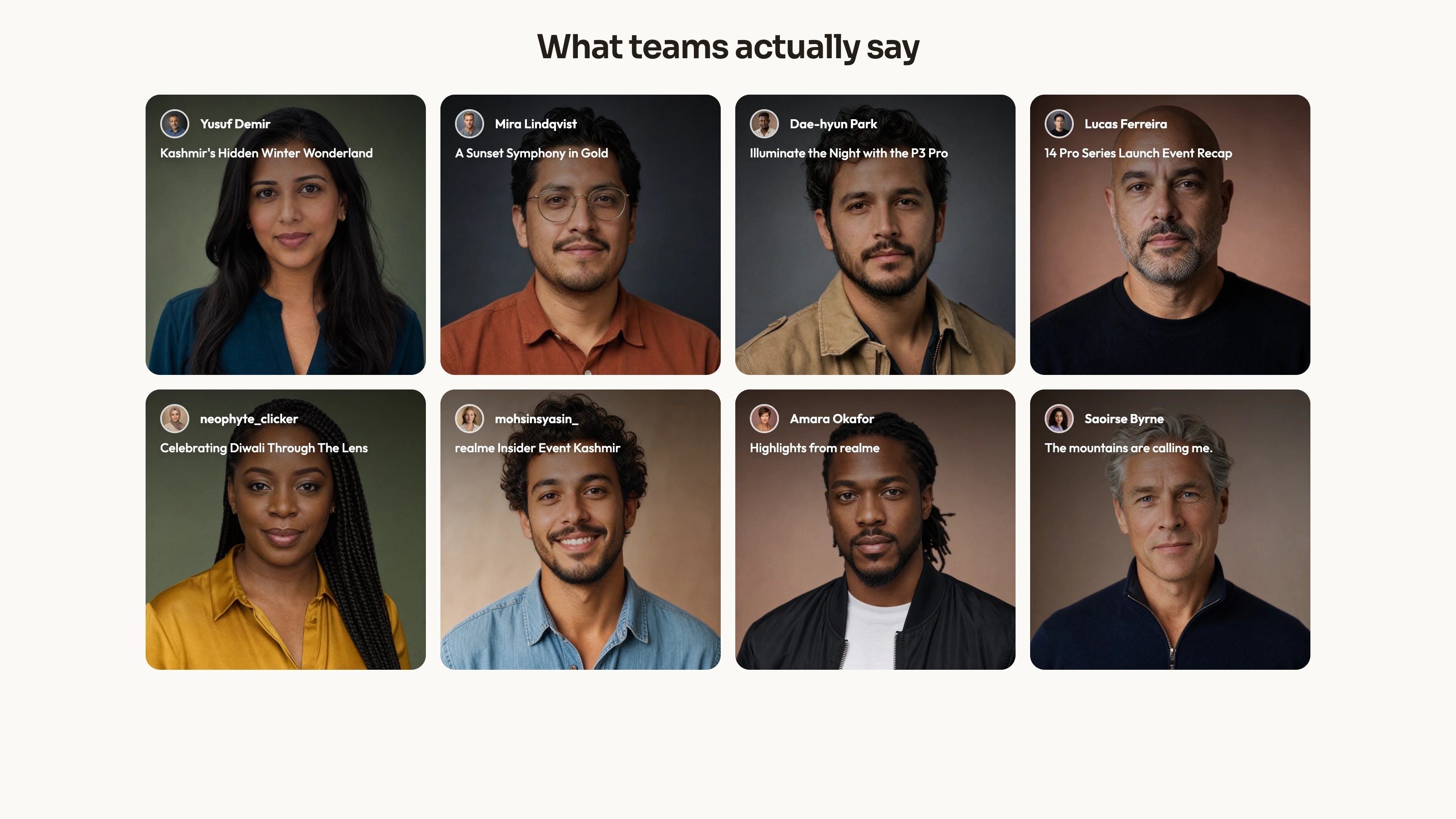
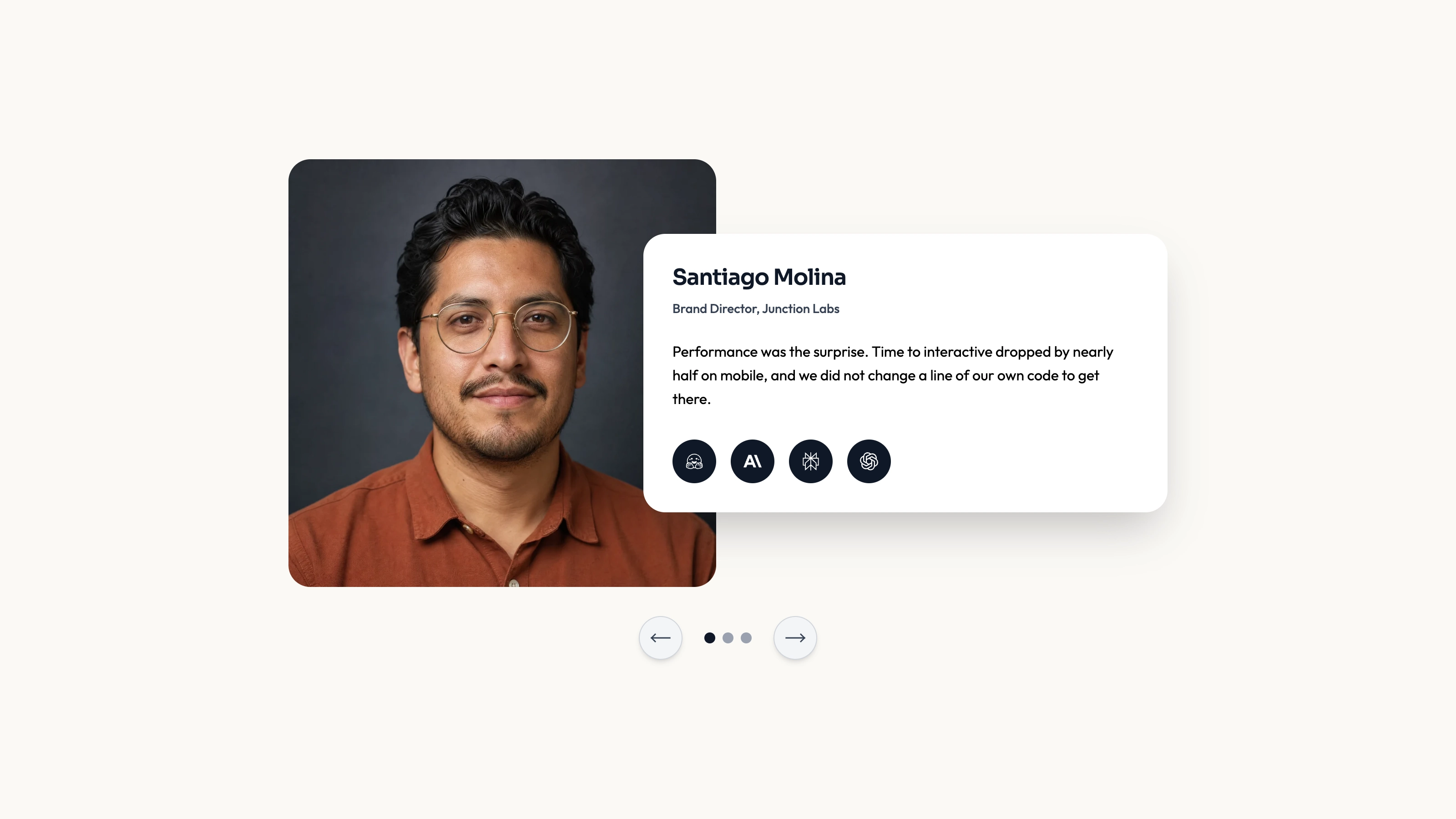
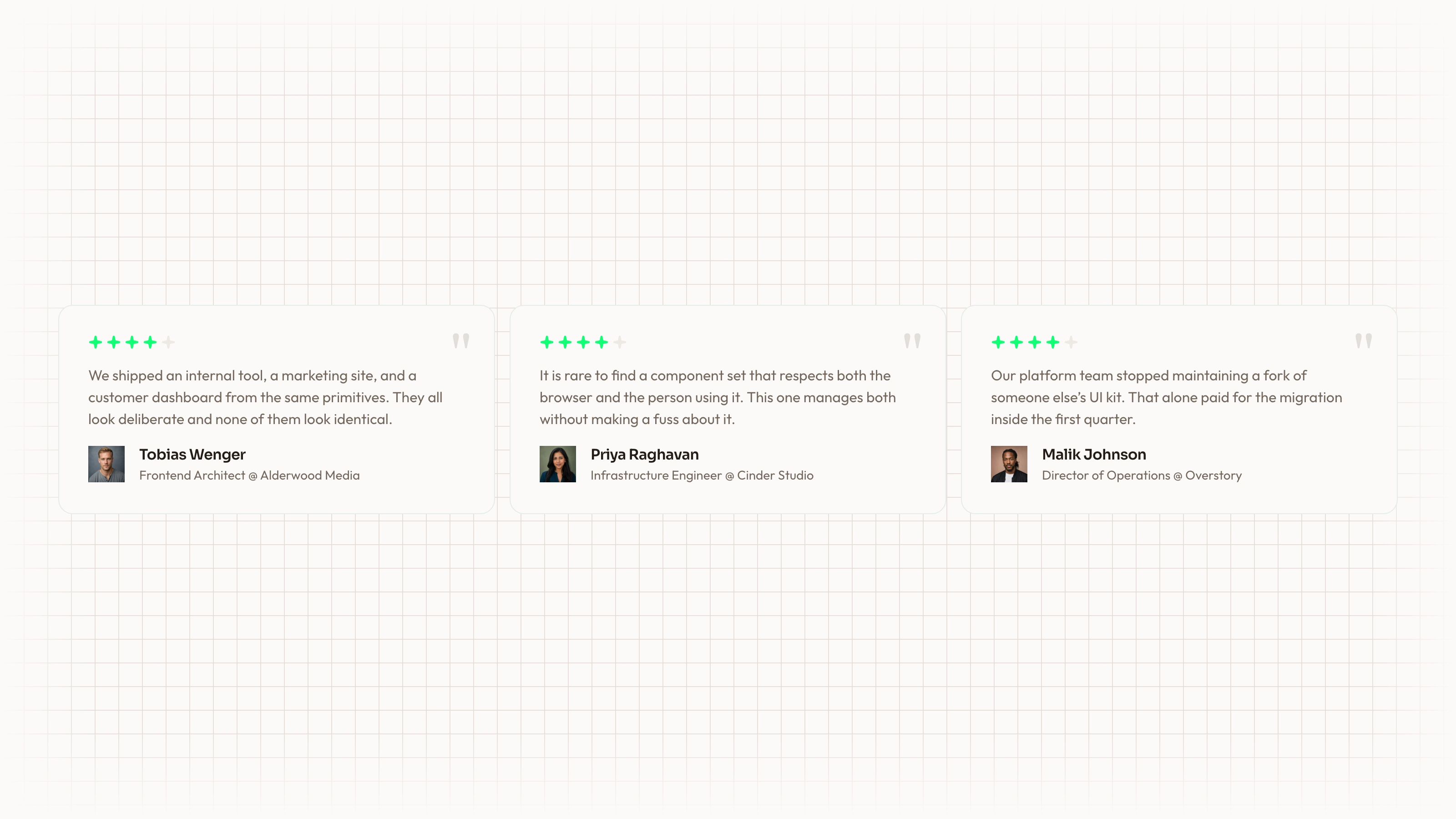
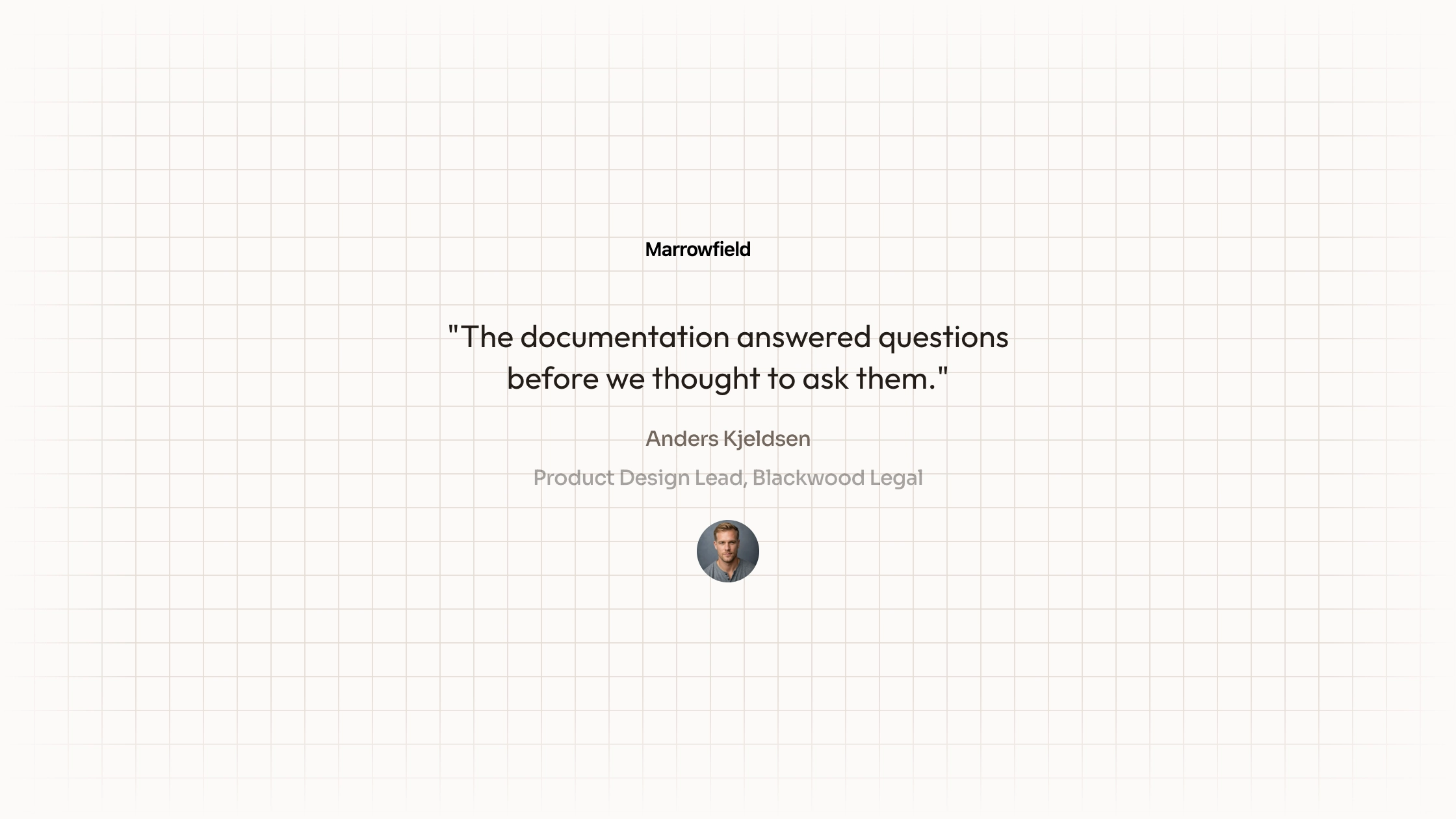
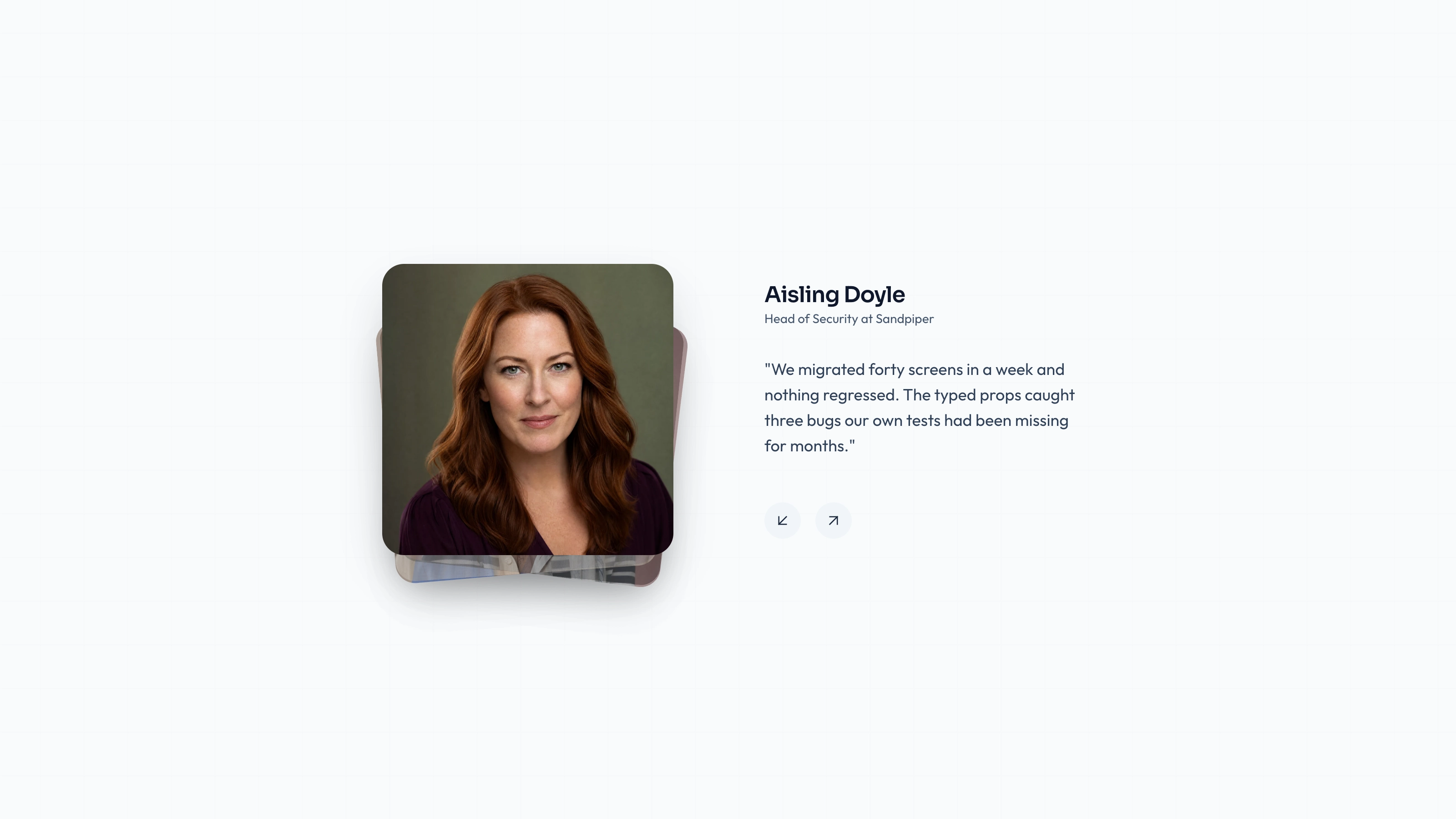
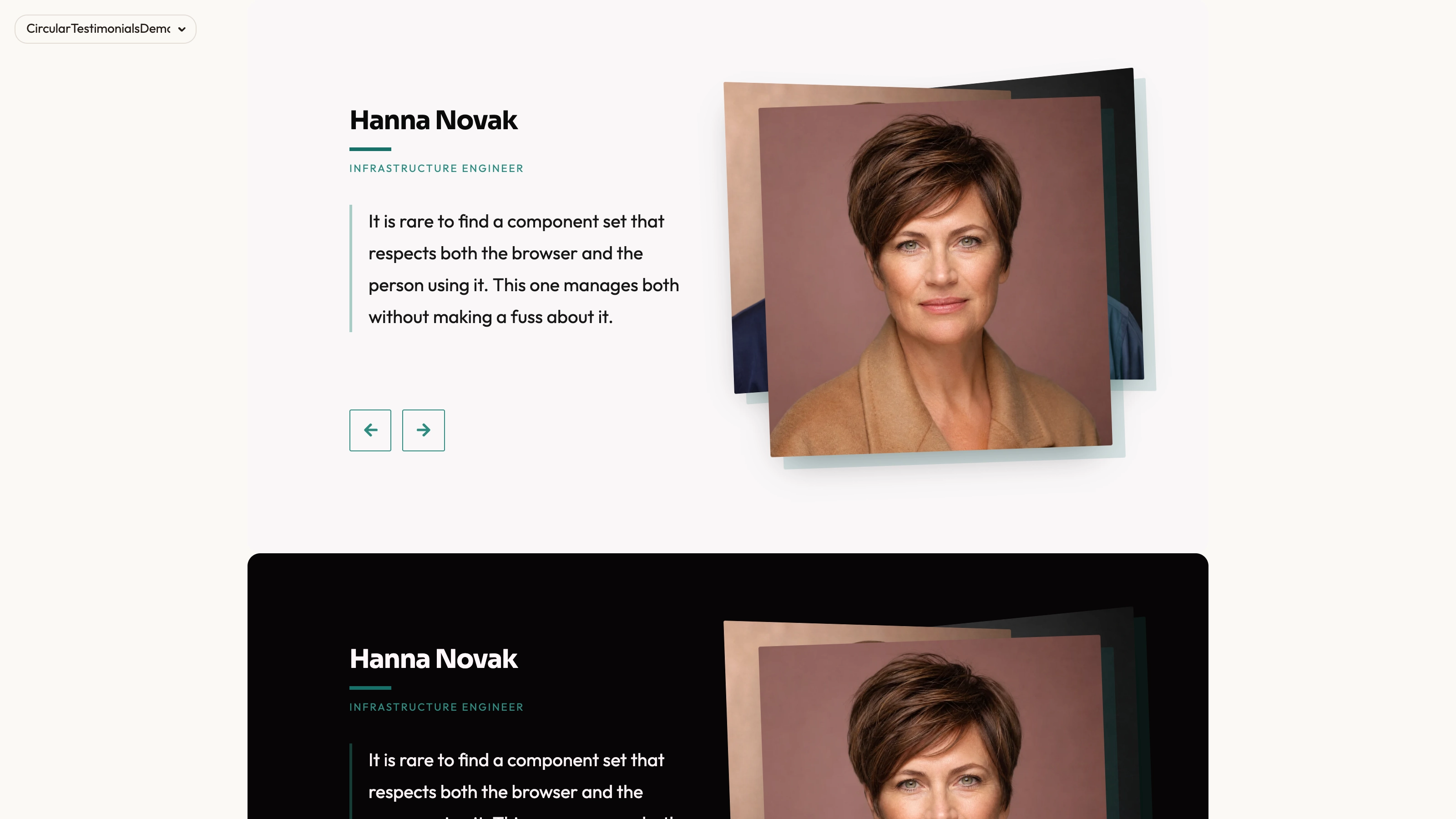
Give one customer statement a focused reading area beside a changing portrait stack. Portrait Switcher keeps the active name, designation and quote together while previous/next controls select another record. Optional automatic cycling is available, but the inspected component defaults to manual navigation.
What you get
A React/TypeScript AnimatedTestimonials component and five-record demo using quote, name, designation and src. Requires a nonempty array. It uses Next Image, framer-motion, Tabler arrows and cn; copy and maintain it in the host instead of expecting a versioned npm block.
Manual previous/next wraparound by default, with optional five-second autoplay. Layered portraits change opacity, scale, depth and randomized angles; the selected portrait briefly lifts and settles. Quote words reveal from blur in 0.02-second increments. It is a layered-image composition, not a canvas backdrop.
Editable source, visual/icon/imagery references and a source checker. Portrait paths are included but no actual portrait or WOFF 2 font binaries ship. The host must resolve Next Image, React, framer-motion, @tabler/icons-react, cn and utility/theme styling.
The written visual contract defines warm paper/teal light tokens, dark roles, Outfit body type, Sora headings and a 0.875rem base radius. It calls for restrained motion and inline SVG icons with 1.5 px square-cap strokes; real vendor marks should be monochrome and visibly named. Reconcile the actual classes, images and animation with those rules, including any fixed values.
Before you choose
Use manual control when a quote needs thought or carries an important qualification. Portrait movement should help readers notice the selected person without making the statement feel disposable after a timer expires.
Good fit
You have a few substantial approved quotes that benefit from being read one at a time beside their speaker.
You want names, roles and portraits to change as a coherent record rather than presenting an uncredited rotating sentence.
You can own integration and maintenance of source rather than expecting a managed testimonial platform or versioned package.
Not for
Assuming the optional five-second interval gives every long quote enough reading time.
A live review feed or a complete app with forms, navigation, authentication and checkout.
Unchanged compatibility with any design system or framework. The React/Next.js, motion and icon imports require inspection.
A no-motion or fixed-frame presentation without reviewing the random image-angle and text-animation behavior.
How to use
You say/testimonial-portrait-switcher Add the Portrait Switcher Testimonials section to the landing page for [product name]. Use the quotes, names and portraits I provide; do not invent testimonials. Follow the existing page framework and styling.
Inspect the actual repository/page, client boundary and React/Next Image/framer-motion/Tabler/cn dependencies, then adapt the component/demo into its conventions. Another framework requires a genuine port; standalone HTML is an explicitly requested alternative, not a universal default.
Replace sample quotes, names, designations and portraits together. Keep each record’s image stable and approved and do not treat demonstration affiliations as actual endorsements.
The written visual contract defines warm paper/teal light tokens, dark roles, Outfit body type, Sora headings and a 0.875rem base radius. It calls for restrained motion and inline SVG icons with 1.5 px square-cap strokes; real vendor marks should be monochrome and visibly named. Reconcile the actual classes, images and animation with those rules, including any fixed values. Supply actual local portrait/font files. Use portraits of the named speakers and keep records accurate; preserve the separate abstract rule for any added invert/blend/contain slot. Reconcile Tabler arrow styling with the documented icon treatment rather than assuming it matches automatically.
Choose manual navigation or autoplay based on the content. The default is manual; enabling autoplay advances every five seconds. Test long quotes and decide how motion-sensitive or interrupted readers can inspect the complete statement. The source does not pause automatically on focus/hover or honor a reduced-motion preference. Add an appropriate policy and test if autoplay is used. If supplying changing records rather than the fixed demo array, review active-index and timer behavior too.
Run the supplied checks, then review previous/next selection, wraparound, active image/text pairing, focus, narrow layout and actual asset requests. Inspect image angles and word animation with final text instead of assuming the sample demonstrates every condition. The arrow buttons currently have no accessible names; add them deliberately and review focus size/visibility. A nonempty data requirement and randomized image transforms mean a successful import is not visual or interaction acceptance.
Requirements and costs
You bring
Not collected yet
Dependencies
Not collected yet
Outside costs
Not collected yet
Publisher testing
v1.0.3 — Claude Code / Claude Desktop / Cowork / Codex / ChatGPT
FAQ
The bundled source is React with Next.js Image, framer-motion and Tabler icon imports. The Skill asks for repository-first adaptation. A port into another stack must preserve behavior and styling, and an HTML standalone rendition is a separate requested output rather than unchanged TSX compatibility.
No review collection is implemented. The source references local portraits, but their files and fonts are absent from this ZIP. Supply them; Next Image processing and the surrounding application’s requests still need verification in the completed host environment.
Yes. Replace the entire record so portrait, name, designation and quote agree. Follow the imagery guide’s portrait and special blended-image rules and inspect long-copy layout and crop after replacement.
Not by default. The inspected autoplay prop defaults to false. When enabled, a five-second interval moves to the next record; that interval is not proof that all statements can be read comfortably.
The component includes a random angle function for the portrait treatment. If reproducible frame output or a calmer presentation is required, review and stabilize that behavior during integration.
User reviews
—0 reviews
Select a star to share your experience.
No reviews yet. Ratings appear once readers share real experiences.