City Street Map Illustrator

Create an illustrated city scene from a supplied street skeleton and verified landmark relationships. City Street Map Illustrator explores three visual directions while keeping decorative emphasis separate from navigational truth. Exact place labels and a navigation disclaimer are added after generation; the artwork is not an independently verified routing service.

What you get

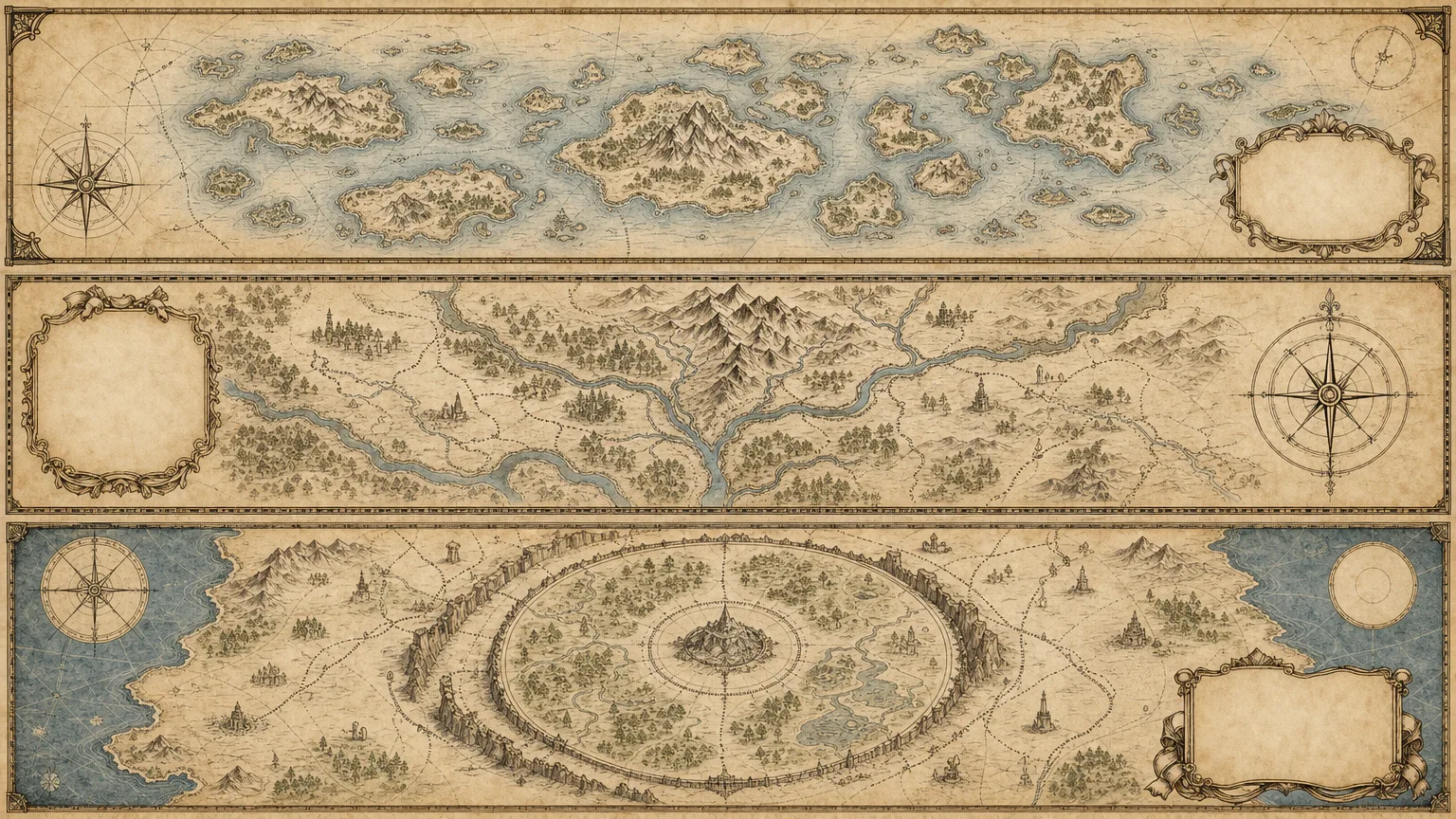
  • Three distinct 16:9 illustrated-map review directions using the approved city boundary, orientation, street skeleton and landmark list. Decorative landmarks can provide character, but their scale and prominence must not be confused with verified location or distance.
  • A source ledger separating supplied geographic facts, illustration assumptions, rights/privacy constraints and unresolved items. The brief records landmark-relative placement, palette, mood, label plan, exclusions and who owns final review.
  • Clean label-safe zones, followed by exact place names, evidence notes and navigation disclaimers in a deterministic overlay. Functional symbols are labelled inline SVG where appropriate; generated pseudo-writing and decorative arrows do not establish navigational accuracy.
  • Exactly three final 16:9 WebP previews after selection/inspection and export. The supplied generator requests three 1536×864 PNG variants from a single prompt, with no geographic-coordinate validator, navigation engine, automatic label layer or WebP converter. Visual/geographic comparison and final formatting remain necessary.
  • Workflow instructions, a brief contract, an SVG reference and FAL script with a saved request record. The output is an illustrated raster scene, not an editable GIS database or a live map of routes, closures and travel conditions.

Before you choose

Review relationships before decoration: can the reviewer recover the approved orientation and locate each landmark relative to the others? If a charming building, winding road or oversized icon changes that reading, correct it or disclose the stylization instead of letting the picture imply geographic precision.

Good fit

  • An editor has verified local material and needs an original illustrated city or neighborhood visual.
  • A publisher wants a consistent map-illustration system without copying another platform’s map design or branding.
  • A creator can review landmark placement, place-name accuracy, privacy, permissions and the intended non-navigation use.

Not for

  • Inventing streets, landmark locations, measurements, citations or permissions and presenting them as verified geography.
  • Turn-by-turn navigation, accurate distance measurement or live conditions inferred from decorative artwork.
  • Reusing platform branding, protected designs, watermarks or uncleared assets, or replacing geographic, rights, accessibility and final human review.

How to use

You say/city-street-map-illustrator Create an original illustrated street-map scene from the verified geography I provide. Keep decorative landmarks separate from navigational information.
  1. Provide the approved boundary, street skeleton, orientation and verified landmarks with relative placement. Include audience/use, palette/mood, intended ratio, label plan, navigation disclaimer, privacy restrictions and prohibited identifiers. Assign a reviewer who can compare the drawing with the approved geography.

  2. Build a ledger distinguishing fixed location relationships from decorative choices and unknowns. Review a fresh English brief specifying the scene composition, landmark hierarchy, street continuity, labels to add later and exact exclusions. Do not infer locations or permissions just to fill a gap.

  3. Use Node.js 20 or newer, a FAL account and FAL_KEY in the environment. The included wrapper submits one paid task for three high-quality 1536×864 PNG variants. It hardcodes those dimensions rather than implementing an arbitrary ratio from the brief; different output geometry needs a separately adapted workflow.

  4. Keep provider-task.json. With a saved ID and unchanged prompt/output directory, rerun to resume the same request; recorded failed tasks are not automatically resubmitted. A lost submission response or failed record write needs manual provider-history review before retrying because persistence occurs after the response. Preserve approved copies separately from resumable download filenames.

  5. Compare each image with the approved orientation, boundary, street structure and landmark-relative placement. Check that decorative enlargement has not implied false adjacency or route connections, and review privacy-sensitive identifiers, unwanted logos/watermarks and actual output ratio. The script checks three results, not map truth, distances or visual distinctness.

  6. Add exact labels, citations where needed and the navigation disclaimer in a deterministic tool. Check spelling and callout placement against the approved list, convert/verify the final WebP exports and deliver three previews with open issues recorded. Keep final geographic, rights, accessibility and publication review explicit.

Requirements and costs

You bring
Approved city boundary, street skeleton, and orientation · Verified landmark list and relative placement · Illustration mood, ratio, palette, and label plan · Navigation disclaimer, rights, privacy, and prohibited identifiers
Dependencies
FAL account — required · Node.js 20 or newer — required
Outside costs
Image generation uses one paid FAL task for three directions. Review the brief before submission; a failed task is never retried automatically.
Publisher testing
v1.0.0 — Claude Code / Claude Desktop / Cowork / Codex / ChatGPT

FAQ

User reviews

—0 reviews

Select a star to share your experience.

No reviews yet. Ratings appear once readers share real experiences.

Similar Skills

View all skills