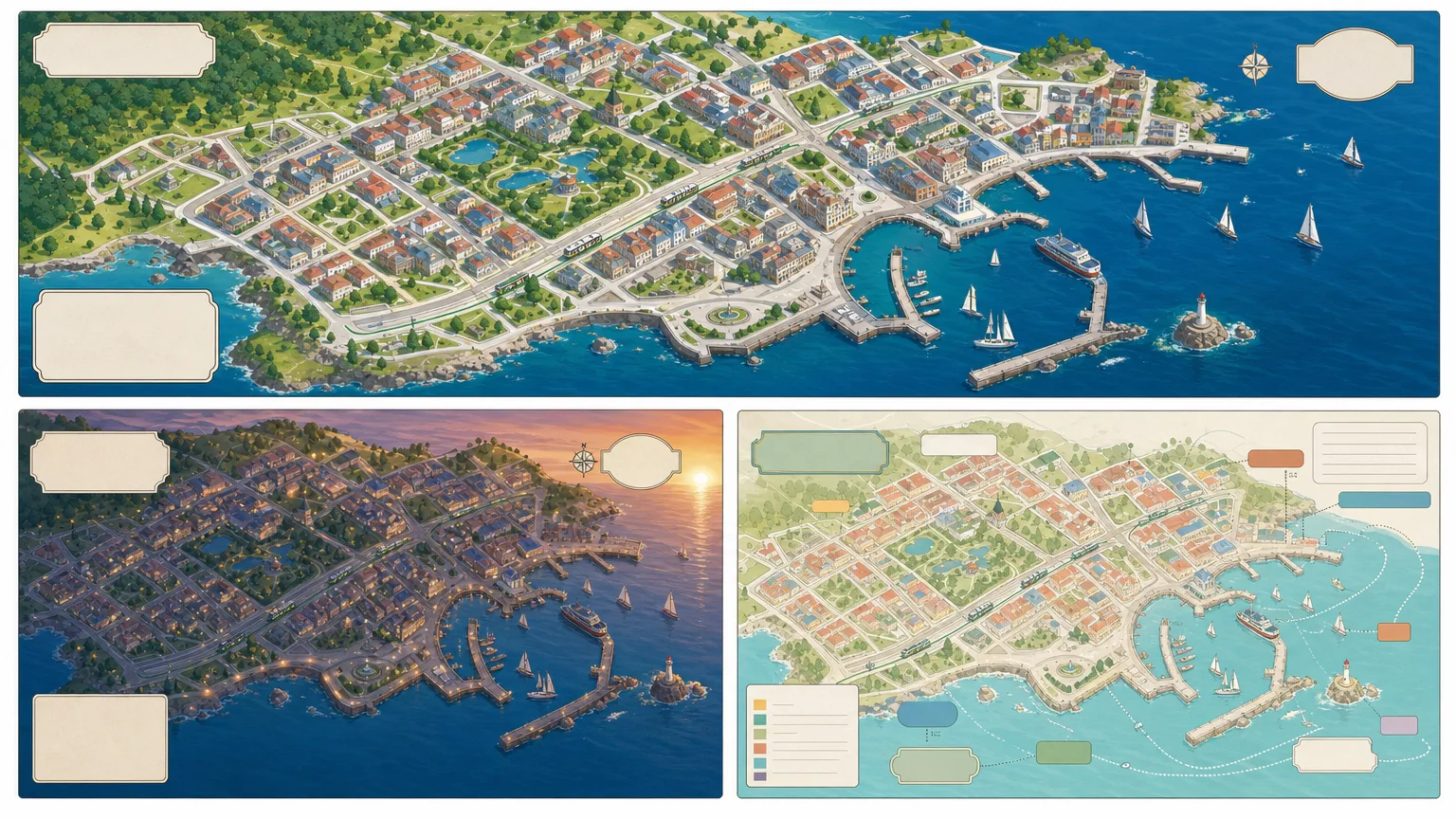
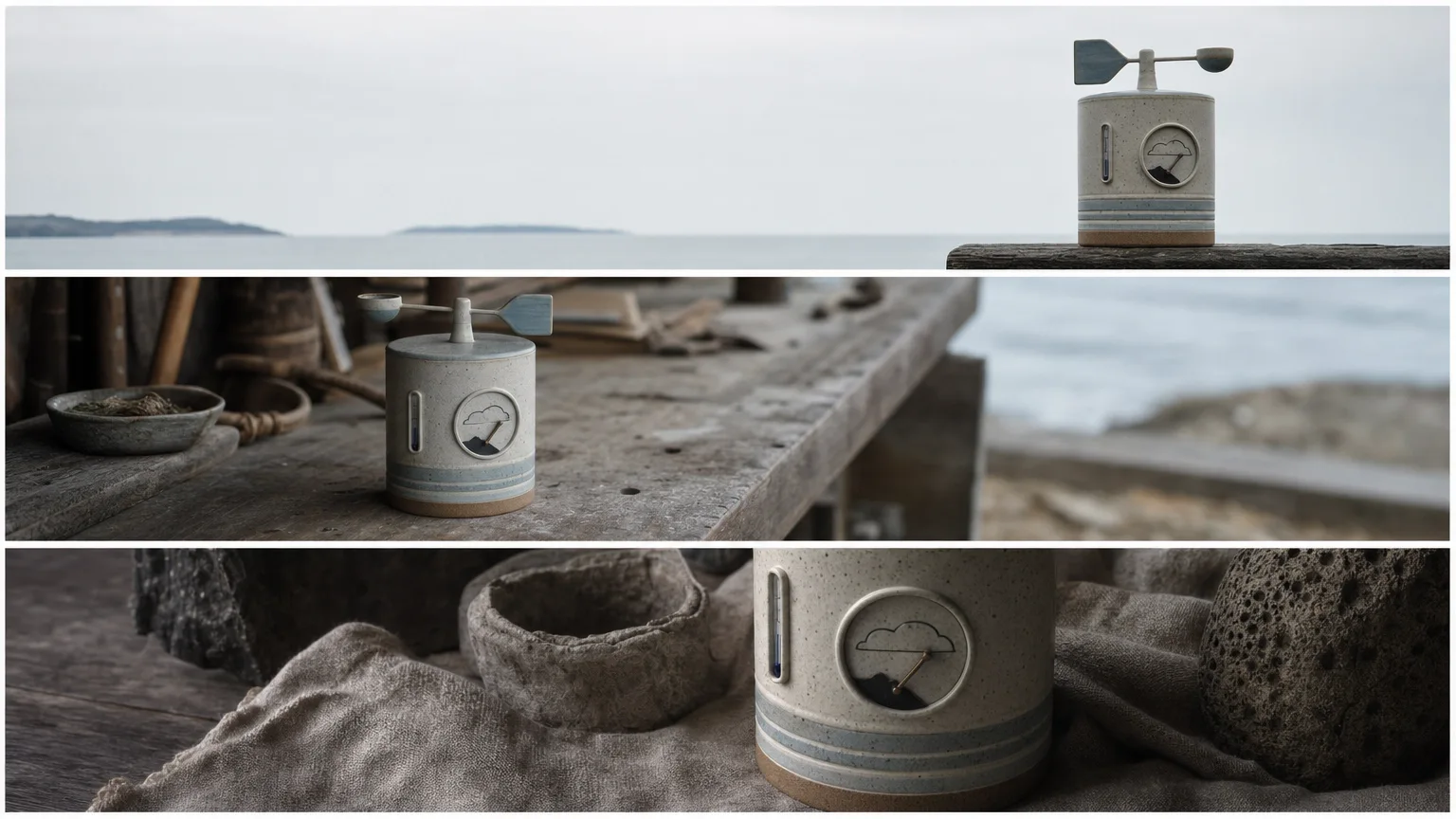
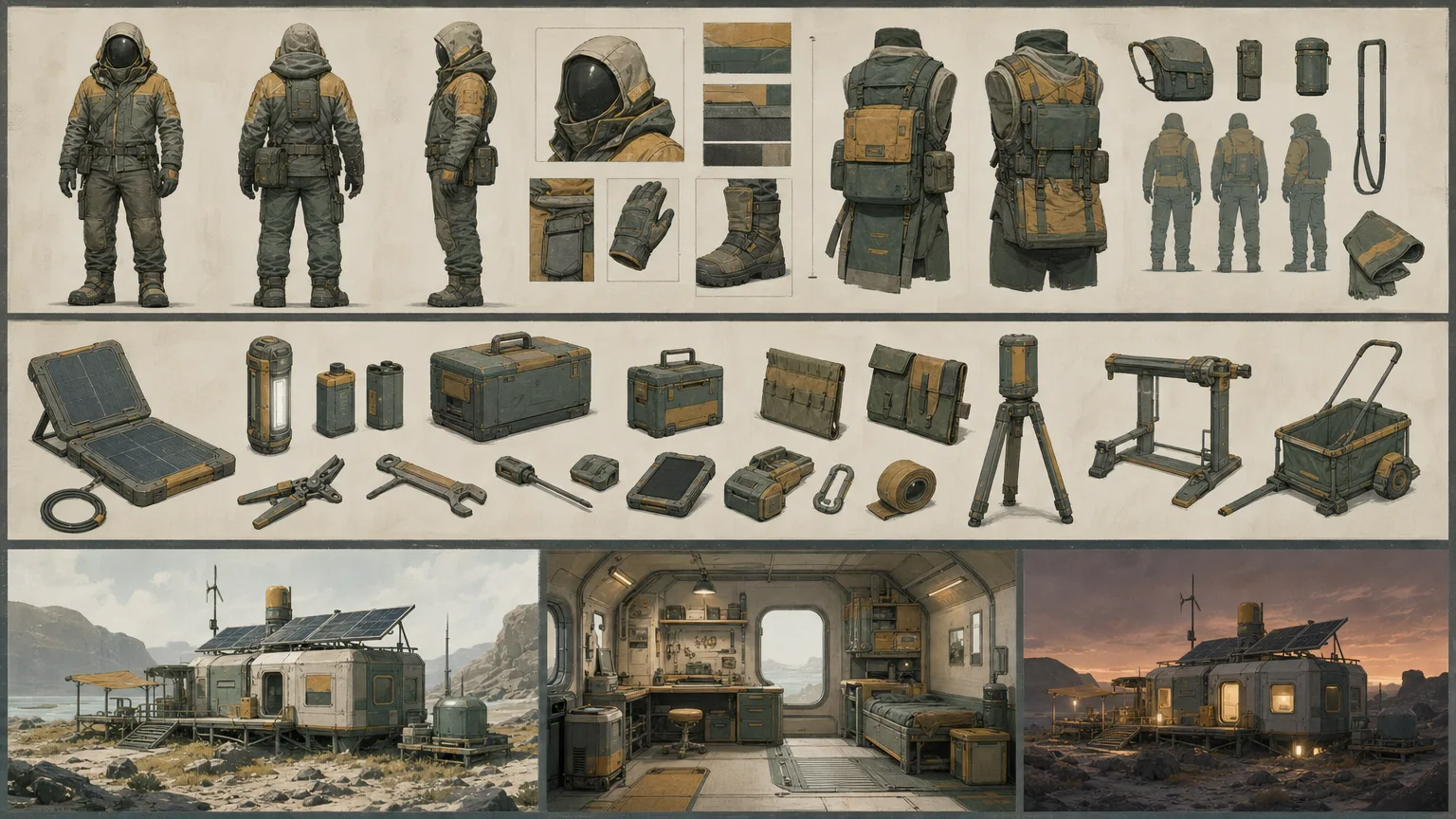
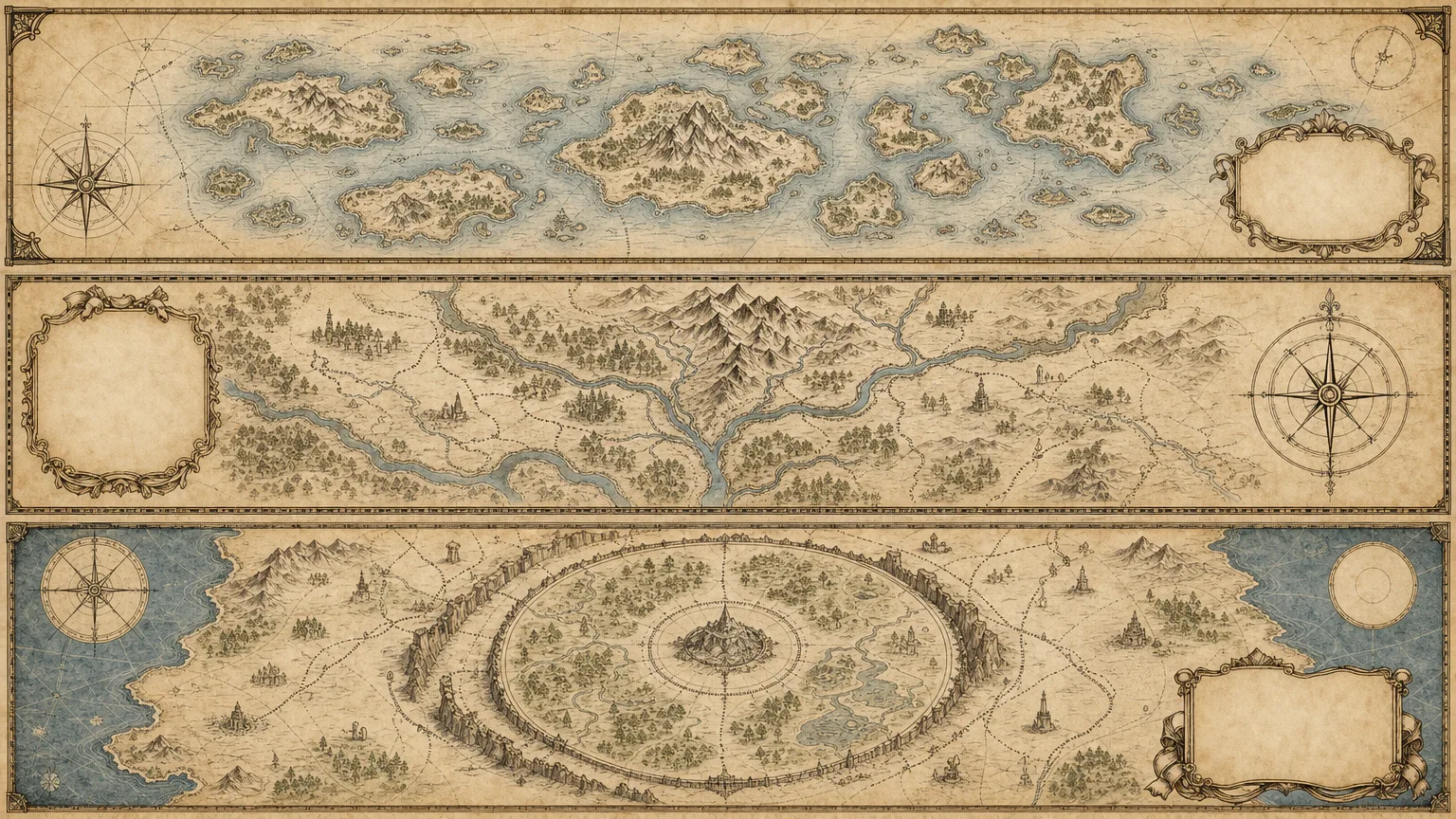
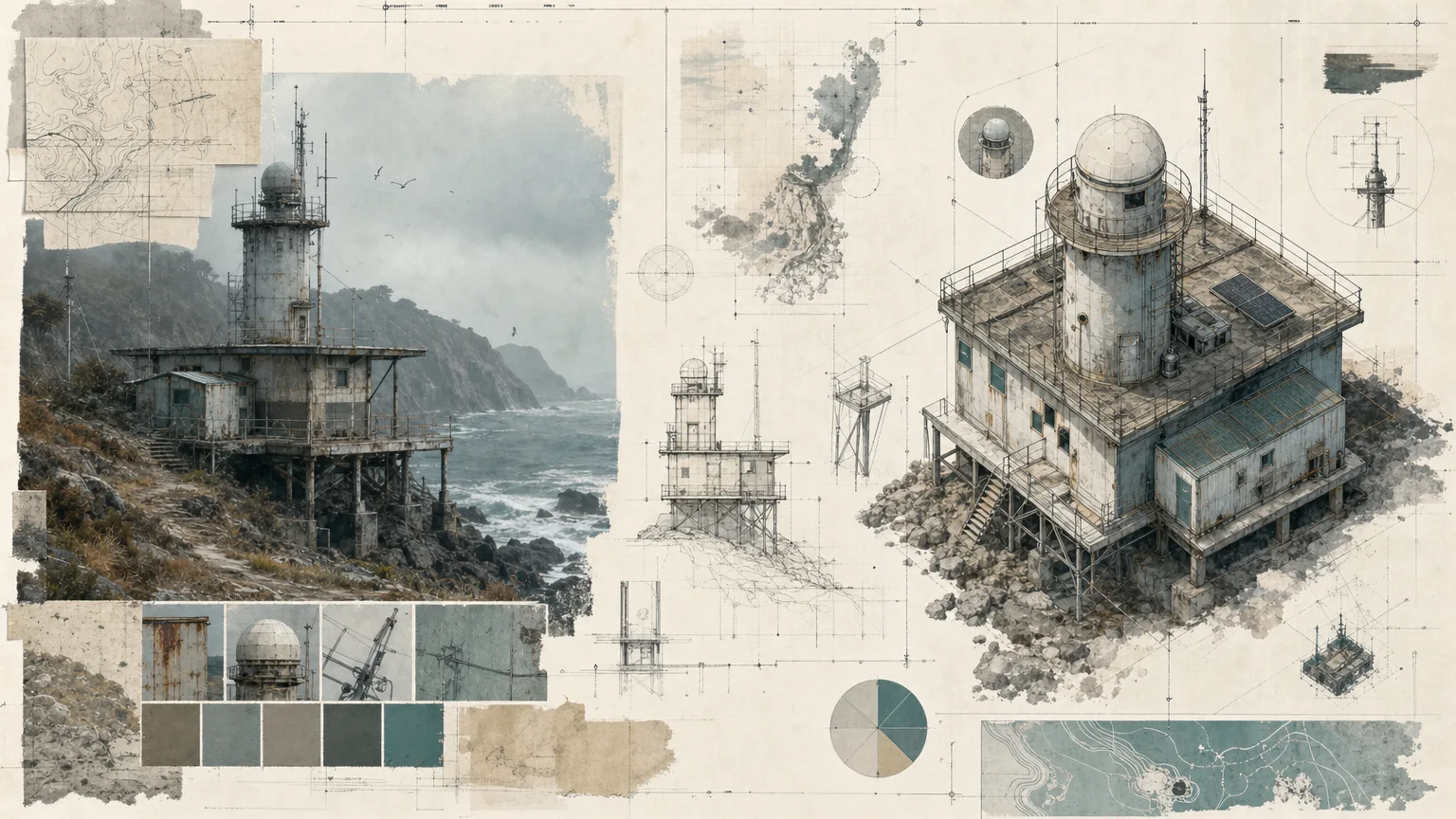
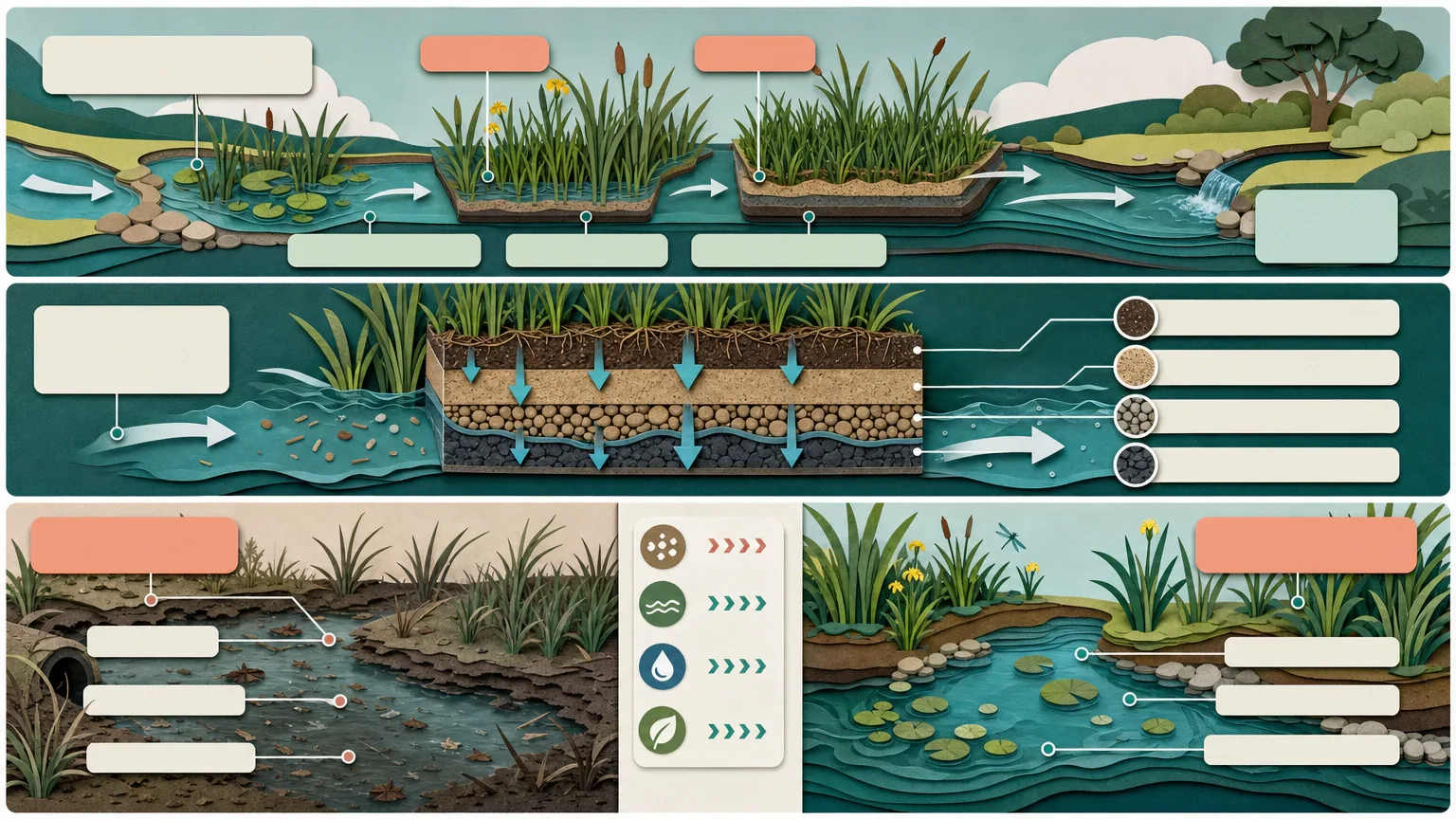
Explore how a scene reads through different shot sizes, angles, implied movement and blocking. Cinematic Shot Grid plans continuity anchors before creating three storyboard-contact-sheet directions, so variation serves the scene beat rather than simply changing the pictures. These are static visual studies for review, not an automatically edited film or a guarantee of frame-to-frame continuity.
What you get
Three distinct 16:9 storyboard-grid review previews built around an approved scene beat, characters, location, duration and requested panel count. Each direction should explore a deliberate editorial rhythm while retaining recognizable wardrobe, props, lighting and screen direction.
A source ledger separating supplied scene facts, creative assumptions, rights constraints and unresolved questions, with a named reviewer. A reviewed brief specifies panel composition, continuity, required shot sizes/movements and excluded content, rather than inventing missing scene details.
A visual quality gate for scene meaning, character/prop continuity, anatomy, legible panels, unwanted lettering, logos, watermarks and copied identities. Exact shot labels, timings or notes are added afterward with a deterministic layout tool when needed.
Final delivery calls for exactly three standalone 16:9 WebP files plus unresolved issues. The wrapper requests three 1536×864 PNG variants from one shared prompt; it does not enforce panel count, shot sequencing, continuity or WebP conversion. Those are production and review steps beyond receiving three image URLs.
The Skill instructions, brief contract, SVG icon reference and FAL wrapper with a persistent request record. It generates base images, not a video timeline, animatic, camera simulation or editable storyboard application.
Before you choose
Read each board as a sequence rather than a collection of attractive panels. Every change in distance, angle or blocking should clarify the approved scene beat, while the fixed wardrobe, props, light and screen direction let the viewer recognize the same scene.
Good fit
An editor or creator has an approved scene and wants visible alternatives for shot scale, angle and rhythm before production.
A publisher needs a coherent storyboard visual system across an explanatory or narrative sequence.
A team can review character/location rights, continuity anchors and the intended meaning of every panel.
Not for
Inventing source facts, timings, measurements, permissions or guaranteed production outcomes to complete a board.
Reusing protected characters, platform branding, watermarks or uncleared reference compositions.
Replacing subject, rights, accessibility or final human review, or assuming generated panels constitute actual motion or an edited film.
How to use
You say/cinematic-shot-grid Build a continuity-aware storyboard contact sheet from my scene brief, with deliberate changes in shot size, angle, movement and blocking.
Provide the approved scene beat, characters, location and duration; specify shot sizes, movements, editorial rhythm, overall ratio and panel count. List wardrobe, props, lighting and screen-direction anchors, rights/privacy restrictions and prohibited content. Confirm the audience and review owner.
Create a ledger of fixed scene facts, assumptions, permissions and open questions. Turn it into a fresh English brief that assigns a role to each panel and makes intentional shot variation explicit. Reserve clean space for exact labels and review the brief before payment.
Use Node.js 20 or newer with FAL_KEY in the environment and a FAL account. Submit one approved task through the bundled script for three high-quality 1536×864 PNG variants. The dimensions are hardcoded; a differently requested ratio is not a script setting. Provider generation is separately paid.
Preserve provider-task.json and the prompt. After the ID is saved, the same prompt/output directory resumes that request and recorded failed tasks are blocked from automatic resubmission. The record is written after the submission response, so inspect provider history before retrying a lost/uncertain response or record-write failure. Keep reviewed files separately because resume can overwrite matching downloads.
Compare the three grids with the approved beat and continuity anchors. Trace character/prop changes, light direction, screen direction and panel order; distinguish useful scale/angle changes from accidental inconsistency. Check panel count, actual ratio, visual distinctness, anatomy and absence of unwanted text or protected identities. The wrapper’s three-image count check cannot perform this review.
Add exact shot notes or labels in a deterministic overlay, using labelled inline SVG only where functional icons help. Convert to the required WebP files, verify exports, and deliver exactly three review directions with unresolved issues. Final subject, rights, accessibility and delivery decisions remain with the named reviewer.
Requirements and costs
You bring
Approved scene beat, characters, location, and duration · Continuity anchors for wardrobe, props, lighting, and screen direction · Required shot sizes, movements, and editorial rhythm · Aspect ratio, panel count, rights, and prohibited content
Image generation uses one paid FAL task for three directions. Review the brief before submission; a failed task is never retried automatically.
Publisher testing
v1.0.0 — Claude Code / Claude Desktop / Cowork / Codex / ChatGPT
FAQ
No copying is part of the intended workflow. It builds a new scene brief, panel structure and visual system from approved content, with reference expressions and protected identities excluded. Inspect the actual results for those boundaries rather than treating the prompt as automatic rights clearance.
They stay explicitly pending in the ledger. The agent should not invent a prop, timing, owner or permission and present it as supplied fact. Resolve continuity-critical questions before production and record remaining uncertainties for the reviewer.
The intended delivery is three distinct 16:9 WebP storyboard-grid previews. The bundled paid FAL task produces three PNG variants from one prompt at 1536×864. Matching panel count and scene continuity, adding exact text, converting to WebP and checking the files complete the workflow; the wrapper does not automate those guarantees. Node.js 20+ and FAL_KEY are required.
User reviews
—0 reviews
Select a star to share your experience.
No reviews yet. Ratings appear once readers share real experiences.