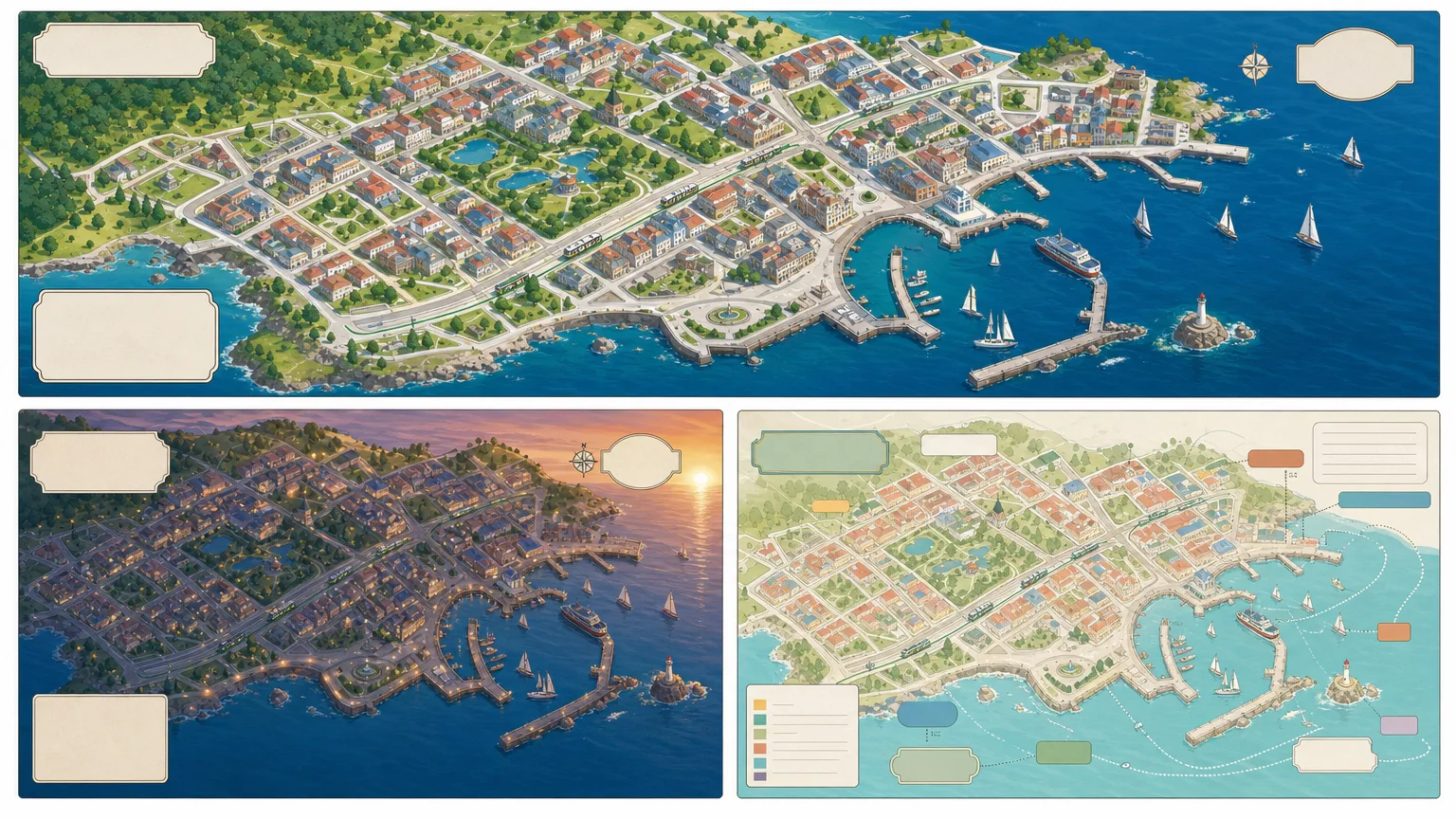
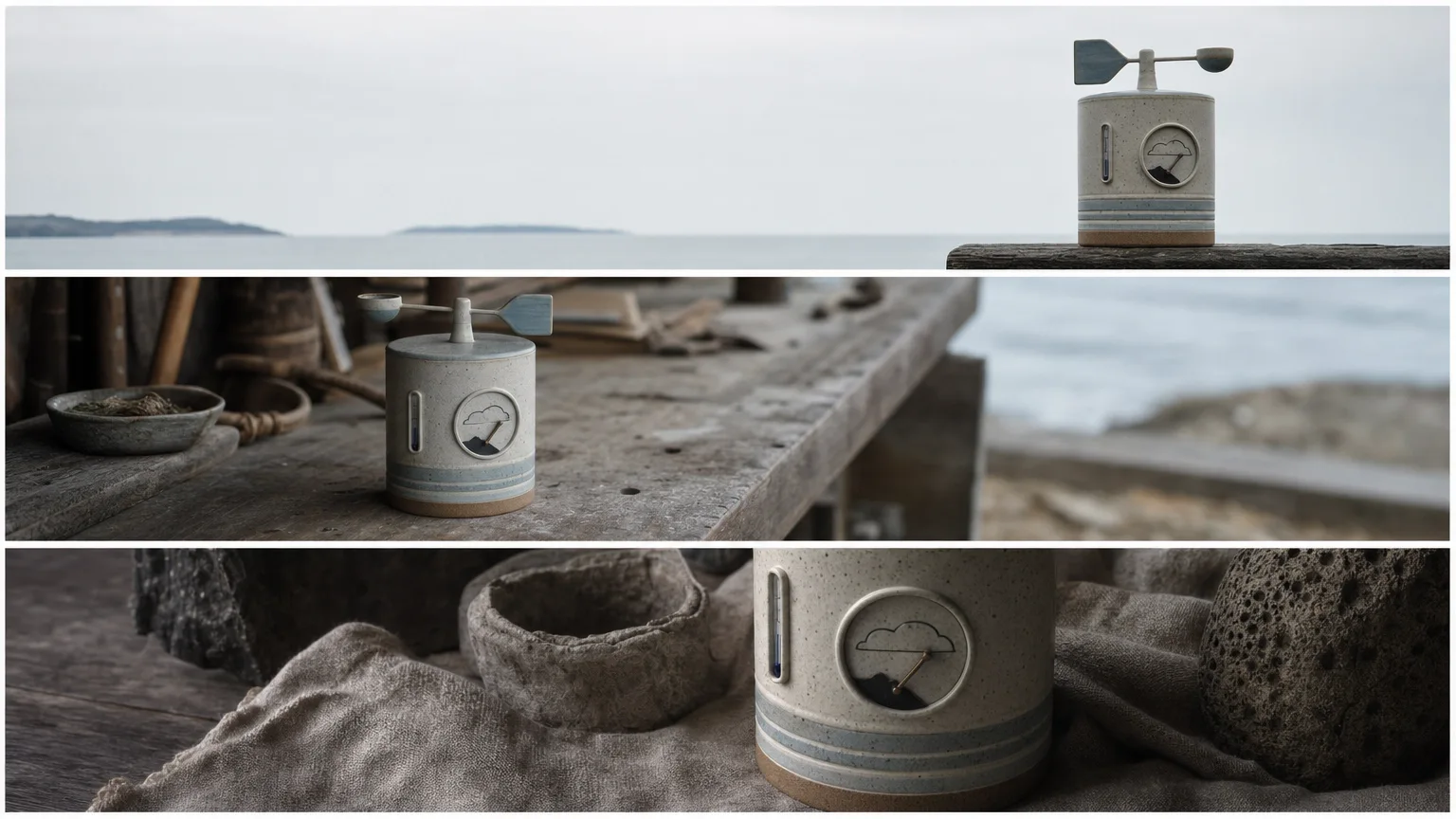
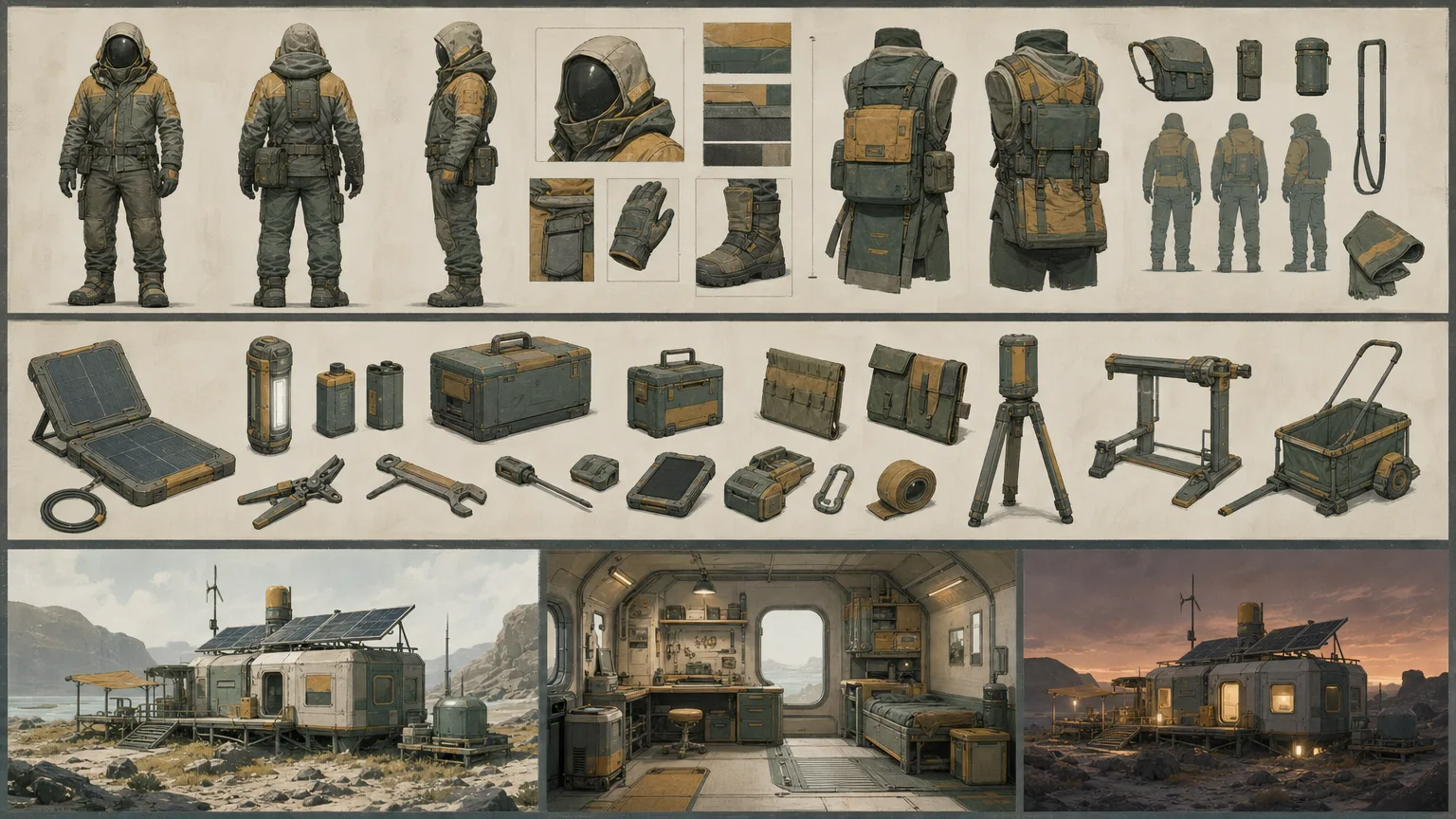
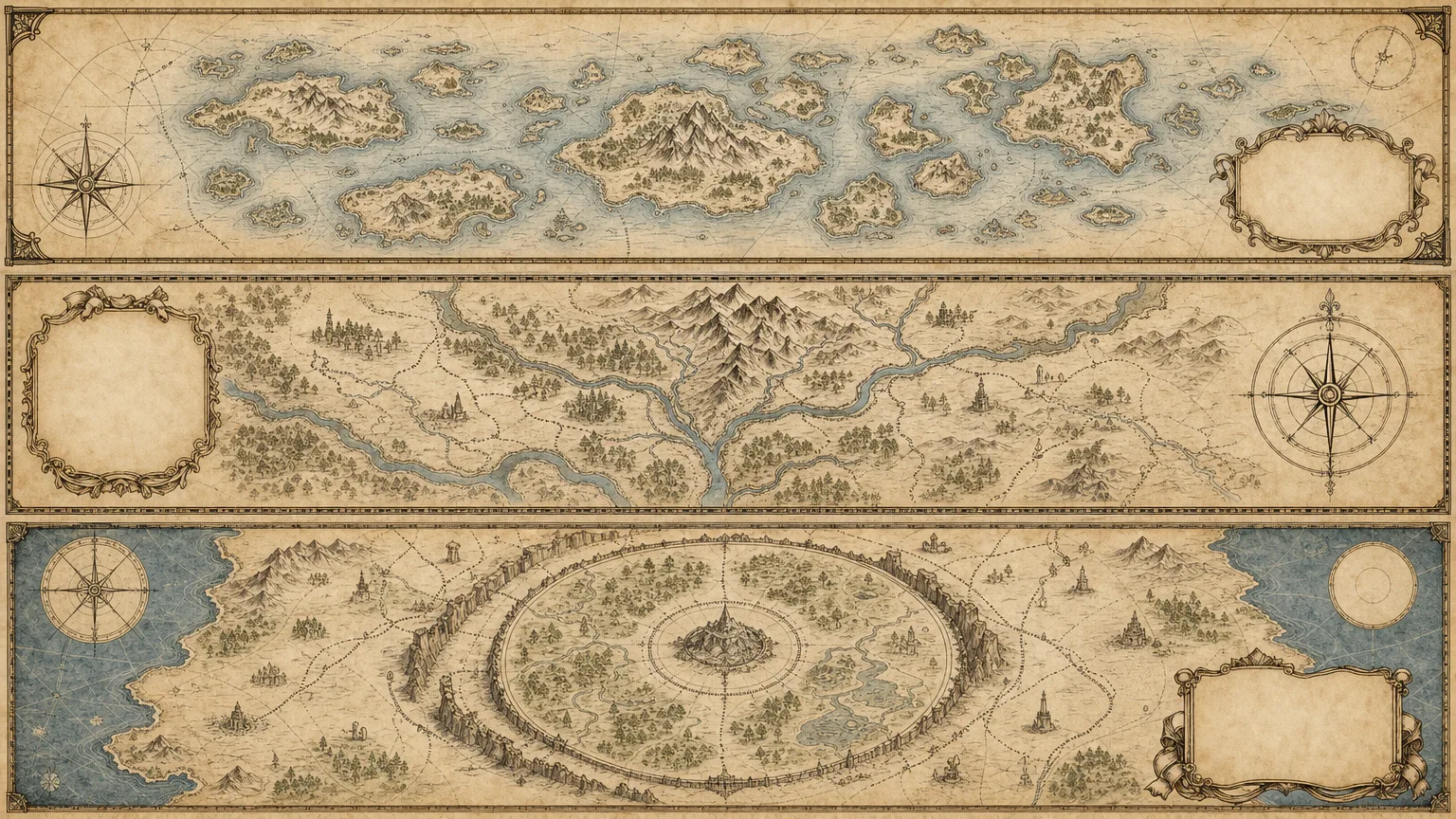
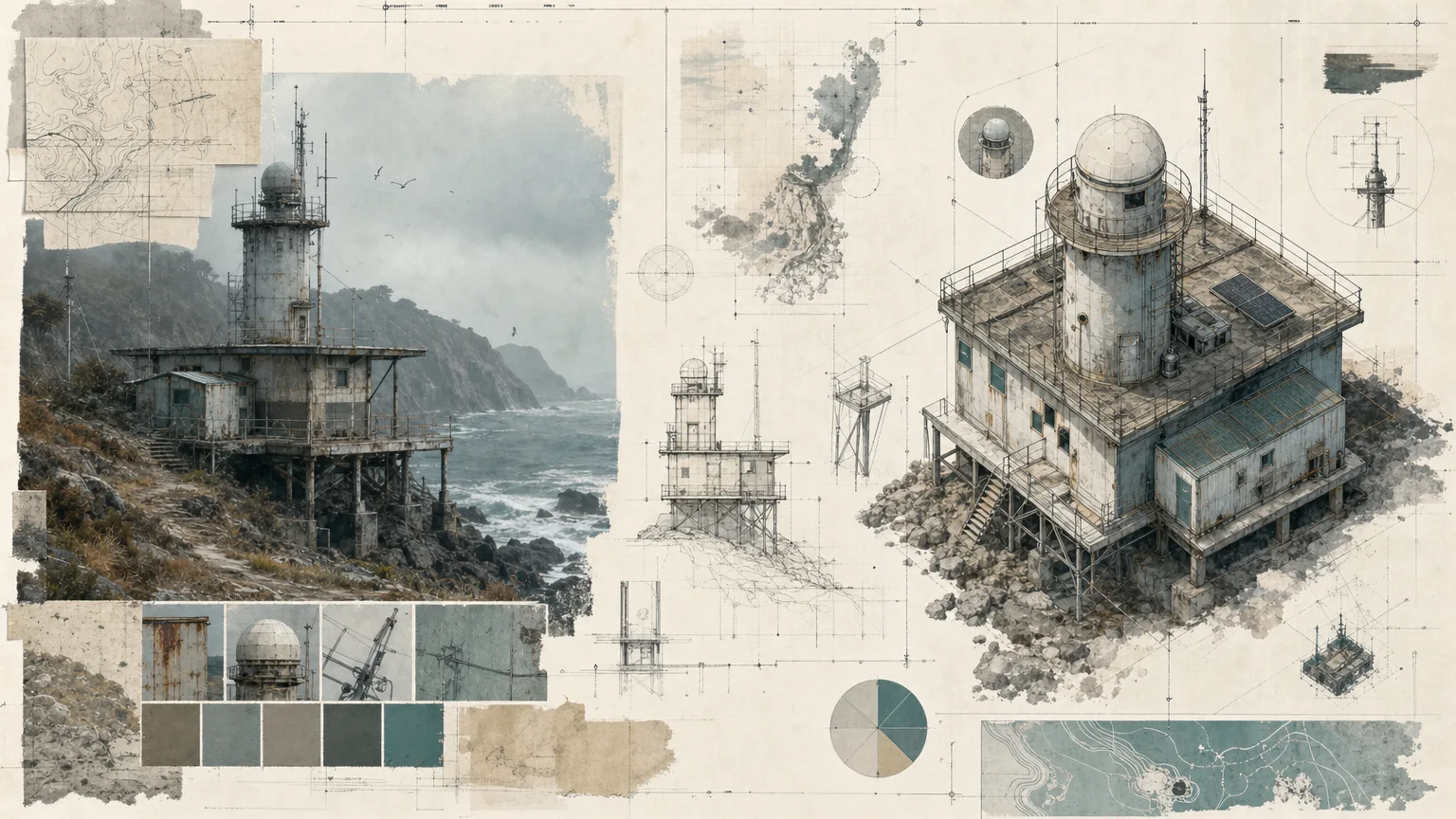
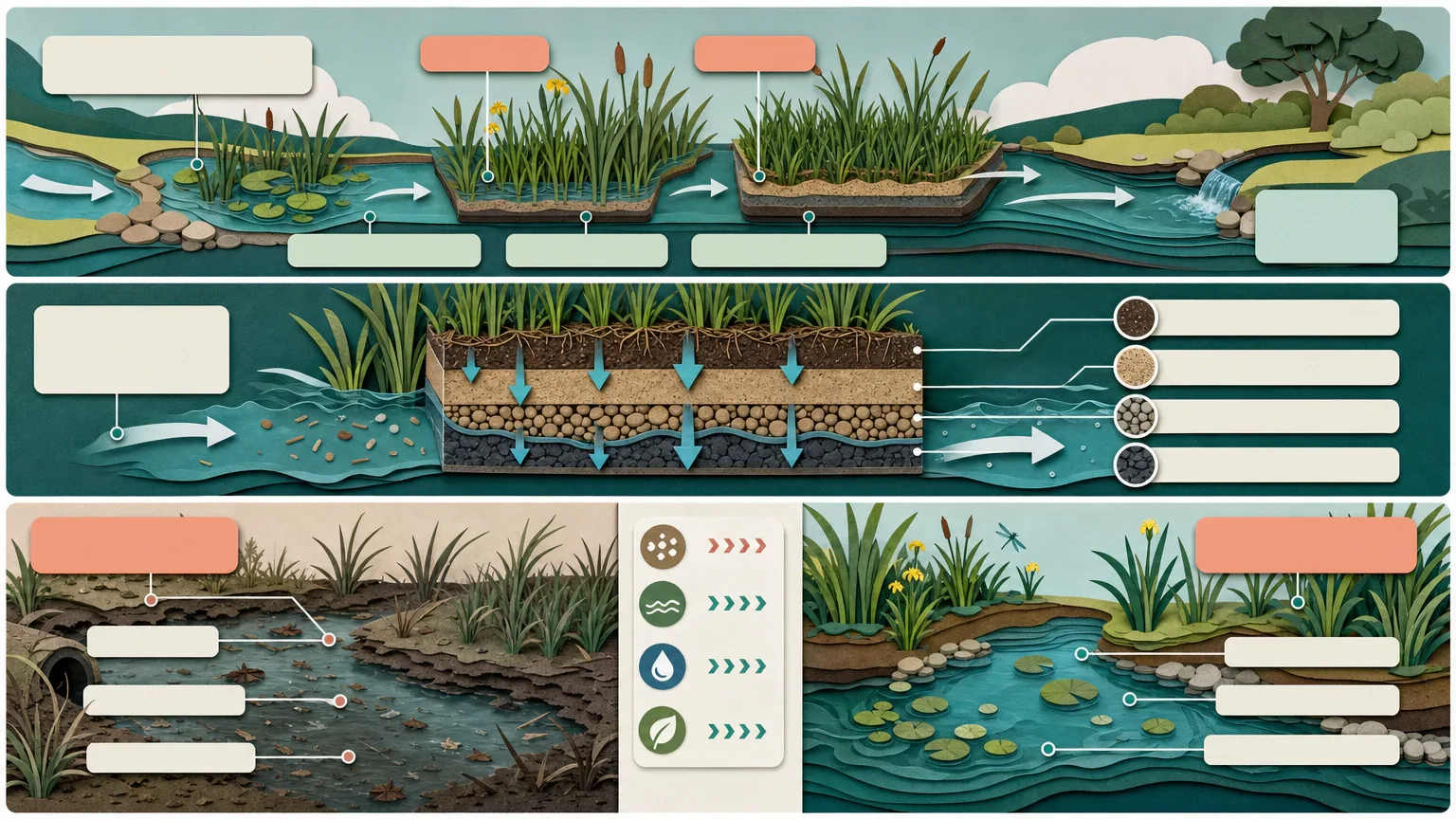
Article Illustration Set

Plan three related illustrations around three meaningful passages in an approved article. Article Illustration Set keeps a shared visual language while giving each image a different editorial job. A source ledger and reviewed brief carry the article’s meaning into the images without turning missing facts or unclear permissions into invented detail.

What you get

  • Three distinct 16:9 review images intended to cover separate article beats with consistent palette, composition rules and continuity. The workflow calls for final WebP exports. The supplied generation script instead requests three 1536×864 PNG variants from one shared prompt, so passage-by-passage suitability, conversion to WebP and final export checks are additional production steps, not automatic guarantees of that script.
  • A source ledger separating approved facts, assumptions, rights constraints and unresolved questions. The meaning to preserve is identified for each passage, with a named human owner for final subject, rights, accessibility and delivery review.
  • A reviewed production brief specifying subjects, composition, continuity, exclusions and title/label-safe zones. Supporting interface or evidence icons are added as labelled inline SVG overlays rather than model-generated symbols or vendor branding.
  • A visual quality pass for meaning, coherence across the set, anatomy where relevant, readability, unwanted text, logos, watermarks and copied identities. Exact labels are added after generation with a deterministic tool; unknowns and unresolved issues remain recorded rather than being filled with plausible guesses.
  • An installable set of workflow instructions, a brief contract, an SVG icon reference and a FAL wrapper with a saved task record. The package does not include completed images for your article or a bundled WebP conversion/overlay tool.

Before you choose

Lay the three images beside their assigned passages before judging them as a set. Each should add a different explanation while preserving the same article thesis; three attractive variations on one scene do not necessarily cover three editorial beats.

Good fit

  • An editor has an approved article and three passages that would benefit from distinct but related illustrations.
  • A publisher needs a repeatable visual system across a set, while keeping each image’s subject and purpose specific.
  • A creator can approve the brief and assess meaning and permissions before final publication.
Not for

  • Inventing facts, measurements, citations, ownership, permissions or outcome guarantees to make a picture look complete.
  • Copying a reference design, platform branding, watermarks, protected characters or unlicensed assets.
  • Replacing subject-matter, rights, accessibility or final human review, or assuming three model outputs automatically satisfy three different editorial passages.

How to use

You say/article-illustration-set Create three original, visually consistent illustrations for distinct moments in the article I provide.
  1. Provide the approved article, three illustration-worthy passages and the meaning each image must preserve. Include the audience, learning/decision goal, palette, continuity rules, intended size/ratio, forbidden symbols, rights constraints and title-safe areas. Identify who will review the set.

  2. Build the source ledger before the visual brief. Keep supplied facts, assumptions, rights evidence and unresolved questions distinct. Mark unsupported material pending and resolve anything that blocks a truthful image; do not use decorative detail to imply missing evidence.

  3. Plan a different job and composition for each passage within one shared visual system. Write a fresh English brief with subjects, continuity, exact exclusions and blank zones for later typography. Review it before payment. The wrapper passes one prompt to a three-image request, so explicitly check that the returned alternatives actually serve the three intended beats.

  4. Use Node.js 20 or newer and a FAL account with FAL_KEY in the environment. Submit one approved task through the bundled generator, requesting three 1536×864 high-quality PNG variants. Provider generation is separately paid. Other ratios requested in the brief are not implemented by a script option: the bundled dimensions are fixed.

  5. Keep provider-task.json. Once the request ID is saved, the same prompt/output directory resumes that task and saved failed tasks are not automatically resubmitted. The record is written only after submission returns, so an uncertain response or lost write requires manual provider-history review before another attempt. Preserve approved downloads separately because resumed writes can overwrite matching paths.

  6. Inspect every image for its assigned passage, actual dimensions, visual distinction, shared art direction, anatomy and legible hierarchy. Reject accidental text, logos, source identities, watermarks or unsupported visual claims. Add exact labels/citations with a deterministic overlay, convert and verify the required WebP files, then return exactly three review previews with any unresolved issues and the named reviewer’s final decision still explicit.

Requirements and costs

You bring
Approved article and three illustration-worthy passages · Meaning that each image must preserve · Audience, ratio, palette, and continuity rules · Rights constraints, prohibited symbols, and title-safe areas
Dependencies
FAL account — required · Node.js 20 or newer — required
Outside costs
Image generation uses one paid FAL task for three directions. Review the brief before submission; a failed task is never retried automatically.
Publisher testing
v1.0.0 — Claude Code / Claude Desktop / Cowork / Codex / ChatGPT

FAQ

User reviews

—0 reviews

Select a star to share your experience.

No reviews yet. Ratings appear once readers share real experiences.

Similar Skills

View all skills