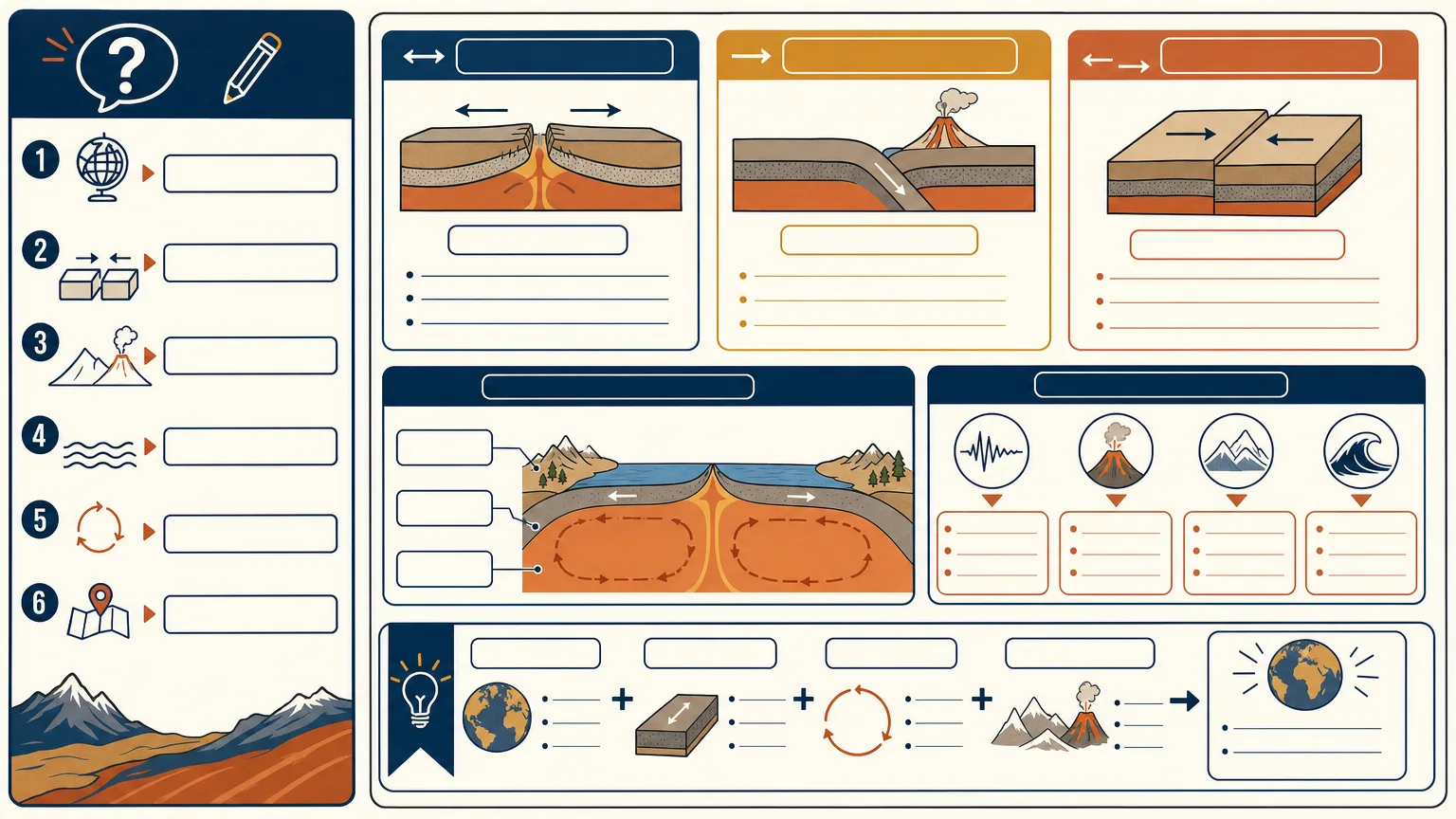
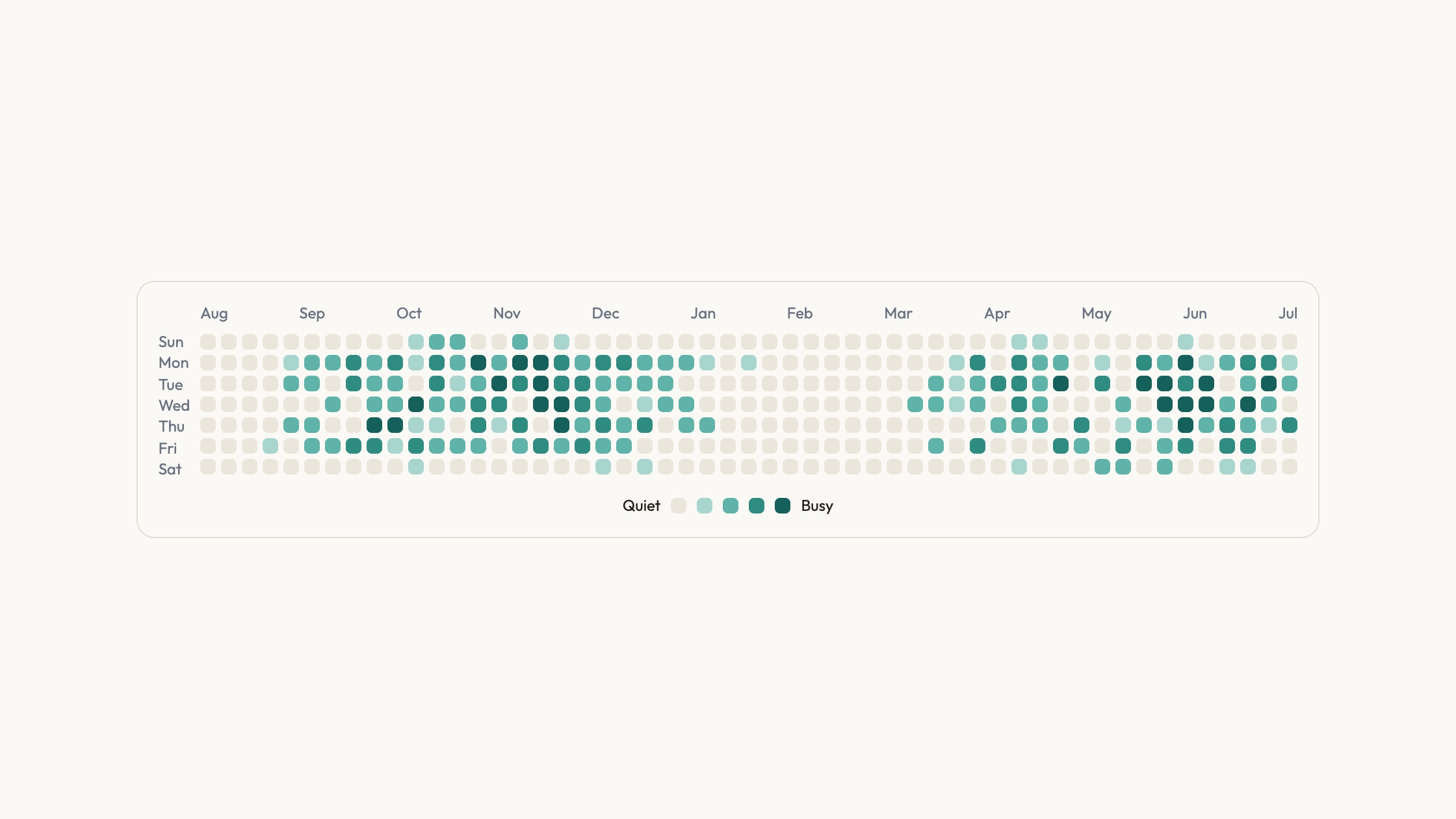
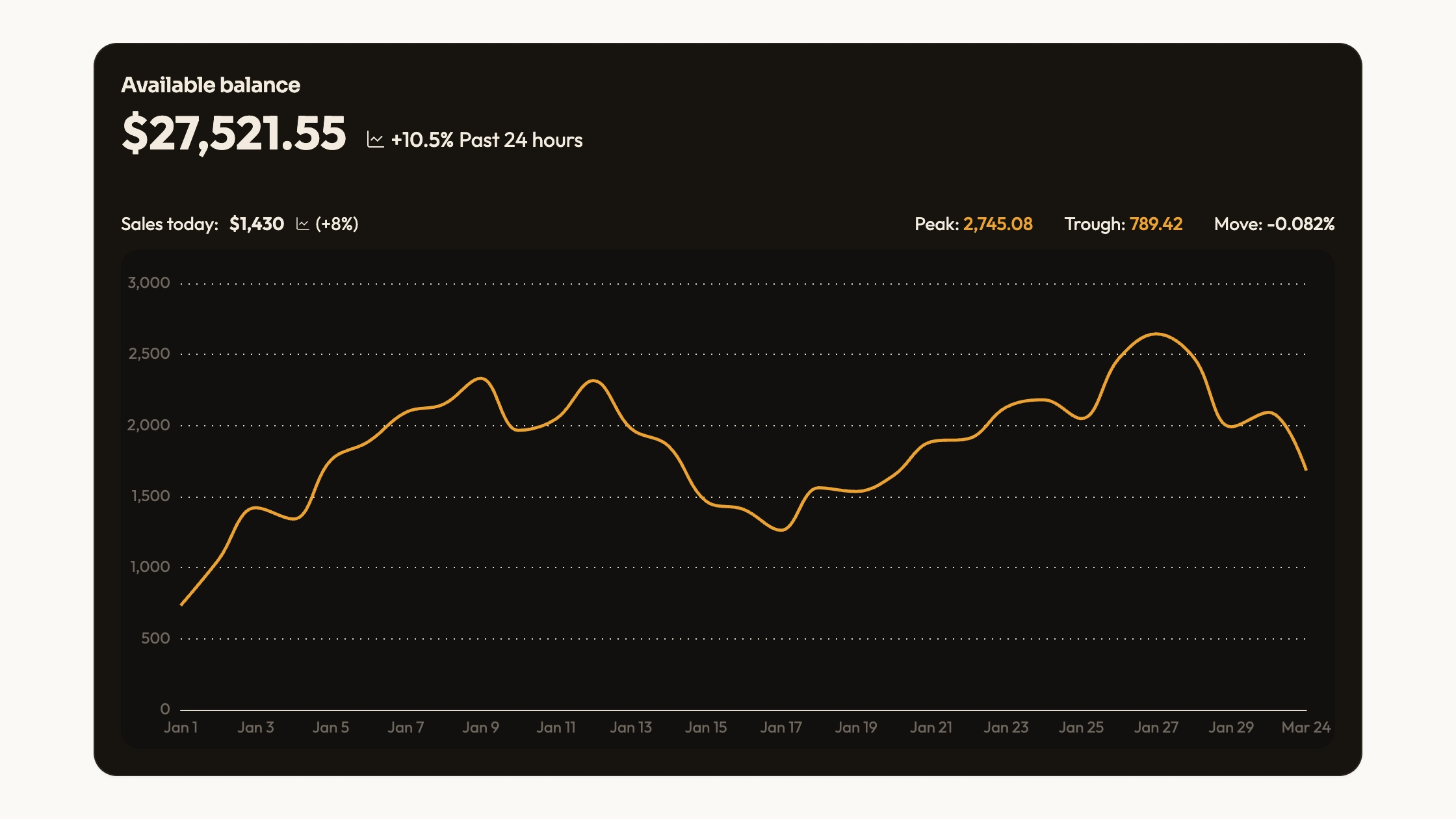
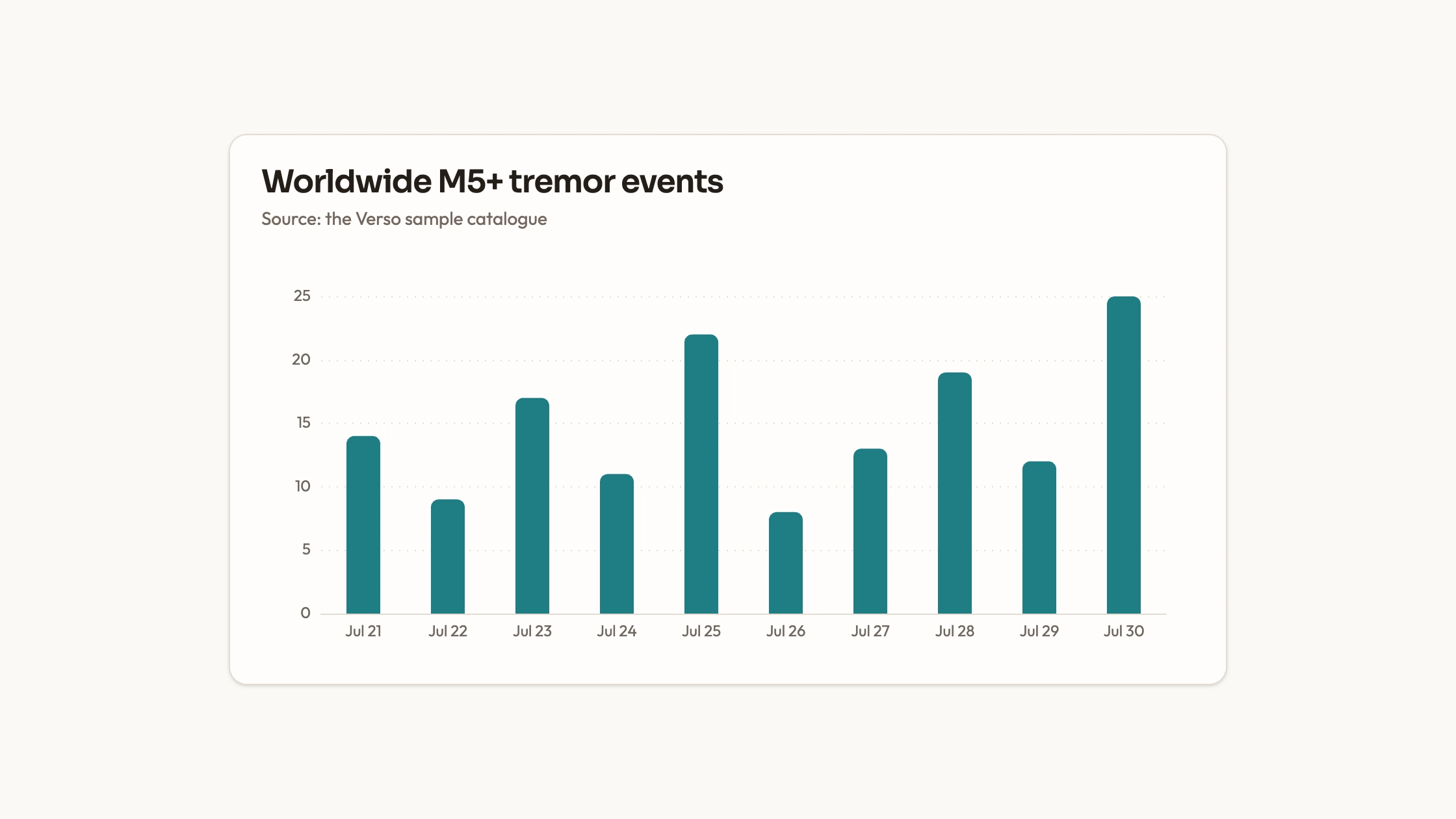
Make one lesson, process or comparison readable as a chalkboard graphic with a clear route through the information. Chalkboard Infographic combines a matte charcoal surface, warm-white line drawings and restrained colored chalk. It plans the copy and composition first, then checks the result both full-size and as a thumbnail, with a separate typesetting route when exact wording matters.
What you get
One high-resolution raster infographic per requested asset, normally WebP and landscape 16:9. Its information plan has a title of up to eight words, three to five groups, short exact labels and one takeaway; the working target is 35–55 words across the canvas, with group headings of two to five words and supporting labels usually six or fewer.
A reusable chalk system: deep matte charcoal rather than flat digital black, quiet erased marks and dust, warm-white outlines, sparse hatching and two to four accents drawn from cyan, lemon, coral, orange and mint. Limit each group to two accents and protect a six-percent outer margin. Rounded, slightly uneven strokes should remain roughly 2–4 px at a 1600×900 working size.
Six composition options: radial loop, horizontal process, central annotated object, stepped comparison, timeline and small equation/quantitative story. Choose the structure that explains the idea instead of repeatedly forcing topics into a two-by-two board. Prompt guidance includes a copy-critical blank-zone route and focused correction instructions.
A text/visual review checklist covering spelling, every number/decimal/unit, icon meaning, line quality and contrast at full size, plus title/reading-path/takeaway recognition around 320×180. Dense or copy-critical text is added with a deterministic SVG/layout tool; generated pseudo-writing is never a finished label.
A persistent FAL task record, exact prompt, output path/request ID and a concise QA note. Approved local references can anchor series tone or an explicit edit, while each new topic gets its own structure and pictograms. The package’s validator checks installation text and expected runtime safeguards, not image spelling, aspect ratio or originality.
Before you choose
At thumbnail size, ask someone to identify the title, reading direction and takeaway before noticing the chalk texture. If they cannot, reduce the copy or simplify the path. Preserve exact facts while treating dust, color and imperfect strokes as supporting visual choices.
Good fit
An educator or course creator needs one lesson or practical framework explained in a memorable visual.
A content team has a short brief for an article graphic, social explainer, product lesson or workshop recap.
A designer wants consistent chalkboard grammar across a series without copying a reference poster’s composition.
Not for
Dense reports, long paragraphs, dashboards or many tiny numerical labels squeezed onto one board.
Photorealism, glossy neon/3D, heavy grunge or a perfectly polished corporate vector treatment.
Reproducing a branded poster, protected character, copied formula/layout/icon grouping or unlicensed reference expression.
How to use
You say/chalkboard-infographic Turn these onboarding notes into a 16:9 chalkboard infographic with four clear steps and exact English labels.
Provide the source passage/facts, exact words/numbers/units and the single takeaway for one audience. Optional context includes channel, accents, ratio and a previously approved series image. State whether an image is merely a style reference or an authorized edit target; do not infer editing rights from an attachment.
Choose one reading path that fits the logic: a loop for recurrence, process for transformation, central object for causes/parts, comparison for actual differences, timeline for change or equation story for a supplied quantitative relationship. Do not invent a formula or statistic for drama. Build the copy map before drawing, shortening copy before shrinking type.
Lock the board tone, white linework, accent roles, six-percent margin and hierarchy. Use original chalk pictograms and drawn connector paths; deterministic overlay icons use restrained inline SVG with round strokes. Color reinforces wording, position and shape rather than carrying meaning alone. Keep texture quieter than the labels.
Choose text treatment: brief labels may be generated only if they render exactly; important/dense copy gets protected blank zones, followed by deterministic typesetting. The prompt states intended use, ratio, reading path, verbatim quoted copy, illustration roles, reference roles and exclusions. Review it before commissioning a paid asset.
Use Node.js 20 or newer, FAL and FAL_KEY from the environment. The bundled wrapper requests one WebP through text-to-image or, with one approved PNG/JPEG/WebP reference, its edit endpoint. The default is landscape_16_9/high quality; other built-in size presets exist, but this Skill’s normal deliverable remains 16:9. The wrapper accepts a local reference up to 20 MB and records its hash.
Keep the prompt, output and task files. Once a complete task record exists, rerun the same command/settings/reference to resume that request; failed or completed attempts are not permission to purchase replacements. The script sends a no-retry header and refuses existing output overwrites. It saves the ID after the submission response, so an ambiguous response or record-write failure needs manual provider-history review before another attempt; exactly-once submission is not guaranteed.
Inspect the real output at full size and thumbnail size. Verify wording, numbers, units, safe margins, stroke consistency, contrast, reference independence and lack of watermarks/unwanted identities. Check actual format/ratio separately: the runtime checks an image content type, not image dimensions or text accuracy. Simplify crowded labels before adding effects.
Correct one defect while holding approved layout, copy, palette and subjects fixed. Each further paid generation/edit needs authorization. For a series, reuse board tone, line weight, title scale and texture vocabulary from the approved anchor, but create fresh compositions/icons. Return the final path, exact prompt, task record/request ID and honest QA note; list any unresolved text or visual issue.
Requirements and costs
You bring
A brief, source passage, or list of facts with one main takeaway · Any exact words, numbers, units, or labels that must appear
Dependencies
FAL account and FAL_KEY - required · Node.js 20 or newer - required
Outside costs
Each FAL generation or edit uses paid GPT Image credits. The bundled runtime persists the request ID, disables provider retries, and never submits an automatic replacement task.
Publisher testing
v1.0.0 — Claude Code / Claude Desktop / Cowork / Codex / ChatGPT
FAQ
Yes. The supplied runtime uses FAL_KEY from the environment and Node.js 20+. Each new generation or edit is a separately paid task. A saved request can be resumed with the same command; it is not automatically replaced after failure. Because persistence happens after the submit response, inspect provider history before retrying an ambiguous initial submission.
Keep the copy short and compare every label, decimal and unit against the approved map. If exact text is critical, generate only the board/drawings with clean label zones, then typeset the copy deterministically. Neither the generation wrapper nor the installation validator verifies image spelling or factual correctness.
Yes, with its role and rights clear. A style reference supplies broad chalk/texture/hierarchy traits, not a title, slogan, formula, layout or icon grouping to copy. An explicitly approved local edit target can be passed to the wrapper. Do not attach unlicensed reference material simply because it is visible online.
Yes. Use an approved result as the anchor for board tone, chalk palette, stroke weight, title scale and texture. Give every lesson a fitting reading path and new pictograms instead of repeating one arrangement. Inspect continuity and exact text on each asset, and authorize each additional paid task.
User reviews
—0 reviews
Select a star to share your experience.
No reviews yet. Ratings appear once readers share real experiences.