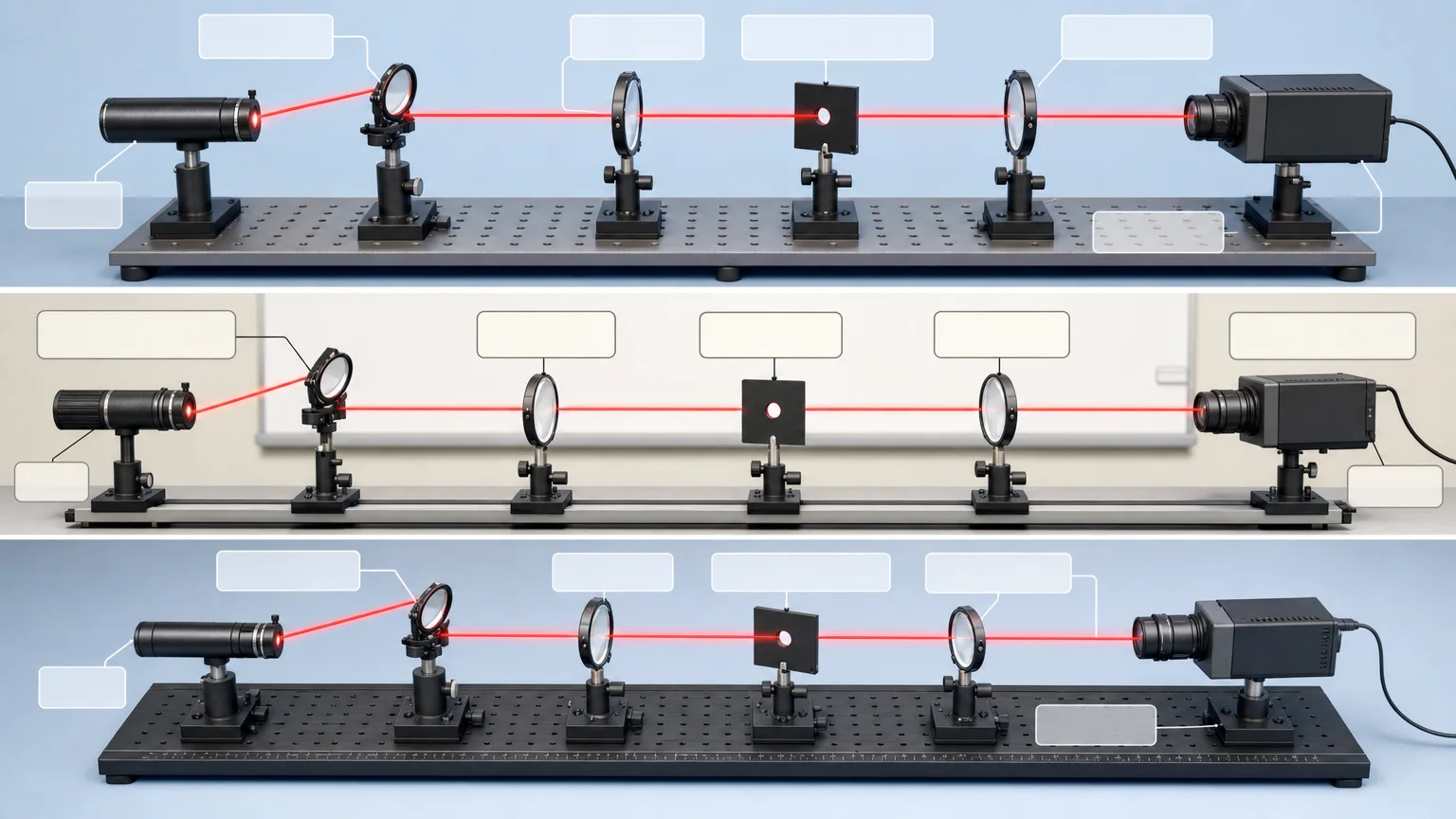
Turn one verified topic into a learning sheet that connects retrieval cues, explanatory notes and a concise final summary. Cue-Column Study Sheet plans questions in a side column and answers them with modular text, tables, diagrams or flows. Exact terminology is typeset after the base visual is generated, with screen or print use shaping the layout.
What you get
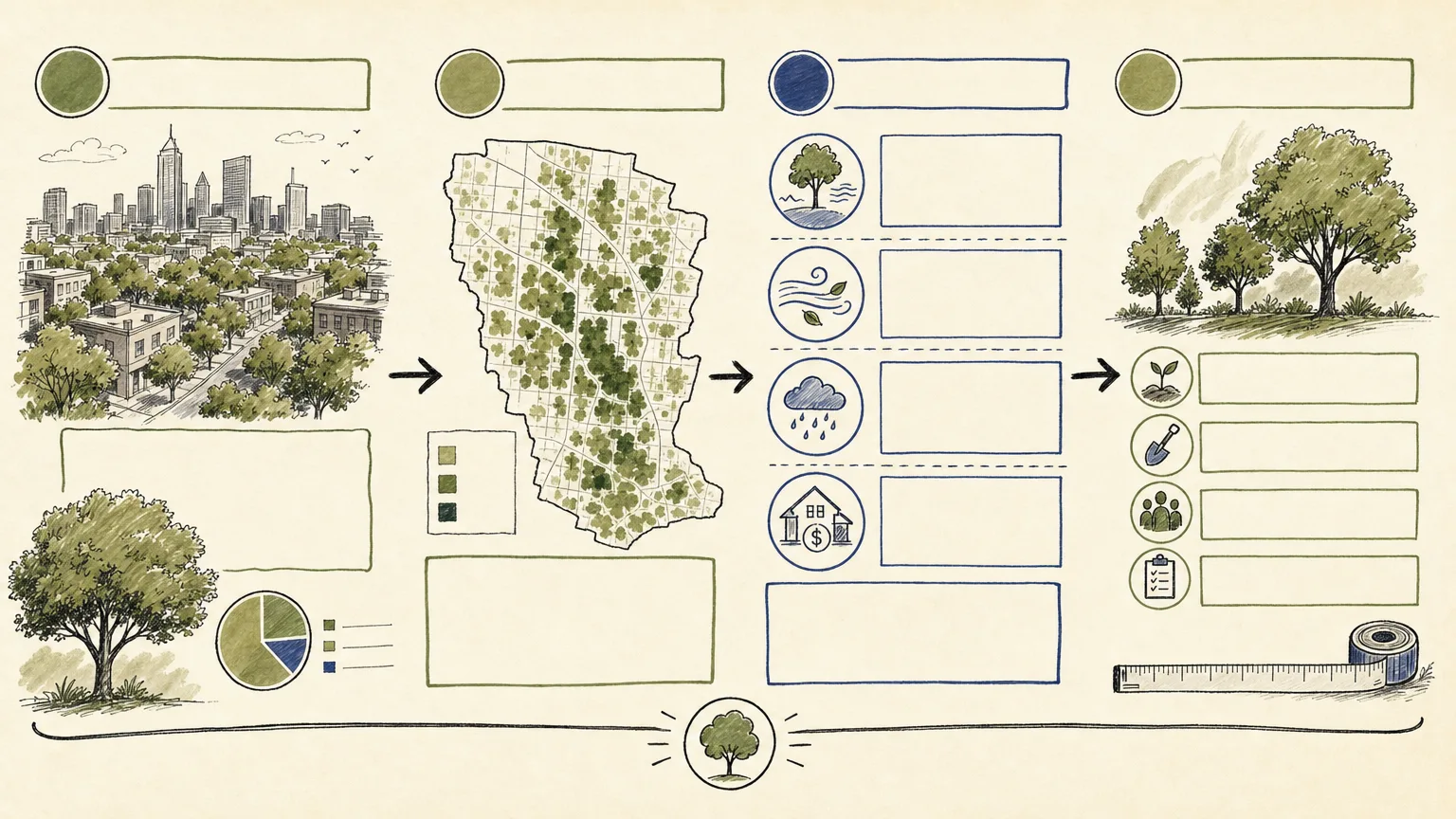
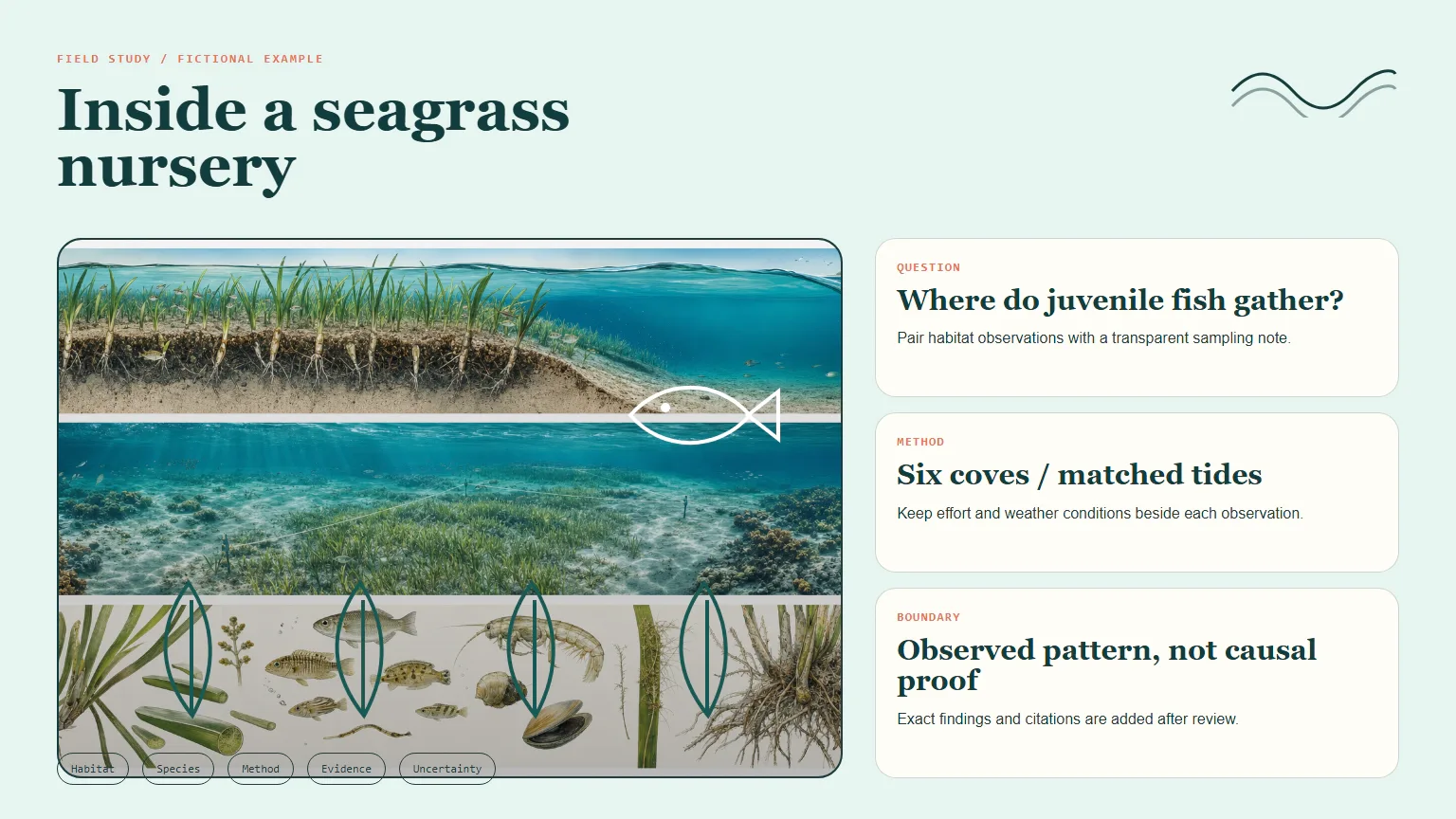
Three distinct 16:9 study-sheet alternatives with a cue-question column, modular note area, visible relationships and one bottom summary band. Their organization should serve one focused learning objective rather than compress an entire course onto a page.
A cue-to-note plan: short retrieval questions or keywords point to the relevant explanation modules, while the summary states the central learning point. Cues should invite recall instead of simply duplicating the adjacent notes.
Clean typography zones for approved terminology, labels and citations added with a deterministic layout tool. The generation wrapper downloads base imagery; it does not typeset the final learning content or supply an editable document/print-layout renderer.
A review for factual coverage, cue-to-note alignment, visual load, print legibility and accessibility. The source supplies the facts and answers; unknown concepts, terminology and assessment answers are not invented to fill the layout.
One paid request for three high-quality 1536×864 variants, requested as PNG by the bundled FAL script, plus workflow instructions and an SVG icon reference. Distinctness, actual ratio and final screen/print suitability require checking; three image URLs do not establish a completed print-ready handout.
Before you choose
Cover the note area and try to answer the cue questions, then uncover it and check whether the right module answers each one. If cues and notes do not line up, repair that structure before decorating the sheet or shrinking the text.
Good fit
A teacher wants a focused course preview or end-of-unit review from verified material.
A learner is preparing for an exam using a supplied, reliable source document.
An educator needs one topic organized into retrieval cues, connected explanations and a summary for screen review or print handoff.
Not for
Replacing a textbook, complete course or verified teaching content with a condensed memory aid.
Inventing missing facts, terminology, citations or assessment answers, or summarizing material neither supplied nor authorized for research.
Long-form prose that cannot be reduced to one focused objective without losing essential meaning.
How to use
You say/cue-column-study-sheet Organize my verified notes on plate tectonics into a 16:9 classroom review sheet.
Provide the verified topic/source document, learning level, review objective, cue questions, required concepts and output context. Resolve missing factual or rights information first. State screen versus print use before spacing and text zones are planned.
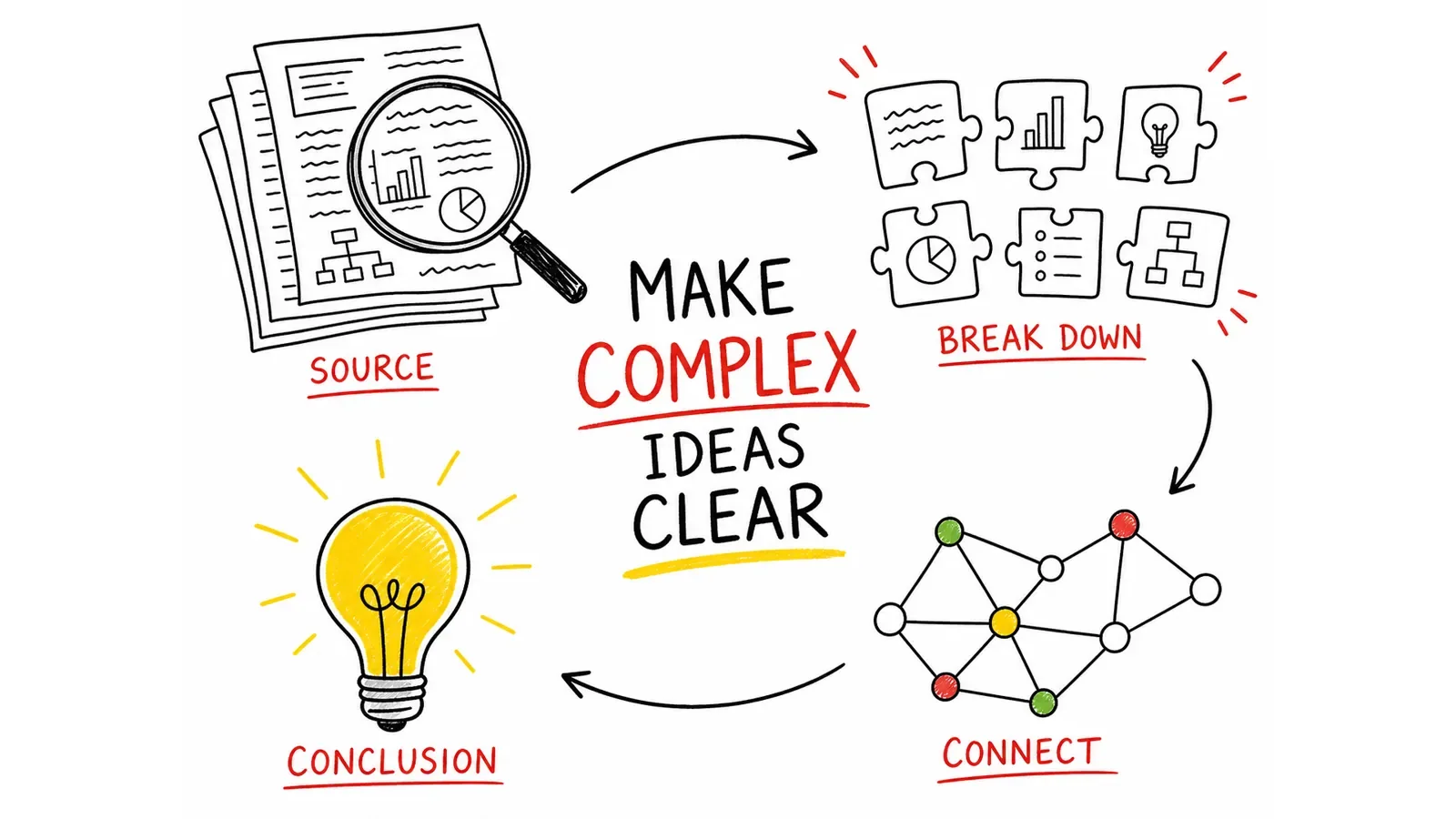
Extract the essential concepts and their relationships without adding unsupported facts. Write concise retrieval questions or keywords, then assign each cue a matching note module. Choose text, a table, a diagram or a flow according to what answers the question clearly.
Place one final summary band and reserve blank zones for exact terminology. Write a fresh English generation brief for the layout and visual relationships, keeping small text out of the model request. Use restrained labelled inline SVG for functional callouts/legends; do not use emoji, dingbats or icon fonts.
Use Node.js 20 or newer, a FAL account and FAL_KEY in the environment. Submit one approved paid task through the bundled script for three high-quality 1536×864 PNG variants. The dimensions are hardcoded; a different paper/page proportion needs a separately adapted layout rather than an unsupported script ratio option.
Keep provider-task.json and the approved prompt. After a request ID is recorded, the same prompt/output directory resumes that task and saved failed tasks are not automatically resubmitted. The record is written after submission returns: an uncertain response or failed write requires manual provider-history review before retrying. Preserve approved files separately because resumed downloads can overwrite matching paths.
Inspect all three alternatives for actual 16:9 dimensions, distinction, factual relationships, reading hierarchy and absence of unwanted source identities, logos or watermarks. Add approved notes, labels and citations with a deterministic tool, then check cue-to-note alignment, full factual coverage, visual load and accessibility.
For print handoff, inspect the finished text at the intended physical size and confirm margins/export settings in the layout tool. A 1536×864 source image is not by itself a guarantee of print resolution or readability. Deliver the chosen format with any remaining verification items, keeping the sheet’s memory-aid role clear.
Requirements and costs
You bring
One verified study topic or source document · Learning level and review goal · Cue questions and must-include concepts · Output context such as screen review or print handoff
Image generation uses one paid fal.ai task for three variants. Failed tasks are never submitted again automatically.
Publisher testing
v1.0.0 — Claude Code / Claude Desktop / Cowork / Codex / ChatGPT
FAQ
Short questions or keywords that retrieve the main ideas and point to matching note modules. A cue should help the learner recall or explain something; repeating the note verbatim does not create the same retrieval prompt.
Yes, plan for the intended physical size and delivery context from the start. The wrapper generates three 1536×864 image alternatives; exact copy, final page layout, export resolution and print-legibility checks are separate steps. Do not call an unreviewed download a print-ready document.
No. Reserve clean text zones, then typeset exact terminology and citations from the verified source. Recheck both the wording and the cue-to-note relationships afterward. The generator does not verify facts or supply a deterministic labeling tool; FAL_KEY and Node.js 20+ support the paid base-image step.
User reviews
—0 reviews
Select a star to share your experience.
No reviews yet. Ratings appear once readers share real experiences.